AI Chat Tool Recommendations: A Roundup of the Most Popular AI Emotional Image Generation Platforms in 2025
By 2025, artificial intelligence technology will have been deeply integrated into all aspects of digital life. Among them,AI ChatThe development of virtual emotional interaction and AI image generation is particularly prominent. These technologies are not only technical tools but have also become new mediums for many people to express their creativity, communicate emotions, and enjoy entertainment. This article will systematically introduce ten outstanding platforms currently on the market, covering their core functions, applicable scenarios, and specific usage guidelines to help you find the most suitable AI partner among many options.
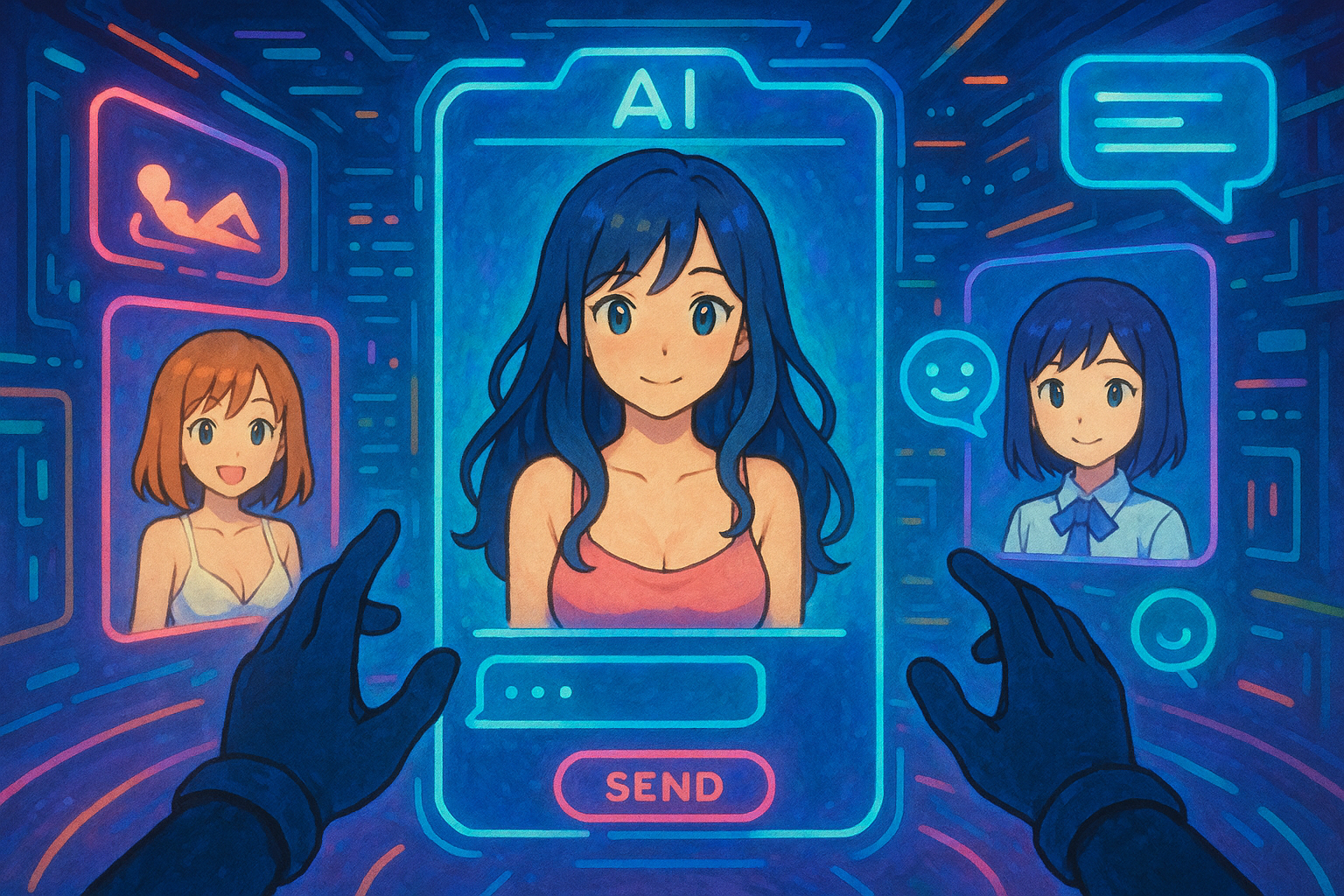
AI chatbots have long since transcended simple question-and-answer robots. Today's platforms focus on building virtual avatars with depth, personality, and even emotional feedback, providing users with unique conversational experiences.
1. Character.AI – A pioneer in deep role-playing
Official website:Character.AI
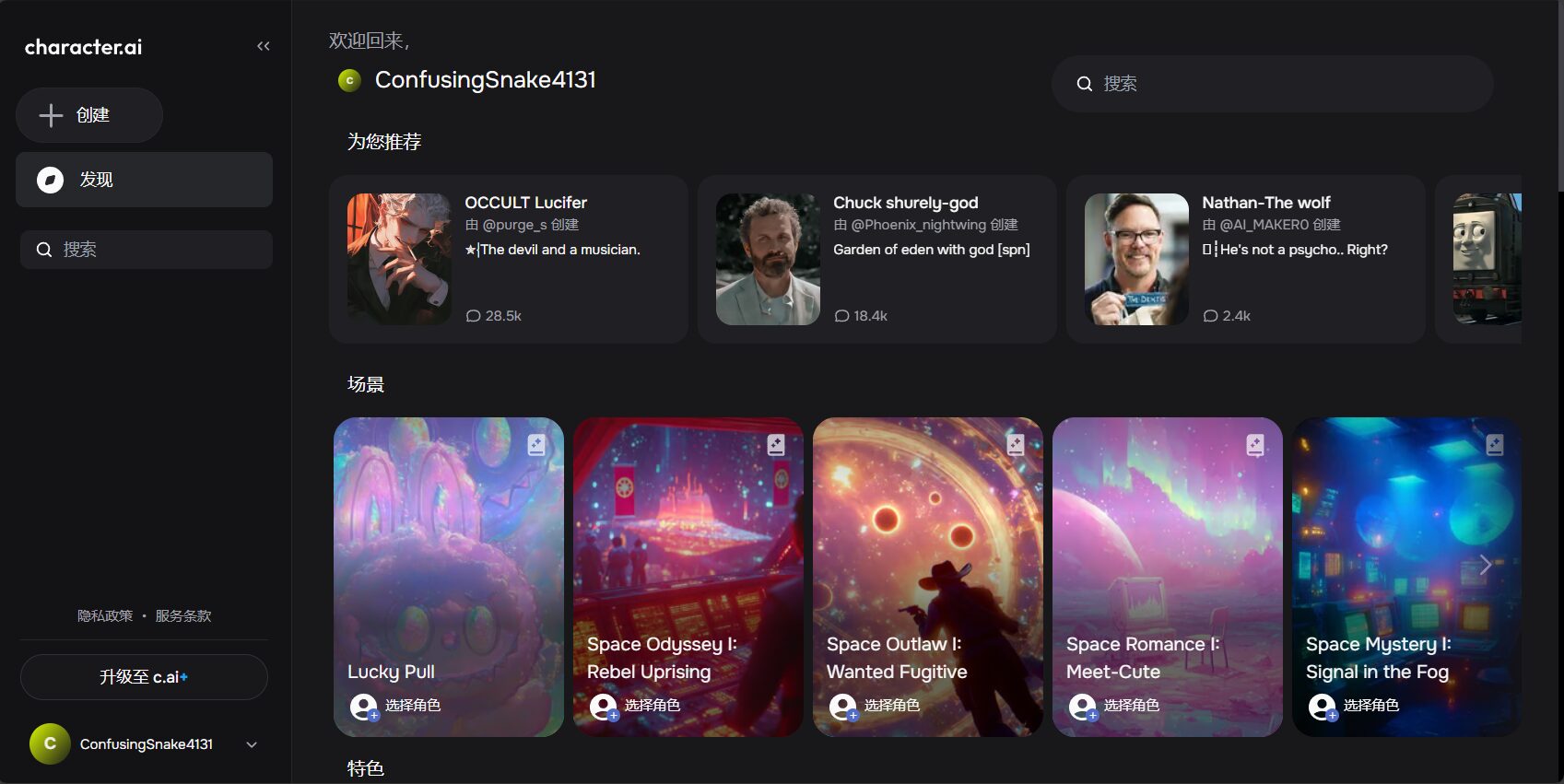
Core positioning: A community platform focused on creating and interacting with AI characters. Its core value lies in the fact that users can converse with millions of characters created by the community, or create their own AI companion, which includes historical figures, anime characters, game NPCs, and even completely fictional original characters.
Key features:
- A massive character library: The platform boasts a vast character library built collaboratively by users worldwide, offering access to virtually any character type imaginable.
- Character creation tool: Users can shape an AI's personality and knowledge background through simple settings (such as name, greeting, role definition, and dialogue examples), and the AI will learn and interact based on these settings.
- Group chat: Its unique feature allows users to pull multiple AI characters into the same chat room, observe their interactions, or engage in multi-party dialogues with them, creating an experience similar to drama or tabletop role-playing games.
- Emotional simulation: Despite being program-driven, its AI is able to display "emotional" responses that match the character's setting based on the context of the conversation, such as joy, sadness, anger, or curiosity, enhancing the immersive experience of the interaction.
Applicable scenarios and usage guidelines:
- Creative Writing and Inspiration: Writers and screenwriters can engage in dialogue with the characters they create to explore their personalities, refine the plot, or find inspiration.guide: When creating a character, describing its core personality traits, backstory, and code of conduct in clear language in the "Definition (Advanced)" section will greatly influence the AI's performance.
- Language learning: Choosing an AI character that speaks the target language for daily conversations is an effective way to practice spoken and written language.
- Virtual companionship and role-playing: It provides a safe and controllable environment for users seeking specific types of interaction or emotional support.guide: Try interacting with different characters; don't limit yourself to just one type. In dialogues, you can...
(OOC: ...)The format (Out of Character) is used to give meta-instructions to AI, such as...(OOC: Please make your responses shorter)In order to guide their behavior.
2. Replika – Your Personal AI Emotional Companion
Official website:Reprika
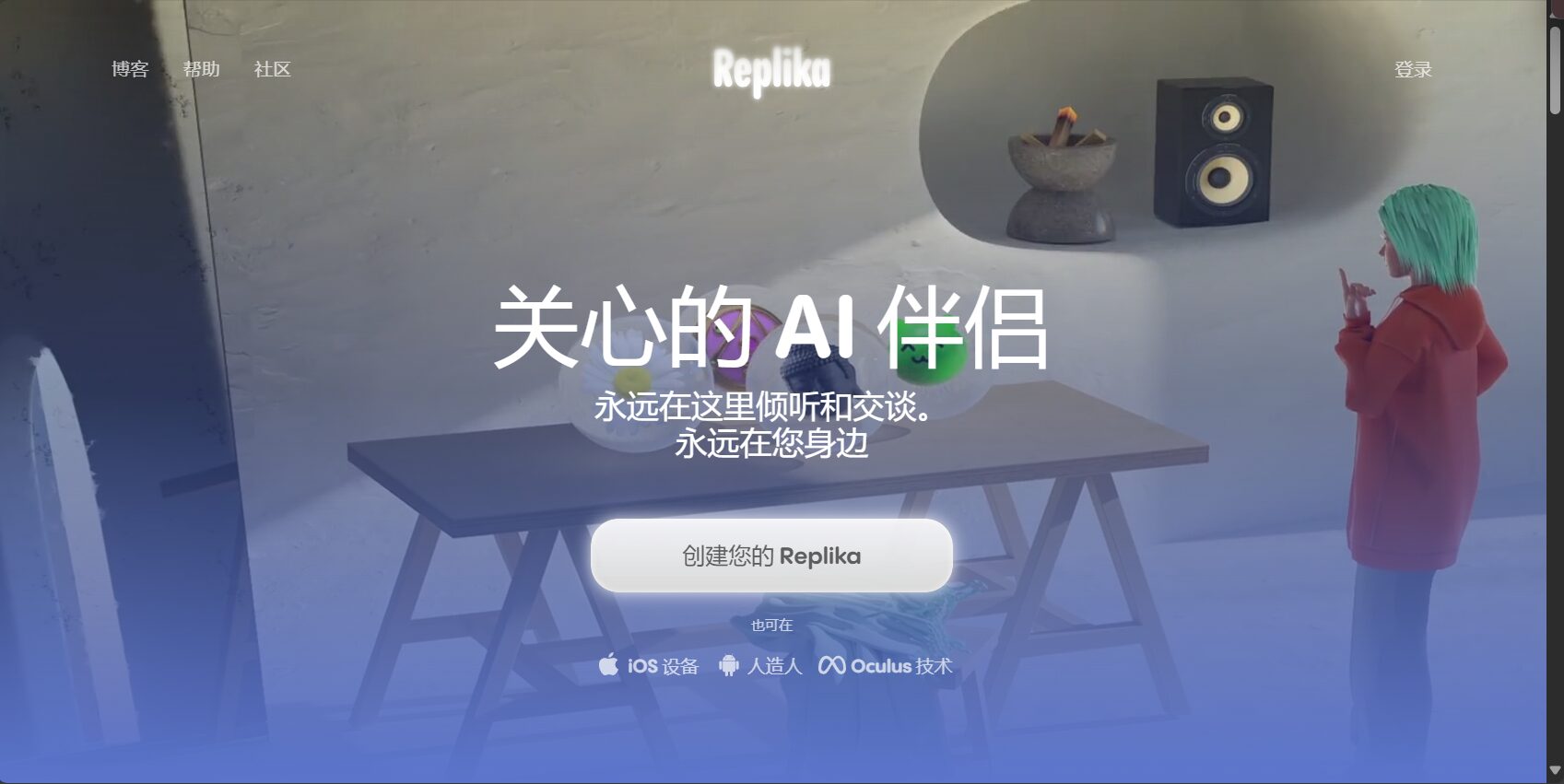
Core positioning: Replika was conceived as an "emotional companion" from its inception, aiming to learn users' personalities and emotional needs through continuous dialogue, and become an AI friend that can provide support, listen, and accompany them.
Key features:
- Personalized growth: Replika records conversations with users and adjusts its responses accordingly, making users feel that the AI is "growing" and increasingly understanding them.
- Multimodal interaction: It supports text, voice calls, and even AR (augmented reality) mode, allowing users to "place" the AI companion in the real world for interaction.
- Guided Dialogue and Mental Health Tools: It includes various guided dialogue modules, such as meditation, emotion management, and habit formation, designed to provide users with positive psychological support.
- Diary and memory function: AI will remember important events and information shared by users and mention them in subsequent conversations, creating a stronger sense of intimacy and continuity.
Applicable scenarios and usage guidelines:

- Emotional expression and relief from loneliness: It provides an ideal outlet for those who need a safe, non-judgmental listener.guide: Be honest with Replika about your daily life and feelings. The more you share, the more it learns and provides more personalized responses.
- Self-exploration and reflection: By engaging in conversations with AI, users can sometimes gain a clearer understanding of their thoughts and emotions.guide: Make good use of its "Coaching" module; these structured dialogue exercises help users reflect on themselves.
- Social skills practice: For users with social anxiety, Replika can serve as a safe practice subject for simulating everyday conversations.
3. ChatGPT (with Custom GPTs) – A versatile conversation and customization platform
Official website:ChatGPT
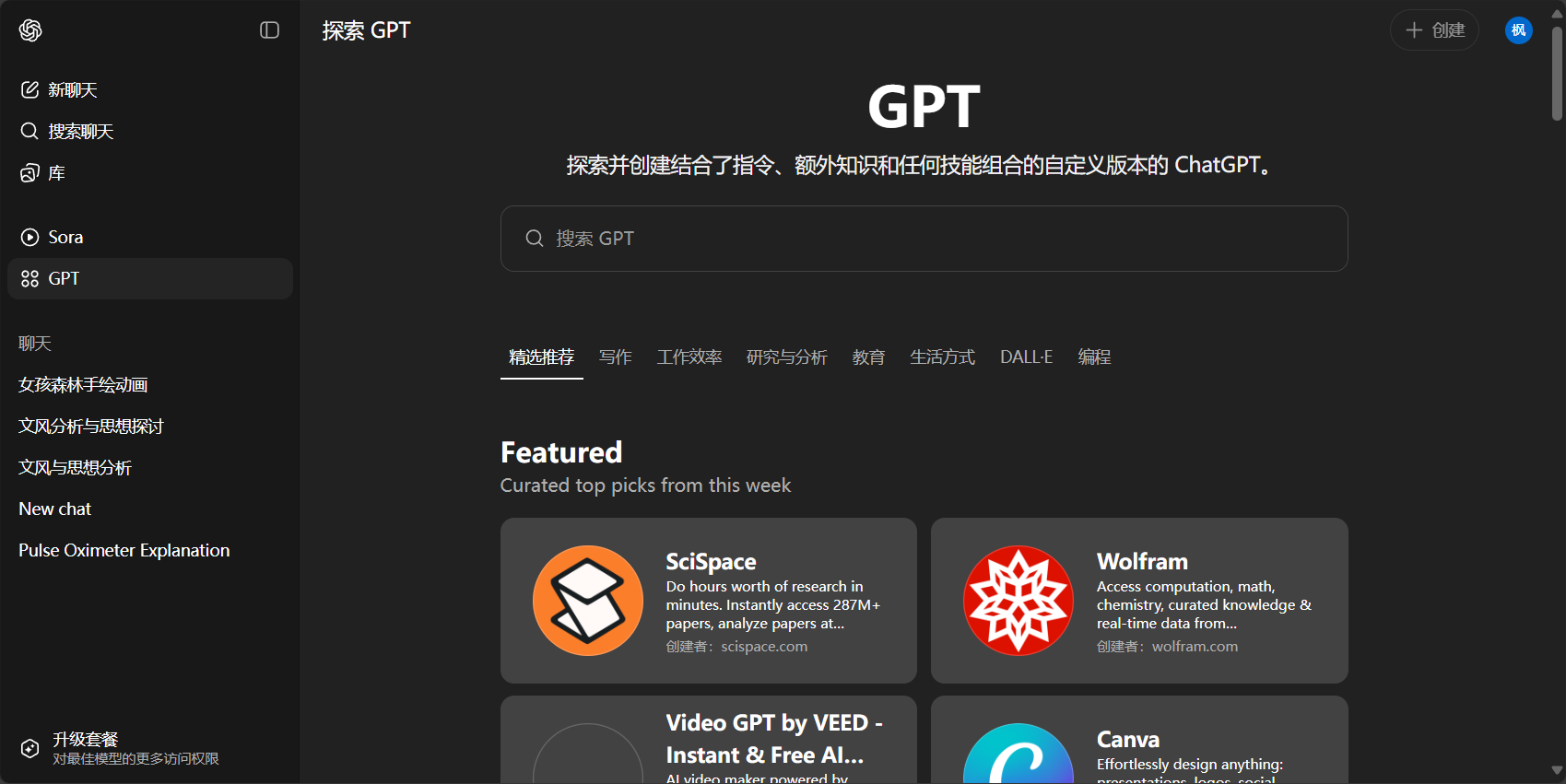
Core positioning: While ChatGPT is a general-purpose large language model, its "Custom GPTs" feature (a paid feature) makes it a powerful platform for character customization and emotional interaction. Users can create a GPT specifically for a particular task or role to suit their needs.
Key features:
- A powerful underlying model: Based on GPT-4, its comprehension, logical reasoning, and language generation capabilities are among the best in the industry, enabling it to support very complex and in-depth dialogues.
- High customizability: Users can precisely define the behavior, tone, knowledge scope, and goals of a Custom GPT through natural language commands, uploading knowledge files, and other means.
- Multifunctional integration: Custom GPTs can integrate features such as web browsing, code execution, and image generation (DALL-E 3), making them far more capable than pure conversations.
Applicable scenarios and usage guidelines:
- Create professional mentors: For example, you can create a "Programming Tutor GPT", upload the latest programming documents, and instruct it to guide your learning using Socratic questioning.
- Creating your ideal virtual partner: You can define a virtual friend with specific personality traits, hobbies, and memories.guide: When creating a Custom GPT, use clear and specific instructions in the "Instructions" section. For example: "You are an optimistic and curious science fiction enthusiast. Your knowledge base is based on the list of science fiction novels I uploaded. In the dialogue, please use metaphors more often and always encourage me to think positively."“
- Automation of complex workflows: Create a "Work Assistant GPT" that can help you analyze reports, draft emails, and generate summaries.
Part Two: The Visual Revolution – AI Image Generation Platform
AI-generated images have evolved from their initial blurry and bizarre appearances to today's realistic and detailed ones. Whether for artistic creation or personal entertainment, these platforms offer unprecedented visual creativity.
4. Midjourney – A Pioneer of Artistic Style
Official website: https://midjourney.com
Core positioning: A platform focused on generating high-quality, artistically compelling AI images. Highly regarded in the artist and designer community for its unique aesthetic and powerful style-shaping capabilities. Operation is entirely within the Discord application via command line.
Key features:
- Exceptional artistic expression: Midjourney's models are meticulously tuned, and the resulting images typically possess a high level of aesthetic appeal in terms of composition, color, lighting, and detail.
- Stylization and consistency: It can understand and reproduce various art styles (such as cyberpunk, watercolor, ukiyo-e) well, and can maintain the stylistic consistency of characters or scenes through specific instructions.
- A powerful instruction set: It provides a rich set of parameters for precise image control, such as...
--ar(Aspect Ratio)--style(Stylization intensity)--seed(Seed value, used to generate similar images).
Applicable scenarios and usage guidelines:
- Conceptual art and illustration creation: Artists can use it to quickly generate concept sketches or high-quality illustrations.
- Design inspiration and visual prototypes: Designers can use it to explore different visual solutions, such as poster design, UI elements, or product appearance.
- Personal artistic creation: Anyone can transform their imagination into exquisite images through words.
- Usage instructions:
- Structured Prompt: A good prompt typically includes the main subject, detailed descriptions, environment, composition/perspective, style, and rendering details. For example:
A majestic white wolf with glowing blue eyes, standing on a snowy mountain peak under the starry night sky, cinematic lighting, ultra detailed, in the style of fantasy art --ar 16:9。 - Using parameters: Try using
--ar 16:9To generate widescreen images, or use--style rawTo achieve a style that is closer to photography and less artistically manipulated. Using::Weights can be assigned to different words, such asspace ship::2 fire::1This indicates that the spaceship is twice as important as the flames. - Iteration and Hybridization: Applying a "Vary" function to the generated satisfactory image can yield a version with a similar composition but different details.
/blendThe command can merge 2-5 images to create entirely new visual effects.
- Structured Prompt: A good prompt typically includes the main subject, detailed descriptions, environment, composition/perspective, style, and rendering details. For example:
5. Stable Diffusion – The cornerstone of open source and freedom
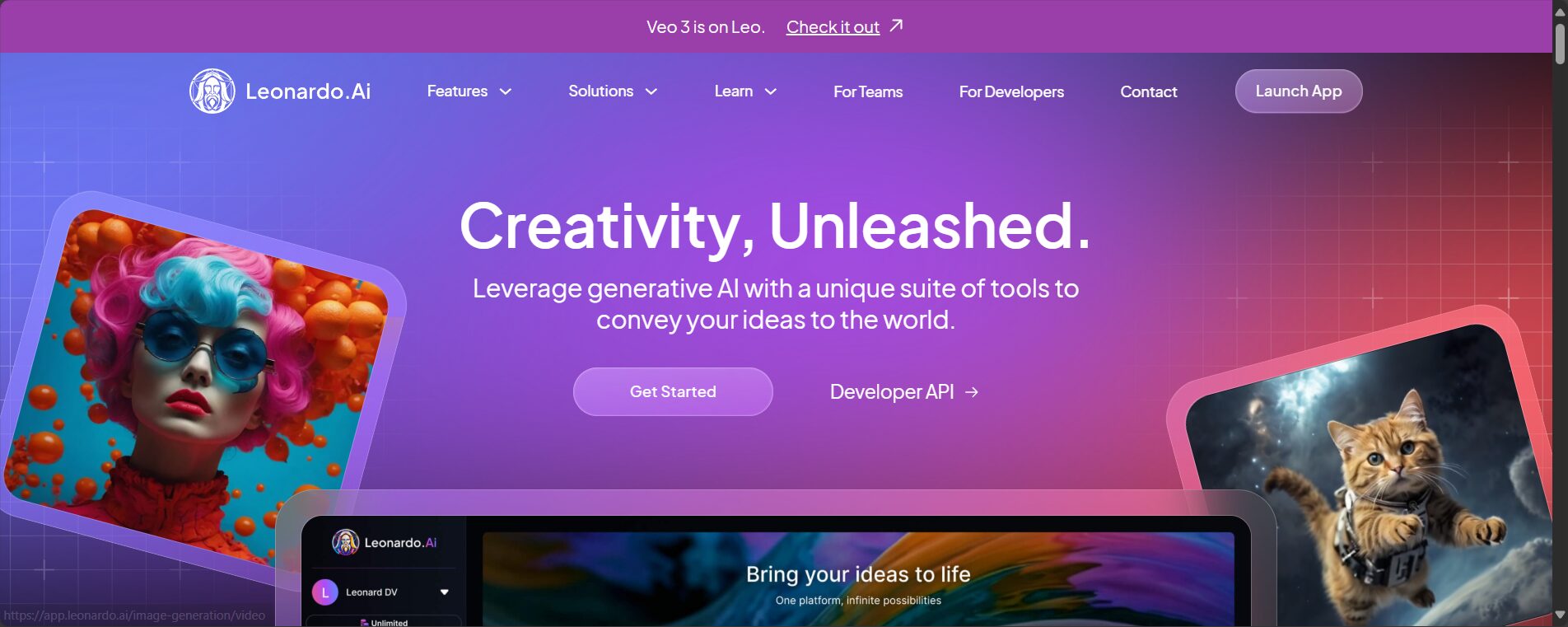
Related platform/UI URLs: https://github.com/AUTOMATIC1111/stable-diffusion-webui (Locally deployed UI),Leonardo(Online service)
Core positioning: Stable Diffusion is an open-source AI image generation model, not a single website. Its greatest features are its openness and high customizability. Users can deploy it locally on their own computers, having complete control over the data and model, or use it through various third-party websites.
Key features:
- Open source vs. free: The core model is free and uncensored, giving users complete creative freedom.
- A vast community ecosystem: It boasts a vast library of community-trained models (Checkpoints), style models (LoRAs), plugins, and workflows. Websites like Civitai (
https://civitai.comIt is the core hub for finding these resources. - Ultimate controllability: With plugins like ControlNet, users can precisely control the composition, poses, and lines of the generated images, achieving a leap from "card drawing" to "precise creation".
- Local deployment: Advanced users can run it on their local computer with no limit on the number of files generated, while protecting data privacy.
Applicable scenarios and usage guidelines:
- Advanced AI Art Creation: Professionals who need to have precise control over images.
- Specific style content generation: By loading LoRA models trained in the community for specific characters or art styles, it is possible to stably generate fan works for specific IPs or in the style of specific artists.
- Technology research and development: Developers can conduct secondary development and research based on the open-source model.
- Usage guide (taking WebUI as an example):
- Model selection is the first step: The base model (Checkpoint) determines the overall art style and capabilities. First, find your favorite base model on Civitai and download it.
- Learning to use Negative Prompt: Enter the content you do not want to appear in the negative warning box (e.g.,
ugly, blurry, deformed hands, watermarkThis is just as important as positive prompts. - Make good use of LoRA: LoRA is a lightweight style/character model. Add it to the Prompt.
<lora:lora_name:weight>It can be called immediately.weightThe value is typically between 0.6 and 0.9, used to control the intensity of its influence. - Mastering ControlNet: This is the advanced core feature. You can upload a pose image (OpenPose), a line drawing (Scribble), or a depth map, allowing the AI to generate images strictly according to these references, achieving precise control over the image.
6. DALL-E 3 (integrated with ChatGPT Plus & Microsoft Copilot)
Official website: via ChatGPT Plus or Microsoft Copilot (https://copilot.microsoft.comAccess
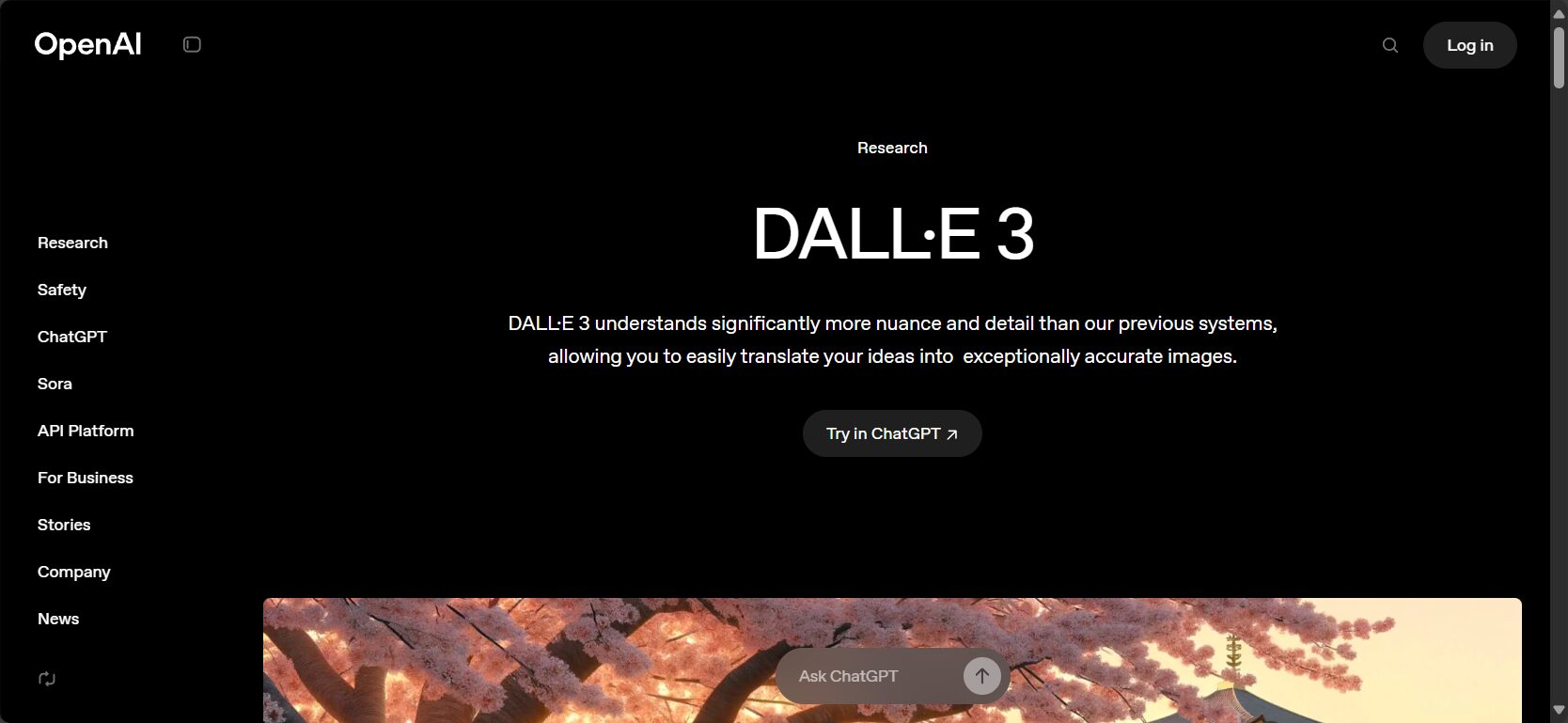
Core positioning: DALL-E 3 is an image generation model from OpenAI. Its greatest advantage lies in its deep understanding of natural language and seamless integration with chatbots. It excels at accurately converting complex, conversational long sentences into visual images.
Key features:
- Exceptional prompt comprehension: You can describe the image in everyday language, and the DALL-E 3 can accurately capture the details, relationships, and composition requirements, greatly lowering the barrier to entry for Prompt projects.
- Synergy with ChatGPT: Users can engage in dialogue with ChatGPT, continuously iterating and revising their ideas, and then have ChatGPT help generate and optimize the Prompt. This "conversational creation" experience is unique.
- Text generation capabilities: The DALL-E 3 has a relatively strong ability to generate accurate text in images, making it suitable for creating posters, emojis, and more.
Applicable scenarios and usage guidelines:
- Introduction for beginners: The most beginner-friendly platform, requiring no learning of complex parameters and commands.
- Rapid visualization concept: When you need to quickly turn a complex idea or story scenario into an image, the DALL-E 3's comprehension capabilities are a huge advantage.
- Content creation illustrations: Quickly generate relevant images for blog posts, social media posts, and other content.
- Usage instructions: Forget about complex keyword stuffing. Describe your image as if you were talking to a person. For example, you could say, "Draw me an image: an astronaut sitting in a café on the moon, leisurely drinking coffee, with a view of Earth outside the window. The overall style should be retro-futuristic." ChatGPT will automatically optimize it into a Prompt that better suits your model. If you're not satisfied with the result, you can simply say, "Great, but could you make the café's style a bit more modern?"“
Part Three: Multimodal and Professional Tools
Beyond pure chat and image generation, some platforms integrate multiple functions or offer professional-grade tools in specific areas.
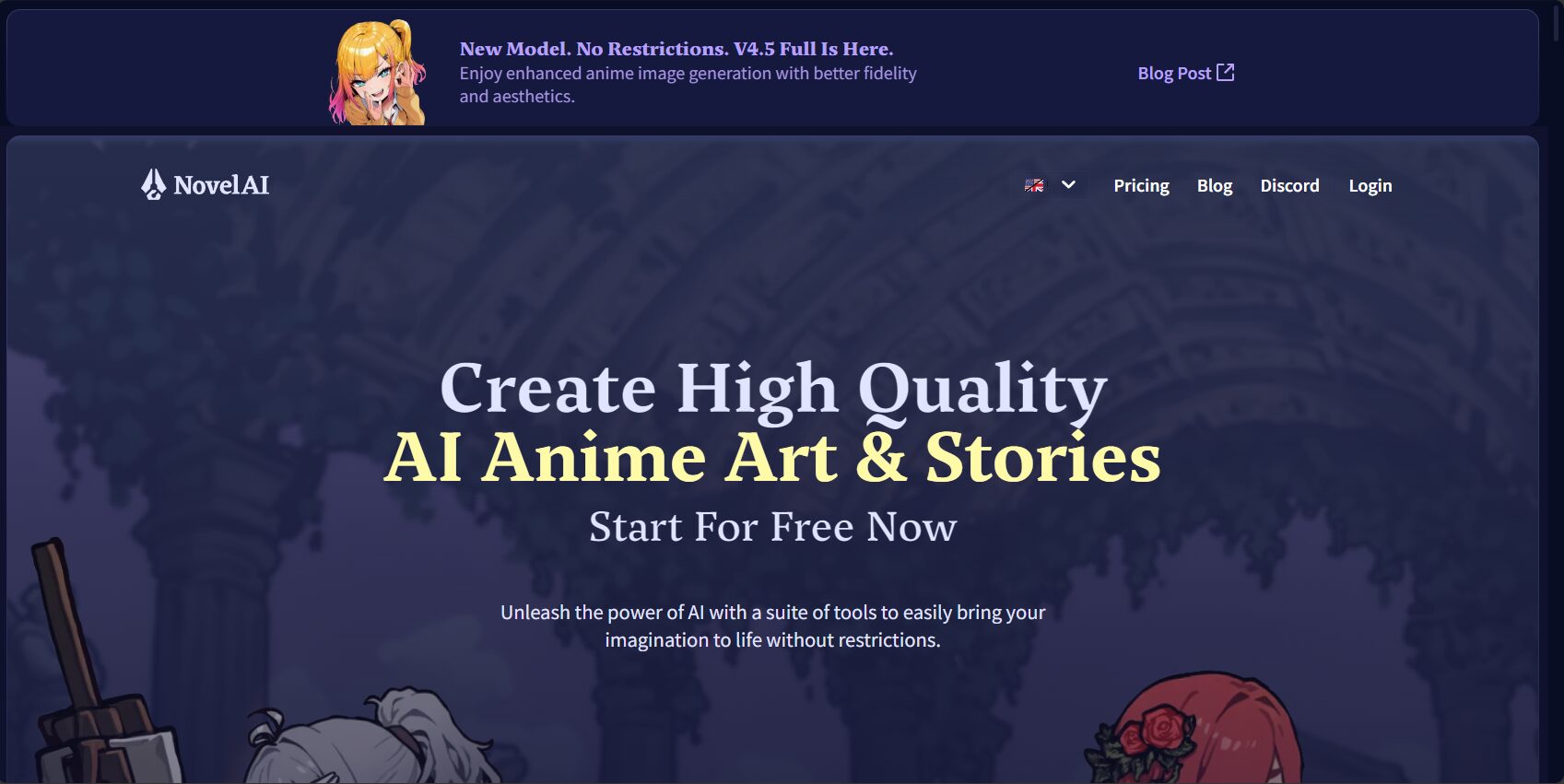
7. NovelAI – A Concerto of Story and Art
Official website:NovelAI – AI Anime Image Generator & Storyteller
Core positioning: A platform that combines AI story writing and AI drawing, especially known for its high-quality anime-style graphics, making it the top choice for many novelists and anime enthusiasts.
Key features:
- Strong ability to continue the story: It offers a variety of writing models, enabling high-quality story continuation, style imitation, and plot conception based on the preceding text input by the user.
- Top-tier anime-style image generation: Its image model excels in generating Japanese anime style, with outstanding details, art style, and character design.
- Linkage between text and images: Users can write stories while generating corresponding illustrations based on the storyline, achieving true text-and-image creation.
- Fine-grained image control: Supports tag-based prompting, allowing users to respond via precise tags (such as...).
1girl, solo, smile, blonde hair, blue eyesUse it to control screen elements, similar to the Danbooru style of Stable Diffusion.
8. Leonardo.AI – Game Assets and Art Creation Platform
Official website: Leonardo
Core positioning: A platform based on Stable Diffusion but offering a complete toolchain and user-friendly interface, with a particular focus on game assets (such as characters, items, and environments) and art creation.
Key features:
- Our own fine-tuned model: Leonardo offers several high-quality models trained in-house, which users can use out of the box without having to find and configure them themselves.
- Complete workflow: The platform integrates functions such as image generation, AI canvas (which can be infinitely expanded and modified locally), and 3D texture generation.
- Community and Training: Users can browse community works for inspiration, and even upload their own images to train a custom fine-tuned model.
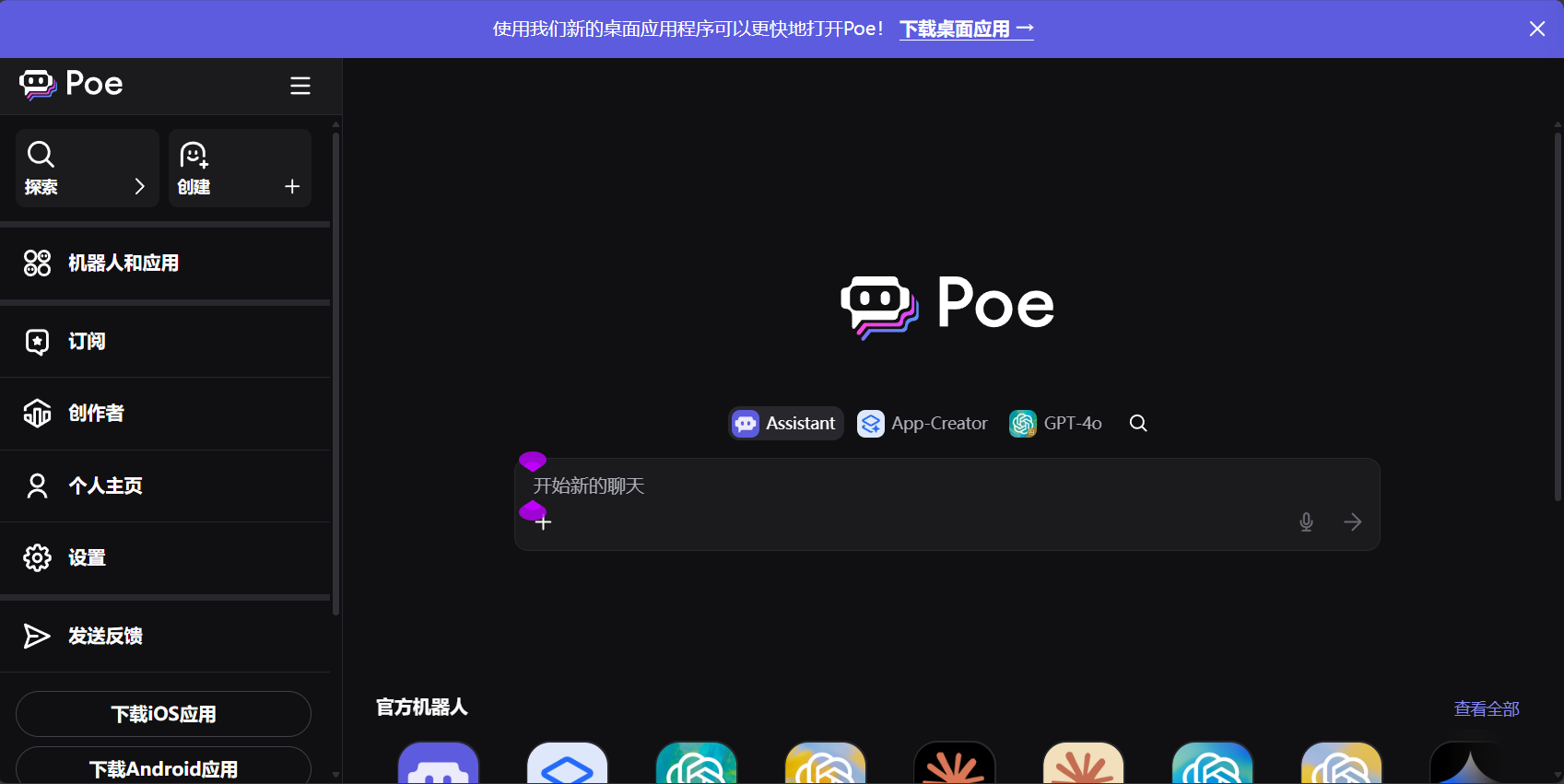
9. Poe by Quora – A central hub for AI models
Official website: https://poe.com/
Core positioning: Poe is not a single AI model, but a platform that aggregates many mainstream AI models. Users can switch between models from different companies such as ChatGPT, Claude, and Llama within a single app.
Key features:
- Model diversity: You can experience and compare the features of different AIs without registering on multiple platforms.
- Custom Bots: Similar to Custom GPTs, users can create their own robots based on any base model and share them with the community.
- Cross-platform experience: Provides an excellent mobile and web experience.
Final Recommendation: How to Choose and Use Effectively
When faced with numerous platforms, the key to making a choice lies in clearly defining your core needs.
- If you want to experience role-playing and emotional interaction more deeply: 从 Character.AI 和 Replika Let's begin. The former offers diversity and community creativity, while the latter provides deep, personalized companionship.
- If you are looking for the highest quality artistic images: Midjourney It is the best choice, but you need to get used to its Discord workflow.
- If you crave creative freedom and ultimate control: Invest time in learning Stable Diffusion(From) Leonardo.AI This platform (for beginners) offers endless possibilities through its community ecosystem and customizability.
- If you are a beginner or want to quickly turn your ideas into images: DALL-E 3 (Through Copilot or ChatGPT) is the most user-friendly option, as its powerful natural language understanding capabilities can save you a lot of trouble.
- If you are a story creator: NovelAI Its ability to combine text and images is tailor-made for you.
- If you wish to experience multiple models in one place: Poe It is your best choice.
General usage recommendations:
Keep exploring: AI technology is evolving rapidly; what works today may be obsolete tomorrow. Maintaining curiosity and regularly trying out new platforms and features is key to keeping up with the times.I protect and comply with internet regulations.Together, they will promote the formation of a healthy and positive new digital cultural phenomenon in AI-generated adult content.
Learn to iterate: Don't expect to get a perfect result the first time. Whether it's a dialogue or an image, it's a process of continuous adjustment and optimization.
Clarify your intention: Before interacting with AI, take some time to think about what you want. A clear goal will guide you to use these tools more effectively.
Please be mindful of privacy. On any public or semi-public AI platform, you should avoid sharing overly sensitive personal information.
© Copyright notes
The copyright of the article belongs to the author, please do not reprint without permission.
Related posts

No comments...
