What is yt-dlp (video downloader)? A comprehensive guide to the advantages and usage of this powerful video downloader.
yt-dlpAs the current open-source command-line videoDownload toolsA rising star, relying onIt boasts numerous powerful features, including frequent updates, support for over a thousand mainstream and niche websites, batch downloading, automatic transcoding, and subtitle extraction.It has become a super tool for content acquisition. This article introduces yt-dlp in the form of an interview.Core advantages, installation methods, command usage scenarios, best practices, frequently asked questions and advanced usage.This will help you quickly master this powerful multi-platform audio and video downloader.
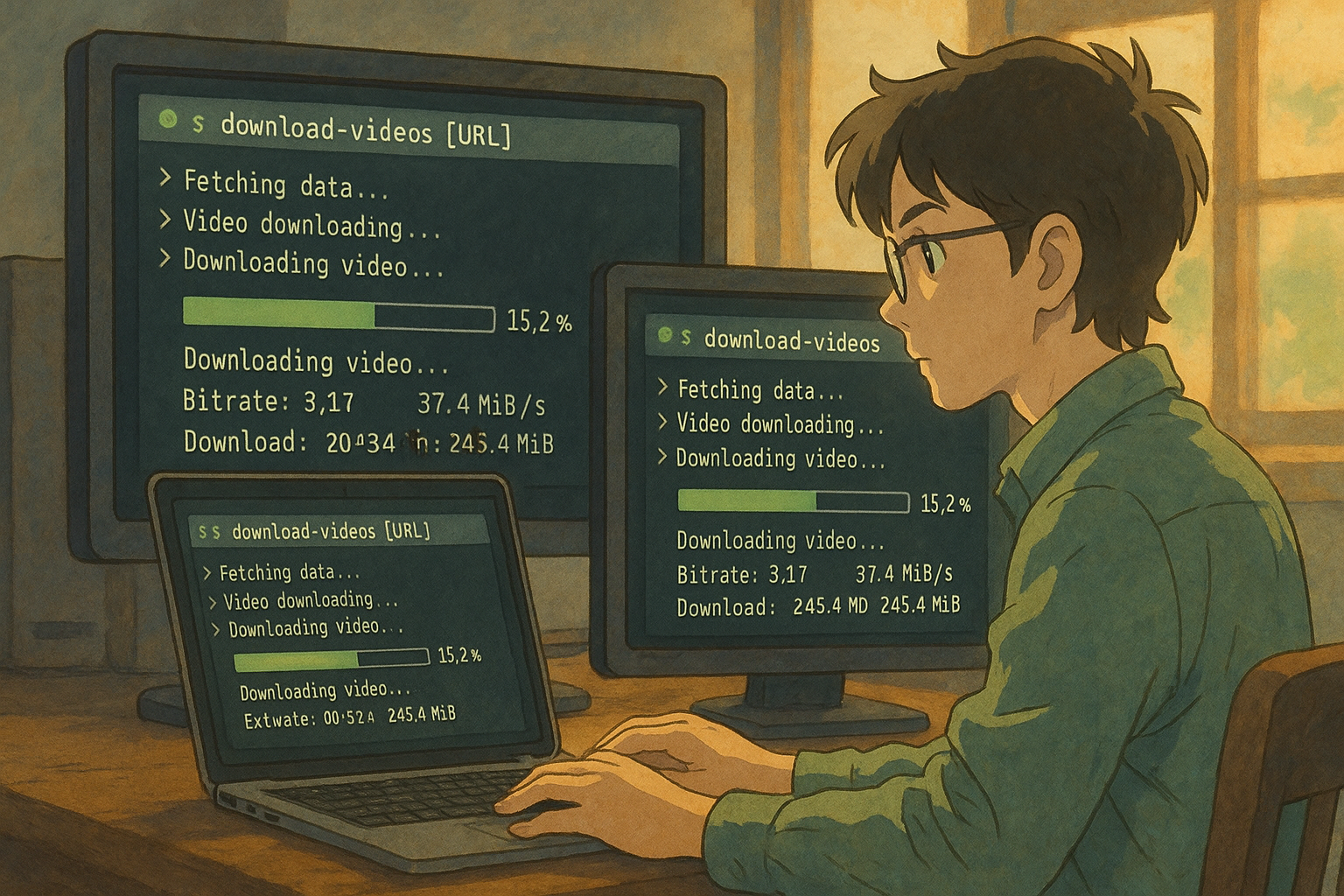
yt-dlp: A powerful open-source command-line video downloader, with comprehensive analysis and a beginner's guide.
[Tech Channel Report]
In today's world of increasingly rich video content, how...Efficient and convenient download of audio and video from multiple platformsThis has become a topic of common concern for content creators, learners, and enthusiasts.yt-dlpAs a newly emerging open-source command-line download tool, it boasts...Active updates and powerful featuresIts unique features have quickly gained immense popularity in the global open-source community. This article, presented in the form of a news interview, will provide you with a comprehensive understanding of yt-dlp's core advantages and practical ways to get started.
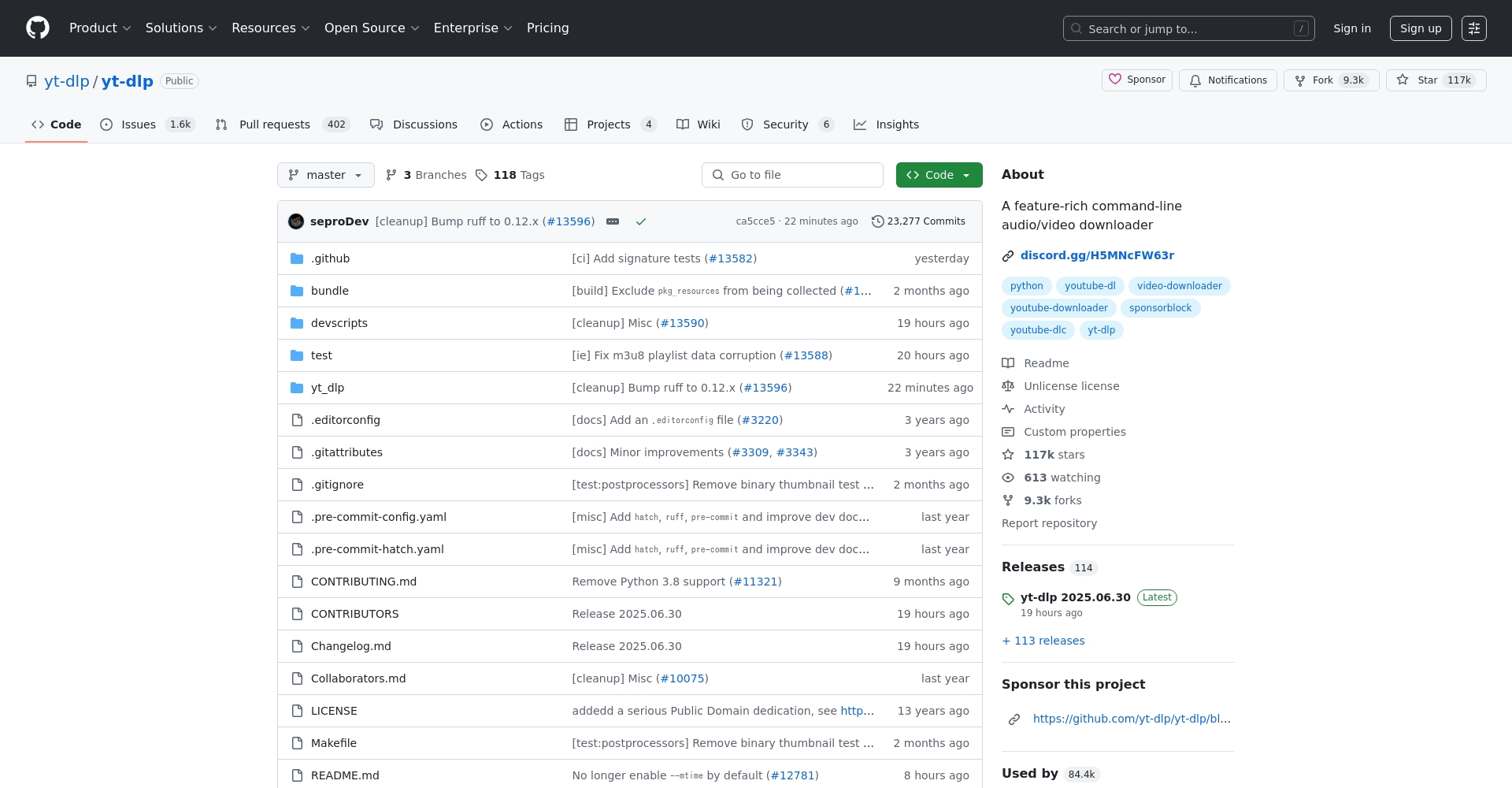
Introduction and Development of YT-DLP
yt-dlp Based on popular open source projects youtube-dl An improved branch dedicated to providing users withFaster, more stable, and more compatibleExperience enhanced video and audio downloading capabilities. This tool is maintained by a global open-source community and supports multiple platforms including Linux, Windows, macOS, and even Android and iOS.
- Open source licenseUnlicense, permanently free and open-source.
- Update and maintenanceMore active and faster at fixing issues than the original youtube-dl.
- Wide range of platformsCLI command-line interaction, easily integrated with automation scripts.

yt-dlp It not only covers YouTube, but also supports Facebook, Bilibili, Twitter, TikTok, Twitch, Instagram, Niconico, and more.More than a thousand platforms。
| Support System | Number of websites | Is it free and open source? | Mainstream use cases |
|---|---|---|---|
| Windows | 1000+ | 是 | Video capture, batch collection |
| Linux | 1000+ | 是 | Automated, large-scale batch downloading |
| macOS | 1000+ | 是 | Media archiving, transcoding and distribution |
| Android/iOS | Partial support | 是 | Mobile Fragment Backup |
The core advantages of yt-dlp
- Continuously updatedThe community is highly active and adapts to frequent upgrades by mainstream websites.
- Multi-platform supportOne-click installation for Windows/macOS/Linux, highly automated;
- Smart Format SelectionAutomatically acquires optimal image/sound quality, supporting fine customization;
- Batch DownloadOne-click management of playlists, albums, and channels;
- Capture subtitles, thumbnails, etc.Multilingual subtitles, video thumbnails, comments, and metadata are all supported.
- Flexible parameter systemFeatures include customizable output templates, paths, automatic transcoding, and ad removal.
- Supports plugin extensions/self-updatesHighly configurable and supports scripted calls;
The comparison is as follows:
| Tool Name | Command line support | Maintain activity | Number of supported websites | Batch Download | Remove ads/SponsorBlock | Get subtitles | Plugin extension | Compatible with youtube-dl commands |
|---|---|---|---|---|---|---|---|---|
| yt-dlp | ✓ | Very high | 1000+ | ✓ | ✓ | ✓ | ✓ | Fully compatible |
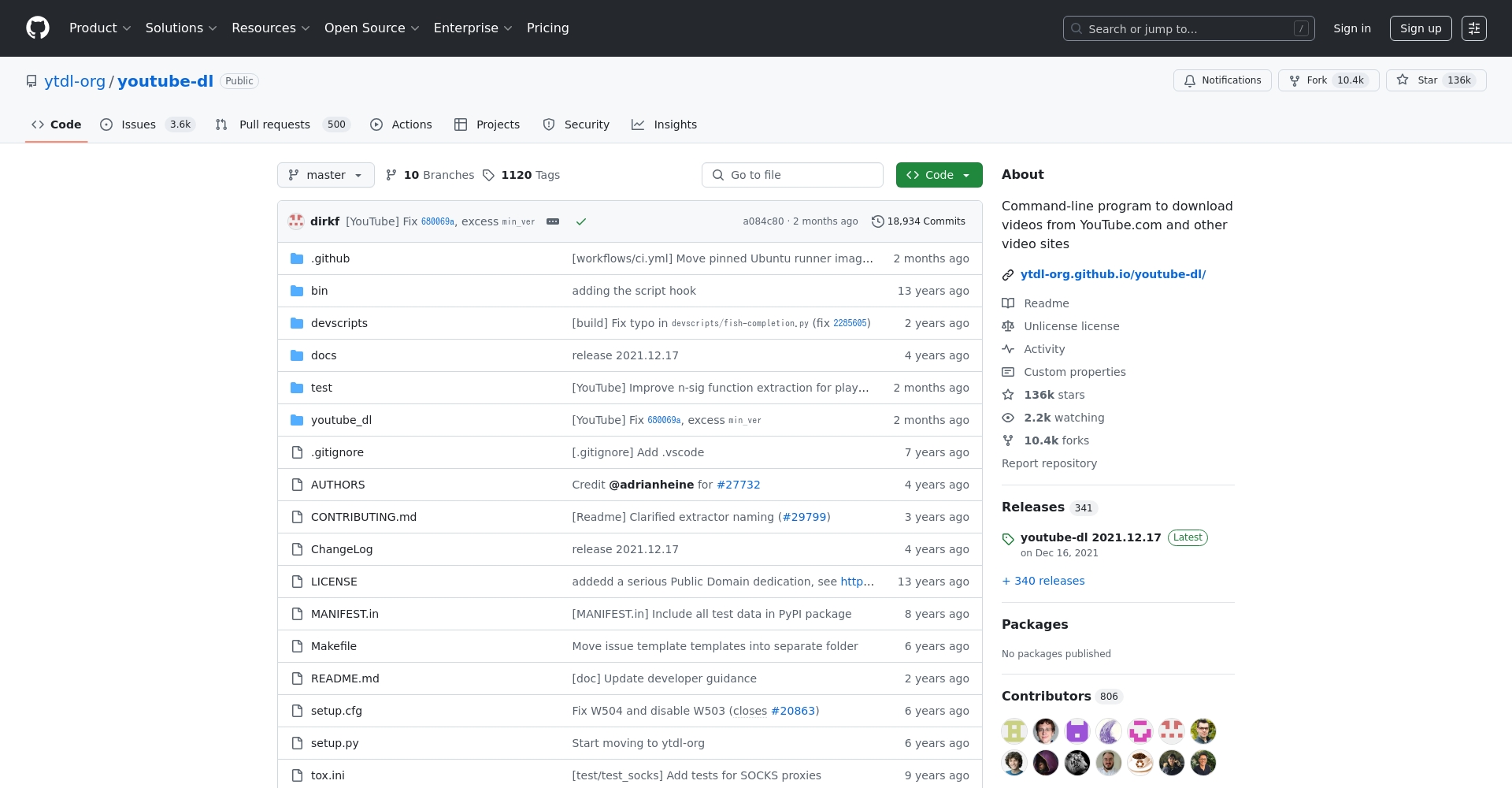
| youtube-dl | ✓ | generally | 900+ | generally | — | generally | part | — |
| 4K Video Downloader | × | 低 | 20+ | part | — | generally | × | × |
| The image below shows a cat (GUI). | × | 低 | small amount | part | — | × | × | × |
Detailed Explanation of yt-dlp Installation and Basic Usage
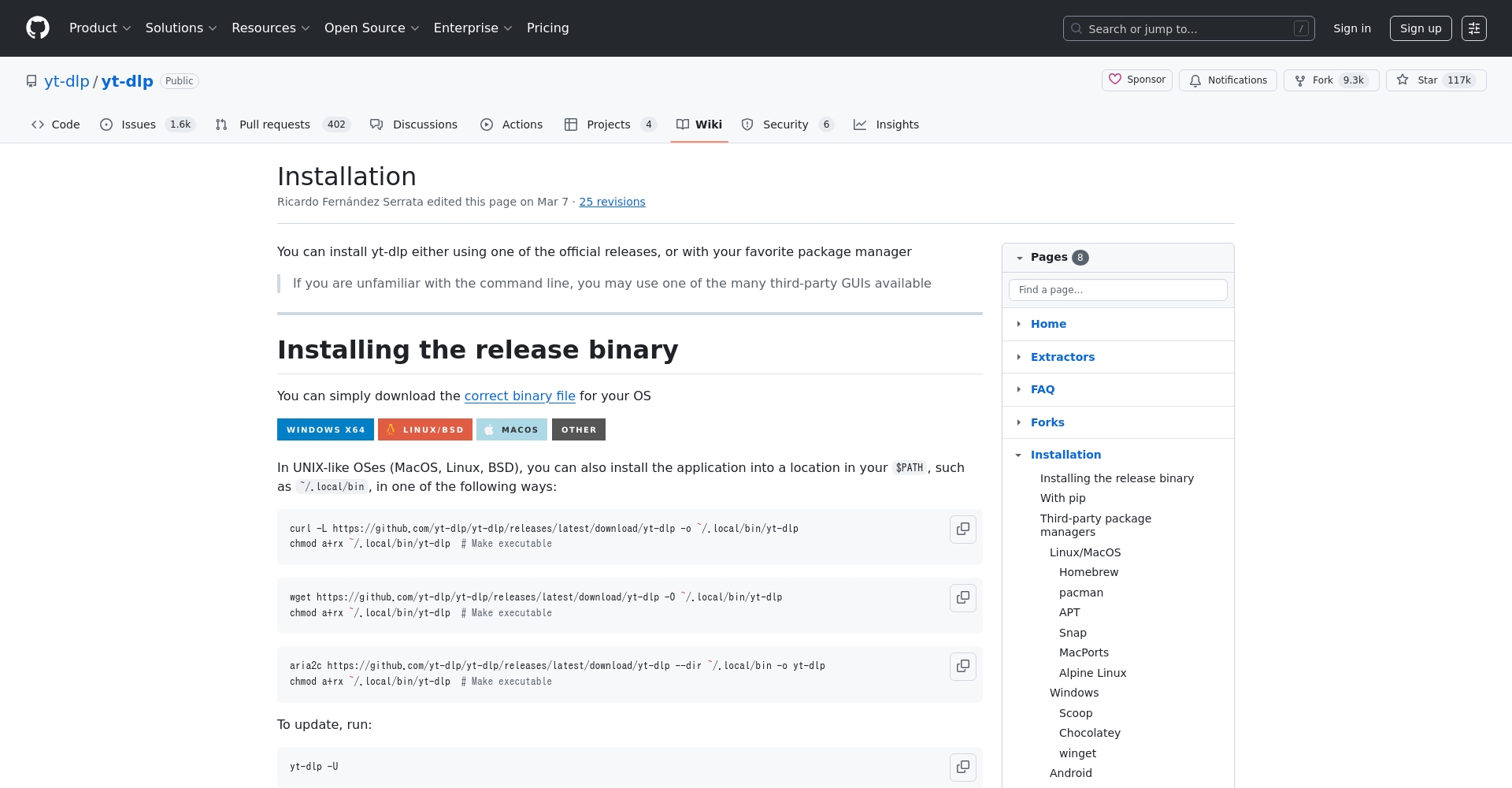
Mainstream installation methods on multiple platforms:
- Windows:Download yt-dlp.exeYou can use it directly from the command line;
- macOS/Linux: Using
pip install -U yt-dlpOr download the binary file; - Recommended cooperation ffmpegIt supports audio and video merging, transcoding, subtitle embedding, etc.
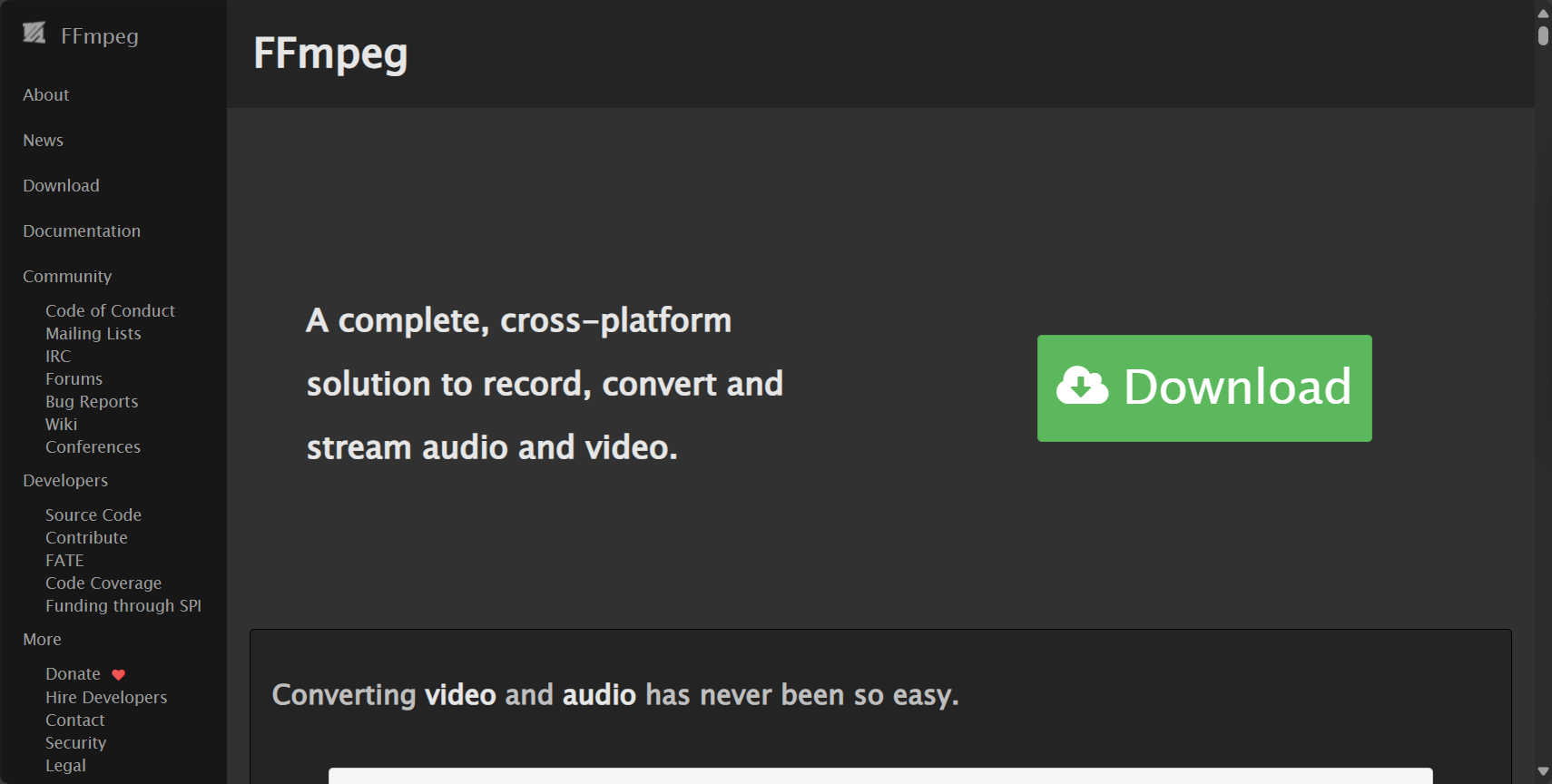
| operating system | Recommended installation instructions | Additional requirements (optional) |
|---|---|---|
| Windows | After downloading yt-dlp.exe, add it to any directory. | ffmpeg.exe |
| Linux | Install using pip -U yt-dlp or download the executable file. | ffmpeg |
| macOS | Install yt-dlp using brew or pip. | ffmpeg |
| Android | Termux: pkg install yt-dlp | ffmpeg |
See detailed tutorialOfficial Wiki。
Commonly used functions and command scenarios
1. Basic Video Download
To download a single video, simply:
yt-dlp "https://www.youtube.com/watch?v=xxxx""
Downloads the best video and audio quality by default and merges them automatically.
2. Download in specified formats, batch playlists and channels.
yt-dlp -f "bestvideo+bestaudio" --merge-output-format mp4 -o "%(title)s.%(ext)s" "https://www.youtube.com/watch?v=xxxx" yt-dlp --yes-playlist "https://www.youtube.com/playlist?list=PLxxxx""
3. Extract audio (MP3, FLAC)
yt-dlp -x --audio-format mp3 --audio-quality 320K "https://www.youtube.com/watch?v=xxxx""
4. Download subtitles and metadata
yt-dlp --write-auto-subs --sub-lang zh-CN,en --convert-subs srt "https://www.youtube.com/watch?v=xxxx""
5. Membership-only, private, and authentication-required videos
yt-dlp --cookies-from-browser chrome "https://www.youtube.com/xxx""
6. Live Stream Recording and Time-Segment Video Download
- Live recording
- Extract segments by interval (e.g., 5:00–7:30)
Advanced usage: Custom configuration and automation
Batch URL processing
yt-dlp -a urls.txt
Persistent configurationExample configuration file (e.g., C:\Users\username\AppData\Roaming\yt-dlp\config on Windows)
--output "%(title)s.%(ext)s" --merge-output-format mp4 --embed-thumbnail --add-metadata

Frequently Asked Questions and Best Practices
| Problem Type | processing method |
|---|---|
| Update failure/Download error | yt-dlp-U updated to the latest version |
| Member/private videos cannot be downloaded | Use browser cookies to verify that you are logged in. |
| Audio and video not merged | ffmpeg is confirmed to be installed. |
| Graphical operation required | We recommend third-party GUIs such as Seal App. |
Representative Uses and Application Cases
| Use cases | Key command examples | Target audience |
|---|---|---|
| YouTube bulk archive | yt-dlp –yes-playlist “playlist URL” | Video creators and scholars |
| Open course backup | yt-dlp -a urls.txt | Teachers and students |
| Music album download | yt-dlp –extract-audio –audio-format flac “album URL” | Music lovers |
| Short video collection | yt-dlp "short video URL"“ | Short video editing |
| Remove ads (SponsorBlock) | yt-dlp –sponsorblock-remove all “URL” | Pure Party |
yt-dlp Advanced FAQ
- Automatic updates? run
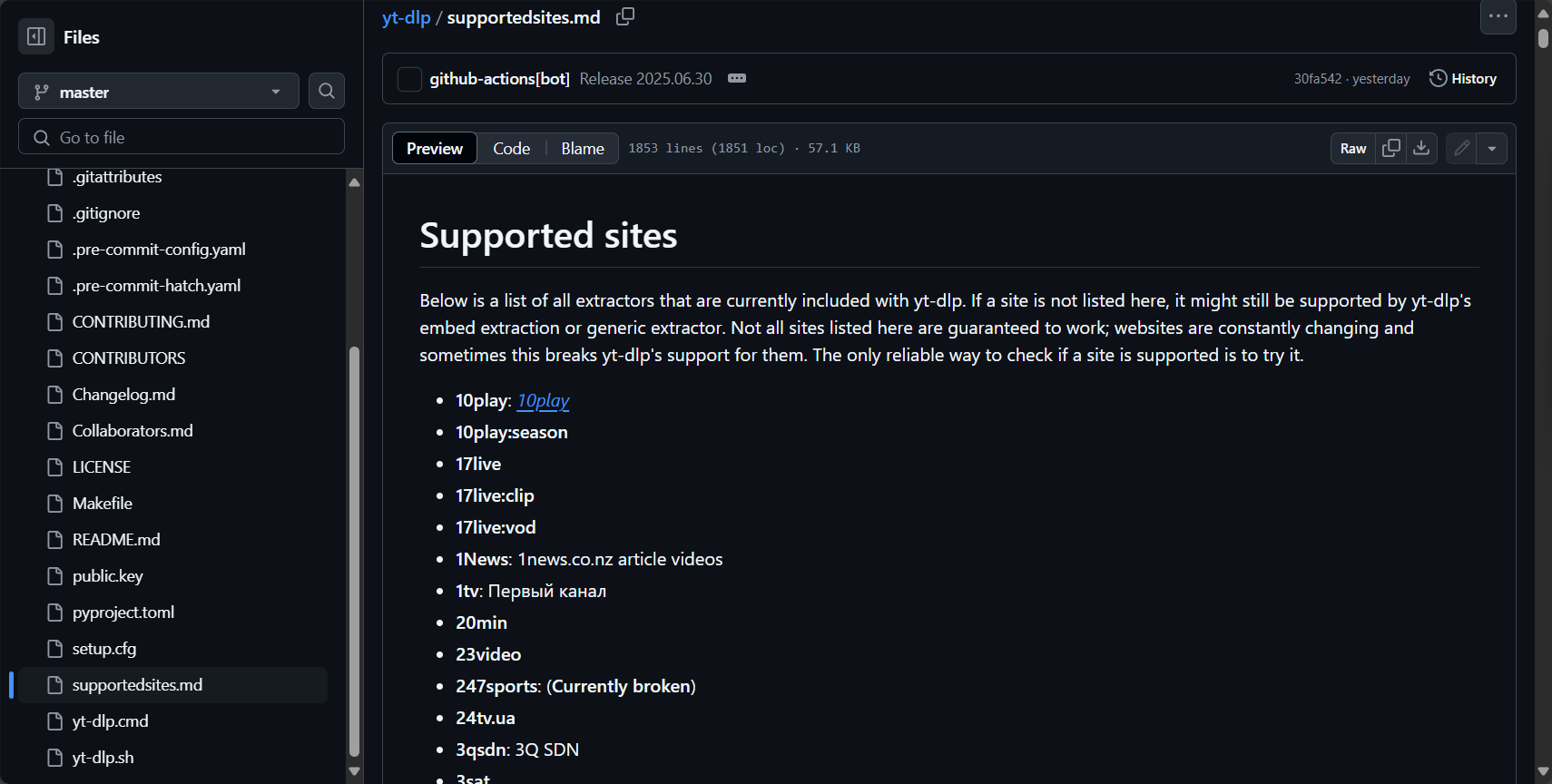
yt-dlp -UThat's all. - Supported platforms? Supports over a thousand mainstream and niche platforms. See details.Supported Sites List。
- Graphical interface? The official CLI is the primary platform, but third-party front-ends such as Seal App can also be used.
Whether you are a seasoned media professional, a data scientist, or a video entertainment enthusiast,yt-dlp With its powerful and reliable download and parsing capabilities, it can become an important tool for your content acquisition. With its unique advantages such as active updates, high customizability, and rich compatibility, yt-dlp is reshaping the public's perception of video download tools. Welcome to visit... yt-dlp official GitHub page Immerse yourself in the experience and embark on a journey of efficient and flexible media content management!
© Copyright notes
The copyright of the article belongs to the author, please do not reprint without permission.
Related posts


No comments...
