Cursor AI Tutorial: How can beginners efficiently utilize AI to improve programming efficiency? Practical operations and analysis of common misconceptions.
Cursor AI TeachingTake you on an in-depth look at the most talked-about AI programming assistants—CursorThis article systematically introduces its main features and highlights, from download and installation, configuration, and basic operations to team collaboration and advanced techniques, so that novice programmers will no longer be confused. It addresses common... Common Misconceptions about AIThis comprehensive analysis emphasizes the importance of secure, collaborative, and efficient development. It summarizes practical tips and common pitfalls to help beginners. Quickly master AI programming toolsAnd avoid detours, achieving a leap in team and individual programming efficiency.

Cursor AI: Basic Introduction and Product Features
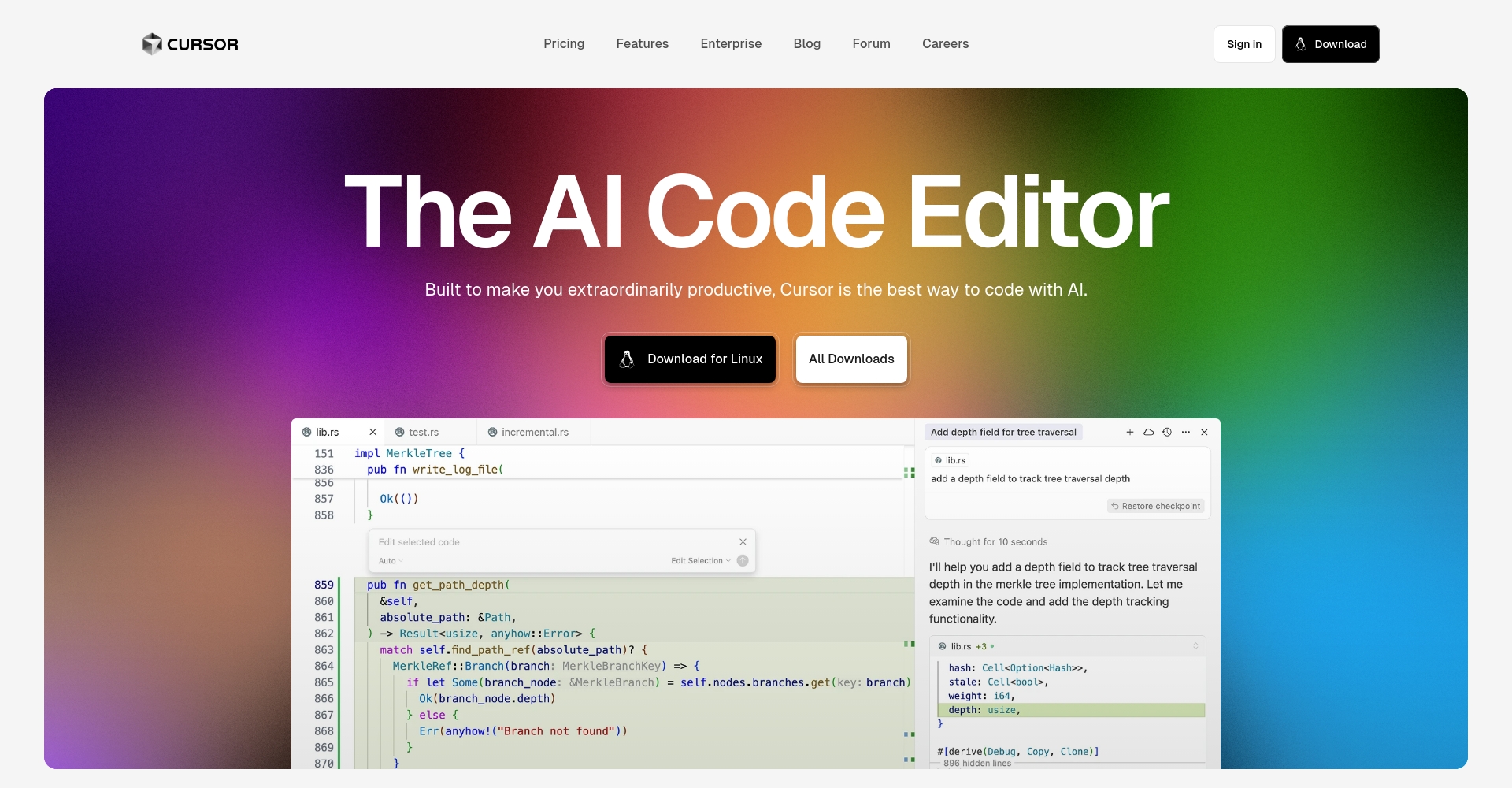
Cursor AI(Official website) is an intelligent code editor and AI programming assistant product based on large language models (such as GPT-4o).
It is based on a user-friendly interface similar to VSCode and deeply integrates... AI-powered dialogue, code generation, intelligent code completion, structural refactoring, documentation annotation, automated test generation, and other rich features.This allows novice programmers to collaborate with AI through natural language questions and dialogues, improving development delivery speed and code quality.
Overview of key features
| Functional categories | specific characteristics | Efficiency improvement |
|---|---|---|
| Intelligent auto-completion | Function, module completion and automatic refactoring | Reduce coding time and avoid basic oversights |
| Code Dialogue | Select code to communicate with AI and quickly locate problems. | For beginners, understanding code and avoiding the pain of consulting documentation |
| Project Understanding | Global dependency structure resolution | Get started with large codebases faster |
| Documentation & Annotation Generation | Generate JSDoc/Markdown with one click | Document maintenance and knowledge sharing are now easier |
| Test generation | Unit test code automatically generated | Lower the barrier to testing and improve code coverage |
| AI code analysis | Code review, diff change notes | Assist in review and reduce basic mistakes |

Practical operations to help beginners efficiently utilize Cursor AI
Installation and Quick Configuration
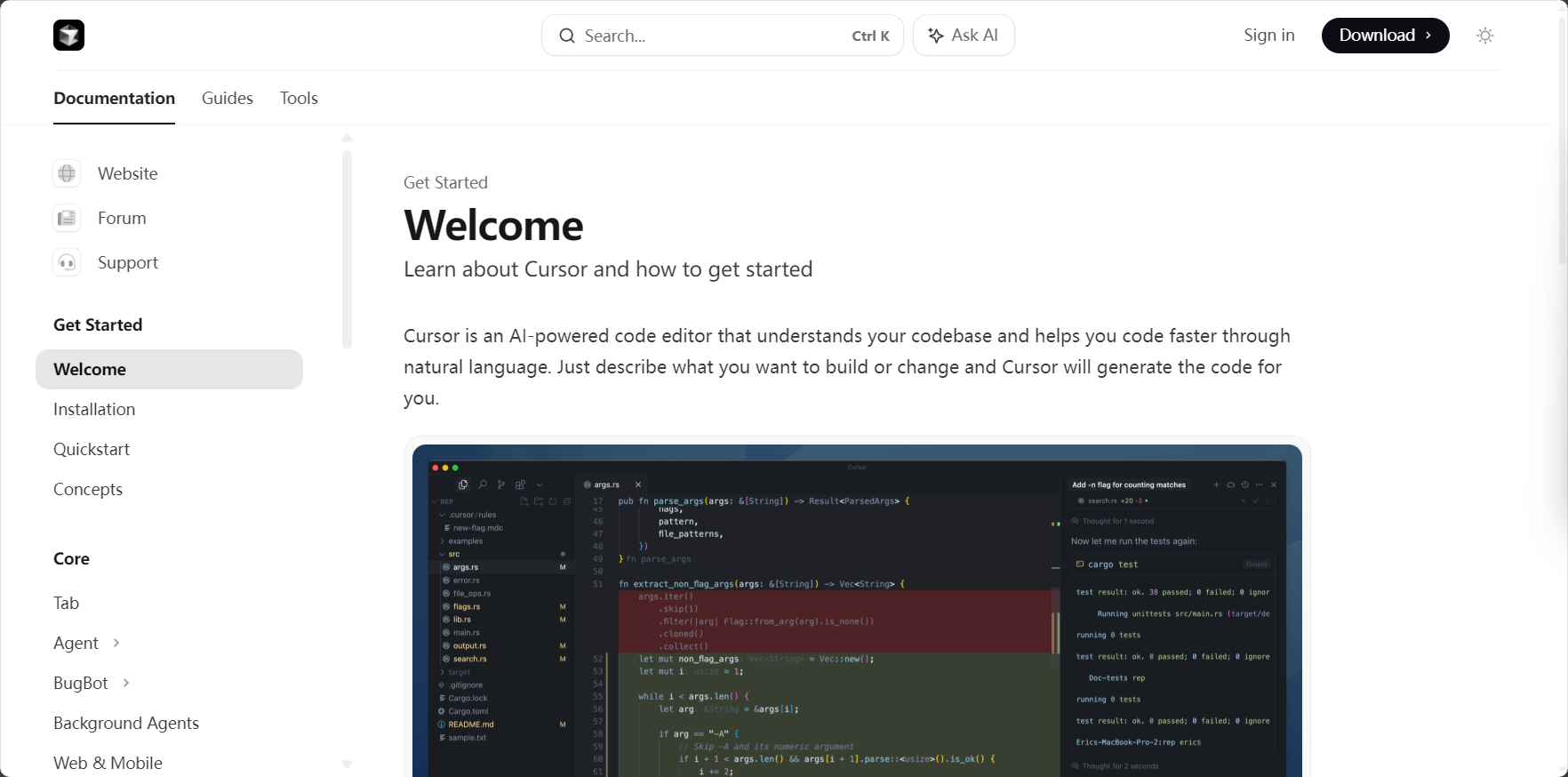
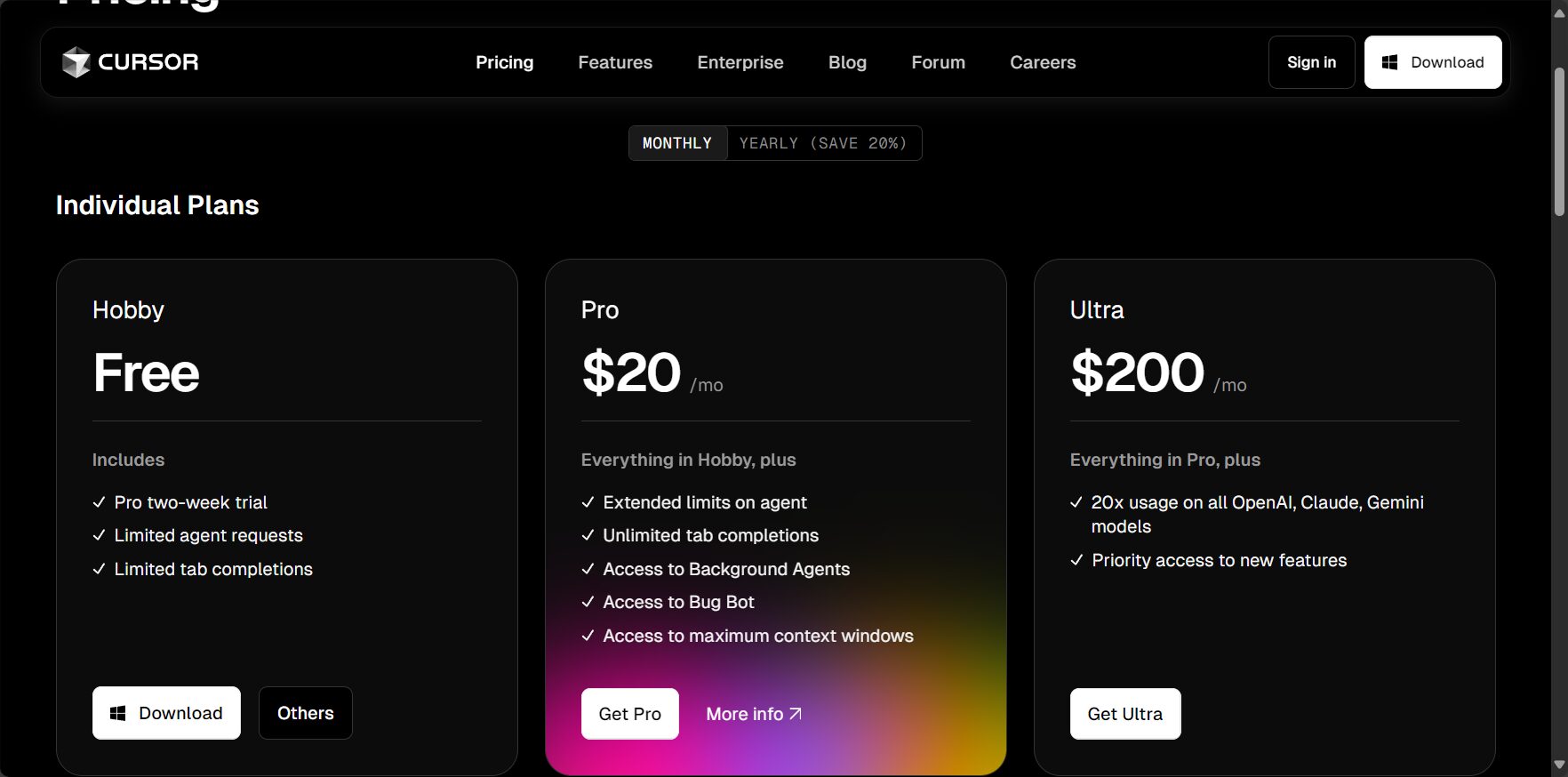
- Download and install:accessOfficial websiteDownload and install Cursor, which supports Windows and macOS.
- API Key Configuration:Bind your OpenAI account API Key; the GPT-4o model is recommended.
- Import project:It is compatible with VSCode project structure, making it easy for both new and old users to migrate directly.
- Activate AI Assistant:Use AI anytime via the AI Chat panel on the right or by pressing Cmd+K.
Basic operation scenario demonstration
- Intelligent code completion:Enter a comment such as "// Implement the Fibonacci sequence" and press Tab to automatically generate the complete code. It supports mainstream languages such as Python, JavaScript, and Java.
- AI dialogue understanding code:Select a code snippet, right-click and choose AI to chat, then type "What optimization suggestions do you have for this code?" to quickly get optimization feedback.
- Automatic document generation:Select the class or function and ask "Generate API documentation for this", then output JSDoc/Markdown comments with one click.
Advanced usage: Team collaboration and enhanced context
| Quick Actions | Function Description | Recommended scenarios |
|---|---|---|
| Cmd+K | Direct access to the command panel | When using any quick AI or search function |
| Select code + right-click + Chat | Dialogue fragment reconstruction/error checking | Get troublesome sections/optimization suggestions |
| @File/@Code/@Git tags | Context Injection | Background information for cross-file/global questions |
Skill:Hierarchical questioning, concise prompts, and clear context help AI to understand more accurately and output more efficient results.
Common Mistakes for Beginners and Pitfalls in AI Use
| Misconception Name | Error | Correct approach |
|---|---|---|
| Relying on AI but not verifying | Accept AI code directly, no testing required. | Be sure to conduct self-checks and cooperate with unit tests. |
| The prompt words are vague | The AI's response was irrelevant and its expression was unclear. | Clearly define the purpose/requirements of the structured description. |
| Ignore context | Without providing information about the files and modules, the AI misunderstands the scenario. | Make good use of tags such as @File to complete the background. |
| Looking forward to fully automated AI | One-click development of the entire project | Ask questions in stages, provide key support rather than covering everything. |
| Ignoring security issues | Project/privacy information may be leaked. | Use sensitive data with caution and clean up chat history regularly. |
Community suggestion:Using AI as a "co-pilot," each generation requires local testing and review, and integration is typically done using PR (Public Relations) processes.
Examples of typical AI-induced misleading cases
| Error scenarios | AI performance | Suggested revisions |
|---|---|---|
| Overconfidence output | The generation logic seems reasonable, but it actually has bugs. | Compare with official documentation and verify through multiple tests. |
| Ignore dependency order | Omitted actual project dependencies | @File mentions dependencies and clarifies the context. |
| Ignoring safety regulations | No input validation protection for the code | Integrating community safety best practices |
Cursor AI Core Practical Scenarios for Beginners
| Task Scenario | Operation method | Advantages |
|---|---|---|
| Function refactoring | Select → AI: "Please optimize readability"“ | The structure is clearer and easier to maintain later. |
| Automatically generate test cases | Select → AI: "Write 3 Jest test cases"“ | Reduce research and writing time |
| Cross-file dependency analysis | AI: "Analyzing module dependencies"“ | Structural understanding is faster |
| Debug stack analysis | Paste the error message → AI: "Find the cause and provide suggestions"“ | Even beginners can quickly locate and fix it. |
| Batch code commenting | Select multiple files → AI "Generate Interface Documentation"“ | Improve document collaboration efficiency |
- New feature development can start with AI forming the framework, and then refine the requirements.
- Batch renaming and reconstruction can be completed with one click, reducing the risk of omissions.
- Automatically generate commit notes using historical diffs to speed up code review.
Future Trends and Team Practice Recommendations
AI assistants integrated into team collaboration:
Standardize high-frequency Prompt templates to improve review efficiency. AI can assist in PR descriptions and code review, enhancing the quality of team reviews.
AI is meant to "assist development" rather than replace the lead programmer. It's suitable for repetitive, high-frequency tasks such as code review and rapid documentation generation. Beginners are advised to ask questions in stages and break them down into smaller, manageable tasks, gradually utilizing AI.
Brief comparison of similar products
| Tool Name | Key AI capabilities | Features | Suitable scenarios |
|---|---|---|---|
| Cursor | Conversational, contextual understanding, and automatic commit instructions | End-to-end intelligence, compatible with VSCode | High-efficiency team/individual collaboration |
| GitHub Copilot | Line-level auto-completion | Efficient code snippets, weak process patterns | Personal Completion Development |
| Codeium | Code completion | Free, supports multiple languages | Students/Hobbyists |
| TabNine | Local model completion | Strong privacy protection | Users who value local security |
Conclusion
“"AI + code" is accelerating the transformation of software development processes.Cursor AI TeachingThis is an important guide for beginners to effectively use AI programming assistants. Learning core operations, avoiding common pitfalls, and emphasizing security and team collaboration standards can help novice programmers quickly grow into coding experts and build core competencies for future development teams. We recommend continuing to follow Cursor products and the community, practicing the latest AI programming methodologies, and jointly ushering in a new era of intelligent development!
© Copyright notes
The copyright of the article belongs to the author, please do not reprint without permission.
Related posts




No comments...
