What is Copilot? This article will guide you through understanding how this AI assistant can help improve your work efficiency.
CopilotIt is an AI assistant jointly developed by Microsoft and OpenAI, which can automatically generate content, code, document summaries, and automate processes.Significantly improve the efficiency of all types of workers.Whether you're a programmer, an enterprise user, or a general document writer, Copilot can help reduce repetitive tasks, increase output speed and quality, and assist businesses in driving digital transformation, making it an important tool for unlocking future digital productivity.
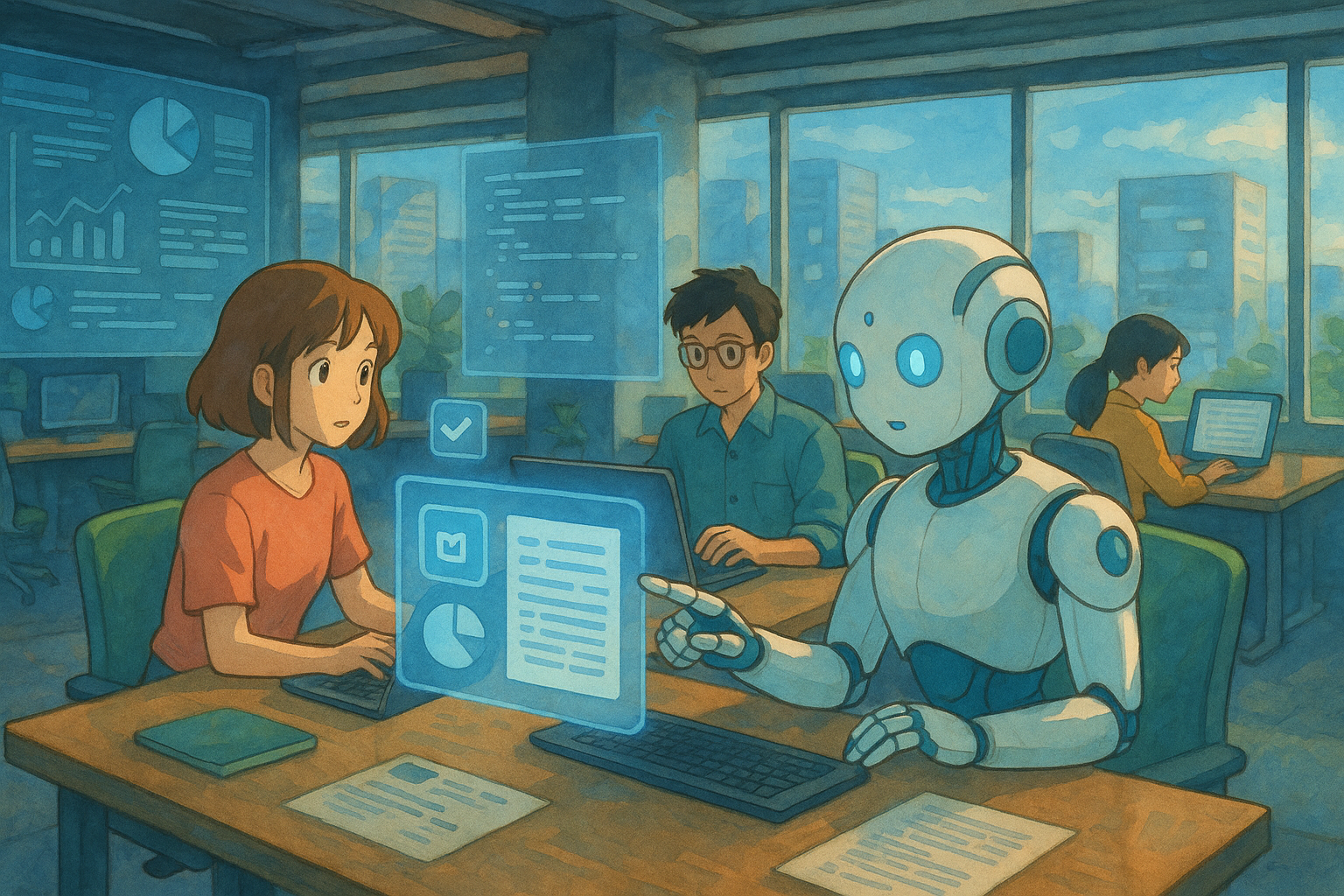
What is Copilot?
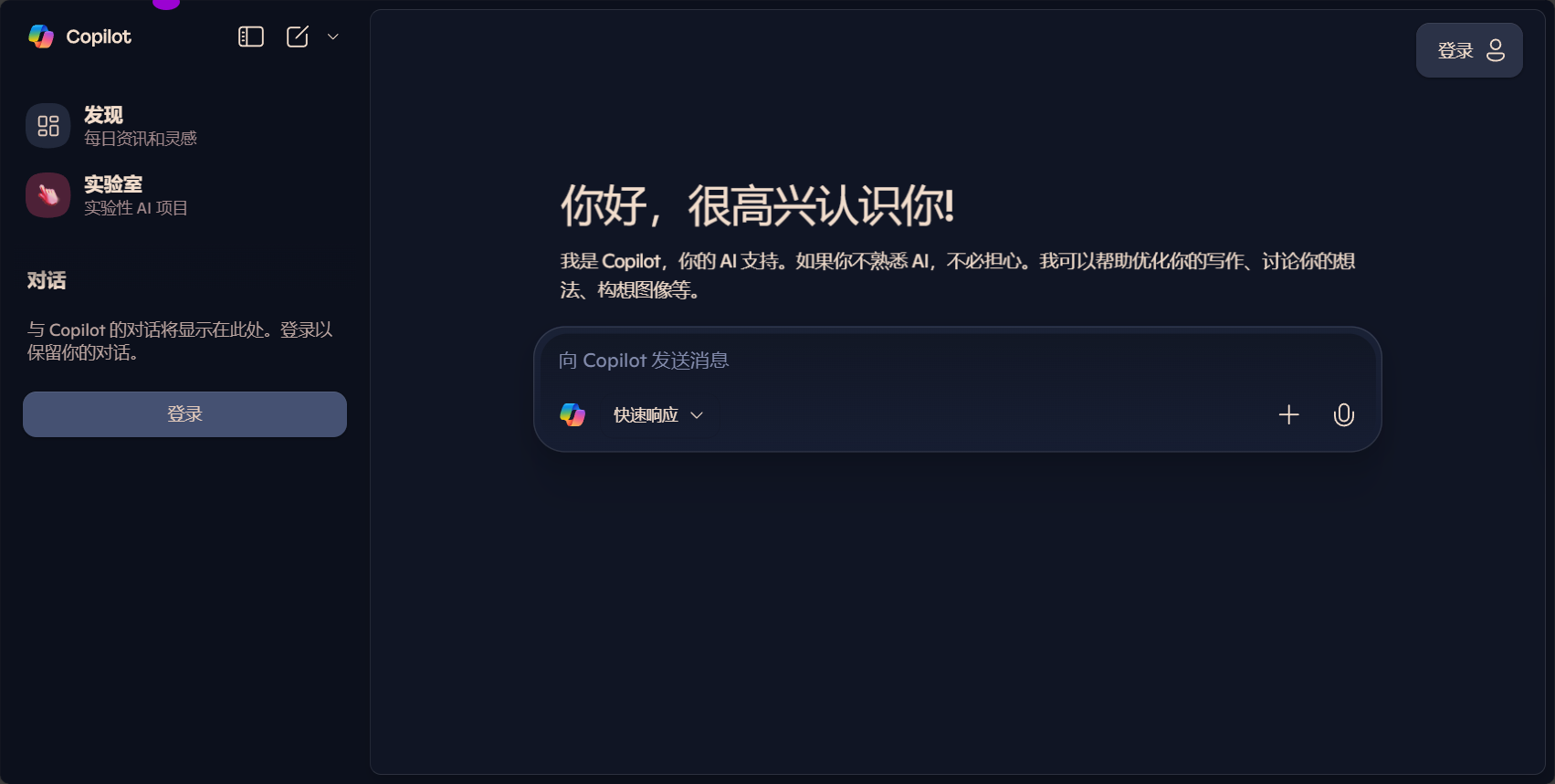
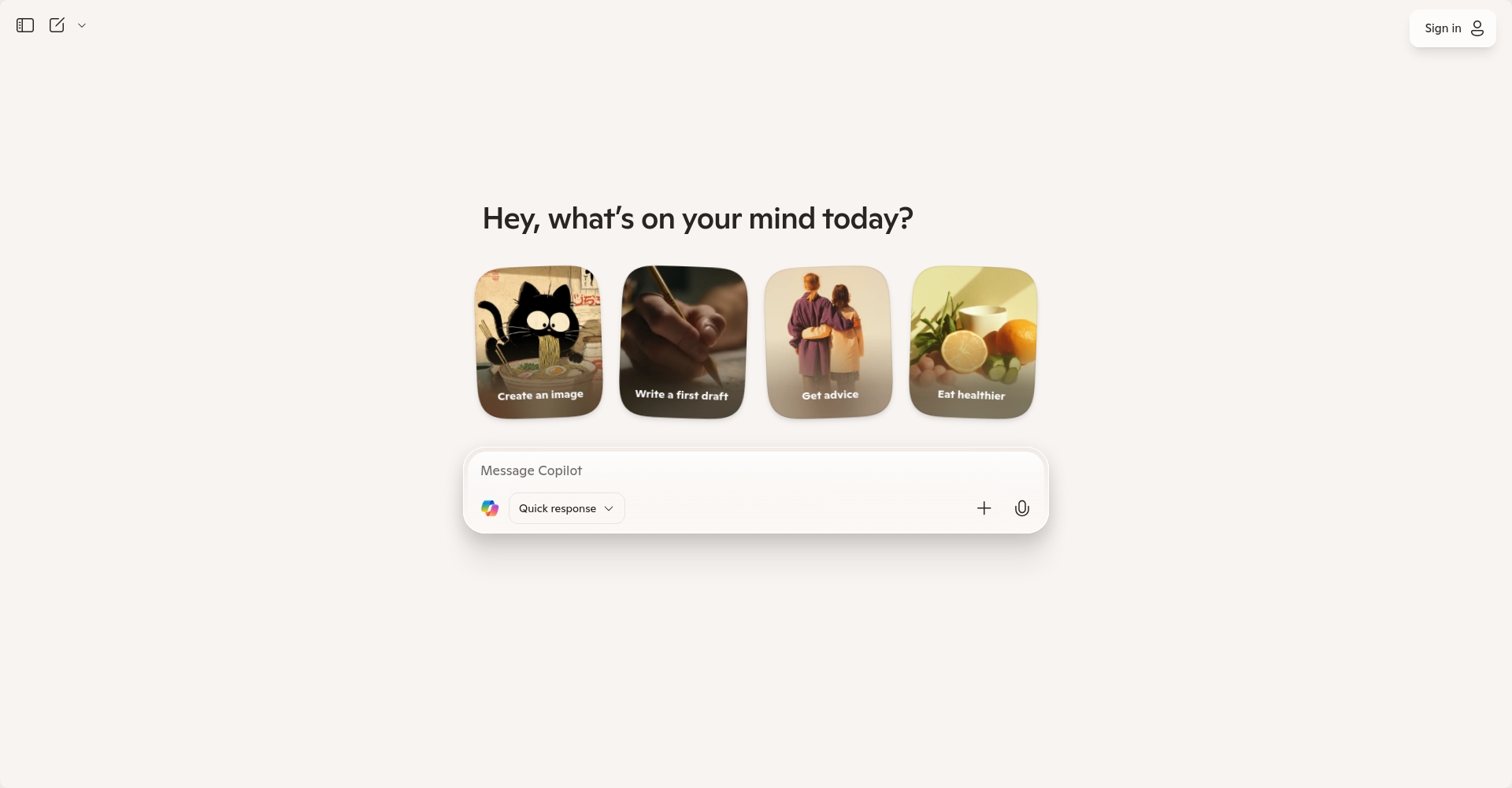
Copilot"Co-pilot," or "AI assistant" or "collaboration partner," is a generative AI tool jointly developed by Microsoft and OpenAI. Based on a powerful, large-scale language model, it enables intelligent content recommendation, automatic code generation, document summarization, and process automation.Representative products currently include GitHub Copilot and Microsoft Copilot.These services cater to both developers and general knowledge workers, comprehensively enhancing their daily productivity.
Copilot's Product Types and Application Scenarios
Copilot Tools Overview
| Copilot products | Target audience | Main functions | Reference Links |
|---|---|---|---|
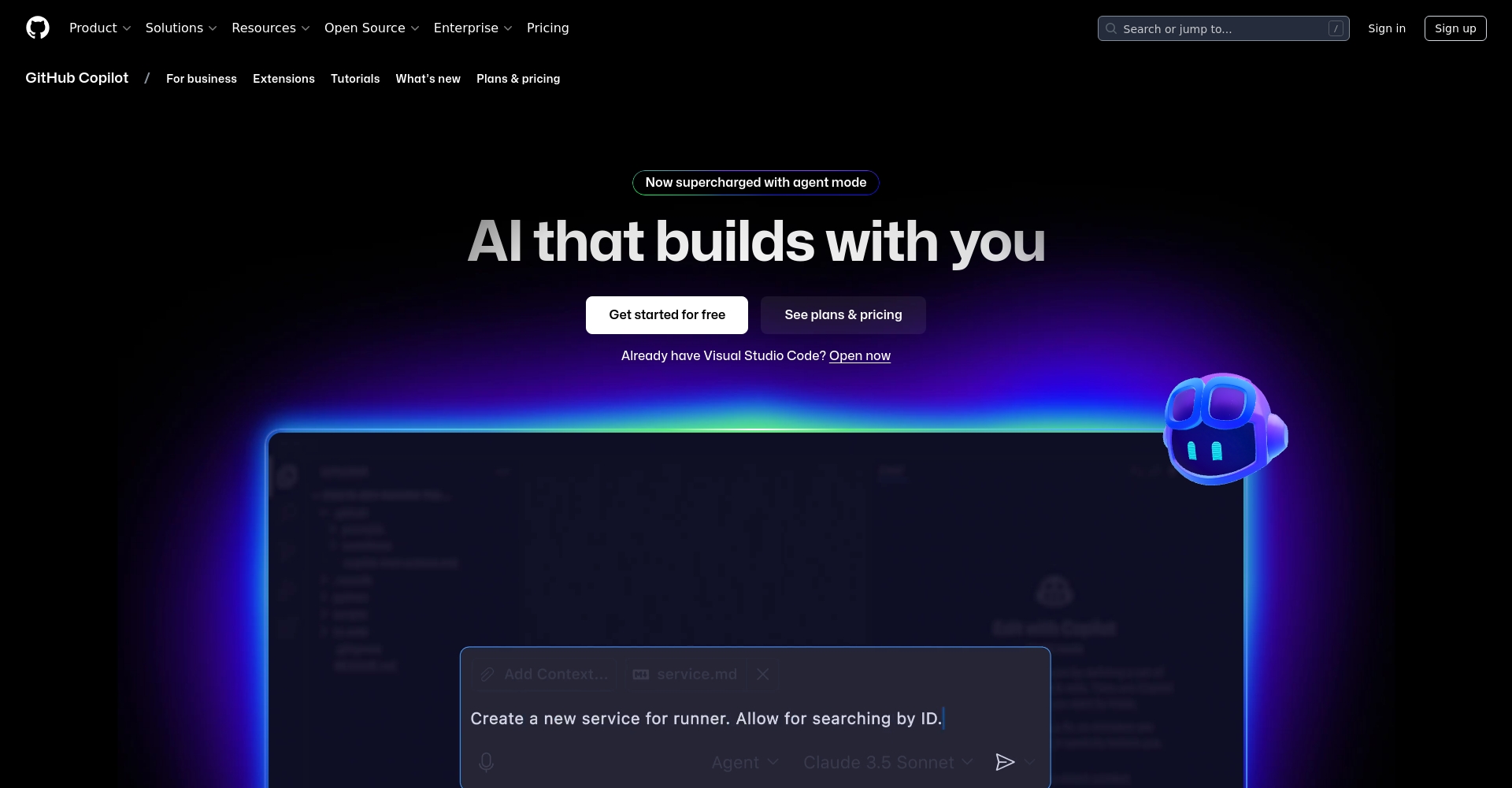
| GitHub Copilot | Developers/Engineers | AI auto-completion and code suggestions | GitHub Copilot |
| Microsoft Copilot | Knowledge workers, students | Document writing, conference abstracts, and document retrieval | Microsoft Copilot |
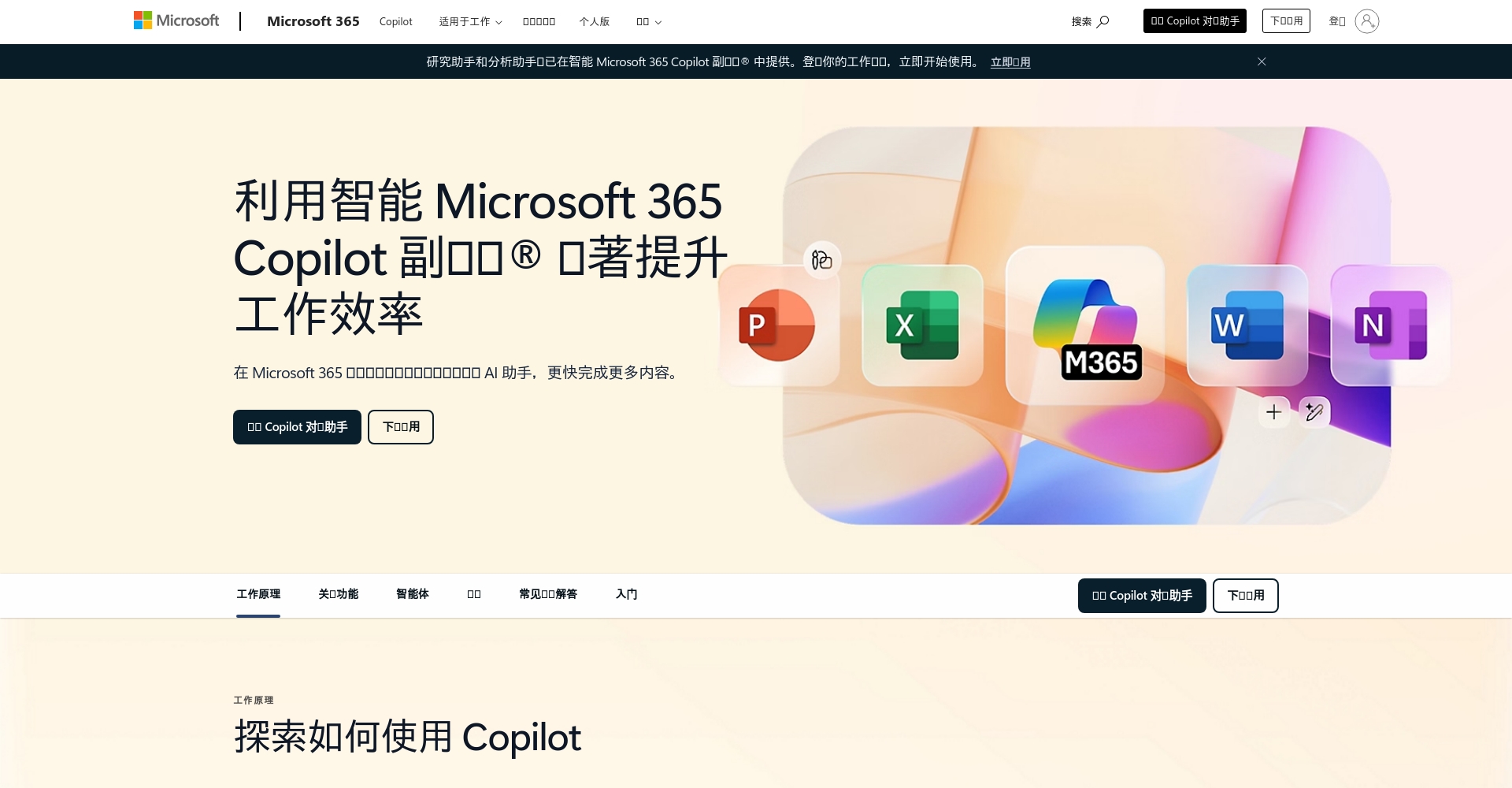
| Microsoft 365 Copilot | office workers, businesses | Intelligent assistant for Word, Excel, and PowerPoint | 365 Copilot |
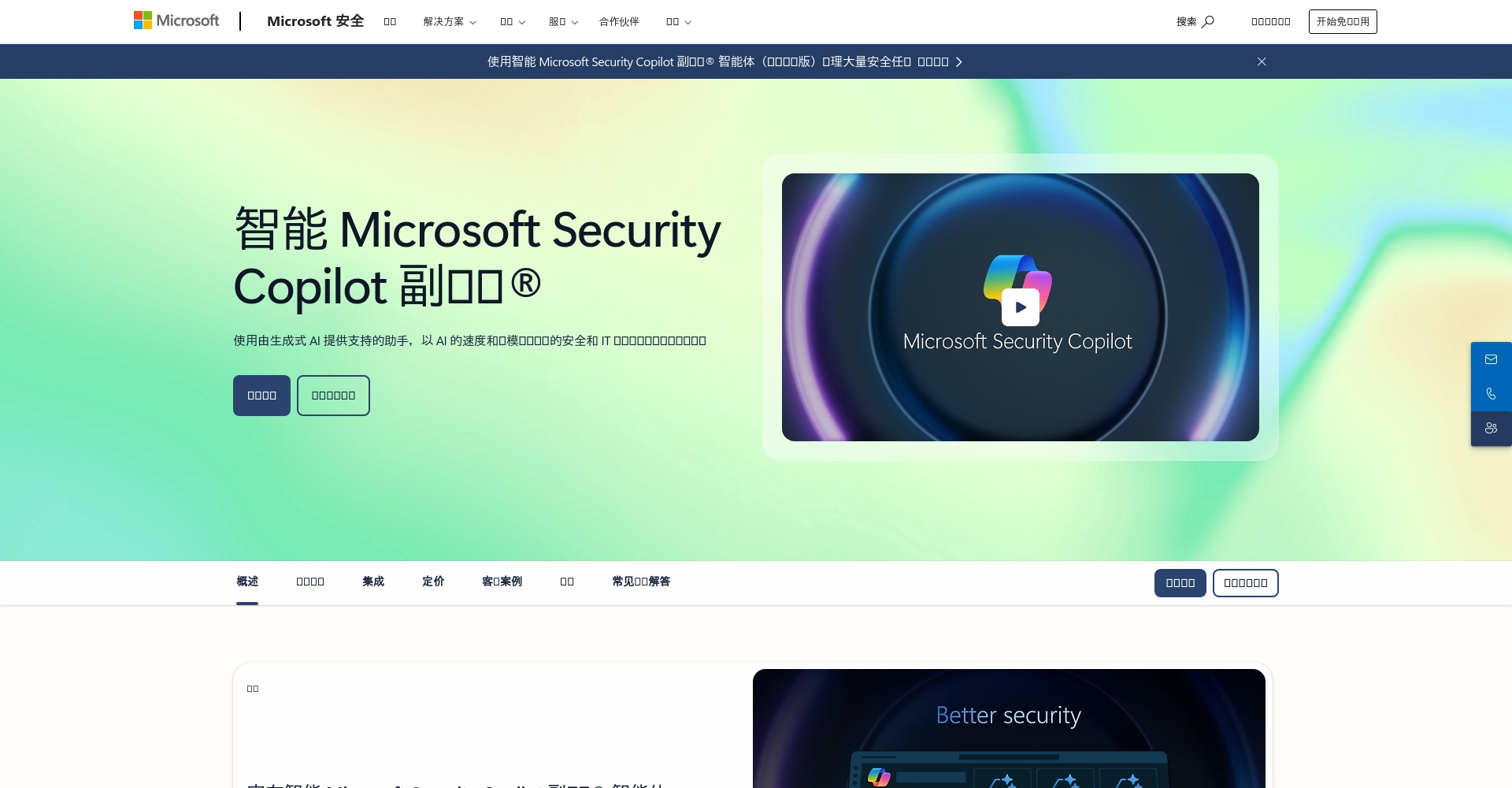
| Copilot for Security | Information security personnel | Security incident analysis and automated response | Security Copilot |

GitHub Copilot: A helpful AI tool for developers
- Instant code completion:Automatically recommend code snippets to speed up programming.
- Automatically generate test cases:Tested based on existing code generation units
- Supports multiple main process languages:Such as Python, JavaScript, Java, Go, etc.
- Helping beginners overcome obstacles:Convert instructions to code using natural language
Microsoft Copilot: Office Automation Upgrade
- Generate meeting highlights with one click:Automatically extract meeting minutes
- Smart PPT Draft:Automatically format slides based on content
- Data compilation:Automatically reorganize Excel spreadsheets
- Email replies and organization:Quickly and automatically generate email content
Copilot for Security: An AI Assistant for Information Security
Security CopilotBy combining Microsoft's intelligence solutions with OpenAI models, it automatically detects anomalies, generates threat reports, and responds efficiently.
How can Copilot improve work efficiency?
- Reduce repetitive tasks and focus on high-value tasks.
It automatically generates drafts and structure suggestions, significantly reducing the time spent on manual editing and searching. - Improve the speed and quality of content production
Developers can use Copilot to write high-quality code faster, and knowledge workers can complete documentation more efficiently. - Lowering the entry barrier to facilitate learning and innovation
Even beginners can use natural language to make Copilot generate code and perform analysis. - Enhance enterprise competitiveness and drive digital transformation
Internal process automation and enhanced knowledge management improve the organization's agility and responsiveness.
| Copilot products | Highlights of efficiency improvement | Applicable Scenarios |
|---|---|---|
| GitHub Copilot | Reduce repetitive code writing, intelligent suggestions | Research and development, programming |
| Microsoft Copilot | Automatic documents, meeting summaries | Daily document processing |
| 365 Copilot | Full automation of Word/Excel/PPT | Organizational collaboration |
| Security Copilot | Automated security analysis, intelligent response | Security monitoring and emergency response |
Copilot Practical Function Demonstration: Typical Scenarios
Daily office scenarios
- Schedule planning reminders: Copilot can read emails and automatically plan meeting schedules.
- Automatic summary of meeting information: Teams meeting transcripts can be edited into a single click to highlight key points.
Software development scenarios
- Rapid generation of new feature prototypes: Input your requirements, and Copilot will automatically generate APIs or frameworks.
- Test code is automatically generated: Automatically provide unit test code for modules.
Safety Response
- Automatic warnings for anomaly detection: Security Copilot instantly analyzes and reports abnormal data.
How to get started and obtain Copilot?
- Log inCopilot official website或GitHub Copilot
- Choose a subscription plan based on your needs (some features are permanently free).
- Download plugins (such as VS Code and Office plugins) and verify your account.
- Activate Copilot within the product and customize settings.
- Experience automated content, code, and data analysis now!
Subscription Plan Overview
| plan | Pricing (USD) | Supported features | Target audience |
|---|---|---|---|
| Free trial | 0 | Limited advice and chat | Students, individuals |
| Pro | October | Unlimited code and documentation suggestions | Professional developers, heavy users |
| Enterprise Edition | 19~39/month | Team collaboration, advanced features | Teams, Enterprises |
Supported languages and platforms
Copilot now supports multiple main process languages.(Python, JavaScript, C#, etc.), mainstream platforms (Windows, macOS, Linux), and various office applications (Word, Excel, PowerPoint).Significantly expand applicable scenarios and flexibility。

Summary and Outlook
In summary,Copilot is not just an AI assistant, but a key tool leading the digital productivity revolution.Developers, managers, and knowledge workers can all use Copilot to simplify repetitive tasks, increase productivity, and stimulate innovation.The widespread application of Copilot is accelerating the arrival of digital office and intelligent development.Experience it now and bring efficiency and innovation into your daily work!
© Copyright notes
The copyright of the article belongs to the author, please do not reprint without permission.
Related posts




No comments...
