What is Google AI? A comprehensive analysis of the core functions and application scenarios of Google's intelligent conversational assistant.
bard ai是 Google 于 2023 年推出的生成式 AI 对话助手,依托 PaLM 2 和 Gemini 等自研大型语言模型,全面支持多语言、多轮对话、信息整合、写作创作及办公集成。It can not only quickly answer various questions, but also deeply analyze and integrate multi-dimensional knowledge to assist in multiple application scenarios such as document automation, email simplification, code suggestions, and market trend analysis. Bard AI has been deeply integrated into Google Workspace, bringing tremendous efficiency changes to businesses, education, and content creators.This article will systematically review the essence, functional highlights, and industrial applications of bard AI technology, and compare it with mainstream AI chat tools to help you fully grasp the new trends of future AI intelligent assistants.
BardAI Introduction: Google's new generative AI dialogue engine
What is bard ai?
bard ai It is a generative AI chatbot launched by Google, which uses Google's latest large language models (such as PaLM 2 and Gemini).It can not only answer questions, but also engage in multi-round dialogues, create texts, and assist in decision-making.Google's Bard AI combines powerful information retrieval, natural language understanding, and real-time online search capabilities, and is widely used in diverse scenarios such as life, work, and study.
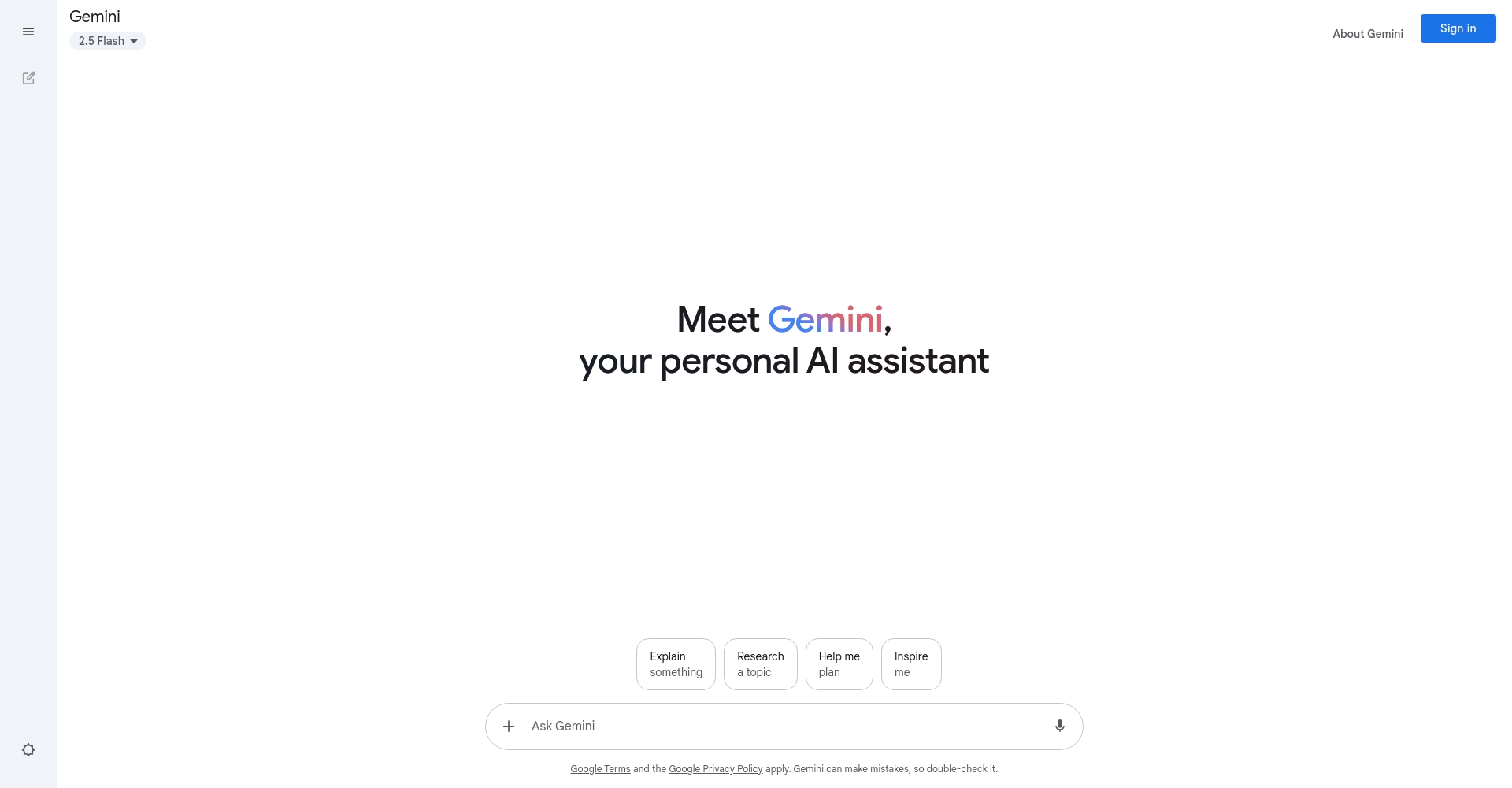
Official entrance:https://bard.google.com/
Technical Foundation and Functional Highlights
| characteristic | describe |
|---|---|
| AI model | Supported by Google's self-developed large-scale language models (such as Gemini/PaLM 2), it boasts high-quality semantic understanding and generation capabilities. |
| Multilingual support | Supports input and generation in nearly 100 languages, including Chinese and English. |
| Real-time online query | It can directly search and analyze real-time content on the Internet, and the answer information is updated quickly. |
| Multiple rounds of dialogue | It supports context tracking and continuous dialogue, not just single question and answer. |
| Application integration | Deeply integrated with services such as Google Workspace, it fulfills needs for office automation, document assistance, and email processing. |

Key point: bard ai places greater emphasis on the "understanding and synthesis" of information, not just listing search results, but providing structured and targeted suggestions and interpretations.
Overview of the development history of bard ai
| years | Milestone |
|---|---|
| March 2023 | First public test, open to select regions |
| May 2023 | Gradually opening up globally, expanding multilingual support |
| September 2023 | Officially integrated with Google Workspace and more products |
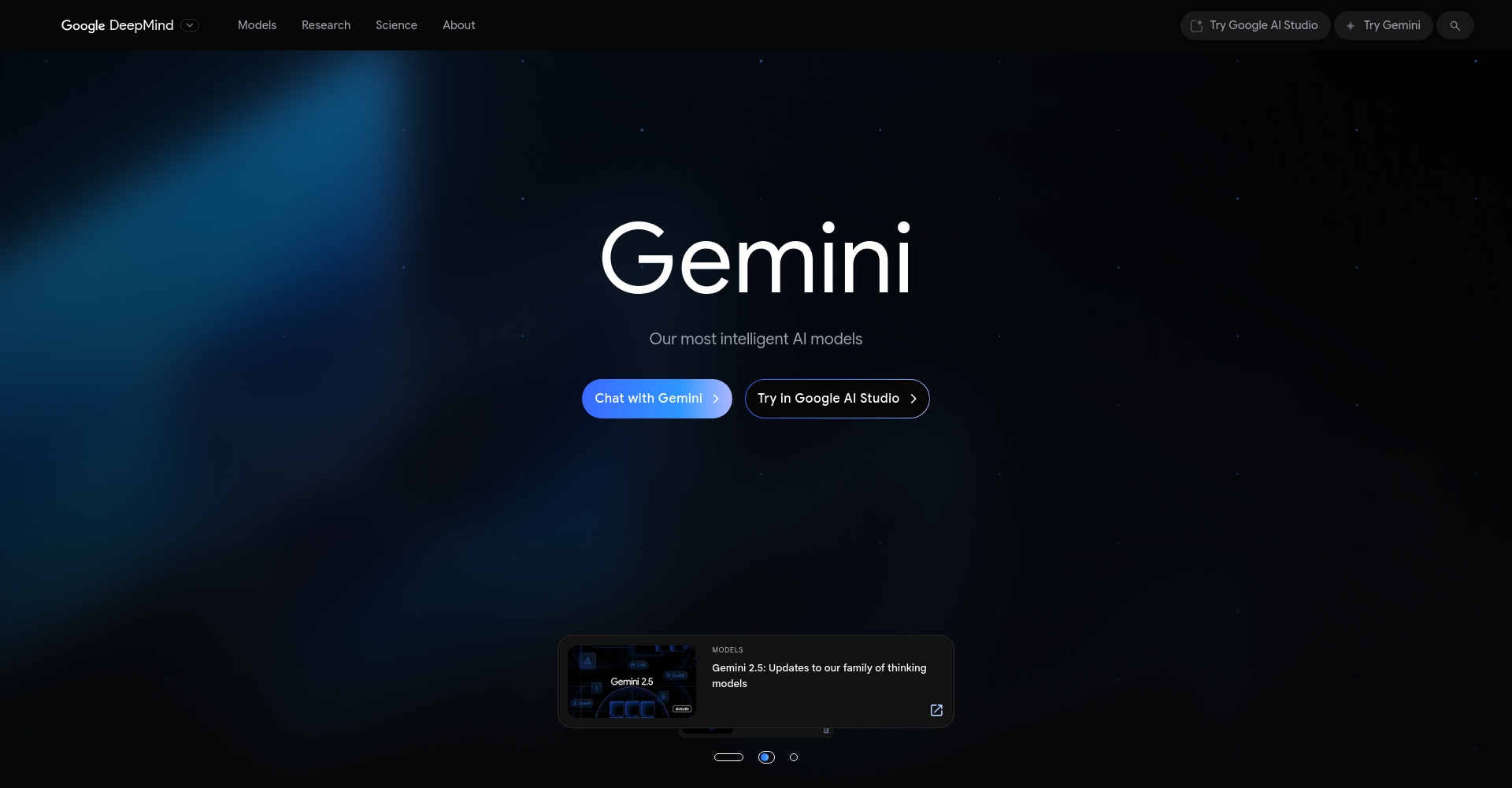
| 2024 | Continuously upgrade the model and transition to Gemini integration. |
A complete analysis of the core functions of bard ai
1. Natural Language Chat and Knowledge Services
bard ai can understand complex semantics and engage in free dialogue, knowledge-based question answering, and explanation. Users can ask all kinds of questions and get direct answers, background analysis and extended knowledge, covering all fields such as science and technology, history and common sense.
Example dialogue:
– “bard ai, explain the relationship between blockchain and cryptocurrency.”
– “Please list the SEO optimization steps for me and present them in a table.”
2. Document Writing and Content Generation
Leveraging the generative capabilities of bard ai,Users can create various text content such as emails, reports, press releases, marketing plans, scripts, and poems.AI intelligent assistance is available for adjusting style and tone, and for polishing and optimizing.

3. Code and Data Analysis Support
Supports multiple languages including Python, JavaScript, and Go.It can answer programming problems, generate code snippets, debug preliminary scripts, and also assist in analyzing data reports and generating visualization suggestions.。
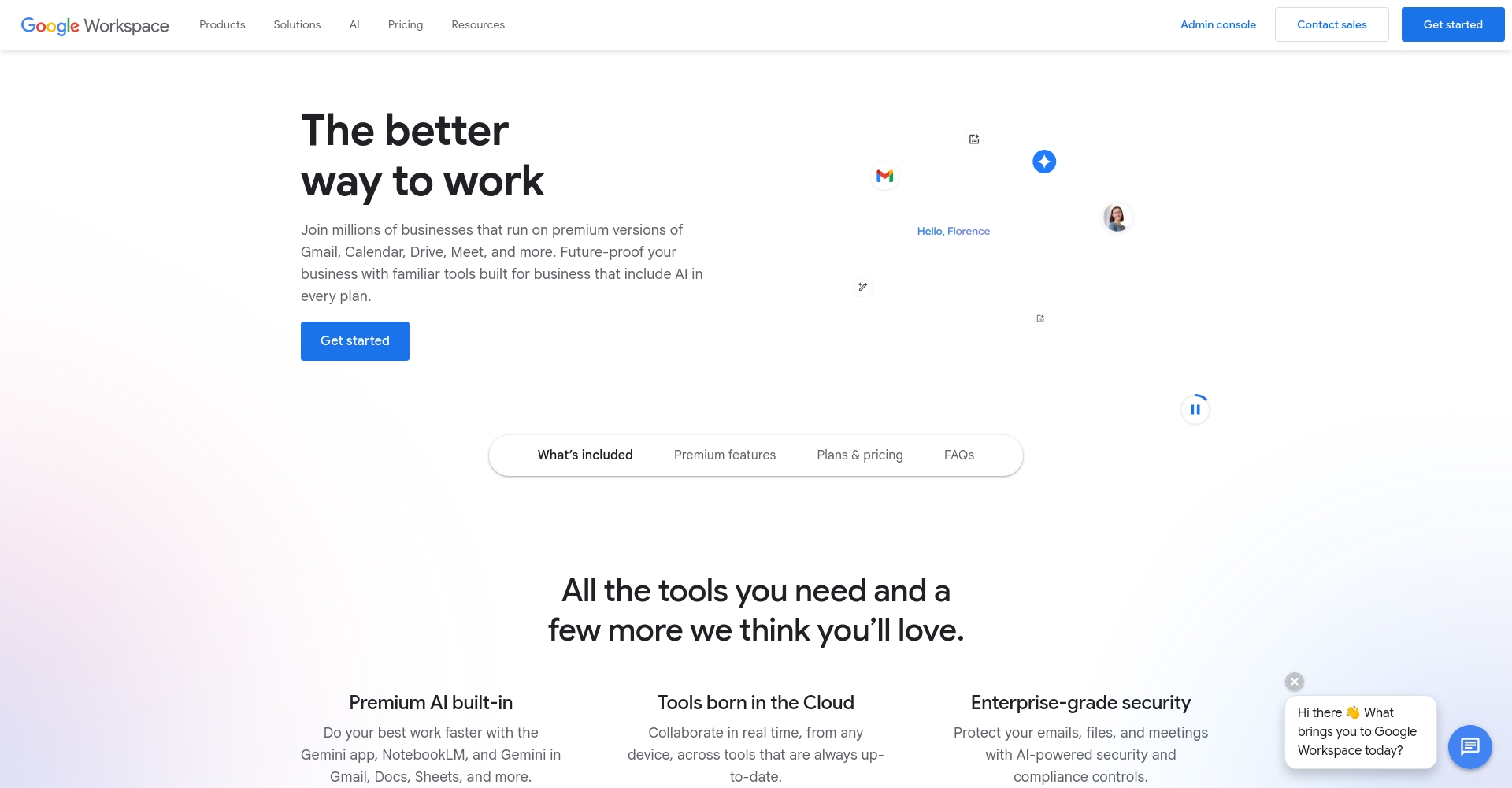
4. Google Workspace Office Integration
bard ai has been deeply integrated with Google Workspace (G Suite).Facilitating end-to-end office automation across Gmail, Docs, Sheets, Slides, and Drive.。
| Integration services | Examples of available functions |
|---|---|
| Gmail | Automatically generate and polish emails, extract key information. |
| Docs | Collaborative document writing, style polishing, and summary paragraphs |
| Sheets | Automatic form filling, formula generation, and data analysis |
| Slides | Intelligent generation of presentation outlines and illustrations |
| Drive | Intelligent search, organization, and archiving of files |
5. Practical application scenario linkage and expansion
Bard AI has expanded to include diverse applications such as route planning, travel advice, and personalized training plans.For example, by combining Google Maps and YouTube, it can enable route planning, attraction recommendations, and video learning.
Application Scenarios and Industry Value of Bard AI
Offices and Enterprises: A Comprehensive AI Assistant
- Automatic document processing: Automatically generate meeting minutes, market analysis, and email reply suggestions.
- Improving team collaboration efficiency: Multi-user document editing and AI-supported structural creativity.
- Knowledge Management and Search: Intelligent search of enterprise content, improving the efficiency of archive retrieval.
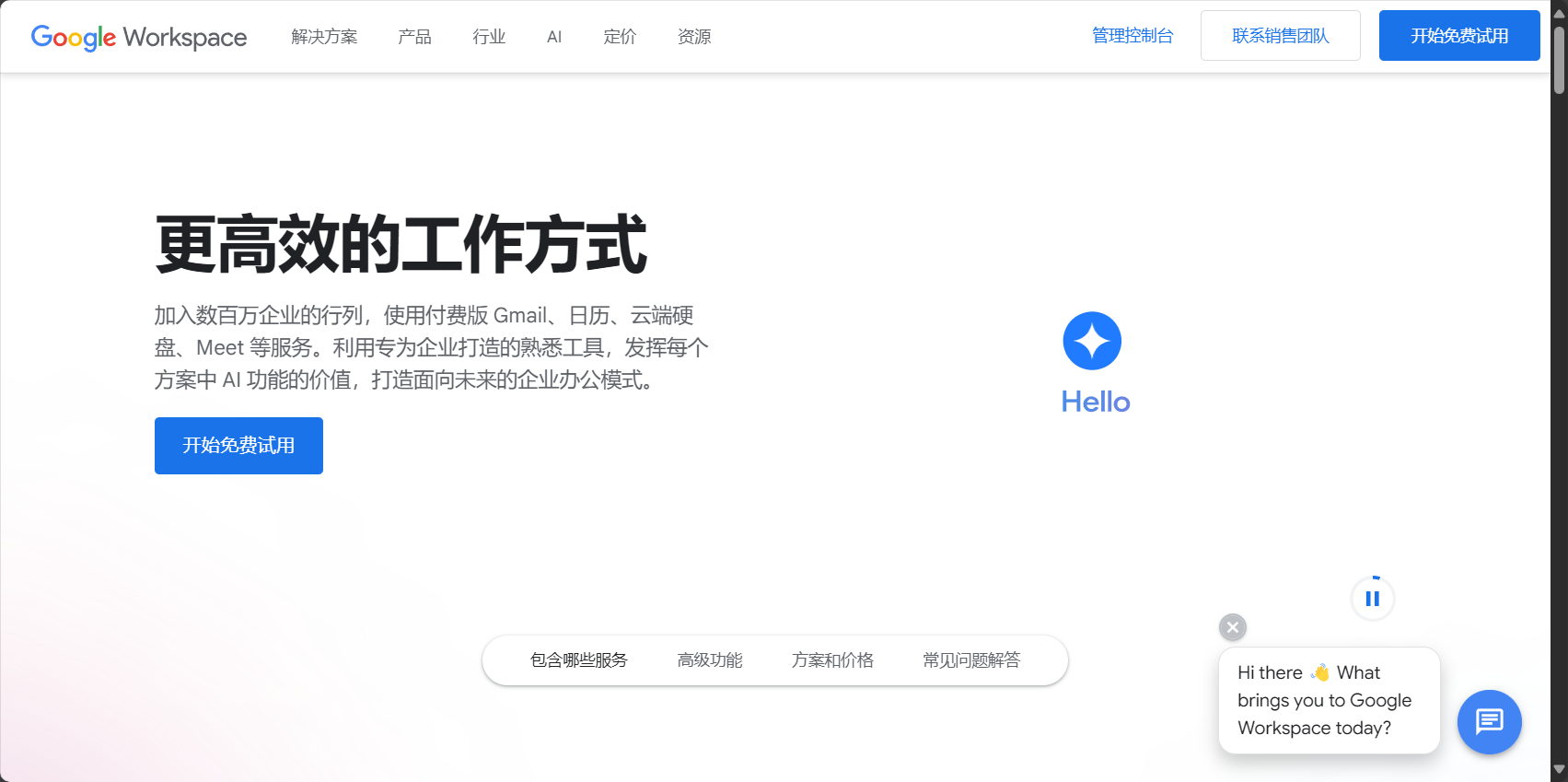
Google Workspace official website
Education and Learning: Multidimensional Knowledge and Creativity Support
- Intelligent Q&A: Students can ask questions repeatedly and receive detailed explanations and examples.
- Support for writing creativity: Automatically generate essay/paper outlines and critical suggestions.
- Programming and STEM Education: Programming explanations, practical problems, and AI analysis.
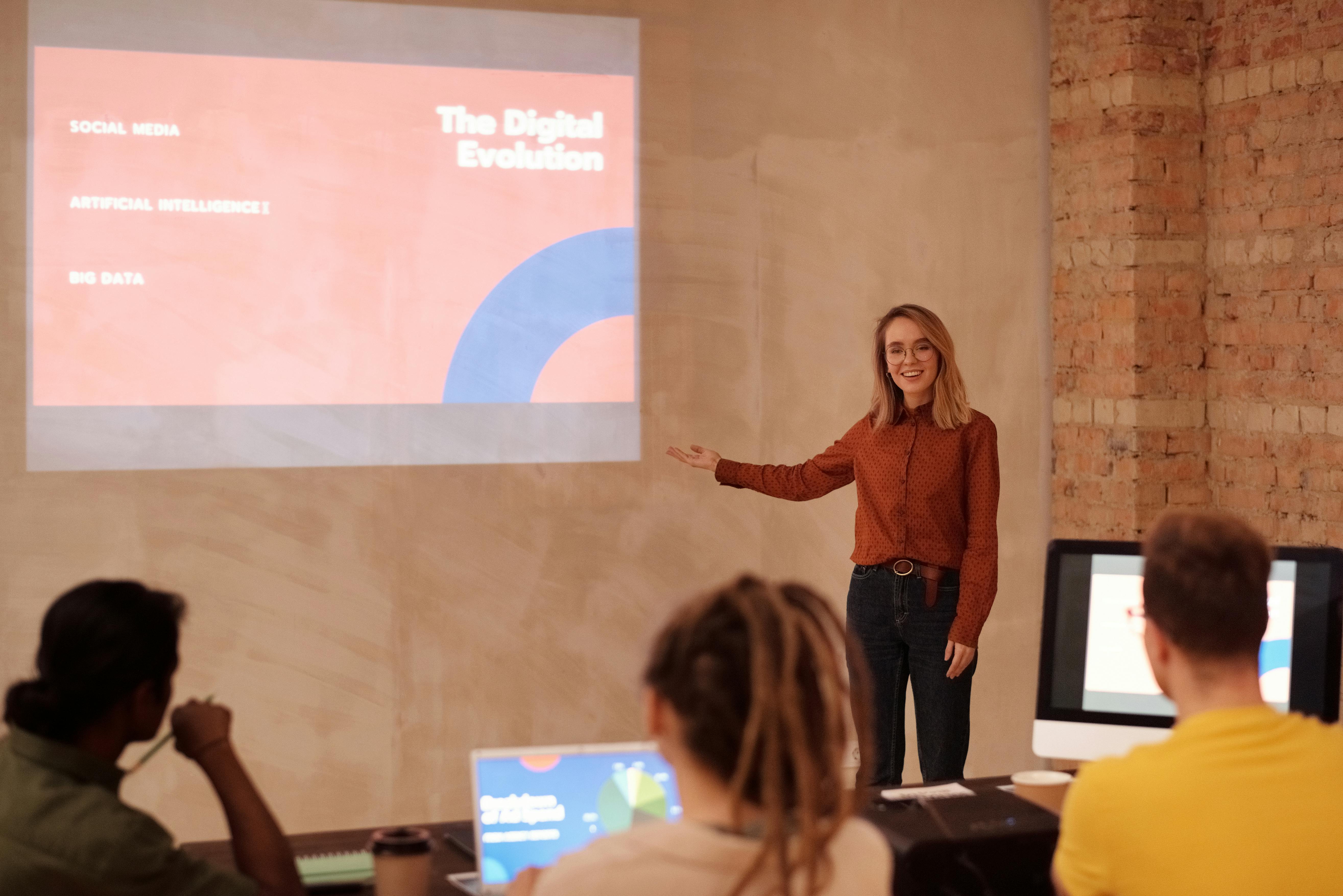
Content creation and marketing
- Advertising copy generation: Multiple versions of ad scripts and social media copy were created quickly.
- Market trend research: Analyze news and integrate industry trends.
- Image and text integration creation: Data, image, and video recommendations enhance content richness.
Technology Development and IT Support
- Code-assisted development: Code explanation, bug lookup, script generation.
- API-driven automation: Connect Google APIs and third-party services.
- Data security recommendations: IT optimization solutions such as encryption and access control.
| Industry/sector | Application type | bard ai function support |
|---|---|---|
| Office | Documents/Emails | Automatic generation, editing, polishing, and structural adjustment |
| Teamwork | project management | Task allocation suggestions, progress summaries, and multi-collaboration support |
| Education and Learning | Knowledge Q&A, Writing | Intelligent Q&A, essay suggestions, and correction guidance |
| Technology IT | Code development, technical support | Code generation, script debugging, logic review |
| Content creation | Editing and layout, trend analysis | Copywriting generation, multi-format output, information integration |
| Customer service/service | FAQ Automation | Automatic reply, FAQ overview, one-click Q&A |
Bard AI compared to mainstream AI conversational tools
| Tool Name | Technology Company | Main technical models | Key features | Disadvantages/Limitations |
|---|---|---|---|---|
| bard ai | Gemini, PaLM 2 | Real-time connectivity, deep integration with the Google ecosystem, multilingual support, and integration with office scenarios. | Features are still being improved; some advanced APIs are not yet fully available. | |
| ChatGPT | OpenAI | GPT-3.5 / GPT-4 | Smooth dialogue, rich plugins, and well-developed API. | Data update delays and restrictions in some areas |
| Bing Chat | Microsoft | GPT model + Bing search engine | Real-time web content retrieval and clear source citation. | Weak scene integration |
Further Reading and Comparison:
– Google Bard Official Introduction
– Google Workspace integration
– ChatGPT Official Website
– Bing Chat Official Website
bard ai Frequently Asked Questions and a Practical Getting Started Guide
How do I launch bard ai in Google Workspace?
To enable bard AI in Google Workspace,With administrator privileges, go to the Admin Console, select Apps > Additional Google services, and enable Bard in the service list.
Is Bard AI secure? How can data privacy be protected?
- All conversation data complies with Google's Privacy Policy.
- Users can flexibly configure data access/request authorization.
- Enterprise account permissions prevent leakage of sensitive information
Which devices and platforms does Bard AI support?
- Mainstream browsers do not require plugins.
- Bard standalone app/integration is now available for Android and iOS.
- Seamlessly compatible with Chromebooks and Google ecosystem hardware
End of article
With the continued development of generative AI,bard ai As a core part of the Google ecosystem, it has demonstrated tremendous potential.Whether for work, study, programming, or content creation, bard ai delivers an unprecedented intelligent experience.Looking towards the future of digital productivity,Understanding and effectively utilizing Bard AI will be key to success for users and businesses.In the future, more scenarios and functions will continue to be added.The era of AI-powered intelligent assistants has arrived!
© Copyright notes
The copyright of the article belongs to the author, please do not reprint without permission.
Related posts


No comments...
