Top AI Drawing Tools of 2025: A Comprehensive Review of 10 Free AI Drawing Tools (Super Easy to Use)
2025AI drawingWith comprehensive tool upgrades, this article selects 10 free AI drawing tools, designed for design beginners and professional creators.We conducted an in-depth evaluation based on four main dimensions: ease of use, features, Chinese language support, and output quality.Covering popular products such as MyEdit, PhotoDirector, and PromeoIt comes with a detailed comparison table of features to help you quickly identify the best choice!Chinese users are strongly encouraged to try MyEdit and the MyEdit App first, as they are feature-rich and user-friendly.Each of the 10 tools has its own highlights, and whether you prefer anime style, realistic style, social design, or commercial posters, there's bound to be one that suits you best.Unlock your AI artistic creativity now!
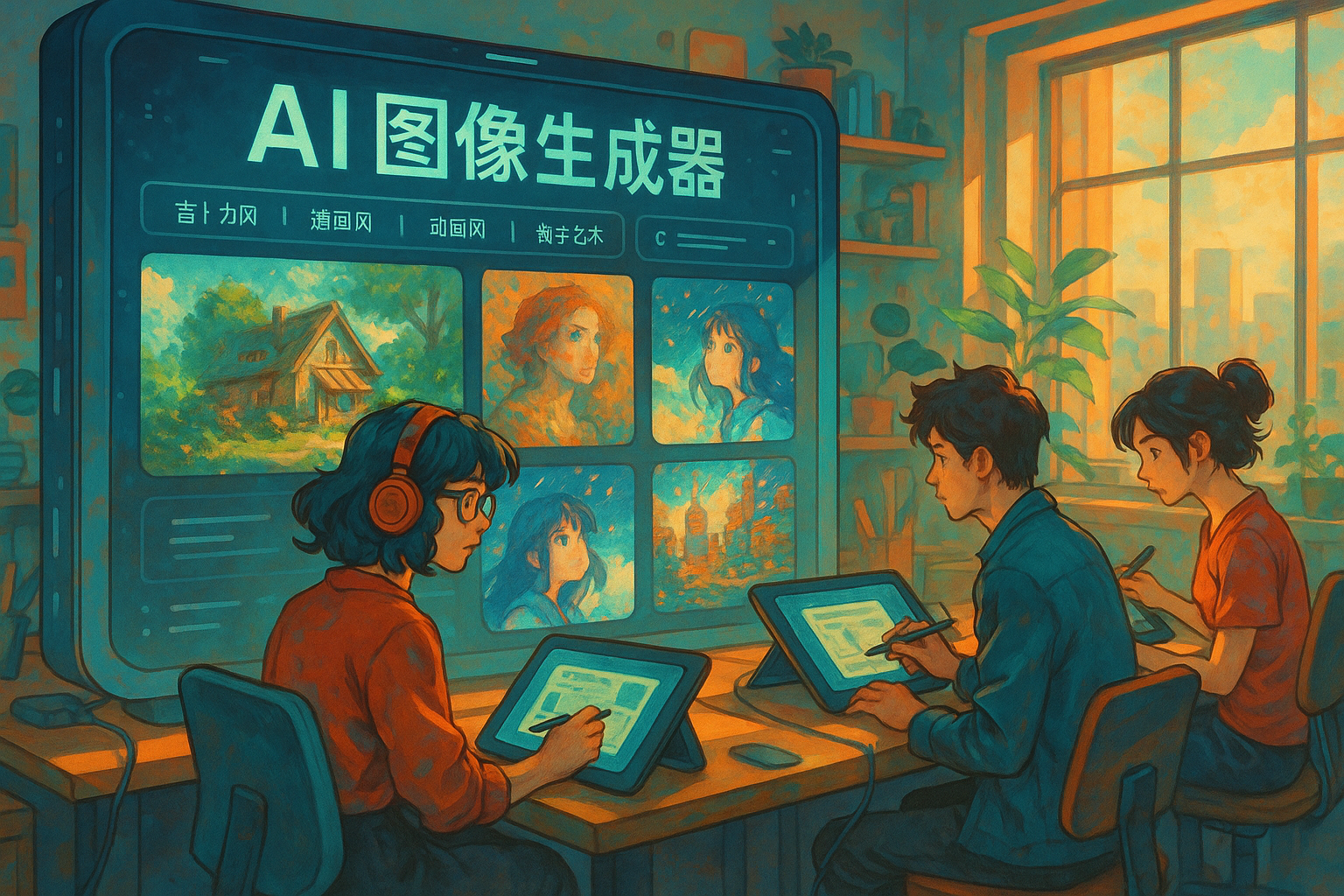
Top 10 Free AI Drawing Tools by 2025
The table below compares the features of the selected AI drawing tools to help you easily choose the right platform:
| name | platform | Main features | Free Strategy | Chinese support | Link |
|---|---|---|---|---|---|
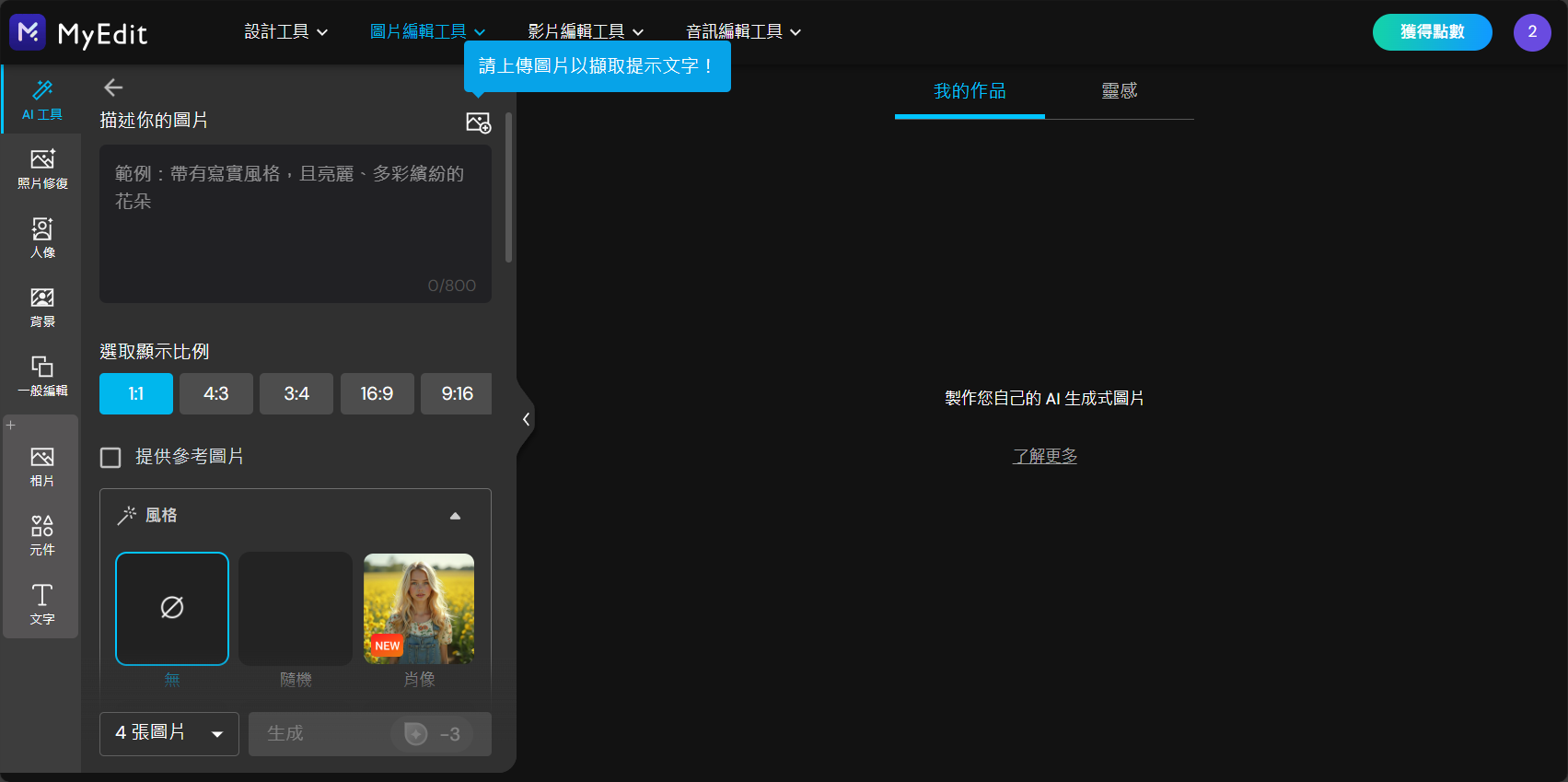
| MyEdit AI Drawing Generator | Web | Chinese interface, 25 styles, partial redrawing/reference images | Daily free points | ✅ | Official website |
| MyEdit App | iOS/Android | Abundant command templates, complete animation/motion effects/image editing. | Daily free points | ✅ | iOS Download |
| PhotoDirector | Win/Mac/iOS/Android | Multi-functional editor/AI compositing | Free trial / Some fees apply | ✅ | download |
| Promeo | Win/iOS/Android | Abundant templates, one-click generation for commercial use | Free trial | part | introduce |
| Unidream | iOS/Android | Spell Assistant, Raw Image/Partial Image Editing | 3 photos per day | ✅ | Official website |
| Meitu Xiu Xiu | iOS/Android | Beauty enhancement and AI-powered image drawing expansion | Free once a day | ✅ | front page |
| PicCraft AI Mapping Machine | iOS | Rich in Japanese style, Chinese instructions | Advertisement / Limited Times | ✅ | download |
| Picsart | iOS/Android | Multifunctional editing + AI drawing | Daily limit/partial charge | ❌ | Android Download |
| WOMBO Dream | iOS/Android | 100+ art styles | Watch ads/limit | part | Official website |
| Canva Magic Media | Web/iOS/Android | AI generation + design editing | Points limited/Registration required | ✅ | Magic Media |
Note: The above tools were tested in April 2025. The functions and strategies are subject to official updates.
Recommended AI drawing tools analyzed one by one
MyEdit – The only fully Chinese AI drawing tool, with features far surpassing its competitors.
【MyEdit AI Drawing Generator】(Click here to go)Ranked among the highest in user satisfaction in 2025Web-based AI drawing platform。
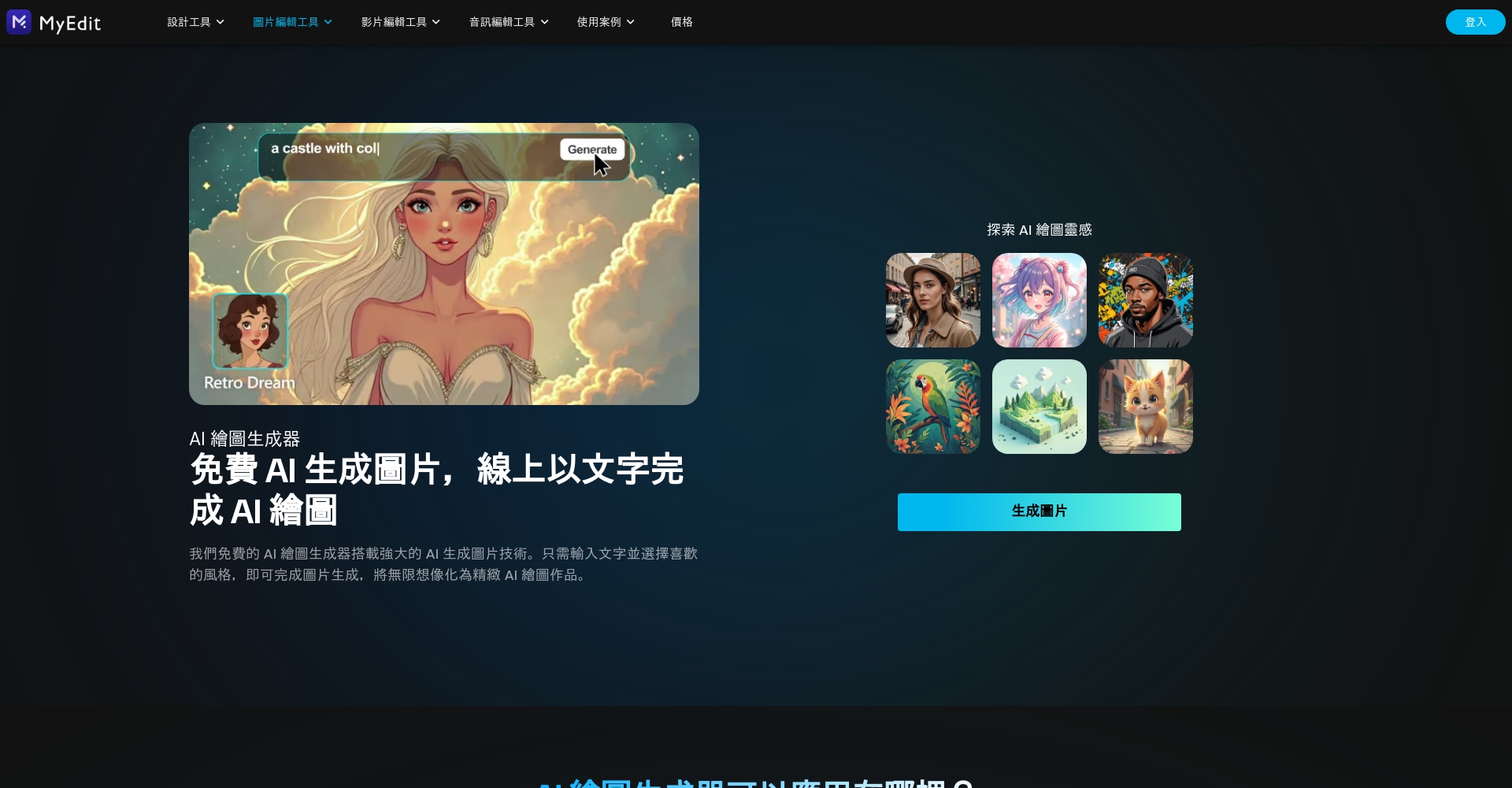

- Minimalist Chinese interfaceYou can experience it without downloading or registering.
- Supports bilingual descriptions in Chinese and English.Even beginners can accurately generate ideal images using Chinese characters.
- 25+ art stylesSwitch between (3D, Van Gogh, oil painting, ink painting, etc.).
- Uploadable“Reference image”Customize the face shape, composition, and style.
- AI partial redrawingA fantastic tool for satisfying intricate creative ideas and repairs.
- Free points are awarded in an unlimited loop.Enjoy a clean, ad-free experience.
- Suitable for various scenarios such as personal creation, commercial design, and education.
Expert Commentary:MyEdit is the most user-friendly AI drawing platform for Chinese-speaking users, with exquisite details and an experience that is gradually surpassing foreign competitors such as Midjourney and DALL·E.
MyEdit App – A Revolution in Mobile AI Drawing Experience
【MyEdit App】(Download iOS version)Inheriting the powerful features of the web version, the mobile version is even more intuitive and easy to use.
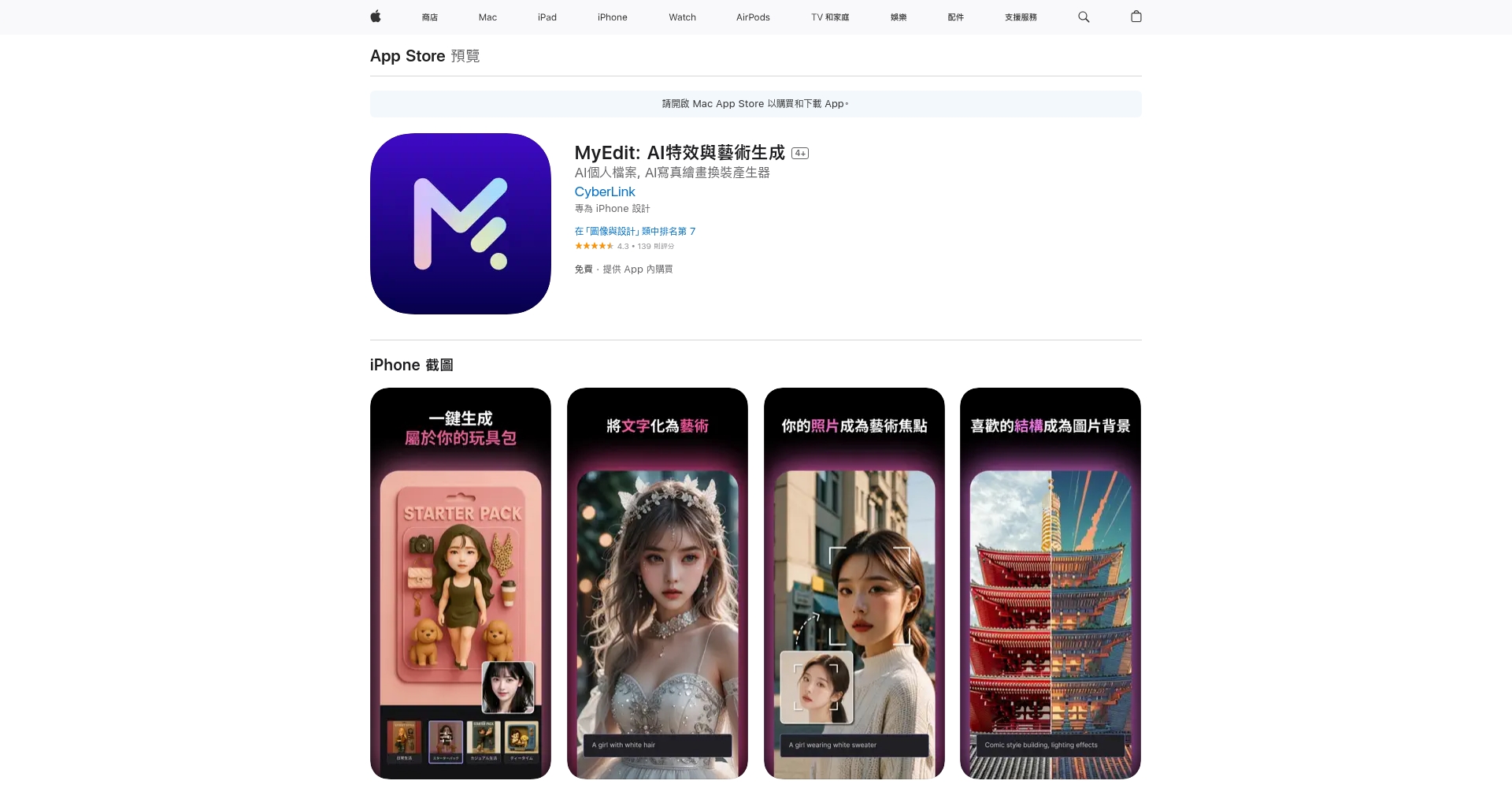
- One-click command templateQuickly select composition, style, lighting, artist, etc.
- supportNew features include AI-powered animations, photo cartoonization, and partial replacement.。
- Daily free generation quotaThere are truly no hidden consumer traps.
- It offers highly efficient social sharing and group collaboration.
User feedback:AI animation, AI dress-up, and partial redrawing are novel and interesting, suitable for social creation and comic lovers.
PhotoDirector – Professional Image Editing and One-Stop AI Graphics
PhotoDirector(Download for trial)It is a well-known image processing tool in the industry, integrating a top-notch AI drawing engine.
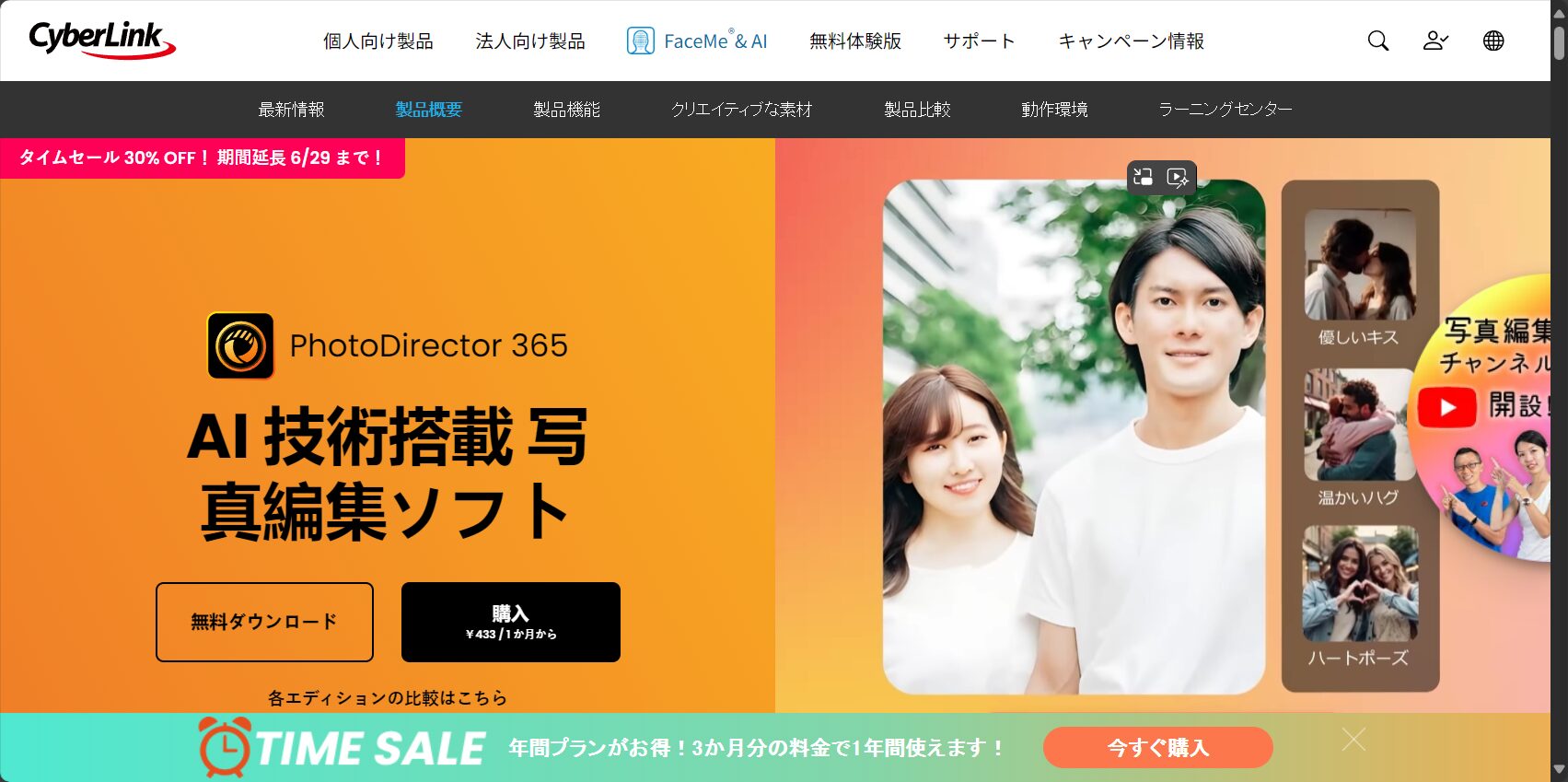
- 10+ style templates to choose fromProfessional-grade background replacement and background removal effects.。
- The generated artwork allows for direct layer editing, adding tags, and exporting effects.
- Supports synchronization across multiple platforms including Windows, Mac, and iOS/Android.
Designer's Choice:Highly recommended for professional creators who need to refine AI images and handle high-end video tasks.
Advanced Features Comparison Overview:
| tool | Partial redraw | Reference image / Style to be determined | Anime style | Editing and integration | Multi-platform |
|---|---|---|---|---|---|
| MyEdit | ✅ | ✅ | ✅ | ❌ | ✅ |
| MyEdit App | ✅ | ✅ | ✅ | ✅ | ✅ |
| PhotoDirector | ✅ | ✅ | part | ✅ | ✅ |
| Promeo | ❌ | part | ❌ | ✅ | ✅ |
| Picsart | part | part | ❌ | ✅ | ✅ |
Promeo – AI template expert for social media and business content
【Promeo】(learn more)Specializes in content marketing and social media platforms such as Instagram and TikTok.
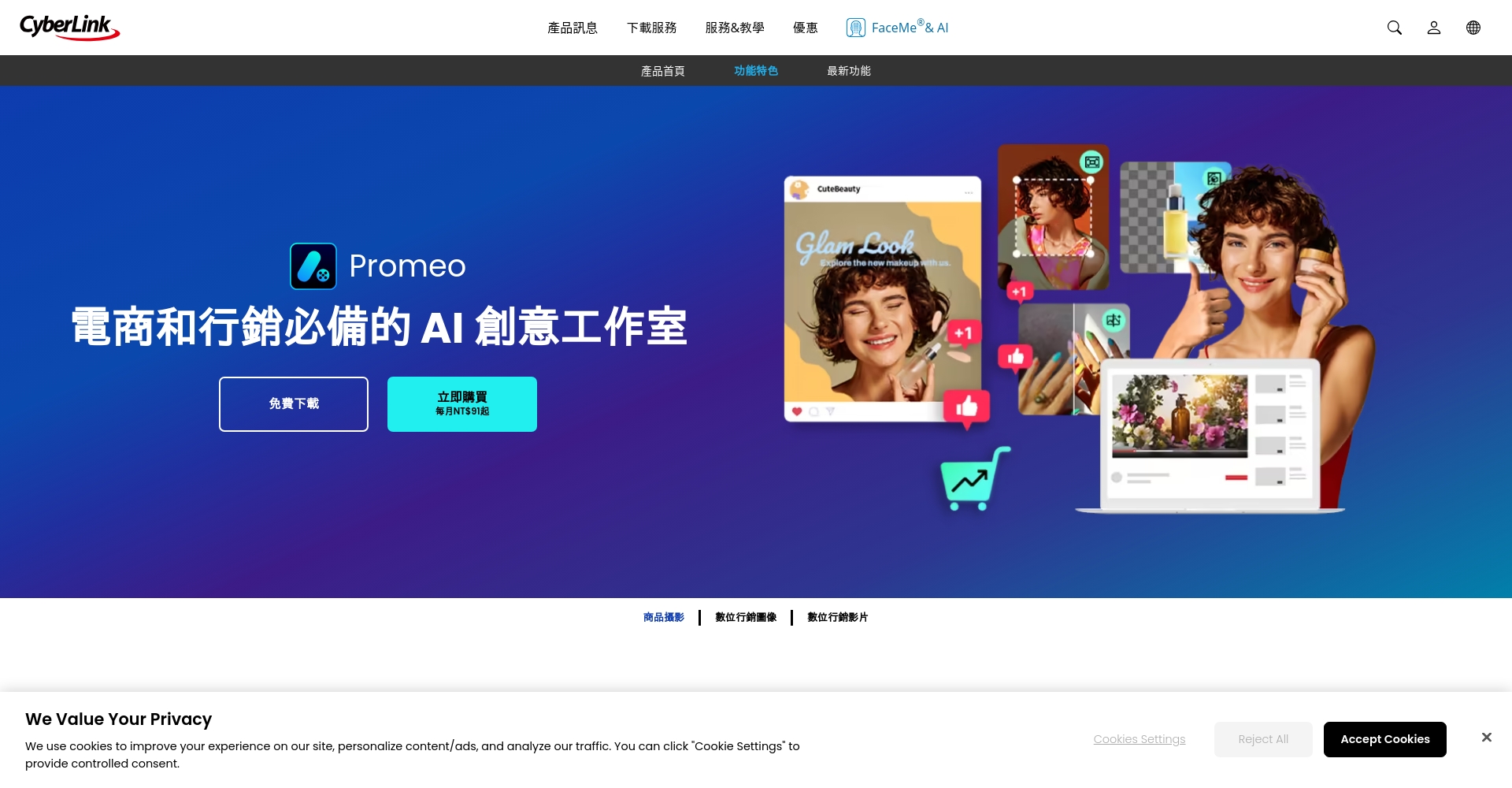
- Tens of thousands of community templates,Generate advertisements and video posters with one click。
- Smart commands make creating trendy and creative designs a breeze.
- Some features are paid, but the free trial covers daily needs.
Suitable for:Content operations, freelance designer, Xiaohongshu/editor.
Unidream – An AI Spell Assistant, A New Breakthrough in Creation
Unidream AI Painting(Go to homepage)It features "spells" as its main guide, making it highly exploratory.
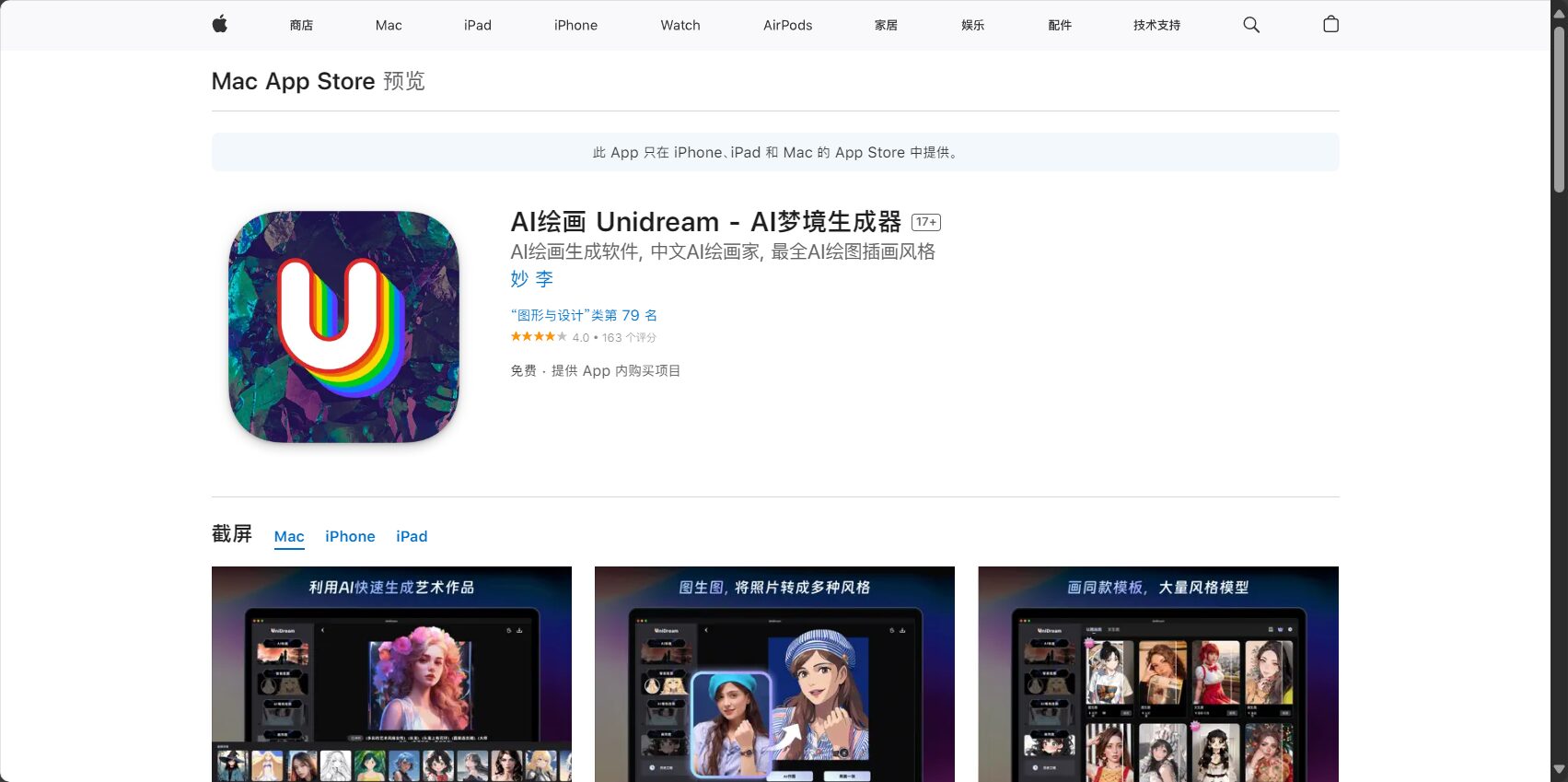
- It supports multiple gameplay modes such as "image-to-image", "avatar", and "partial generation".
- “"Spell Assistant" makes it easy for beginners to get started with command writing.
- The free version offers 3 free uses per day; the full version requires a subscription.。
recommend:Users who appreciate anime, fantasy, and multi-dimensional art styles should not miss this.
Meitu Xiu Xiu – Combining National Beauty Filters with AI Drawing
Meitu Xiu Xiu(Entrance)Continuing the nationwide phenomenon of photo editing, AI-powered drawing is well-suited for social media needs.
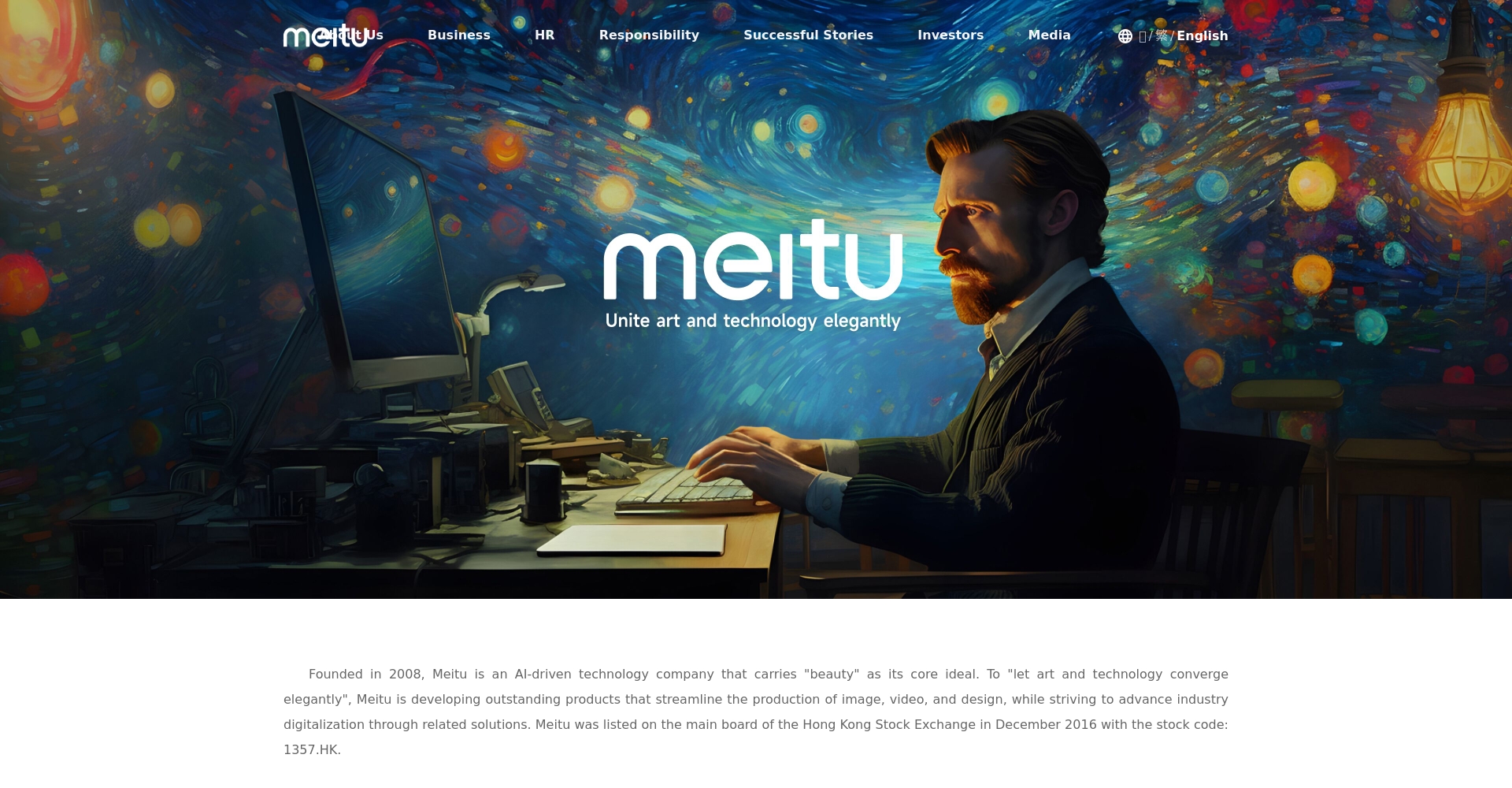
- Text-to-illustration conversionOne free ticket per daySuitable for quick trial use.
- AI-powered image enlargement and background replacement enhance portraits.
- Specializing in portrait photography and beauty filters.
PicCraft – An iOS exclusive creative tool for pixel art, anime, and Japanese-style designs.
PicCraft AI Mapping Tool(Download from the App Store)Multiple styles are available, including anime, pixel art, and Japanese style.
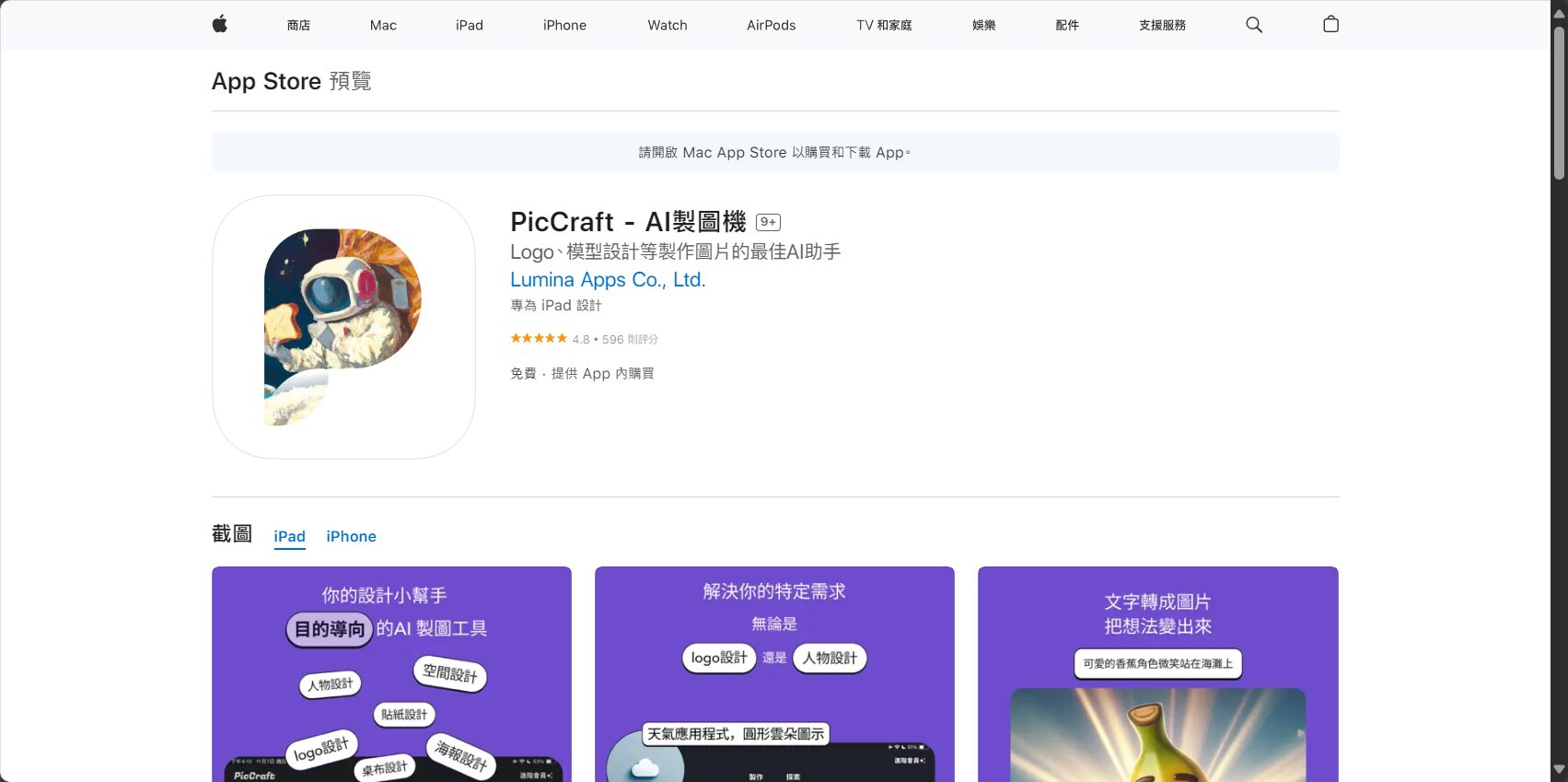
- It covers fifteen distinctive styles, including Studio Ghibli, pixel art, and Van Gogh.
- Chinese commands; partial replacement/ad removal requires in-app purchase.。
Picsart – A leading global one-stop AI image social editor
【Picsart】(Android Download)The European and American markets primarily focus on multimedia production.
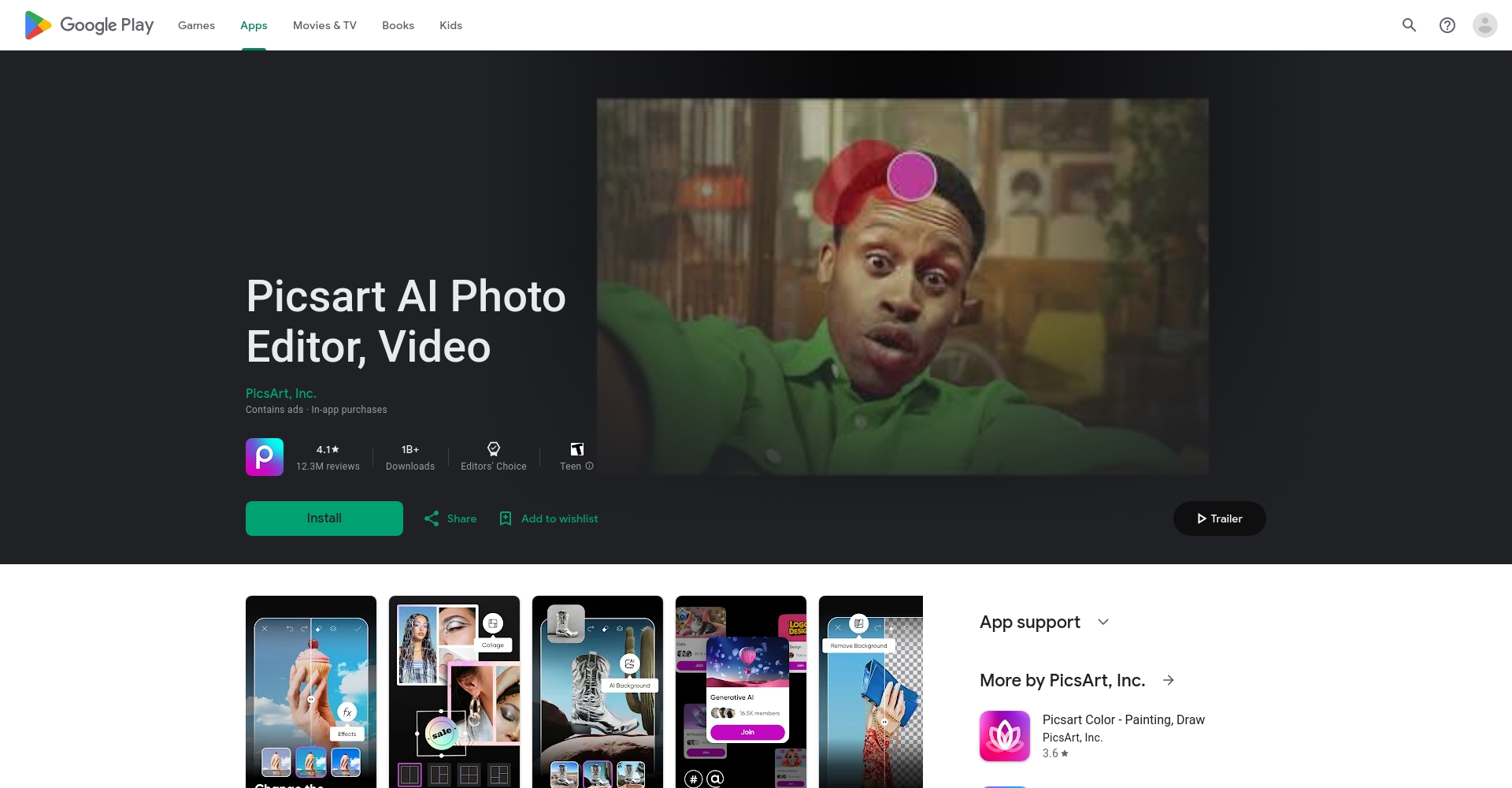
- It offers a variety of features including text-to-image conversion, filters, stickers, and AI drawing.
- The English interface is user-friendly and more suitable for international users.
- The free version has limited uses; paid access unlocks premium styles.
WOMBO Dream – A diverse art style, with an active AI English community.
【WOMBO Dream】(Experience Style)Over 100 art styles:
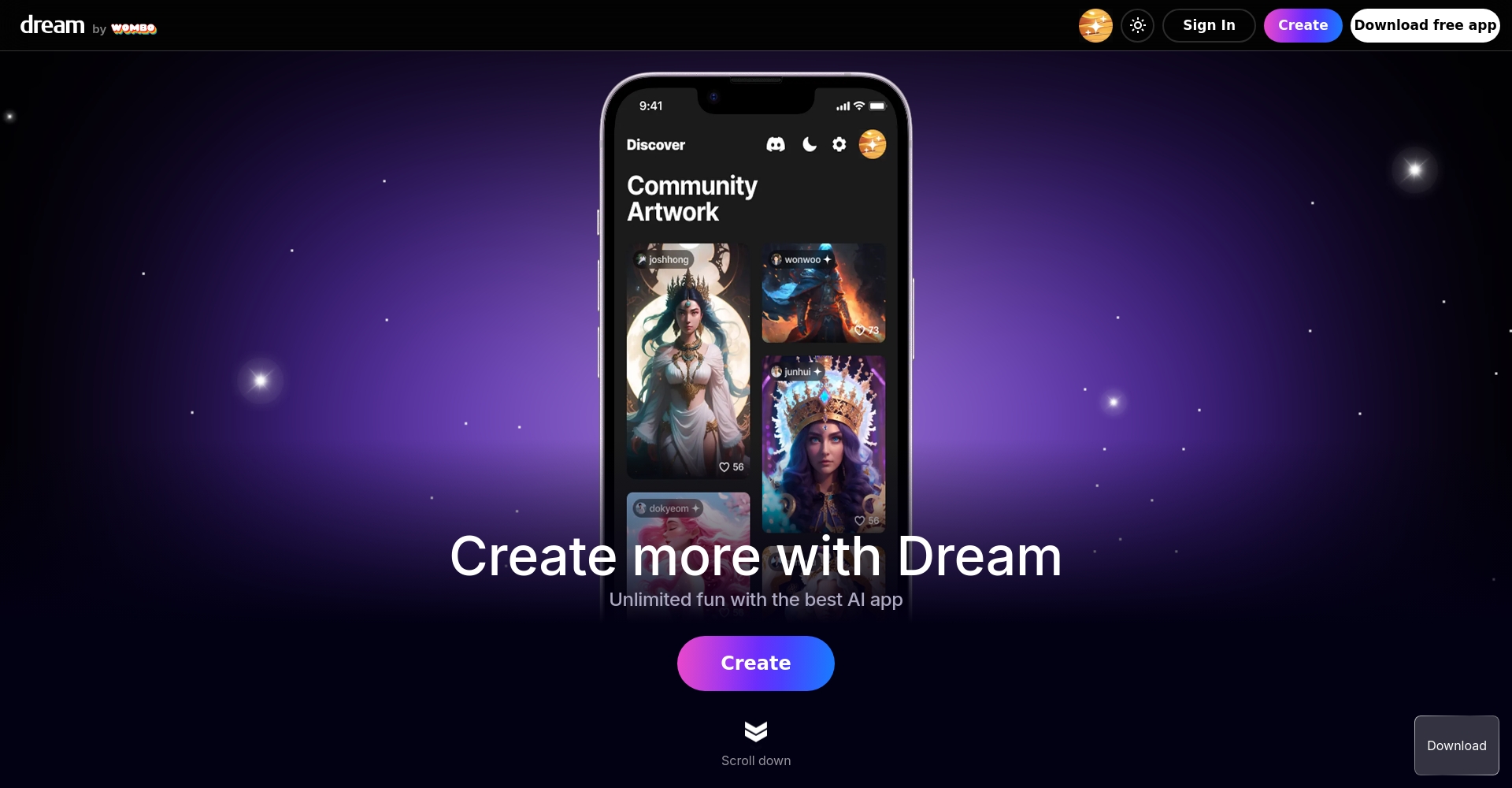
- It generates content quickly and has a strong fantasy style.
- There are many ads, and some functions require patience.
The main interface is in English.
Canva Magic Media – A powerful new AI drawing tool for collaborative and sharing designers.
Canva Magic Media(Start design)Combining cloud-based editing with AI generation:
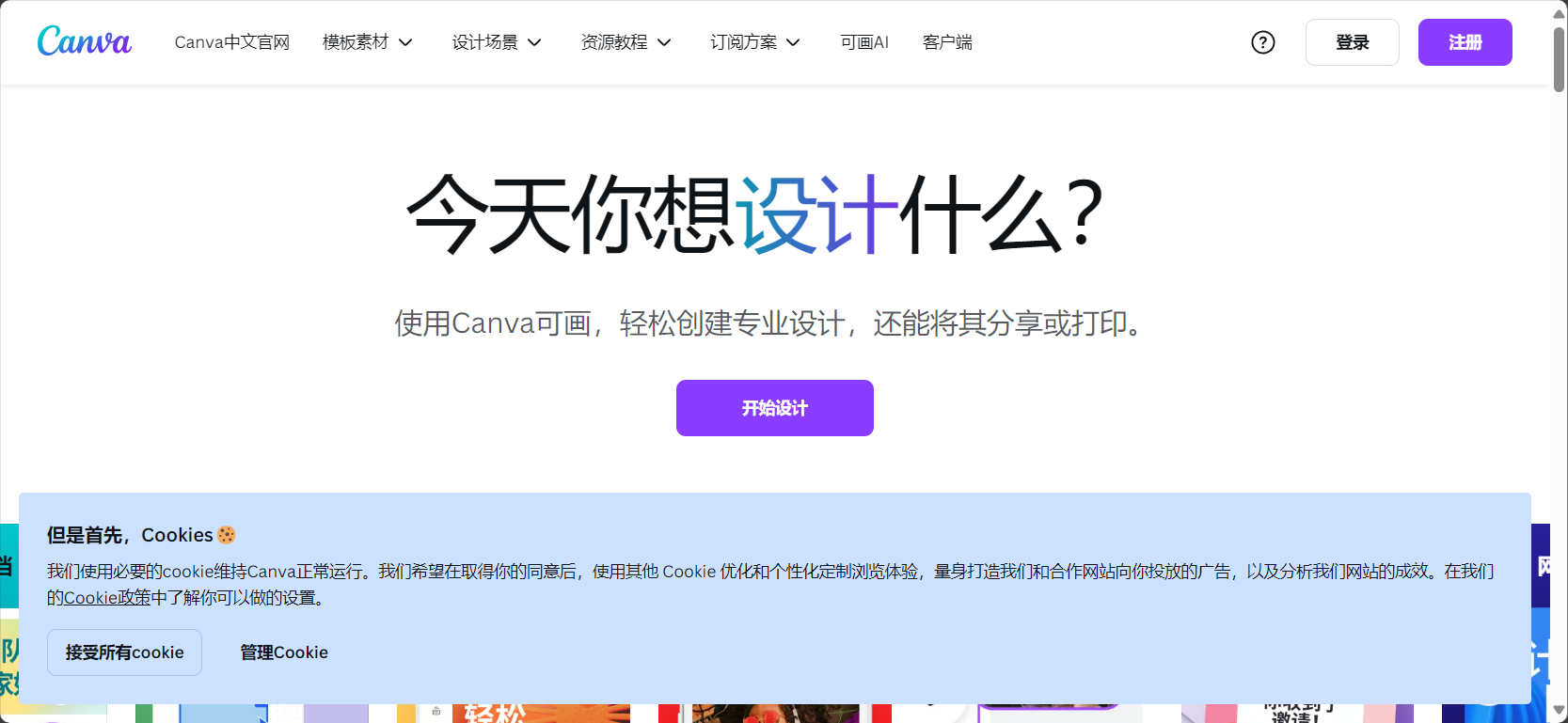
- Limited-points trial,Chinese language support is friendly.There are many different styles and templates available.
- Quickly generate social media content, PPTs, and posters.
- It features built-in AI design capabilities, making it easy to use with animation and text.
Practical teaching and tips for common problems
How to easily create an AI drawing in four steps? (Using MyEdit as an example)
- EnterMyEdit AI Drawing Generator
- Enter a description in Chinese or English, and select your preferred style and number of images.
- For customization, please upload a reference image (such as a photo or style image).
- Click "Generate" to download your unique creation!
AI drawing tool purchasing recommendations
- New users/Chinese users:MyEdit and MyEdit App are highly recommended as they are easy to use and offer a wide variety of templates.
- Professional design/marketing:PhotoDirector, Promeo, and Canva are feature-rich apps suitable for collaboration and fine-tuning.
- Anime/Japanese style creative designs:Unidream and PicCraft are the best.
- Content creators/community influencers:Picsart, WOMBO Dream, and Canva offer highly efficient sharing and dissemination.
AI Drawing Tool Function Quick Reference
| tool | platform | Free quota | Main art style | Highlights and Features |
|---|---|---|---|---|
| MyEdit | Web | Daily Points | Realism, Cartoon, Oil Painting, 3D | Chinese commands/partial modifications |
| MyEdit App | iOS/Android | Daily Points | Animation, AI animation, watercolor, etc. | AI Animation/Virtual Reality Mix |
| PhotoDirector | Win/Mac/iOS/Android | try out | Diverse styles | Raw image/Professional photo editing |
| Promeo | Win/iOS/Android | try out | Commercial Templates/Social Posters | Fast collaboration / Abundant templates |
| Unidream | iOS/Android | 3 per day | Anime, Fantasy, Electronic | Spell Recommendation Assistant |
| Picsart | iOS/Android | Limited times/paid | Realism, Illustration | AI expansion/extensive editing |
| Meitu Xiu Xiu | iOS/Android | One per day | Beauty filters, realism | Selfie enhancement/background change |
| PicCraft | iOS | Limited times/watch ads | Pixel art, Japanese style, anime | Japanese-style boutiques / 15 styles |
| WOMBO Dream | iOS/Android | Advertising/Limit | 100+ art styles | Highly creative/English-speaking |
| Canva | Web/iOS/Android | Limited points | Illustration, Neon, Graffiti | Editing/Team Collaboration |
AI drawing tools will undergo a major evolution by 2025.10 Free AI Drawing Tools to Make Creating Easier and More FunWhether you're a beginner or a professional designer, choosing the right platform makes realizing your AI art dreams easy. Don't hesitate any longer!Experience MyEdit and the MyEdit App first and enjoy the smoothest Chinese AI drawing experience.Or, choose your perfect tool by comparing features and let your inspiration shine on the digital canvas!
(This article is based on actual testing in April 2025. Please refer to official announcements for tool updates!)
© Copyright notes
The copyright of the article belongs to the author, please do not reprint without permission.
Related posts

No comments...
