
2025 Video Compression Tool Recommendations: 7 Free and High-Efficiency Video Compression Tools to Say Goodbye to Lag and Loss of Image Quality
Video compression has become an essential requirement in the digital age.Especially with the continuous emergence of short videos, self-media, and online teaching channels, free and efficient video compression tools will proliferate by 2025. This article...In-depth review of 7 mainstream free apps on the marketVideo compressionmagical artifactIt not only supports multiple formats and batch processing, but alsoAIImage quality optimization, with carefully selected comparisons for beginners and professionals, helps you completely say goodbye to lag and image quality loss with large files!
List: Comparison of 7 Free and Efficient Video Compression Tools in 2025
| Serial Number | Tool Name | Applicable Systems | Highlights and Features | Is it completely free? | Main limitations | Official download/introduction |
|---|---|---|---|---|---|---|
| 1 | PowerDirector | Windows/Mac | Intelligent parameter tuning / AI assistance / No video length limit | 是 | Some advanced features are chargeable. | Download from official website |
| 2 | VideoProc Converter AI | Windows/Mac | Supports multiple compression methods and AI noise reduction. | Free version | Output limited to 5 minutes | Product Introduction |
| 3 | HitPaw Video Converter | Windows/Mac | Supports a wide range of file conversion formats and is optimized for social media platforms. | Free version | Each output is 1/3 of its length. | Product Introduction |
| 4 | FonePaw video compressor | Windows/Mac | Edit preview, multi-format support | Free trial version | Only 5 files can be compressed. | Product Introduction |
| 5 | HandBrake | Windows/Mac/Linux | Free open source, professional multiple options | 是 | The operation is quite professional. | Download from official website |
| 6 | VLC media player | Windows/Mac/Linux | Free media player + compression function | 是 | The operation is relatively complicated. | Download from official website |
| 7 | Any Video Converter | Windows/Mac | 200+ formats, all parameters adjustable | Free version | Some formats require upgrading. | Product Introduction |
Recommended free and efficient video compression tools
1. PowerDirector
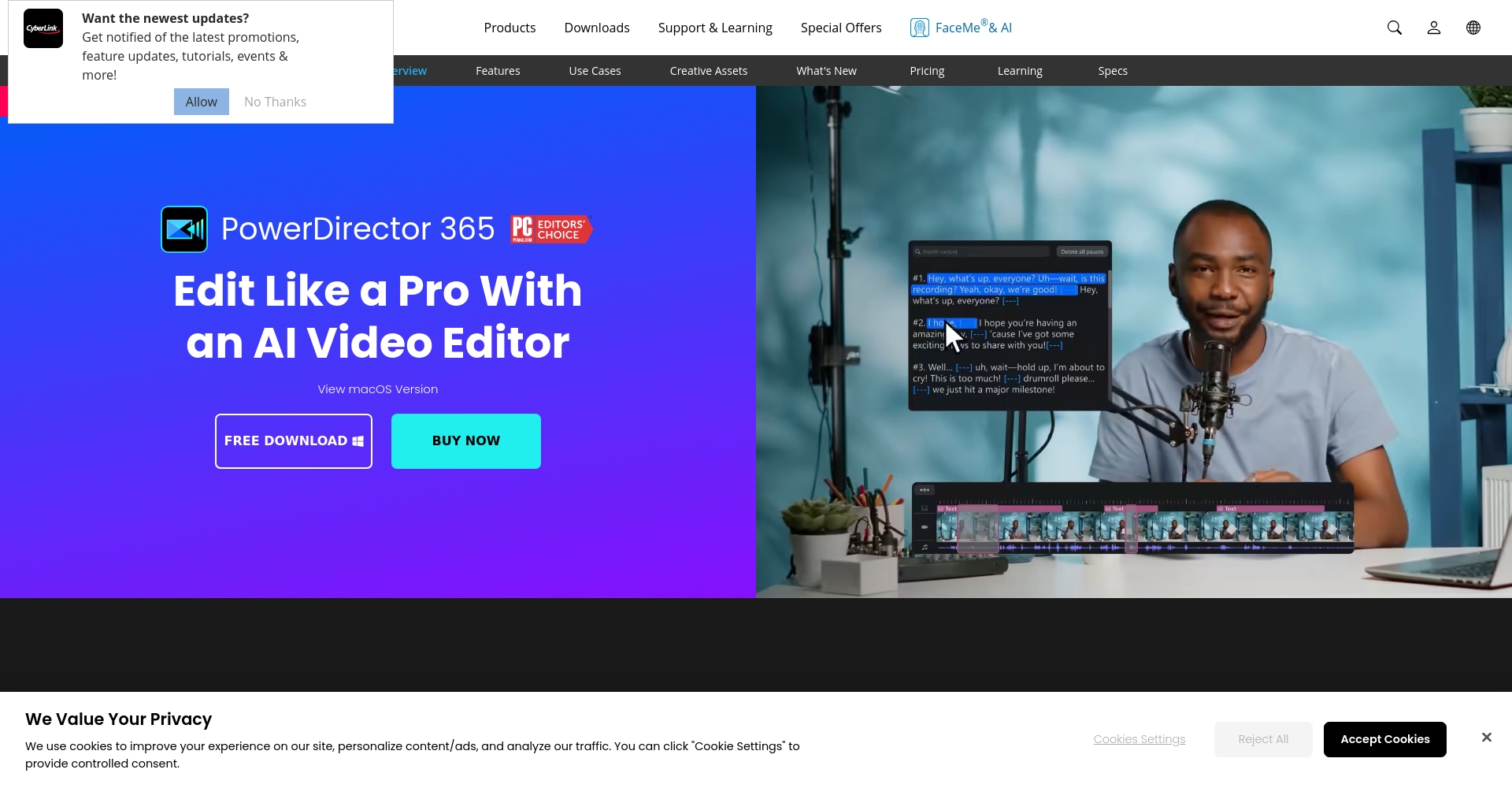

PowerDirectorFeaturing intelligent variable parameter compression and AI-assisted optimization, it is hailed as...“"A pioneer in lossless video compression"”。
- Intelligent variable parameter compression:It supports both manual and AI modes with one-click optimal compression.
- No time limitSuitable for feature films and professional footage.
- AI Image Quality ProtectionExtremely shrink files while maximizing the preservation of details.
- The simple and user-friendly UI allows all types of users to operate it easily.
Actual data measurement:A 138MB original file can be compressed to approximately 60MB with almost no loss of image quality.
👉 Download PowerDirector for free now!
2. VideoProc Converter AI
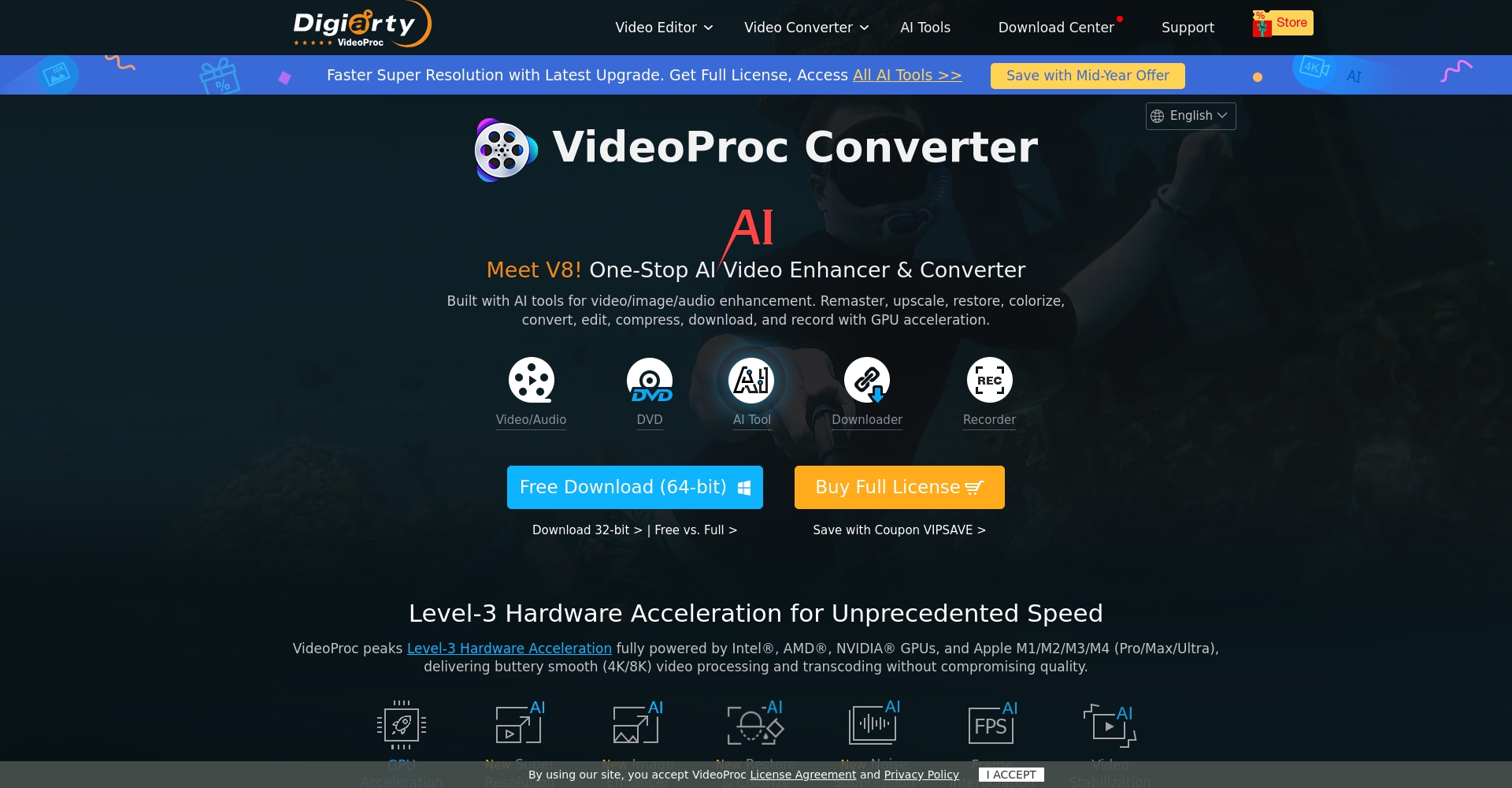
VideoProc Converter AIHigh-quality compression and AI noise reduction are emphasized. It is available for Windows and Mac.
- 7 compression modesIt is suitable for multiple scenarios.
- AI Super Resolution and Noise ReductionThe image quality is better than average.
- The interface is intuitive and the operation is simple.
- The free version limits output to 5 minutes, suitable for short video compression.
3. HitPaw Video Converter

HitPaw Video ConverterIt features a minimalist design and supports compression and conversion of various formats.
- Supports 1000+ formatsCompression and shifting, all in one step.
- Social media defaultsIt automatically adapts to the requirements of mainstream apps.
- The original quality file has been compressed significantly.
- The free version outputs videos that are only 1/3 the length.
4. FonePaw Video Compressor
FonePaw video compressorIt's simple and easy to use, supports multiple formats, and has a preview function.
- Intuitively set compression ratio and parametersMultiple formats supported.
- The quality of the finished product can be previewed after compression.
- Free trial credits:Each person is limited to 5 compressed files.。
5. Handbrake

HandBrakeIt is a free, open-source, professional-grade cross-platform compression tool.
- Unlimited batch compressionIt supports detailed parameter settings.
- Adjustable encoder/decoder/frame rate/bit rate/resolution.
- Suitable for advanced users.
6. VLC media player
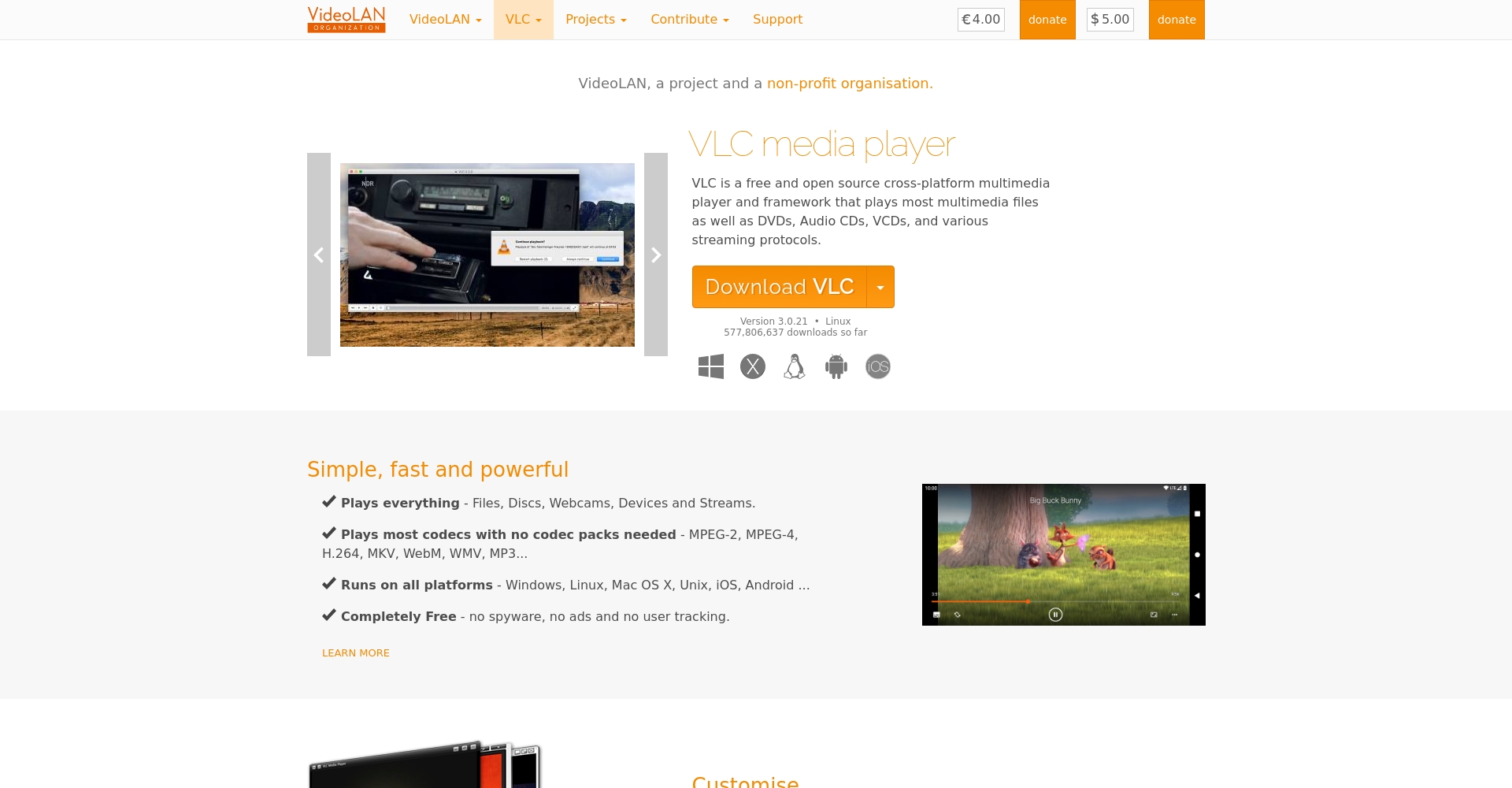
VLCIt's not just a media player; it also has built-in compression and conversion functions.
- Completely free, no watermark。
- Multiple formats are supported. Compression settings require access through "Convert/Save," which involves several steps.
7. Any Video Converter
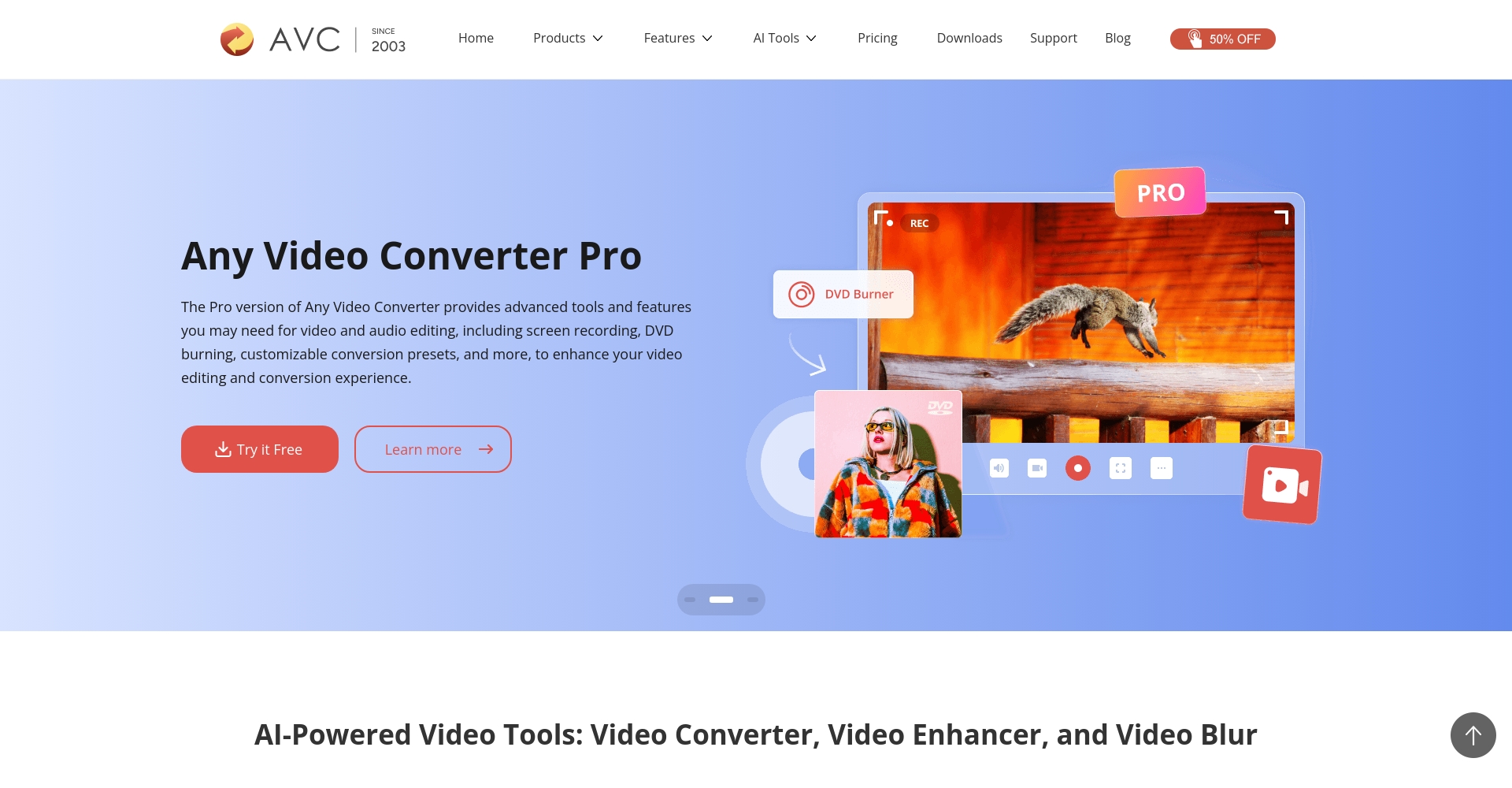
Any Video ConverterIt emphasizes multi-format versatility and high efficiency in batch processing.
- Supports 200+ common and rare formatsOne-click compression and file conversion.
- The free version has all the features, but some special formats require the Pro version.
Video compression operation tips
The core techniques for efficient video compression:
- Adjust the bit rate appropriatelyThe key to file shrinking.
- Resolution can be reduced as needed.(1080p/720p can be selected if needed).
- The frame rate should be appropriately reduced.For static images, it is recommended to switch from 30FPS to 24FPS.
- Cut out unnecessary segmentsOnly keep the key points.
Most toolsAutomatic parameter recommendationEven beginners don't need to worry. If you're pursuing...AI-powered automatic optimization + time-free compressionI suggest you buy it directly. PowerDirector。
Common compression scenarios and tool recommendations matrix
| Compressed scenes | Best free tool recommendations |
|---|---|
| Unlimited length, original large file compression | PowerDirector |
| Short video, high-speed one-click compression | VideoProc Converter AI |
| Multi-format batch compression | Any Video Converter、HandBrake |
| Extremely simple operation for beginners | HitPaw Video Converter |
| I need video and audio editing and compression. | Director Power, FonePaw |
| Linux users | HandBrake, VLC |
| Mobile video compression | HitPaw, Any Video Converter (Android version) |
Summary
2025Compressing videos is no longer a complicated or difficult task.Choose your tools flexibly based on the size of your materials, your operating habits, platform, and image quality requirements. Whether you're a content creator or a daily sharer, there's always a tool that suits you.Highly efficient and free video compression tool, let youEasily process videosWith quick sharing and stable storage, you can become the "high-quality content producer" that everyone envies!
© Copyright notes
The copyright of the article belongs to the author, please do not reprint without permission.
Related posts




No comments...
