
Beautiful AI Tutorial: How to quickly create high-quality presentations using AI to attract more potential customers?
Beautiful.ai is an app that integrates intelligent design, high-quality templates, and team collaboration.AI presentation platformThis tool helps users quickly create professional-grade presentation documents. This article will focus on its core advantages, detailed operating procedures, and practical application techniques, helping you attract potential clients and improve presentation quality even with zero design experience.Suitable for workplace presentations, startup teams, and marketing product output.Make every presentation more efficient, more visually appealing, and more persuasive!
Introduction and Core Advantages of Beautiful.ai
What is Beautiful.ai?
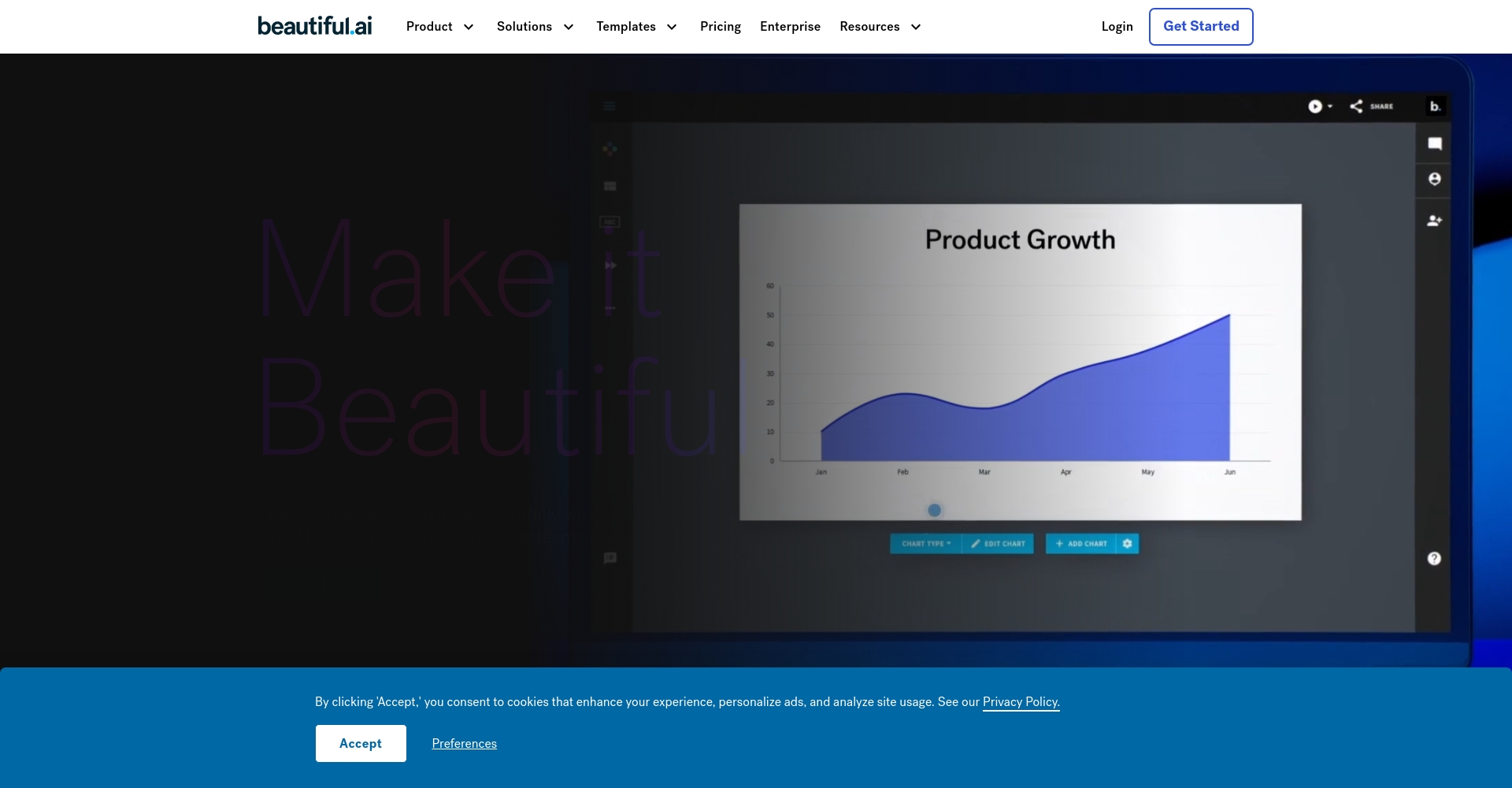
Beautiful.aiOfficial website) is aAn AI-powered presentation creation platform designed to enhance presentation quality and efficiency.It offers a wealth of intelligent slideshow templates that can automatically adjust the layout, colors, and typography based on user input, allowing even beginners to instantly become professional designers.
Beautiful.ai's Five Core Advantages
| Advantages | illustrate |
|---|---|
| Intelligent Design | AI automatically adjusts the layout, ensuring the design remains aesthetically pleasing even as content changes. |
| High-quality template library | Hundreds of high-quality templates covering diverse scenarios such as business, education, and data. |
| Collaboration and Team Management | Supports simultaneous online editing by multiple users, team style management, and ensures brand consistency. |
| Easy and quick to learn | Drag-and-drop operation, no design background required, create a professional-grade presentation in 1 hour |
| Multi-device cloud synchronization/export elasticity | View and edit on any device; supports exporting in multiple formats including PPT and PDF. |

Beautiful.ai Operation Complete Tutorial
Account Registration and Platform Exploration
- Go to the Beautiful.ai website and click "Get Started" or "Sign Up".
- You can register with a Google email address or a regular email address and enjoy the benefits immediately upon activation.14-day free professional trial。
- Upon entering the platform's homepage, you can browse template types, feature introductions, and demonstration examples.
A Preliminary Exploration of Menu Navigation and Functions
- Template OverviewHomepage with intuitive category templates (Sales, Introduction, Education, Data, etc.).
- Collaboration ManagementThe left sidebar allows you to invite colleagues and set a team logo and main color scheme.
- Custom BrandSet up a company logo to ensure a consistent presentation style.
Steps to create a high-quality demo using AI
Choose a template – Get a high-quality look with just one click.
- Filter AI-recommended templates as needed, such as "Sales Proposal", "Product Introduction" or "Investment Brief".
- You can preview and directly apply the structure and design.
Intelligent editing – AI automatically adjusts the layout
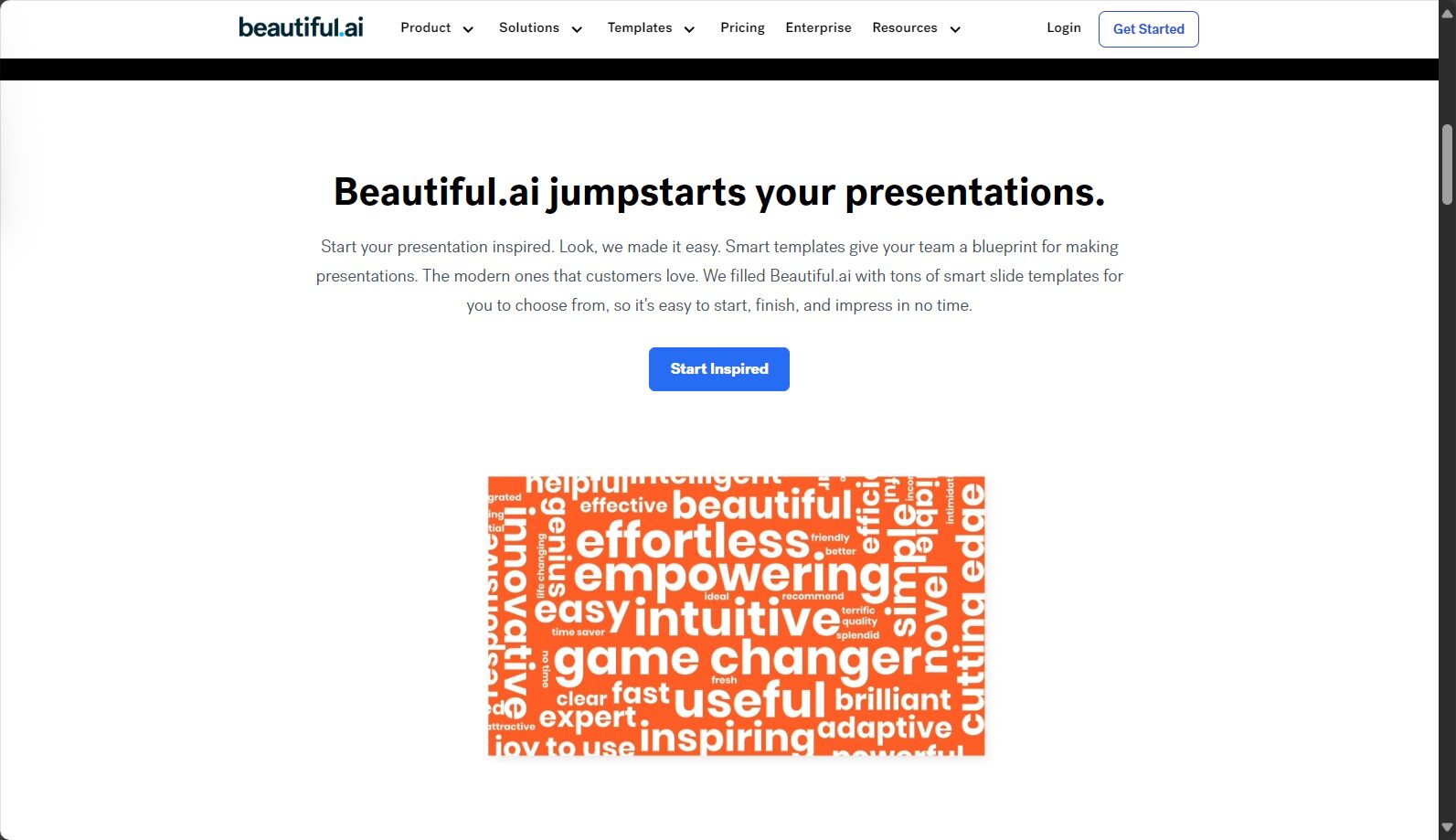
- Edit each page's content, and AI will instantly adjust the layout based on the amount of text and charts.
- Smart BlockAutomatically aligns and maintains uniform spacing, eliminating the need for tedious dragging.
- Images and data charts can be inserted, and AI coordinates colors and fonts.
Team collaboration – multiple people editing together, real-time preview
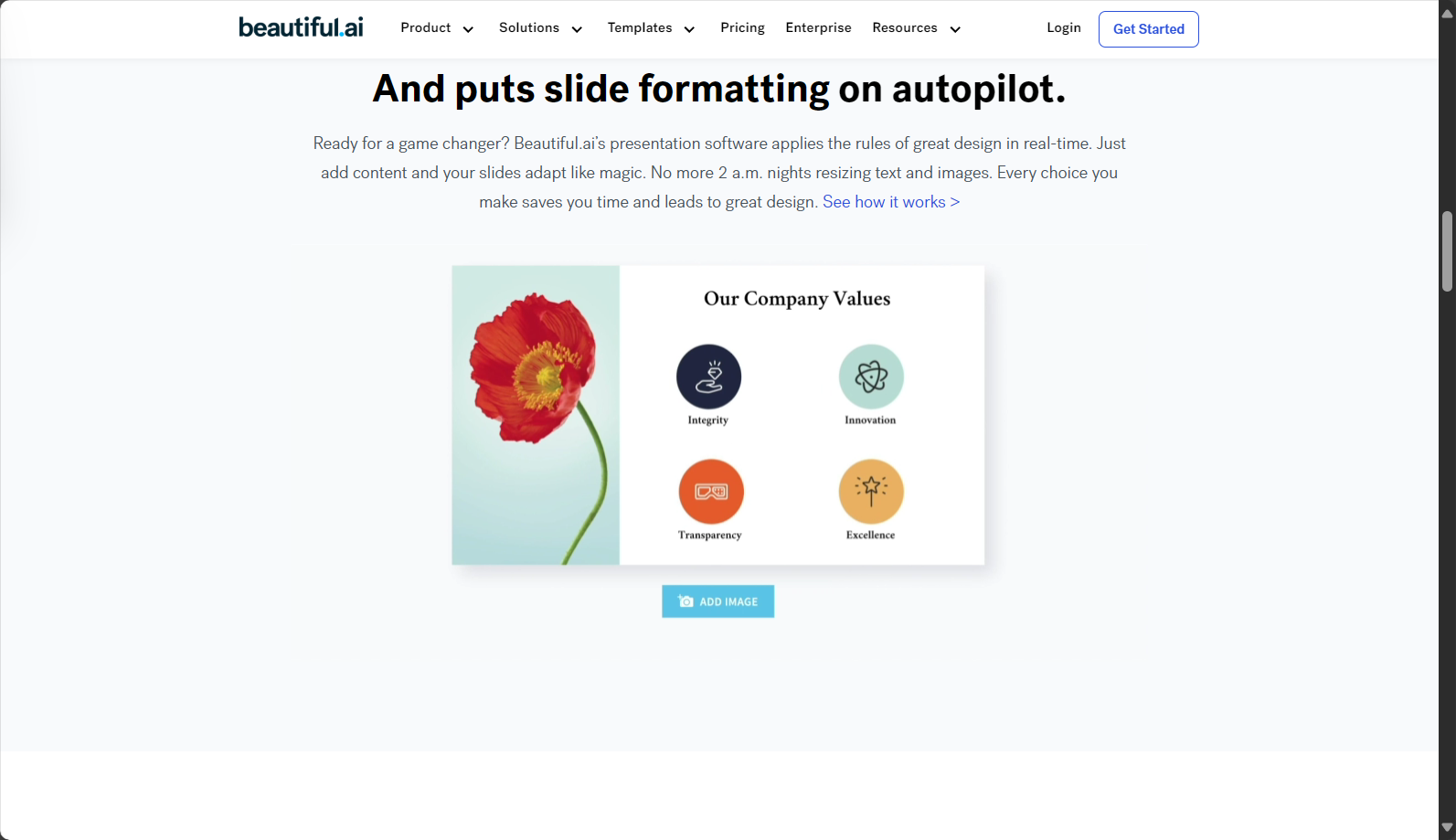
- Colleagues can be invited via email to collaborate, allowing multiple people to edit a single presentation simultaneously.
- It includes a message board and version control, making it easy to review and discuss with the team at any time.
Export and Share – Flexible Application of Multiple Formats
- Export as PPT (.pptx), PDF, or link for online presentation with one click.
- It can be embedded in the company's official website/product page to improve customer reach.
Advanced Applications and Practical Skills of Beautiful.ai
How to choose the most attractive template?
| Example Context | Recommended template types | Recommendation reason |
|---|---|---|
| Sales bidding | Dynamic proposal template | Animations combined with data charts guide customers to focus on product advantages. |
| New Product Launch | Explanatory type with mixed text and images | Visuals + storytelling enhance novelty and appeal. |
| Industry Insight Report | Data visualization template | Automatically generate line/pie charts to make complex information clear at a glance. |
Use AI DesignerBot to automatically generate outlines
- Briefly describe the topic under "Start with AI," and AI will automatically generate a logical outline and key summary.
- It saves time thinking about the structure and is suitable for projects that need to be delivered quickly.
Brand consistency management
- Businesses can upload their logo, define brand colors, and font styles.
- Forced application of collaborative principles to prevent style confusion.
Commonly used and efficient keyboard shortcuts and functions
| Keyboard shortcuts/functions | illustrate |
|---|---|
| Ctrl + U | Quickly upload local images |
| Unlimited Undo/Redo | Editors are free to explore their inspirations and are not afraid of making mistakes. |
| Add animation with one click | Make headlines and charts more vivid and enhance their expressiveness. |
Comparison of Beautiful.ai's Advantages with Other AI Demonstration Tools
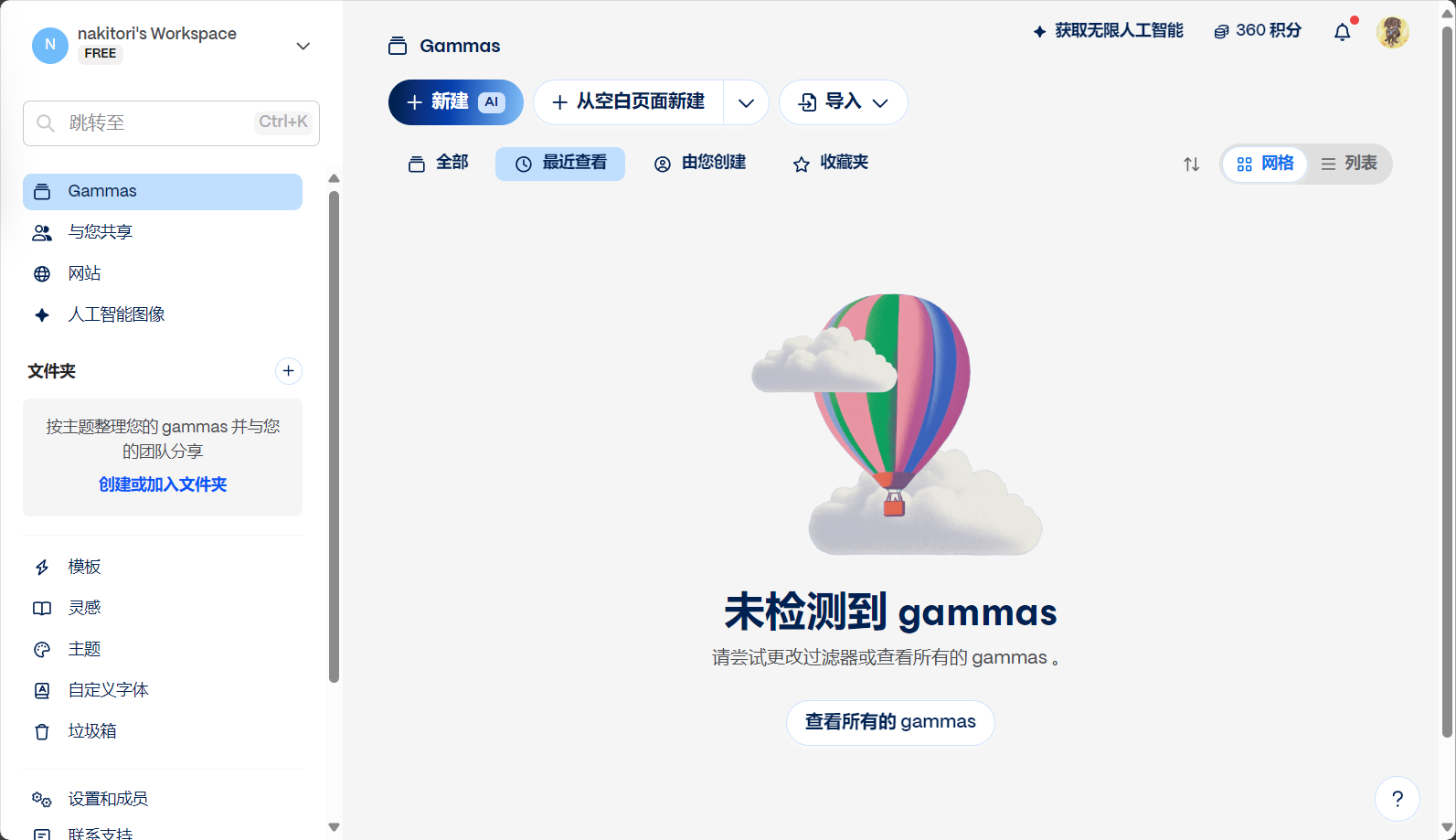
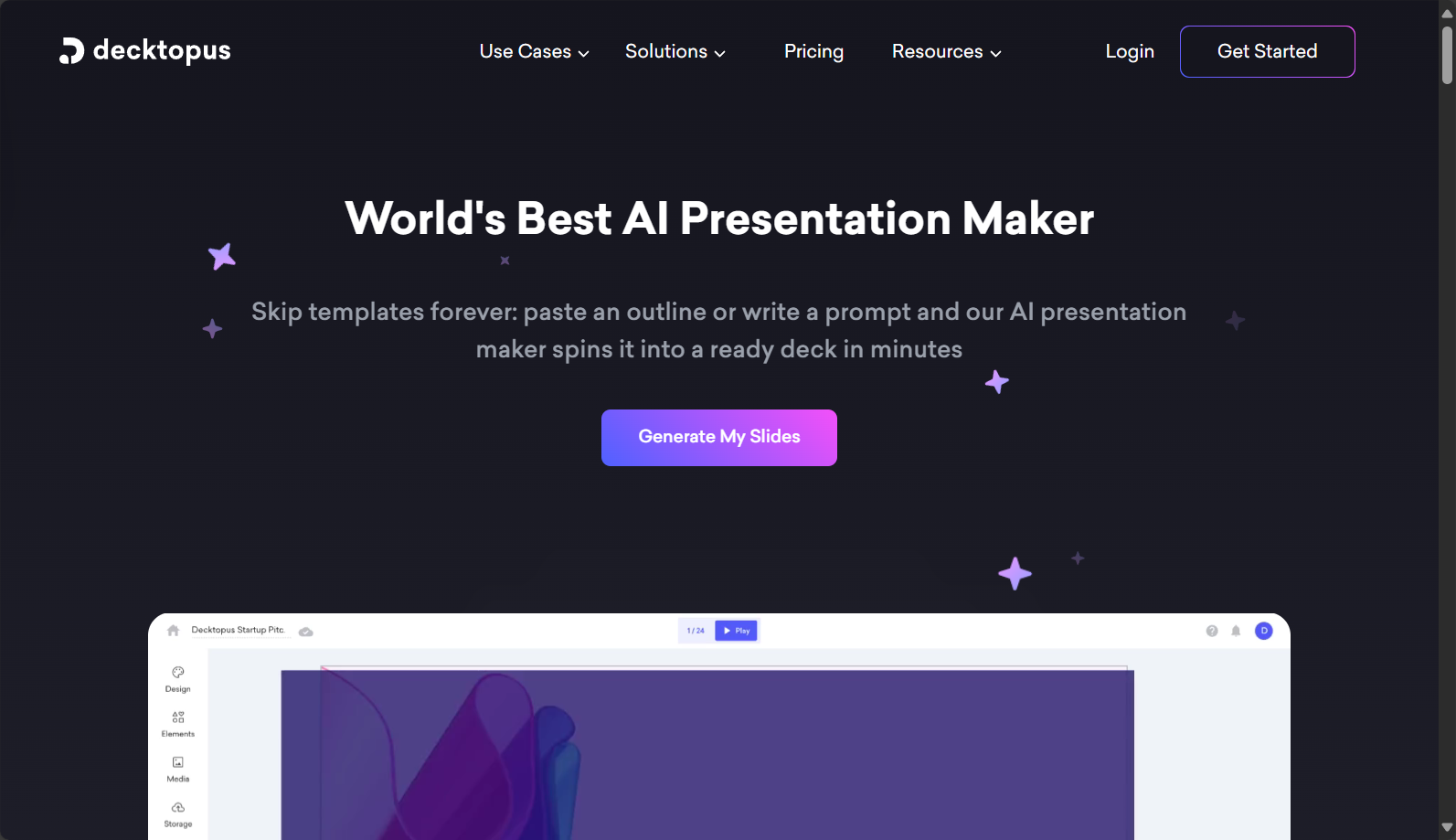
| Tool Name | Intelligent Design | Template richness | Course integration | Multi-person collaboration | Cross-platform cloud | Brand Management | Official website link |
|---|---|---|---|---|---|---|---|
| Beautiful.ai | Extremely high | Hundreds of models | 有 | support | Full-device cloud synchronization | powerful | Click here to enter |
| Gamma.app | 高 | proper | 有 | support | Web | generally | Click here to enter |
| Decktopus | 中 | generally | 有 | part | Web | Weak | Click here to enter |
| Tome.app | 高 | generally | 有 | support | Web | generally | Click here to enter |
Frequently Asked Questions and Tips
Who is suitable to use Beautiful.ai?
- Workplace briefing requesterMake every proposal professional and confident.
- Startup Team/Startup CompanyDespite time constraints, we strive for high-quality presentation documents.
- Marketing/Product DepartmentWe need to quickly produce eye-catching documents with high conversion rates.
Beautiful.ai's security and privacy
- Enterprise-grade encryption ensures the security of customer and project data.
- It supports access control, ensuring a safe and secure collaborative environment.
Personal and Enterprise Upgrade Solutions
- There are free plans available for individuals that meet basic needs.
- The enterprise version offers team management, brand consistency, and advanced API integration.
In summary,Beautiful.ai is an industry leader in design aesthetics, intelligent automation, and collaborative management.Whether you're a startup needing to deliver presentations quickly or a corporate team focused on brand consistency, you can integrate AI presentation tools in just one step.Let you focus your energy on content and logic, and let AI handle the tedious formatting.。Choose Beautiful.ai and make every demo the first step to winning over customers!
© Copyright notes
The copyright of the article belongs to the author, please do not reprint without permission.
Related posts

No comments...
