What is Viggle? A detailed explanation and comprehensive guide to AI GIF generation tools and practical tips.
viggleA revolutionaryAI animated GIF generationtoolIt adopts the JST-1 architecture to support 3D character animation. This article will...Technical principles, core functions, application scenarios, practical tutorials, and popular commands and techniquesThis guide, from various angles, will help you systematically understand the powerful advantages and efficient usage of Viggle. Through detailed tables and examples, it will quickly guide you through mastering its features.AIAnimation, content creation, and the production of two-dimensional characters allowFrom beginner to advanced都能轻松上手,尽享AIGC创作新时代!
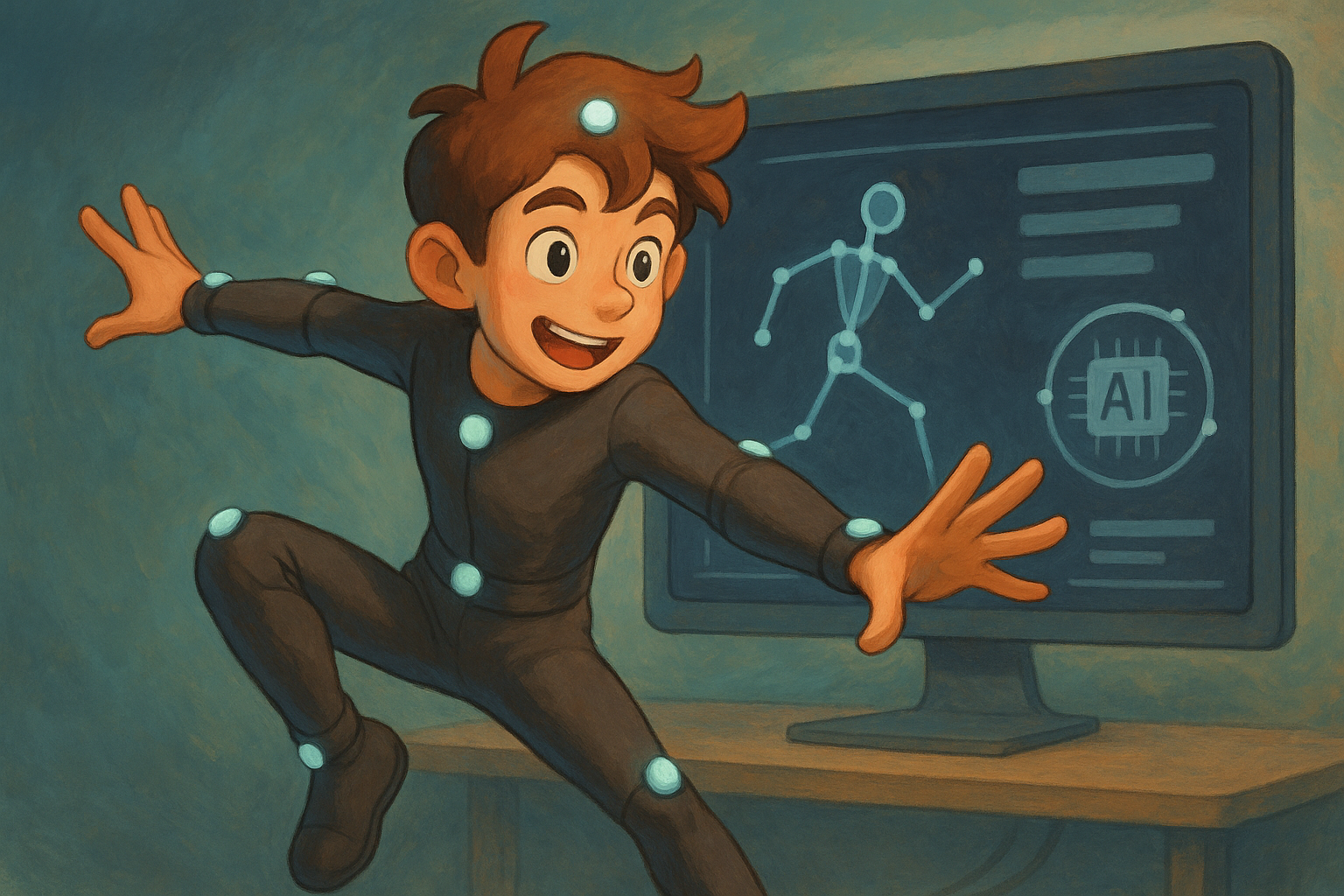
What is Viggle? A breakdown of the latest AI animated GIF generation technology.
The Birth and Technical Background of Viggle
viggle(Official website:https://viggle.ai/This is a JST-1 model-based application powered by cutting-edge AI technology.3D character motion video generation toolUsers only need to upload static images, along with action templates or video/text descriptions.Get high-definition, natural-looking character animations in just a few minutes.Or short videos.
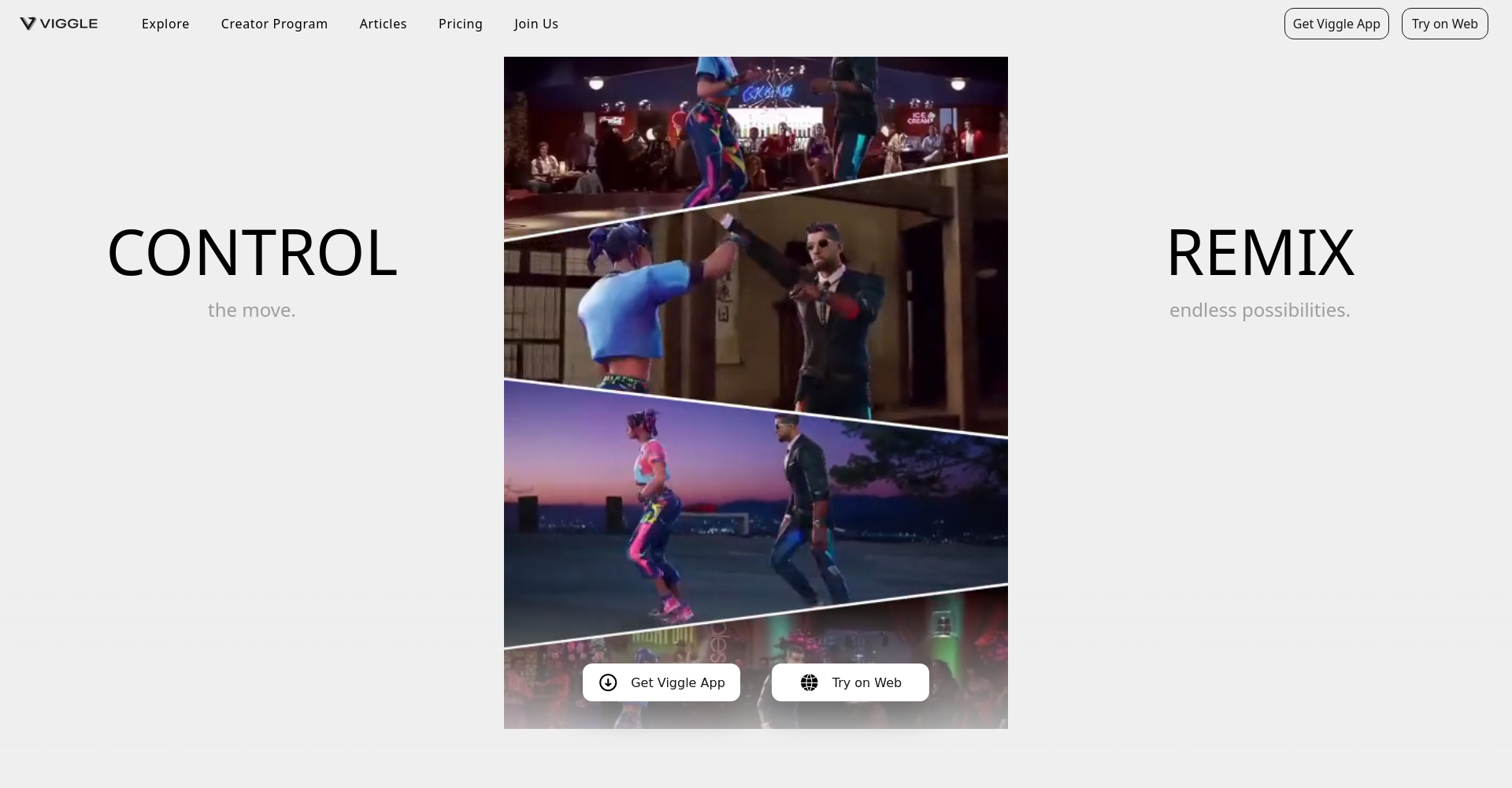
- Pioneering video - 3D skeleton animationThe effect is realistic and natural.
- Supports multiple character types: live-action, anime, and virtual idols.
- Easy to operateGenerate animation in 5 steps with zero animation experience
- Covering both web and Discord platforms, adapting to various user scenarios
JST-1's physical modeling makes character movements smoother and significantly reduces the "human-like" appearance.High fidelity in clothing, body parts, and details。
Viggle's main functions
| Functional categories | Detailed Explanation |
|---|---|
| Animating static images | Upload a full-body photo and automatically generate an animated GIF of the specified action. |
| Action Template Library | Enrich AI actions (dancing/walking/fun performances, etc.) |
| Custom action description | Text prompts allow you to freely customize character actions. |
| Video-driven animation | You can upload videos to replicate skeletal movements. |
| Discord command-line operation | Advanced players interact with commands and multiple inputs. |
| Diverse output styles | Supports changing background/style/effects |

Application scenarios of viggle
- Anime/Virtual Idol Creation: Static Character Transforms into Dynamic Master
- Short video marketingCreate eye-catching animations in 1 minute
- Game development/character designPrototype motion testing is one step ahead.
- Online teachingReplace boring banners with vivid animations
- Social EntertainmentDIY Personalized Animated Avatars/GIFs
Detailed Explanation of Viggle Platform Operation and Beginner's Guide
1. Registration and Platform Access
| Platform/Entry Point | Link | Suitable for | Operating mode |
|---|---|---|---|
| Web version | viggle.ai | Beginner | Image upload/template selection |
| Discord Channel | discord.gg/viggleai | Deep Creators | Commands and diverse input |
suggestion:New users should try the web version first, while for more advanced gameplay, we recommend Discord!
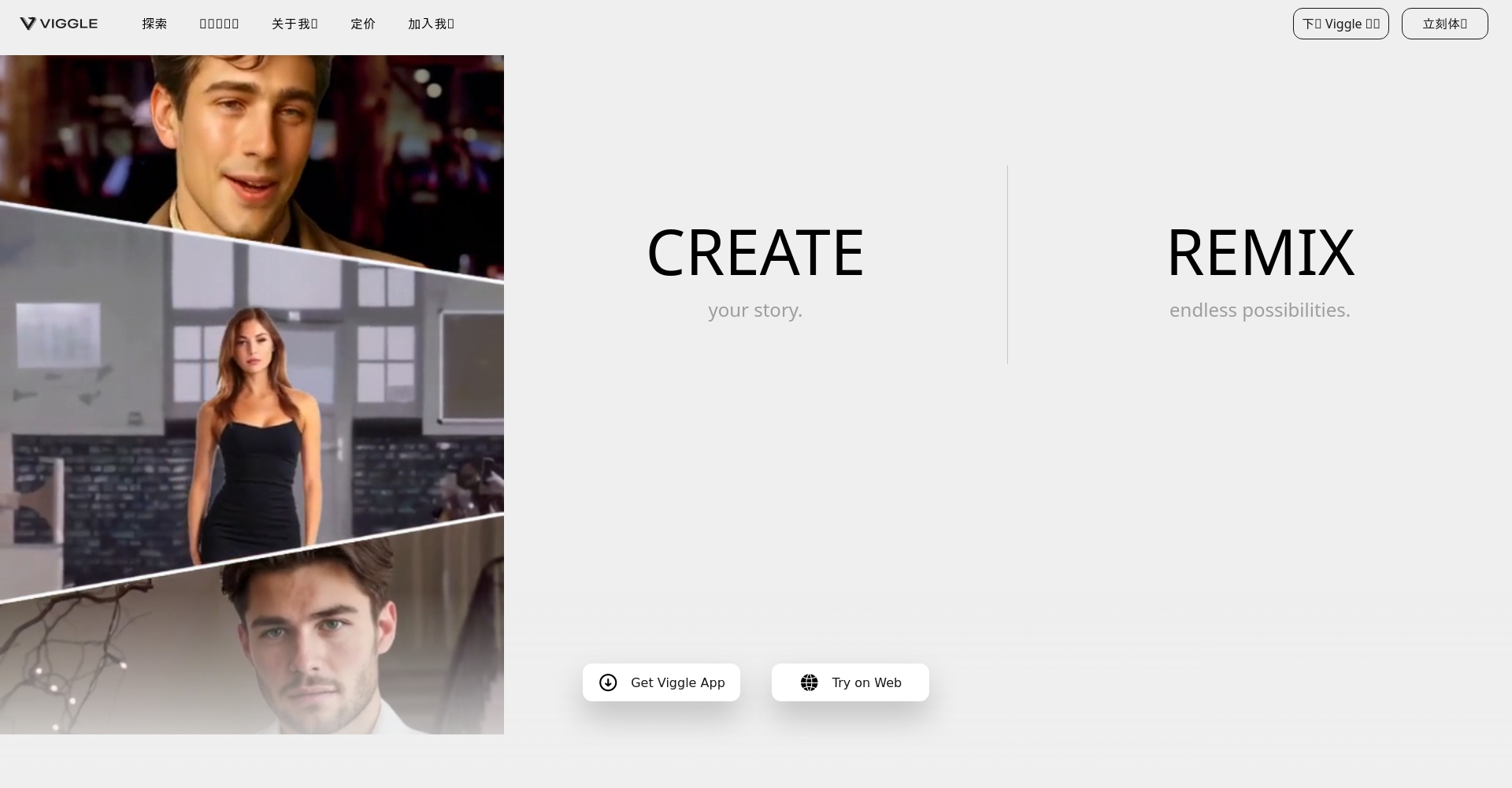
2. Detailed Animation Generation Process
Step 1: Upload static images
- Full-body front view1024×1024 pixels or higher
- Supports JPG/PNG/WebP formats; background should be as clean as possible.
Step 2: Select/Customize Character Actions
| Way | Operating method | Applicable Scenarios |
|---|---|---|
| Template Selection | Built-in platform actions (such as dancing, waving, etc.) | Get started quickly |
| Upload action video | Custom reference action | Creative Reproduction |
| Action prompt | Input natural language description | Ultra-personalized customization |
Tip:prompt can be directly fromOfficial Action LibraryCopy and use.
Step 3: Set the background/style
- Supports various backgrounds including solid color, transparent, and uploaded images/videos.
- Advanced settings to adjust effects and camera parameters
Step 4: Generation and Download
- Click "Generate," and you'll get the video in 3-5 minutes.
- Supports downloading and previewing in mp4/webm formats.
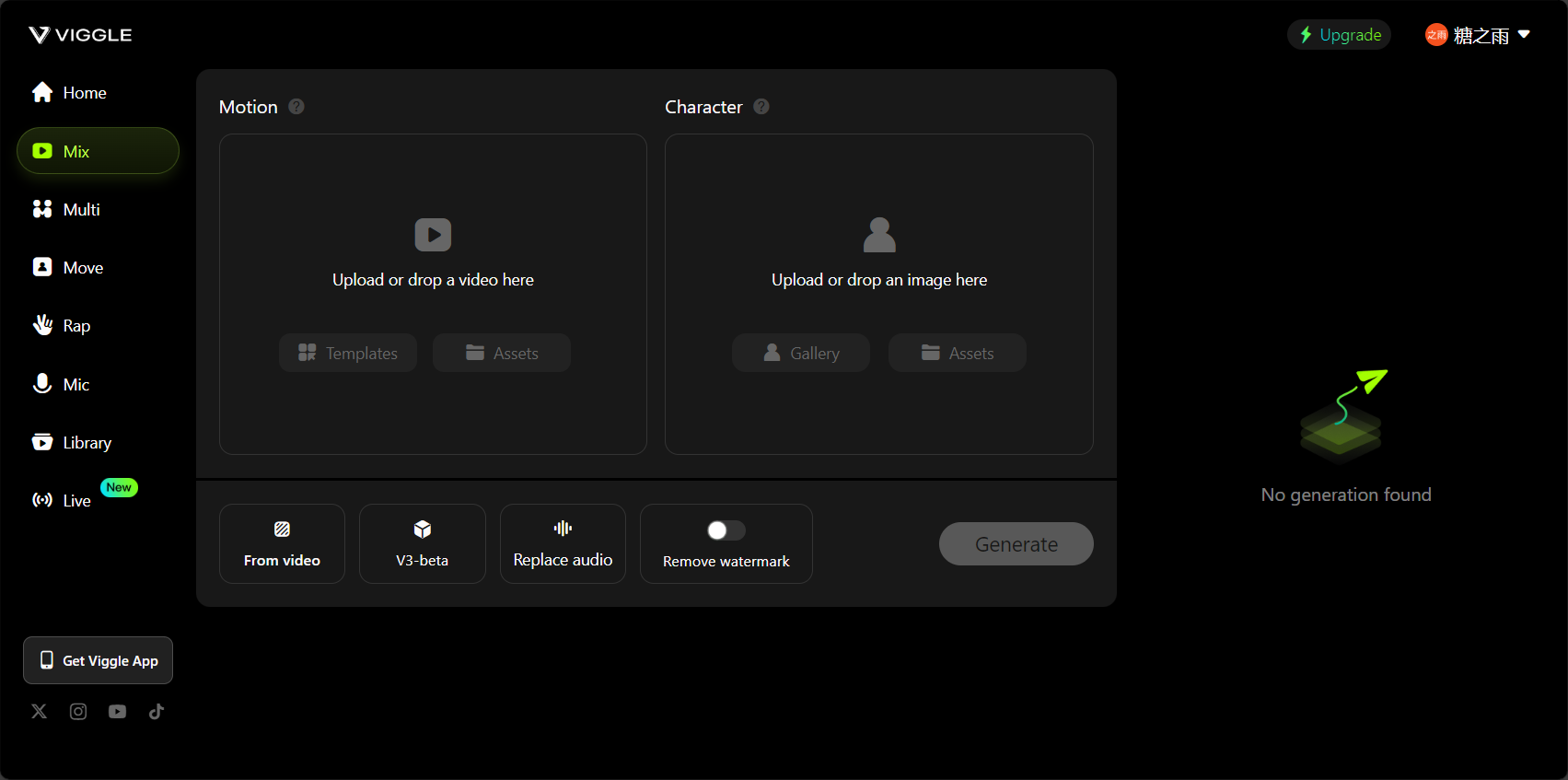
| Link | Key Points | Tips and Techniques |
|---|---|---|
| Upload Image | High resolution/unobstructed/front view | A pure white base is preferred. |
| Select Action | Template or standard prompt | Multiple actions can be stacked. |
| Custom settings | Background + Style Effects | “"Finetune:off" increases speed |
| Generate download | Save preview video | Try more to enrich your experience |
Viggle Practical Tips and Frequently Asked Questions
Animation effect optimization suggestions
- High-definition imagesInput, animations are clearer and more natural.
- For beginners, simple movements (walking, waving) are recommended; for more complex dances, please explore advanced techniques.
- Choose images with neutral facial expressions and avoid images with exaggerated facial features.
- Export with transparent backgroundPlease select "background:transparent".“
- Music and sound effects can be added to the video using other software in post-production.
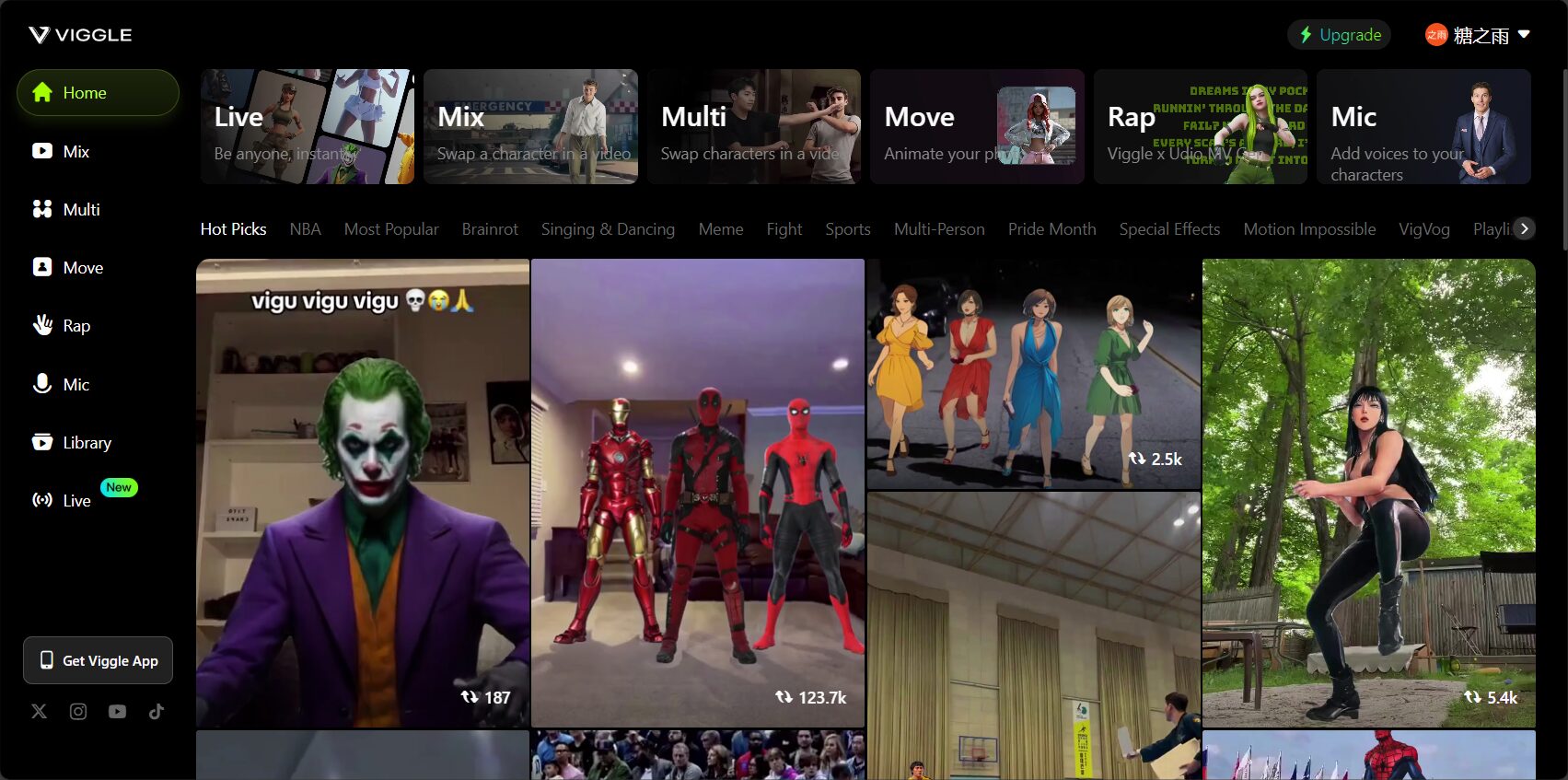
Frequently Asked Questions
| question | Official/Practical Q&A |
|---|---|
| Which character types are supported? | Live-action/anime/virtual/cartoon characters are all acceptable; adult characters are preferred for best results. |
| Supports animals/kids/cartoons? | Supported, though a very small number of posture settings may have minor flaws. |
| What are the optimal input image requirements? | Single person, unobstructed view, facing forward |
| Animation length limit? | A few seconds is generally optimal; avoid templates that are too long. |
| Do I need to register? | Account registration is required for both the web version and Discord. |
| What if the speed is slow? | We recommend submitting at off-peak times and trying different background images/actions. |
| Is it commercially viable? | Based on the official agreement, some content may be used in derivative ways. |
Recommended application scenario case list
- Short videos (Douyin, Kuaishou, etc.)Dance, facial expressions, and humorous memes
- Virtual streamer/idolCustomized character dances and interactive performances
- Game developmentRapid Prototyping Action Testing
- Online teaching materialsAnimated PowerPoint presentations are more engaging.
- Social emojis/avatarsPersonalized animated GIFs, creative GIFs
- Advertising/Product AnimationVirtual characters "take the stage to promote"“
Comparison of Viggle with similar AI animated GIF platforms
| Functions/Platform | viggle | Sora(OpenAI) | DeepMotion Animate 3D | Kaiber |
|---|---|---|---|---|
| Core Algorithm | JST-1 3D Skeleton + Physical Modeling | Multimodal video generation AI | Skeletal tracking/AI motion capture | AI Style Transfer |
| Action Input | Image templates/videos/prompt | Text, no custom actions | Video, skeleton | Upload (images/videos) |
| Output format | Web/mp4/webm | video | FBX/mp4 | MP4/GIF |
| Interaction methods | Web + Discord | Limited internal testing | Official website/API | Official website |
| Difficulty of getting started | Simple, with a variety of templates | Not yet disclosed | Slightly complicated | ordinary |
| Highlights and Features | Realistic animation, virtual human support | “"Creating something from nothing"” | Game development level | Stylized Timeline |
| Trial entry | viggle.ai | openai.com/sora | deepmotion.com | kaiber.ai |
A roundup of popular Viggle commands and advanced features (Discord mode)
| Order | Main functions |
|---|---|
| /mix | The images of characters are mixed with motion videos, making it difficult to distinguish between real and fake. |
| /animate | Image + prompt to generate short animation |
| /ideate | Text prompts can be used to directly generate characters and animations. |
| /character | Customization and animation of characters with a brand new style |
| /stylize | Animation style shift, artistic effects |
- imageUpload reference image
- motion_prompt: Description of action template text
- background: such as white/transparent optional
- finetuneFine-tuning the switch allows for faster shutdown.
How to obtain and use the Viggle action prompt template
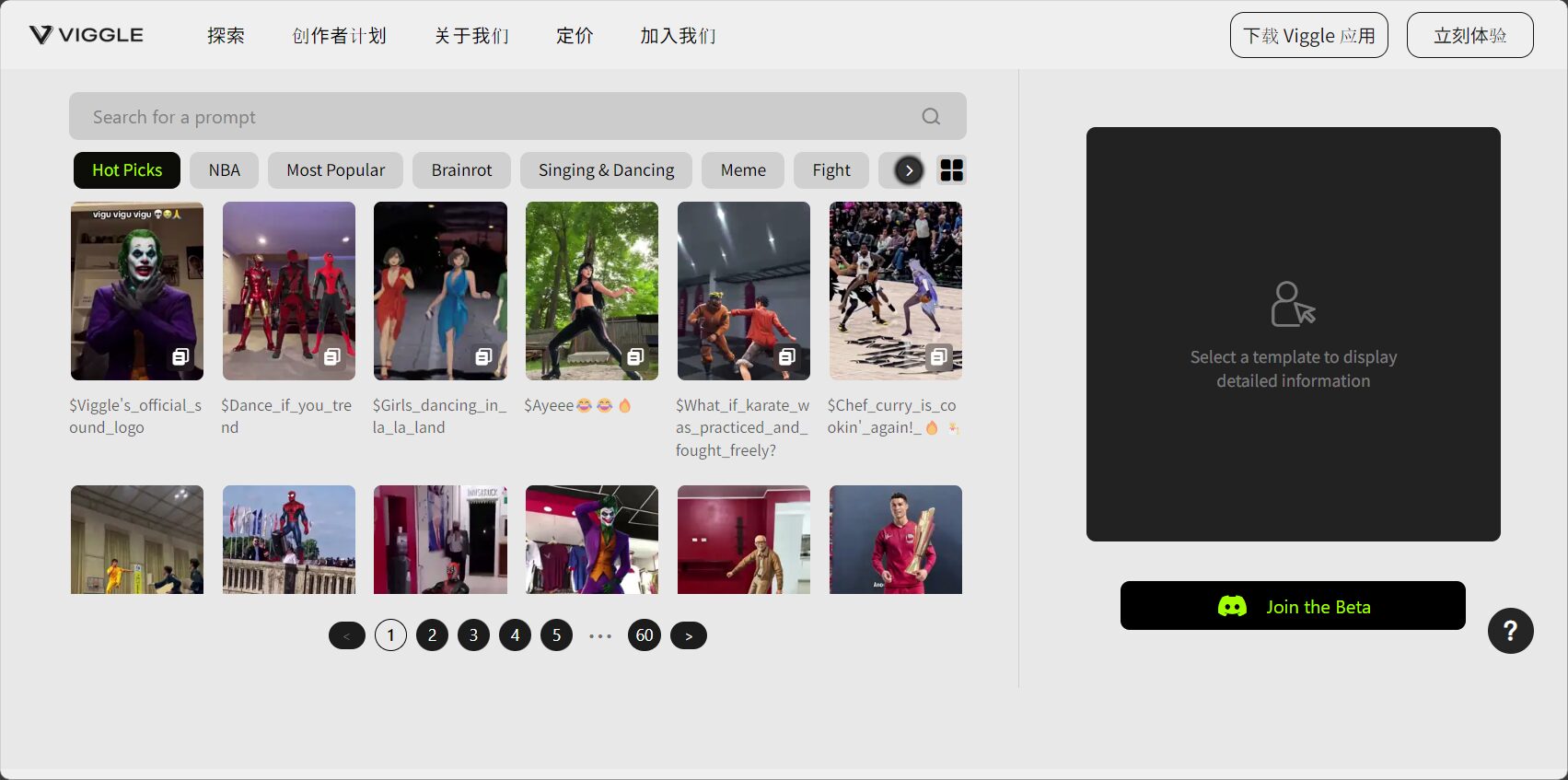
- access Official prompt library
- Collect popular prompts related to dancing, sports, and performances.
- Creative examples: "A person is breaking dancing" "A character is waving and spinning"“
| category | Prompt Example |
|---|---|
| Dance | a person is doing the robot dance |
| Close-up shot | a character blows a kiss to the camera |
| Sports movements | a figure is swinging a tennis racket |
| Emotional expression | a cartoon is clapping and jumping |
Future Outlook and Trend Forecast
With the accelerated maturation of AIGC and AI video generation technologies,viggleThis AI-powered animated platform will lead a new trend of "creative creation by everyone" for character animation.Zero barriers to entry, high efficiency, and high playabilityIts unique characteristics will surely lead to explosive breakthroughs in fields such as anime, metaverse, and brand creativity!
Whether you are a content creator, short video operator, designer, or developer, you can utilize [this tool/service]. viggle Unleash your creative potential and let your imagination run wild – you could be the animation director!
To experience it now, please visit [website address]. viggle.ai 或 prompt action librarySee the official communication group. Discord community。
Viggle empowers everyone to become an animation director; the future of creation is here!
© Copyright notes
The copyright of the article belongs to the author, please do not reprint without permission.
Related posts

No comments...
