Notion Tutorial Guide: How can beginners quickly get started and efficiently utilize your AI workflows from scratch?
Latest report as of June 2024Notion, as one of the world's most popular digital productivity tools, leverages its features such as note-taking, databases, Kanban boards, and more. AI With its powerful features such as automation, it has become a tool for individuals and businesses to improve efficiency.This article will be titled "“Notion The entire teaching process helps beginners with no prior experience.From basic interface and core functions to advanced AI assistants and building efficient automated workflows,A comprehensive guide to how Notion + AI is reshaping your digital work style.。

Notion Beginner's Guide (for those with no prior experience)
What is Notion? A quick overview of its core features.
Notion is a multi-functional digital tool that integrates note-taking, database, task board, knowledge management, and web clipping.It supports high customization and team collaboration. Unlike traditional note-taking tools, Notion uses a "block" structure for more organized and intuitive information, and has been adopted by well-known companies such as Microsoft, Uber, and Pixar.
| Function | illustrate | Recommended for beginners |
|---|---|---|
| Notes editing | Supports rich text, templates, and various embedded content. | ★★★★★ |
| database | Powerful tables, dashboards, and lists with flexible filtering, tagging, and sorting. | ★★★★★ |
| Kanban/Task Management | Individual and team progress, drag-and-drop operation | ★★★★☆ |
| Teamwork | Real-time editing, commenting, and task assignment | ★★★★☆ |
| Web clipping | Save web pages with one click and automatically archive knowledge. | ★★★★ |

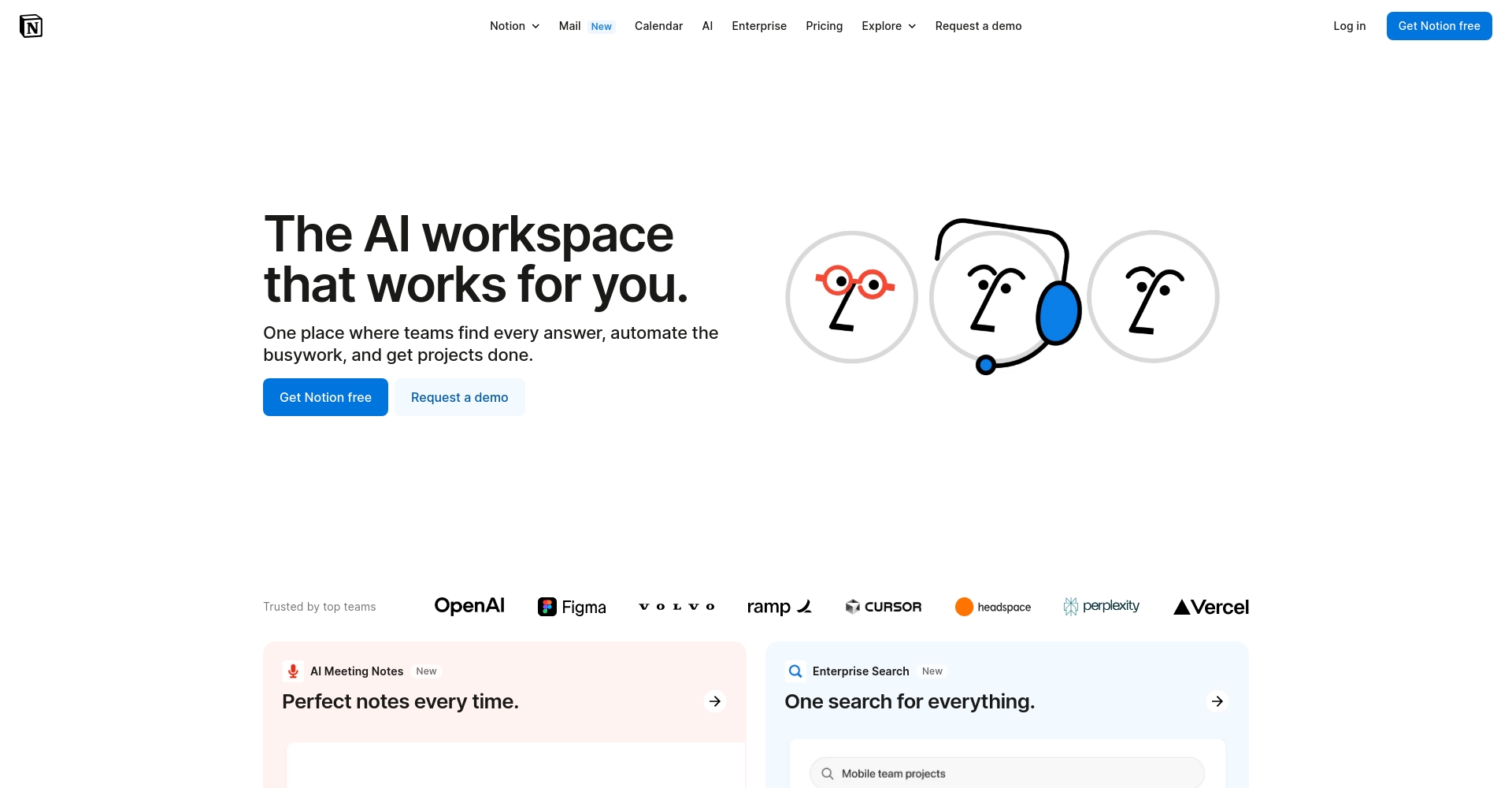
Notion Basic Interface and Structure Explained
- Left sidebarWorkspace overview, page navigation, database switching
- Page StructureEach page is composed of different categories of "blocks" and supports flexible reflow and dragging.
- Template CenterThousands of free templates from official sources and community platforms can be imported with a single click. See details.Notion Template Gallery
- Settings MenuTheme switching, import & export, permission settings, and AI integration.
Notion Tutorial: Effectively Build Your AI Assistant
Introduction to Notion AI and its Application Scenarios
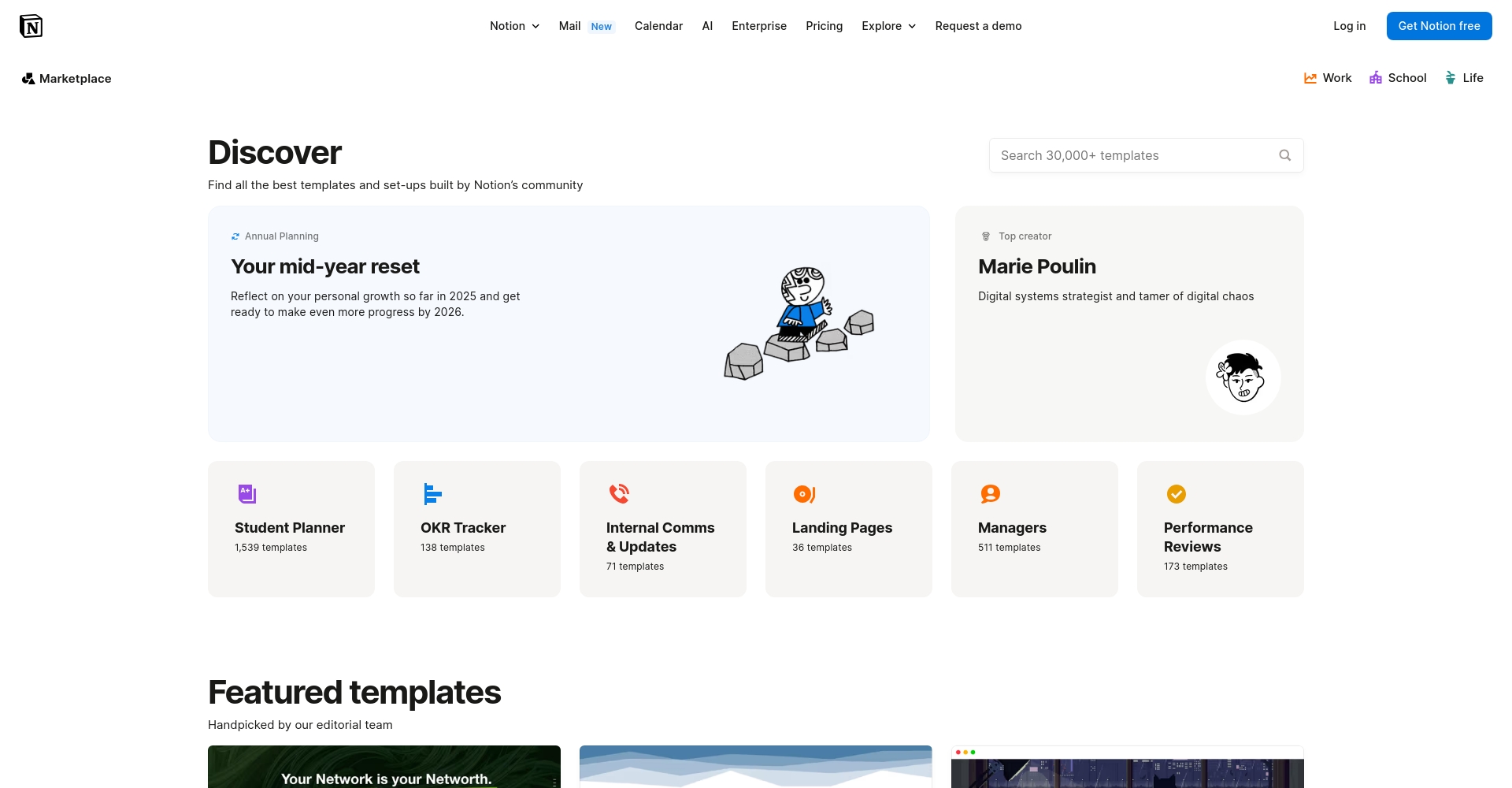
Since Notion officially launched its built-in AI in 2023,It possesses powerful capabilities such as automatic writing, text summarization, project breakdown, content translation, and automatic form filling.It brings users intelligent content management and work automation, greatly improving efficiency.
Typical application examples:
- Automatically generate weekly work reports
- Organize meeting minutes with one click
- Article outline/first draft assistance
- Intelligent task allocation and progress prediction
How beginners can quickly get started with Notion AI
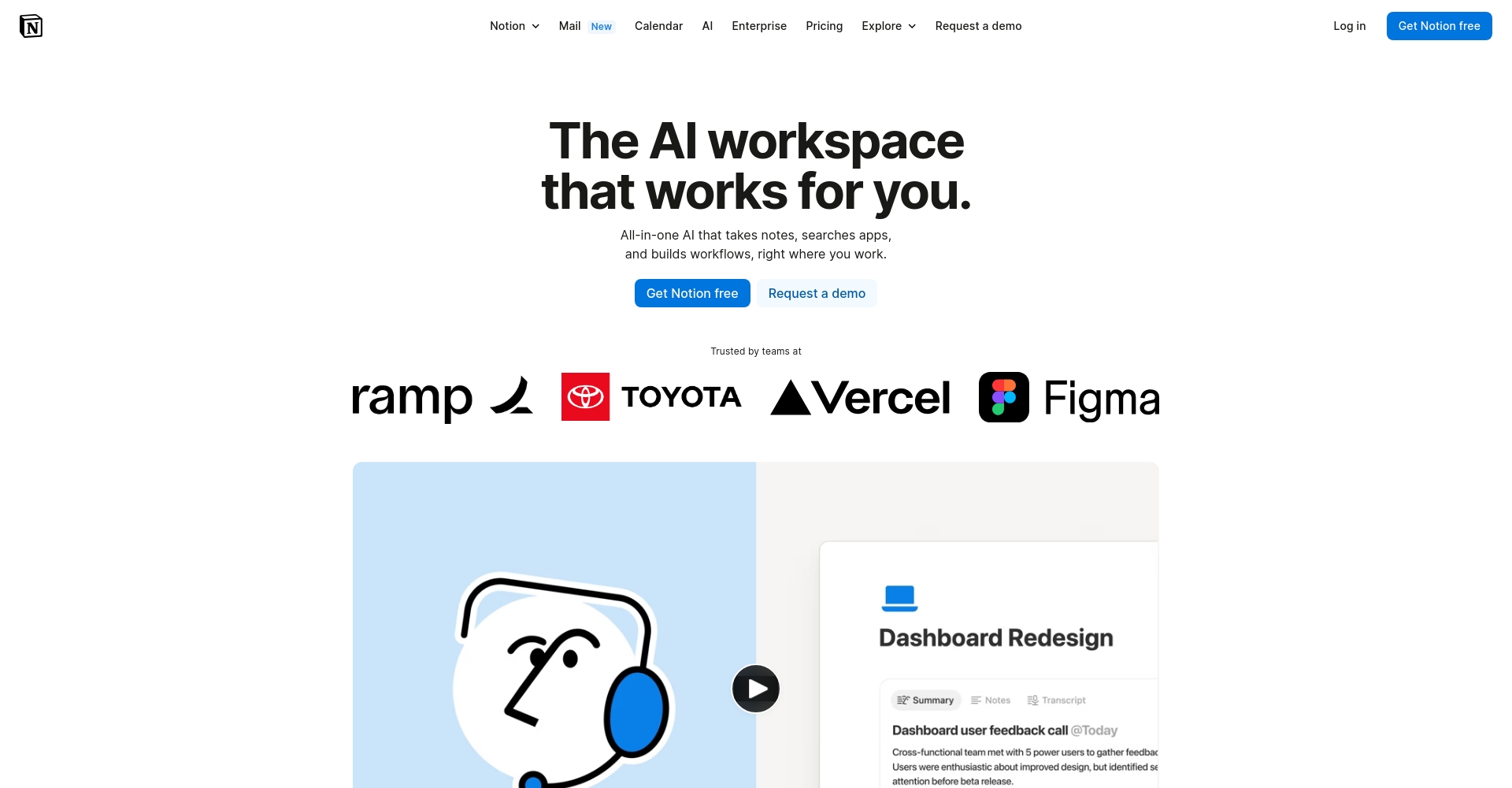
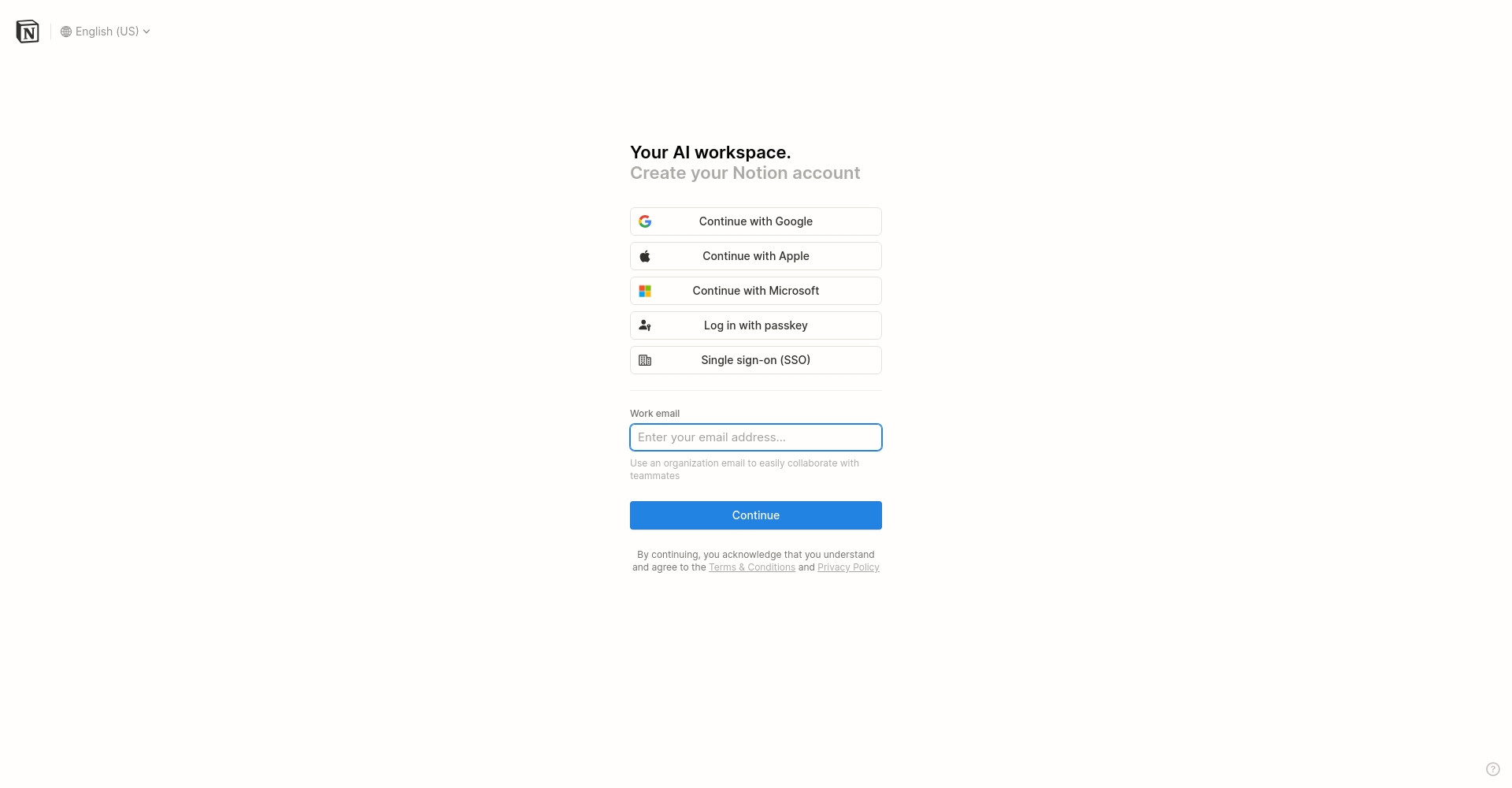
- Go to Notion Registration Website Complete account creation
- After logging in, click the "+ AI" icon in the upper right corner of any page, or right-click on the highlighted text and select the AI menu.
- Choose AI functions such as "Write for Me," "Summarize," and "Translate" to process information according to your needs.
- AI automatically generates content, which users can edit, save, or further develop at any time.
AI Workflow Case Study: Automated Content Creation
| step | Detailed Operation Guide | Expected results |
|---|---|---|
| Data collection | Content clipping/synchronization into database from multiple channels | Aggregating core information |
| AI Automatic Summarization | AI-powered news summaries provide a quick overview. | Save editing time |
| Article generation | AI "helps me write" and outputs the first draft of the article. | Significantly reduce workload |
| Release collaboration | Team members quoting/modifying/leaving comments for confirmation | High-efficiency remote collaboration |
For detailed experience, please refer to the official tutorial:Notion AI Official Introduction

Build a Notion workflow that suits you
Workflow Design Principles
- Define practical goalsSelect the most needed application scenarios, such as task management, knowledge organization, and team communication, and gradually deepen the application.
- Build a simple structureMake full use of official/third-party templates to iteratively optimize page layout and column structure.
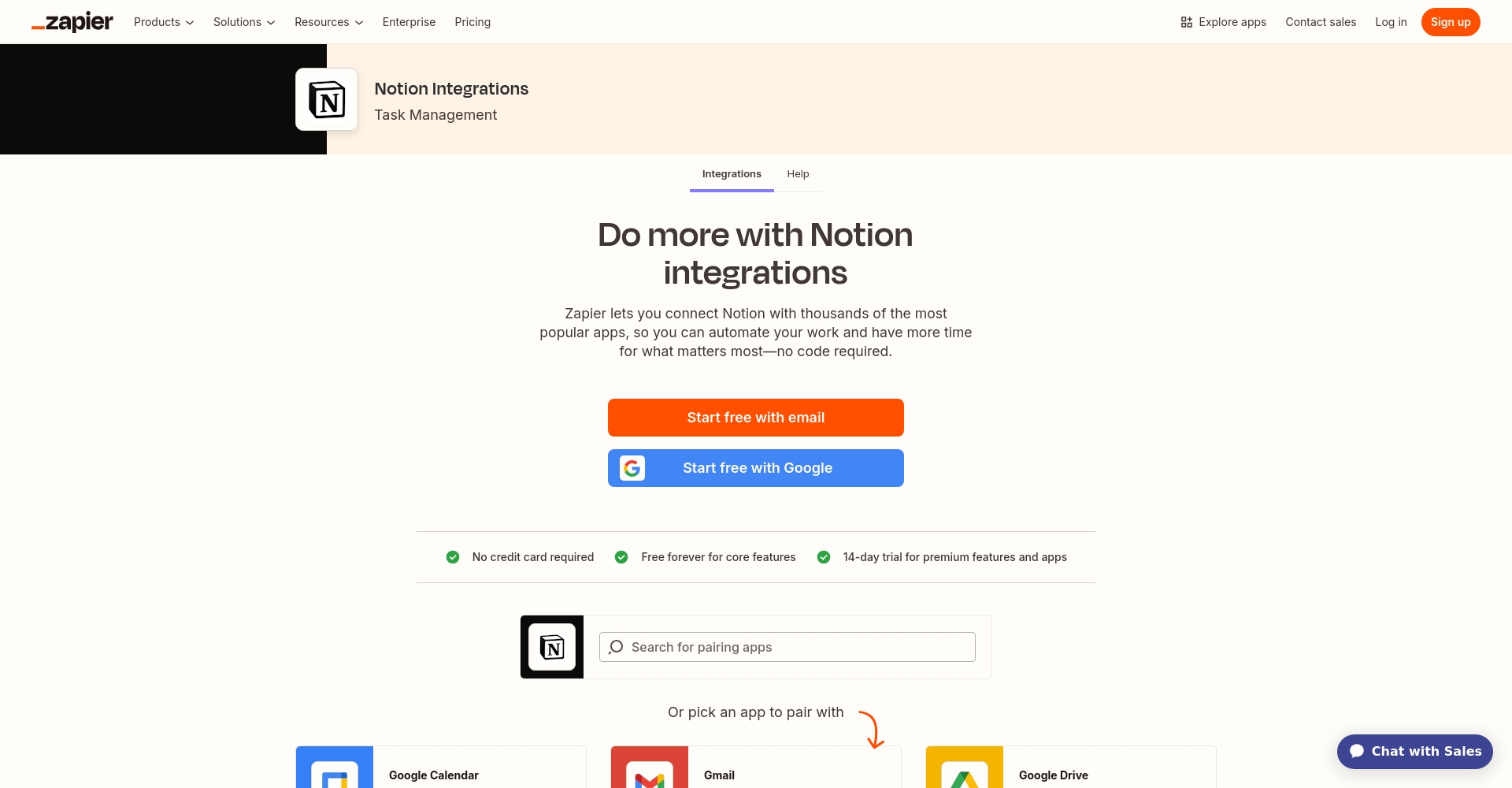
- Deep integration of AICustomize AI Prompts and leverage tools like Zapier and Make to expand the boundaries of automation.
Recommended list of efficient workflow templates
| type | Target audience | Recommended template (with link) |
|---|---|---|
| Task Management | Individuals and startup teams | Personal Kanban Board |
| Weekly Report Summary | office workers | Weekly Report with AI |
| Knowledge Base | Students, researchers | Smart Knowledge Base |
| Content creation | New media, authors | Content Creation Dashboard |
Notion + other AI tools in synergy
- Zapier + Notion:Automated synchronization of emails, calendars, and other content with Notion
- Readwise + Notion:Kindle book excerpts are automatically organized into Notion.
- ChatGPT + Notion: High-quality text can be directly written to Notion via the OpenAI API, enhancing content depth.
Notion Advanced Teaching: A Summary of Practical Tips
Advanced Notion Database Utilities
- Database association & filteringTask sheets and daily reports are automatically linked, making data flow more efficient.
- Multiple table combinationsAchieving cross-project data aggregation through "related databases"
- Batch template generationQuickly generate standardized content structures using template buttons.
Frequently Asked Questions (FAQ)
| question | Brief reply |
|---|---|
| What are the differences between the free and paid versions of Notion? | All core features are available for free, but AI/collaboration features have limited usage; the paid version has no limit. |
| Is AI-generated content commercially viable? | Notion retains partial ownership of AI-generated content and recommends secondary verification of sensitive content. |
| How to migrate Evernote/Word content? | Supports one-click import of mainstream content, with automatic format conversion. |
| Which mobile devices are supported? | Supports iOS, Android, Web, and desktop platforms. |

Conclusion: Notion has become the preferred "digital brain," with its AI and automation capabilities greatly expanding the boundaries of efficiency and creativity. Whether you're a newcomer or a seasoned user, you should immediately experience the digital office revolution powered by Notion + AI.
Welcome toNotion Official WebsiteOr unlock more efficient uses through third-party communities!
© Copyright notes
The copyright of the article belongs to the author, please do not reprint without permission.
Related posts




No comments...
