
What is Napkin? How can AI product managers and startup teams use Napkin to quickly iterate prototypes and manage documents?
napkin It is an efficient text visualization and prototyping collaboration tool for AI product managers and innovative startup teams.AI-driven text-to-visualization technology helps teams achieve rapid prototyping, efficient document management, and consistency in team branding. Napkin also supports real-time multi-user collaboration, rich multi-format export, and enterprise-level secure archiving, and has been adopted by many innovative teams worldwide as a powerful tool for document and visual collaboration. In an era of accelerated digital innovation,Napkin provides a new paradigm and powerful support for efficient communication, knowledge accumulation, and team collaboration.
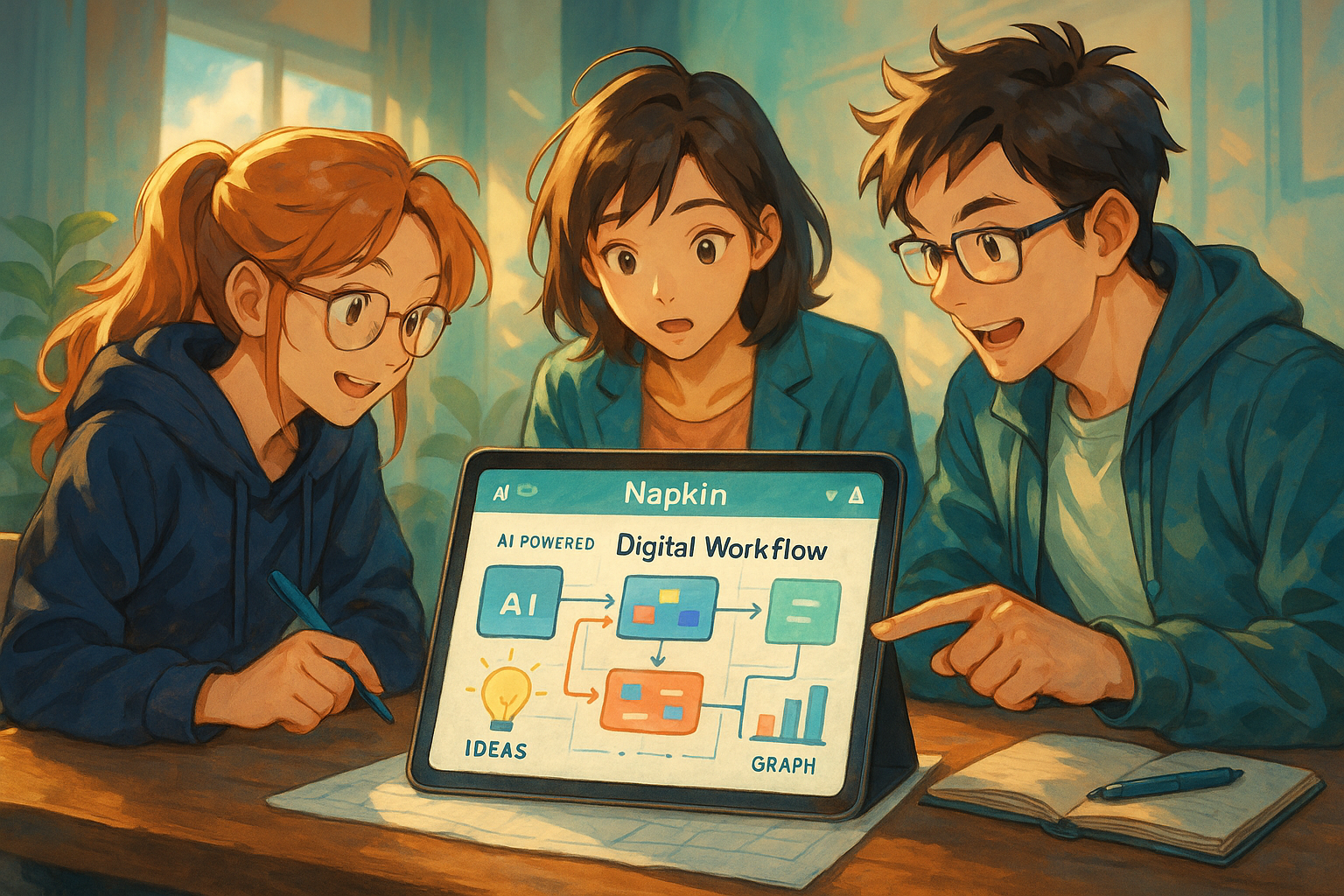
Napkin Product Introduction and Market Position
What is napkin?
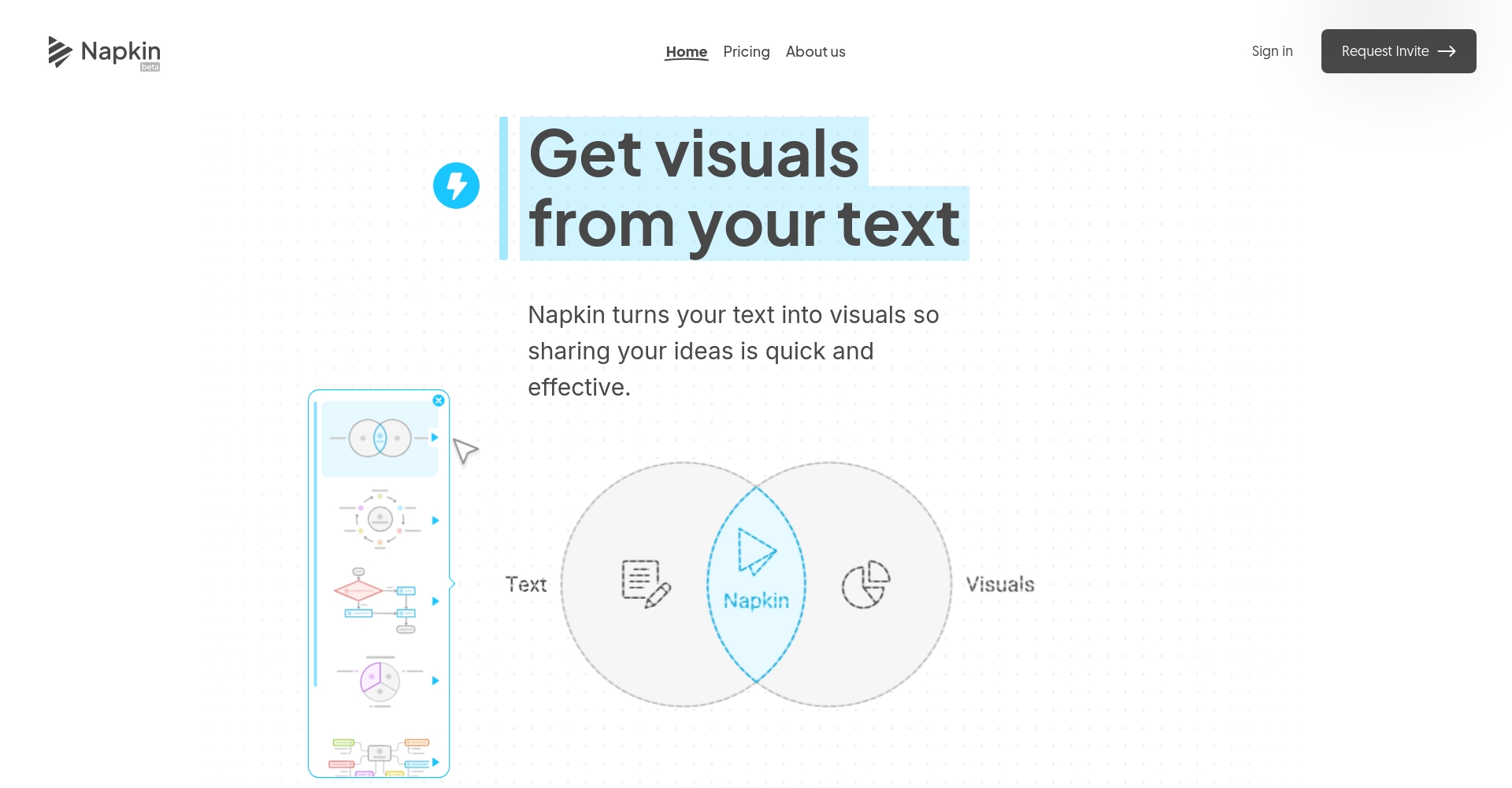
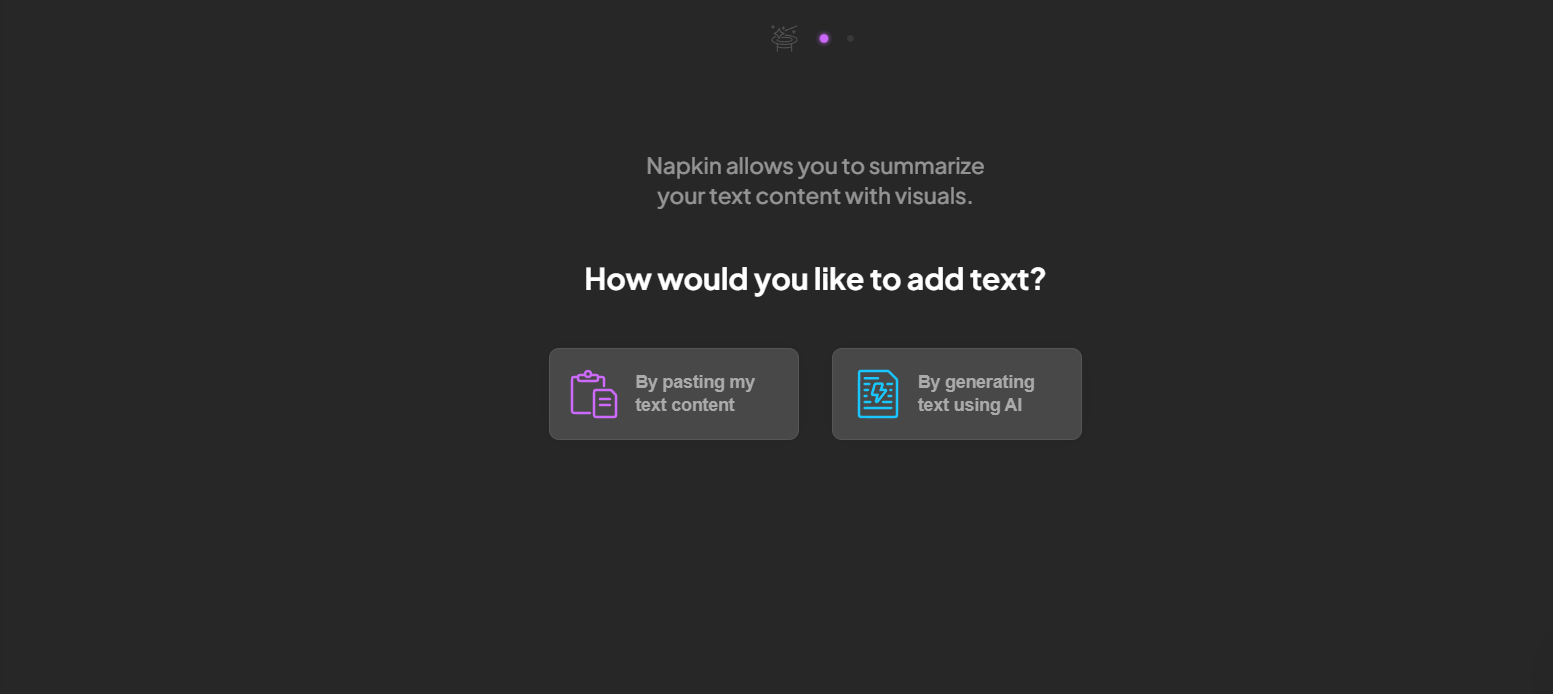
napkin Napkin is an AI-powered text-to-visualization tool that can quickly generate flowcharts, mind maps, and structure diagrams. Through natural language input, Napkin can automatically generate high-quality, editable visual drafts from concepts, requirements, or ideas within seconds.
- Official website:napkin.ai
- iOS app download:App Store
- Web App Quick Start Guide:Napkin Web
| Tools Category | Supported Platforms | Suitable for | Main uses |
|---|---|---|---|
| Text visualization | Web/iOS | Product Manager/Team Collaboration | Prototyping, documentation, sharing, brainstorming |

napkin's product positioning and technological highlights
AI-driven intelligent text parsing and visualization Technology is the defining characteristic of Napkin. Compared to traditional note-taking or drawing tools, Napkin emphasizes automation and style consistency, and supports multiple output formats such as PNG, PDF, SVG, and PPTX. Its self-developed AI engine automatically recognizes text structure and matches the best visual template, achieving "what you think is what you get."
Main user groups and industry recognition
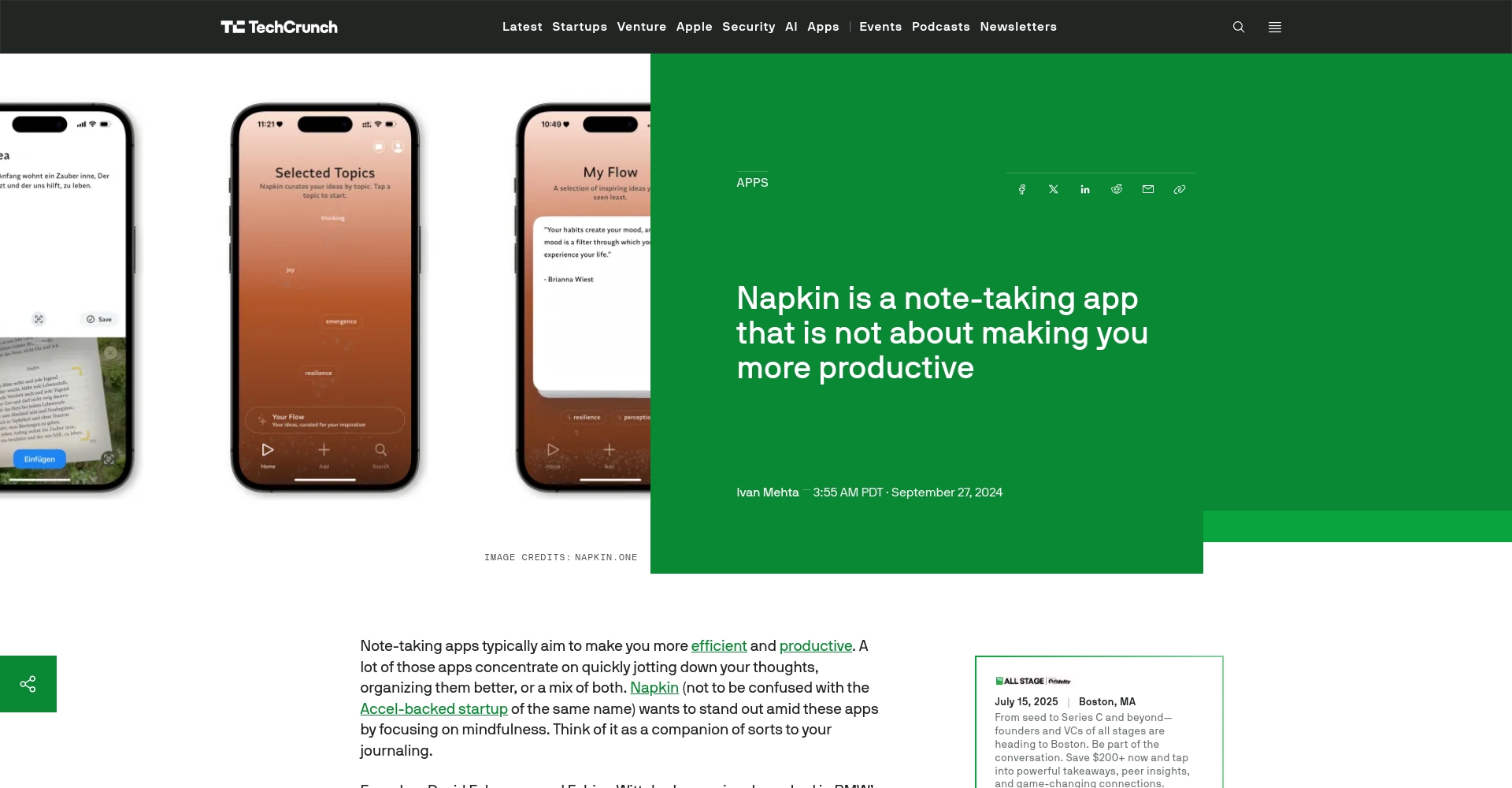
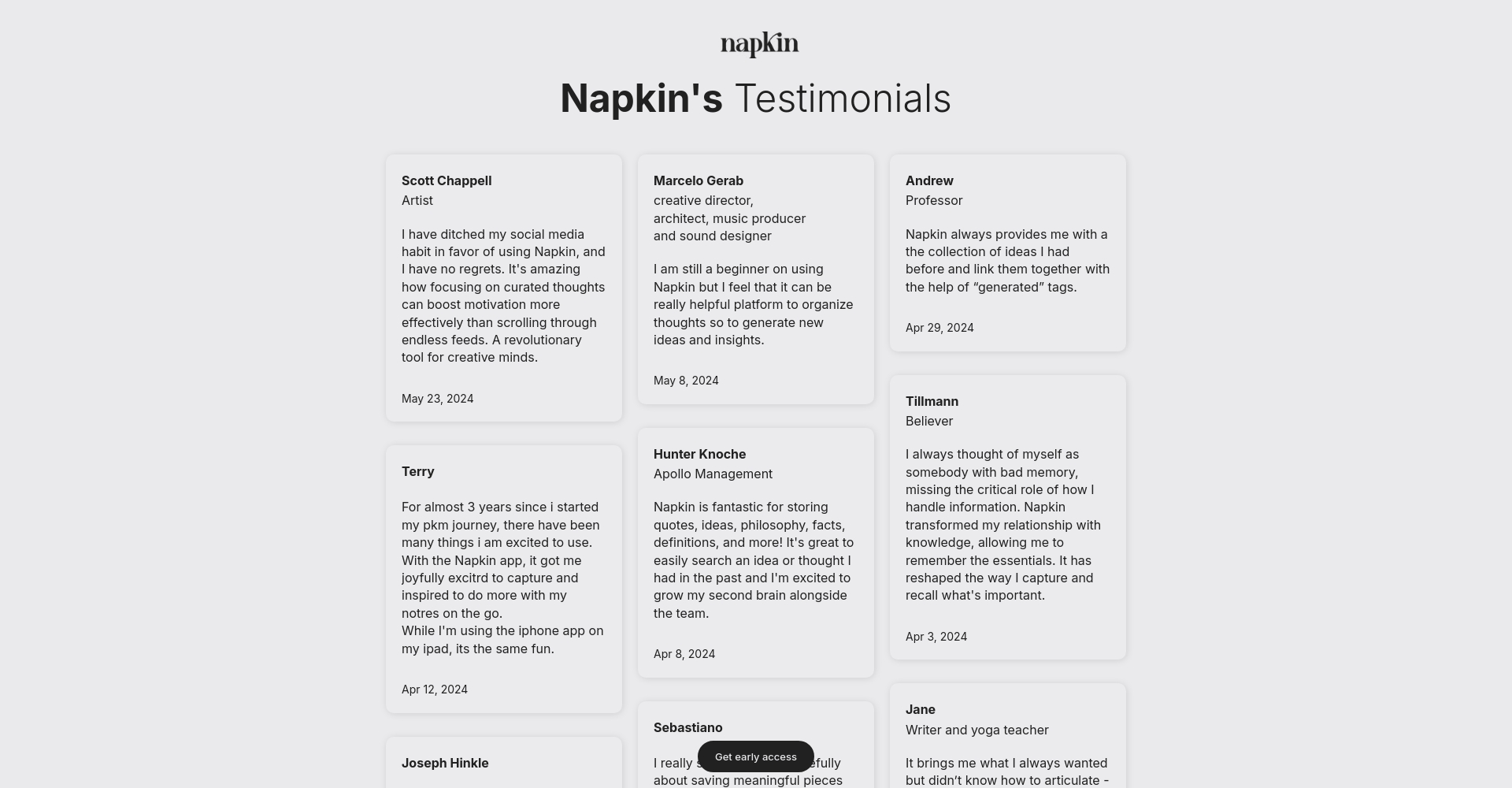
Napkin has been widely used by entrepreneurs, product managers, designers, e-commerce and enterprise innovation teams worldwide, becoming a core collaboration platform. According to TechCrunch ReportNapkin is rapidly becoming a foundational platform tool for innovative teams.
Napkin's core functions and practical application scenarios
1. Quickly convert text to visual representations, greatly improving prototyping efficiency.
- AI can automatically generate flowcharts, mind maps, and architecture diagrams from structured or simple text.
- Multiple visual styles, team brand customization, and over 700 fonts to choose from.
- Export to PNG, PDF, SVG, PPTX, etc., for easy access to various documents and reports.
| Function | illustrate | Advantages |
|---|---|---|
| Text to Visual | Paste/enter text to automatically generate an image | Time-saving and zero design threshold |
| Style customization | Supports brand customization | Consistency of style |
| Export in multiple formats | Adapt to mainstream scenarios | Flexible to meet various needs |
Examples of scenarios include: summarizing meeting requirements on a single screen, visualizing the user journey, and creating graphical summaries of key research findings.
2. Real-time team collaboration and comments, enabling efficient cross-regional cooperation.
- It supports simultaneous editing by multiple users and real-time feedback, with comments clearly labeled.
- Team templates offer a unified style with a single click.
For example, in remote product or R&D discussions, key opinions can be directly marked in the visual drafts to quickly advance communication.
3. Document archiving and knowledge accumulation significantly improve organizational memory.
- AI-powered intelligent topic categorization and content traceability.
- It offers powerful search, association, and knowledge reuse capabilities across all content.
Inspiration archives, iteration records, and feedback data are synchronized and aggregated to help enterprises accumulate long-term innovation.
4. Abundant customization options and editability
- Visual elements can be manually adjusted, annotated, sketched, and hand-drawn at any time.
- It supports image uploads, allowing for richer visual expression.
| Custom parameters | type | Applicable Scenarios |
|---|---|---|
| Colored fonts | Brand personality | Promotional and financing materials with brand colors |
| Custom Shape | Information Highlight | Key features showcase |
| Sketch/Hand-drawn | Innovation Highlights | Technical Solution Exchange |
5. Highly efficient multi-format export and secondary editing capabilities
- PPTX can be exported with one click and directly edited on platforms such as PowerPoint, Google Slides, and Canva.
Napkin Typical Workflow Example
Scenario 1: Requirements Analysis and Prototype Iteration
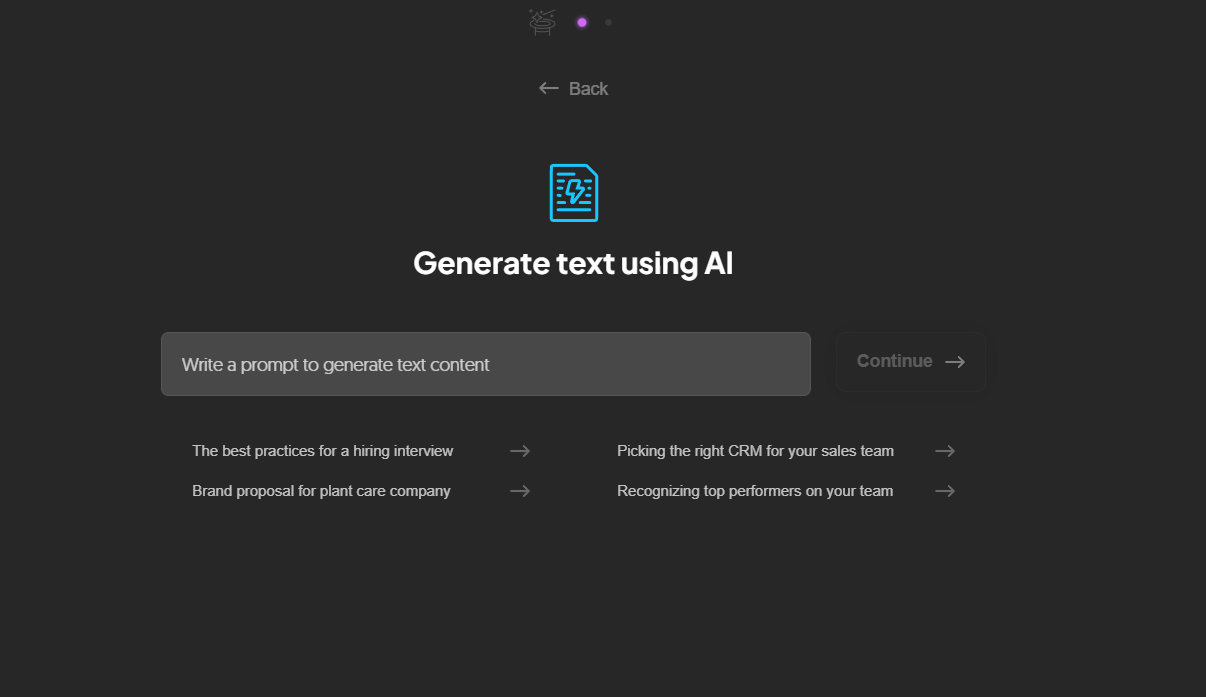
- Product Manager compiles requirementsPaste it into Napkin, and AI will generate an architecture diagram in seconds.
- Online collaborative discussion for all membersComments should highlight risk points and provide optimization suggestions.
- Automatically archive results from each roundThis will facilitate subsequent review.
Scenario 2: Improving Team Document Sharing and Communication Efficiency
- Key historical visual archives can be shared with a single click, allowing new members to quickly understand the project.
- Development, design, and operation can share a unified format prototype, reducing version communication costs.
Scenario 3: Rapid Output of External Documents
- Market and financing materials can be efficiently generated into high-quality visual drafts, emphasizing both brand image and professionalism.
- All outputs can be dynamically modified and exported at any time.
Comparison of core advantages and disadvantages and future prospects
| Advantages | Areas for improvement |
|---|---|
| Ultra-fast text-to-visual conversion, greatly simplifying the prototyping process. | No Android/Pad client available yet. |
| Detailed brand customization and smooth team collaboration | Advanced hand-drawing mode needs improvement |
| Export in multiple formats to suit all office scenarios | It primarily supports English, with other languages to be supported gradually. |
| AI archiving and enterprise-grade security | Batch import of historical content is not yet available. |
| Intelligent categorization frees up the burden of sorting | Integration with more platforms is pending. |
List of Applicable Users and Industry Recommendations
| User type | Main requirements | Recommendation reason |
|---|---|---|
| AI Product Manager | Prototyping, Collaboration | Integrated visual expression + rapid team synchronization |
| Startup team | Inspiration archiving, brainstorming | All meeting outputs and inspirations can be organized into brand visual documents. |
| Consulting/Training Institutions | Courseware, Content Marketing | Generate reports and mind maps with one click, supporting multi-channel dissemination. |
| Development/Design Department | Solution Collaboration | Clear prototypes, professional visual expression + multi-platform output |
User reviews and industry reputation
- “Napkin’s Daily Flow is like a pocket-sized inspiration mentor, constantly inspiring and stimulating my creativity.” — Creator Sean (USA)
- “"Forgotten memories are rediscovered through Napkin, which automatically connects similar thoughts, deepening my learning and understanding." — Dave, Product Manager (Portugal)
- “"Simple yet powerful. No more tedious drawing for visual notes and key point extraction during team collaboration!" — Project Manager Luis (India)
For more case studies and recommendations, please refer toOfficial Recommendation Page。
Compared with traditional tools
| Functions/Features | napkin | Traditional graphics tools | Regular documents/notes |
|---|---|---|---|
| AI Text-to-Visual Conversion | support | Not supported | Not supported |
| Cross-team collaboration | Real-time collaboration | limited | limited |
| Unified brand style | One-click | Manual | Not supported |
| Export in multiple formats | Rich | limited | limited |
| Intelligent archiving | Fully automatic | 无 | 有 |
| Data security | Enterprise Encryption | part | See platform |
Price and acquisition method
Napkin is currently in a free beta testing phase.Register now and start using all professional features, no credit card required.In the future, advanced paid features (such as team collaboration and corporate brand expansion) will be available.
Access Point:napkin.ai
Summarize
napkin With its AI-powered intelligent text visualization, highly efficient collaboration, and brand consistency, Napkin helps AI product managers and innovative startup teams achieve leaps in process innovation, communication efficiency, and knowledge accumulation. Whether it's prototyping, brainstorming, or external reporting, Napkin's innovative capabilities and user-friendly experience make it a powerful collaborative tool for digital teams.
Try Napkin now to bring every idea to fruition efficiently and make every collaboration WYSIWYG!
© Copyright notes
The copyright of the article belongs to the author, please do not reprint without permission.
Related posts



No comments...
