
What is Copilot? A 5-minute overview of what this AI assistant, Copilot, can do.

Reporter's report | June 2024
Artificial intelligence (AI) has revolutionized the way we work and live. In 2024, with a plethora of AI tools emerging, Microsoft, GitHub, and OpenAI have jointly launched…CopilotCopilot quickly became a focus of attention for programmers and office workers. So, what exactly is Copilot? In which scenarios can it help users? This article will explore these questions.News reportThis article will take you through a comprehensive understanding of Copilot's product positioning, key functions, practical applications, and advantages.
What is Copilot? An all-around assistant derived from AI.
Copilot is not the name of a single product, but rather a brand name for a series of AI-generated tools from Microsoft and GitHub. It deeply embeds AI capabilities into development environments and office software, leveraging natural language processing and machine learning. For example, GitHub Copilot focuses on code auto-completion and AI question answering, while Microsoft 365 Copilot integrates AI into office software such as Word, Excel, and Outlook.
Copilot's main purpose:Users can receive instant AI assistance through natural language commands, whether programming, summarizing meeting minutes, composing emails, or analyzing data, greatly improving productivity and creativity.
- learn more:GitHub Copilot official website
- learn more:Microsoft 365 Copilot official information
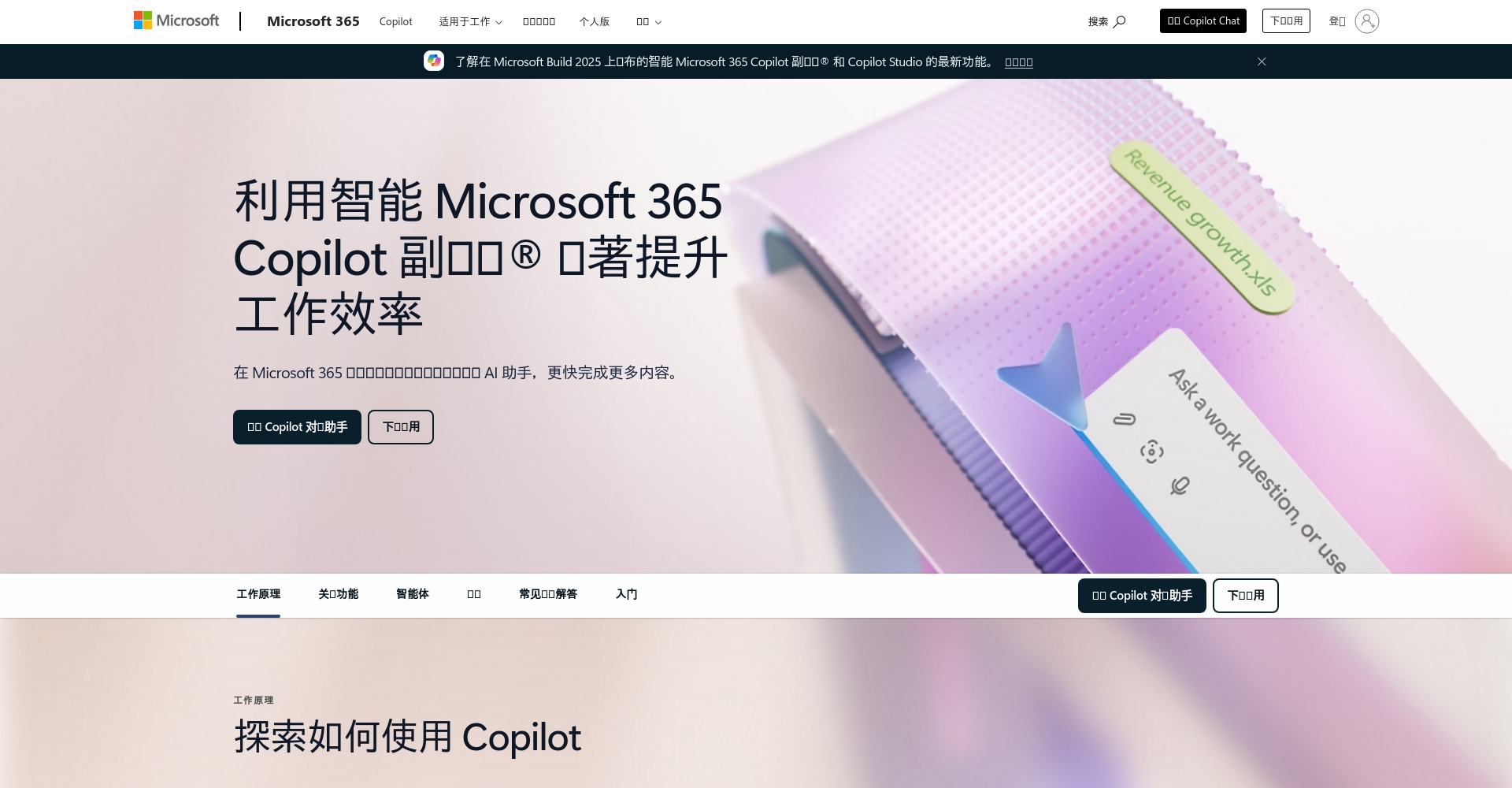
What are the core functions of Copilot?
Intelligent code assistance (using GitHub Copilot as an example)
- Automatic code completion: Real-time generation of code snippets based on context significantly improves coding speed.
- Natural language generation code: Simply enter a description in English (e.g., "Write a quicksort") to generate code in the corresponding language.
- Real-time grammar suggestions and bug fixes: Proactively identify potential errors and provide the best corrective solutions.
- AI Assistant Q&A (Copilot Chat): Ask questions in natural language within your IDE and automatically receive professional answers.
| Supported languages (partial list) | Does it support? |
|---|---|
| Python | Full support |
| JavaScript/TypeScript | Full support |
| Java, C#, C++ | Good support |
| Go, Ruby | Good support |
| PHP, Swift | Limited support |

(Data source: GitHub official documents)
refer to:What is GitHub Copilot? Official Explanation
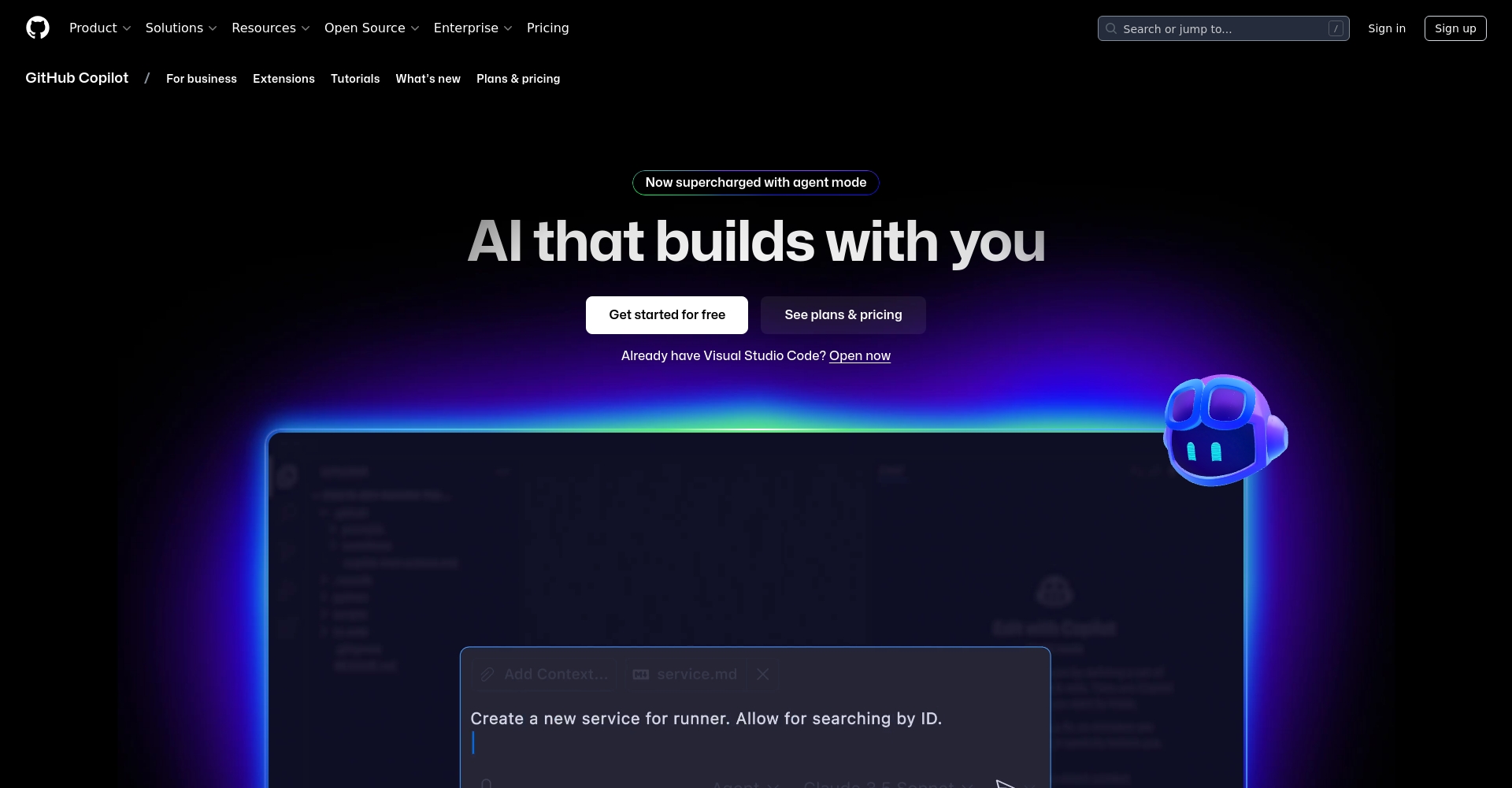
A powerful AI office assistant (Microsoft 365 Copilot)
- Automated Meeting Summary: Quickly generate Teams meeting minutes and to-do lists
- Intelligent document generation: Automatically create and edit articles and reports in Word.
- Data intelligence analysis: Analyze statistics using natural language processing and create charts in Excel.
- Smart Email Reply: Generate email reply content with Outlook with one click
- Team Collaboration Assistant: Provides project status updates and key reminders
learn more:Microsoft Copilot official introduction
In which scenarios can Copilot be used?
Programming
- Learning and teaching for beginners: Copilot can interpret code syntax, helping programming beginners get started quickly.
- Refactoring old code: Easily improve code readability and maintainability
- Generate test cases: Automatically generate unit tests based on existing code to improve software quality.
- Cross-language conversion: Assist in translating code into different languages (e.g., Java to Python).

Office Automation
- Improve efficiency: Quickly write reports and PPT drafts to reduce repetitive tasks.
- Meeting minutes compilation: Precisely identify key points and action projects
- Email automation: Smart prompts for reply email content and structure
Teamwork
- Knowledge retrieval: Copilot Chat provides quick answers to questions related to product development and project processes.
- Project Review: Automatically summarize requirement lists and bug lists to promote agile team collaboration.
Copilot Platform Solutions and Pricing Reference
Currently, Copilot offers several main solutions, which users can choose freely based on their needs:
| plan | price | Applicable to | Effective functions |
|---|---|---|---|
| Copilot Free | free | Student, open source project maintainer | 2000 autocompletes and 50 chats per month |
| Copilot Pro | $ $10/month | individual developers | Full-featured, unlimited chat and auto-completion |
| Copilot Business | $ $19/user/month | Small/medium-sized teams | Team management, security mechanisms, unlimited functionality |
| Copilot Enterprise | $ $39/user/month | Enterprise customers | Enterprise customization, advanced security, strategies and dedicated support |
(source:GitHub Copilot official pricing page)
Why choose Copilot? Analysis of its advantages and disadvantages.
Advantages
- Significantly improves efficiency: Developers can increase 55% production capacity on average
- Multi-scenario coverage: Whether for software development or daily office work, you can find a suitable version.
- Cross-platform support: Supports multiple IDEs and cloud/desktop Office suites.
- AI model continues to be optimized: Deeply collaborating with OpenAI to continuously update new features
Disadvantages and risks
- Errors require manual review: While AI is powerful, it can also generate incorrect suggestions, so users still need to review them.
- Data sensitivity considerations: Enterprise users need to pay attention to AI data privacy regulations
- Language support remains limited: The auto-completion capability is limited in some niche languages and professional scenarios.
| Risky projects | Recommended operation |
|---|---|
| Code quality | Implement automated testing and lint checks |
| Risk of sensitive data leakage | Enterprise users must configure dedicated permissions and private model training. |
| Copyright issues | Regularly compare Copilot recommendations with public databases and cite them in compliance with regulations. |
How do I get started with Copilot?
It only takes 3 steps to enable
- Download the latest version of the supported software: Such as Visual Studio, VS Code, Microsoft 365
- Register (or try out) a Copilot account:Click here to register for Copilot on GitHub.
- Install the Copilot extension suite in the software: You can use it after completing the authorization with your GitHub/Microsoft account.

Future Trends of Copilot
According to official announcements from Microsoft and GitHub, Copilot is actively expanding into new areas such as enterprise knowledge management, professional analytics, and even fully automated programming "agents." It is expected to integrate more deeply into various workflows in the future, making AI not only a development/office assistant but also a crucial driver of digital transformation strategies.
Copilot has become a pioneering AI solution for boosting the efficiency of modern developers and knowledge workers. Whether you're a senior engineer or an office worker, understanding and effectively using Copilot is an essential step in the digital productivity era. If you haven't experienced it yet, now is the perfect time to start.
© Copyright notes
The copyright of the article belongs to the author, please do not reprint without permission.
Related posts



No comments...
