
Stable Diffusion 1.5 Complete Analysis: A must-understand model advantages and application guide for AI drawing enthusiasts
Stable Diffusion 1.5 (SD1.5) is a go-to tool for AI drawing creators with its open source, flexibility, and strong community. This paper systematically sorts out the latest progress and high-end practical strategies of SD1.5 from multiple dimensions such as model technology principles, hardware deployment, parameter settings, ecological support, hardware deployment, ? experienced users quickly get started and create advanced creations. Includes hardware configuration recommendations, mainstream WebUI plug-in tools, model management specifications, advanced practical processes and core community resource navigation.

Stable Diffusion 1.5 model overview and technical progress
What is Stable Diffusion 1.5?
Stable Diffusion 1.5 is an open-source diffusion generative model launched by Stability AI and LAION, using LDM architecture to empower AI drawing efficiently and with low thresholds.
| version | Key features: | Recommended video memory | Output size | Business authorization |
|---|---|---|---|---|
| 1.4 | Open source, community ecology | 4GB | 512×512 | Commercial |
| 1.5 | Diverse styles to optimize synthesis quality | 4GB/6GB | 512×512 is better | Commercial |
| 2.1 | Stronger text understanding | 6GB+ | 512×512 and above | Commercial |
| SDXL series | High resolution | 8-12GB | 1024×1024 | Commercial |
SD1.5 有 become the mainstream for a long time with its diverse style and highly fine-tuned compatibility.
SD1.5 compared with similar AI models
Opening source deployment, unlimited customization and rich community expansion make SD1.5 ahead of Midjourney, DALL· E3 and other closed-source tools.
| model | Price | Whether it is open source or not | Deployable on-premises | Customization capabilities | Community resources |
|---|---|---|---|---|---|
| Midjourney | subscribe | not | not | low | Official/Limited |
| DALL· E 3 | Pay | not | not | Extremely low | official |
| SD1.5 | Free/donate | be | be | Extremely high | Abundance (Civitai, etc.) |
| SDXL | gratis | be | be | high | Grow fast |

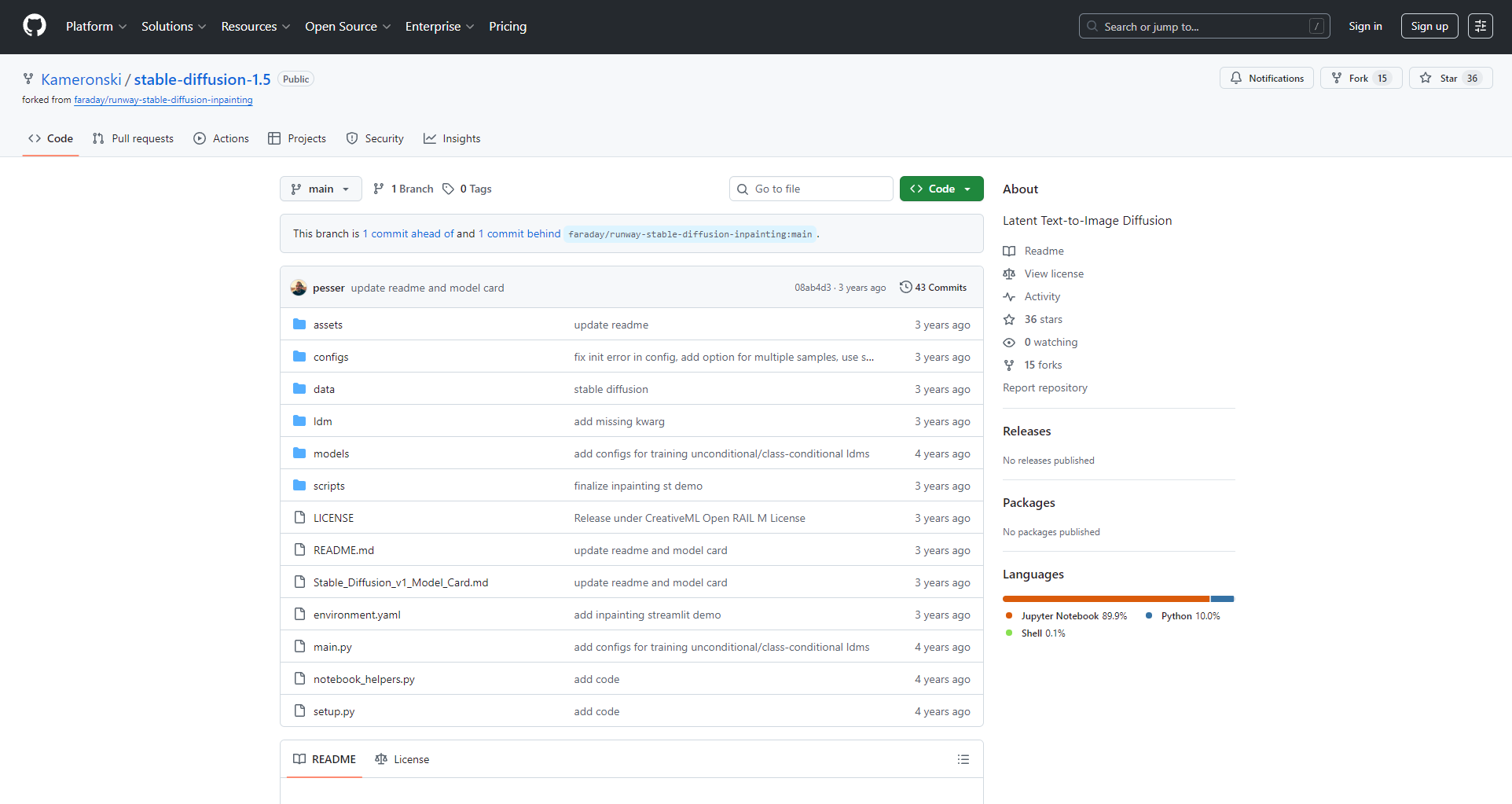
SD1.5 is the core of the secondary development of AI drawing ecology and LoRA and ControlNet standards.
Stable Diffusion 1.5 hardware and software configuration requirements
Hardware configuration recommendation
| demand | minimum | recommend |
|---|---|---|
| system | Win10/11/Linux | Windows 11 |
| Graphics | NVIDIA 4GB | NVIDIA 8GB+ |
| processor | Quad-core Intel/AMD | 6/8 core |
| memory | 8GB | 16GB+ |
| storage | 10GB | SSD 20GB+ |
Highly recommended independent graphics card, NVIDIA (supports CUDA) is the best.
Software deployment recommendations
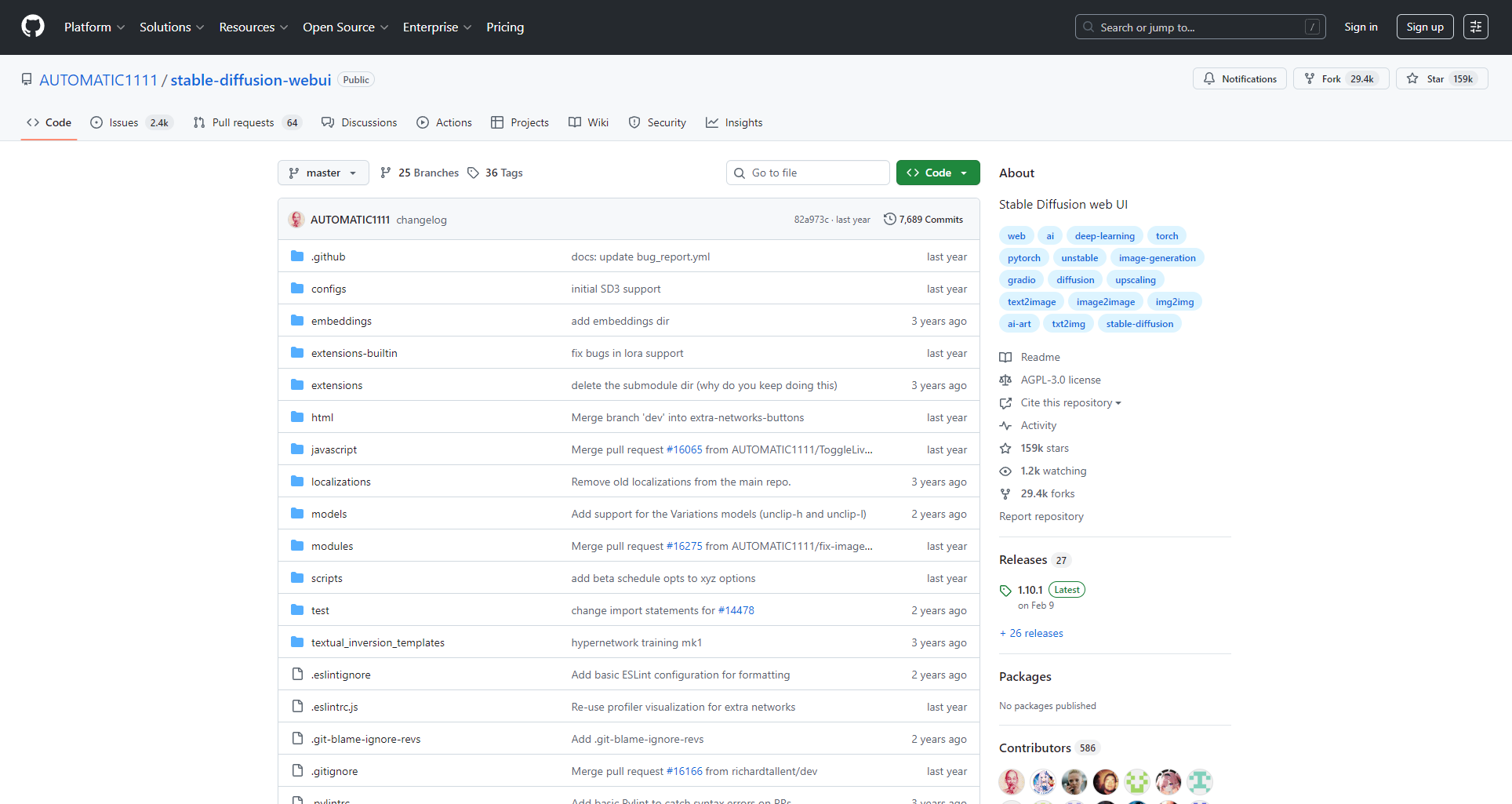
For newbies, it is recommended to use the “Akiba aaaki integration package” orthe AUTOMATIC1111 WebUIone-click package:
- Unzip to the hard disk, double-click the main program, and the browser can access the http://127.0.0.1:7860/ to operate the web.
- If you don't have local hardware, you can use mainstream cloud GPUs such as “Nimbus” to easily deploy a large graphics card experience.
Detailed explanation of Stable Diffusion 1.5 core functions and parameters
Main interface and parameter logic
- Prompt/Negative Prompt: Describe expectations and avoidance elements.
- Sampling method: affects different styles and fineness (Euler, DPM++, etc.).
- Steps: Generally 20-40 steps, too much and small income.
- Resolution: 512×512 mainstream, the bigger it is, the more you eat the graphics card.
- High-resolution restoration (Hires. Fix): Helps to enlarge the details of the secondary enhancement.
| parameter | example | illustrate |
|---|---|---|
| Prompt | best quality, 8k, masterpiece, … | The key description is that the power is high |
| NegativePrompt | bad-hands-5, watermark, blurry | Filter out bad details |
| Steps | 20-30 | Balance output quality |
| Sampler | Euler/DPM++ | Different styles are used differently |
| CFG Scale | 7 | Adjust prompt impact |
Model Ecology and Advanced Application Guide
Model types and functions
| type | function | folder | use |
|---|---|---|---|
| Checkpoint(CKPT) | Master model | models/Stable-diffusion/ | Decide on the basic style |
| LoRA | Small volume style fine-tuning | models/lora/ | Characters and styles are superimposed |
| VAE | Color enhancement | models/VAE/ | Sharpness and transparency are improved |
- LoRA model: Quick switching of some styles/characters
- VAE Module: Optimizes color and clarity
- ControlNet and other plug-ins: lineart, pose, and composition control
Mainstream resource download: Civitai, HuggingFace, OpenArt, etc.

WebUI tools and plugin ecosystem
| tool | Key features: | peculiarity | Applicable people |
|---|---|---|---|
| AUTOMATIC1111 | One-stop management and generation | Many plugins and continuous updates | Full level |
| sd-webui-aki-v4 | Multilingual | Minimalist and worry-free | greenhorn |
| ComfyUI | Node workflows | Freedom to be highly customized | High |
- Recommended plugins: ControlNet, Lora Block Weight, Tiled Diffusion/VAE, etc.
Practical advice on LoRA and model management
- Classification and naming, recording source parameters for easy reproducibility
- Multi-model weights can be mixed and calls are more flexible
- Make full use of the combination of Tag and weight
Standard application process Step-by-step
- Select the master model
- Overlay LoRA style
- Prompt design, suitable for sampling and step count
- Enable ControlNet when there is a reference image
- You can start a high-score repair
- Generate, adjust, and export in bulk
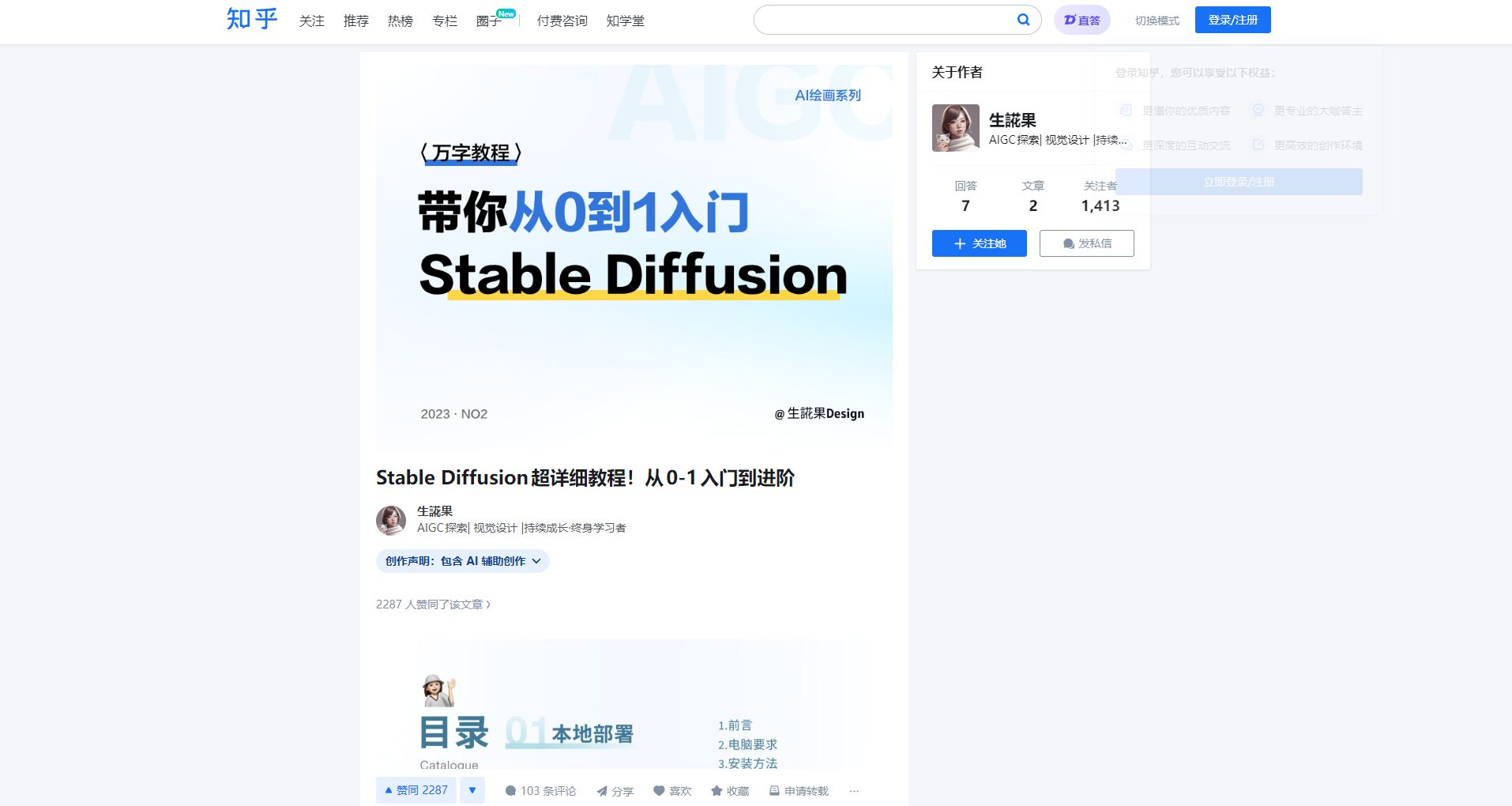
Details can be found here
Zhihu advanced tutorial
Stable Diffusion 1.5 Usage Effects and Application Scenarios
Comparison of actual combat effects
| Prompt Scene | SD1.5 | FLUX/majicMIX |
|---|---|---|
| Two-dimensional | Clear details and easy to customize | Full and true |
| photography | The realism is second only to the higher-order new model | FLUX is better than realism |
| Style transfer | The community LoRA is extremely rich | Compatibility needs to be tested |
SD1.5 is suitable for custom creatives such as anime, illustrations, wallpapers, NSFW, etc.
List of typical application scenarios
| scenario | user | use | Recommended tools |
|---|---|---|---|
| Illustration creation | Illustrator | Characters, posters | SD1.5+LoRA+ControlNet |
| Product design | E-commerce/new media | T-shirts, goods | SD1.5 + VAE + amplification plug-in |
| Architectural concept | Architecture/3D design | Sketches, effect concepts | ControlNet+ComfyUI |
| Self-media | Self-media owner | Official account cover, short video picture | Bulk plug-in + Tag reference |
| NSFW | Adult creation | Multi-style, personalized | LoRA dedicated + high-level prompts |
Continuously optimize and learn from community resources
- Civitai: Maximum LoRA/Model Station
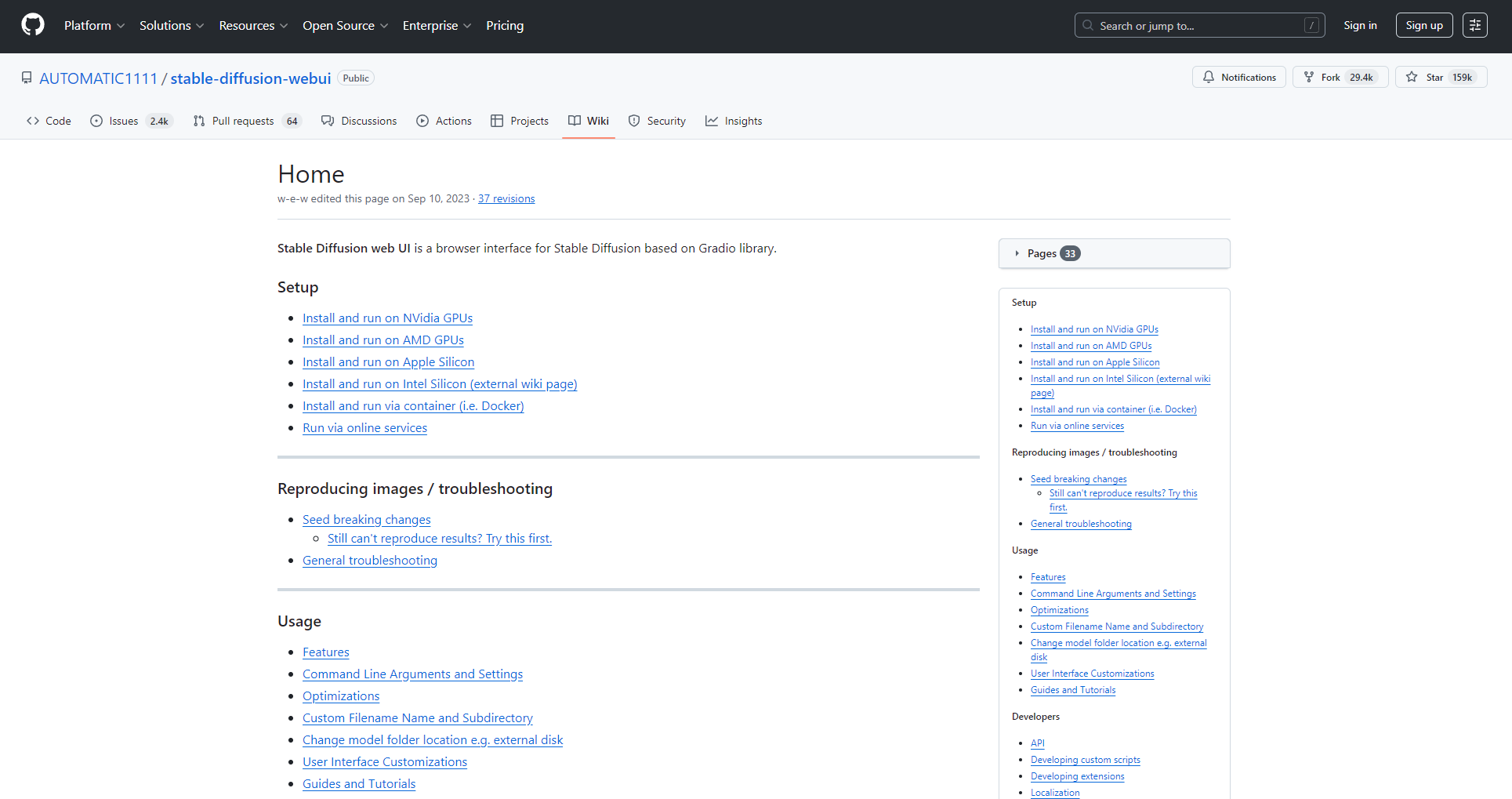
- A1111 Wiki: Deployment and plugin manual
- Zhihu detailed experience
- Bilibili UP practical demonstration
Each generation of SD1.5 has given rise to new styles, LoRA innovations, and pushed the infinite possibilities of AI drawing.
Embrace open-source AI, make reasonable use of plugins and massive model libraries, and let your inspiration soar with AI!
© 版權聲明
文章版權歸作者所有,未經允許請勿轉載。
相關文章

暫無評論...
