

ECHOWIN
ECHOWIN is a one-stop AI-powered automated reception platform that supports phone and web chat...
Adobe Podcast is an AI-powered cloud-based audio tool from Adobe that allows podcasters, YouTubers, and online teachers to easily achieve professional studio-quality sound without expensive equipment. Its AI-enhanced noise reduction, text editing, multi-user remote collaboration, and cloud-based web page editing features greatly simplify the audio content creation process, making it extremely accessible and appealing to both individual and team creators. The paid version also supports video processing and more batch processing functions, making it a modern...
Adobe PodcastAdobe PodcastIt is a product launched by AdobeAI cloud-based audio toolsIt enables podcasters, YouTubers, online teachers, and other users to easily achieve [the goal] without expensive equipment.Professional studio-quality soundIts AI-enhanced noise reduction, text editing, and multi-user remote collaboration features...Cloud web page clippingFeatures such as these greatly simplify the audio content production process.The entry barrier is extremely low.It is highly attractive to both individual and team creators. The paid version also supports...Video processing and more batch functionsIt is the ideal choice for modern content creators to improve sound quality and efficiency.
In the wave of content in the digital ageDemand for high-quality audio creation continues to rise.。
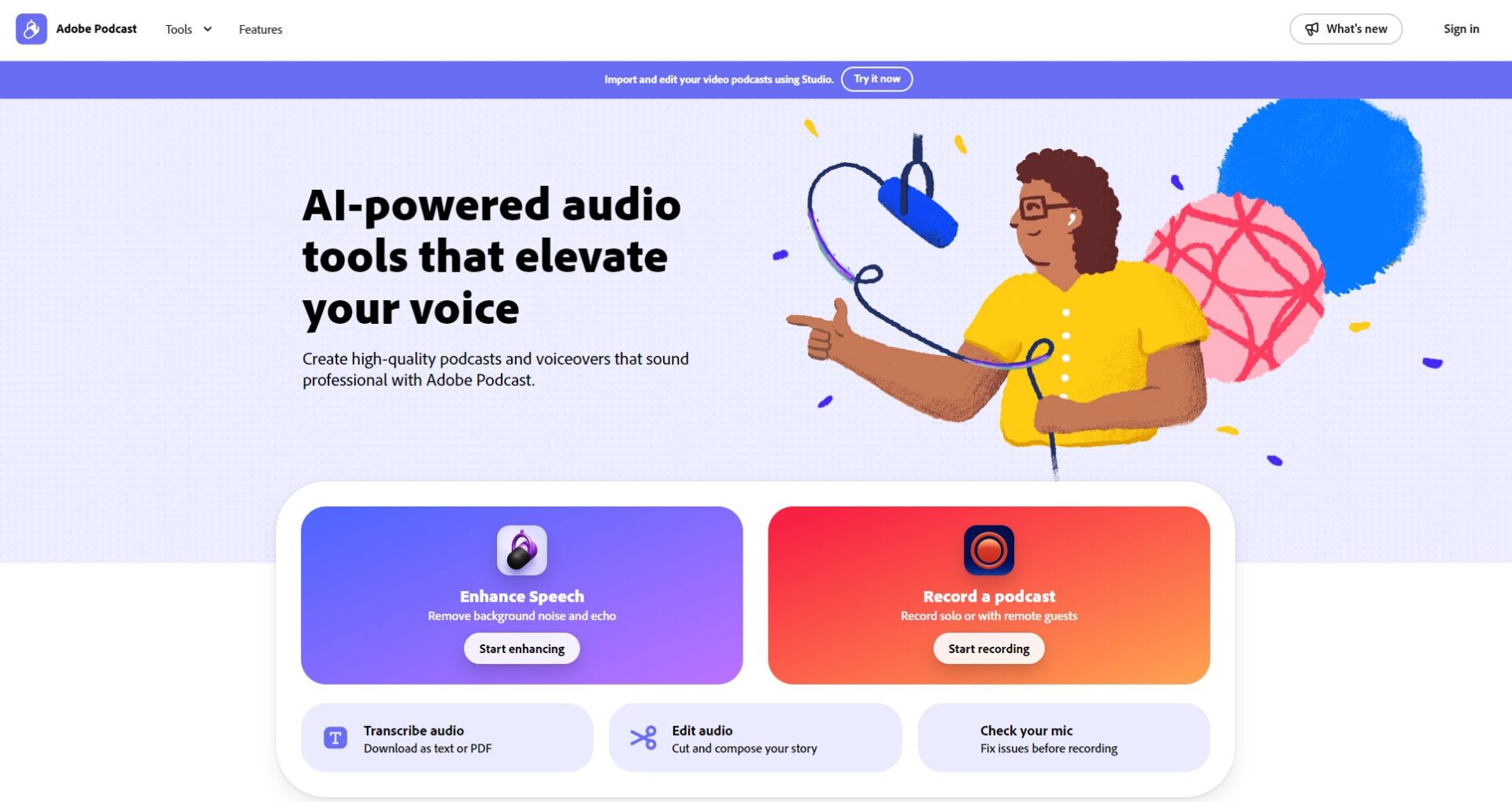
Whether it's podcasts, YouTube channels, online courses, or business presentations, professional, clear, and easy-to-post-production audio quality is becoming increasingly important. Adobe Podcast(Official website linkThis is a software tailor-made for content creators.AI audio toolsIt uses AI technology to achieve one-stop recording, noise reduction, enhancement and editing, improving sound quality efficiency and lowering the barrier to entry for beginners.
— Official website —
Adobe PodcastIt supports audio and video processing, and its core AI functions include:
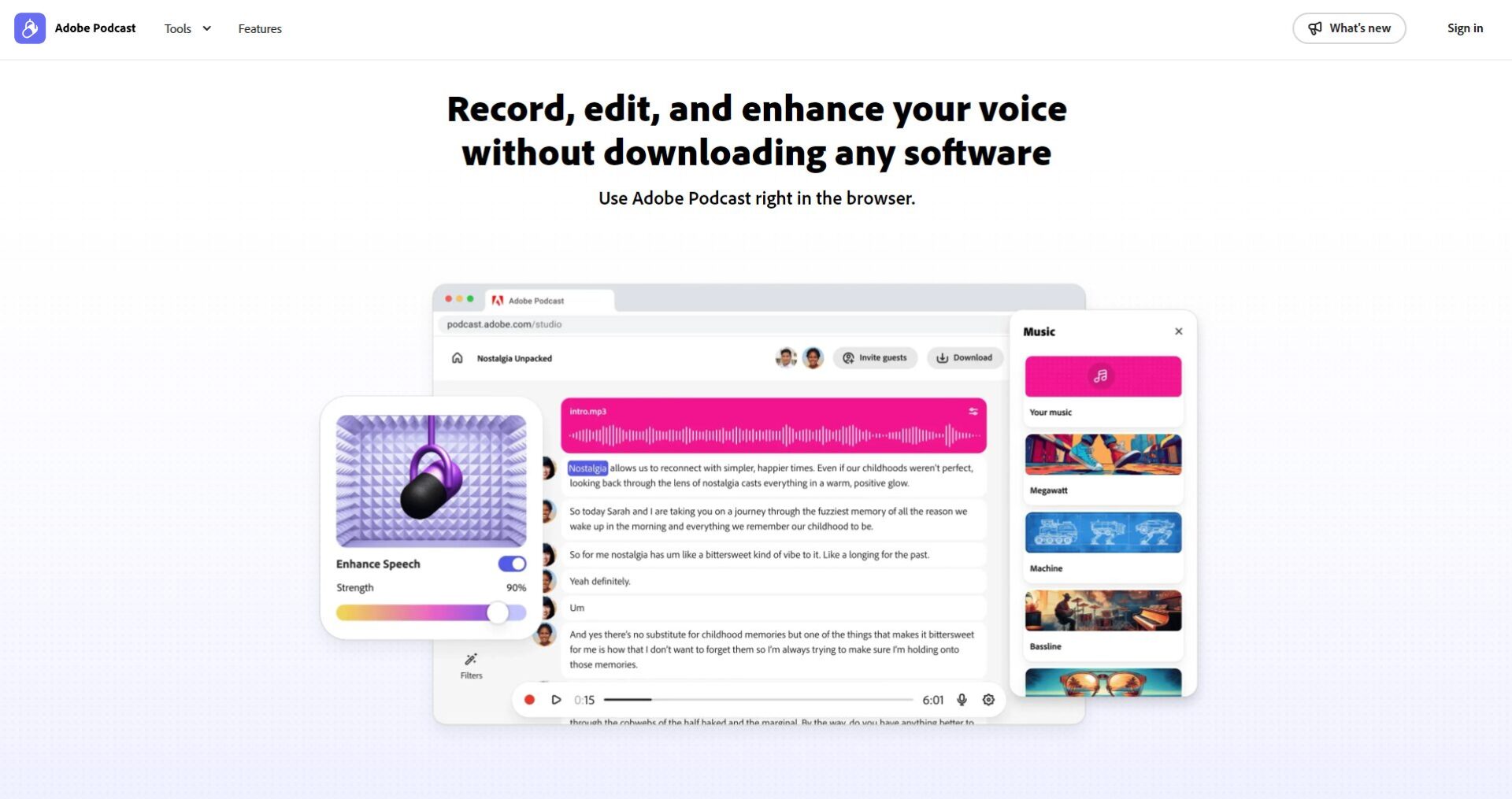
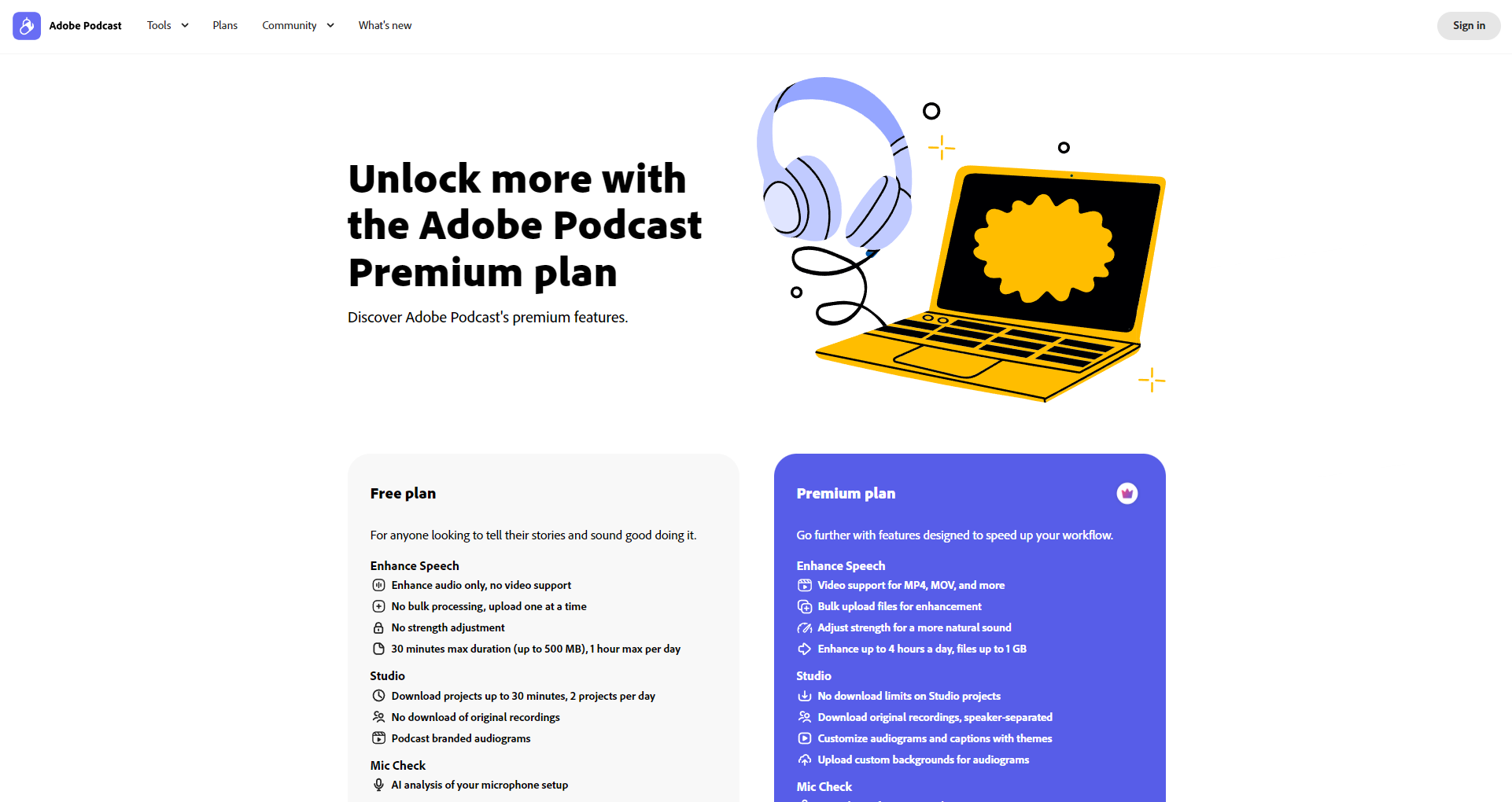
| Function | Free version | Premium version (paid) |
|---|---|---|
| Supported formats | Single audio | Audio + Video |
| Batch processing | 否 | 是 |
| AI intensity adjustment | 否 | 是 |
| Maximum duration per file | 30 minutes / 500MB | 2 hours/1GB |
| Total daily processing time | 1 hour | 4 hours |
| Studio Project Download | 2/day | Infinite |
| Mic Check Analysis | 是 | 是 |

For more detailed features, please seeOfficial website function page。
| plan | Price | Support content | Suitable for |
|---|---|---|---|
| Free version | 0 yuan | AI-enhanced audio, basic webpage editing, and daily 1-hour batch quota. | Beginner/Occasional Creation |
| Premium version | $14.99/month (US region pricing) | Features include adding videos, batch processing, custom intensity settings, unlimited downloads, and multi-channel export. | Podcast professionals and content team |
AvailableOfficial tutorial、ForumObtain support.

| Advanced features | Free users | Premium users |
|---|---|---|
| Remote multi-party simultaneous recording | support | Advanced Collaboration |
| AI verbatim editing | support | support |
| Video audio enhancement | Basic format | Full support |
| Batch processing/editing | 否 | 是 |
| Logo Removal Template | 否 | 是 |
Currently, the English verbatim transcript is the best, and other languages are being tested and developed gradually.
The free version only supports audio.Video noise reduction requires Premium. You can register for a trial experience.
No installation required at all!All operations are completed on the web, compatible with Windows/Mac/iPad and other mainstream browsers.
Compatible with Windows, Mac, and major browsers (Chrome, Edge, etc.). Microphone optimization settings are recommended.
In the wave of AI audio revolution,Adobe PodcastIt's setting a new standard for content creation. If you also want to...Use AI to efficiently create high-quality audio content.Welcome to visitAdobe Podcast official websiteUnlock a new future for your voice!
This site's AI-powered navigation is provided by Miao.Adobe PodcastAll external links originate from the internet, and their accuracy and completeness are not guaranteed. Furthermore, AI Miao Navigation does not have actual control over the content of these external links. As of 6:33 PM on November 27, 2025, the content on this webpage was compliant and legal. If any content on the webpage becomes illegal in the future, you can directly contact the website administrator for deletion. AI Miao Navigation assumes no responsibility.
