

SciSpace
SciSpace是一款专为学术人群打造的AI论文阅读与管理平台,提升文献检索、理解和协作效率。
Swapface, a professional and widely used AI image tool, has become the preferred platform for many users in creation, entertainment, and personal image editing, thanks to its powerful multi-format support, advanced AI algorithms, and extremely simple operation process.
 Swapface
In today's era of rapid development in digital entertainment and content creation,AI face-swapping technologyIt has become a new hot topic pursued by creative workers and general users. Among them, Swapface, as a professional and commonly used AI image tool, has become the preferred platform for many users in creation, entertainment and personal image editing due to its powerful multi-format support, advanced AI algorithms and extremely simple operation process.
This article will provide a detailed analysis from multiple aspects, including tool functionality, pricing plans, usage process, and target audience. SwapfaceIt also provides authoritative answers to common questions and outlines the most cutting-edge AI face-swapping application experience for readers.
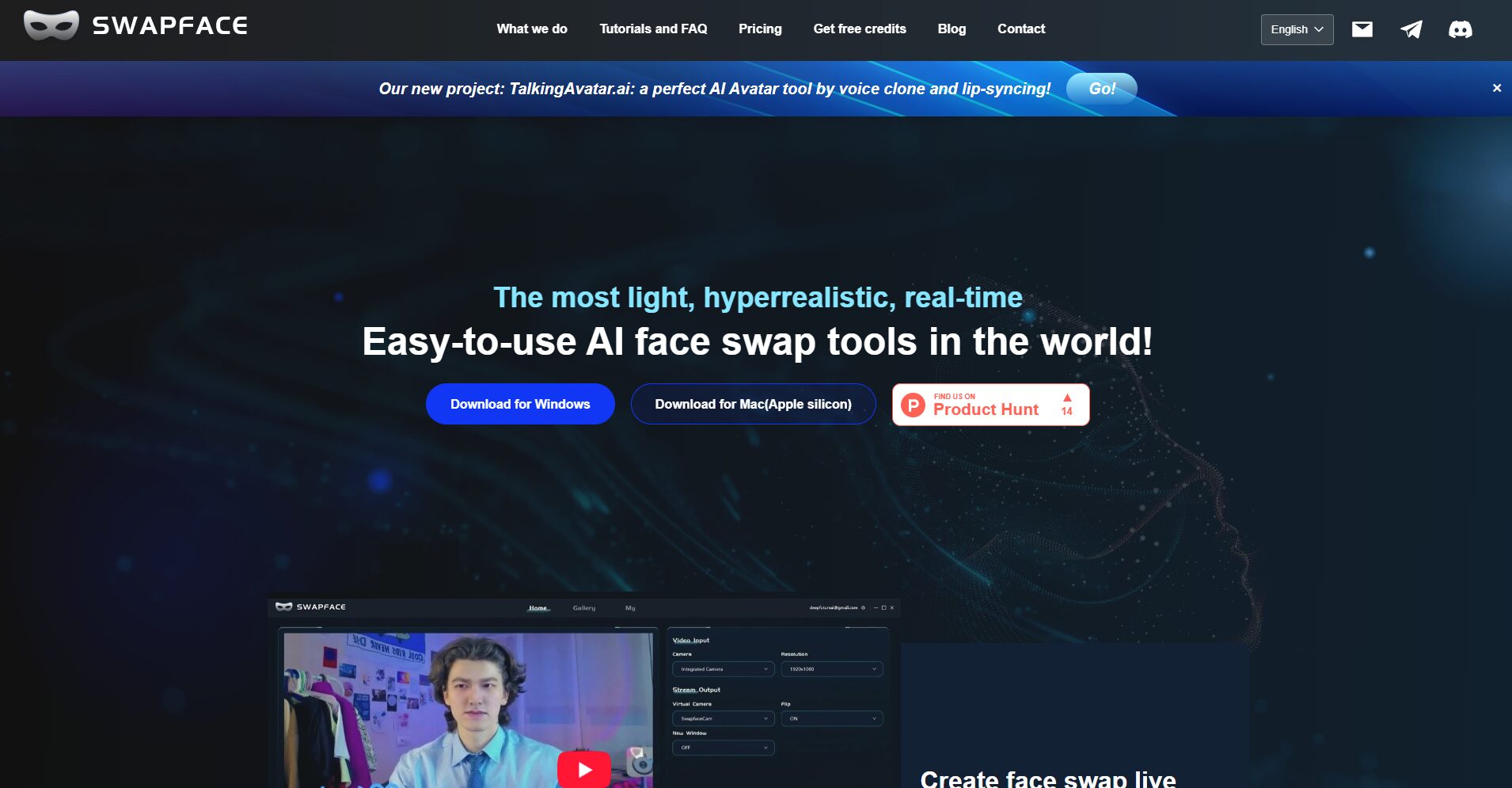
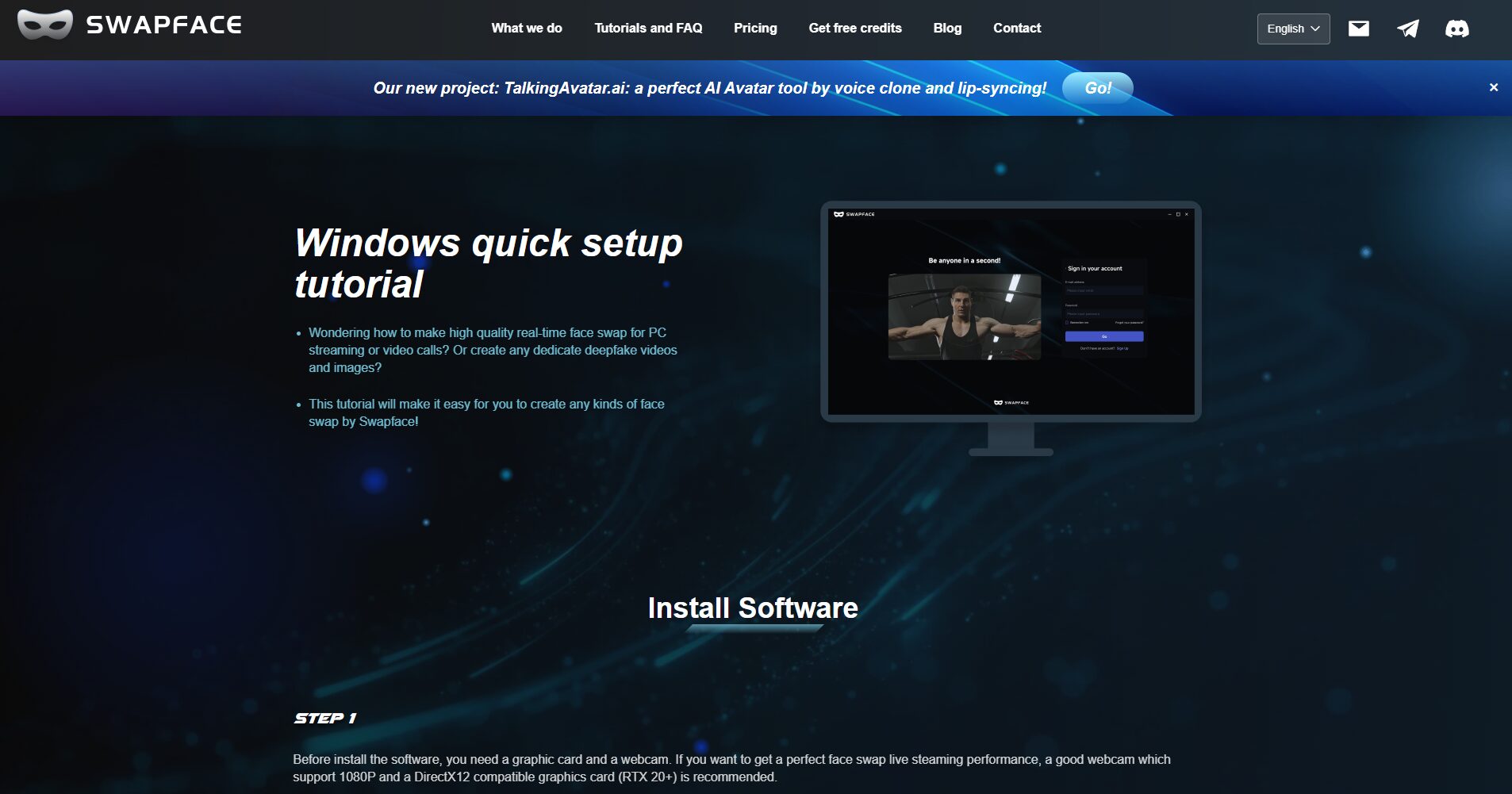
Swapface official website:Best Free Face Swap AI in 2025-Swapface
Swapface allows users to seamlessly replace faces in photos, videos, and even GIFs without any image processing experience. Key highlights include:
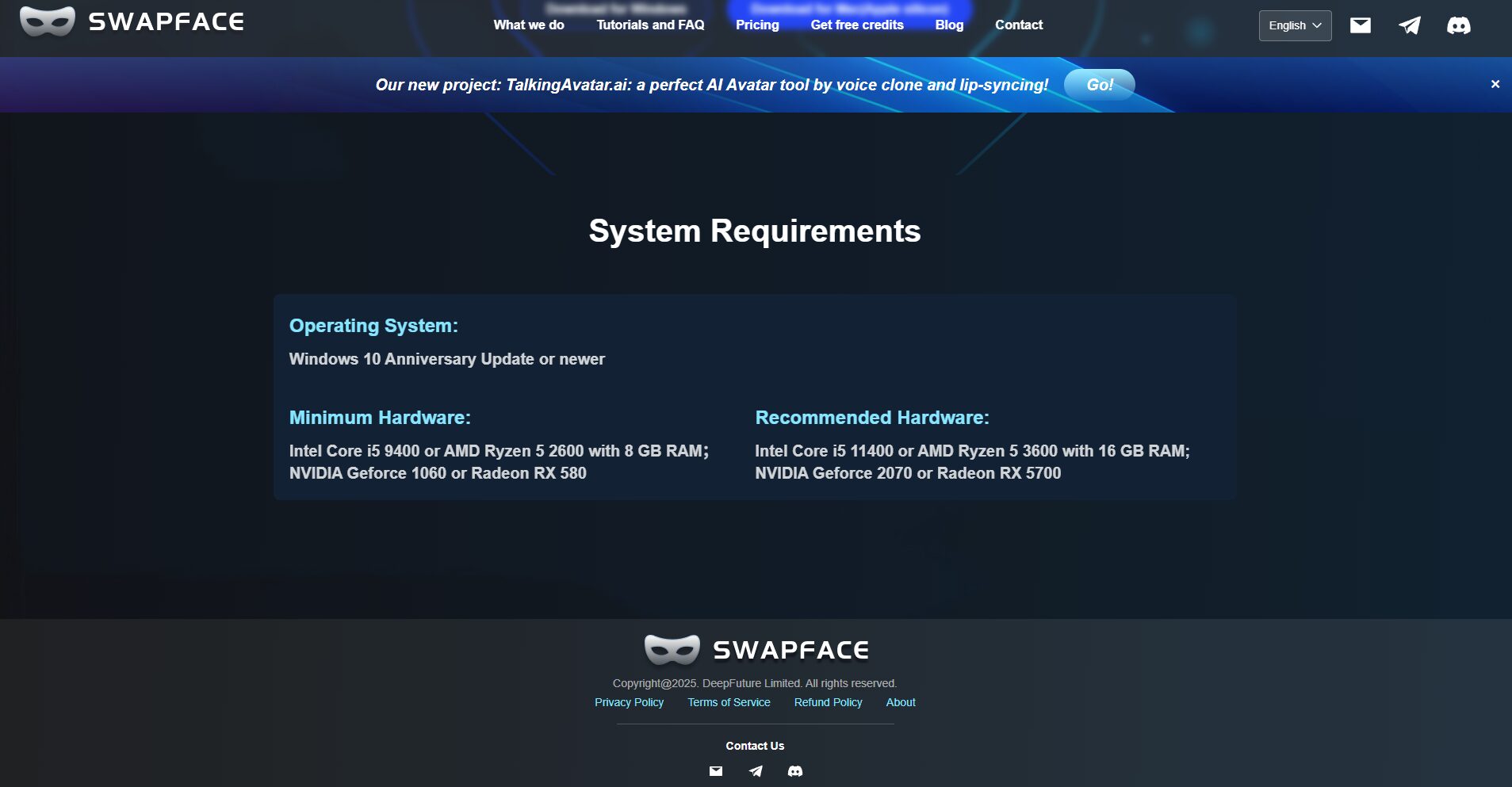
For detailed feature descriptions, please visit the official feature page.
| Function Name | Supported objects | How to use | Generation speed / Notes |
|---|---|---|---|
| Face swapping | JPG/PNG, etc. | Upload photo → One-click face swap | Completes quickly, suitable for static content. |
| Video face swap | MP4/AVI, etc. | Upload video → Replace or insert face | Supports live streaming/real-time scenarios with fast processing speed. |
| GIF face swap | GIF animation | Upload GIF → Replace Face | Suitable for creating emojis/fun animations |
| Live/Live Face Swap | Camera/Live Stream | Connect camera → Start real-time face swap | Supports video chat/live streaming scenarios |
| Multiple mode selection (e.g., Expert) | Photos/Videos/Live Streams | Select Fast/Pro/Expert mode in the settings. | Different modes result in different effects and resource consumption. |

For more features, please visit the Swapface product page.
Use face-swapping feature for free:
| Solution Name | price | Supported features | Advertising/Customer Support | Target audience |
|---|---|---|---|---|
| Free Plan | $0/year | Basic face-swapping function, some free quota | May contain watermarks or daily limits. | Light users/new users |
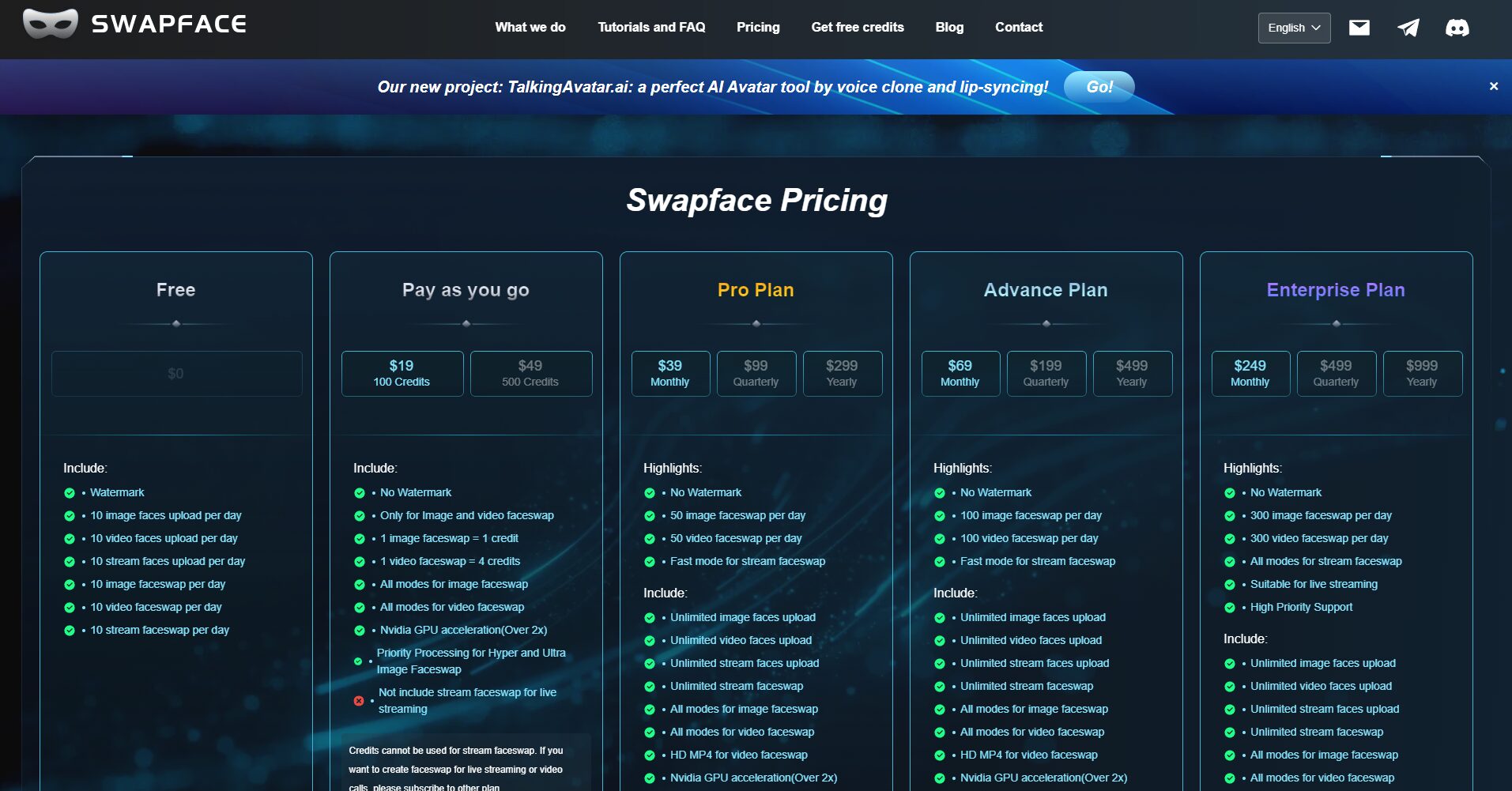
Paid subscription plans (subject to the official website):
Note: Prices may vary depending on region, event, currency, etc. Please refer to the official website for the final price.
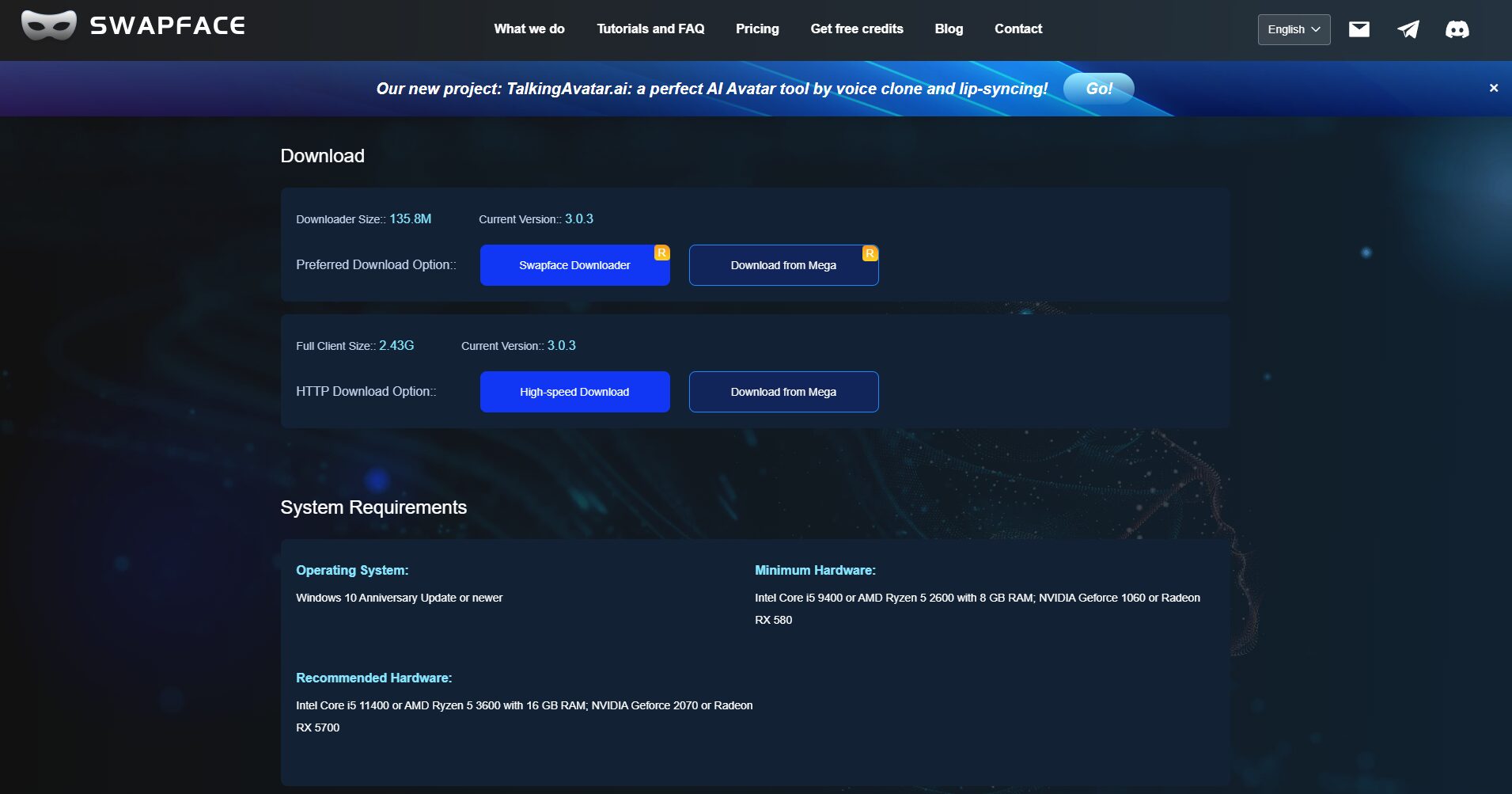
Step-by-step instructions:
| step | Content Description |
|---|---|
| Upload materials | Upload JPG, PNG, MP4, GIF, etc. |
| Select target | Upload or select the target face |
| One-click face swap | Initiate AI processing and wait for generation. |
| Download/Share | Download/Share to social media platforms |
| Tool Name | face swapping methods | Video support | GIF support | AI-powered clothing/hairstyle change | Watermark status | Points/Free Quota |
|---|---|---|---|---|---|---|
| Swapface | Photos/Videos/Live Streams/GIFs | ✔ (Videos, Live Streams) | ✔ (GIF supported) | ✖ (Primarily focused on face swapping) | The free version may contain a watermark or be limited. | Free trial / Earn more credits |
Whether you're a short video creator, a social entertainment enthusiast, or a digital content creator, Swapface offers a one-stop, highly efficient, and surreal AI face-swapping tool experience. As a leading AI image tool, Swapface, with its superior features and streamlined workflow, is sparking a new wave of creative content production in the digital age. Visit the Swapface website now and start your AI face-swapping journey!
This site's AI-powered navigation is provided by Miao.SwapfaceAll external links originate from the internet, and their accuracy and completeness are not guaranteed. Furthermore, AI Miao Navigation does not have actual control over the content of these external links. As of 6:12 PM on November 4, 2025, the content on this webpage was compliant and legal. If any content on the webpage becomes illegal in the future, you can directly contact the website administrator for deletion. AI Miao Navigation assumes no responsibility.
