
Lamini
Lamini is a pioneering platform that provides enterprise-grade AI training models, focusing on low-barrier, customized solutions for large language models.
Ayoa Ultimate is an office tool that integrates AI mind mapping, whiteboard, task management, and team collaboration, suitable for individuals and teams to innovate, plan, and communicate.
 Ayoa Ultimate
Ayoa UltimateA collectionMind mapping, task management, whiteboard and AI intelligence integratedA creative office platform. It supports...AI brainstorming, automatic branch generation, and real-time team collaboration.It offers a rich template library and export formats. Suitable for students, teachers, workplace teams, and creative professionals, it enables end-to-end management from idea to implementation. The Ultimate version has the most comprehensive features, supporting AI assistants, multi-device synchronization, and security, making it an efficient solution for digital office and innovative collaboration.
[Tech News Flash]In the trend of digital office transformation, AI-powered office tools that combine creative thinking with efficient management are increasingly favored by businesses and individuals. Among them,Ayoa UltimateWith its innovative fusion of mind mapping, task management, and AI assistant, Ayoa Ultimate has become a popular platform for unlocking thinking potential and promoting team collaboration. This article will provide an in-depth analysis of Ayoa Ultimate.Feature highlights, pricing structure, practical operation methods and target audienceLet us take you through a comprehensive understanding of this innovative AI office solution.
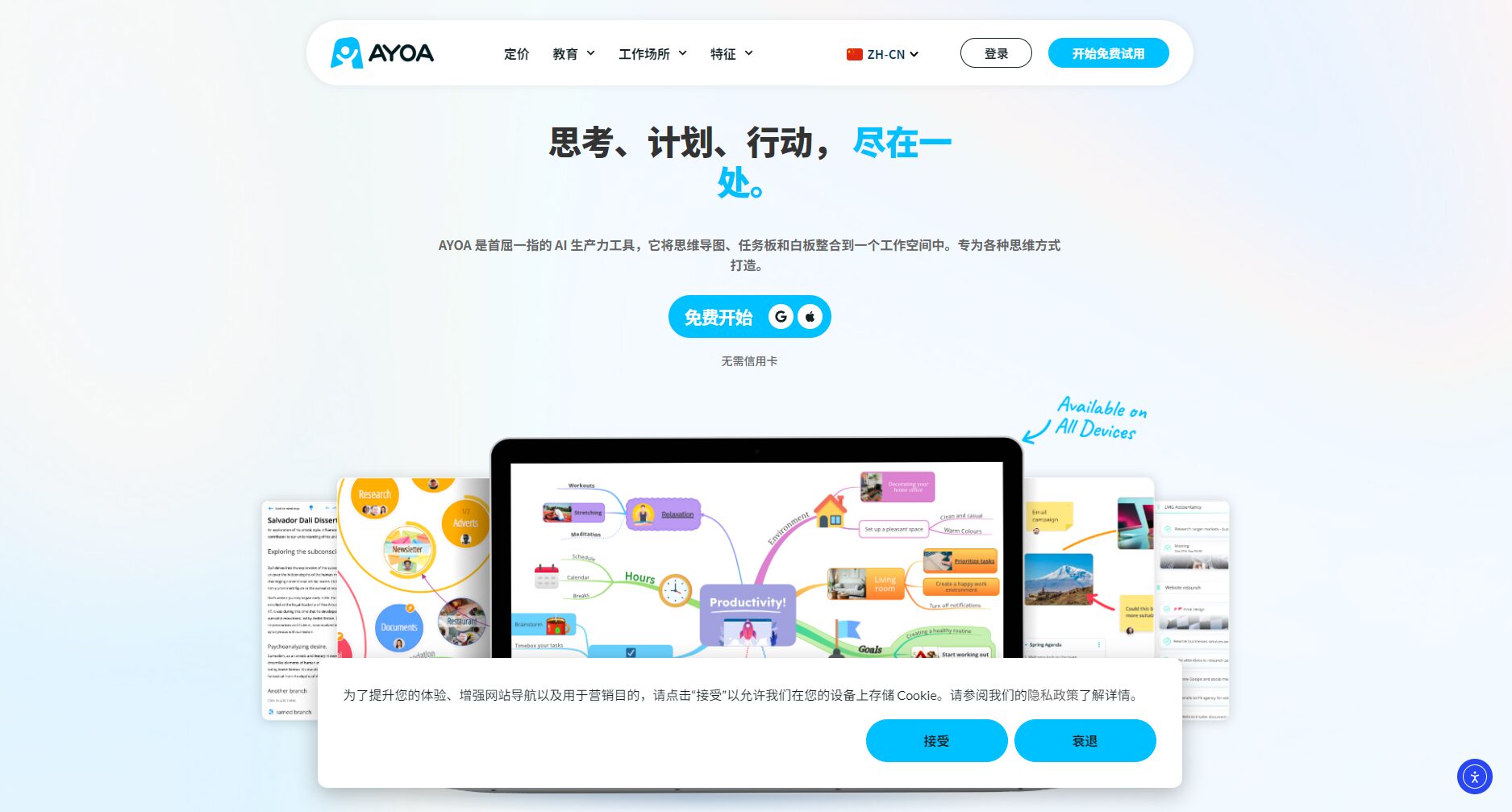
Ayoa UltimateA one-stop solution created by mind mapping expert Chris Griffiths' teamAI Office PlatformIt willMind maps, whiteboards, task flows, Gantt charts, team messages, AI suggestionsIt integrates various aspects into one system. Through its neurodiversity-friendly design, creative professionals, corporate teams, students, and beginners can efficiently obtain end-to-end support from ideation to execution.
As a leadingAI office toolsThe core of Ayoa Ultimate includes:
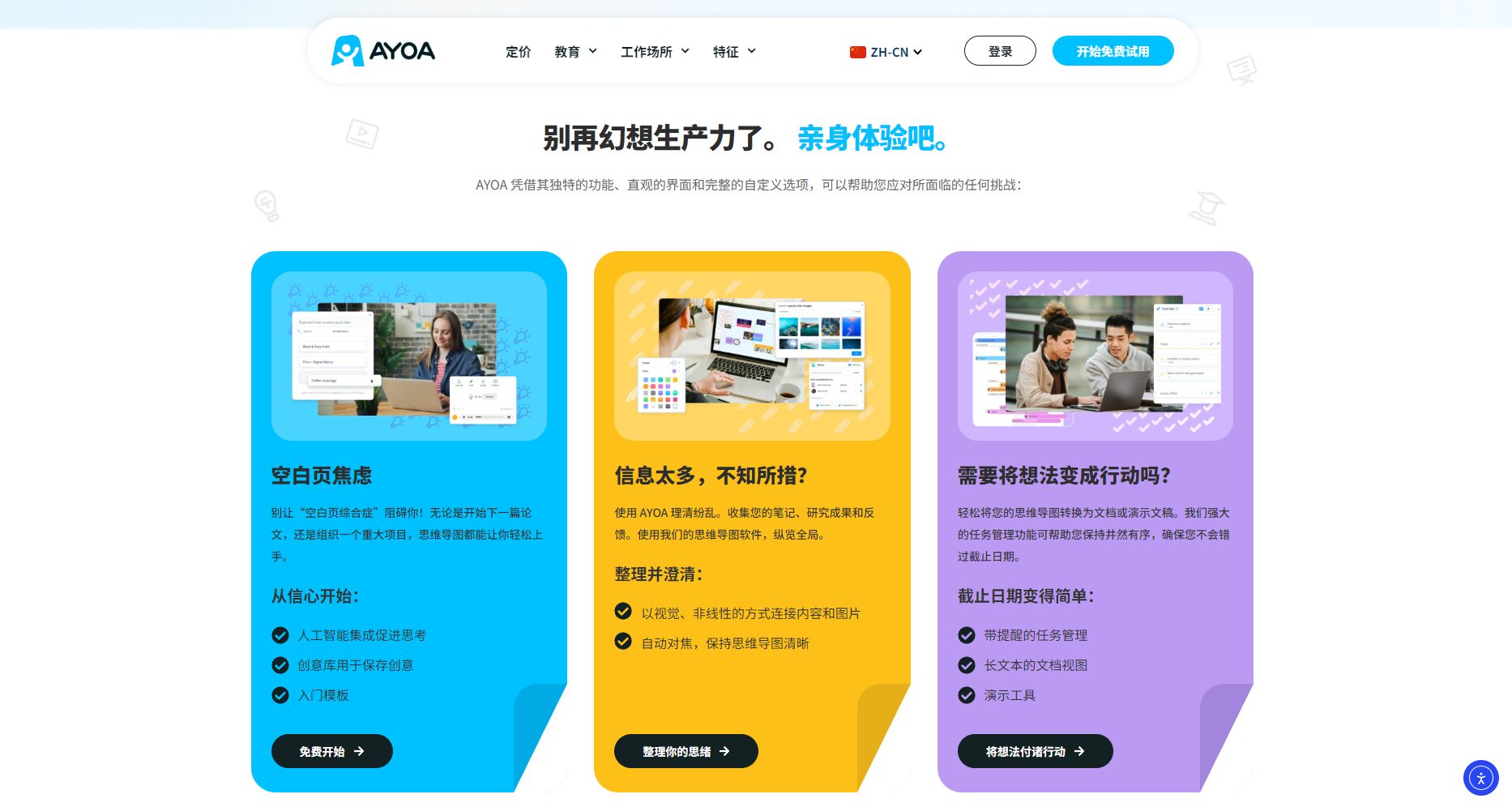
| Functional categories | Ayoa Ultimate Support Status | Description/Application Scenarios |
|---|---|---|
| Mind Map | √ | Creative mind maps, project plans |
| Whiteboard/Canvas | √ | Teamwork, visual creation |
| Flowchart/Gantt Chart | √ | Project schedule and roadmap management |
| AI branch suggestion generation | √ | Automated brainstorming and analysis extension |
| Team chat | √ | Real-time discussion |
| File/Image Embedding | √ | Enriching information expression |
| Cloud synchronization across multiple devices | √ | Cross-device office |

Emphasis on integration: Most similar platforms on the market offer only single functions, while Ayoa Ultimate achieves powerful one-stop integration.
According to the official website, Ayoa Ultimate supports multiple payment methods:
| Solution Name | Monthly payment | Annual payment (monthly) | AI Functions | Teamwork | illustrate |
|---|---|---|---|---|---|
| Free version | $0 | $0 | Basic only | Restricted | Basic Mind Map and Export |
| Mind Map version | $10 | Approximately US$8.33 | 否 | support | Enhance collaboration |
| Ultimate version | $13 | Approximately US$10.83 | AI full functionality | comprehensive | Flagship features |
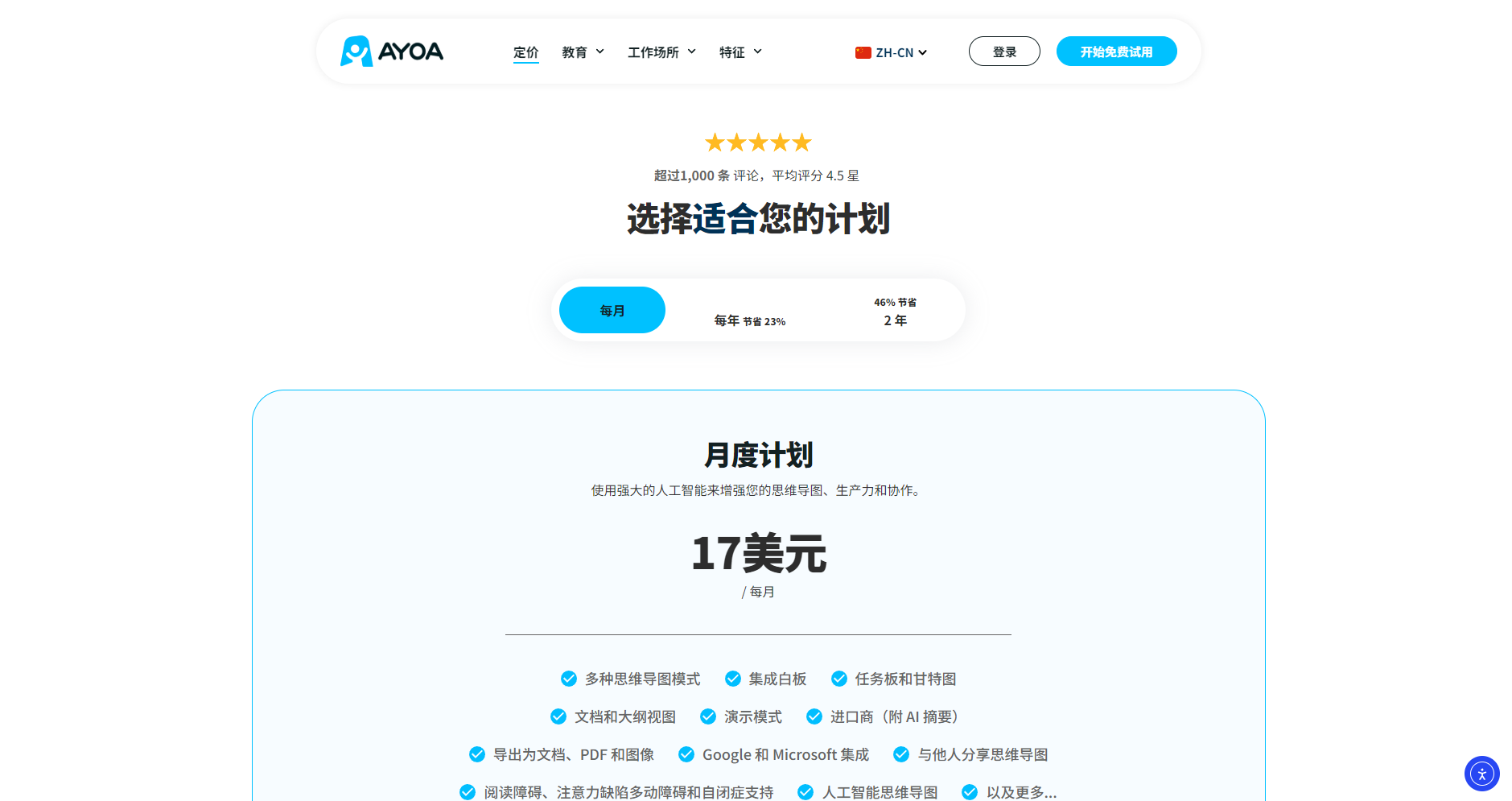
For more options, please refer to [link/reference].Official pricing page。
It's easy to use; new users only need to follow these steps:
| Steps and procedures | Function support | AI Automation | Recommended usage |
|---|---|---|---|
| Project creation | Multiple mode options | 可 | Flexible matching to different scenarios |
| Node generation | Manual/AI Extension | 可 | Keyword generation with one click |
| Collaboration and Comments | Member invitations and annotations | part | Multi-person synchronous collaboration |
| Data Management | Images, videos, attachments | 否 | Enrich the content of the mind map |
| Export and share | Multi-format output | 否 | Free archiving and dissemination |
| Typical User | Main functional requirements | Recommendation feature |
|---|---|---|
| Undergraduate students | Knowledge structuring and automatic summarization | AI Mind Map, Summary |
| Team Leader | Task assignment and progress monitoring | Gantt, Task Board |
| Product Manager | Roadmap, brainstorming | Whiteboard, ring chart |
| Entrepreneurs | Mechanism streamlining and data management | AI branch generation, task delivery |
| Scene | Key Functions | AI empowerment |
|---|---|---|
| Remote brainstorming | Mind map + whiteboard | √ (AI Extension) |
| Project Planning and Decomposition | Gantt chart + task assignment | √ (AI optimized) |
| Online teaching lectures | Mind Map + Canvas | √ (AI Summary) |
| Market data analysis | Table/Node Integration | Partial support |
More FAQs are available.Official Help Center
As a representative of AI-powered office tools for the new era, Ayoa Ultimate integrates creativity, management, and team communication.Seamlessly integrate brainstorming and project coordination, enabling students, professionals, and innovative teams to improve work efficiency and collaboration. Start now!Visit Ayoa UltimateStart a new experience of efficient and intelligent office work!
This site's AI-powered navigation is provided by Miao.Ayoa UltimateAll external links originate from the internet, and their accuracy and completeness are not guaranteed. Furthermore, AI Miao Navigation does not have actual control over the content of these external links. As of 8:16 PM on October 24, 2025, the content on this webpage was compliant and legal. If any content on the webpage becomes illegal in the future, please contact the website administrator directly for deletion. AI Miao Navigation assumes no responsibility.

