

PaperBetter AI
PaperBetter AI is a one-stop intelligent academic writing tool that integrates automatic paper generation, plagiarism checking, and PPT creation to help you write efficiently and professionally.
Tencent Docs Smart Assistant is a highly efficient AI tool that integrates intelligent document creation, data analysis, PPT enhancement, and multi-scenario AI office capabilities. It is deeply integrated into the Tencent Docs platform.
 Tencent Docs Smart Assistant
Tencent Docs Smart AssistantAs a next-generation intelligent office platform, it leverages core AI functions such as content generation, spreadsheet automation, PPT enhancement, and AI summarization to achieve one-click creation and automated processing of documents, spreadsheets, PPTs, PDFs, mind maps, and other office scenarios. Basic functions are free to use, while advanced AI capabilities are available for a fee. Suitable for individual to enterprise users, it broadly improves office collaboration and efficiency. It integrates a smart whiteboard and multi-terminal cloud collaboration, facilitating digital office and automation innovation.
Reporter: Science and Technology Daily/Deep News Center
In 2024, amidst the wave of iterations in AI office tools, major technology companies have been focusing their efforts on the field of intelligent collaboration.Tencent officially launched its powerful Tencent Docs intelligent assistant at the beginning of the year, becoming a highly anticipated next-generation intelligent office platform in the industry.As Tencent Docs (https://docs.qq.comOne of the core upgrades is that this AI tool fully integrates multiple AI capabilities such as content creation, spreadsheet data processing, and document beautification, ushering in a new era of "instant access" and "efficient office work with just one sentence" for 200 million individual users and over 1.2 million enterprise users.
Tencent Docs Smart AssistantPositioned asAll categories of AI office toolsIt is integrated into the Tencent Docs platform. Users can easily activate the assistant with one click via computer or mobile device, describe their office needs using natural language, and complete the entire process from document writing to data analysis, from content translation to PPT presentation generation and layout enhancement in one stop, greatly improving office creation efficiency.
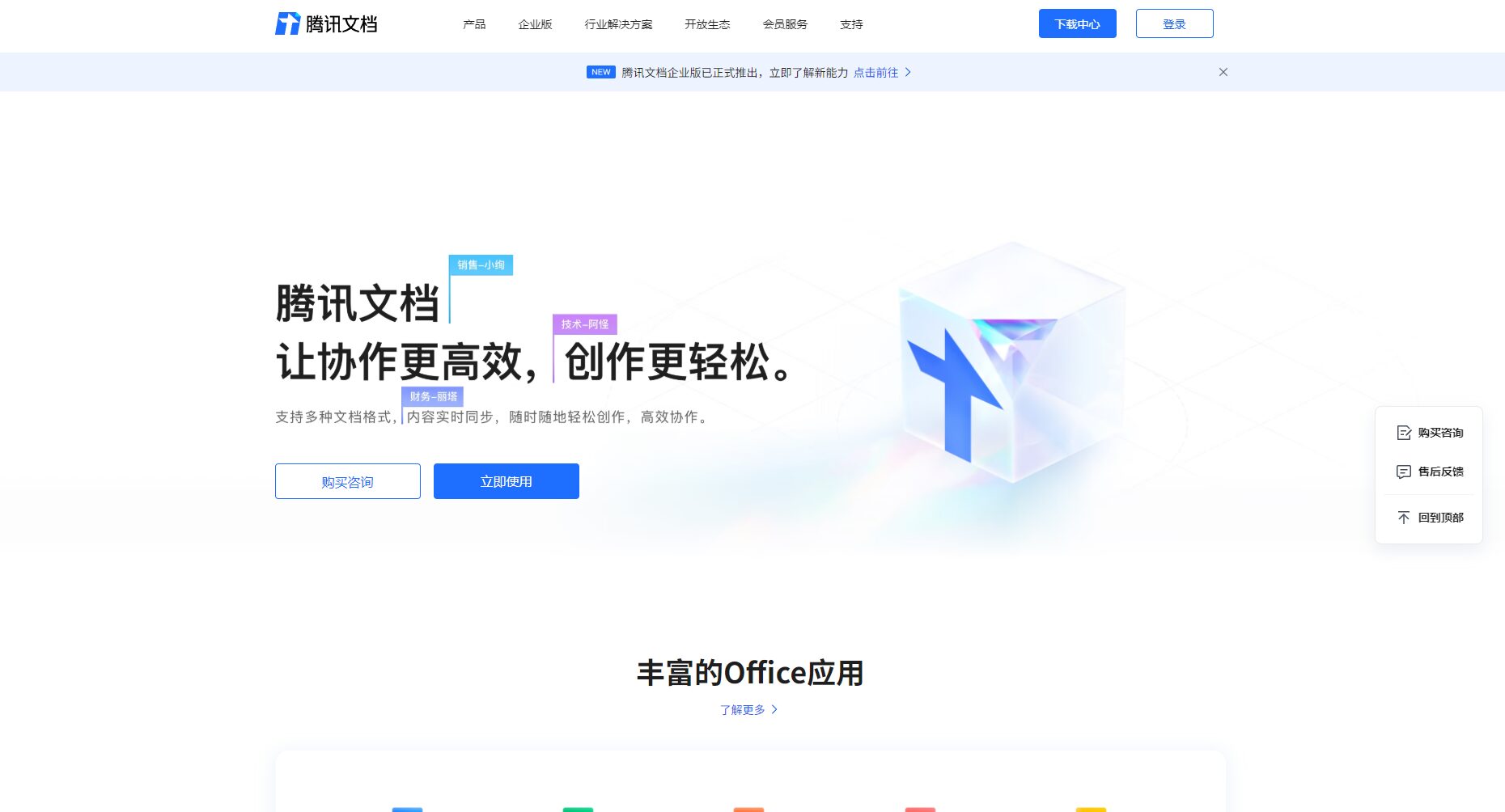
Tencent Docs Smart Assistant integrates functions covering mainstream office scenarios such as documents, spreadsheets, PPTs, PDFs, data sheets, and mind maps. Its key advantages are as follows:
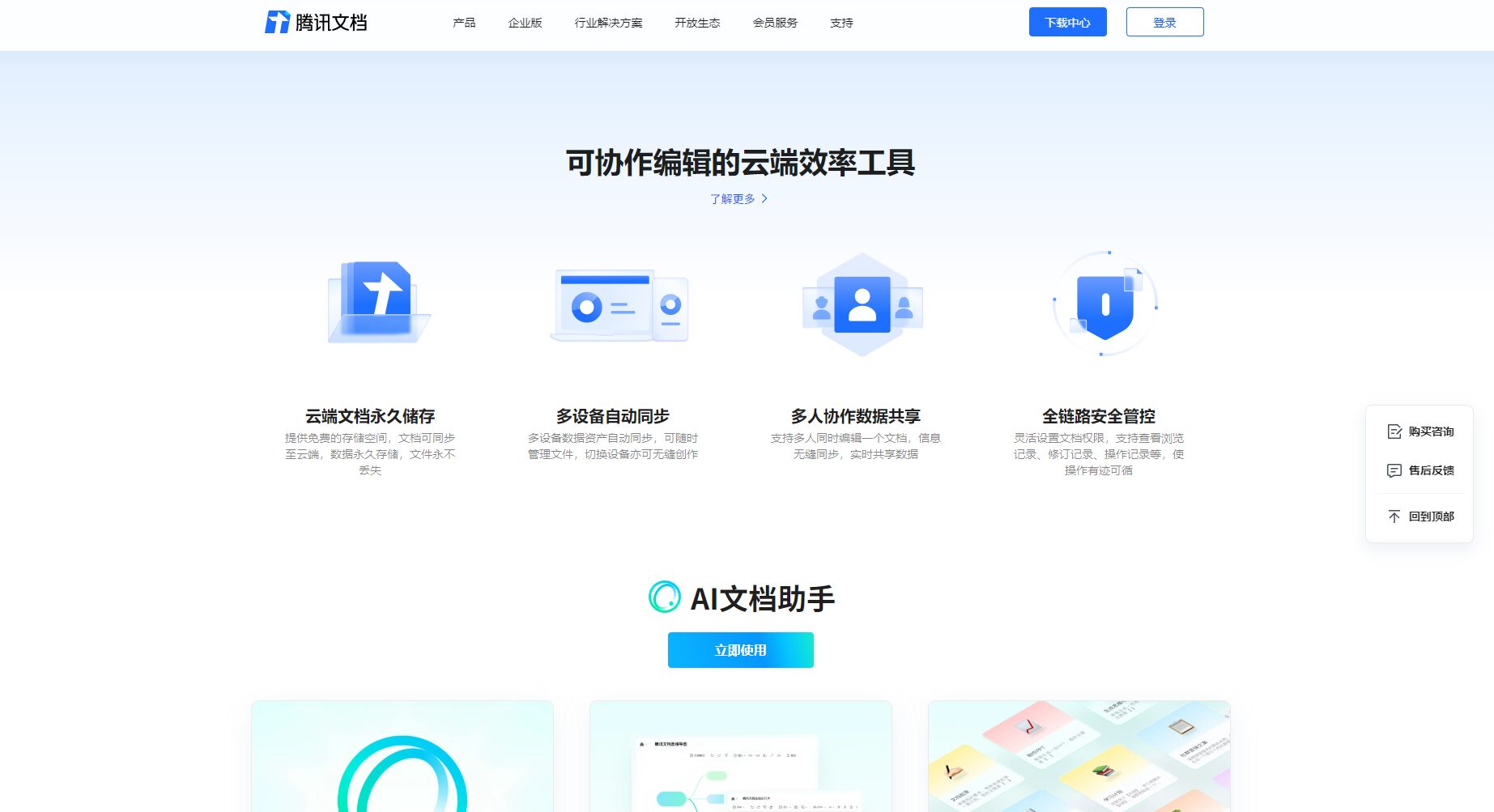
| Functional modules | Supported document types | Main capabilities | AI-generated |
|---|---|---|---|
| Text creation | Word/Smart Document | Topic expansion/content polishing/translation/summary | 是 |
| Data Analysis | Excel/spreadsheet | Function suggestions/formula generation/chart output | 是 |
| Keyboard PPT | PPT | Layout enhancement/speech generation | 是 |
| Automatic summarization | Content summarization/Q&A/Multi-format output | 是 | |
| Mind Map | Mind Map/Collection Form | One-click map/collection and analysis | 是 |

For a detailed experience and the latest features, please see:Tencent Docs Smart Assistant Official Website
Tencent Docs Smart AssistantCurrently, it is offered as an integrated service within Tencent Docs, with two main categories: free and paid (Professional/Enterprise Edition). Basic functions are free for individual users, while some advanced AI capabilities, collaboration management, and storage space require payment to unlock.
| User type | Main interests | Paid price | Payment methods |
|---|---|---|---|
| individual users | Basic functions of documents/spreadsheets/PowerPoint presentations/AI assistants | free | — |
| Professional users | More AI-generated templates/customized templates/expanded storage | Monthly/Yearly Payment | WeChat/QQ account payment |
| Enterprise users | Team collaboration, access control, private deployment, etc. | Customization on demand | Tencent Cloud Enterprise Procurement |
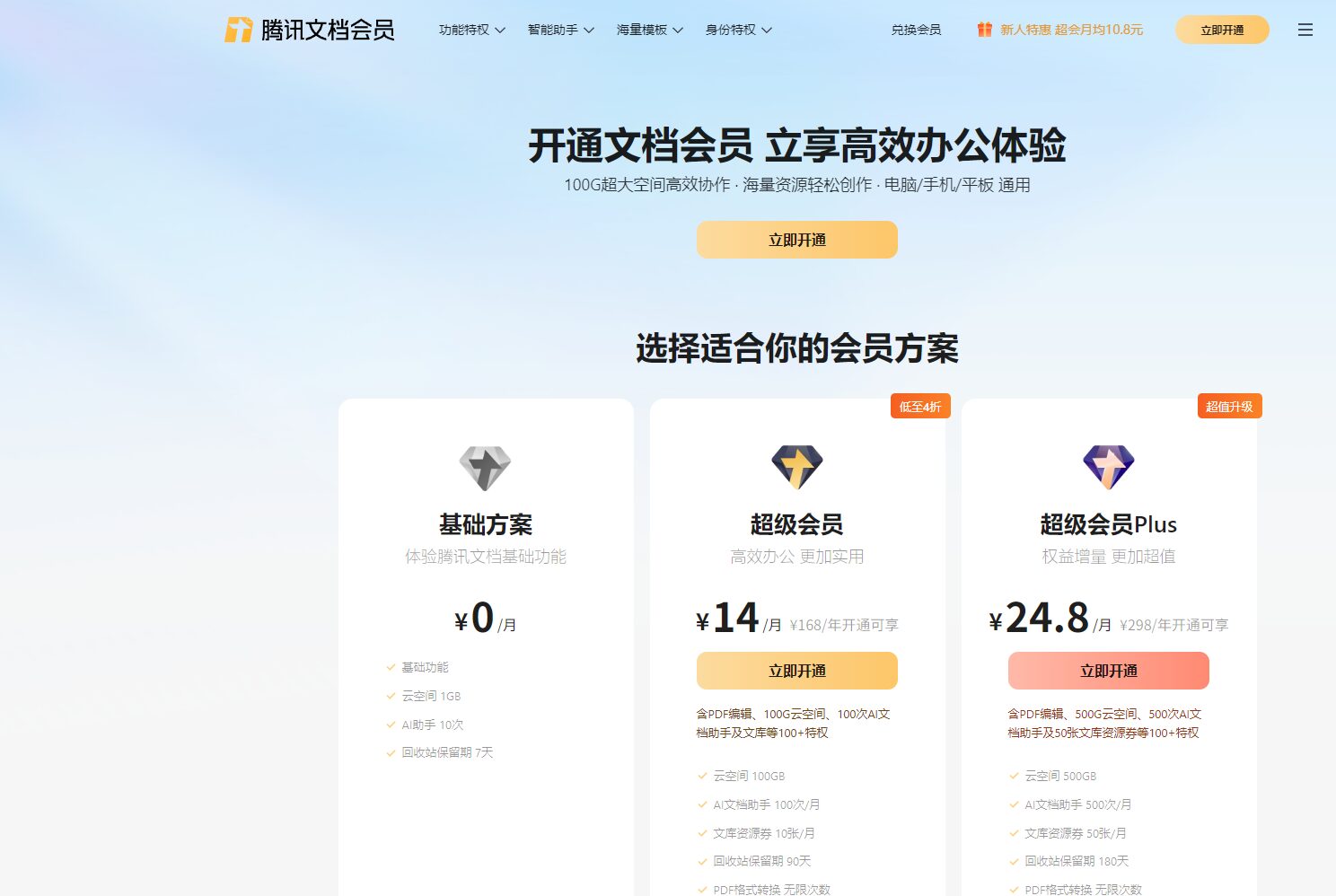
For details on activation and pricing, please refer to [link/reference]. Tencent Docs Package Page
Tencent Docs Enterprise Edition also supports private data deployment and API integration, and is widely used in industries such as finance, real estate, and manufacturing (such as Poly Property, SF Express, and Transfar Group, which have already made large-scale applications).
Tencent Docs Smart Assistant, with its full-scenario, end-to-end AI office capabilities, is widely applicable to the following groups:
In 2024, Tencent Docs launched its new product based on the Kaiwu Engine.Smart WhiteboardIt enables seamless collaboration across multiple platforms (PC/mobile/client/mini-program). The smart whiteboard supports advanced collaboration methods such as unlimited canvas, graphic components, and partitioned editing, and is widely used in project brainstorming, UI design, teaching and training, R&D management, and other fields.
| Scene | Supported features | User benefits |
|---|---|---|
| project management | Infinite canvas, structural partitioning | Breaking down project information silos |
| Brainstorming | Graphic components/sticky notes/connections | Collaboration efficiency greatly improved |
| Education/Training | Synchronized presentation of outline, images, and workflow | Highly interactive |
Official access point:Tencent Docs Smart Whiteboard
Tencent Docs, based on the "Kaiwu Engine + Intelligent Assistant", achieves a consistent experience and stable synchronization across multiple scenarios including cloud, local, and mobile.Seamless workflow across product categories (such as data collection forms, mind maps, tables, and PowerPoint presentations), automatic retention of historical versions, real-time recovery, and multi-dimensional access control facilitate digital transformation and office automation upgrades.。
No separate installation is required.Tencent Docs Smart Assistant is integrated intoTencent Docs PlatformBoth the web version and mobile client are directly embedded, allowing direct access and use via webpage or app.
Tencent Docs relies on the Tencent Cloud and WeChat Work ecosystem.Employs multiple layers of security encryption, hierarchical access control, and private deployment.Strict protection is implemented for personal and corporate data. Some enterprises can customize private cloud or hybrid cloud deployments to prevent data leakage.
By applying for the enterprise version or Tencent Cloud enterprise procurement, you can achieve your needs such as role-based fine-grained management of document permissions, team collaboration, multi-dimensional integrated APIs, and large-scale data processing.
It currently supports deep integration with Tencent's office services such as Tencent Questionnaire, WeChat Work, and Tencent Meeting. Some functions support API extensions and custom data linkage, helping enterprises to automate and optimize business processes.
In the era of AI+office,Tencent Docs' intelligent assistant is redefining "efficient office work" through AI and multi-device collaboration innovation.“This makes high-quality creative ideas, team collaboration, and digital transformation easier and freer than ever before.
[All the above content is cited from public channels and authoritative reports such as Tencent Docs, QuantumBit, TOM Technology, and 36Kr.]
Access Point:https://docs.qq.com
This site's AI-powered navigation is provided by Miao.Tencent Docs Smart AssistantAll external links originate from the internet, and their accuracy and completeness are not guaranteed. Furthermore, AI Miao Navigation does not have actual control over the content of these external links. As of 7:34 PM on October 9, 2025, the content on this webpage was compliant and legal. If any content on the webpage becomes illegal in the future, please contact the website administrator directly for deletion. AI Miao Navigation assumes no responsibility.
