
Moveworks
Moveworks是一款企业级AI工作助理平台,通过自然语言AI驱动自动化办公与内部支持,加速企业数字化协同。
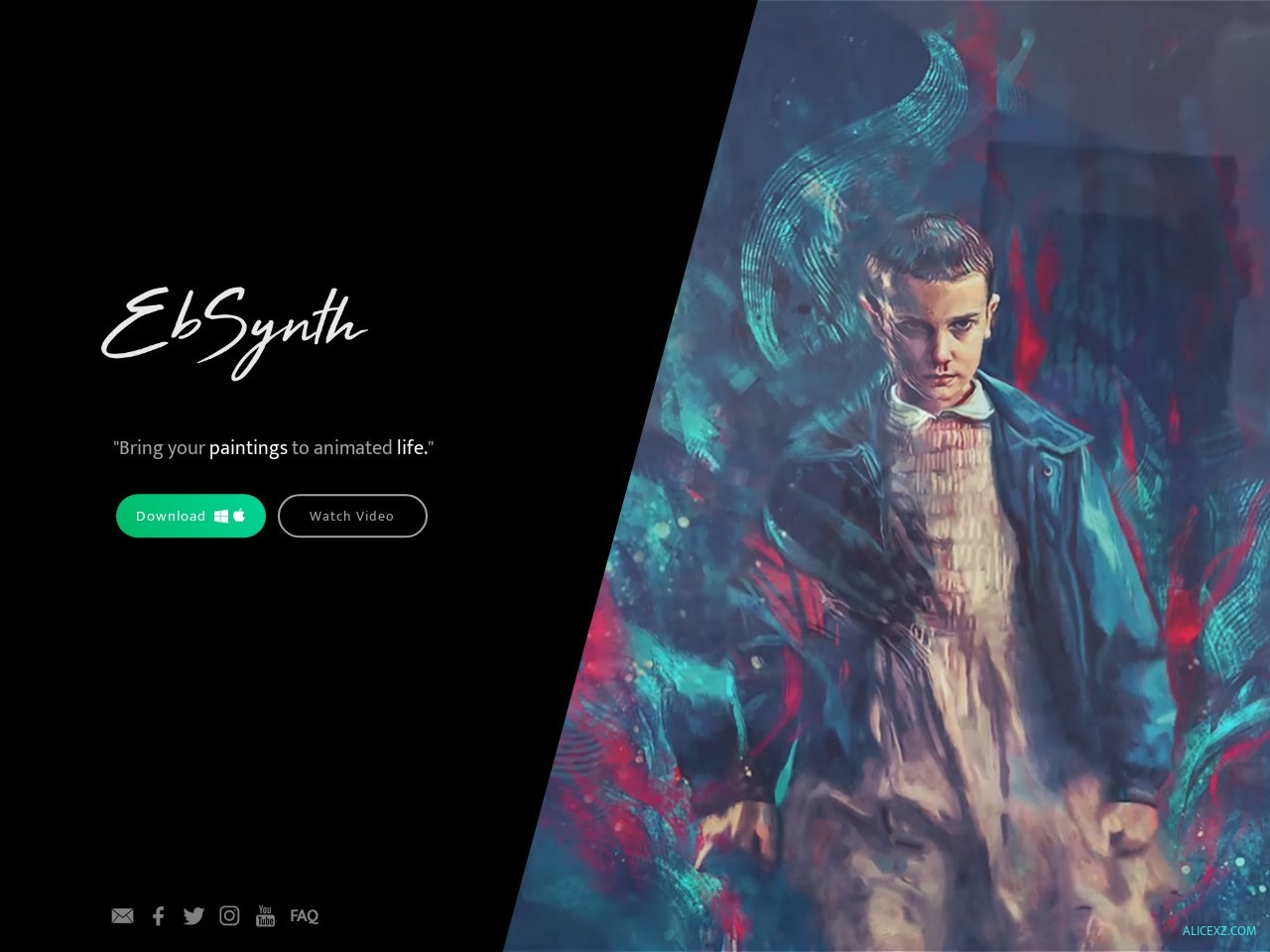
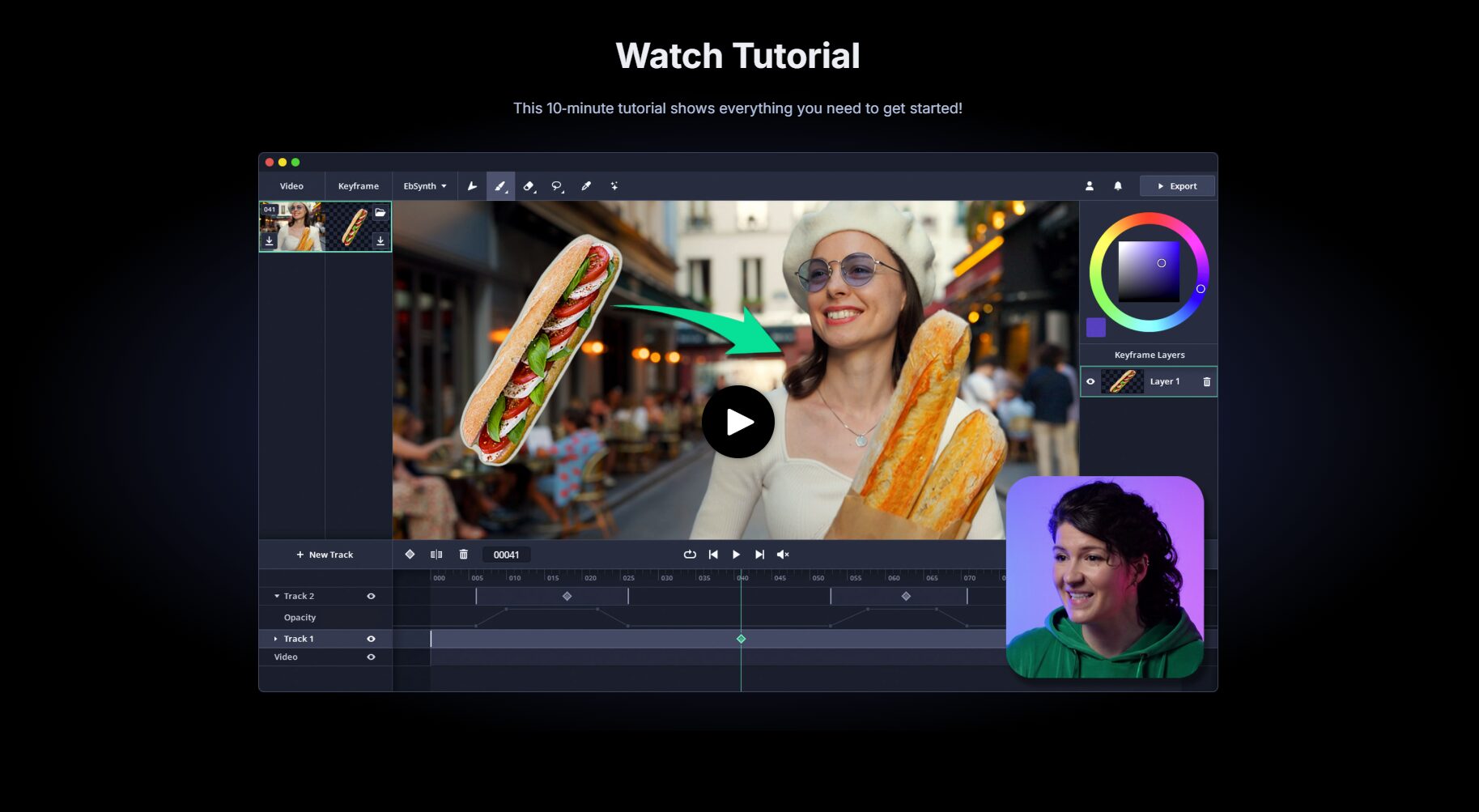
EbSynth is an AI tool that efficiently propagates the artistic style of a single frame of hand-drawn or AI-generated visuals to the entire video, greatly simplifying the production of animation and video stylization.
 EbSynth
[Tech News Report] 2024 witnessed an unprecedented revolution in multimedia and animation creation. With the rapid development of generative AI technology, more and more video producers, animators, and content creators are keenly interested in a revolutionary AI video tool—EbSynthThis article will provide a comprehensive overview of EbSynth's key features, application scenarios, pricing options, technical workflow, target audience, user guide, and frequently asked questions, helping digital content creators stay abreast of new industry trends.
EbSynthA product based onSingle-frame style propagationWith coreAI video toolsIt allows users to stylize the entire video by modifying a single frame. This significantly...Reduce the human and time costs of animation and video creation.It is suitable for various scenarios such as animation, advertising, film and television post-production, and educational experiments. EbSynth is currently...Free admissionIt features a user-friendly interface, supports Windows and macOS platforms, and seamlessly integrates with mainstream drawing and editing software. It adopts...Non-parametric texture synthesis algorithmIt requires no AI model training, balancing copyright and performance. Whether you're an animator, short video creator, or independent artist, EbSynth can improve efficiency and inspire innovation. Pro and Studio versions will be released in the future to help upgrade the creative industry.
Visit the EbSynth official website for the latest version and more features:https://ebsynth.com
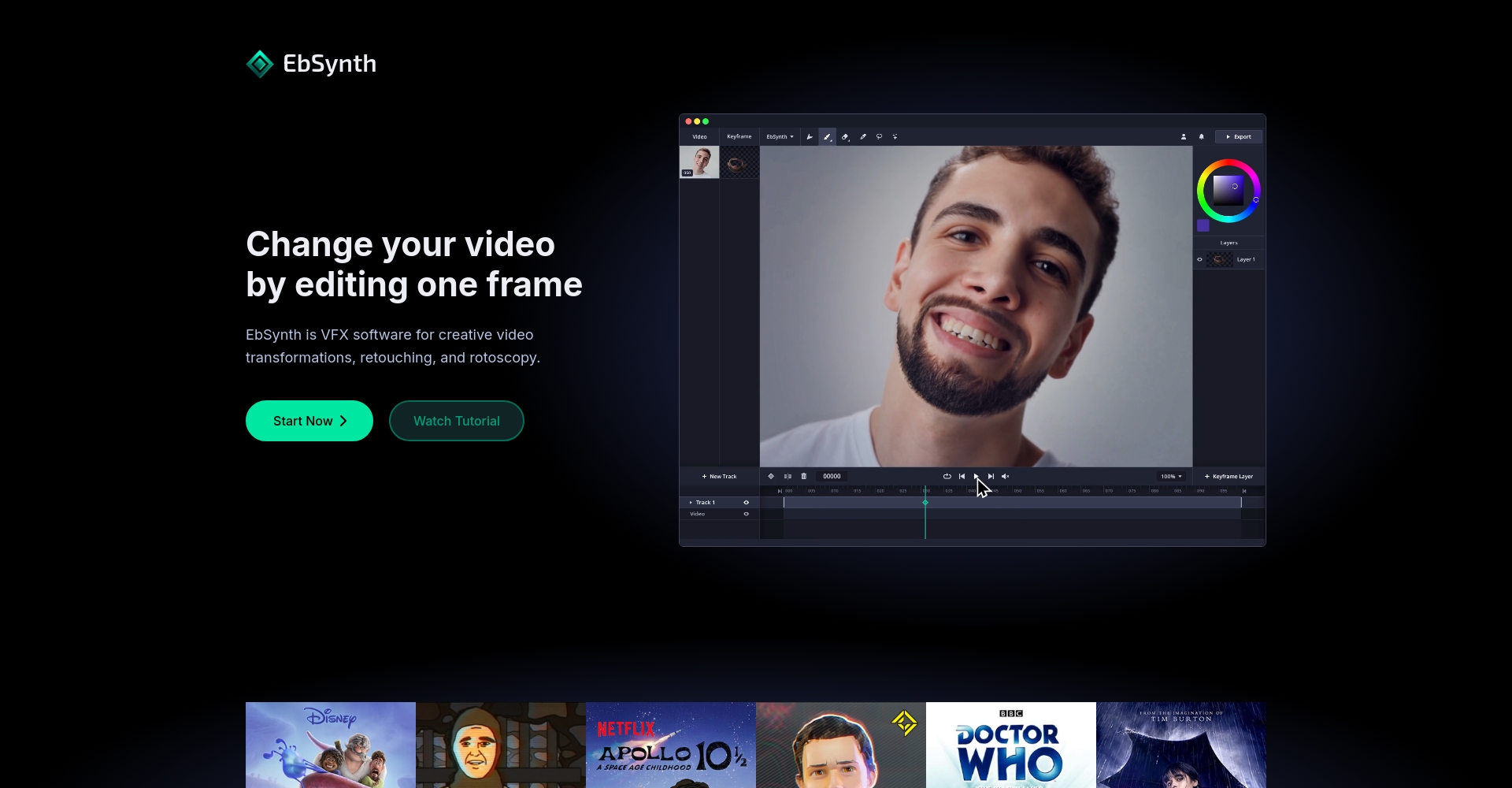
As an advancedAI video toolsEbSynth, with its core concept of "single-frame style propagation," extends the style of a single hand-drawn or AI-generated image frame to the entire video. This innovative approach significantly reduces the manpower and time costs of animation production, injecting new vitality into film and television production, advertising design, animated short films, and experimental video design.
Core features list:
| Function Name | Function Description |
|---|---|
| Single-frame style propagation | Apply a modified image style to all video frames. |
| Intelligent motion tracking | Automatically recognizes inter-frame content motion, making style transfer natural and coherent. |
| High resolution output | Supports high-definition, lossless video rendering output |
| Multi-platform support | Available for Windows and macOS |
| User-friendly interface | Simple, intuitive, and easy to use, suitable for all types of creators. |
| Batch rendering and export | Supports rapid rendering of large amounts of material and export to mainstream formats. |
For a complete and detailed description of the features, please visit [website address].EbSynth official feature page。
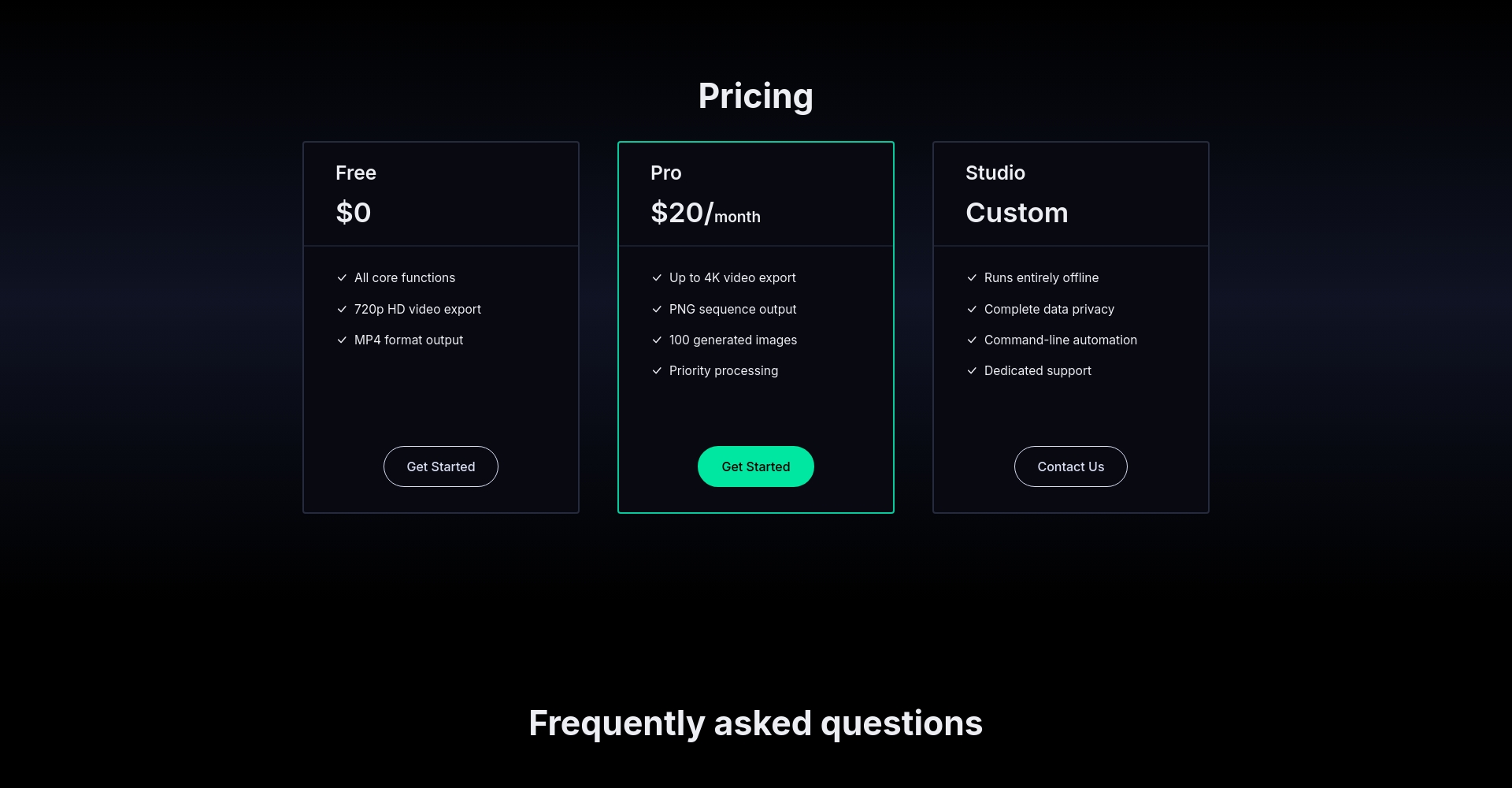
As of June 2024, EbSynth adopted...Free BetaThe strategy allows all users to download and freely use it for personal and commercial projects. However, the development team plans to offer three tiers in the future: a free version, a Pro version, and a Studio version.

| Version | price | Functional differences |
|---|---|---|
| Free Beta | free | All basic functions are available, allowing commercial use and suitable for most creative needs. |
| Pro version | Price not yet determined | Features such as batch rendering, cloud synchronization, and priority support are expected to be added. |
| Studio version | Price not yet determined | For large studio enterprises, it supports offline batch command-line processing, API access, and team authorization management. |
More pricing and package details will be available later.EbSynth official website pricing pageAnnounced.
EbSynth is simple and intuitive to use, and even non-technical users can get started easily.
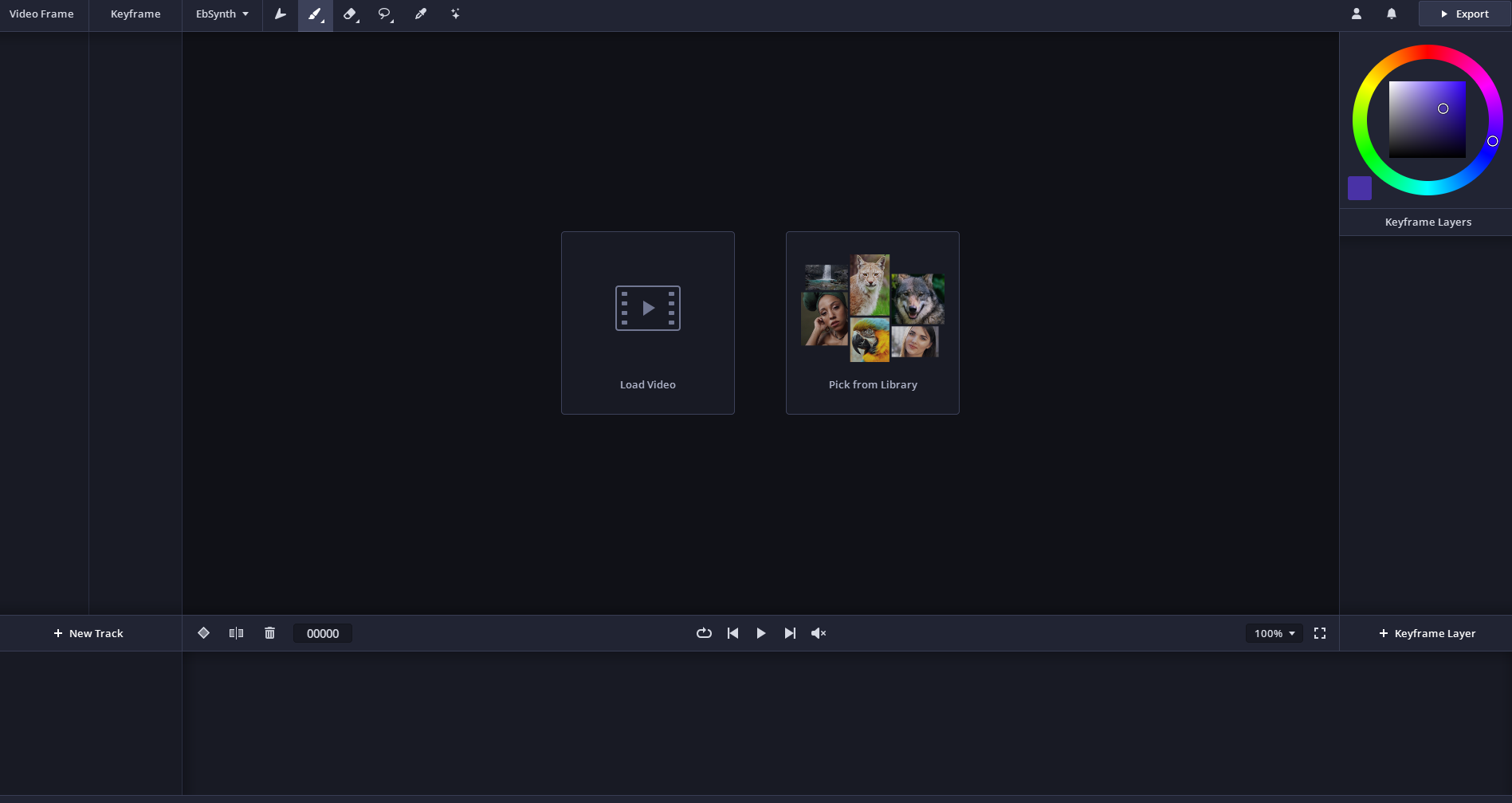
Simplified flowchart:
| step | Tool Examples | Key points of operation |
|---|---|---|
| Video frame splitting | PR/AE/Vapoursynth | Export the image sequence for easy reading and processing by EbSynth. |
| Keyframe drawing or AI generation | PS/Krita/StableDiff | Creative style drawing gives videos a fresh visual appeal. |
| EbSynth Style Spread | EbSynth | Set matching keyframes, adjust propagation parameters, and automatically render the output. |
| Video compositing and editing | PR/AE/Vegas | The exported frames will be combined into a video, with special effects and background music added. |
EbSynth, as an AI video tool, is making waves in the content creation industry.
Applicable project scenarios:
| Industry/Role | Application scenario examples |
|---|---|
| Animation/Illustration | Animated short films, picture book animations, character fashion shows |
| Post-production of film and television | Music video effects, advertising effects, retro art filters |
| New media content | TikTok/Instagram special effects videos, YouTube animated explanations |
| Educational Art | Art course experiments, animation principle demonstration |
| Games and Visual Novels | Character illustrations, cutscenes, and emotional rendering |
EbSynth is not a simple filter/color correction tool, but rather uses traditional computer vision algorithms to propagate style.
| User/Organization | Application content | Output effect |
|---|---|---|
| Animation Director A | Short hand-drawn animation production | Single-frame rendering → Smooth and natural animation throughout |
| Digital Marketing Advertising Company B | Stylization of commercial advertising | Quickly change the visual style of the advertisement |
| Art teacher C | Creative Animation Class Teaching | Demonstrate the principles of style transfer and motion matching to students |
answer:EbSynth currently supports mainstream versions of Windows (Win7 and above) and macOS (10.10 and above). There are community suggestions to gradually add support for Linux and web platforms in the future.
answer:EbSynth is recommended for seamless integration with painting software such as Photoshop and Krita, as well as video editing software such as Premiere Pro and After Effects. Users can first refine keyframes with professional painting tools, then use EbSynth to achieve style propagation, and finally return to mainstream editing software for compositing and output.
answer:As of the Beta stage, EbSynth is completely open source and free, allowing for unrestricted personal and commercial use, and outputs without watermarks. It uses localized computation, does not upload user-generated materials, and ensures content security. Future Pro/Studio versions may add advanced features and licensing terms.
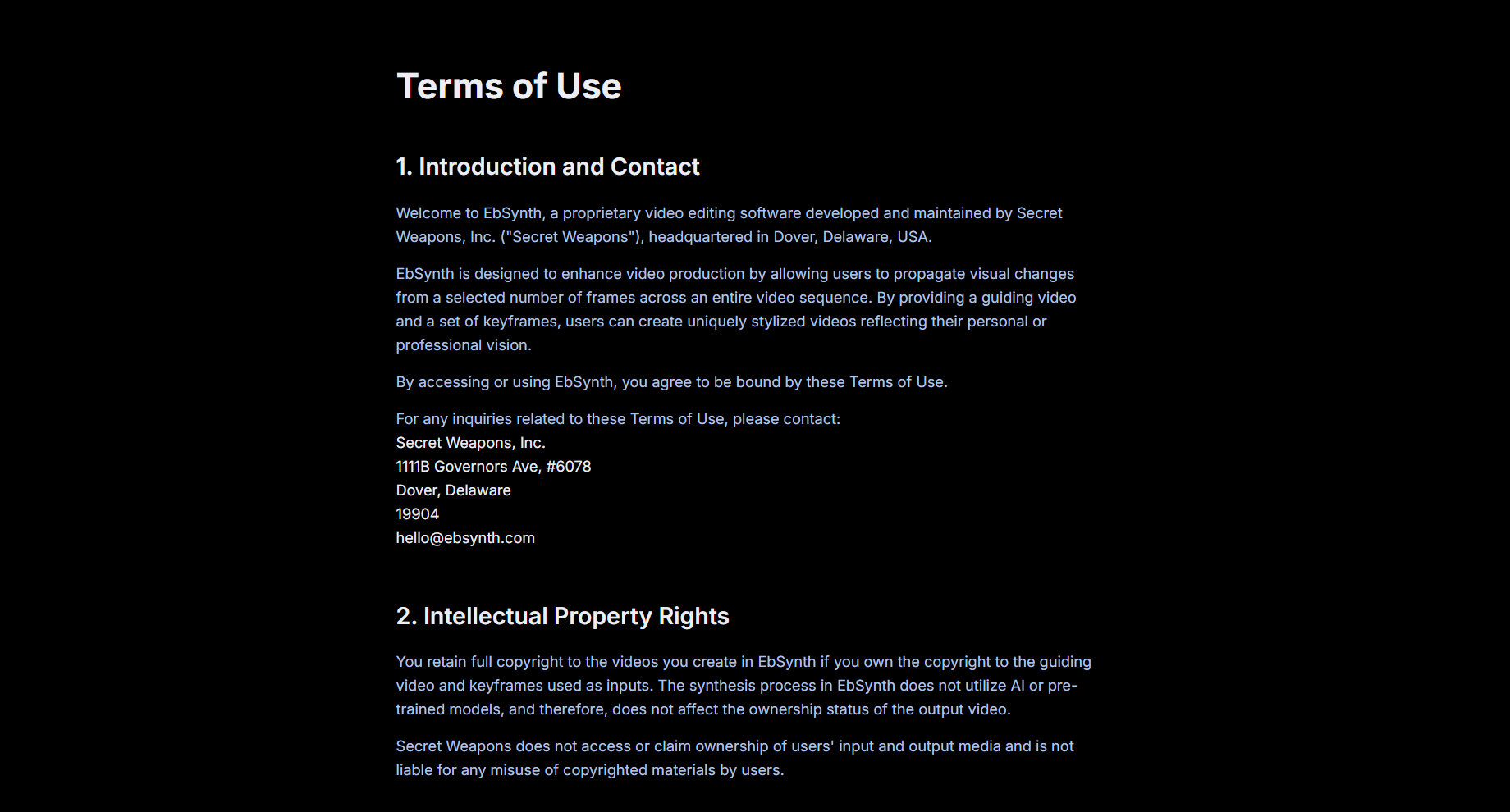
For more details on the licensing agreement, please see [link/reference].Official website terms and conditions page
answer:Users can use AI models (such as Stable Diffusion) to generate artistic keyframes, while EbSynth handles style propagation. Some features support direct integration with AI generation services, but the core algorithm remains local rendering.
answer:
Whether you're a professional animator, an independent artist, or a short video content creator, EbSynth, with its innovative AI video tools, is powerfully breaking down traditional animation bottlenecks, making content creation and artistic expression efficient and free. The fusion of AI and art brings not only an efficiency revolution but also a full release of originality. In the future, with the release of Pro and Studio versions, EbSynth is expected to become an irreplaceable core tool in the global visual creation field.Visit the EbSynth official website now!Embark on an AI-driven creative journey!
This site's AI-powered navigation is provided by Miao.EbSynthAll external links originate from the internet, and their accuracy and completeness are not guaranteed. Furthermore, AI Miao Navigation does not have actual control over the content of these external links. As of 5:48 PM on September 23, 2025, the content on this webpage was compliant and legal. If any content on the webpage becomes illegal in the future, you can directly contact the website administrator for deletion. AI Miao Navigation assumes no responsibility.
