

Upscalepics
Upscalepics is an AI image upscaling and repair tool that requires no registration and can be used immediately. It can intelligently improve image clarity and resolution and supports export in multiple formats.
Clipfly is an online video tool that integrates AI video generation, editing, photo animation, and virtual human synthesis. It is user-friendly, feature-rich, and suitable for content creators and businesses.
 Clipfly
ClipflyIt is a one-stop shopAI video and animation generation platform,passEasily create short videos, virtual voiceovers, and GIFs in various styles using only text and images.Its automatic editing, enhancement, subtitles, background music, and rich content library...Significantly improve efficiencyEven beginners can easily get started. The platform supports flexible points-based billing and caters to content creators, businesses, educational institutions, and social media users.Leading new trends in content production。
In today's era of highly developed short videos and AI-powered content creation,ClipflyWith its advanced technology and user-friendly experience, it has become a new favorite among many content creators and businesses. As a product that integrates...AI video generation, video post-editing, photo animation, virtual human synthesisAs an all-in-one platform, Clipfly is quietly changing the way video content is created and distributed.
Official website:https://www.clipfly.ai
ClipflyClipfly focuses on "one-stop AI video content generation," leveraging globally leading AI technology to solve multiple challenges in video creation. Users don't need a professional background; simple operations allow them to complete the entire production process from inspiration to finished product. Below are Clipfly's core functional highlights:Go to the function page
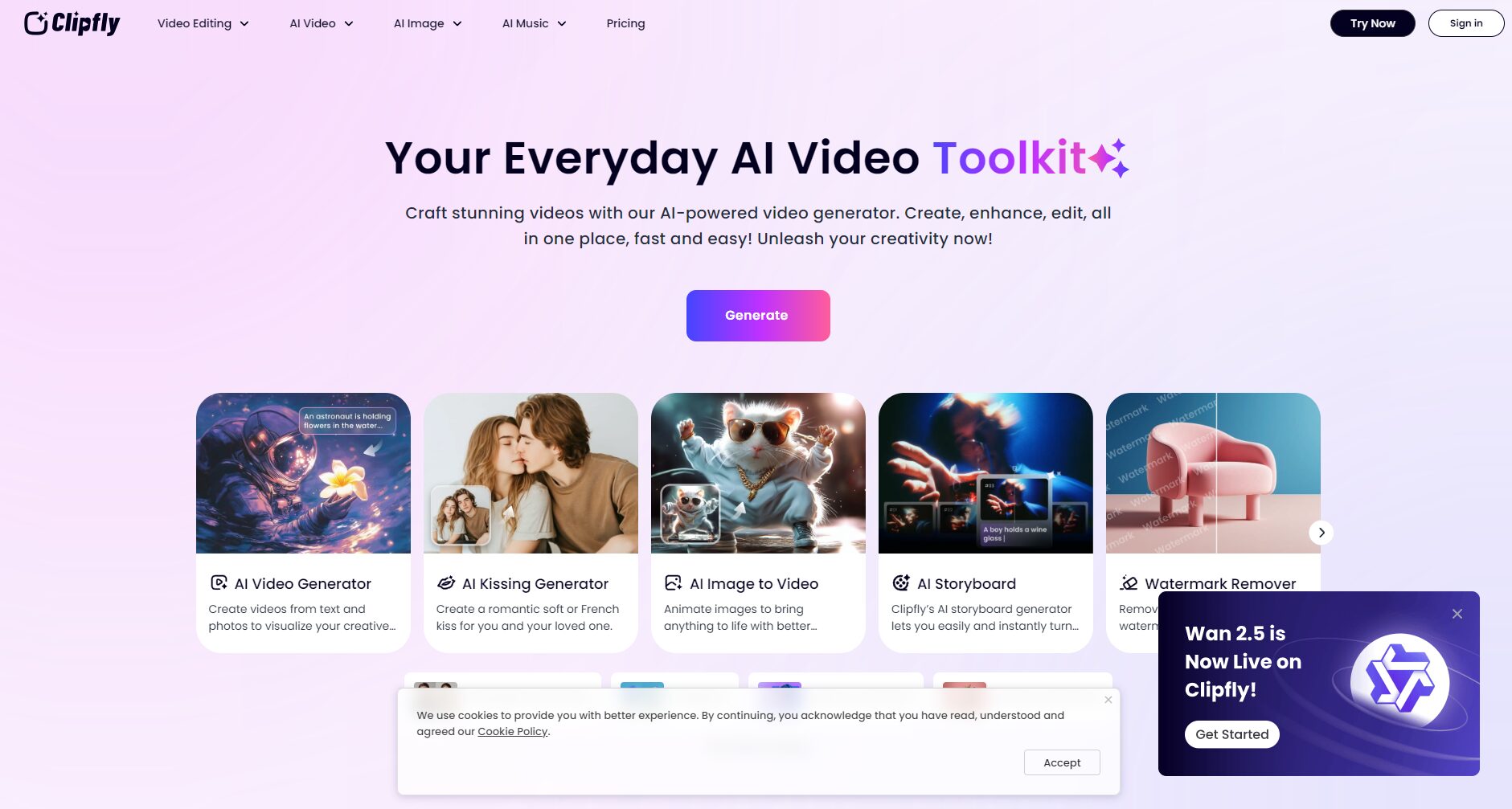

Feature Comparison Table:
| Functional categories | Specific use | AI automation support | Customization level | Is it paid? |
|---|---|---|---|---|
| Video generation | Text/Image to Video | 是 | 高 | Some features are paid. |
| Video editing | Editing, cropping, filtering, subtitles | 是 | 高 | Some features are paid. |
| Video Enhancement | Automatic beautification and image quality enhancement | 是 | 中 | Free/Paid |
| Photo animation | Static image to animation, virtual voiceover | 是 | 高 | Paid |
| Material Resources | Templates, stickers, background music | 否 | 高 | Free/Paid |

Learn more about the features —Visit the Clipfly main site
To meet the needs of users at different levels, Clipfly offers flexible subscription and billing methods, detailed as follows:View subscription details
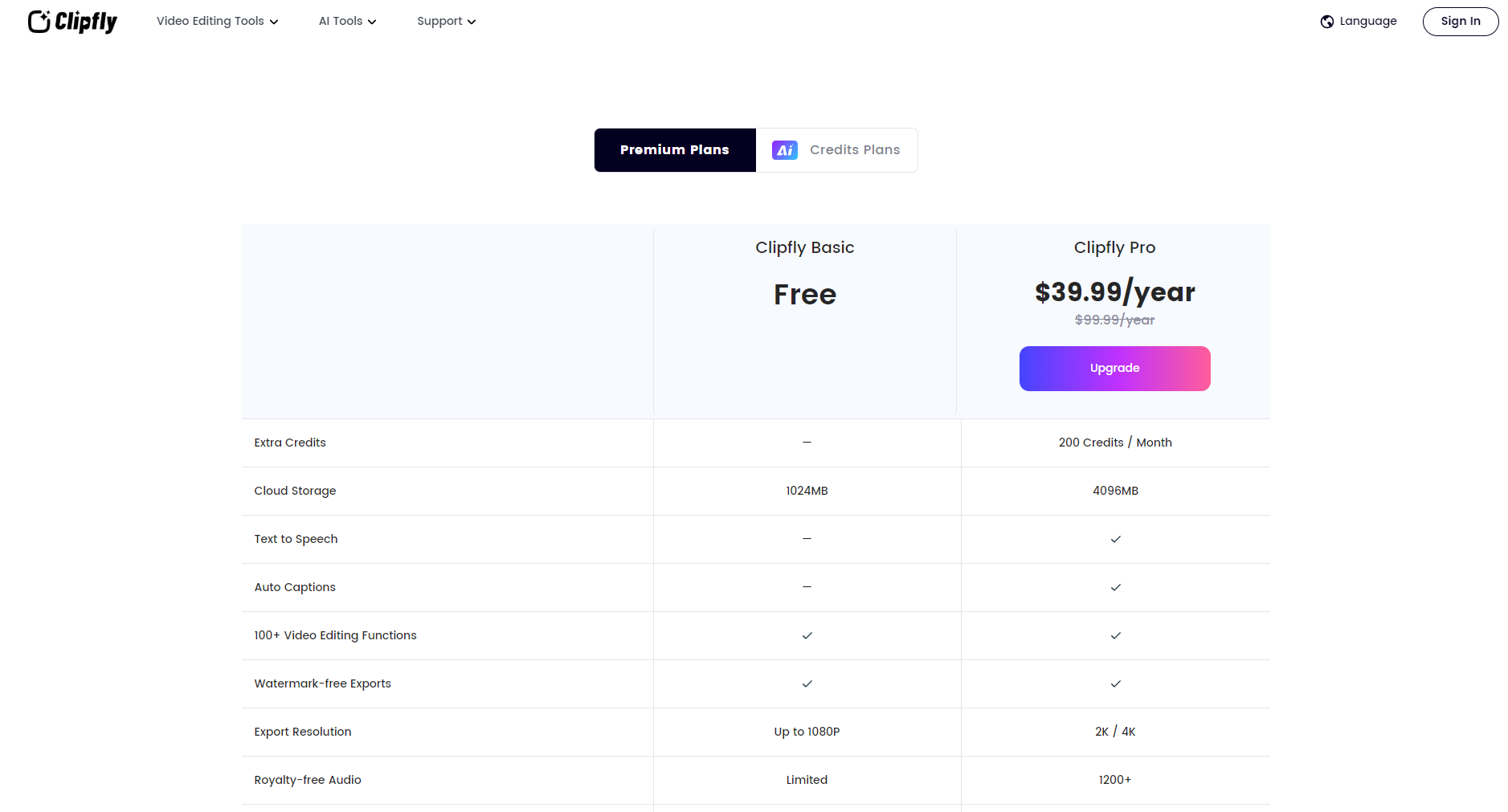
| plan | price | Functional limitations | Video export quality | Bonus points |
|---|---|---|---|---|
| Free Plan | $0 | Some basic functions, limited number of materials | Up to 720p | 20 points |
| Professional Pro (Monthly Subscription) | $14.99/month | Unlock all premium features, 4K export, and exclusive resources. | Up to 4K | 200 points/month |
| Professional Pro (Annual Subscription) | $99.99/year | Same as monthly subscription | Up to 4K | 200 points/month |
| Points Package | Buy on demand | Primarily used for large-scale generation and batch export. | Up to 4K | N/A |
Points systemClipfly uses a points-based system, and some AI-generated features require points. Both free and paid users will receive points regularly.
Clipfly is extremely easy to use.Even beginners can learn the layout of the main functions in minutes. The following is the standard usage flow:Go to Clipfly User Guide
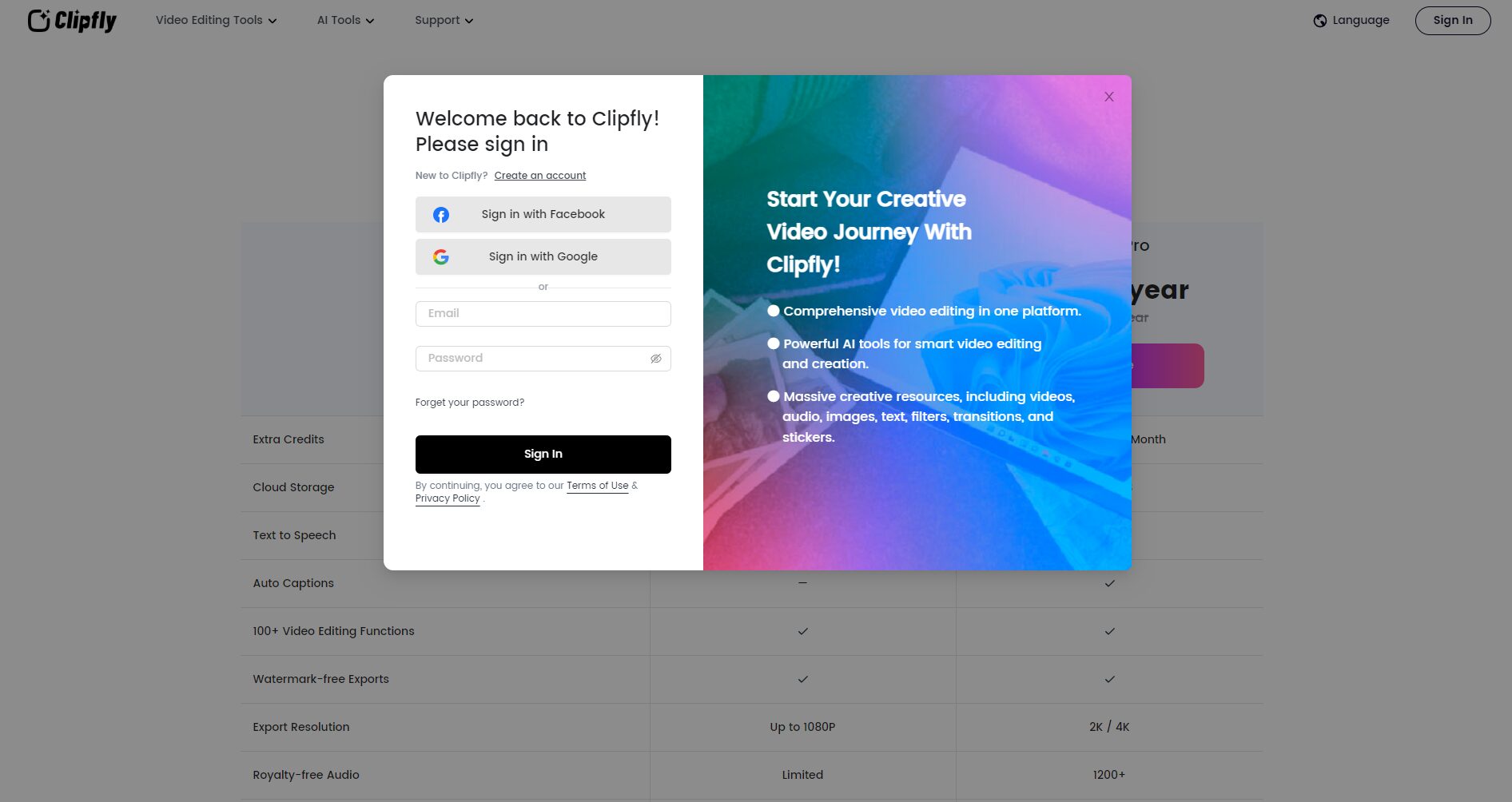
Usage Tips List:
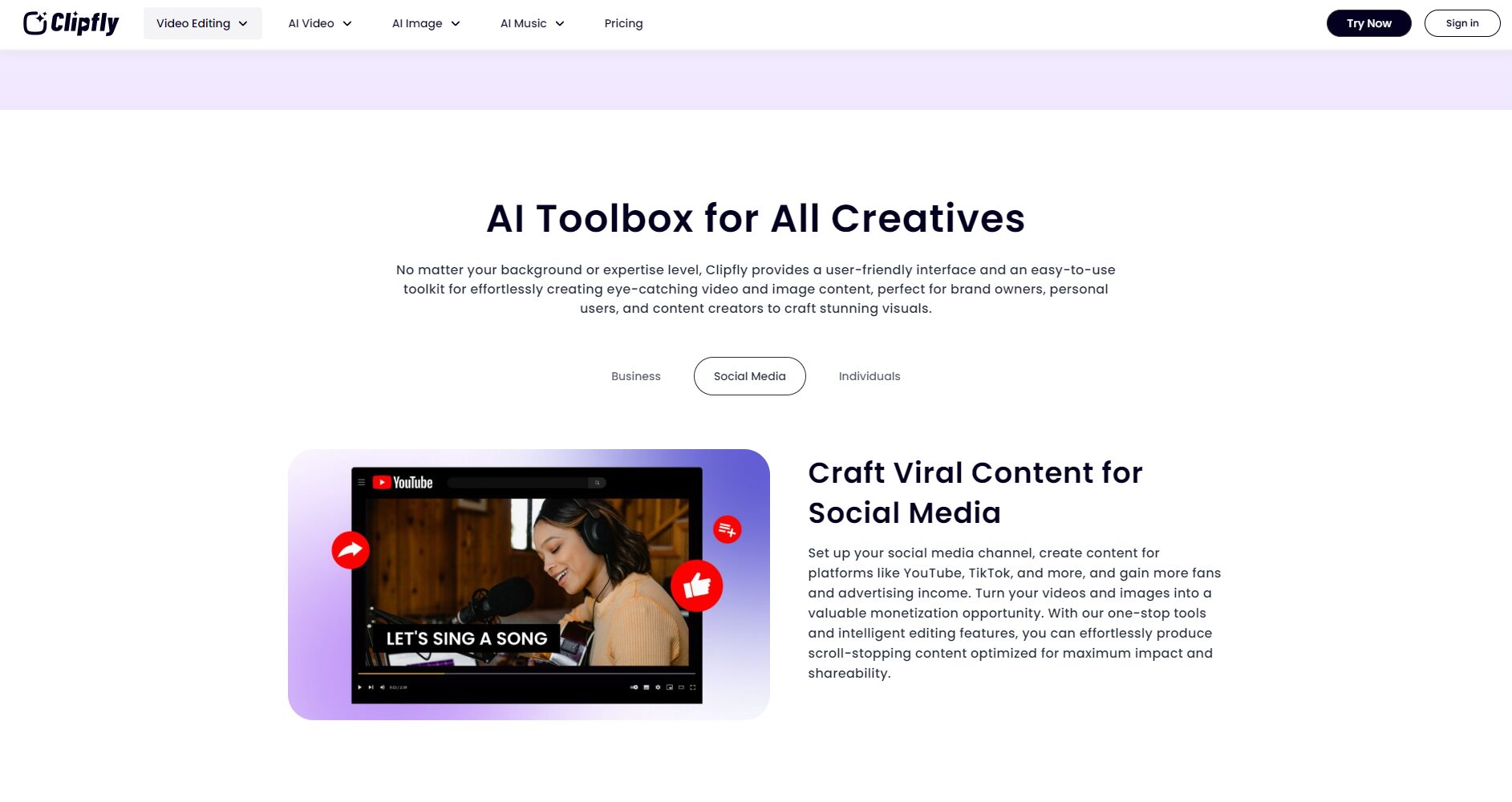
Clipfly has a broad target audience and is suitable for various industries and individual users.
| Target audience | Typical applications | Unique advantages |
|---|---|---|
| Self-media content creators | Short video production for Douyin/Kuaishou/Xiaohongshu | Quickly generate subtitles and music in batches. |
| Corporate marketing personnel | Product promotion and brand advertising videos | Customized brand animations, abundant templates |
| Education and Lecturers | Courseware videos, knowledge animations | AI animation and virtual human narration enhance the fun of courses. |
| Social media influencers/internet celebrities | Short videos sharing personal life and events | Generate animated GIFs and videos with one click and easily gain followers. |
| Individual users/enthusiasts | Travel vlogs, pet videos, family and friends videos | Zero-barrier creation, rich gameplay |
| Small and micro businesses | Promotional videos, training tutorials | Saves production time and costs, while ensuring quality. |
Clipfly combines cutting-edge large-scale model algorithms with multimedia editing engines (such as Stable Diffusion) and independently developed AI image enhancement and generative animation technologies. Its capabilities for batch video generation and dynamic image style transfer are among the best in similar AI video tools.
| Comparison Projects | Clipfly | Similar product A | Similar product B |
|---|---|---|---|
| One-stop end-to-end AI support | 是 | part | 否 |
| Static image animation/virtual population broadcast | 是 | 无 | Yes, but it's relatively simple. |
| Localized templates and resource library | Diverse | 少 | generally |
| Points-based flexible pricing | 是 | Fixed monthly fee | Fixed monthly fee/annual fee |
| Supports both Chinese and English operation | 是 | English only | Multilingual |
Clipfly natively supports Chinese and English versions and continues to expand its interface to other mainstream languages, making it convenient for users worldwide to operate without barriers.
Clipfly has become a significant innovator in the AI video tool market. With its powerful AI capabilities, user-friendly interface, and continuous content updates, it creates more possibilities for video productivity. Whether you're a professional video creator or a newcomer passionate about short videos, Clipfly is worth a try.
This site's AI-powered navigation is provided by Miao.ClipflyAll external links originate from the internet, and their accuracy and completeness are not guaranteed. Furthermore, AI Miao Navigation does not have actual control over the content of these external links. As of 7:21 PM on September 29, 2025, the content on this webpage was compliant and legal. If any content on the webpage becomes illegal in the future, you can directly contact the website administrator for deletion. AI Miao Navigation assumes no responsibility.

