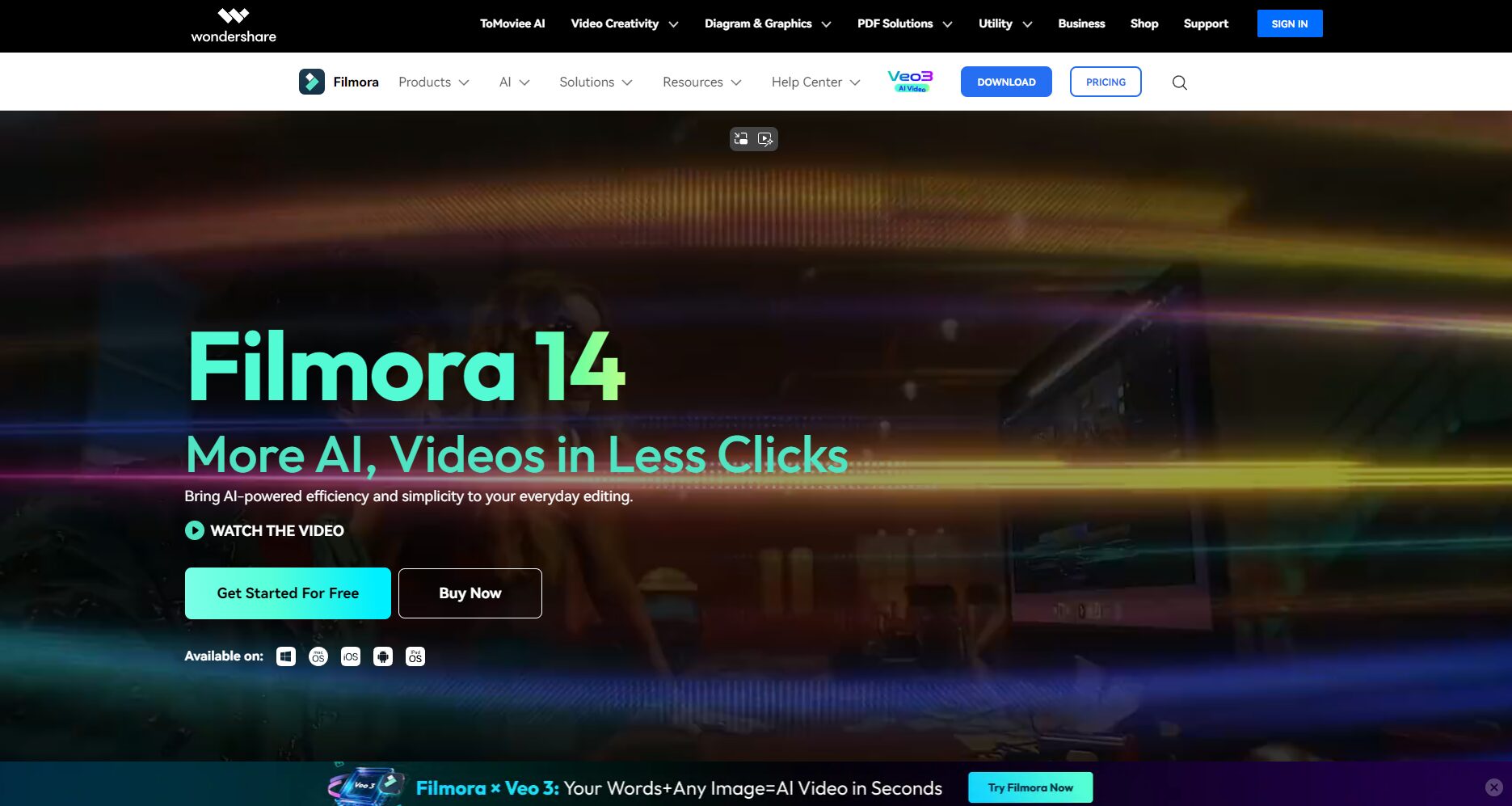
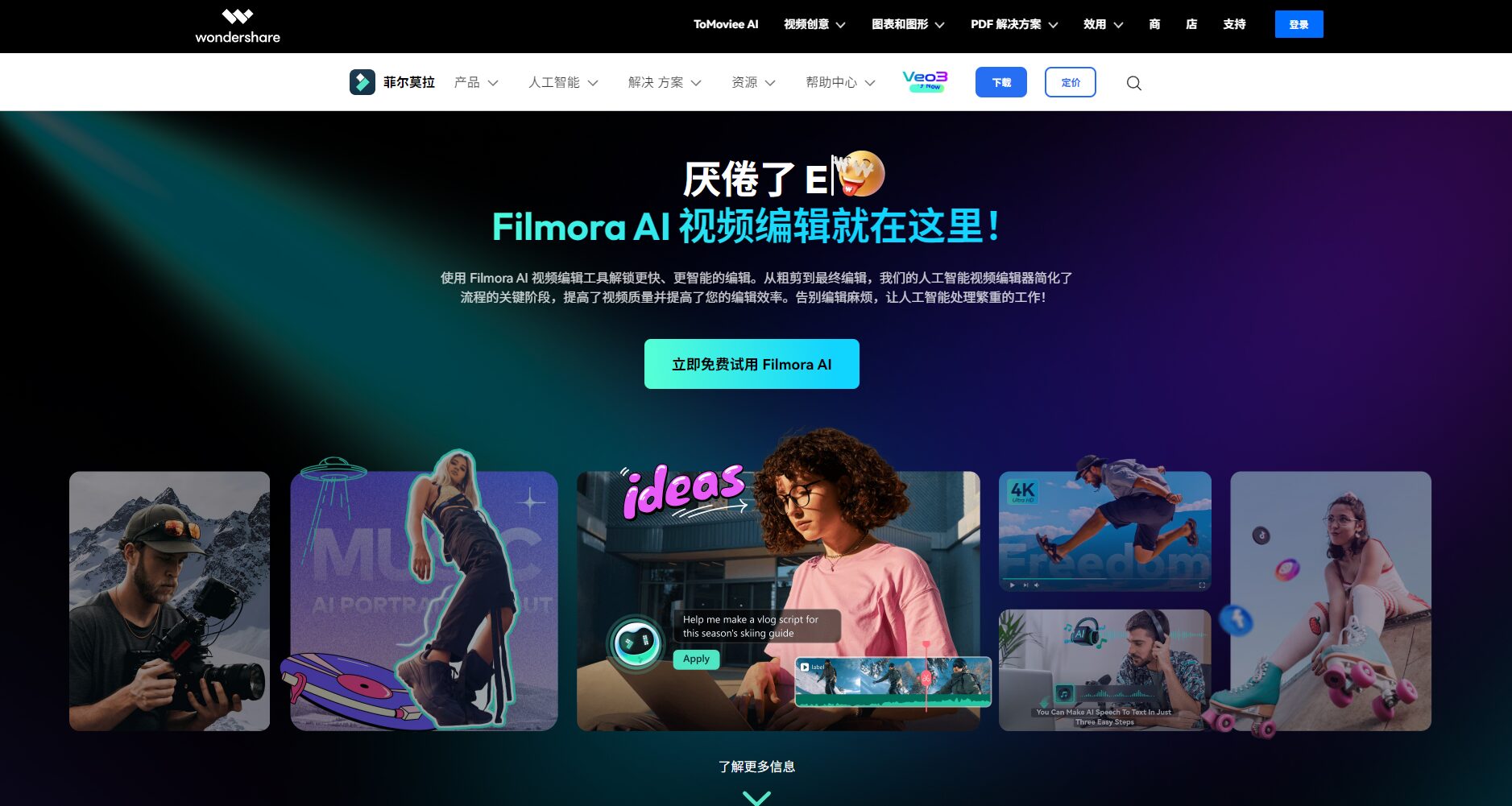
Filmora is a video editing tool that integrates multiple AI functions, supporting intelligent editing, automatic subtitles, AI-generated music, and more. It is suitable for both beginners and professional content creators to quickly produce high-quality videos.
Wondershare Filmora (Filmora) is a fusionAI-powered intelligent platform for creative video editing。Its powerful AI features include text/image video generation, AI automatic editing, AI portrait background removal, intelligent background music and subtitles, and support for intelligent output across multiple platforms.Filmora is known for its ease of use, high efficiency, and ability to cover short video/educational/marketing creation needs.The extensive template and resource library is widely welcomed by content creators on YouTube, TikTok, and other platforms.Flexible pricing, with a free trial available for AI editing.
[Reporter's Report] With the development of AI technology, more and more video creation and editing tools are deeply integrating artificial intelligence with creative editing. Wondershare Filmora (Filmora for short) is an AI video tool platform that is widely popular among users around the world.This article will take the form of a news report and provide an in-depth analysis of Filmora's main features, pricing plans, target user groups, and frequently asked questions, helping you to fully understand how Filmora empowers modern content creation.
Filmora Introduction and Platform Links
FilmoraDeveloped by renowned software company Wondershare, Filmora is dedicated to providing video creators, educators, corporate marketing teams, and ordinary home users with a smart and convenient video editing experience. Filmora not only supports Windows, macOS, iOS, and Android systems, but also continuously updates its AI editing and intelligent generation features.
Filmora has become the preferred AI video editing tool for content creators on short video platforms such as YouTube and TikTok.Its ease of use and intelligence have repeatedly won praise from authoritative international evaluations and have been recommended by platforms such as G2 Crowd, PC Magazine, and Tom's Guide.
Filmora's main functions
Filmora utilizes the latest AI technology to significantly improve video production, editing efficiency, and content creation. Below is a summary of Filmora's representative AI intelligent features:
Functional modules
Main Function Description
Related pages
Image/Text to Video
AI-powered text-to-video, image-to-video, and one-click AI short film generation functions.Helping to produce content quickly
AI-powered portrait background removal, AI-powered video object removal, and planar tracking.Suitable for quickly removing clutter/background in teaching, vlogs, short videos, etc.
AI audio enhancement, audio noise reduction, speech-to-text conversion, AI background music.Easily improve video audio quality and automatically generate background music.
AI-powered automatic subtitles, dynamic subtitles, batch text editing, and speech-to-text conversion.Significantly improves the efficiency of generating Chinese and English subtitles.
AI color grading, automatic color matching, and image quality enhancement up to 4K.Generate cinematic color styles and visual aesthetics with a single click.
Interact with a vast array of 2D and 3D characters and experience truly unlimited AI role-playing dialogue. Join now! New users receive 6000 points upon login!
For more details on Filmora's powerful AI features, please see [link/reference].AI Tools Page
Filmora also offers2,300,000+A vast library of creative resources, including templates, transitions, animated textures, and background music, meets users' diverse video creation needs.
Highlights of Filmora AI-Assisted Editing
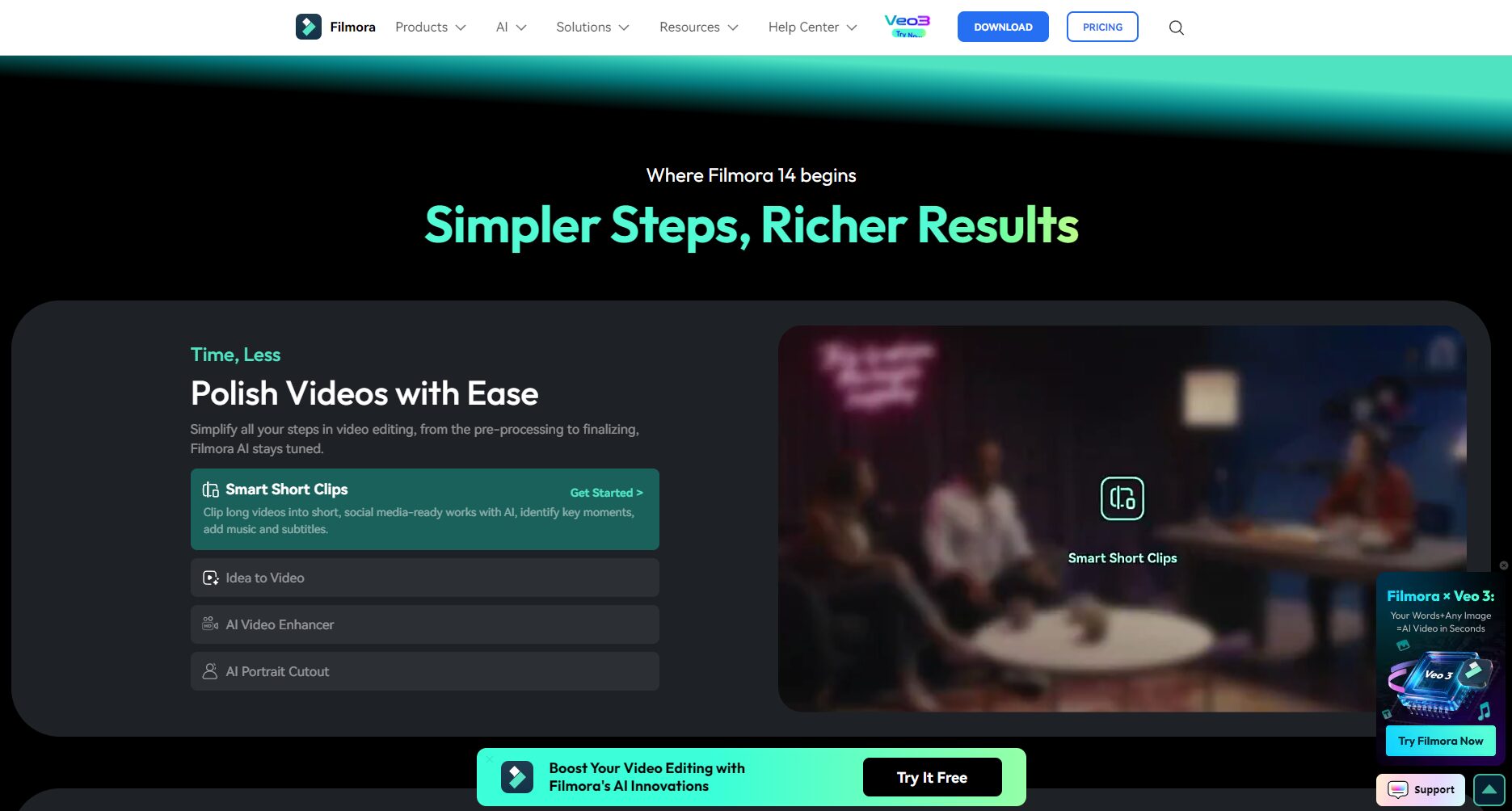
Intelligent editing workflow is fully automated—For example, features such as “one-click cutting of long films into short films” and “automatic generation of AI scene storyboards” greatly accelerate content production.
AI voice and background music technology—Based on intelligent analysis of the emotional context of the video, the best background music and sound effects are matched.
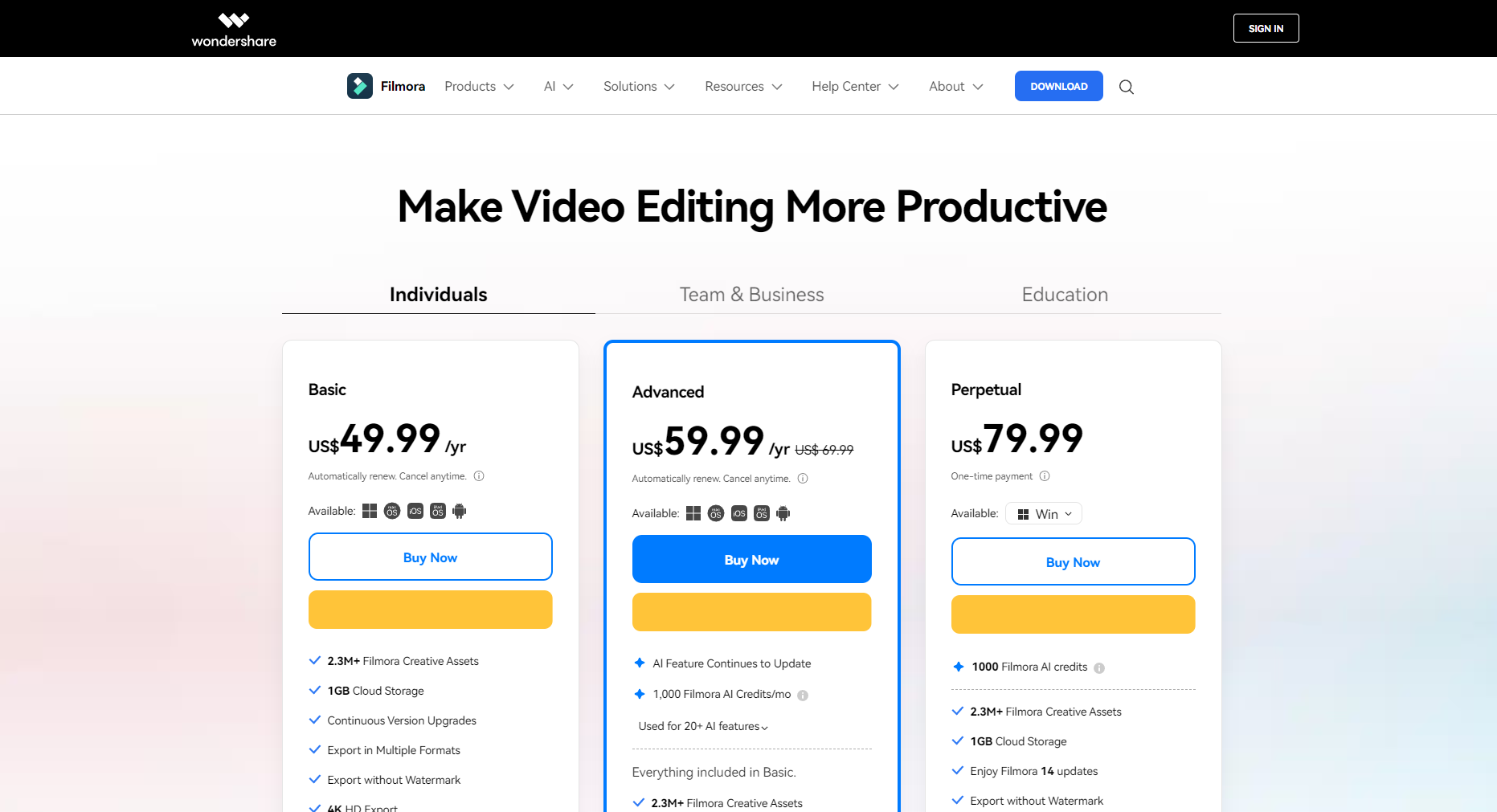
For more activation codes, commercial licenses, and discounts for businesses, organizations, and educational institutions, please refer to:Filmora licensing price
Kind tips:All versions are available for free download and trial (exported versions will have a watermark). After purchase, the watermark can be removed and full AI functionality can be obtained.
How to use Filmora
Filmora's core design philosophy is "fully visual drag-and-drop, what you see is what you get," allowing both beginners and professionals to learn how to operate it in minutes.
Filmora is favored by a wide range of people due to its high level of intelligence and rich creative resources. The table below details the applicable groups and typical application scenarios:
Target audience
Typical application cases
Recommended feature guidance
short video creators
TikTok/Kuaishou/YouTube short videos, VLOG
AI-powered short film editing, automatic background music, and multi-platform output.
self-media workers
Professional explanations, assessments, and tutorial videos
AI-generated subtitles, dynamic transitions, and AI-generated voiceover.
Educators and trainers
Recorded courses, micro-lessons, and popular science lectures
Intelligent batch output, custom logo addition, batch template application
Families and interest groups
Wedding/travel vlogs, family vlogs, short videos about hobbies
One-click theme templates, intelligent scene splitting, and automatic special effects generation
Commissioned articles and freelancers
Social media editing, remote video creation, and customized services.
Multi-camera editing, AI-powered voice-over synthesis, and cloud-based material collaboration
Filmora's innovative AI features live
AI-powered short video editing:It automatically identifies content highlights and breaks them down into eye-catching short videos suitable for sharing on social networks.
AI voice translation:Supports AI subtitles and synchronized video translation in 20+ languages.
AI-powered automatic music selection & intelligent sound effect matching:Automatically generate background music based on the video style, eliminating copyright concerns.
Synchronized editing of multiple cameras:Suitable for complex scenes and multi-perspective combinations, turning your creations into master-level works of art with a single click.
Excerpts from customer testimonials and media reports
Filmora has amassed a global following of tens of millions of creators thanks to its intuitive user interface and advanced AI capabilities.
It has won awards for "Best Video Editing Tool" from platforms such as G2 and Shorty Awards.
Media outlets such as PCMag and MovieMaker have praised Filmora as "a next-generation AI-powered video creation tool."
Real user feedback: "Drag-and-drop editing and a rich library of AI effects allow people to say goodbye to traditional cumbersome operations. Even those with zero experience can produce viral short videos within an hour."“
Frequently Asked Questions
1. How does Filmora differ from traditional video editing software?
Filmora is centered on AI.Filmora offers features such as one-click intelligent editing, automatic subtitle addition, and intelligent audio-visual enhancement, significantly lowering the barrier to entry for video editing. Compared to traditional professional software like Adobe Premiere and Final Cut Pro, Filmora is more suitable for...Beginners, Light Commercial Use, and Everyday Creative WorkIt also supports a vast library of templates and easy-to-use output for social media platforms.
2. Can AI-generated creative resources be commercialized?
FilmoraAI-generated content (such as AI-generated background music and licenseable materials) supports commercial use.However, some AI stickers and drawings are restricted to non-commercial use due to third-party licensing limitations. The official licensing page is regularly updated with information on the scope of commercial use; it is recommended to carefully review the terms of use before official use.
3. What output formats does Filmora support? Can it be directly uploaded to platforms like YouTube?
Supports multiple mainstream video formats(MP4/MOV/AVI/MKV/MPEG, etc.) and features one-click output to social media platforms, automatically adapting to aspect ratio and resolution. No secondary transcoding is required.Efficiently upload to YouTube, TikTok, Bilibili, etc.。
As an innovative leader in the field of AI video tools, Filmora helps countless creators enhance their video expressiveness with its powerful autonomous AI capabilities, user-friendly interface, rich online creative assets, and cost-effective solutions. Whether you are a professional self-media creator, brand marketer, or ordinary vlog enthusiast, you can solve all your problems from inspiration to finished product on the Filmora platform in one stop. Starting today,Click here to download Filmora and experience AI editing for free.Make your creations more competitive and contemporary!
Interact with a vast array of 2D and 3D characters and experience truly unlimited AI role-playing dialogue. Join now! New users receive 6000 points upon login!
Filmora浏览人数已经达到63,如你需要查询该站的相关权重信息,可以点击"5118 Data""Aizhan Data""Chinaz data""Based on current website data, we recommend using Aizhan data as a reference. More website value assessment factors include:"FilmoraAccess speed, search engine indexing and volume, user experience, etc.; of course, to evaluate the value of a website, the most important thing is to base it on your own needs and requirements, and some specific data will need to be obtained from [research institutions/resources].FilmoraWe will negotiate with the website owner to provide information such as the website's IP addresses, page views (PV), and bounce rate.
aboutFilmoraSpecial Announcement
This site's AI-powered navigation is provided by Miao.FilmoraAll external links originate from the internet, and their accuracy and completeness are not guaranteed. Furthermore, AI Miao Navigation does not have actual control over the content of these external links. As of 4:48 PM on October 13, 2025, the content on this webpage was compliant and legal. If any content on the webpage becomes illegal in the future, you can directly contact the website administrator for deletion. AI Miao Navigation assumes no responsibility.