

Aide
Aide 是一款专为团队和企业设计的 AI 驱动智能自动化与协作平台,支持多种工作流自动化、智能客服和聊天机器人。
Dream Machine is an AI video generation tool developed by Luma Labs. Simply input text or images to automatically generate high-quality animated short films, making video creation extremely simple.
 Dream Machine
Dream Machine, released by Luma Labs, is a revolutionary... AI video generation tools。Simply enter text or images; no professional experience is required to generate high-quality animated short films.It supports Chinese/English descriptions, multiple style matching, and role consistency extension, making it suitable for numerous scenarios such as self-media, education, and advertising.It offers multiple packages, including a free trial and a paid commercial version, to meet the video creation and collaboration needs of different users.
In 2024, the field of AI video tools will see a groundbreaking new product.Luma LabsOfficially releasedDream Machine(Official websiteThis AI video generation tool, with its amazing ability to transform text or images into high-quality short films, has become a new trendsetter in AI content creation, quickly attracting widespread attention from the industry and creative circles. This article will take the form of a news report to provide an in-depth introduction to Dream Machine's highlights, features, target audience, and operation process. It will also address common user questions to help you understand this powerful AI tool.
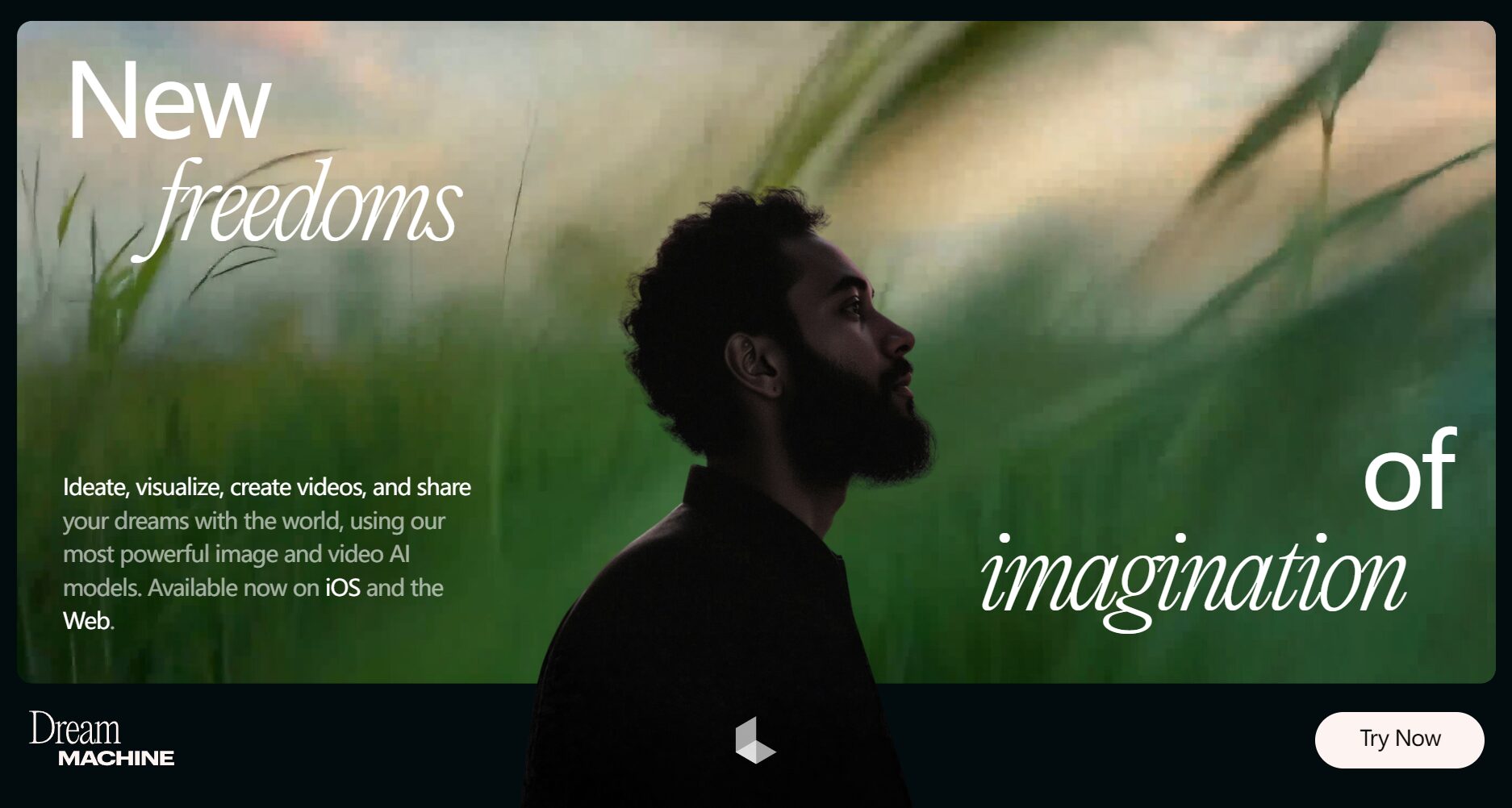
Dream Machine asAI video toolsIts main selling point is "no professional video production experience required; simply input text/images to generate AI animated short films." According to... Luma Labs Official Website Based on numerous real user reviews, Dream Machine highlights the following key features:
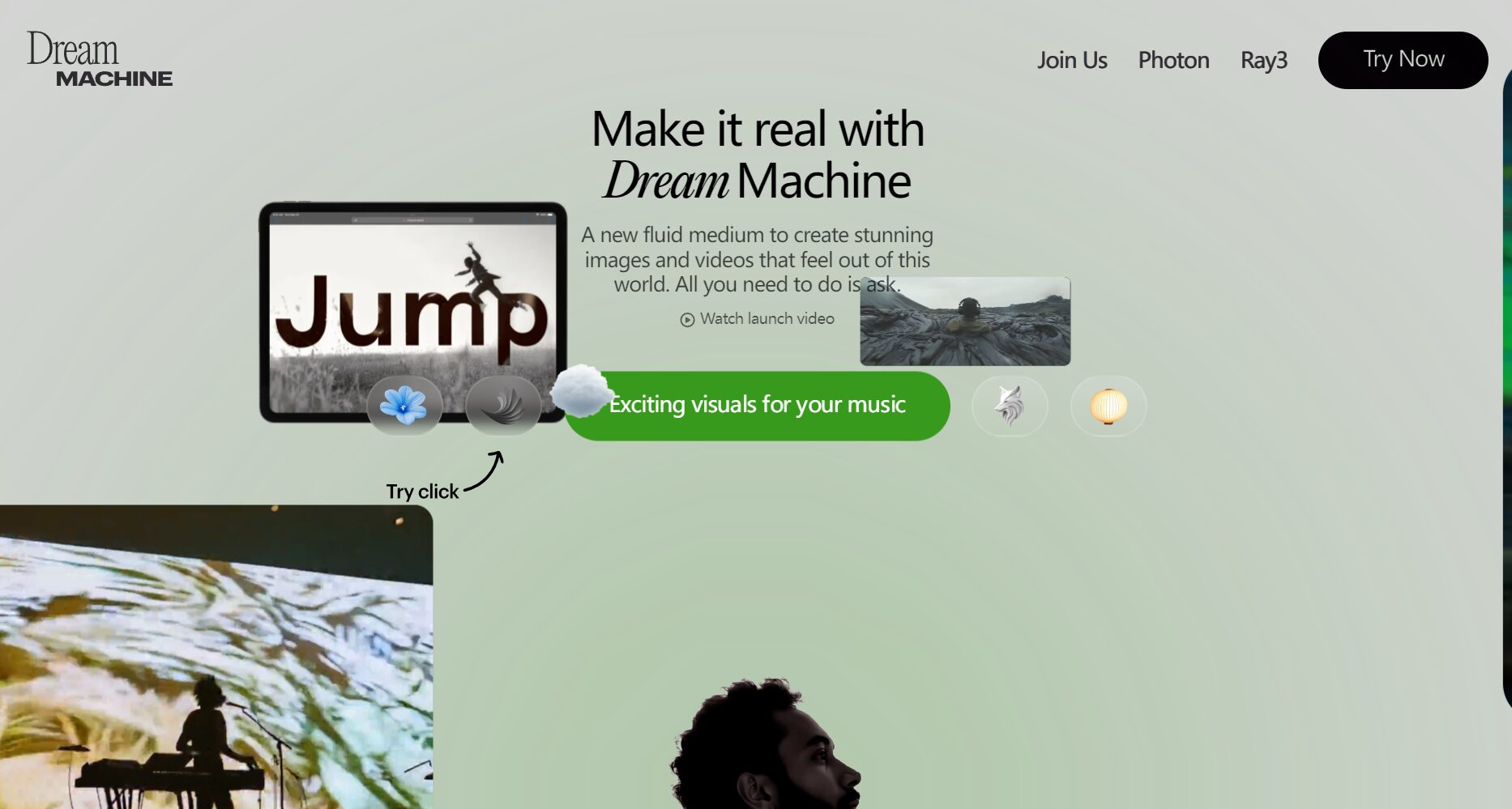
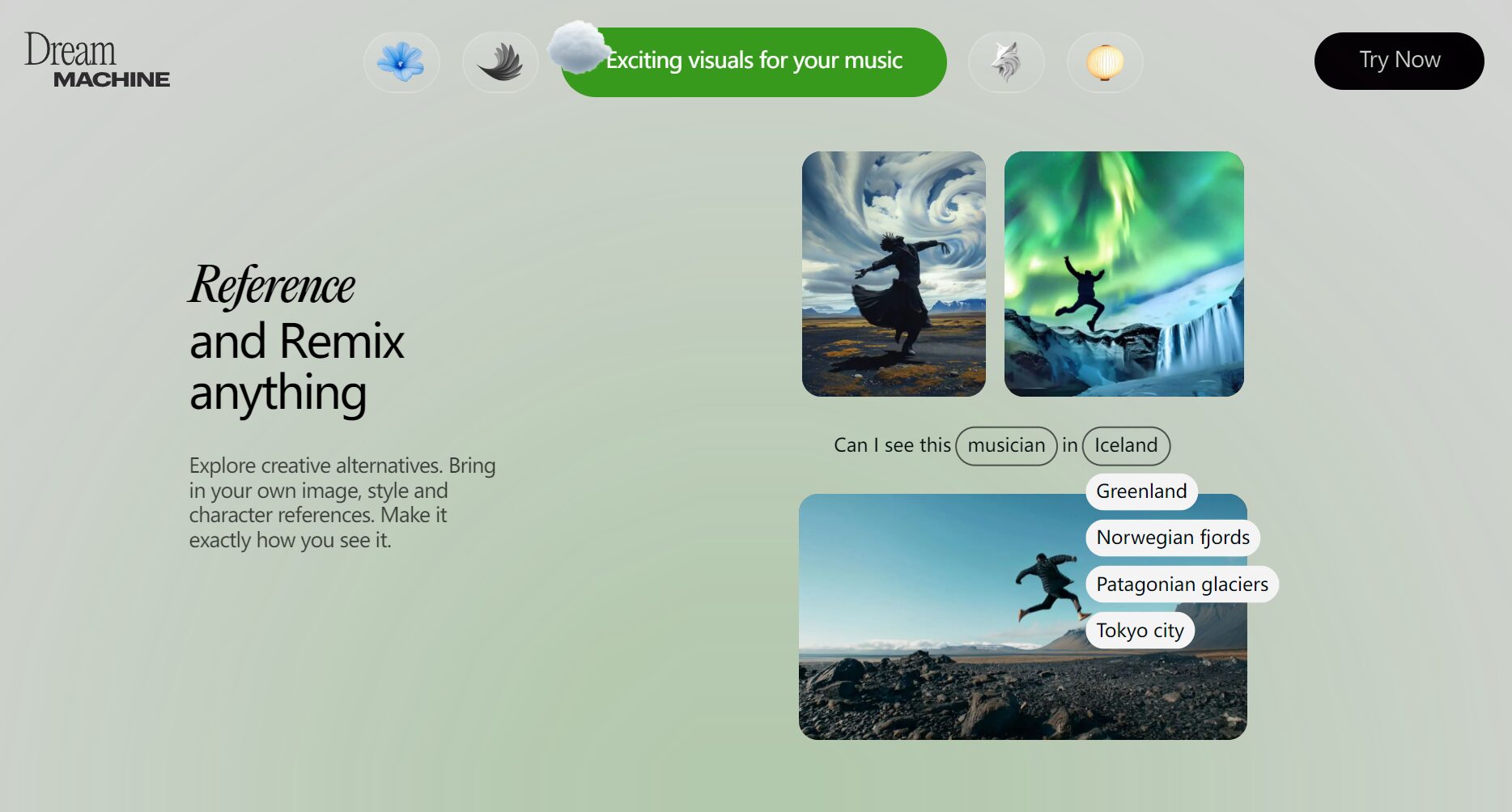

| Functional modules | Explanation and Key Highlights |
|---|---|
| Text/Image Generation | Supports multiple languages, accurately understands descriptions, and generates realistic animations. |
| Role Consistency | Minimize character changes through photos and reuse them across multiple scenes. |
| Style/Visual Reference | Supports uploading images and customizing the overall art style. |
| Automatic extension/cycle | Intelligent content expansion to create coherent short films or looping animations |
| Dynamic editing | Through language description, existing video footage and style can be flexibly modified. |
| One-click sharing and collaboration | Projects are easy to export, can be collaborated on online, and can be managed in the cloud. |
For more exciting features and examples, please see [link/details]. Dream Machine Official Website。
To meet the needs of different users, Dream Machine offers a variety of plans, including free trials, professional versions, and enterprise-level solutions, with transparent and flexible pricing. Below are the main plans released on the official website in August 2024 (available for viewing at any time).Official website price page(View the latest information)
| Package types | Monthly fee | Video generation number | Is it commercially viable? | Remove watermark? | Priority |
|---|---|---|---|---|---|
| Free trial | $0 | 30 items/month | 否 | 否 | ordinary |
| Standard | $23.99 | 150 items/month | 否 | 否 | 中 |
| Pro Professional | $79.99 | 430 items/month | 是 | Yes (removable) | 高 |
| Premier Top Tier | $399.99 | 2030 items/month | 是 | Yes (removable) | Highest |
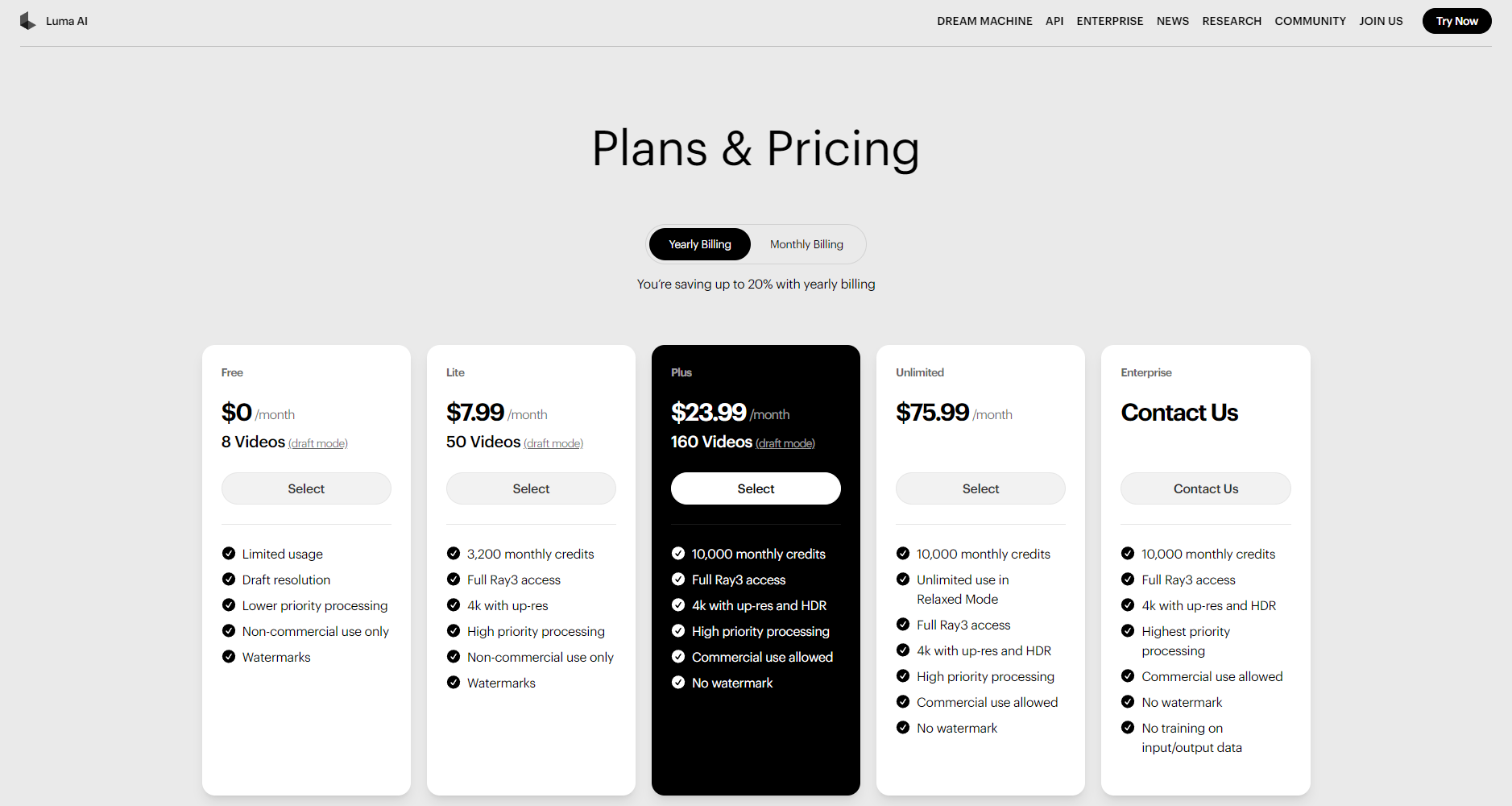
illustrate:
For detailed package benefits and commercial usage instructions, please see [link/reference]. Official website pricing details。
Dream Machine is committed toSimplifying the barrier to AI video creationThe entire application process is extremely convenient, allowing both beginners and experienced creators to quickly get started. Taking the web version as an example, the overall steps are as follows:
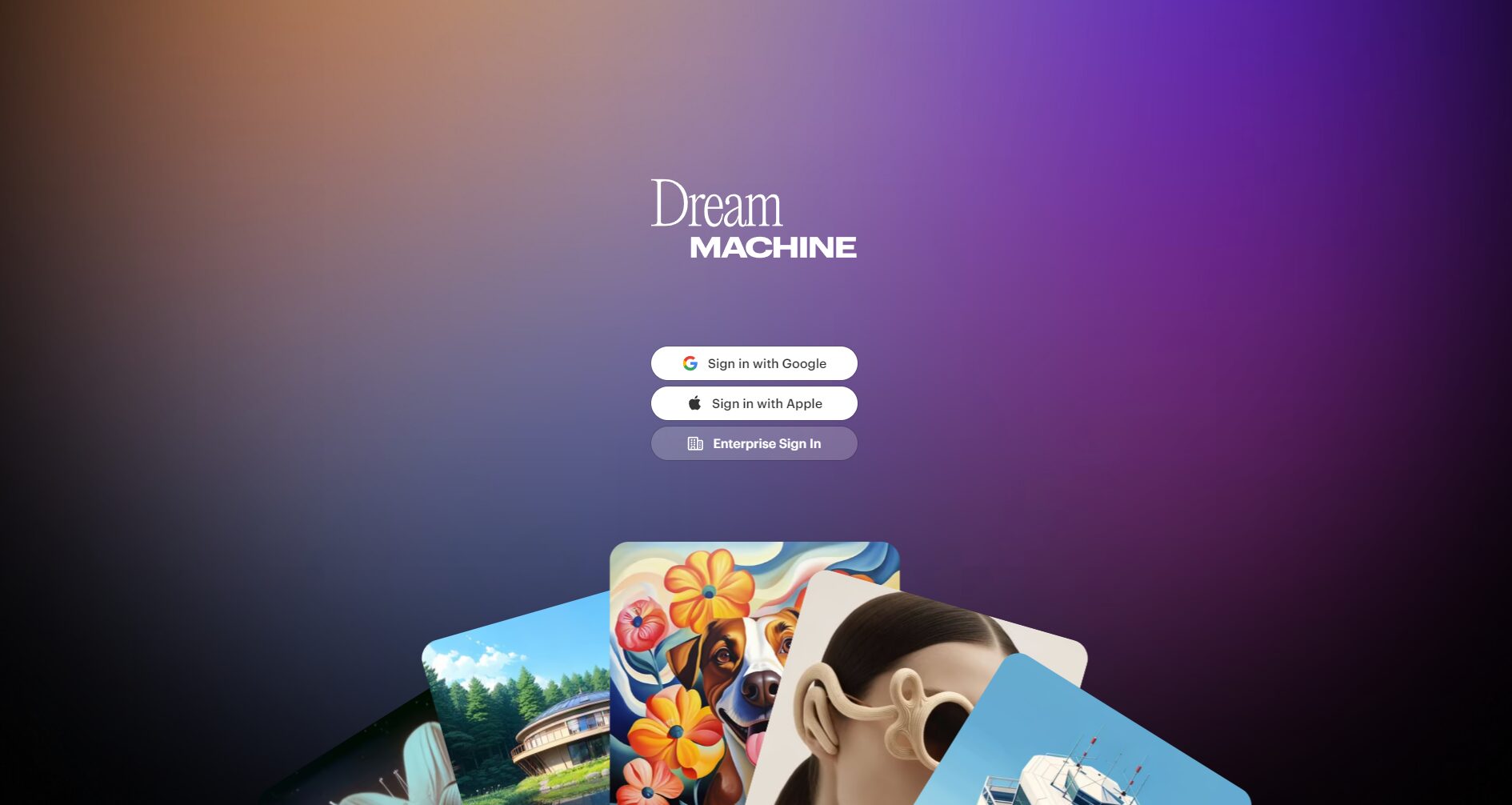
| step | Operating details | Is it mandatory? |
|---|---|---|
| Register/Login | Google account quick verification | ✔ |
| Input/Upload | Input text / Upload image / A combination of both | ✔ |
| Enhance understanding | Check "Enhance prompt" for better restoration results. | suggestion |
| Generate/Download | Wait for AI to generate → Download or add to the Kanban board | ✔ |
| Extend/Edit | Animations can be extended, modified, and looped multiple times. | Select |
| Project Sharing | One-click forwarding to social media groups and team members | Select |
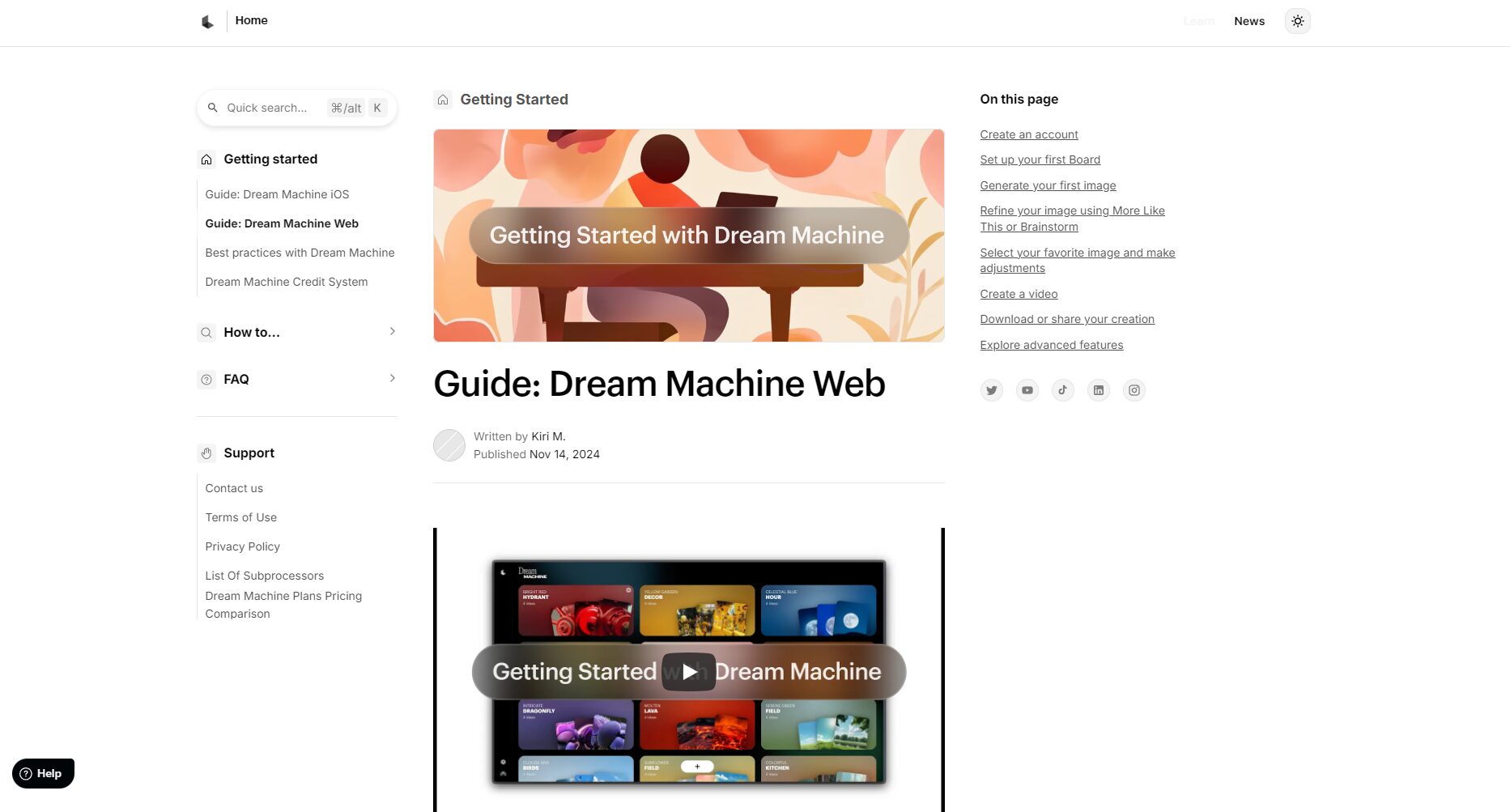
Click to view the official registration and quick start guide.
As aAI video tools for multiple industries and scenariosDream Machine is not only suitable for professional content creators, but also greatly expands the creative boundaries of ordinary users. Its target audience includes:
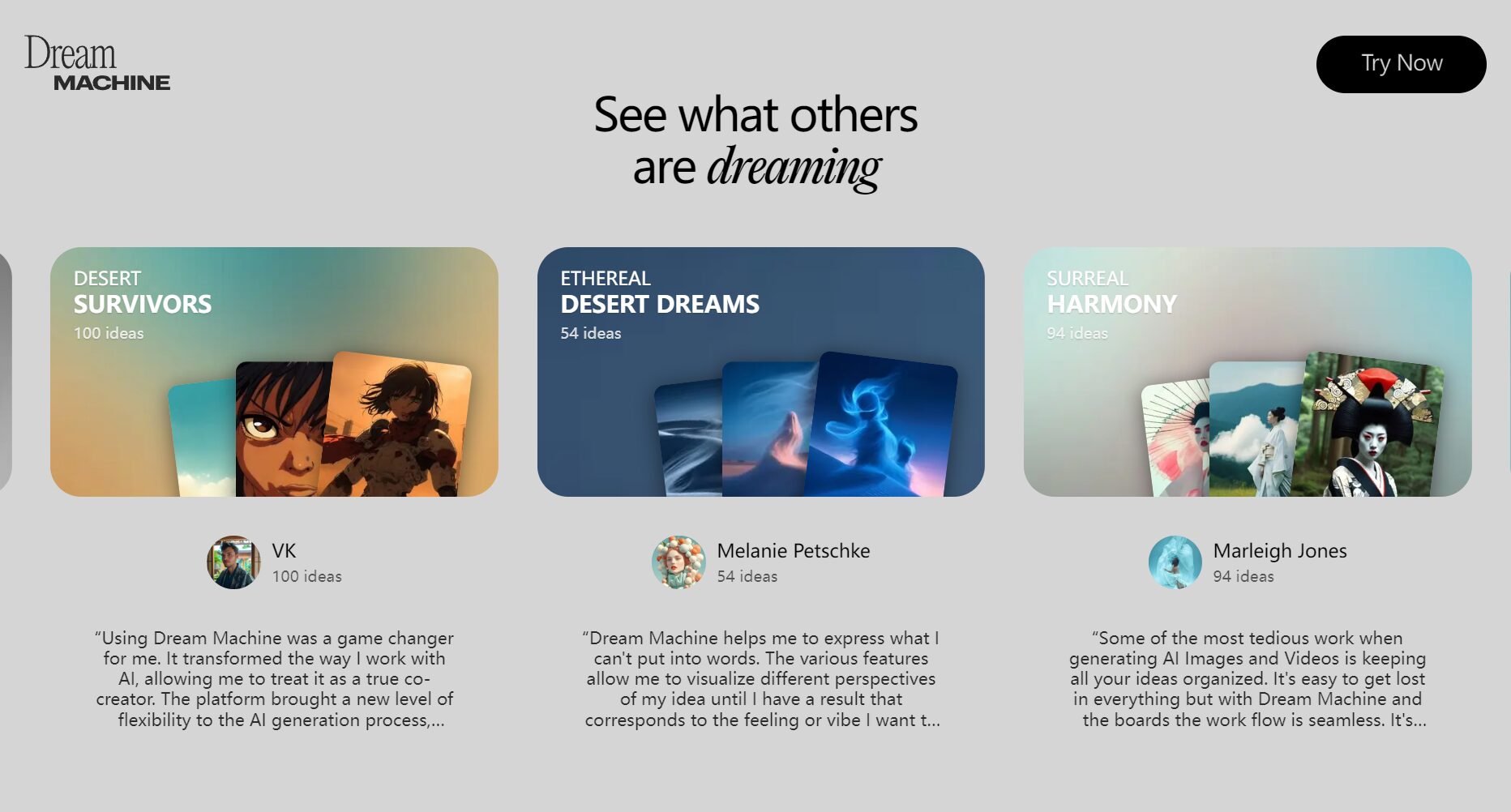
| Application scenarios | Recommended audience |
|---|---|
| Short video self-media | Internet celebrities, broadcasters, and KOLs |
| Micro-film advertising creation | Advertising agencies, art directors, filmmakers |
| Teaching micro-lesson animation | Teachers, training institutions, and self-learners |
| Product promotional video | E-commerce sellers, marketing departments, entrepreneurs |
| Fan-made anime/manga | Anime fans, illustrators, and cosplay communities |
| Creative brainstorming | Team members, event planners, creative teams from major companies |
The AI video generation market is currently highly competitive. Compared with other mainstream AI video tools (such as OpenAI Sora, Kling, Runway Gen2, etc.), Dream Machine has the following outstanding advantages and features:
| Core Comparison Items | Dream Machine | Sora and other competitors |
|---|---|---|
| Entry threshold | Extremely low (describe in natural language) | Specific instructions or APIs are usually required. |
| Role Consistency | Supports single image referencing and reuse across multiple scenarios. | Partial support (requires advanced configuration) |
| Video extension/editing | Built-in, user-friendly interface | Generally, secondary rendering/alternative tools are required. |
| Free trial benefits | 30 high-quality short films per month | Most are internal testing or require queuing. |
| Output quality | Smooth motion, realistic details, and diverse styles | The gap is gradually narrowing |
| Commercial Licensing | Clearly defined tiers, payment is all that's needed. | Some require contacting customer service. |
Currently, Dream Machine supports...Web version(Modern browsers such as Chrome/Edge/Safari are recommended) andiOS AppThere is currently no release schedule for the Android version. Users can access it through...Official websiteAlternatively, search for "Dream Machine" in the App Store and download and install it.
The content generated by the free version (and standard version) is for personal learning and non-commercial display only.For commercial use, you need to upgrade to a Pro or Premier plan or higher, and automatically remove the watermark and obtain a full commercial license. See details for further information.Official Terms and Conditions。
The basic plan is for each segment5-10 second short videosHowever, multiple segments can be overlaid and expanded using the "Extend" function. The paid plan allows for a higher number of segments to be generated per month, with no technical limit, making it suitable for continuous scripts and multi-camera animation needs. It is recommended to enter new commands for each extension to maintain the smooth flow of the content logic.
As AI video tools become increasingly powerful,Dream MachineIt is revolutionizing the content production chain. It relies on...“"Extremely low barrier to entry, strong creative freedom, rich commercial licensing, and visual collaboration capabilities."”Undoubtedly, Dream Machine is a new generation of "imagination amplifier" for self-media creators, advertising and film professionals, and organizations with an extreme pursuit of content excellence. Whether it's a fleeting creative inspiration or a long-term team project, Dream Machine can lend you a helping hand. — Welcome to the world of Dream Machine!Dream Machine Official WebsiteUnlock the infinite possibilities of AI-driven creative production.
This site's AI-powered navigation is provided by Miao.Dream MachineAll external links originate from the internet, and their accuracy and completeness are not guaranteed. Furthermore, AI Miao Navigation does not have actual control over the content of these external links. As of 6:51 PM on October 16, 2025, the content on this webpage was compliant and legal. If any content on the webpage becomes illegal in the future, you can directly contact the website administrator for deletion. AI Miao Navigation assumes no responsibility.
