Quicktools Photo Editing

3mos agoupdate 9 00

Quicktools Background Remover is a free online AI image background removal tool developed by Picsart. It supports one-click removal of image backgrounds at lightning speed, without the need for downloading or registration. It is intelligent, efficient, and extremely easy to use.

Location:
USA
Language:
en,es,fr,de,it,ru,pt,ja,ko,zh
Collection time:
2025-09-10
Quicktools Photo EditingQuicktools Photo Editing

[2024 News Feature] Quicktools Photo Editing: One-stop Intelligent Editing Leads a New Trend in Creativity

In today's rapidly developing digital imaging landscape, whether you're an individual creator, e-commerce merchant, or designer, a comprehensive and user-friendly imaging solution is essential.Photo EditorIt has become an essential part of daily life. With the continuous advancement of AI technology, more and more intelligent tools are emerging, and...Quicktools Photo EditingIt stands out among them. Developed by the Picsart team, this toolset focuses on one-stop intelligent photo editing, leveraging AI to greatly simplify the image processing workflow. This article will provide an in-depth analysis of Quicktools Photo Editing.

I. A quick overview of Quicktools Photo Editing

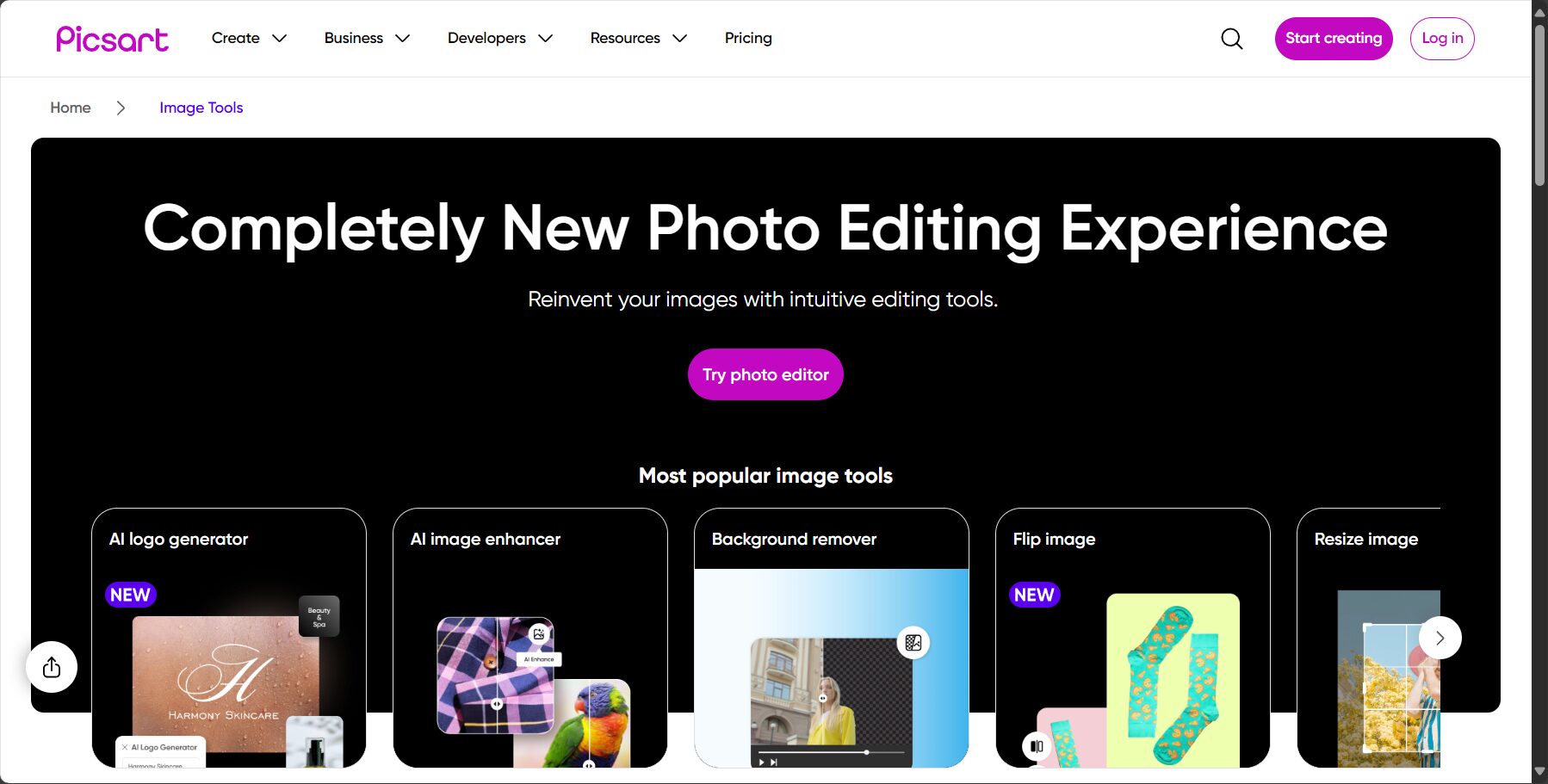
Quicktools Photo Editing is a free online AI image processing toolset from Picsart, accessible directly through a browser.Quicktools by Picsart (official website)

Quicktools by Picsart (official website)
Photo/Quicktools by Picsart (official website)
  • Based on AI deep learning technology, it provides a variety of intelligent editing functions.
  • Supports mainstream image formats such as JPG and PNG.
  • No downloads required, ready to use online, feature-rich.
  • Zero-threshold tutorial, covering cropping, filters, enhancement, background removal, and more.
  • Output high-quality edited images
  • Go and experience it 👉 Quicktools Photo Editing

II. Core Function Analysis

  1. AI-powered enhancement and repair
    • One-click image quality enhancement, automatically adjusting brightness, contrast, and saturation. Intelligent restoration of old photos, removing noise and blur.
  2. A wide variety of filters and effects
    • It comes with dozens of popular filters that can be applied with a single click to instantly change the atmosphere of your photos.
    • It supports various creative effects such as blur, pixelation, and cartoonization.
  3. All-in-one editing toolbox
    • Cutting and Size AdjustmentOffers multiple preset scales to suit the needs of social media, printing, and more.
    • Text addition and enhancementSupports multiple fonts, colors, and styles.
    • AI background removalIt integrates a powerful background removal function, generating transparent backgrounds with one click.
    • Image ConverterSupports free conversion between different formats (such as JPG to PNG).
  4. Synergizes with Picsart's full platform creative toolchain
    • Edited images can be imported into the Picsart editor with one click for more complex secondary creative designs.
  5. Free watermark-free export
    • Most functions require no registration; you can directly download watermark-free, high-resolution images quickly and efficiently.
Tool Function Overview
Photo/Tool Function Overview
FunctionillustrateSuitable scenarios
AI intelligent enhancementOne-click image quality optimizationeveryday photos, landscape photos
Filters and EffectsMultiple styles can be applied with one click.Social media, personal creation
Cutting and Size AdjustmentQuickly adapt to different platformsProfile picture, cover image, poster
AI background removalBackground of Intelligent SeparationE-commerce images, ID photos
Free downloadHigh-definition export without registrationEmergency design and rapid application
AI role-playing advertising banner

Chat endlessly with AI characters and start your own story.

Interact with a vast array of 2D and 3D characters and experience truly unlimited AI role-playing dialogue. Join now! New users receive 6000 points upon login!

III. Pricing and Plans

Most of Quicktools' photo editing functionsFree foreverIt can be used without registration or payment.

User typepriceMajor privilegeswatermarkUsage restrictions
Free users0 yuanCore editing functions, watermark-free downloadNo mandatory restrictions
Picsart membersPaidUnlock more advanced materials and features within the Picsart editorExperience Enhancement
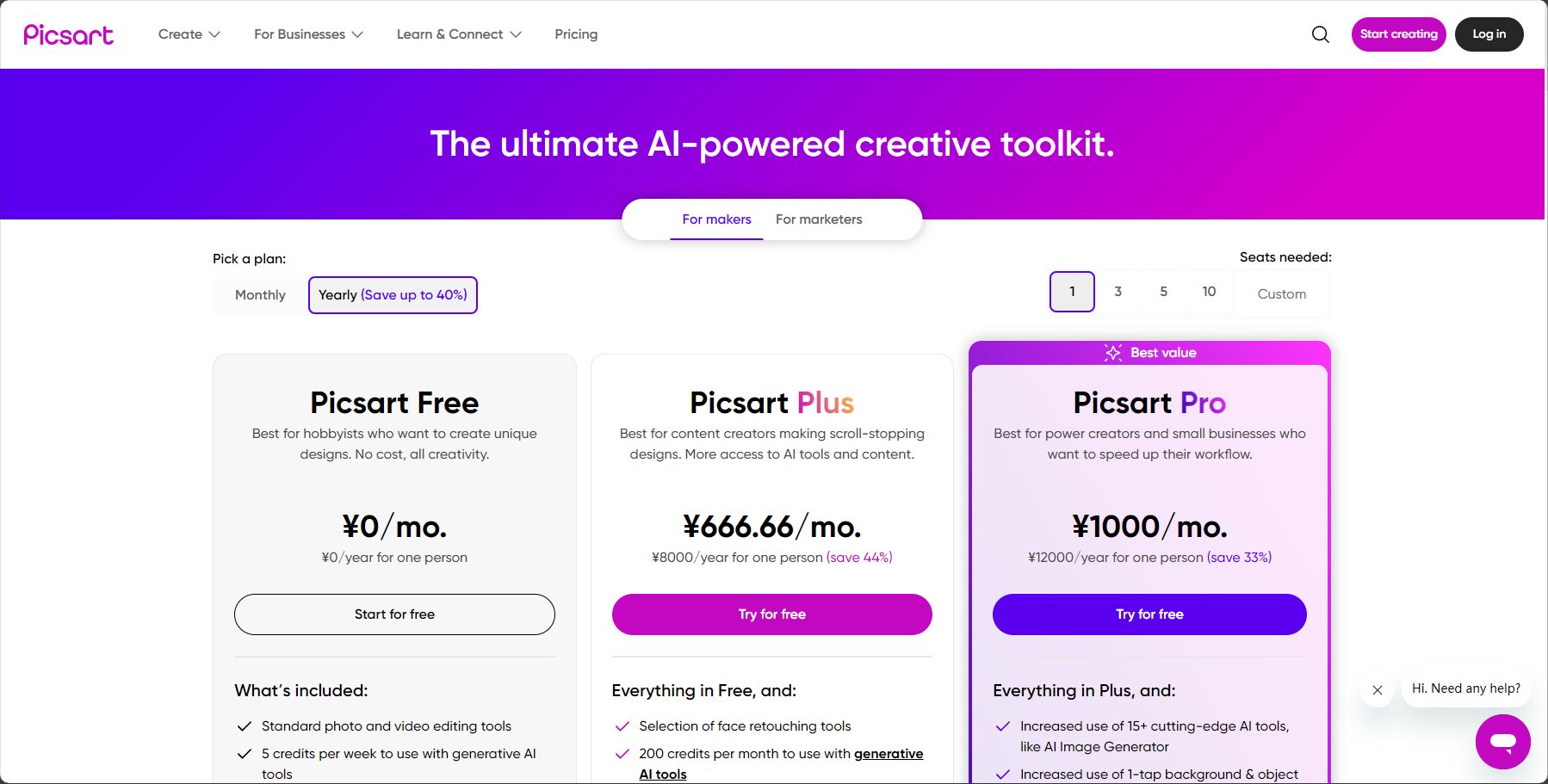
Paid pricing plans
Photo/Paid pricing plans

You can experience the core AI editing features simply by visiting the web version, greatly reducing the cost of creation.

IV. Detailed Usage Procedure

  1. Open the official websitehttps://tools.picsart.com/
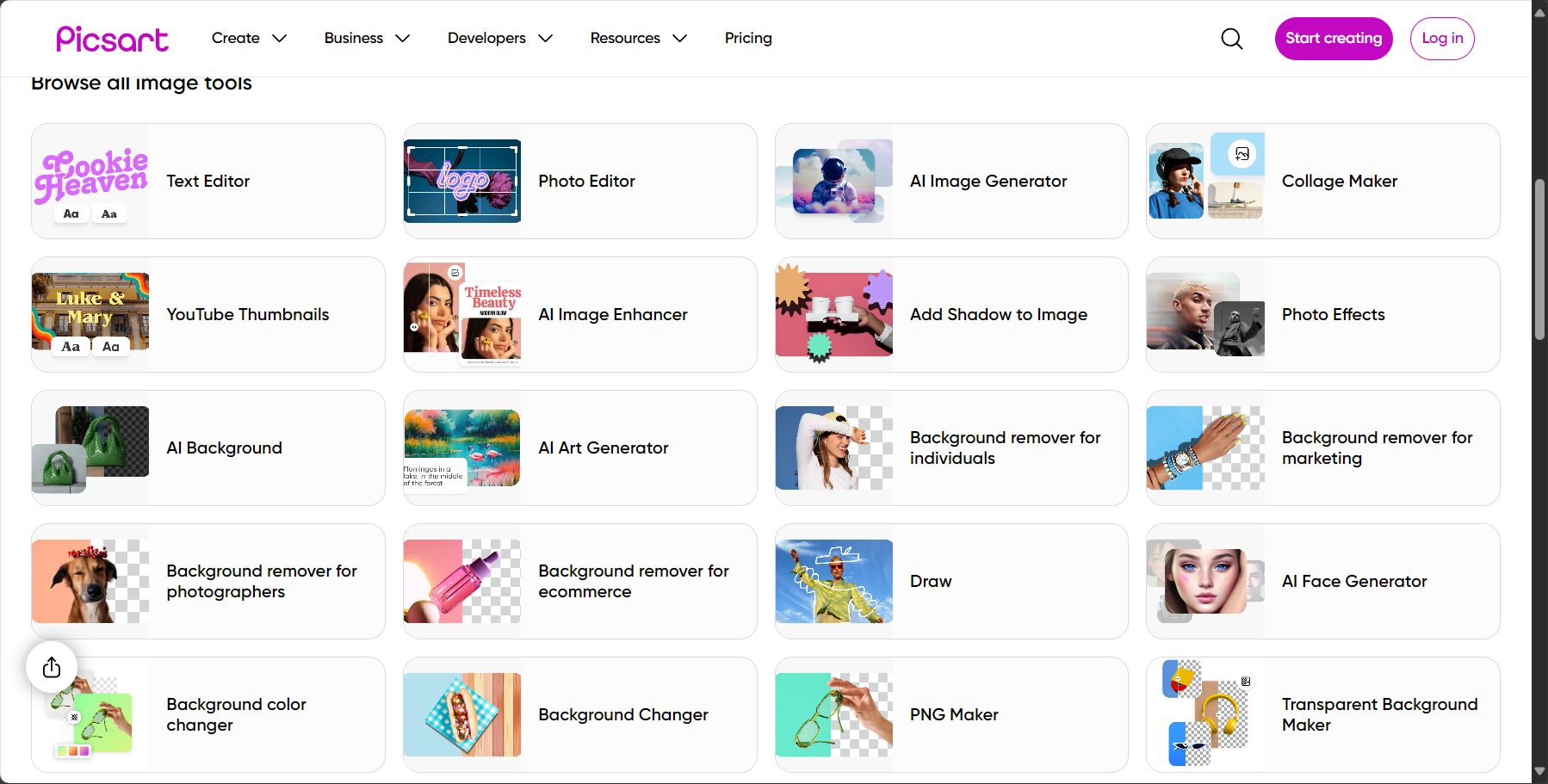
  2. Select ToolsChoose specific functions such as "crop", "filter", and "AI enhancement" according to your needs.Image/A wide range of editing tool options
  3. Upload ImageClick "Upload Image" to upload the image you want to edit.Image/Screenshot of the image upload interface
  4. EditUse the toolbar on the right to make adjustments and preview the effect in real time.
  5. Download ImagesClick "Download" to download the edited high-resolution image for free.
  6. (Optional) Secondary creationIt can import into the Picsart editor with one click and use more advanced features.
stepOperation DescriptionRemark
1Open webpageOfficial entrance
2Select editing toolsSuch as cropping, filters, etc.
3Upload ImageSupports JPG/PNG
4Adjust parametersReal-time preview effect
5Download ImagesPreserve high-quality output

V. Target Audience and Application Scenarios

  • social media usersQuickly enhance photos, crop sizes, add filters, and create beautiful posts.
  • Personal photography enthusiasts: Perform basic color adjustments and enhance image quality on photos.
  • Designer/Art WorkQuickly process materials, performing cropping, format conversion, and basic adjustments.
  • Education/Office StaffCreate PPT illustrations, adjust report image sizes, and enhance event photos.
  • e-commerce merchantsSimply adjust the brightness and contrast of the product image, or perform batch cropping.
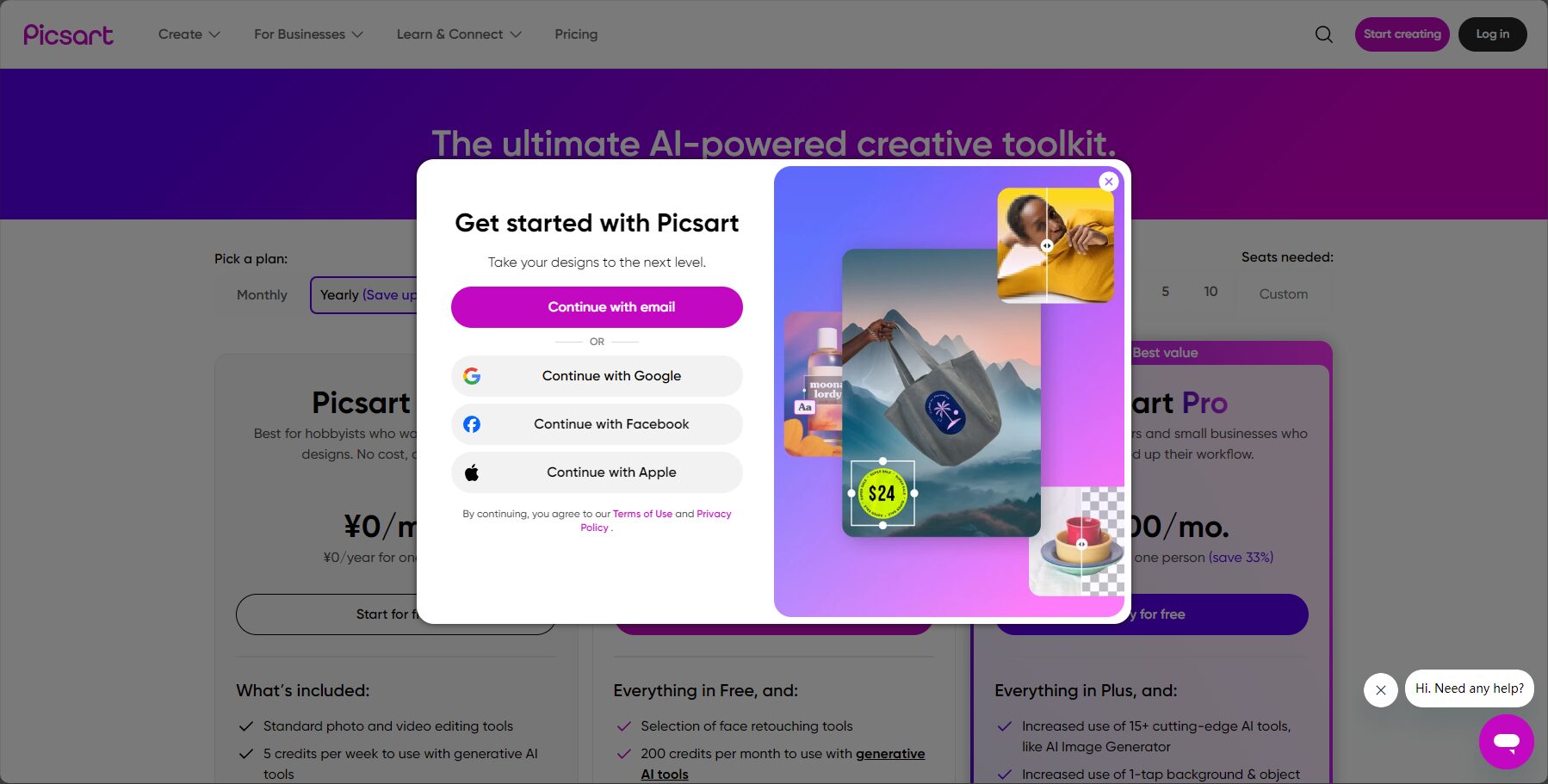
Register/Login
Image/Register/Login

Common applications include: everyday photo enhancement, social media content creation, office document illustration, initial poster design, and basic adjustments to e-commerce images.

VI. Unique Advantages and Future Blueprint

  • One-stop multi-functionalNo need to switch between multiple tools; one platform meets most daily editing needs.
  • No registration or download requiredCloud-based processing is secure and efficient, and can be used directly in the browser without consuming local resources.
  • Linking the Picsart creative ecosystemSeamlessly integrates with a professional-grade editor, providing endless possibilities for creativity.
  • Mobile-friendlyUse directly in your mobile browser; compatible with iOS and Android, allowing you to edit anytime, anywhere.

A horizontal comparison of mainstream online editors

platformFree PolicyFeature richnessAI intelligent functionswatermarkOutput quality
QuicktoolsMostly freeRelatively abundantStrongHD
FotorPartially freeRichPaid watermark removalHigh-definition requires payment
CanvaPartially freeVery richSome elements are paid.
Adobe ExpressPartially freeVery richVery strong

VII. Frequently Asked Questions (Q&A)

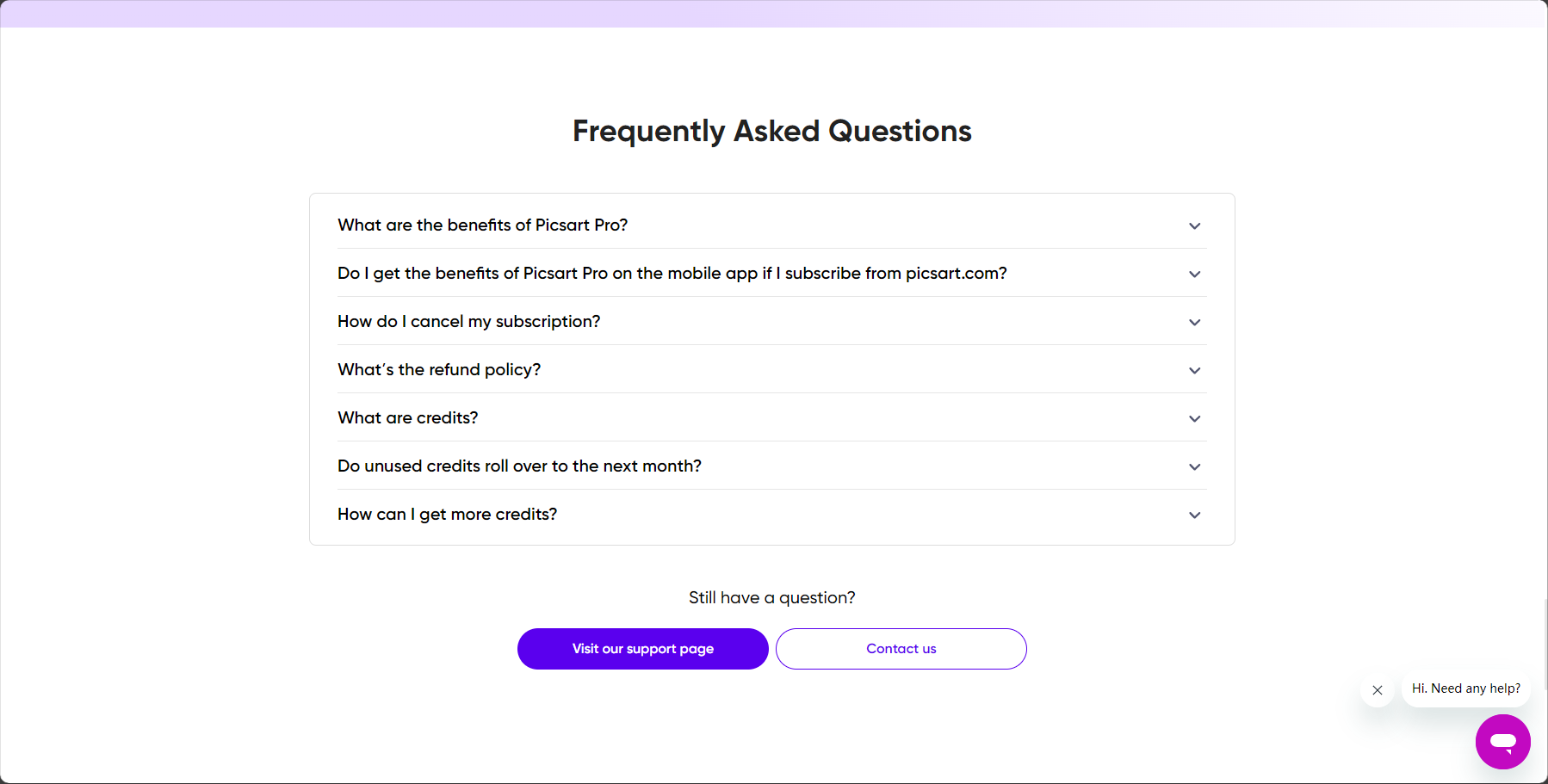
Frequently Asked Questions
Image/Frequently Asked Questions
  1. Which image formats are supported?
    For mainstream formats such as JPEG and PNG, it is recommended to upload the original high-resolution image for the best editing results.
  2. Does the edited image have compression/watermark?
    No, most functions export watermark-free images while retaining the original image quality.
  3. What if the AI-enhanced effects are not ideal?
    AI enhancement is a one-click operation. If more precise adjustments are needed, you can use the manual adjustment functions for brightness, contrast, etc.
  4. Is commercial use permitted?
    The free version allows you to edit and export images without secondary copyright restrictions, making it suitable for commercial use. However, please ensure that the original materials you use have legal copyright.

ConclusionWith the maturation of AI image editing technology,Quicktools Photo EditingWith its one-stop functionality, extremely simple operation, permanently free policy, and cloud security, it provides unprecedented efficiency and convenience for content creators and users in the digital age. It has become the preferred tool for many users to quickly edit photos.
Visit nowQuicktools Photo EditingExperience the new era of AI-powered image editing!

AI role-playing advertising banner

Chat endlessly with AI characters and start your own story.

Interact with a vast array of 2D and 3D characters and experience truly unlimited AI role-playing dialogue. Join now! New users receive 6000 points upon login!

data statistics

Data evaluation

Quicktools Photo EditingThe number of visitors has reached 9. If you need to check the site's ranking information, you can click ""5118 Data""Aizhan Data""Chinaz data""Based on current website data, we recommend using Aizhan data as a reference. More website value assessment factors include:"Quicktools Photo EditingAccess speed, search engine indexing and volume, user experience, etc.; of course, to evaluate the value of a website, the most important thing is to base it on your own needs and requirements, and some specific data will need to be obtained from [research institutions/resources].Quicktools Photo EditingWe will negotiate with the website owner to provide information such as the website's IP addresses, page views (PV), and bounce rate.

aboutQuicktools Photo EditingSpecial Announcement

This site's AI-powered navigation is provided by Miao.Quicktools Photo EditingAll external links originate from the internet, and their accuracy and completeness are not guaranteed. Furthermore, AI Miao Navigation does not have actual control over the content of these external links. As of 7:28 PM on September 10, 2025, the content on this webpage was compliant and legal. If any content on the webpage becomes illegal in the future, please contact the website administrator directly for deletion. AI Miao Navigation assumes no responsibility.

Relevant Navigation

No comments

none
No comments...