

NIJI・JOURNEY
NIJI・JOURNEY is an intelligent tool focused on generating AI illustrations in the anime and 2D style, allowing users to quickly generate high-quality anime images based on text descriptions.
Nero Image Upscaler is an AI-based lossless image upscaling and quality enhancement tool that supports multiple models and platforms, efficiently improving image clarity.
 Nero Image Upscaler
Nero Image UpscalerIt is a focusAI image lossless enlargementA high-quality, enhanced online multi-platform tool. It supports various AI models (such as standard, photo, animation, and face enhancement), with a maximum capability of [missing information].4x resolution magnificationIt is compatible with multiple formats and supports batch processing.Privacy and securityIt offers rigorous protection and is simple and quick to use, widely adaptable to design, e-commerce, illustration, social media, and enterprise scenarios, meeting the high-standard image quality optimization needs of different users.
In today's era of widespread digital imaging,AI image lossless enlargementImage upscaling has become an essential tool for industries such as design, photography, and e-commerce to enhance image quality and meet diverse needs. As a leading global multimedia technology brand, Nero AG recently launched its AI-driven image upscaling tool, Nero Image Upscaler, which has received high praise and professional recognition from users. This article will provide a comprehensive overview of Nero Image Upscaler's features, pricing options, applicable scenarios, and frequently asked questions, presented in a news report format.
Official platform address:Nero Image Upscaler Official Website
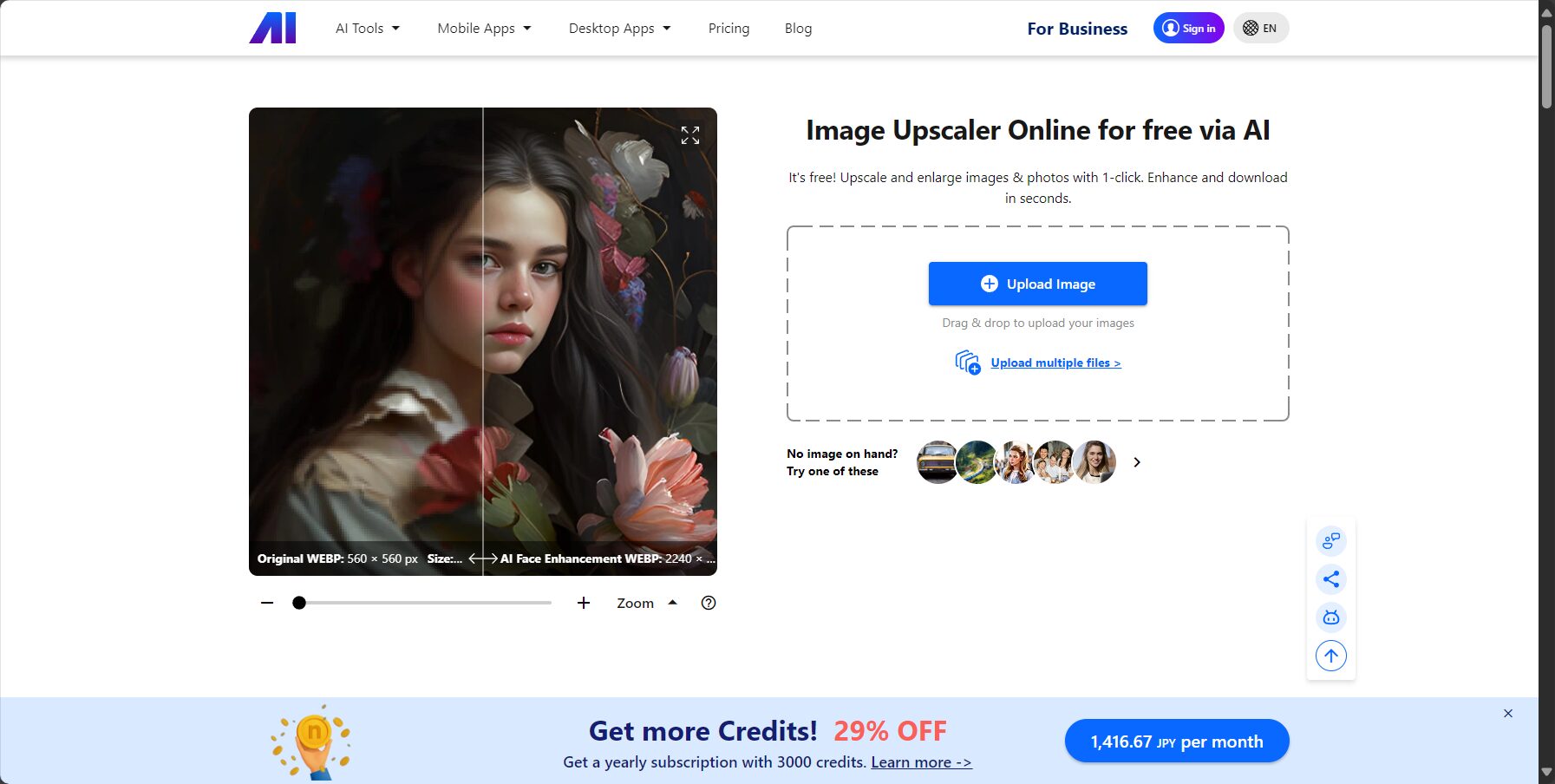
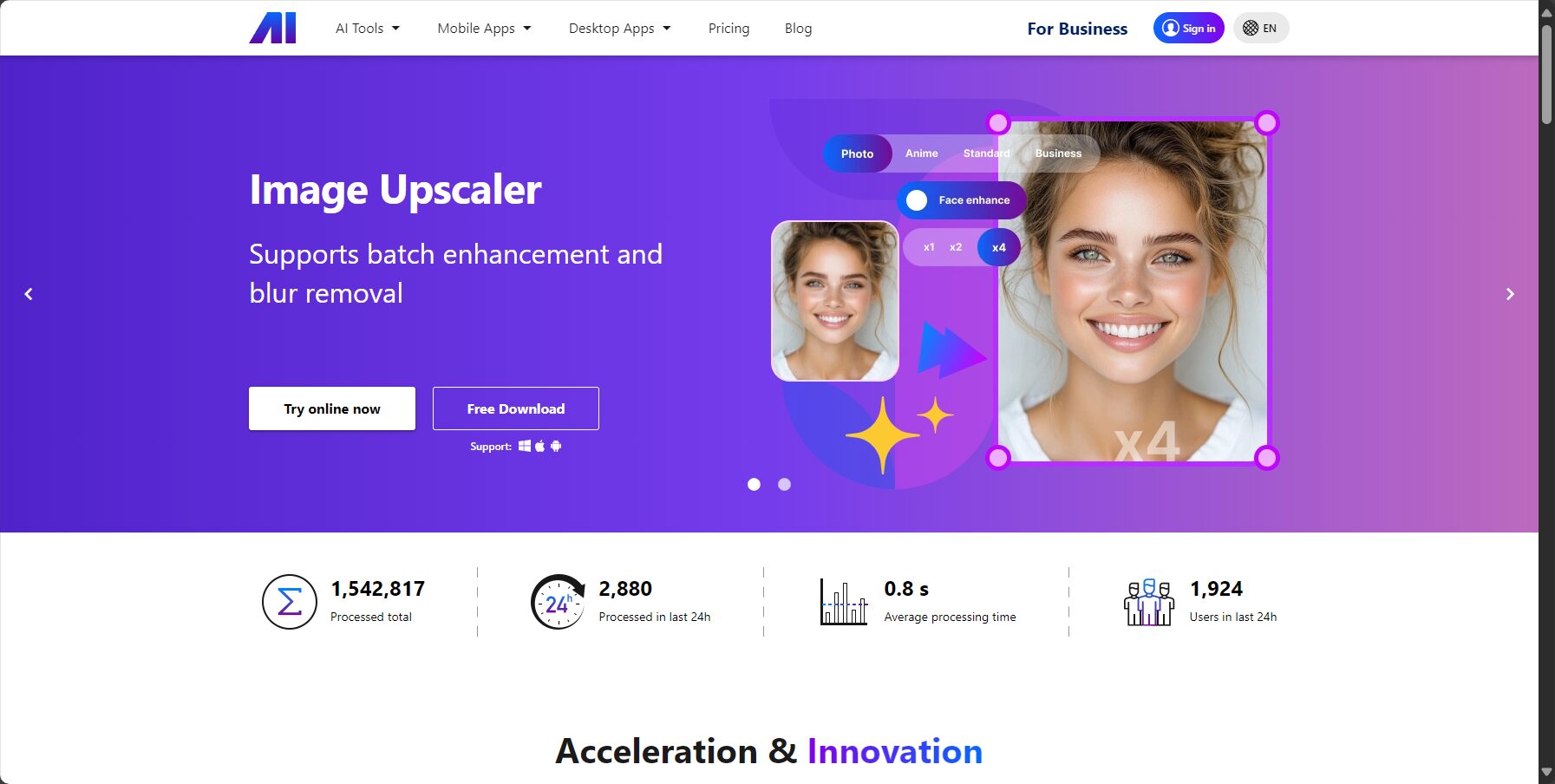
Nero Image Upscaler focuses on AI-powered lossless image upscaling and quality enhancement. It automatically analyzes the original image using deep learning neural networks (AI), intelligently restoring high-definition details and effectively solving the problems associated with traditional image upscaling.Mosaic, distortion, and blurThe problem is that it can achieve lossless magnification up to 400% for everything, including profile pictures, landscapes, anime illustrations, and product images.
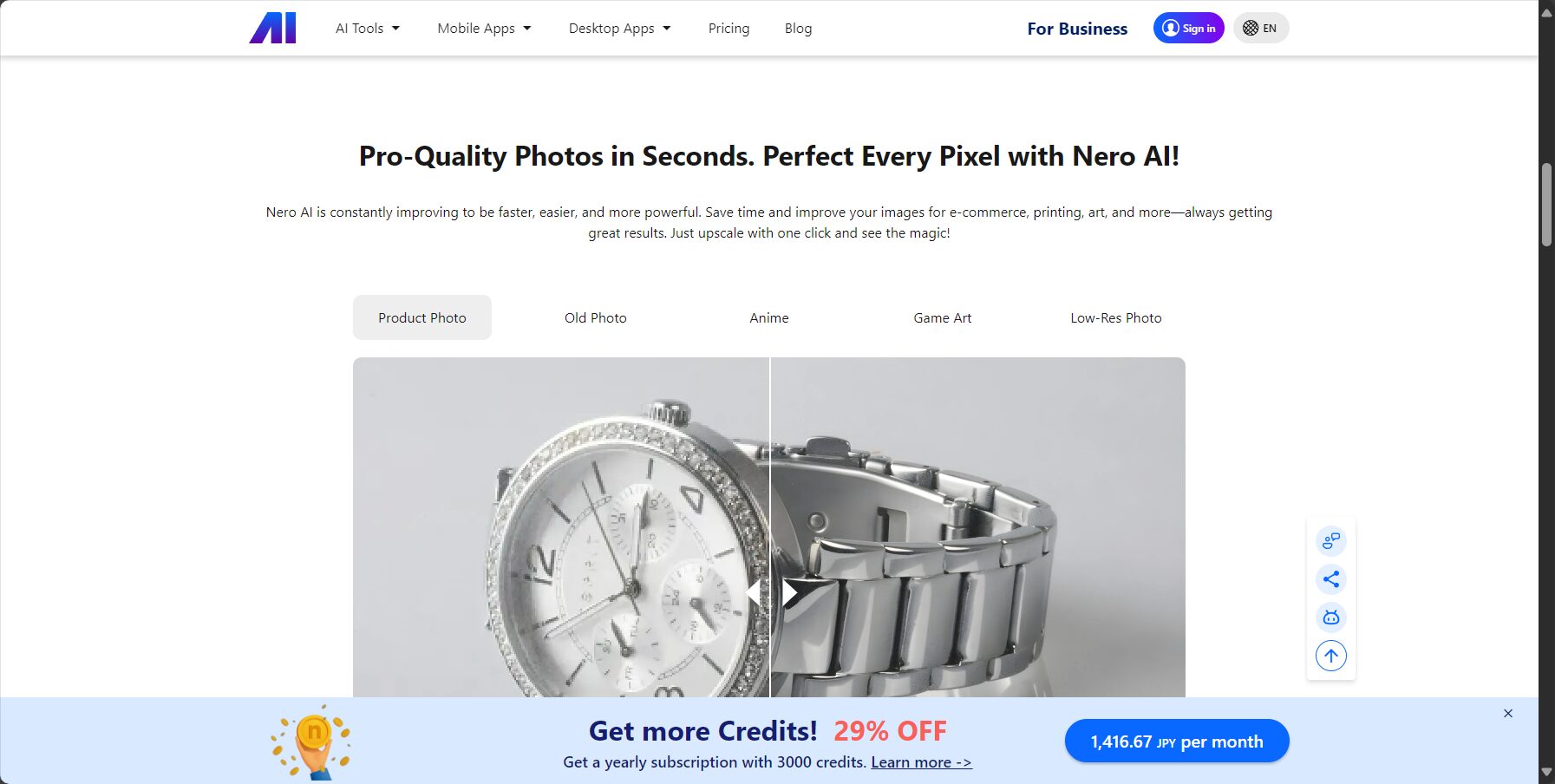
| AI model types | Applicable Scenarios | Optimization points |
|---|---|---|
| standard | everyday scenery, cities, screenshots | Ensure clear outline |
| photo | Portraits, Nature, Architecture | Enhance realism and color tone |
| cartoon | Illustration, 2D, Animation | Reduce the mixing of colors in the lines, and keep the colors pure. |
| Face enhancement | Blurry/low-resolution portrait photos | Facial features detail restoration |

Nero offers flexibility and varietySubscription and pay-as-you-go modelsIt meets the diverse needs of individual and business users.
| Scheme type | TOLL | Includes Nero points | Instructions for use |
|---|---|---|---|
| Day Pass | $4.95 | 20 points/day | Valid for 24 hours, maximum output speed 60MP, no watermark. |
| Monthly subscription | $9.97/month | 200+ points/month | Accumulated subscriptions, automatic renewal. |
| Annual subscription | $ 89.95/year | 3,000 points/year | Cumulative, automatic renewal, maximum 60MP output |
| On-demand points packs | $ from 14.99 | 100/500/1000 points pack | Membership activated only, one pack per replenishment |
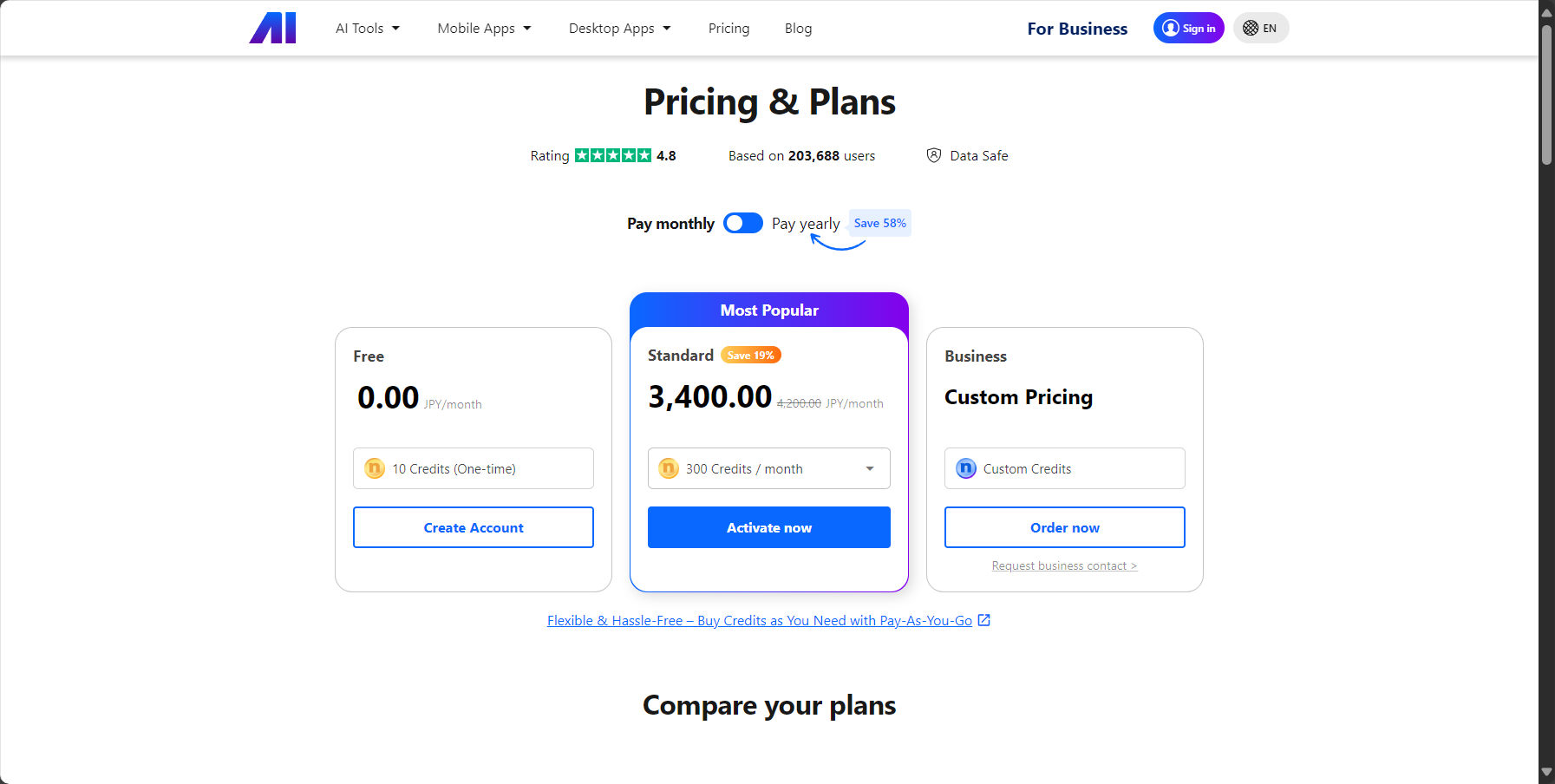
Different AI models and magnification levels consume different points. For example, standard/anime/photo models cost 2 points to magnify 4 times, and face enhancement costs 2 points. Please refer to the detailed billing table.Nero official pricing page。
Nero Image Upscaler providesMultiple access points including web version, Windows/Mac desktop version, iOS and Android app.Even beginners can quickly get started.
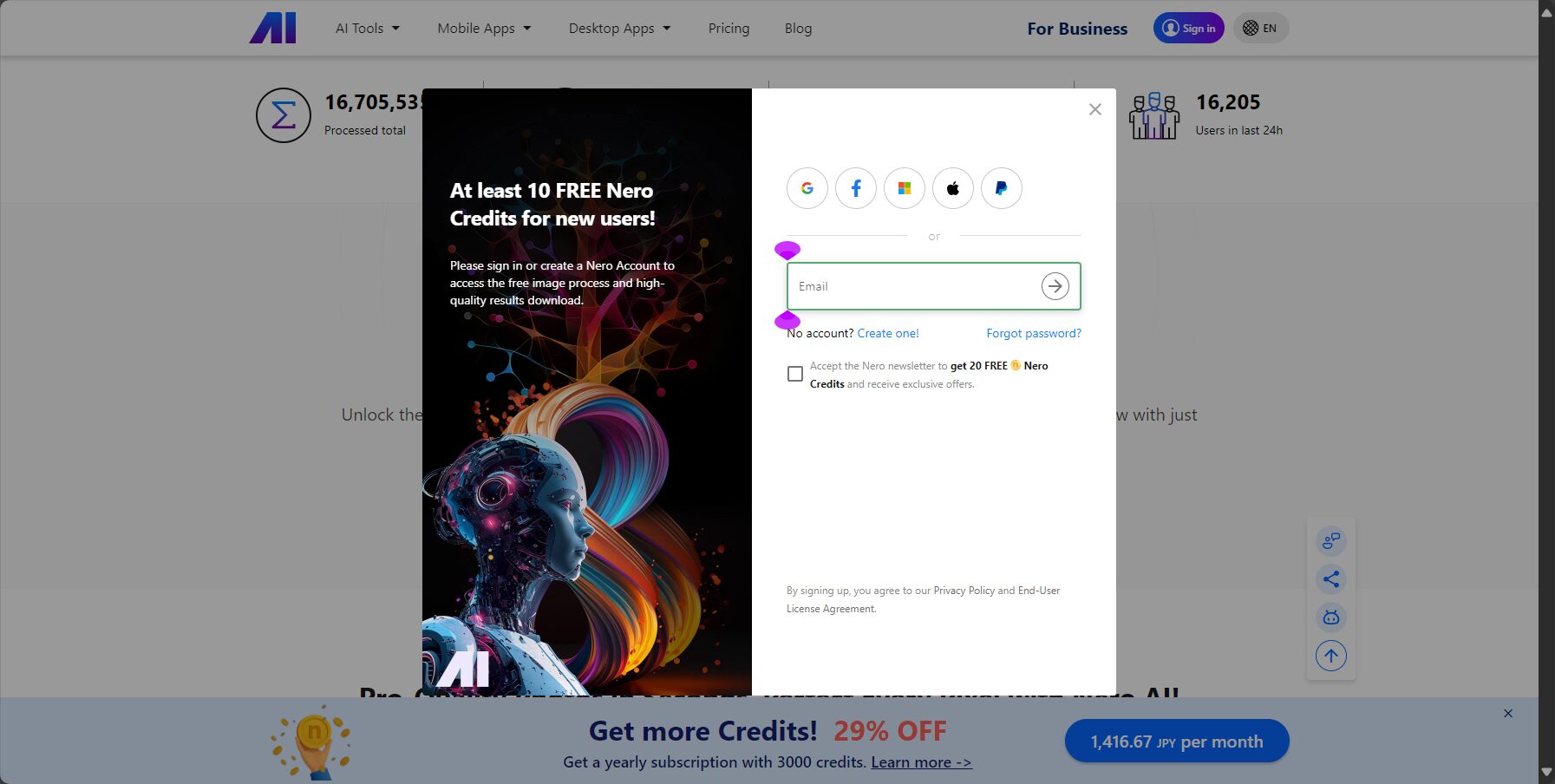
For a detailed demonstration, please watch [the video/video].Official User Guide。
| Operating steps | Interface Description |
|---|---|
| Image upload | Drag and drop/batch selection |
| Model selection + parameter adjustment | Left-side menu, switch with one click |
| Real-time before and after comparison | Drag the comparison bar to view optimization details |
| Export in multiple formats | Custom output resolution and format |
WithAI image lossless enlargementWith its professional algorithms and user-friendly experience, Nero Image Upscaler caters to the following mainstream user groups:
Nero Image Upscaler efficiently adapts to Mac/Win/Web/mobile platforms; registration is recommended based on your specific needs.Nero accountEarn experience points.
Detailed configuration referenceNero download and installation page。
Professional designer Elena Martinez's review:
“"As a graphic design professional, Nero Image Upscaler helps me easily convert low-quality materials provided by clients into print-quality images, greatly improving my work efficiency."”
Feedback from e-commerce merchant Jordan Lee:
“"The main image and product detail images are enlarged without loss using AI, resulting in a significant improvement in image quality, which leads to more orders and positive user reviews."”
答Currently supports mainstream image formats such as JPG, PNG, BMP, and WebP. The web version supports a maximum image size of 8000px or 20MB, while the desktop/mobile versions support higher resolutions and batch processing.
See detailsNero Official Support Documentation。
答Nero Image Upscaler promises to instantly clear uploaded files and automatically delete finished images after 8 hours. The entire process is AES encrypted, ensuring it will never be accessed by third parties and is fully compatible with international standards such as GDPR.
答The clarity of an AI-enlarged image depends on the original image's pixels and details. It is recommended to use images that have not been repeatedly compressed or are extremely blurry, and to select the most suitable AI model for different types (e.g., use "Face Enhancement" for portraits and "Anime" for illustrations).
Nero Image UpscalerIt has become an important tool in the field of AI-powered lossless image upscaling, allowing individual creators, teams, and enterprises to achieve cost-effective and efficient image quality enhancement. To experience AI-driven intelligent image upscaling and restoration, please try it out.Nero Image Upscaler Official Website Service。
This site's AI-powered navigation is provided by Miao.Nero Image UpscalerAll external links originate from the internet, and their accuracy and completeness are not guaranteed. Furthermore, AI Miao Navigation does not have actual control over the content of these external links. As of 5:20 PM on September 6, 2025, the content on this webpage was compliant and legal. If any content on the webpage becomes illegal in the future, please contact the website administrator directly for deletion. AI Miao Navigation assumes no responsibility.
