

Shadow Blade AI Power
Shadowblade AI Power is a no-code AI office automation platform that helps businesses and users quickly and easily build AI-based office workflows and intelligent applications.
NetEase AI Creative Workshop is a web-based AI drawing tool launched by NetEase Cloud Classroom. Based on Stable Diffusion, it can generate high-quality images with one click without installation, making it suitable for individual and professional creators.
 NetEase AI Creative Workshop
NetEase AI Creative WorkshopLaunched by NetEase Cloud Classroom, it is a simple yet powerful tool.AI image generation toolUsers do not need local deployment; they can directly use Stable Diffusion through the web interface to enjoy convenient features such as one-click plotting, multiple model plugins, and flexible parameter adjustment. Platform coverage...Advertising design, illustration, education, media creationSuitable for a wide range of scenarios, from beginners to professional teams. Supports free trials and flexible payment options; all creative work belongs to the user and can be legally used commercially. See details.Official Page。
[Technology News Report] In an era of rapid development of AI technology, artificial intelligence is penetrating into various creative scenarios.NetEase AI Creative WorkshopThe AI image processing tool launched by NetEase Cloud Classroom is becoming a new favorite among many digital art creators due to its ease of use and powerful features. This article will guide you through a detailed understanding of the platform's characteristics, functions, usage methods, and pricing options, and provide authoritative answers to frequently asked questions.
AsAI Image ToolsImportant products in the field[Direct access to NetEase AI Creative Workshop official website]Based on the well-known Stable Diffusion model, it provides users with a web-based native SD interface, allowing for one-click image output and rapid creation without local installation.
NetEase AI Creative Workshop's goals are very clear:Lowering the barrier to entry for AI drawing allows more ordinary users to enjoy the creative convenience brought by AI.The platform also offers a wealth of models and plugins, enabling designers, illustrators, content creators, students, and enthusiasts to quickly obtain high-quality AI painting results.
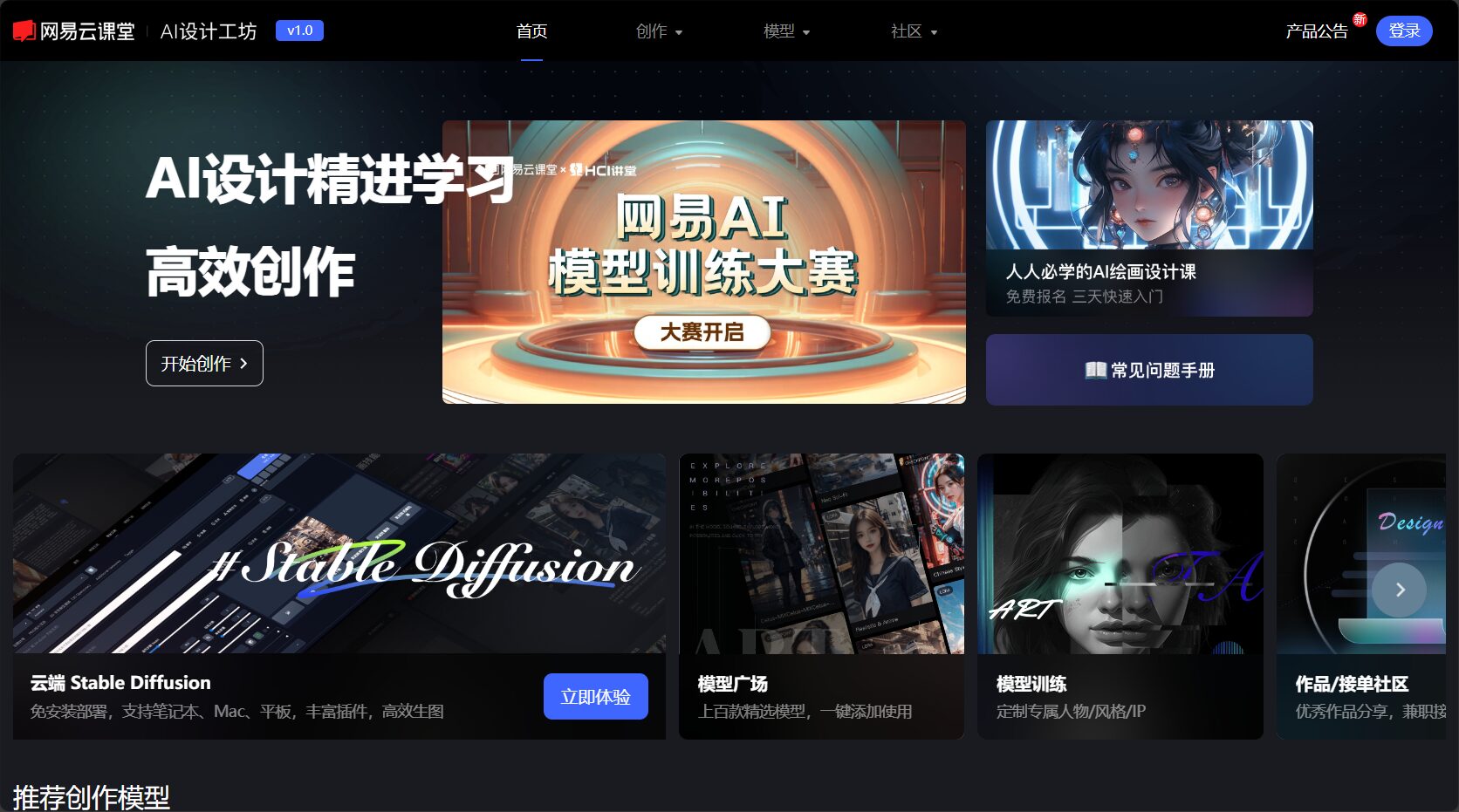
Want to unleash your creativity in all its glory? Please visit [website address] directly.【Main Function Sections】The main highlights of this platform are as follows:
Stable Diffusion StudioThe functional modules provide users with a native SD creation experience, eliminating the need for local deployment environments and computing devices, allowing them to quickly generate various images directly on the web interface.
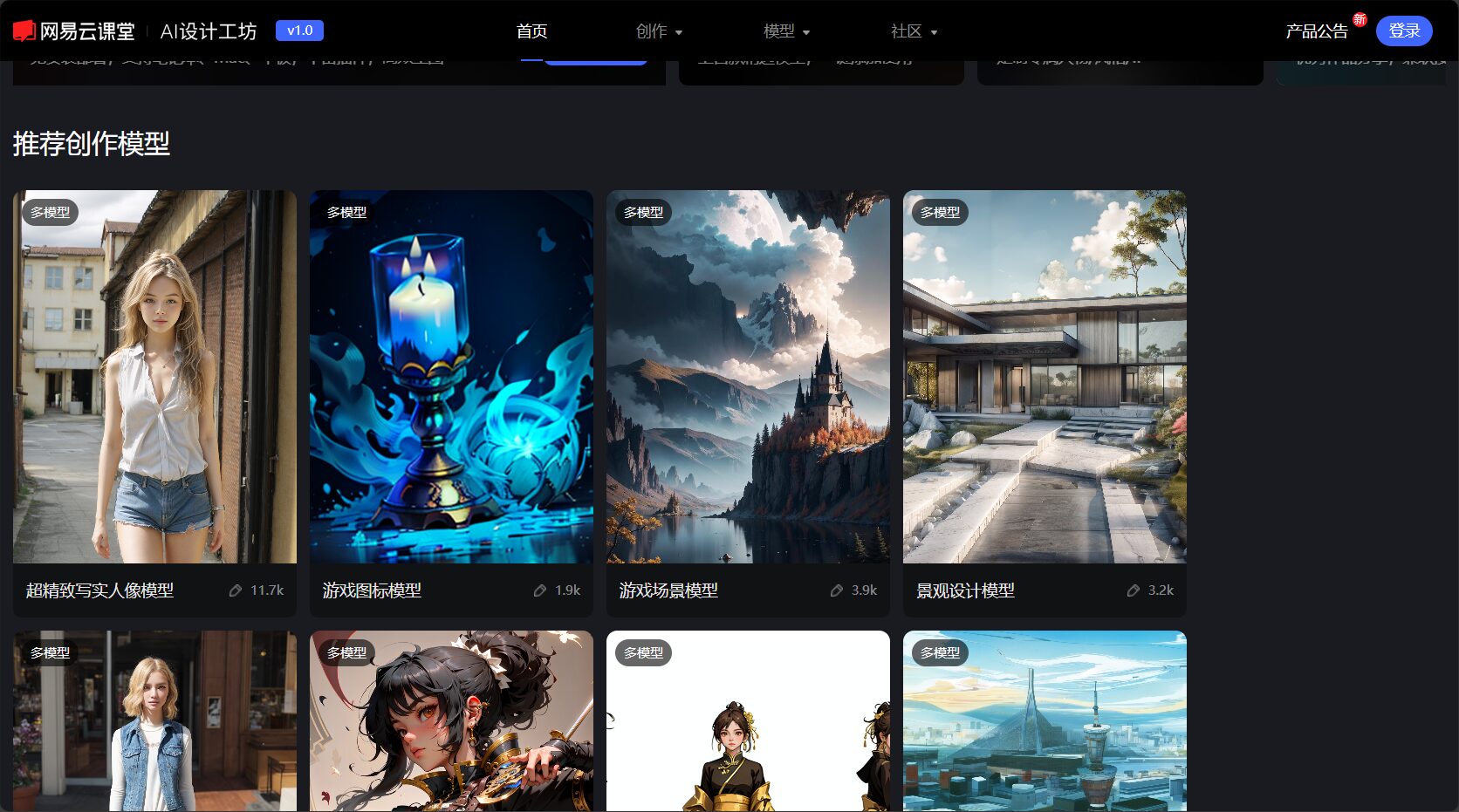
Built-in NetEase AI Creative WorkshopModel PlazaIt includes a rich collection of creative models, such as realistic figures, game icons, clothing models, anime characters, and landscape architecture. The plugin mechanism allows professional users to expand functionality and control effects more flexibly.
Generate AI art illustrations by inputting a text description (prompt).Supports custom parameter adjustment and generates data with a single click.No longer constrained by technological barriers.
It covers multiple scenarios including advertising, illustration, fashion design, character design, and product display. It also includes professional models for QR code generation and architectural interior and exterior design.
The platform offers free introductory tutorials and application examples for Stable Diffusion.Helping beginners get started with AI drawing and grow into advanced creators.。
| Main functions | illustrate |
|---|---|
| No local installation required | Web-based operation, zero configuration required |
| Rich Model Selection | A variety of character, style, and scene models are covered. |
| Plugin support | Additional capability plugins (such as overlay, layering, etc.) |
| Parameters can be adjusted flexibly | Customizable settings include resolution, style, and number of sampling steps. |
| Supports AI image restoration | Noise reduction, enhancement, and detail enhancement, etc. |
| Applicable to multiple industry scenarios | Advertising, design, education, picture books, film and television CG, etc. |

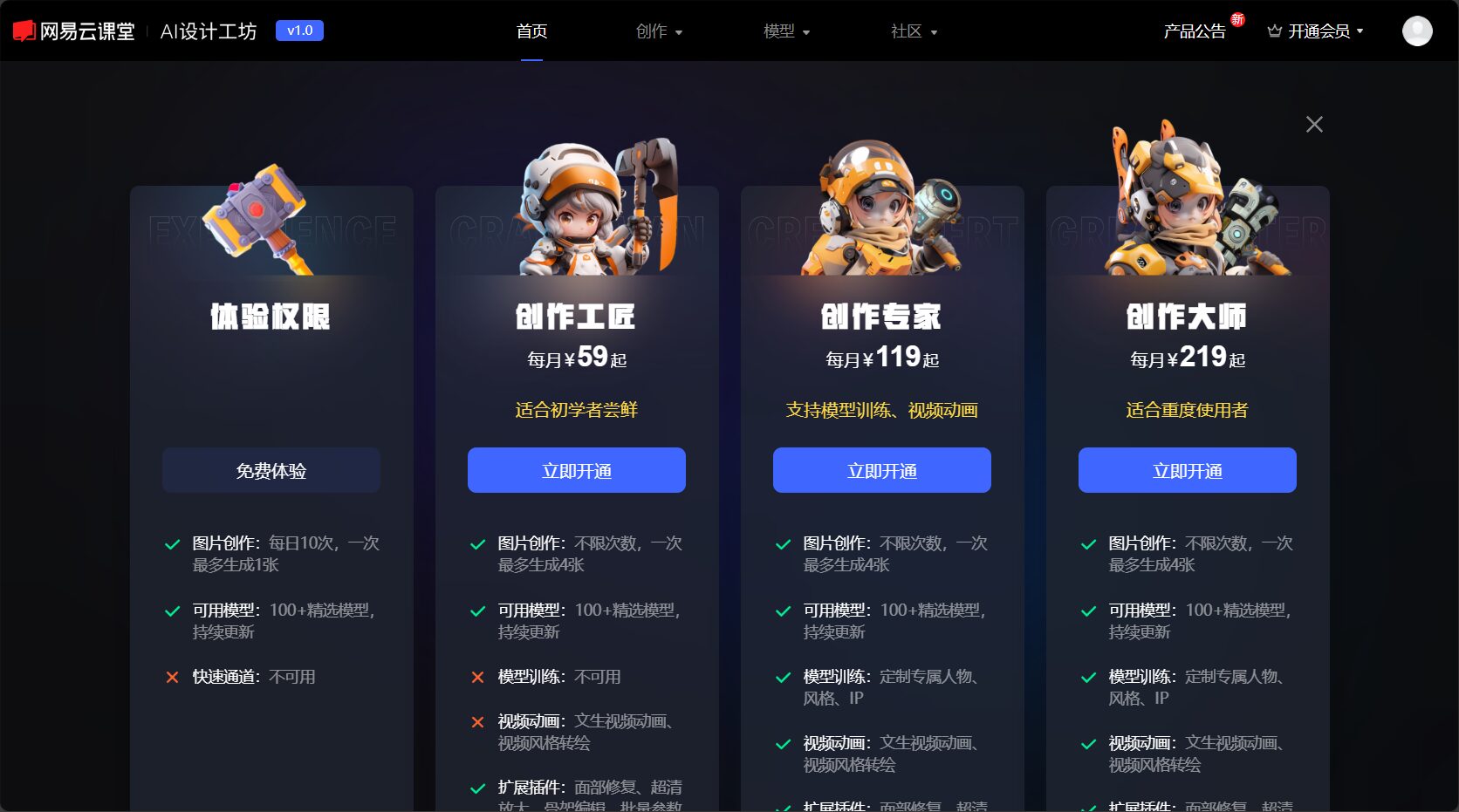
Can users try it for free? Which plan is more suitable for professionals?[Pricing Plan Page]The pricing structure is clearly defined. NetEase AI Creative Workshop implements a flexible billing system of "basic free + advanced paid" to meet the needs of different users.
| plan | Price (RMB/month) | Number of times images are generated | Professional workshop access | Studio Crystals (Platform Token) |
|---|---|---|---|---|
| Beta version | 0 | 20 times/day | Partially open | 无 |
| Craftsman | 79 | ∞ (unlimited attempts) | Fully open | 400 pieces/month |
| Creative experts | 249 | ∞ (unlimited attempts) | Fully open | 1200 pieces/month |
| Master of Creation | 499 | ∞ (unlimited attempts) | Fully open | 2400 pieces/month |
The trial version can meet daily small-batch needs.Lightweight creators can use it directly.
The Artisan and higher level programs are geared towards professionals and studio/corporate teams with a large demand for painting creation.
Studio Crystals are for special uses within the platform, such as advanced plugins and super-resolution features.
[Learn full pricing details and purchase link]
[Official Beginner's Guide Entry]A detailed tutorial is provided for first-time users. Instructions are as follows:
Simple operation checklist:
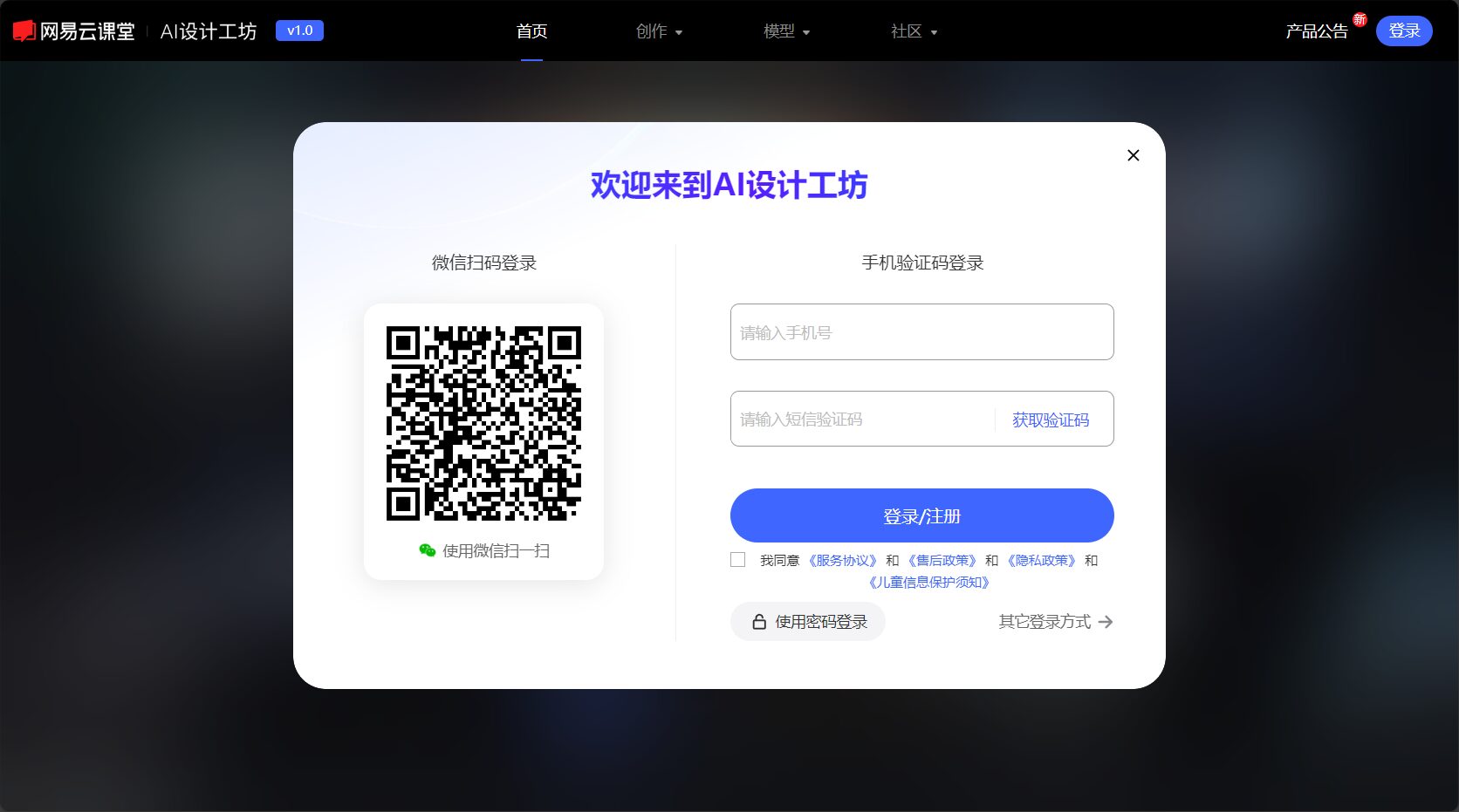
Detailed operation, function demonstrations and video tutorials are available at [website address].[Platform Tutorial Page]Obtain.
NetEase AI Creative Workshop has a clear positioning.Suitable for a wide range of usersincluding but not limited to:
Quickly generate inspiration and sketches, and batch generate initial drafts of creative designs to improve the efficiency of the design process.
AI-assisted content creation allows for the experimentation of unique style fusion and saves drawing time.
Efficient image output, customizing posters, packaging, and promotional images to suit various business scenarios.
Homework, courseware, textbook illustrations, and art enlightenment make the expression of concepts more intuitive and strengthen the art curriculum.
One-stop generation of short video images, article illustrations, and emoji designs.
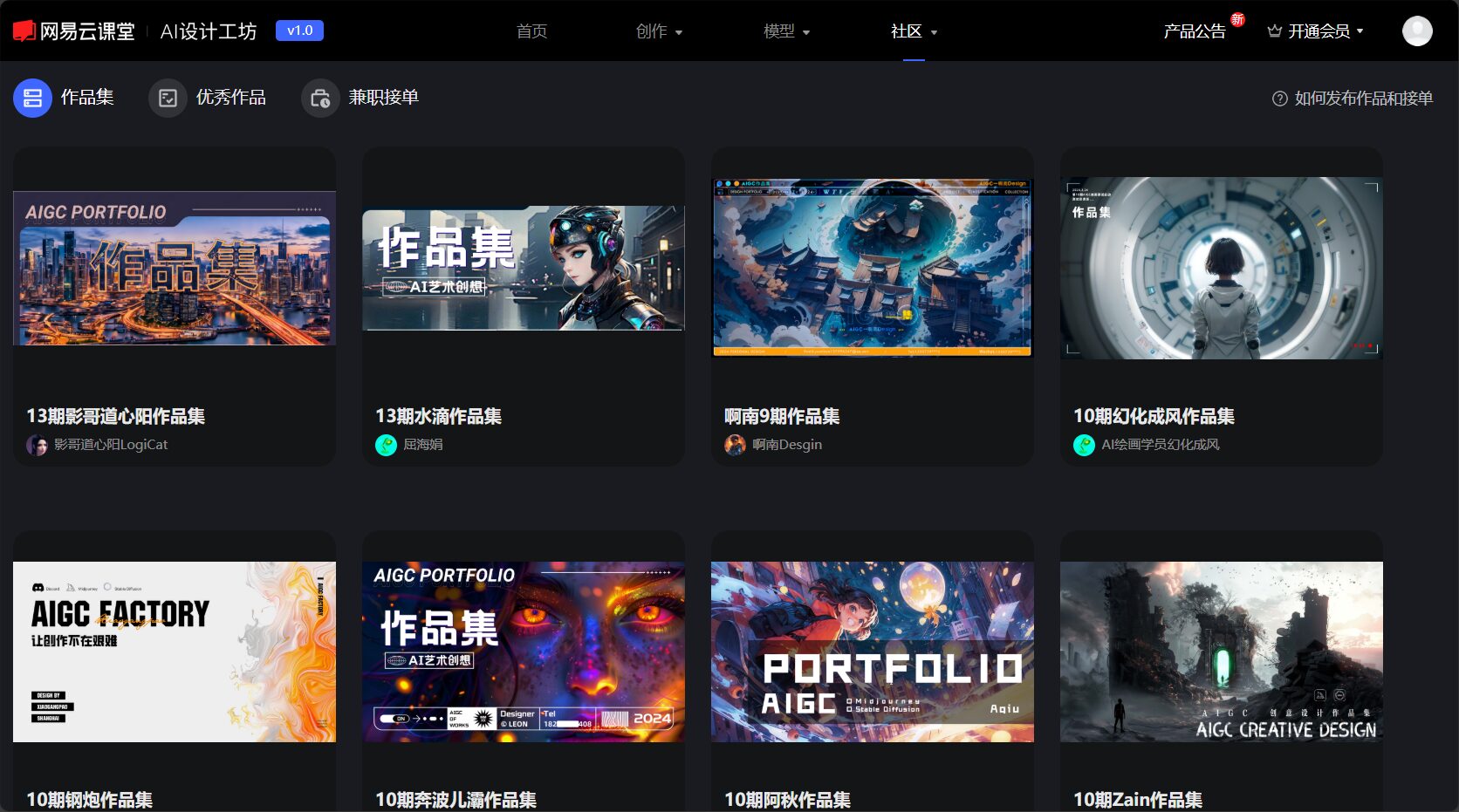
Experience the fun of AI art with zero barriers and learn the latest AI image generation technology.
| Role/Industry | Applicable Scenarios |
|---|---|
| Designers & Illustrators | Inspiration sketches, style experimentation, batch image production |
| Media Advertising | Poster advertising, marketing visuals, product displays |
| Teachers and students | Teaching illustrations, project assignments, artistic creation |
| self-media creators | Customized illustrations, video footage, and original visual content |
| Interested users & learners | Beginner's Guide to AI Art |
Available[Platform Homepage]View more industry use cases and application scenarios.
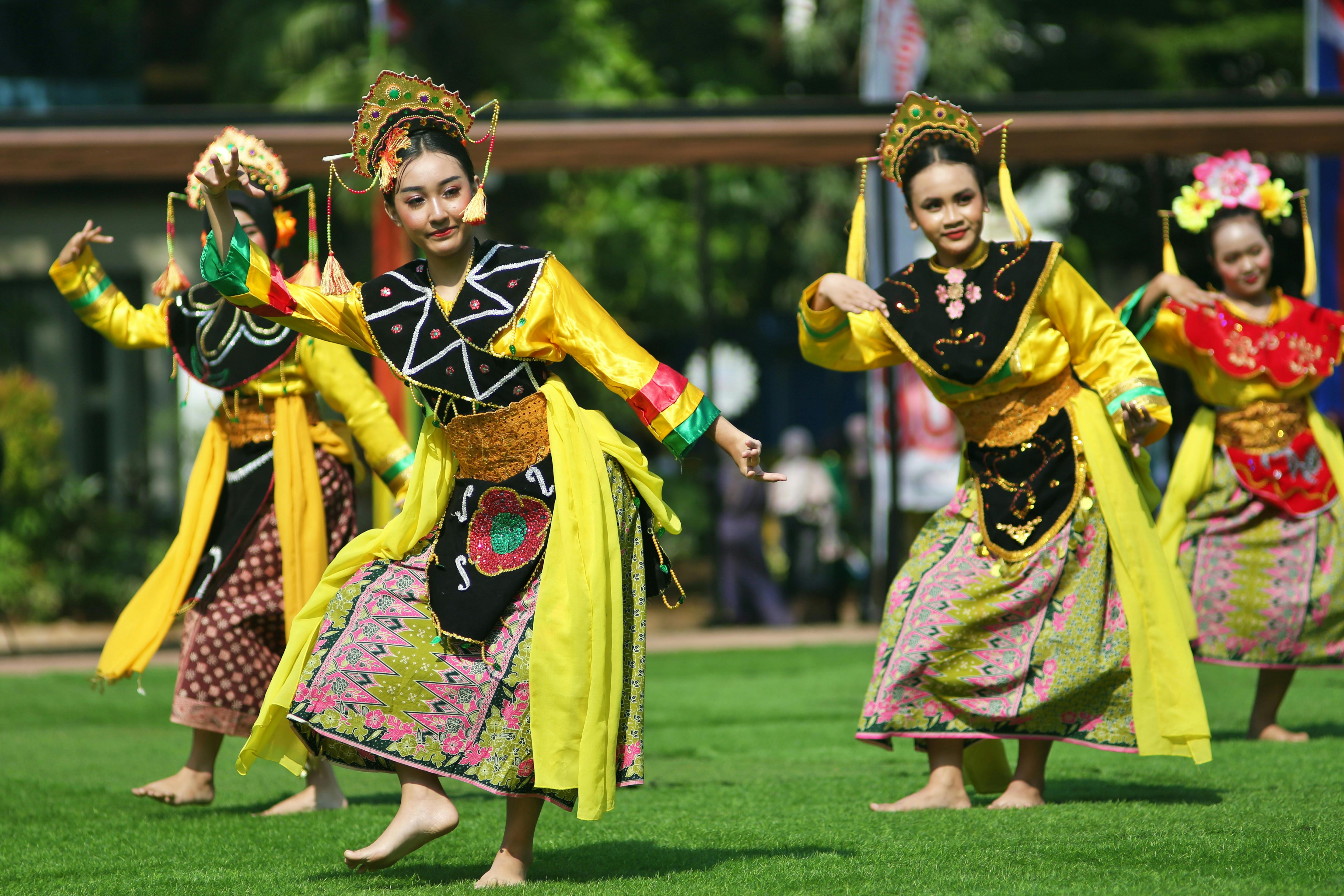
Platform suitableIllustration, character design, game art, architecture and landscape, comics, advertising, product visualsIt meets diverse image needs and can be used for social media illustrations, commercial design, product promotion, digital art innovation, and more.
NetEase AI Creative Workshop clearly stipulates thatThe copyright of user-generated content belongs to the user.It can be used for legal and compliant commercial purposes. The platform prohibits the uploading and production of content involving sensitive issues or copyright conflicts, ensuring a healthy and compliant creative environment. For specific policies, please refer to [link/reference].[Platform Copyright and FAQ Page]。
In the new wave of AI paintingNetEase AI Creative Workshop, with its ease of use, powerful features, and continuously evolving model capabilities, helps ordinary people unleash their creative potential and assists professionals in improving their creative efficiency.Want to experience the endless possibilities of AI art? Head over now![NetEase AI Creative Workshop Official Website]Start your new digital creative journey!
This site's AI-powered navigation is provided by Miao.NetEase AI Creative WorkshopAll external links originate from the internet, and their accuracy and completeness are not guaranteed. Furthermore, AI Miao Navigation does not have actual control over the content of these external links. As of 11:34 AM on August 18, 2025, the content on this webpage was compliant and legal. If any content on the webpage becomes illegal in the future, please contact the website administrator directly for deletion. AI Miao Navigation assumes no responsibility.
