

ImagineMe
ImagineMe是一款通过AI生成专属自画像的工具,只需上传10-20张照片,即可用多种艺术风格创作独一无二的AI人物肖像。
REMOVAL.AI is a high-efficiency AI image tool that features one-click background removal and also includes image editing functions to meet the needs of various industries such as e-commerce and design.
 REMOVAL.AI
In recent years, with the explosive growth in demand for high-quality visual content from e-commerce, self-media, design industries, and various digital fields,AI Image ToolsThis has ushered in new development opportunities. Data and facts prove that automated image processing has become an important enabling technology for workplace positions, and AI-driven background removal tools have become the preferred choice for many professionals. Among the many tools available,REMOVAL.AIWith its high efficiency, intelligence, and convenience, it has secured a place in the market.
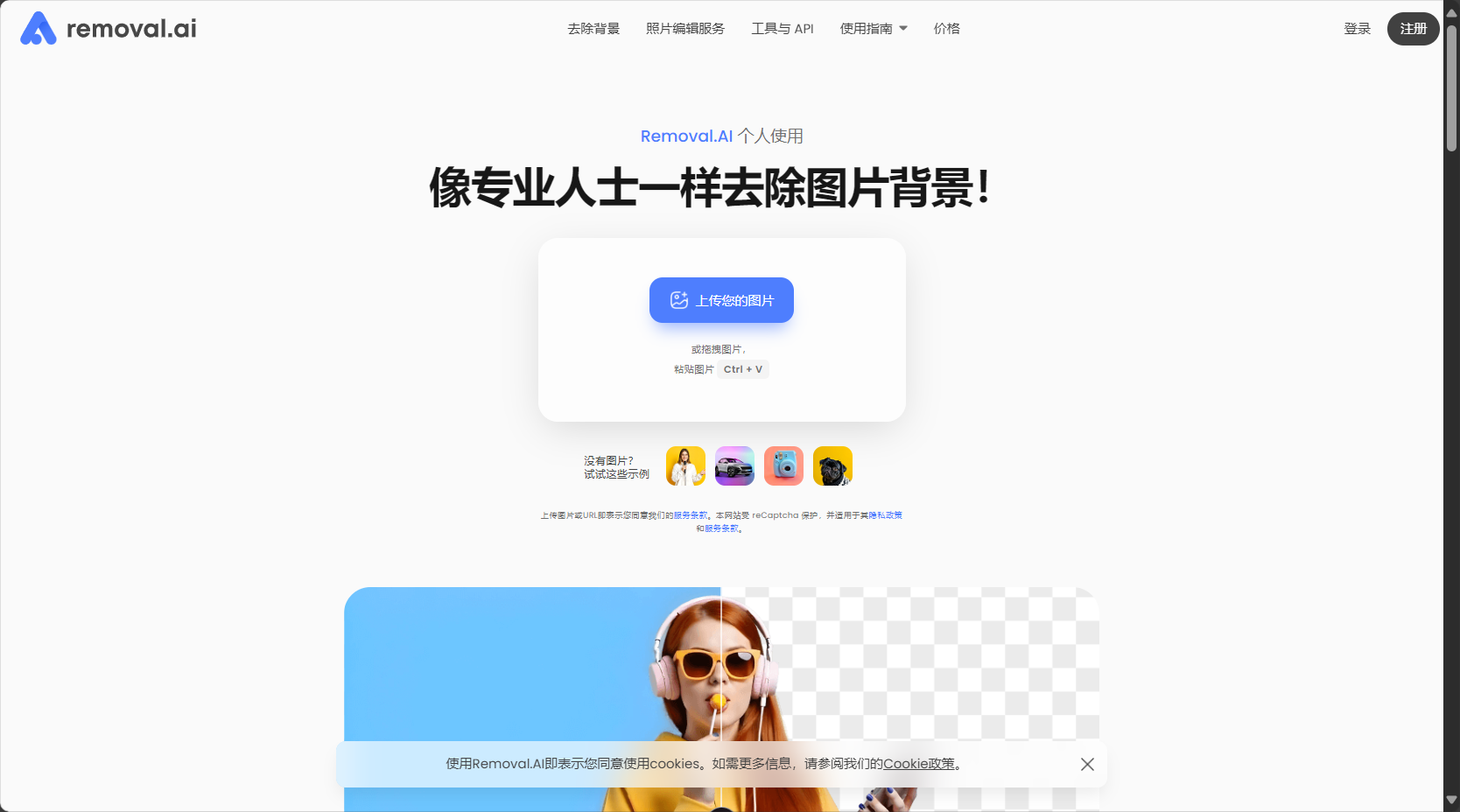
REMOVAL.AI is a leading...AI Image ToolsIt focuses on efficiently removing backgrounds from images and supports applications in multiple scenarios such as people and products.No professional photo editing skills required, one-click upload automatically generates images.It also provides a variety of functions such as batch processing, background replacement, image editing, and API integration.
Supports free trial and flexible payment plansIt caters to users from individuals to enterprises, and is widely applicable from e-commerce main image creation to enterprise automated image processing.
REMOVAL.AIIt is a professionalAI Image ToolsIt features "one-click automatic image background removal" and utilizes the latest AI visual recognition technology to complete high-quality background removal within 5 seconds.
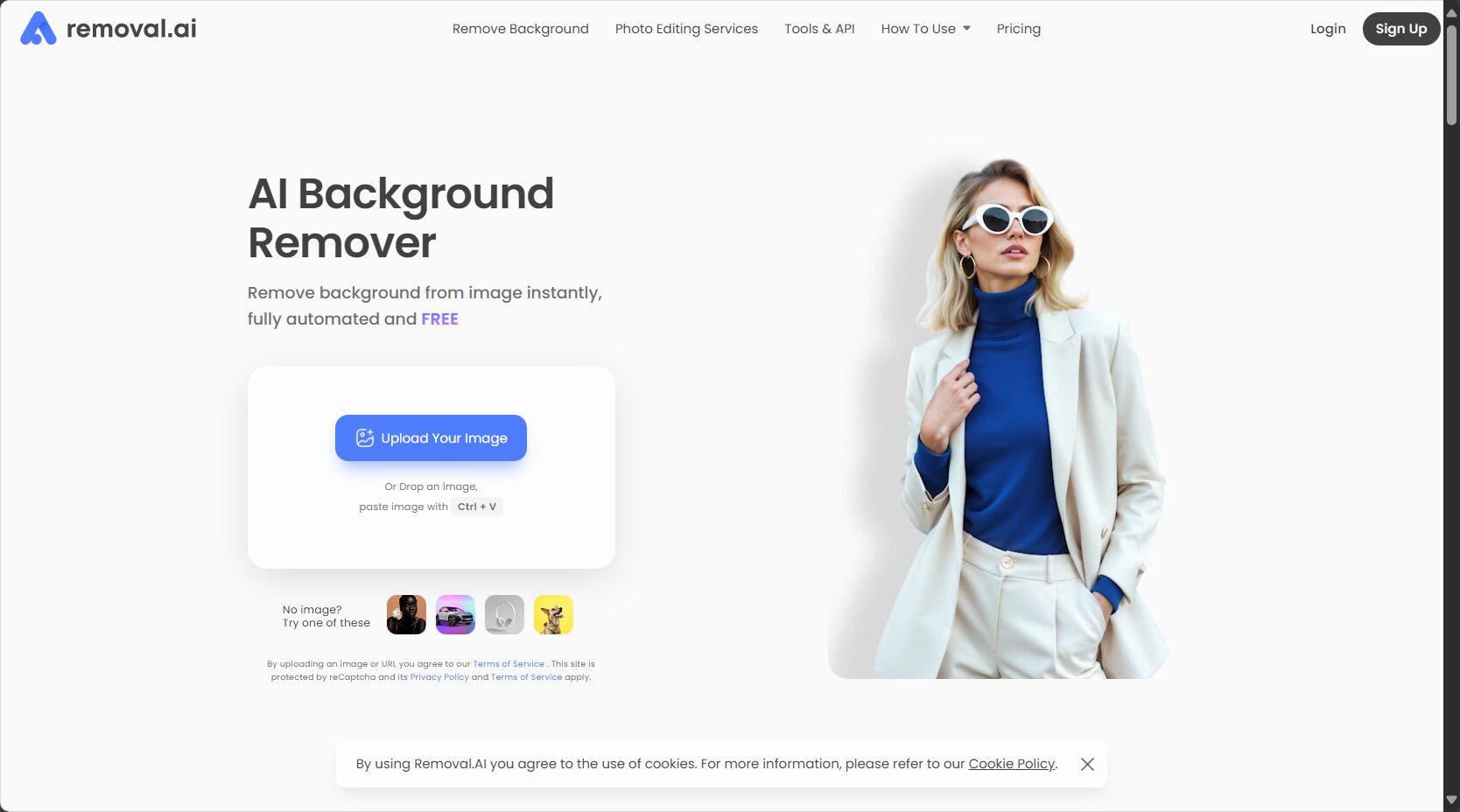
Whether it's portraits, products, vehicles, animals, or photos of various scenes, users can simply upload images to obtain high-quality images with transparent backgrounds, without the need for complicated photo editing or professional graphic design skills.
REMOVAL.AI official website entrance:
Click to visit the official REMOVAL.AI website.
REMOVAL.AI is not just a background removal software, but also an all-in-one suite integrating various photo editing services.AI Image ToolsIts main functions are reflected in the following aspects:
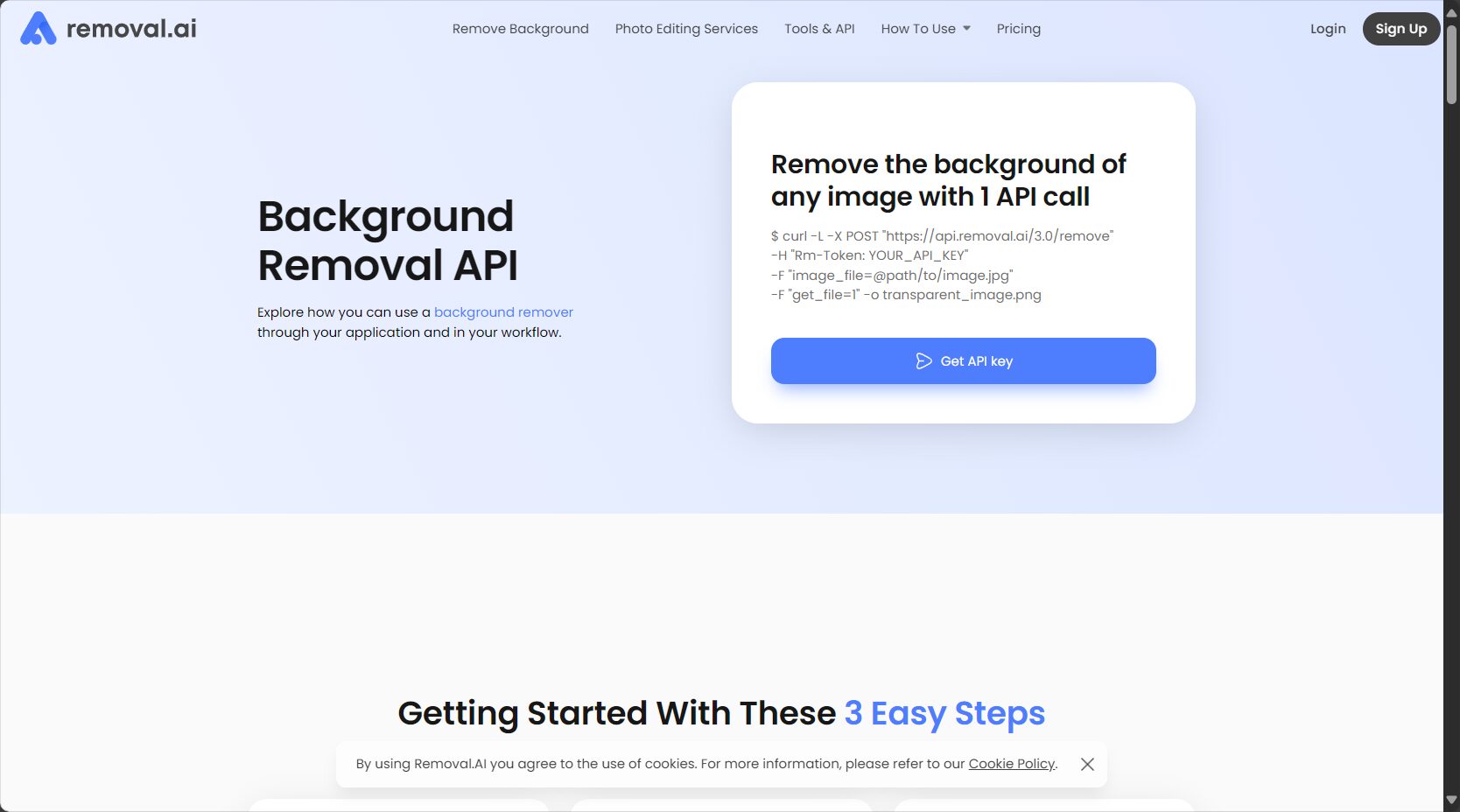
Feature Highlights Table:
| Functional modules | Specific functions | Target audience |
|---|---|---|
| Intelligent back removal | One-click AI background removal, image generated in 5 seconds, supports batch uploading | All users |
| Background replacement | Replace with a specified solid color, custom image, or transparent background. | E-commerce, designer, photographer |
| Editing and embellishment | Add shadows, adjust colors, add text, and resize. | Self-media creators, students, and ordinary users |
| API Access | Provides enterprise-grade API integration and cross-platform support. | Enterprises, developers |

For more feature information, please visit [website address].REMOVAL.AI Official Feature Page
REMOVAL.AI usesFlexible pricing systemIt covers the diverse needs of users ranging from free users to high-end enterprise users.
| Scheme type | Quota/Number of Downloads | Price (USD/month or per visit) | Use period | Remark |
|---|---|---|---|---|
| Free Plan | 1 HD download + unlimited free previews | 0 | Get it after registration | Low resolution can be used unlimited times, high resolution requires only one image. |
| Monthly subscription | 40/200/500/1200/5000 | $ from 5.99 | Monthly automatic renewal | Larger quantities mean lower unit prices |
| Lifetime Package | 10/75/200/500 | $ from 8.99/time | Valid for 3 years | Suitable for occasional needs |
| Pay-as-you-go / Business | Mass customization/Unlimited | Quotation based on demand | flexible | Customization requires contacting customer service. |
Please refer to the latest detailed pricing, real-time exchange rates, and lifetime & corporate packages.Official price page
Payment method: Supports major credit cards and PayPal.
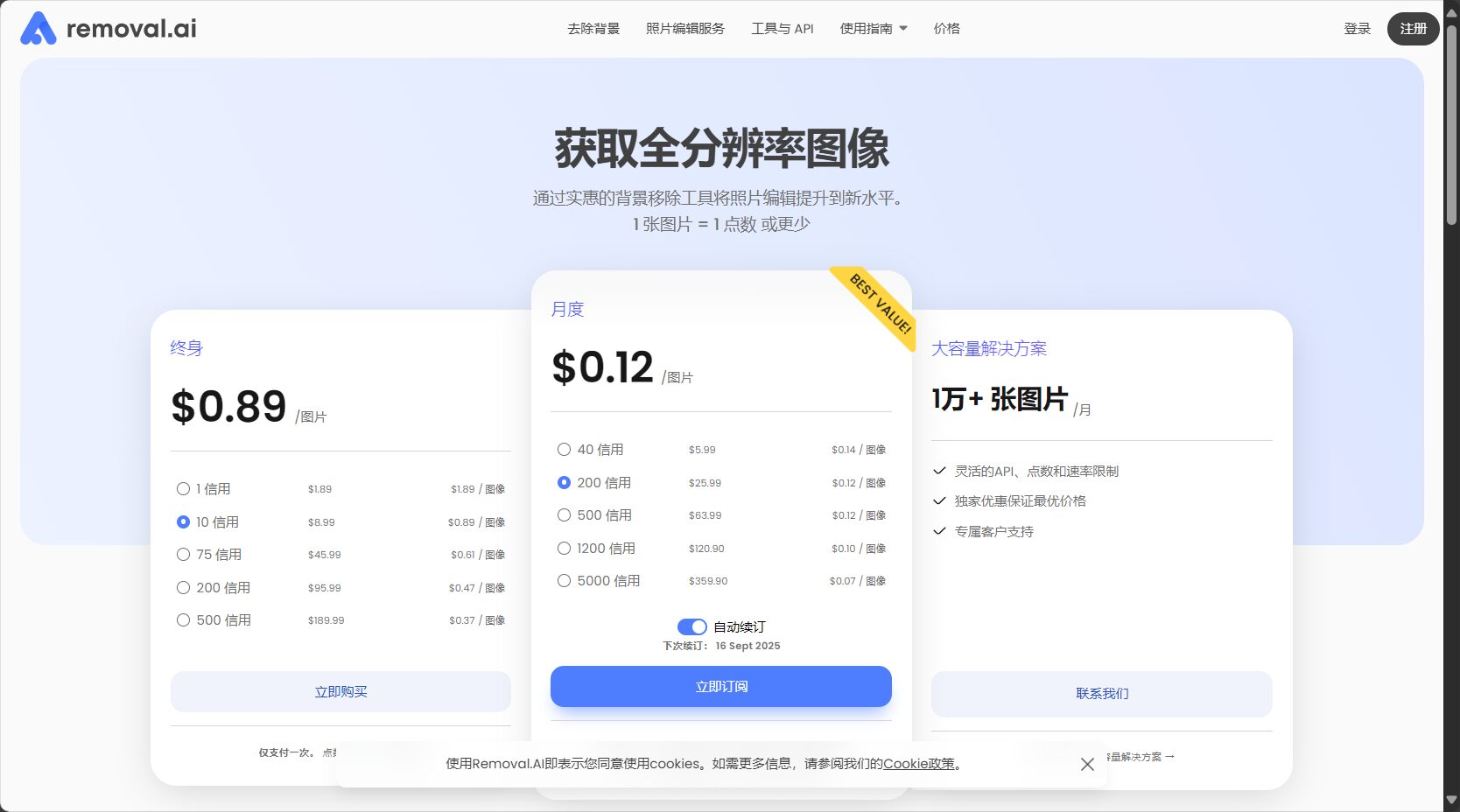
| Package types | Average price per unit | Target audience | Is it time-limited? |
|---|---|---|---|
| free | 0 | Individuals, new users | 否 |
| Monthly subscription | $0.07-$0.15 | e-commerce, enterprise, bulk | Monthly |
| lifelong | $0.38-$0.90 | Occasional users, small teams | 3 years |
Kind tips: All plans include14-day money-back guaranteeIf you are not satisfied with the actual experience, you can get a hassle-free refund!
Using REMOVAL.AI is actually very simple and intuitive, requiring no complicated learning. The following are the detailed steps and precautions:
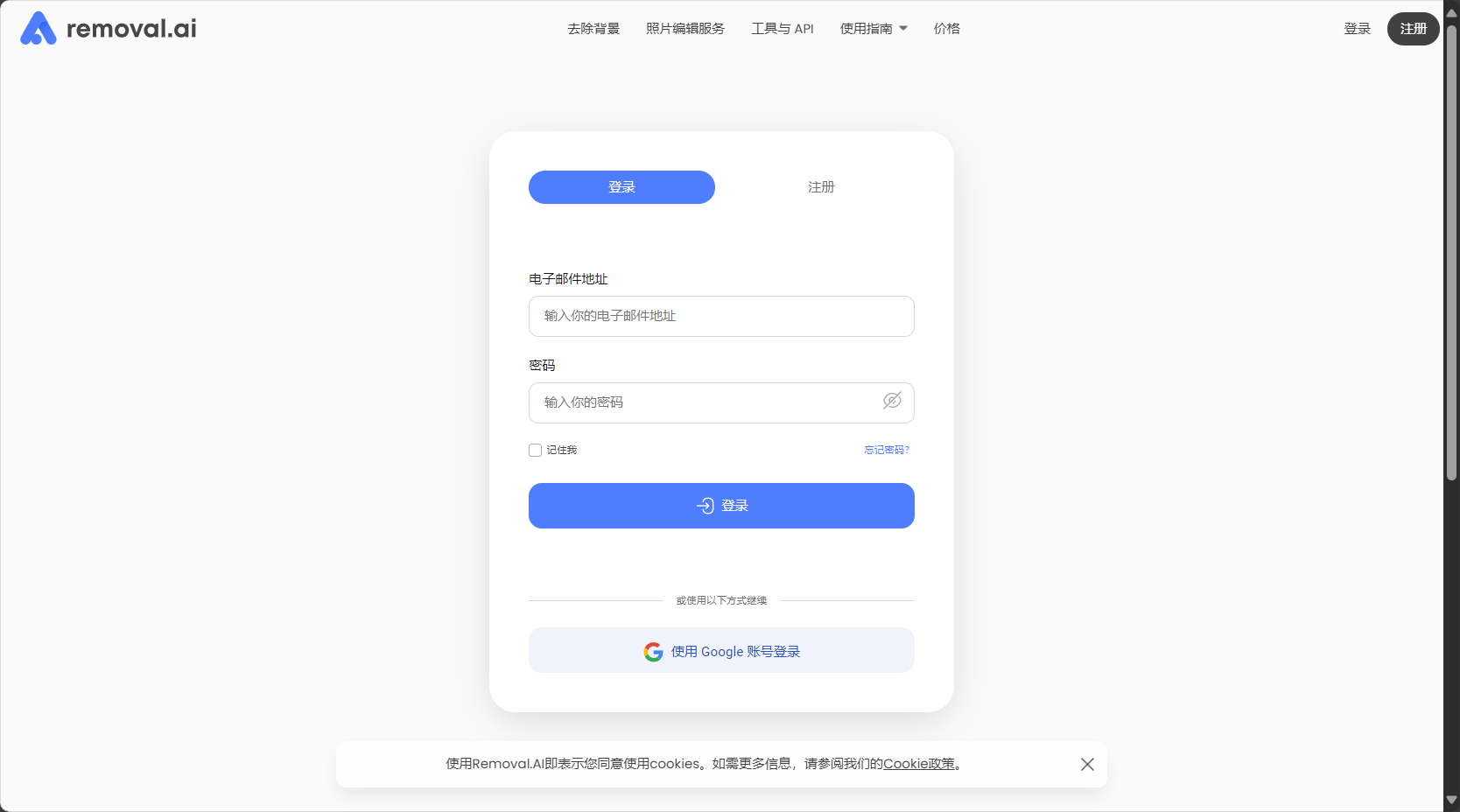
Instructions for use:
For detailed official user instructions, please refer to [link/reference].REMOVAL.AI User Guide
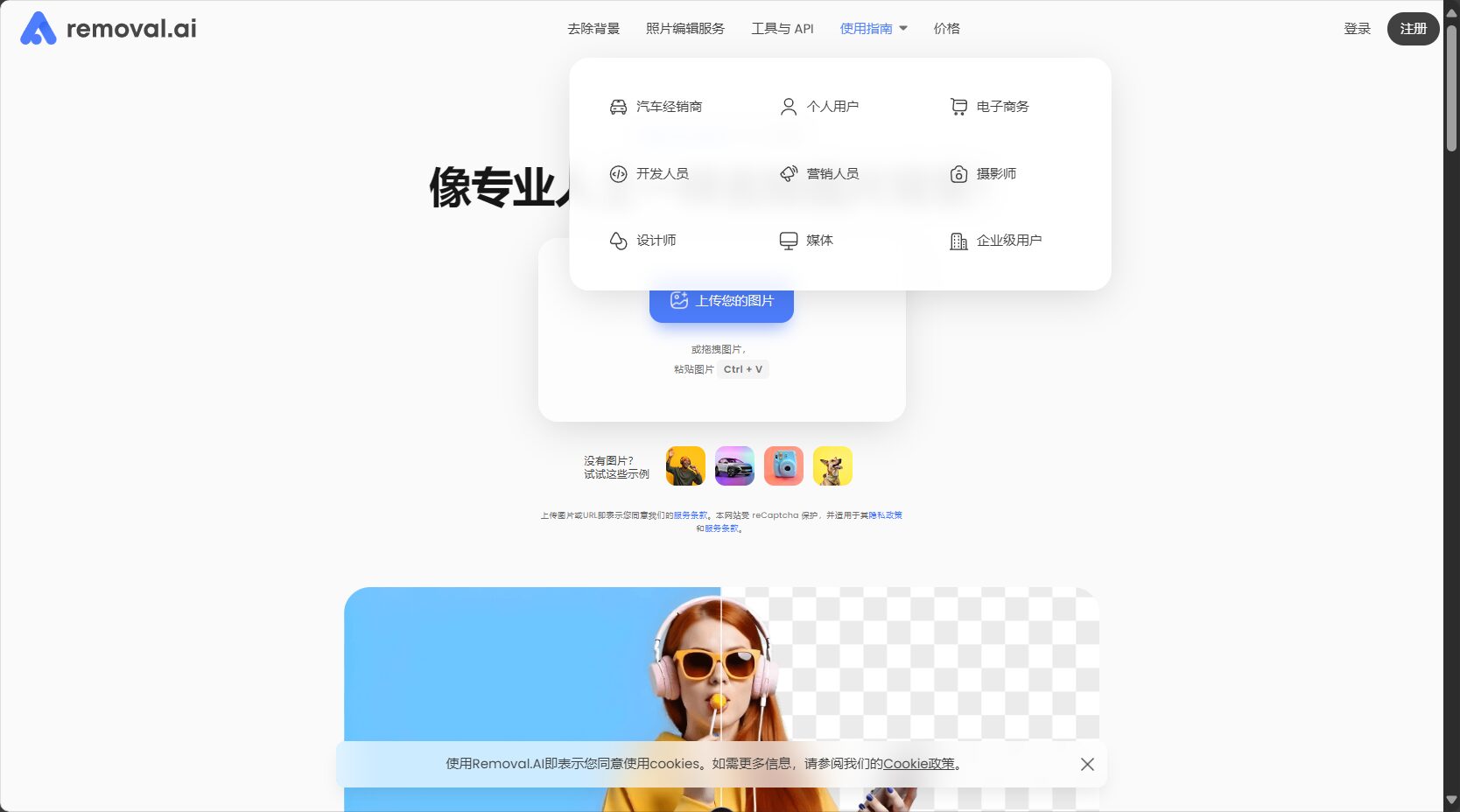
Due to its high efficiency, ease of use, and versatility, REMOVAL.AI is widely used by the following groups:
List of target audiences:
Among the many AI image tools on the market, REMOVAL.AI stands out with its "“High speed, high accuracy, multi-platform, multi-mode”"Stands out from the crowd. A brief comparison follows:"
| Tool Name | Main features | Applicable Scenarios | Pricing Strategy |
|---|---|---|---|
| REMOVAL.AI | Automatic and intelligent, supports batch processing and API. | E-commerce, design, enterprise | Free + Flexible Payment |
| remove.bg | One-click back removal, simple and easy to use | Personal small needs | Free/Subscription |
| PicWish | AI online tools, convenient | Communication photo/ID photo | Free/Upgrade Paid |
answer: REMOVAL.AI supports JPG/PNG images, with a maximum size of 12MB and a resolution of ≤36MP. The main subject of the image must be clear for best results. Photos of architecture, still life, or other subjects that are not prominent may fail to produce the desired effect.Detailed format support instructions
answer:
– Monthly PackageSuitable for enterprises or professional users who use images frequently and have a stable monthly batch processing need, with a lower unit price.
– Lifetime/On-demand PackageFlexible for occasional processing needs, points are valid for 3 years after purchase.
– If you are unsure about your needs, you can consult customer service for customized suggestions.Price comparison & purchasing advice
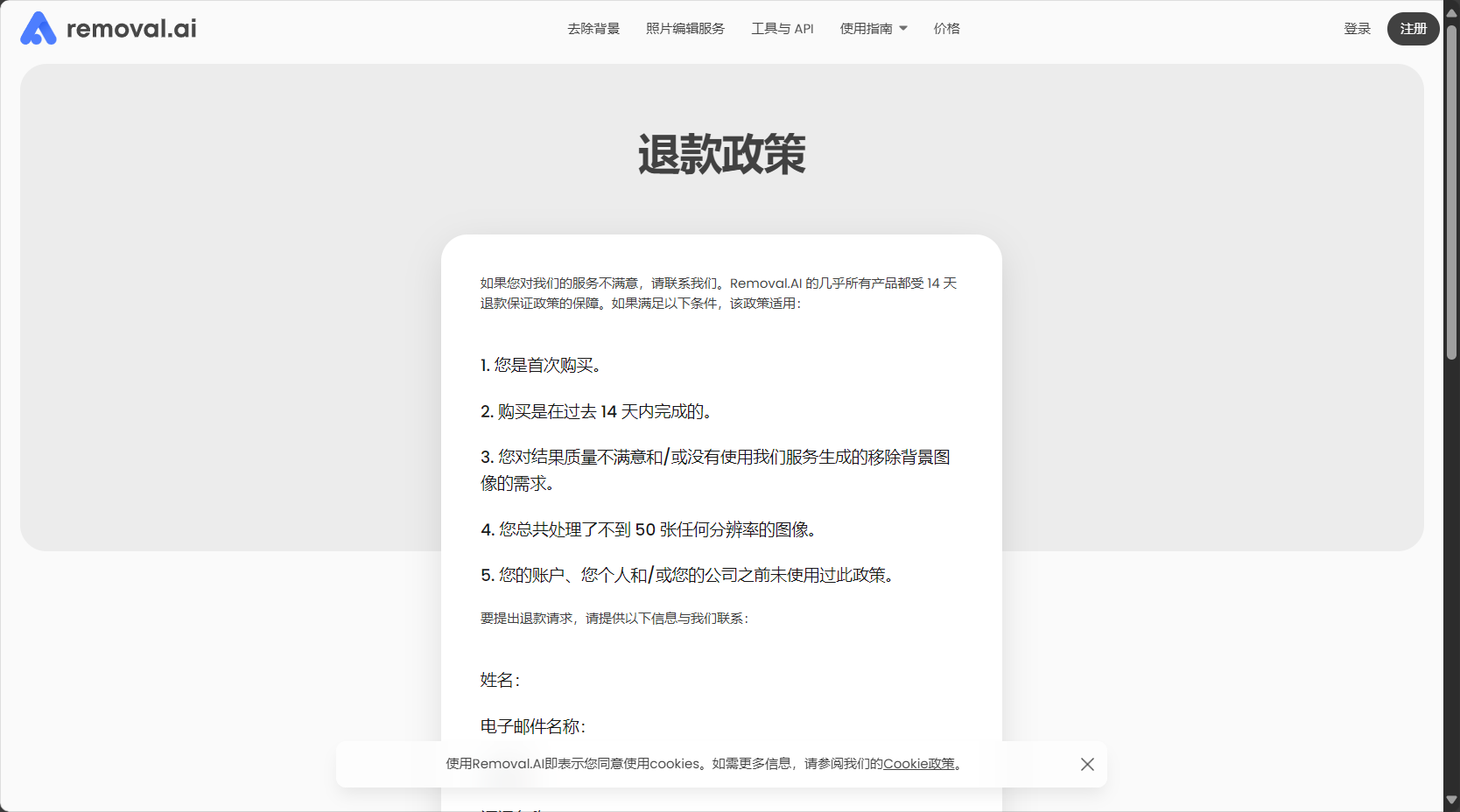
answer: All subscription plans support [the following] when users are not satisfied with the results.Full refund within 14 days(Downloads should not exceed 50 high-definition images). We recommend using the free trial first. If you have specific needs, you can invite a human editor.Refund and Experience Mechanism
answer:
– Low resolution processing(0.25MP) Suitable for social and preview purposes, permanently free.
– High-resolution image downloadFor commercial use, points/subscriptions or enterprise packages are required. Registration grants you one free HD experience.Free and Paid Policies
answer: REMOVAL.AI offers a comprehensive and open API, detailed development documentation, support for mainstream programming languages, and easy integration, making it suitable for scenarios such as automated e-commerce platforms. It also has Photoshop plugins and desktop applications.API and Plugin Entry Points
End
As a feature-rich, easy-to-use, and highly cost-effective productAI Image ToolsREMOVAL.AI continuously empowers the creativity and productivity of individual and business users. It not only significantly improves the efficiency of post-processing images but also constantly enriches the innovative imagination of visual content powered by AI. Whether for creating exquisite personal works or for automated, large-scale image processing for businesses, REMOVAL.AI is worth a try.
Want to experience the most effortless image background removal and editing in the AI era? Visit us now!REMOVAL.AI Official PlatformEmbark on a journey of high efficiency!
This site's AI-powered navigation is provided by Miao.REMOVAL.AIAll external links originate from the internet, and their accuracy and completeness are not guaranteed. Furthermore, AI Miao Navigation does not have actual control over the content of these external links. As of 12:11 PM on August 16, 2025, the content on this webpage was compliant and legal. If any content on the webpage becomes illegal in the future, you can directly contact the website administrator for deletion. AI Miao Navigation assumes no responsibility.
