Icons8 Background Remover is an AI-powered online tool that automatically identifies the subject of an image and removes the background. It requires no installation, is easy to use, and supports batch processing and multi-platform integration.
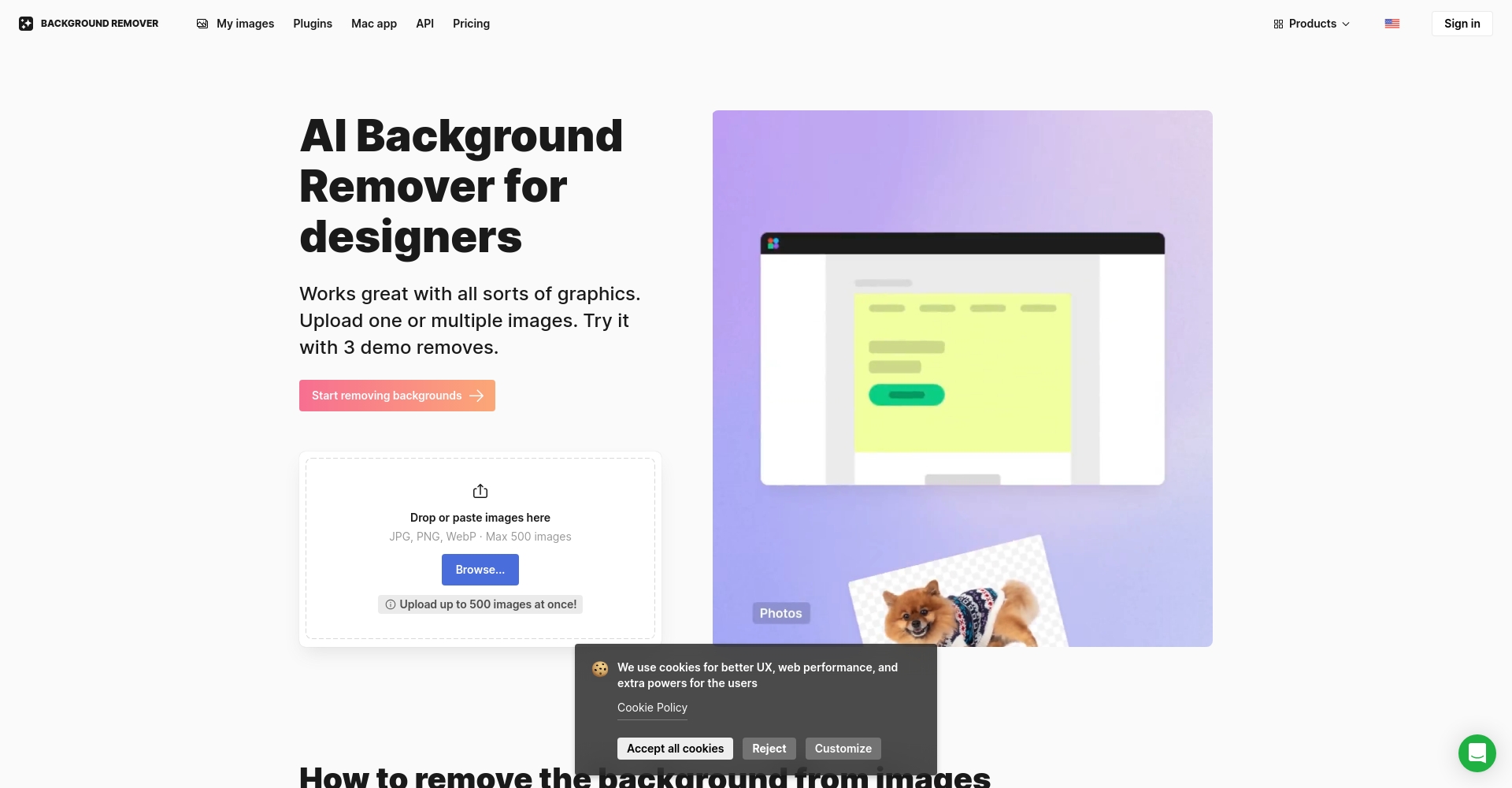
Icons8 Background RemoverIt is an internationally renownedAI Image Background Removal ToolWithPowerful algorithms, user-friendly operation, and flexible pricingThis provides e-commerce businesses, designers, and ordinary users with an efficient image cutout experience. It supports mainstream image formats, batch processing of multiple images, and more.Integration with platforms such as Figma, and haveFree and Economy PackagesIt has a wide range of applications. The tool requires no installation and can complete AI-powered image cutout in just a few steps, helping with creative, design, and e-commerce image optimization.
In recent years, with the development of artificial intelligence and big data technologies, AI image tools have become an indispensable productivity tool for designers, e-commerce sellers, and even ordinary users.Icons8 Background Remover(Official websiteAs a currently internationally renowned AI background removal tool, it boasts...Excellent algorithms, ease of use, and flexible pricing modelsIt stands out among many background removal tools.
Main functions of Icons8 Background Remover
Icons8 Background RemoverIt is an online tool that supports multiple formats, uses AI to intelligently identify the subject of an image and automatically remove the background. Background removal can be completed with one click without installing any software.
Whether it's photos of people, product images, ID photos, or complex transparent objects and hair, Icons8's AI algorithm can process them quickly, clearly, and seamlessly.
Fully automatic AI background removalSupports uploading mainstream image formats such as JPG, PNG, and WebP, and automatically identifies the subject in the image and removes the background.
Batch processingUp to 500 images can be uploaded at once, greatly saving time for designers and e-commerce owners.
Add custom backgroundIn addition to the automatically generated transparent background, users can also quickly add solid colors or custom images as new backgrounds, making it suitable for a variety of application scenarios.
Manual finishing toolsFor images that require fine-tuning after AI processing, it includes built-in manual edge adjustment and transparency adjustment functions.
Mainstream design platform pluginsIt supports seamless integration with mainstream design tools such as Figma, improving collaboration and design efficiency.
Key Points:The AI background removal tool offers stable results, strong batch processing capabilities, and supports downloading in multiple formats and high resolutions. Online editing requires no additional plugins.
Main functions overview:
Function
Support status
Remark
AI automatic background removal
✔️
Supports most mainstream images
Manual edge adjustment
✔️
Fine-tuning complex edges
Custom Background Replacement
✔️
You can set it to a solid color or upload a custom image.
Batch Upload and Processing
✔️
Supports one-click multi-image processing
Integration with Figma, etc.
✔️
Plugins can be obtained directly from the plugin marketplace.
Download high-definition transparent PNGs
✔️
Supports single images up to 40MB
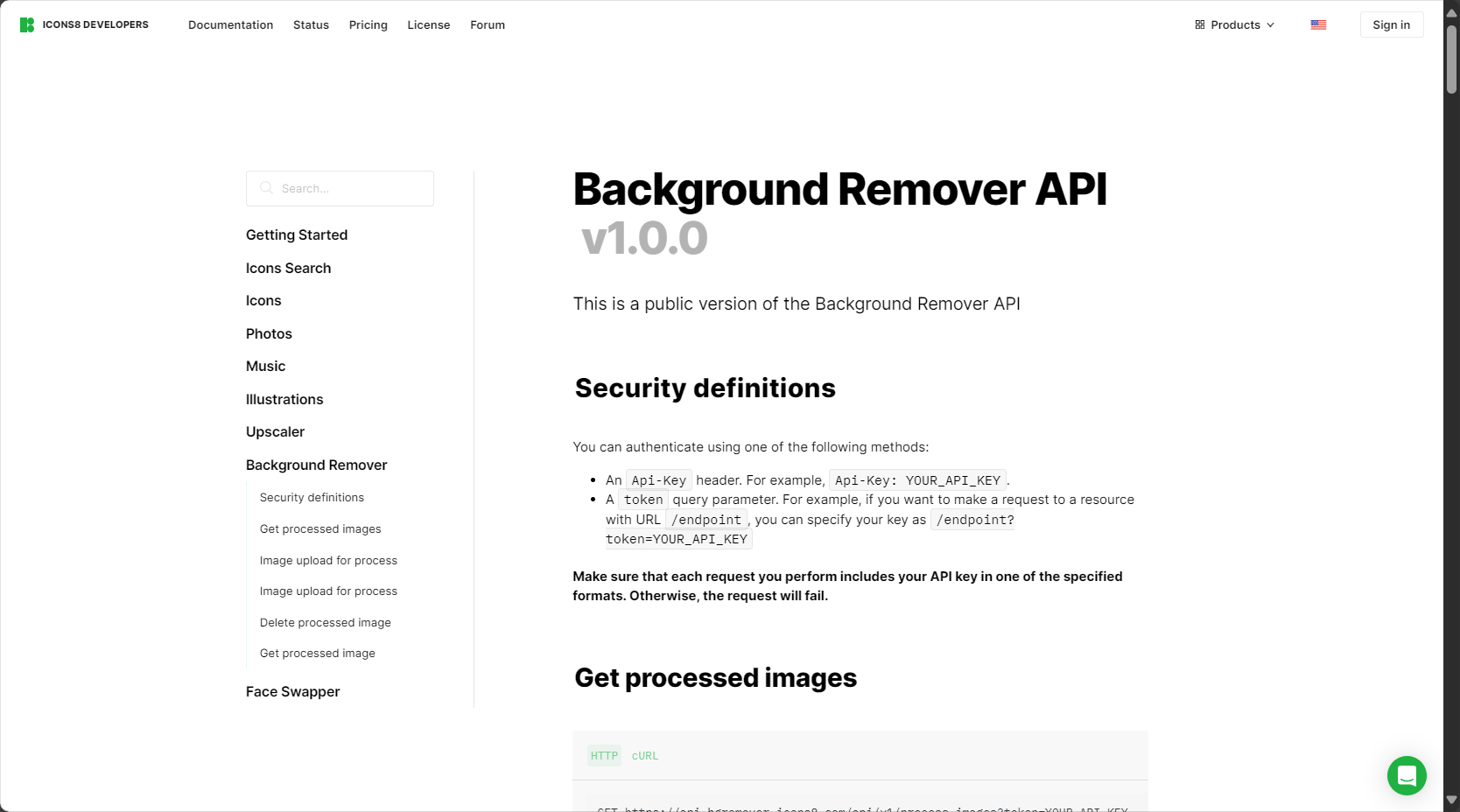
API Interface
✔️
Easy for developers to integrate
Icons8 Background Remover Pricing & Solutions
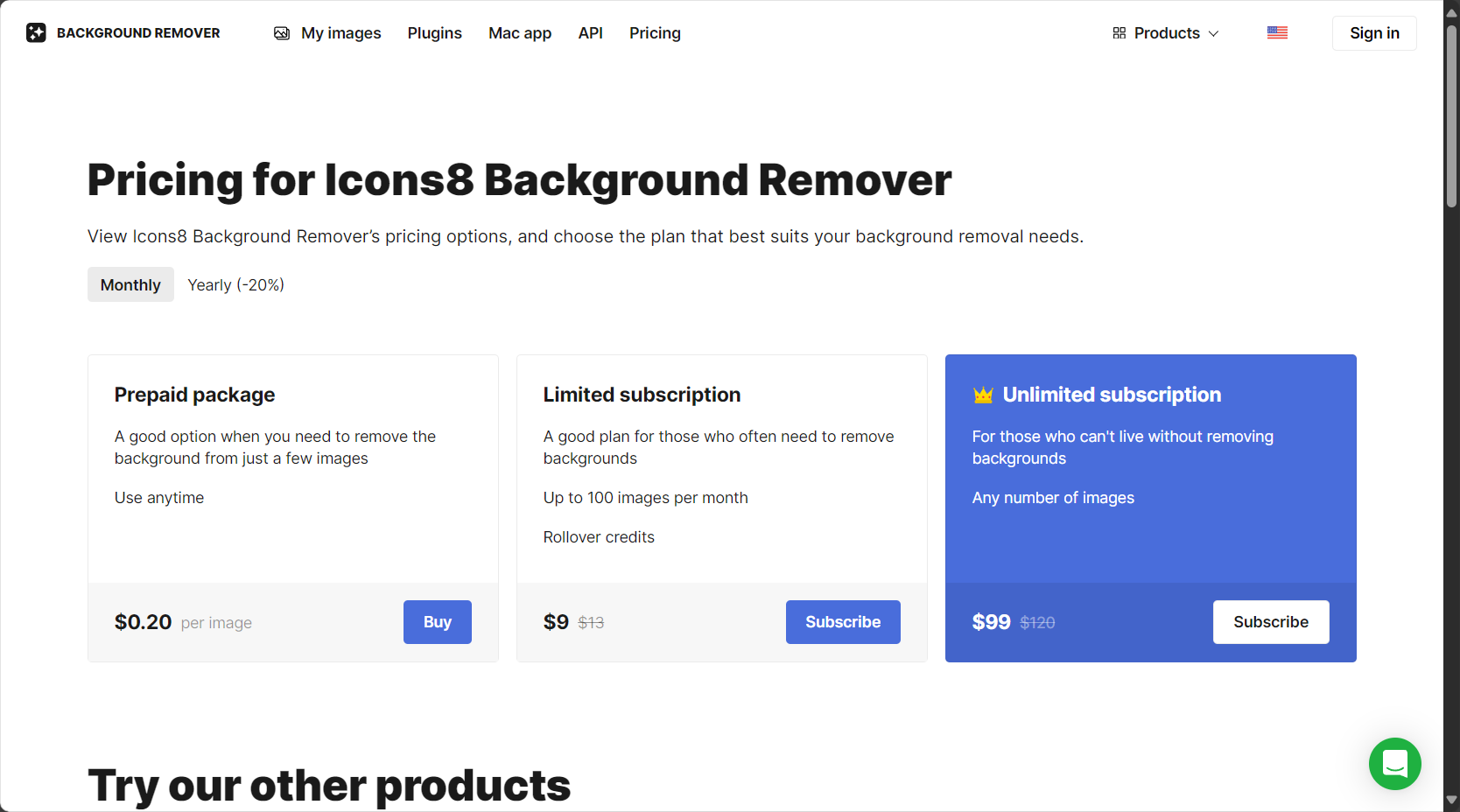
Icons8 Background Remover offers a variety of flexible pricing strategies, catering to both free trials for small-scale users and professional, high-frequency commercial applications. Specifically, it offers three categories: free subscriptions, limited subscriptions, and unlimited subscriptions.
Interact with a vast array of 2D and 3D characters and experience truly unlimited AI role-playing dialogue. Join now! New users receive 6000 points upon login!
Users who occasionally need high-resolution image cutout
Monthly subscription
$9 (100 images)
Monthly deduction of images
Businesses, e-commerce sellers, designers, etc.
Annual subscription
$99 (Unlimited quantity)
Unlimited processing
High-frequency platform-level business needs
Supplementary ExplanationUnregistered users can process and download 3 high-resolution images for free. Registration unlocks more credit and features. For batch image processing via API, the API service can be purchased separately. See details below. Pricing page。
Key Points:Flexible billing and generous free credits significantly lower the entry barrier for micro, small, and medium-sized enterprises (MSMEs) and e-commerce businesses. Anyone can use it, and everyone can afford it.
How to use Icons8 Background Remover
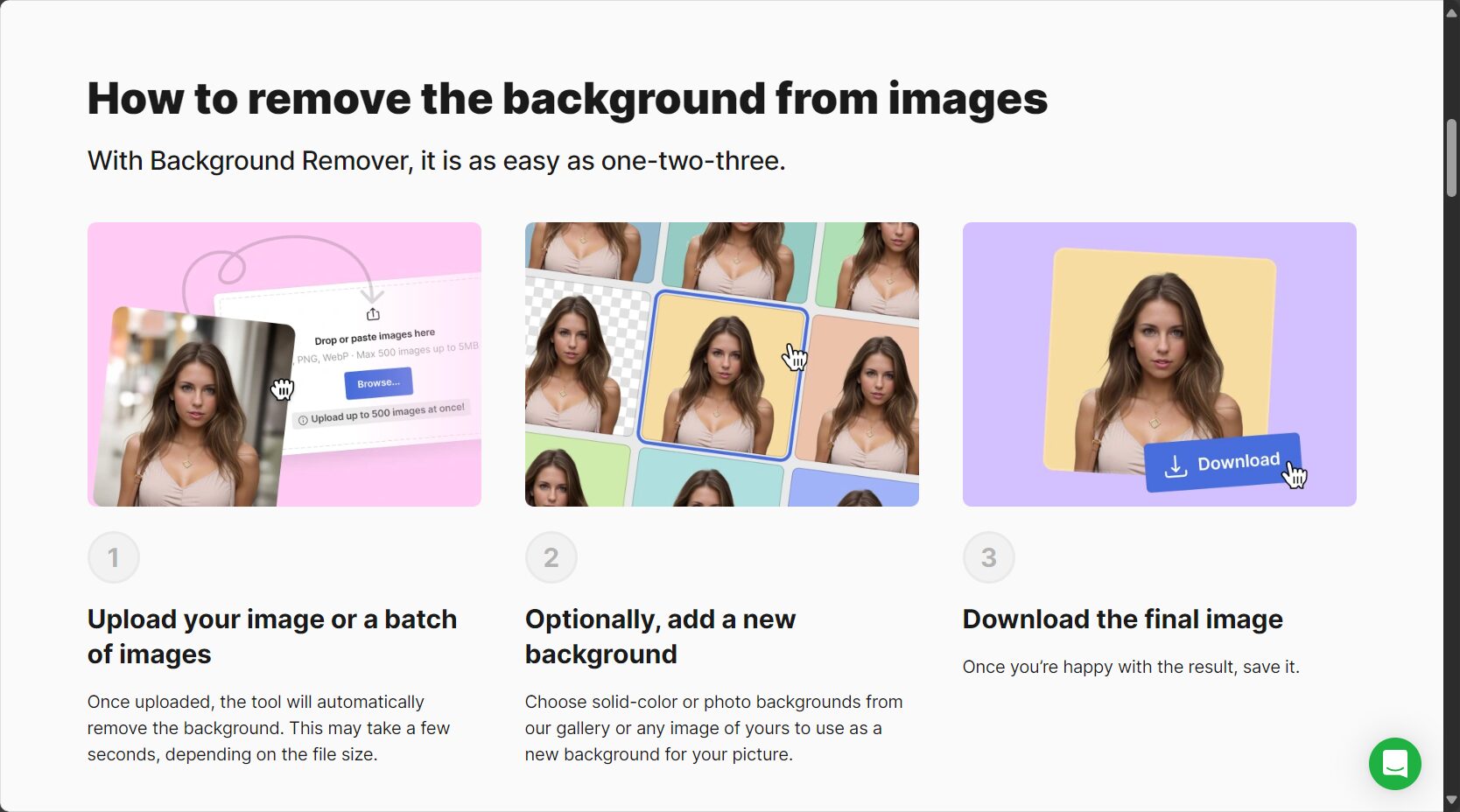
Icons8 Background Remover is extremely easy to use, requiring no download or installation; professional-level AI-powered background removal can be achieved in just a few steps.
Upload ImageDrag and drop or select local image files (supports JPG, PNG, and WebP formats), with a maximum single image size of 40MB.
Waiting for AI processingIt can automatically complete subject recognition and background removal within seconds, and preview the processing results.
Editing and adjustingFor further optimization, you can use the built-in editor to fine-tune the edges or change the background.
Download ImagesOnce satisfied, you can directly download high-resolution images with transparent, solid color, or custom backgrounds.
If integrated with the Figma plugin, users can complete image cutout in one step on the Figma design platform, improving the efficiency of team collaborative design.
Key Points:No installation is required throughout the process, the interface is intuitive, and the processing speed is fast, making it easy for both professional designers and complete beginners to get started.
Step-by-step flowchart:
step
Operation content
illustrate
1
Open the official website
https://icons8.com/bgremover
2
Upload Image
Drag and drop/select, supports mainstream formats
3
Automatic processing
No operation required, AI automatically identifies the subject.
4
Manual adjustment (optional)
Fine-tunable complex edges
5
Download and save
3 free tickets, unlimited premium cards
Who is Icons8 Background Remover suitable for?
As a universal AI image tool, Icons8 Background Remover covers a wide range of target groups and has a broad range of applications:
1. E-commerce sellers
Image/Usage steps
Batch remove product background images to meet the unified background requirements of mainstream platforms;
Product detail page, main image retouching, and marketing material output are all efficiently completed.
2. Graphic and UI Designer
Quickly obtain high-quality transparent PNGs for use in design projects such as posters, websites, and apps;
One-click integration of the Figma plugin improves team design efficiency.
3. Content creators & self-media
Optimize profile pictures, video covers, and social media images to improve visual recognizability and professionalism.
4. Regular users
Features include ID photo background replacement, travel photo enhancement, and family photo optimization.
Additional Modules: Comparison with Mainstream AI Image Tools
Compared to competitors like Remove.bg and Canva, Icons8 Background Remover has advantages in...Speed, price, functional flexibility, and API supportIt has obvious advantages in this regard. None.
tool
Free quota
Processing speed
Batch processing
Pricing Strategy
Plugin/Integration Support
Manual fine-tuning
Icons8 BG Remover
3 sheets
快
support
Flexible packages
Figma
support
Remove.bg
1 sheet
快
support
Pay-per-use
Multiple platforms
Weak
Canva BG Remover
Canva paid account
Slower
support
Subscription-based
Canva built-in
Extremely limited
Adobe Express
Free/Paid
快
limited
Subscription-based
Adobe Suite
support
Frequently Asked Questions
Image/Frequently Asked Questions
1. Which image formats does Icons8 Background Remover support?
答:supportJPG, PNG, WebPSupports mainstream image formats. Each image supports a maximum size of 40MB, meeting the needs of high-resolution design.
2. What is the difference between free users and paid users?
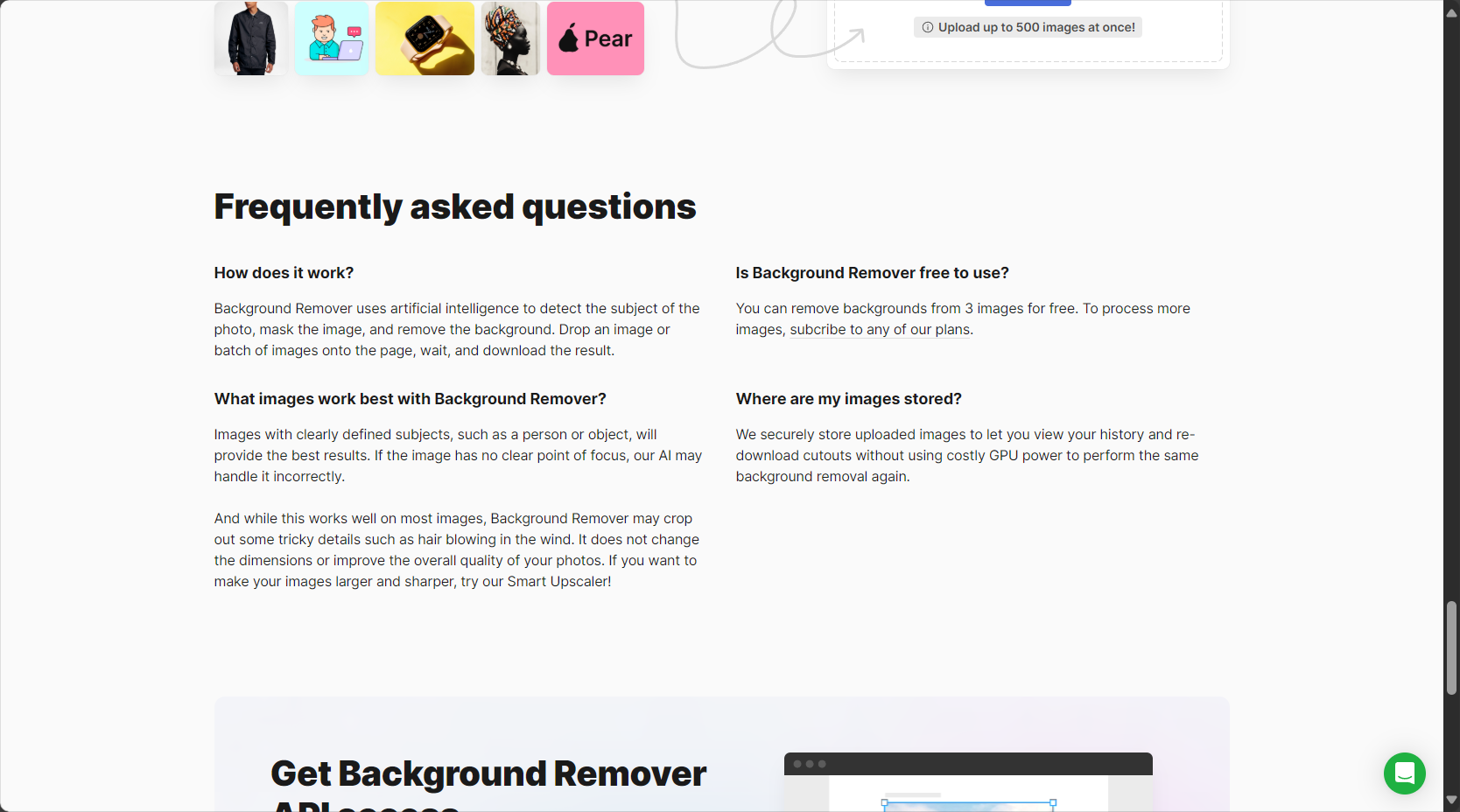
答Unregistered free users can process 3 high-resolution images per month, while paid plans offer more quotas (such as 100 images/month or unlimited) and commercial API access. See details.Price page。
3. How long will the processed images be saved? Is the image data I uploaded safe?
答Icons8 uses end-to-end encryption, ensuring that processed images are securely stored long-term through user account history and can be deleted at any time, protecting privacy. For more detailed privacy compliance guidelines, please refer to [link/reference needed].Official FAQ。
With the continuous evolution of AI image tools, Icons8 Background Remover, with its...Intelligent, flexible, and efficientIts features and superior user experience truly make AI image technology accessible to every content creator, merchant, and ordinary user. (From the official website...)https://icons8.com/bgremoverGive it a try. In the future, with its continued feature upgrades, Icons8 Background Remover will undoubtedly become a benchmark product in the field of intelligent image processing.
Interact with a vast array of 2D and 3D characters and experience truly unlimited AI role-playing dialogue. Join now! New users receive 6000 points upon login!
Icons8 Background Remover浏览人数已经达到136,如你需要查询该站的相关权重信息,可以点击"5118 Data""Aizhan Data""Chinaz data""Based on current website data, we recommend using Aizhan data as a reference. More website value assessment factors include:"Icons8 Background RemoverAccess speed, search engine indexing and volume, user experience, etc.; of course, to evaluate the value of a website, the most important thing is to base it on your own needs and requirements, and some specific data will need to be obtained from [research institutions/resources].Icons8 Background RemoverWe will negotiate with the website owner to provide information such as the website's IP addresses, page views (PV), and bounce rate.
This site's AI-powered navigation is provided by Miao.Icons8 Background RemoverAll external links originate from the internet, and their accuracy and completeness are not guaranteed. Furthermore, AI Miao Navigation does not have actual control over the content of these external links. As of 12:10 PM on August 16, 2025, the content on this webpage was compliant and legal. If any content on the webpage becomes illegal in the future, you can directly contact the website administrator for deletion. AI Miao Navigation assumes no responsibility.