

Snipd
Snipd是一款借助AI结构化管理播客和音频内容、支持自动转录、摘要、章节划分和高效笔记导出的智能音频笔记平台。
Nero Image Upscaler is a Windows photo lossless upscaling and image enhancement tool based on a local AI engine, supporting up to 400% upscaling and comprehensive noise reduction and restoration.
 Nero Image Upscaler
Nero Image UpscalerIt is a game developed by NeroAI Local Image Lossless Upscaling ToolIt can enlarge images up to 400% and finely enhance image quality.Supports WindowsThe platform features one-click noise reduction, old photo restoration, and local data processing. It's suitable for a variety of users, including designers, e-commerce sellers, photographers, students, and content creators. Free trials, subscriptions, and lifetime licenses are available. It's easy to use and suitable for both individuals and businesses.
In the field of lossless image upscaling and image quality enhancementNero Image UpscalerWith its AI-driven intelligent technology, it has become a highly anticipated emerging product in the industry. This article will take the form of a news report to provide a detailed analysis of its core functions, pricing plans, target audiences, and frequently asked questions, interspersed with lists and tables to help you gain a comprehensive understanding of this AI image tool.
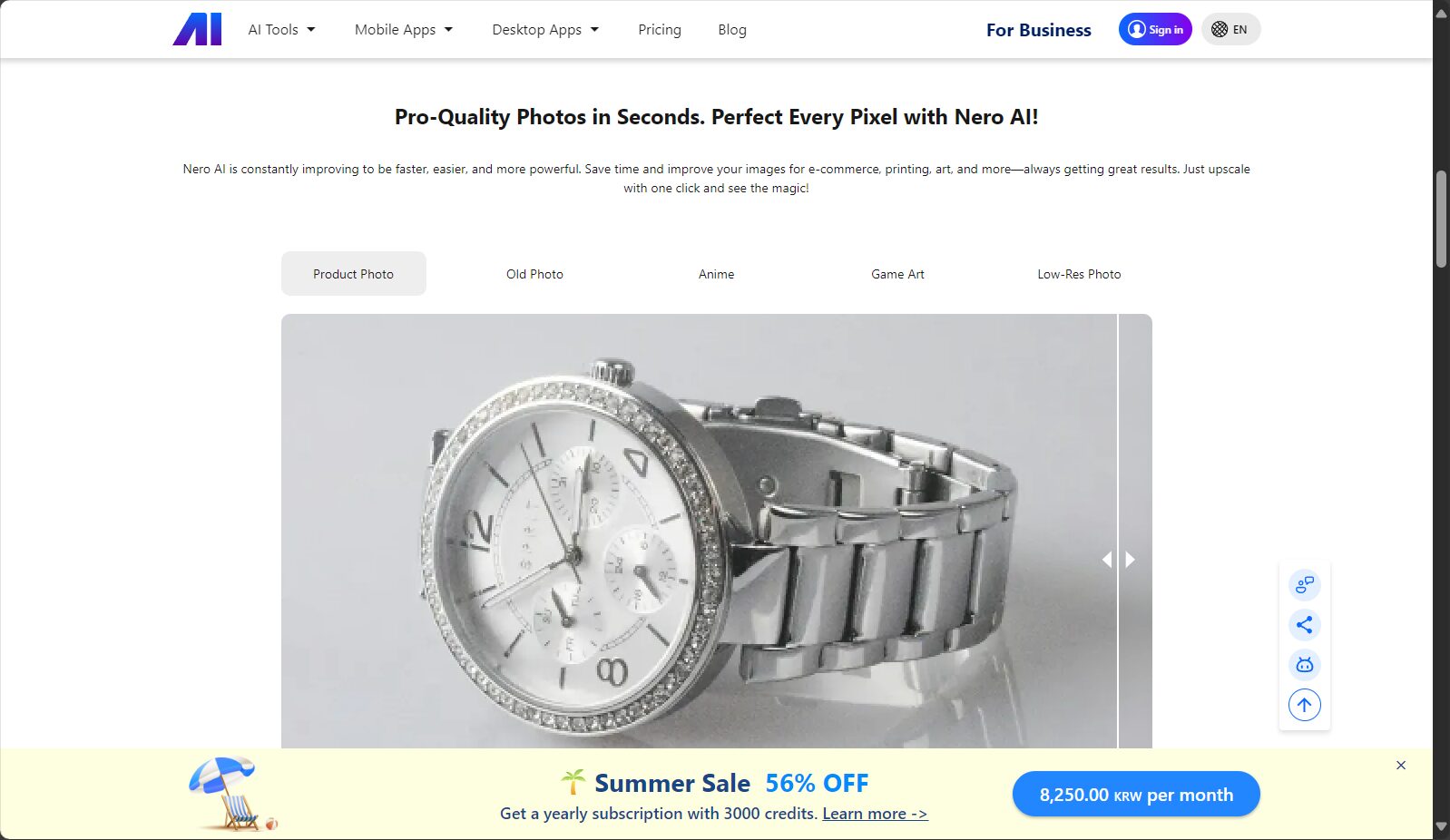
Since the deep integration of artificial intelligence and imaging technology, improving the image quality of old, low-resolution, or even blurry photos has become a rigid demand for a large number of users.Nero Image Upscaler(Visit the official websiteDeveloped by the renowned software company Nero, this technology utilizes advanced AI super-resolution algorithms to achieve image resolutions up to [missing information - likely a resolution level].400%It offers lossless upscaling and significantly enhances detail and clarity. All of this can be easily achieved on the Windows platform, greatly lowering the barrier to entry for professional photo editing and everyday image quality enhancement.
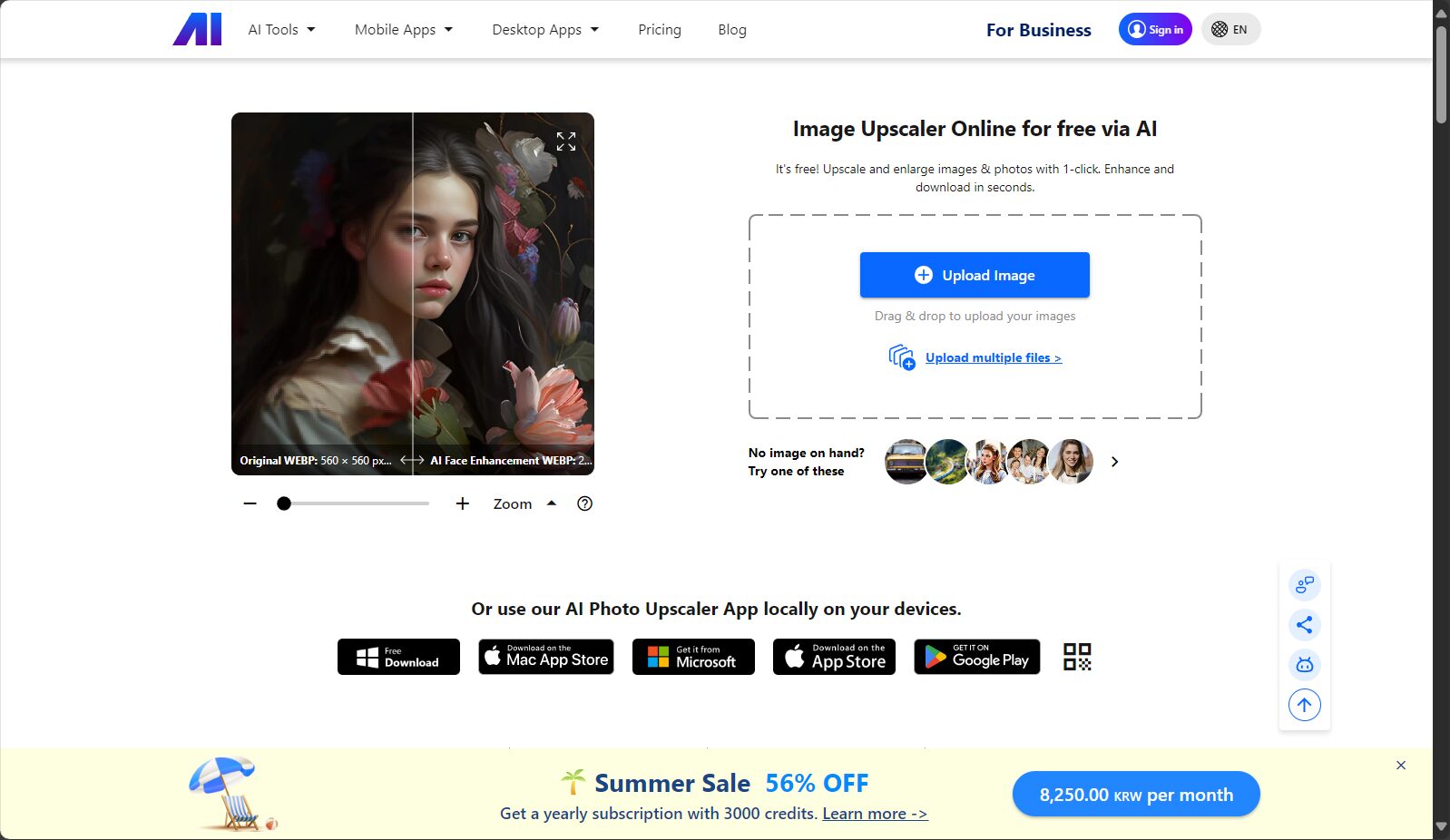
Nero Image Upscaler uses a deep convolutional neural network as its core, training its model on a massive dataset to effectively identify and restore missing textures, edges, and contours in images. It can achieve high-resolution output for people, landscapes, and buildings alike.
Images taken with a mobile phone, downloaded from web pages, or on social media platforms often contain noise due to compression distortion or poor shooting conditions. Nero Image Upscaler can eliminate this noise with a single click, making images cleaner and more natural.
The following is a comparison table of the main features of Nero Image Upscaler:
| Function Name | Does it have | Remark |
|---|---|---|
| AI super-resolution magnification | ✔ | Supports up to 4x (400%) magnification without loss of image quality. |
| Noise Removal | ✔ | Supports JPEG and PNG images, effectively eliminating compression artifacts. |
| Old photo restoration | ✔ | Restore details to faded, blurry, or damaged images |
| Cloud/Local Processing | local | Faster and safer, balancing privacy and efficiency |
| Batch processing | ✘ | Currently processing is done on a single image basis. |
| Supported Platforms | ✔ | Windows system, Simplified Chinese interface |
For more details, please see Nero Image Upscaler Function Explained。

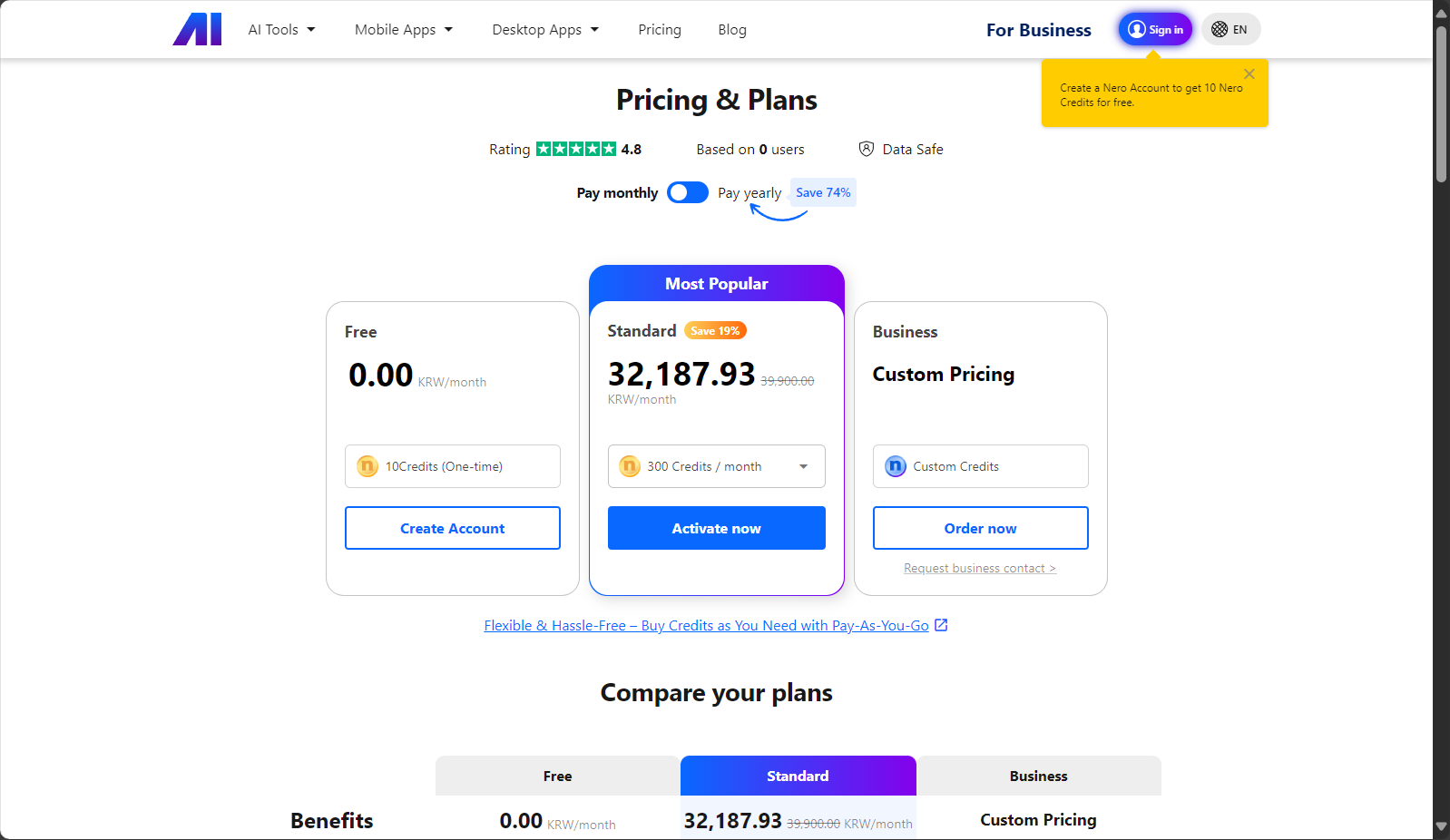
As a professional AI image tool, Nero Image Upscaler employs diverse pricing models to meet the needs of different users. Pricing options are as follows (information as of 2024, please check for details).Official website):
| Solution Name | Validity period | Number of units supported | Price range | Features |
|---|---|---|---|---|
| 1-year subscription version | 1 year | 1 unit | ¥100-150 | Free updates during the period |
| Lifetime license | lifelong | 1 unit | ¥200-300 | One-time payment for permanent use |
| Trial version | 30-day trial | 1 unit | Free trial | Some functions are limited. |
After purchase, the activation code will be sent via email and can be viewed in the user's order center.
Please note that each license is valid for only one computer. If you change devices, you must uninstall the original device before reactivating.
The user interface is intuitive, and key buttons are labeled in Chinese, which greatly lowers the barrier to entry for non-technical users.
Nero Image Upscaler isn't just for professionals; it can benefit everyone from casual users to industry professionals. Suitable users include:
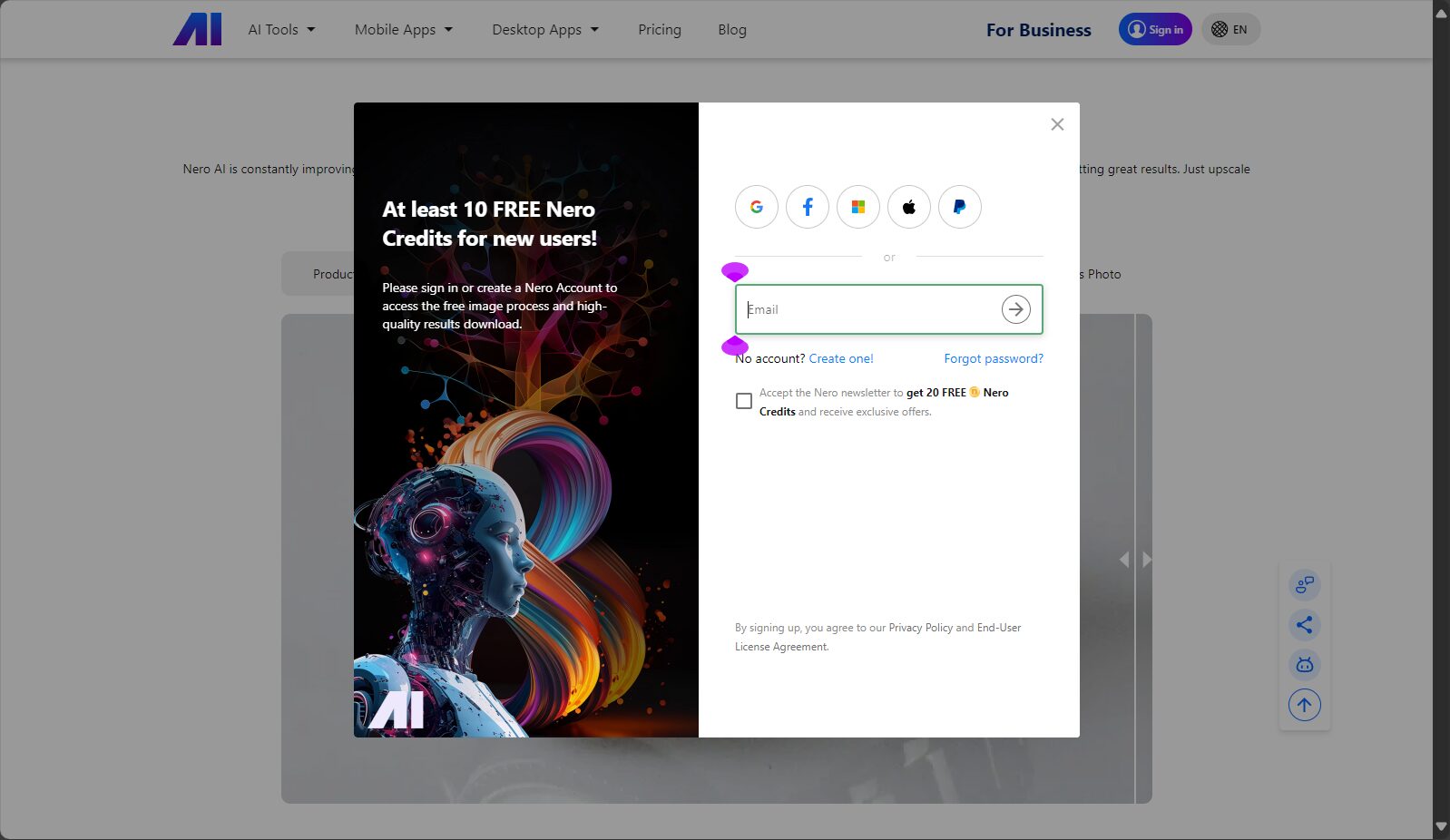
Table: Common Application Scenarios of Nero Image Upscaler
| Application scenarios | Detailed description |
|---|---|
| Website/APP creative enhancement | Commonly used in e-commerce, photography, graphic design, etc. |
| ID photo restoration | Restore old ID photos or develop blurry selfies |
| PPT Academic Illustrations | Illustrations from academic papers, images from teaching materials, etc. |
| Old photos restoration | Digital restoration of homes, museums, and historical photographs |
| Games/Anime | High-quality conversion of low-resolution images such as anime, fan art, and cartoons. |
Nero Image Upscaler uses a local processing method.User images do not need to be uploaded to the server.This greatly enhances data security and privacy protection. It is especially suitable for enterprises and individuals who value confidentiality.
Its AI algorithm is based on a deep convolutional neural network (CNN) and trained with a large number of real images, which can accurately fill in details when faced with different types of images (such as animation, landscape, portrait, hand-drawn).
Nero Image Upscaler supportsBuy onlineIt also features 24-hour automatic delivery. Activation codes will be sent via email after order placement, allowing users to easily check and activate their devices at any time.
Nero Image UpscalerLeveraging its local algorithms, it differentiates itself from mainstream AI image processing tools. The following is a comparison with mainstream tools:
| Tool Name | Magnification | platform | Free trial | Main features |
|---|---|---|---|---|
| Nero Image Upscaler | Local AI | Windows | 有 | Local operation ensures data security and ease of use. |
| Topaz Gigapixel | Local AI | Win/Mac | 有 | Excellent reputation in the industry, feature-rich |
| VanceAI | Cloud AI | Web | 有 | Supports batch processing and is easy to operate. |
| Icons8 | Cloud AI | Web | part | Simple and efficient, but free quota is limited. |
| AnyRec Image Upscaler | Cloud AI | Web | 有 | Free and unlimited, with all basic functions included. |
All image processing is inCompleted on local computerNo upload required, ensuring image privacy. High-performance graphics cards offer faster speeds. See details.Official FAQ。
The free version offers a 30-day trial, but some advanced models and resolutions are limited.Paid versionSupports professional 4K image enhancement, watermark-free output, and unlocking of all AI models.
If you need to switch computers, please uninstall the software on the old device first, and then activate it on the new device. If you encounter activation problems, you can try contacting [the relevant authority/organization].Contact customer serviceConsultation available; 24-hour automatic delivery supported.
With the rapid popularization of AI image tools,Nero Image UpscalerWith its user-friendly and professional technical approach, Nero Image Upscaler has quickly become a major competitor in the image enhancement field. Whether for personal memory preservation or enterprise workflow optimization, it can breathe new life into ordinary images. In the future, with the diversification of user needs and the advancement of AI capabilities, Nero Image Upscaler will undoubtedly continue to bring surprises and innovations to the imaging industry.
This site's AI-powered navigation is provided by Miao.Nero Image UpscalerAll external links originate from the internet, and their accuracy and completeness are not guaranteed. Furthermore, AI Miao Navigation does not have actual control over the content of these external links. As of 7:05 PM on August 13, 2025, the content on this webpage was compliant and legal. If any content on the webpage becomes illegal in the future, you can directly contact the website administrator for deletion. AI Miao Navigation assumes no responsibility.
