
Medheed
Medheed是一款聚焦临床决策支持的医疗AI平台,整合循证医学知识,助力医生实现快速、科学的根因级诊断。
Gradio is an open-source Python tool that enables machine learning developers to quickly convert AI training models into user-friendly web interfaces for presentation and sharing.
 Gradio
With the popularization of AI models,GradioAs aOpen source platformAI models can be converted using simple Python code.Interactive web interfaceThis not only supports rapid demonstration and team sharing, but also allows for deployment through platforms such as HuggingFace Spaces, providing great convenience for developers and researchers.
With the rapid popularization of AI training models, how to use these models...User-friendly and practical web interfaceSharing this with the team or user experience team has become a common pain point for AI developers.GradioAs one of the most popular AI application development and demonstration platforms, it not only supports the rapid packaging of models into interactive web interfaces, but also empowers countless researchers, developers and enterprises to easily achieve model prototype iteration and actual deployment.
Gradio is aOpen source Python toolsetsDesigned specifically for machine learning developers. Users can generate results with just a few lines of code.AI training modelCustom functions or APIs can be packaged into beautiful and instantly interactive web interfaces to facilitate scientific research presentations, team communication, product prototyping, and even shared interactive experiences within the open-source community.
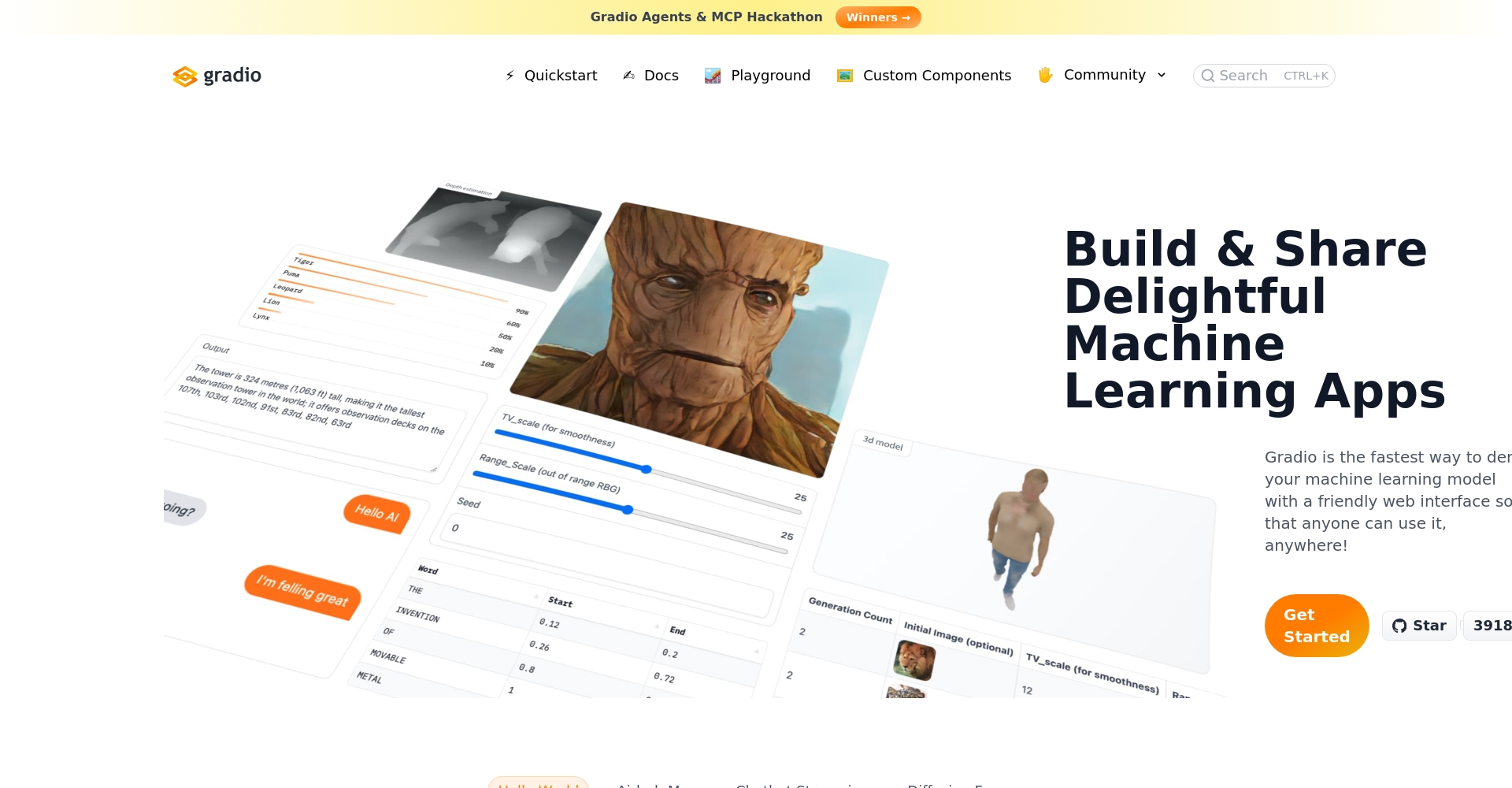
Gradio's rapid deployment, lack of front-end experience (no need to write JavaScript/CSS), and cross-platform support have made it popular with world-renowned companies and universities, including Google, Facebook, Amazon, HuggingFace, and Stanford.
When designing Grado, the team fully understood the variability and practical needs of AI training model applications, thus creating a highly modular functional system. The following are the core functionalities of Grado:
share=TrueThe parameters automatically generate an official external link for Gradio, which can be shared remotely with the world.It supports 30+ built-in components (such as Image, HTML, File, Markdown, etc.), covering common AI model tasks (classification, generation, speech, NLP, vision, etc.). It can stream input and output, save state, support multi-page applications and queue management, making it suitable for large models and high-concurrency scenarios.
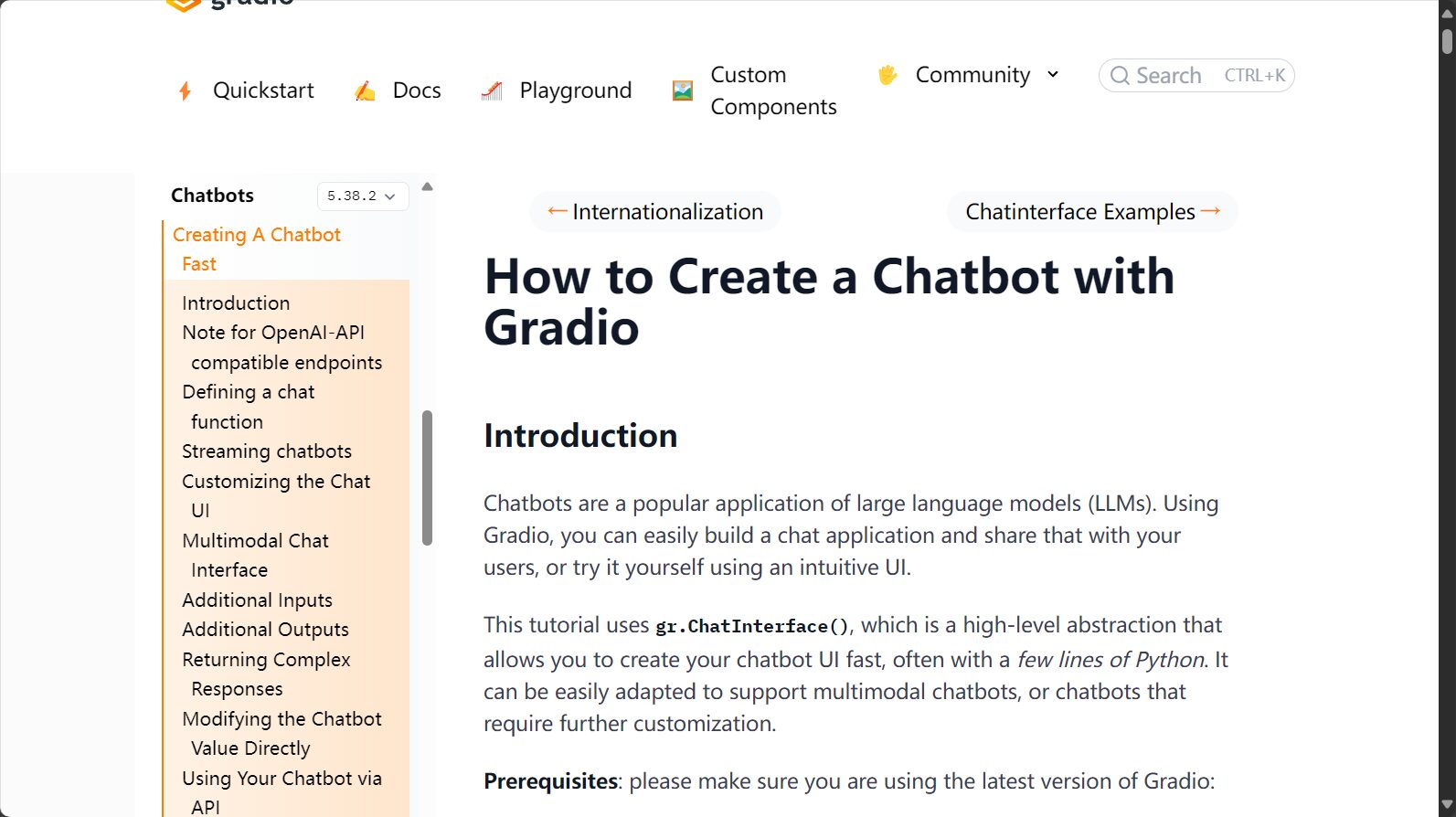
The Gradio framework is open source and free.Developers can use it locally or deploy it privately in enterprises without restrictions and enjoy all the features.
1. Installation and Environmental Requirements
pip install --upgrade gradioInstall it.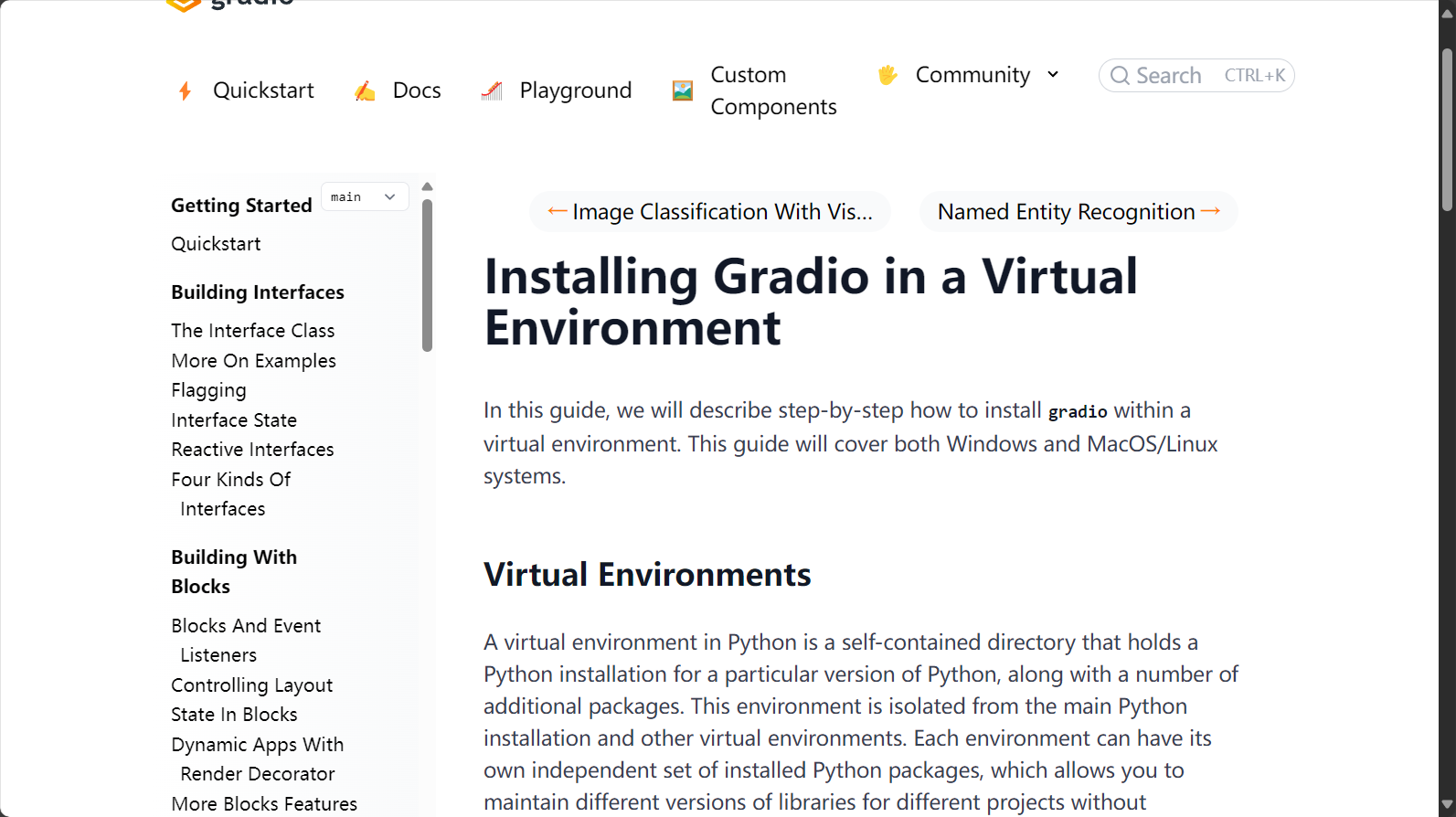

2. Create your first Grado app
import gradio as gr def greet(name): return "Hello " + name + "!" demo = gr.Interface(fn=greet, inputs="text", outputs="text") demo.launch()The above program will launch a local webpage at http://localhost:7860. To share the webpage from the external network, execute... demo.launch(share=True) External URLs can then be generated simultaneously.
Gradio is widely used by various audiences due to its high flexibility and ease of use, including AI/ML researchers, data scientists, and software engineers.
Grado makes the AI training model demonstration process transparent, supports multimodal AI, promotes product implementation and community promotion, and facilitates the role of AI models in the main business processes.
In the current wave of AI innovation, Grado, with its open-source, user-friendly, and flexible features, has become an important bridge for AI training models to move from the laboratory to users.
This site's AI-powered navigation is provided by Miao.GradioAll external links originate from the internet, and their accuracy and completeness are not guaranteed. Furthermore, AI Miao Navigation does not have actual control over the content of these external links. As of 12:02 PM on July 26, 2025, the content on this webpage was compliant and legal. If any content on the webpage becomes illegal in the future, please contact the website administrator directly for deletion. AI Miao Navigation assumes no responsibility.
