
YouTube Summarized
YouTube Summarized 是一款AI驱动的YouTube视频自动摘要工具,帮助用户快速抓取视频要点,提高信息获取效率。
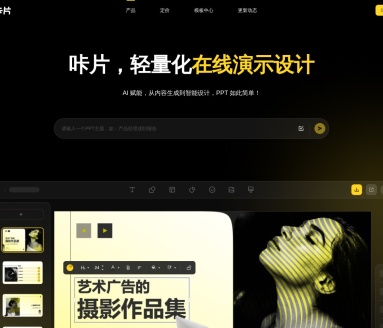
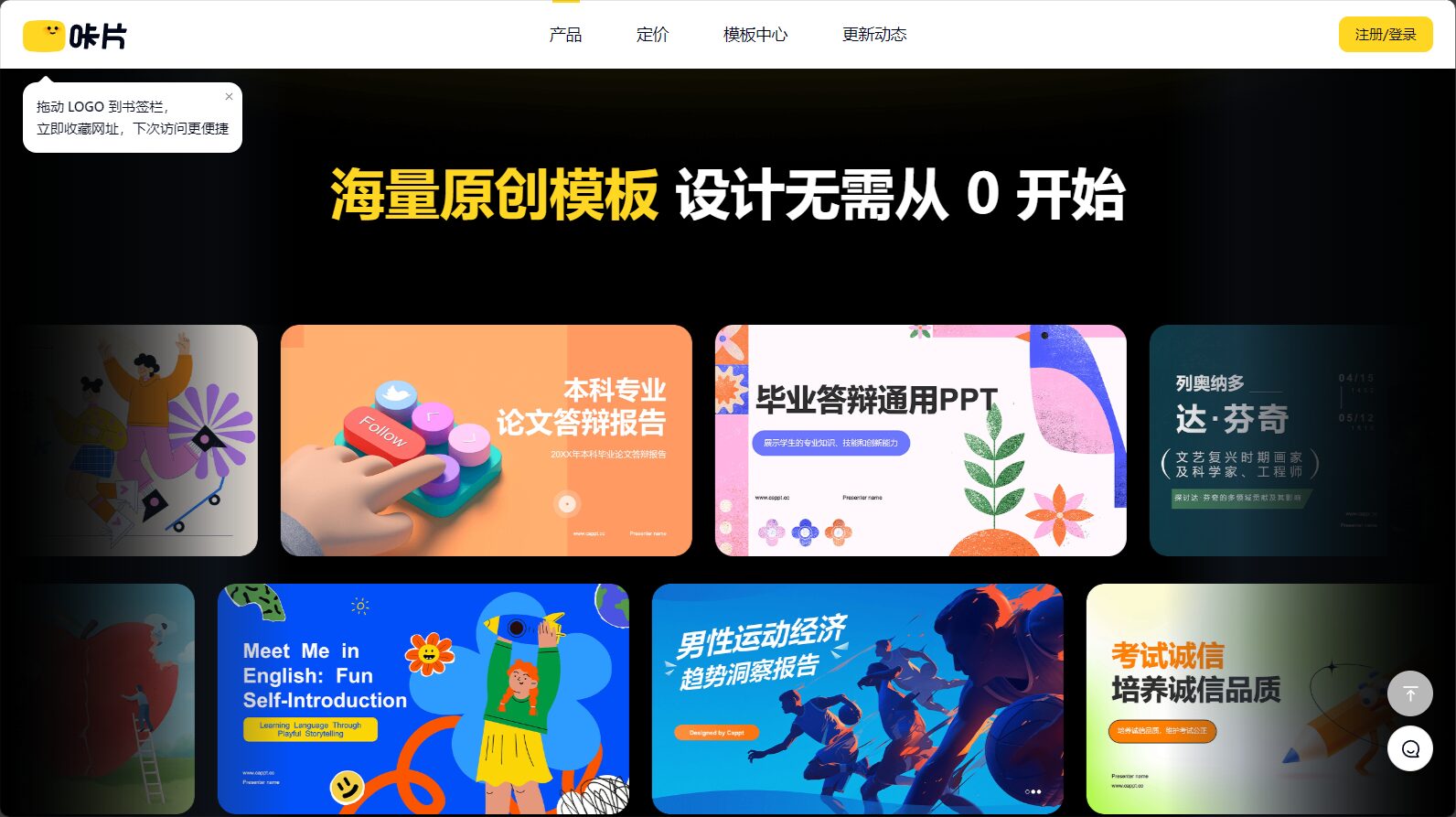
Kapian PPT is an AI office tool focused on intelligent design and automated enhancement of PPT presentations. It offers features such as automatic content generation and one-click enhancement, greatly improving production efficiency.
 Kapian PPT
With the popularization of AI technologyAI office tools成为提升工作效率的重要利器。近日,专注于PPT智能设计与美化自动化的新一代AI PPT平台——Kapian PPT(https://www.cappt.ccThis has garnered widespread attention. Kapian PPT utilizes AI algorithms to automate the entire PPT creation process, including automatic content generation, unified style design, and one-click beautification, simplifying the traditional PPT production steps.Significantly improve efficiencyUsers can quickly generate high-quality PPTs using various functional modules of Kapian PPT, saving time and effort.
With the popularization of AI technologyAI office toolsIt has become a crucial tool for improving work efficiency. Recently, a new generation of AI PPT platform focusing on intelligent design and automated beautification of PPTs—Kapian PPT(https://www.cappt.ccThe app has garnered widespread attention. Reporters conducted an in-depth experience and learned about the features, pricing, usage process, and unique advantages of Kapian PPT, providing a detailed explanation for office and study users.
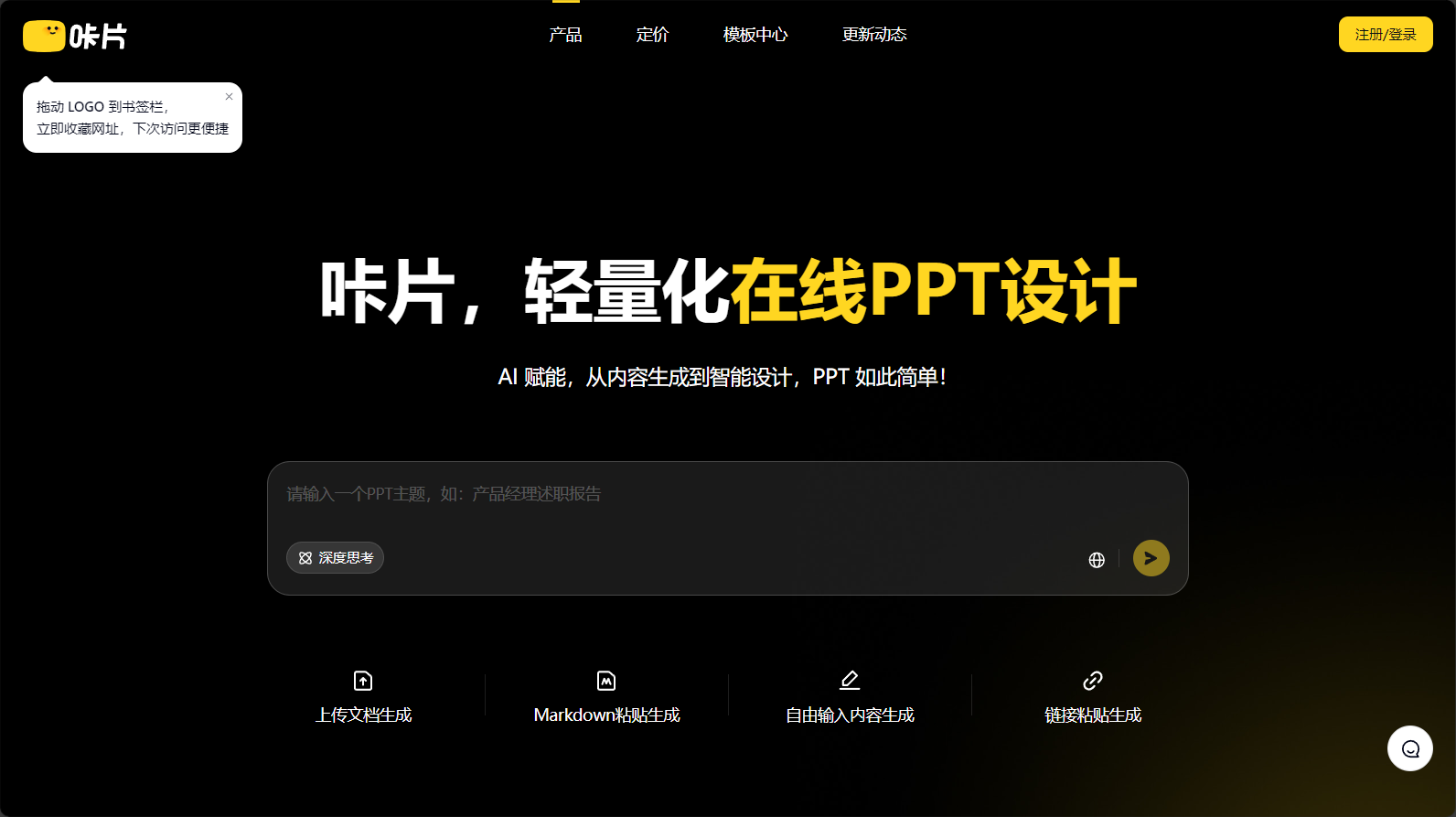
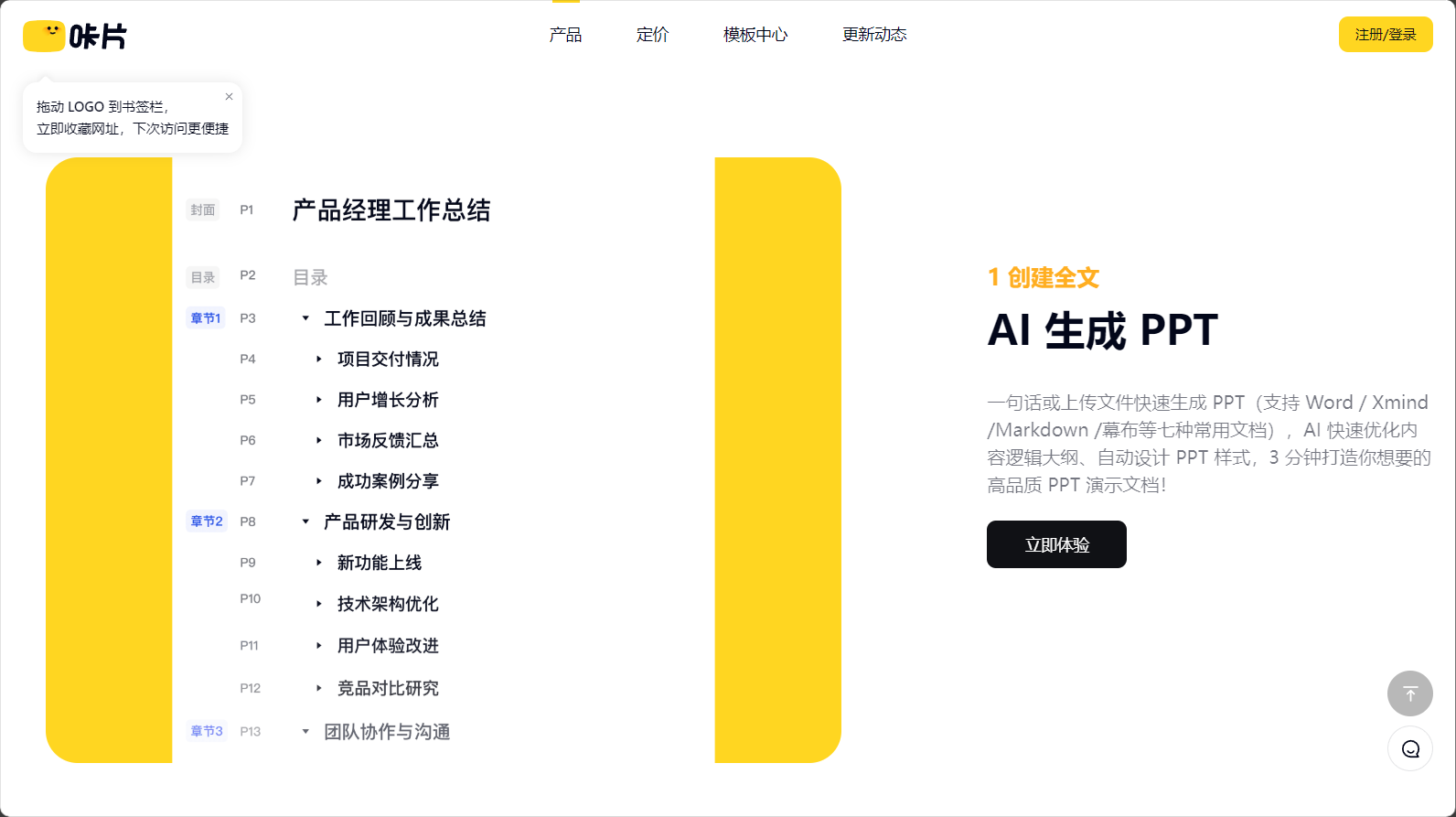
Kapian PPT is an app specifically designed for PPT creation.AI office toolsThrough AI algorithms, it automates the entire process, including automatic content generation, unified style design, and one-click beautification, greatly simplifying the steps and difficulties of traditional PPT creation. Users can quickly generate high-quality PPTs with just a sentence or by uploading files, significantly reducing repetitive editing work and greatly improving efficiency.
| Functional modules | Detailed introduction | Official case link |
|---|---|---|
| AI one-click generation | It supports inputting keywords/topics and uploading 7 common document formats including Word, Xmind, and Markdown. AI automatically generates content and optimizes outlines. | AI-generated PPT |
| Single Page Expansion | New pages feature adaptive styles, supporting the splitting and insertion of pages from tens of thousands of templates, and automatically matching existing theme styles. | Template Library |
| Smart Beautification | It offers features such as one-click skin changing, intelligent layout and typesetting, and AI polishing and expansion, decoupling content from appearance. | Style enhancement |
| Material library support | It features a built-in library of millions of high-definition materials, allowing for intelligent in-situ replacement of illustrations and icons, and free scaling and coloring of vector graphics. | Design materials |
| PPT compatible export | Supports exporting complete PPT files and is compatible with WPS and Office master slide editing. | Export compatibility |
Kapian PPT leverages AI capabilities to deeply empower users in areas such as "intelligent design," "content generation," "precise layout," and "automatic beautification," bringing an unprecedented experience to users.

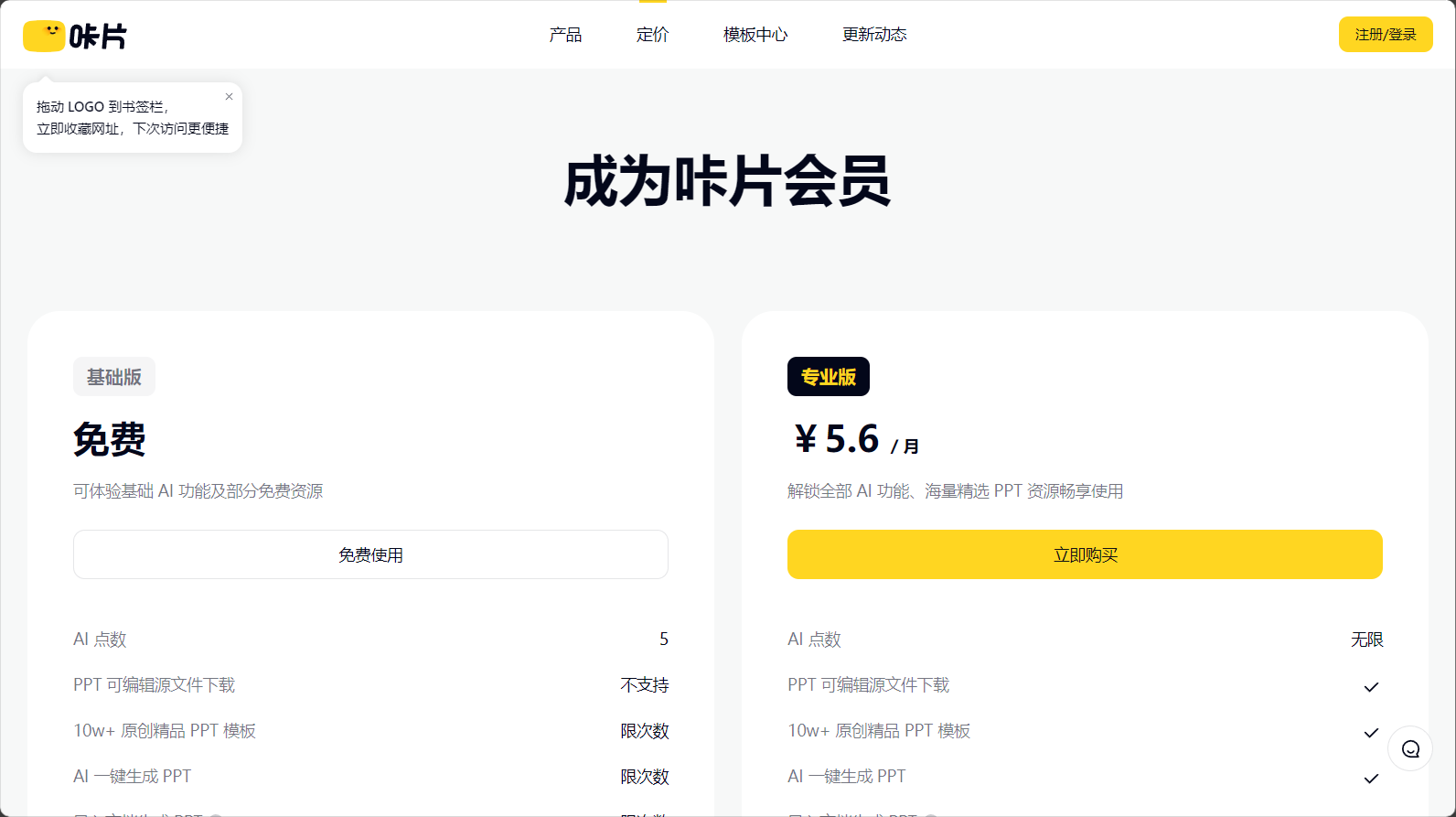
PPT implementationFree forever + paid value-added servicesIts flexible pricing strategy caters to the budgets and needs of different users. Users can register for free to experience basic functions and use online PPT generation and editing without downloading anything.
The pricing plan is as follows:
| plan | Price (monthly/yearly) | Single Month AI Points | Template and Functionality Limitations | Support services and benefits |
|---|---|---|---|---|
| Free version | 0 yuan | 30 points/month | Template usage limit/import limit | AI-powered text creation, basic intelligent enhancement, and partial PPT export. |
| Professional version | 7.04 yuan/month | unlimited | Unlimited templates/Unlimited imports | Unlimited AI points, PPT source file download, personal commercial use, and dedicated customer service invoice. |
For details, please refer to [website/reference].Kapian PPT Price Explanation。
Kapian PPT also frequently offers limited-time discounts and customized services for enterprises, suitable for professional use needs of teams of different sizes and individuals.
Kapian PPT greatly lowers the barrier to PPT creation, making it easy for office workers, teachers, and students to get started.
Detailed usage instructions are as follows (Experience it now):

Kapian PPT, with its intelligent and simple features, has been applied in various industries such as education, workplace, training, and sales. Depending on the role, it is suitable for the following groups:
| Industry/Role | Practical advantages | Examples of unique features of Kapian PPT |
|---|---|---|
| Students/Teachers | Significantly reduce the time spent on courseware production; teaching support lesson preparation can be completed with a single click. | AI scene templates, educational element resource layout |
| Administration/Manager | The process of reporting year-end summaries, project roadshows, and proposal submissions has been automated and improved. | Word to PPT conversion, import, online commenting and collaboration. |
| Marketing/Sales | Quickly adapt and split pages to meet individual client needs, and respond promptly to business opportunities. | Single-page extension insertion, maintaining a consistent style and theme. |
| Non-professional designer | AI-optimized color scheme and layout, automatically adjusting the overall style to eliminate visual discrepancies. | One-click skin change, millions of materials library |
| Functional categories | Specific content |
|---|---|
| Content generation | Keyword/document generation, AI logic architecture, automatic outline creation, and briefing/report content editing. |
| Intelligent design and beautification | One-click enhancement, AI-powered expansion and polishing, layout redesign, and automatic template style adaptation. |
| template elements | Templates can be freely combined, inserted into pages, vector graphics/icons automatically change color, and there are rich theme categories. |
| Materials and Resources | Millions of icons, illustrations, high-resolution images, and industry image libraries |
| Export and compatibility | Download PPT source files, editable WPS/Office master slides, and share online. |
| Business Team Functions | Data storage, dedicated customer service, personal commercial authorization, and support for official invoices. |
answer:The free version offers 30 AI points per month, suitable for occasional use and experiencing most basic functions. The professional version is only 7.04 yuan per month, with unlimited AI points, unlimited templates, support for downloading PPT source files, and provision of personal commercial and professional services. See details.Price page。
answer:Yes. Kapian PPT supports one-click download of PPT source files (.pptx), and is highly compatible with WPS/Office. Both text content and template masters can be directly edited, facilitating secondary modifications and sharing.
answer:Kapian PPT relies on enterprise-grade cloud services and employs professional data transmission encryption technology to ensure the security and privacy of user-uploaded documents and account information. Users can delete archives as needed, and the platform will not disclose them for commercial purposes.
Kapian PPT as a rising starAI office toolsWith its intelligent, convenient, and efficient features, Kapian PPT is changing the traditional workflow of PPT design and office document creation. For users who need to efficiently create presentations, Kapian PPT is undoubtedly an invaluable assistant. In the future, the platform will continue to upgrade its AI engine and template resources, bringing users more innovative experiences. To learn more about and experience Kapian PPT, please visit [website address].www.cappt.cc。
This site's AI-powered navigation is provided by Miao.Kapian PPTAll external links originate from the internet, and their accuracy and completeness are not guaranteed. Furthermore, AI Miao Navigation does not have actual control over the content of these external links. As of 2:21 PM on July 24, 2025, the content on this webpage was compliant and legal. If any content on the webpage becomes illegal in the future, you can directly contact the website administrator for deletion. AI Miao Navigation assumes no responsibility.
