

Scite
Scite是一款用AI智能分析学术文献引用、揭示文献可信度和影响力的科研辅助工具。
GaoDing AI Clarify is an AI-based image optimization and repair tool that can improve the clarity and detail of blurry images.
 AI makes draft clearer
In an era of rapid development in digital content, GaoDing AI-powered image enhancement meets users' demand for high-quality images. Whether it's restoring old photos, optimizing low-resolution images, or sharing on social media,AI image optimization and repairThe user experience offers unparalleled convenience. This article provides a comprehensive analysis of the tool's features, pricing, and operation process, helping users easily improve image quality and visual effects.
In today's world of ever-growing digital content, rapid social media sharing, and e-commerce growth, image clarity has become a key factor influencing content quality and brand image. However, whether it's restoring old photos, taking low-resolution screenshots, or everyday social media sharing, issues such as blurriness, noise, and out-of-focus images frequently plague users. To address these challenges,AI makes draft clearerEmerging in response to this need, it leverages its independently developed deep learning algorithms and extensive online design capabilities to bring users efficient and convenient services.AI image optimization and repairExperience.
This article will delve into the features, pricing options, operation process, user applicability, and frequently asked questions of this highly acclaimed AI tool, and provide a comprehensive reference guide for designers, photographers, e-commerce professionals, and general users by combining checklists and tables.
AI makes draft clearerThis is an AI-based image enhancement and restoration service offered by Gaoding Design. Leveraging the powerful visual processing capabilities of the Gaoding platform, it uses a deep learning neural network model to reconstruct and optimize blurry images, making details more prominent, colors richer, and visual effects clearer. It is particularly suitable for various scenarios such as portrait restoration and lossless enlargement of low-resolution images. Users do not need complex image processing knowledge; simply upload the image to achieve ideal restoration results with a single click.
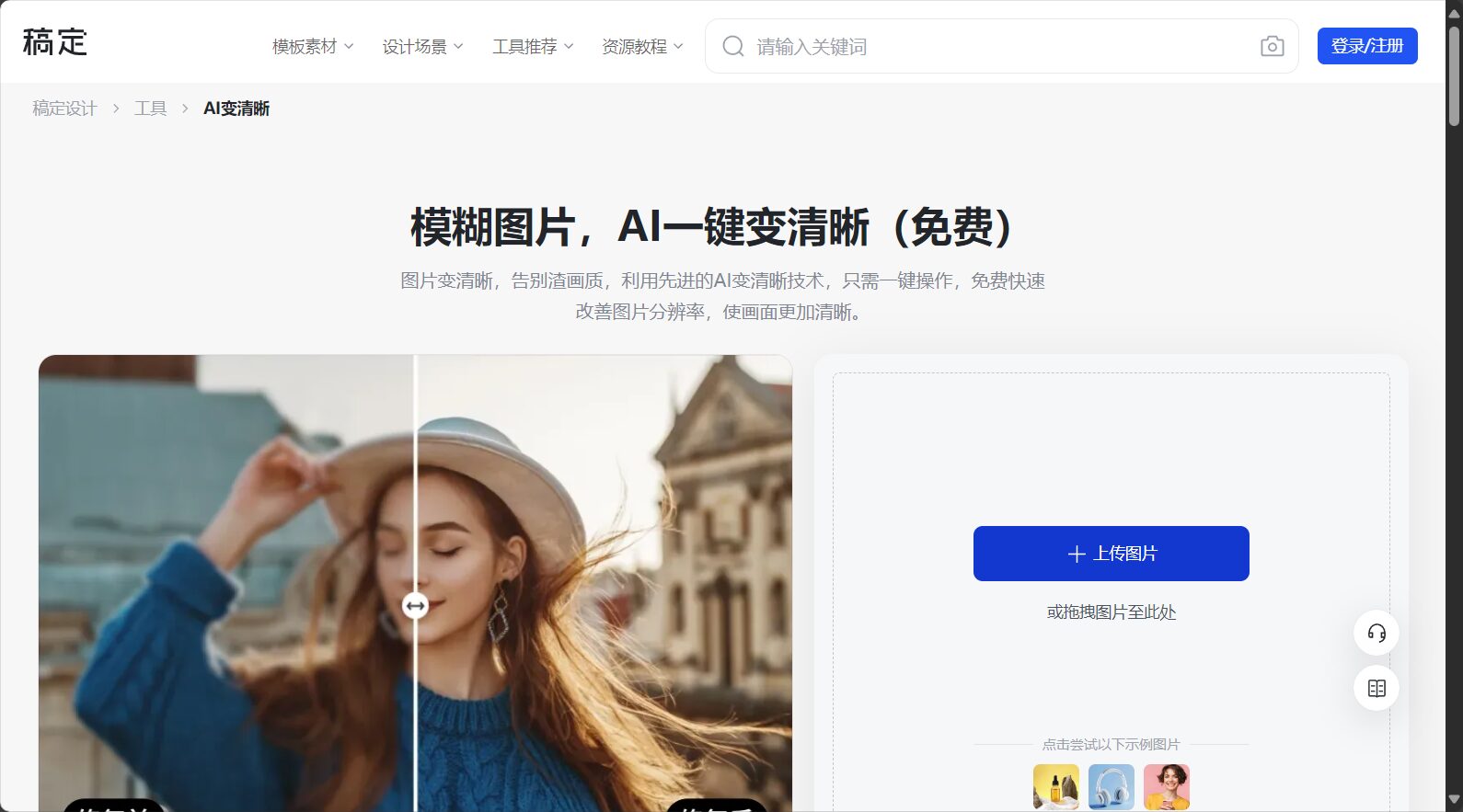
As a versatile tool in the field of AI image optimization and restoration, GaoDing AI Clarification integrates a number of practical functions:
Simply upload a low-resolution or blurry image, and AI will intelligently perform feature recognition and detail compensation to instantly improve the image's sharpness and detail.
It intelligently enhances the beauty and clarity of recognized faces, making it especially suitable for restoring old photos, ID photos, and portrait works.
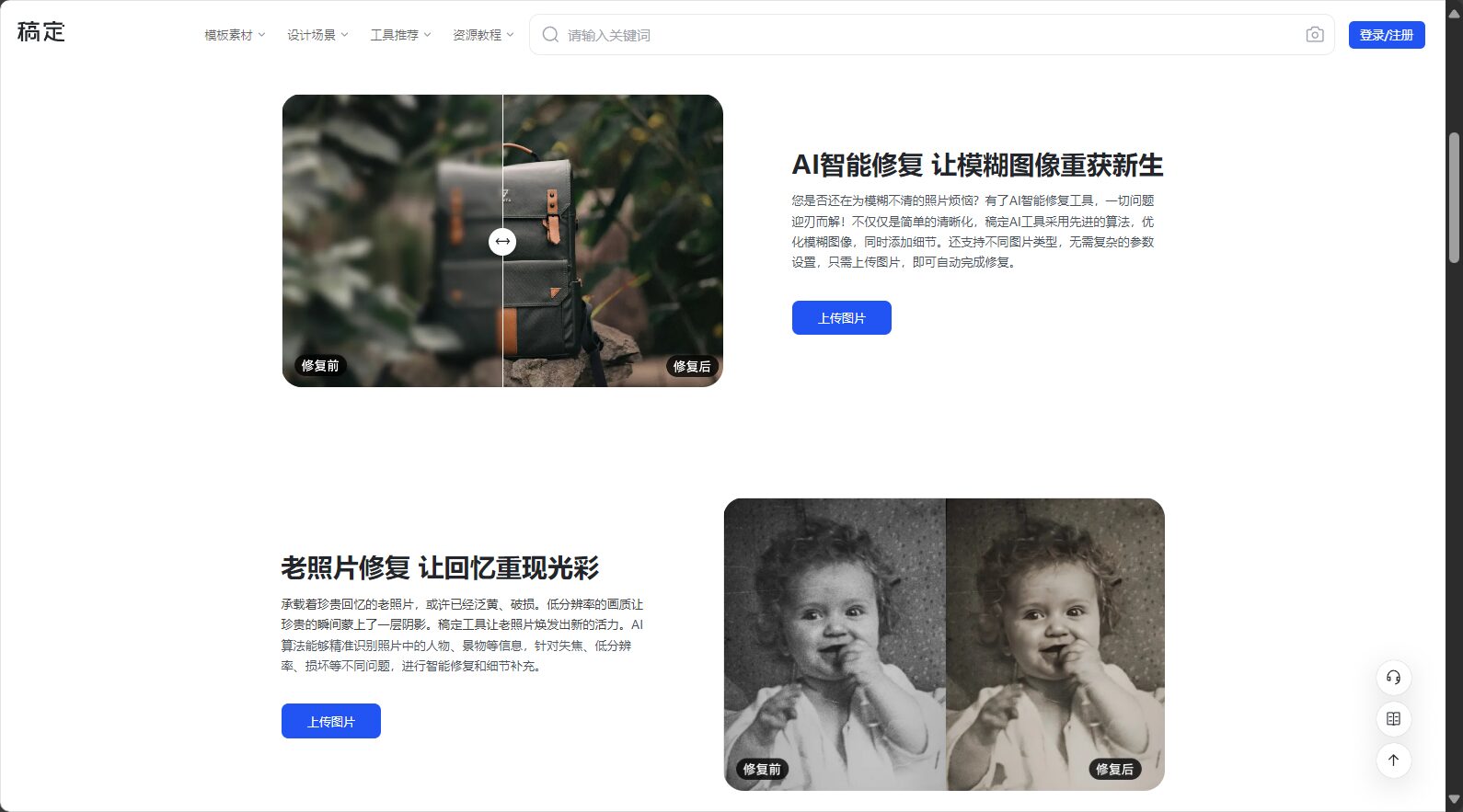
Supports sending images“Lossless magnification to higher resolutionIt avoids the jagged edges and image quality loss caused by traditional enlargement, making it suitable for e-commerce main images, output printing and other scenarios.
Whether it's landscapes, objects, scanned documents, or artistic illustrations, AI can intelligently adapt to different content and improve the overall image quality.
It supports batch optimization of multiple images, and the optimized images can be directly downloaded or used for subsequent online editing.
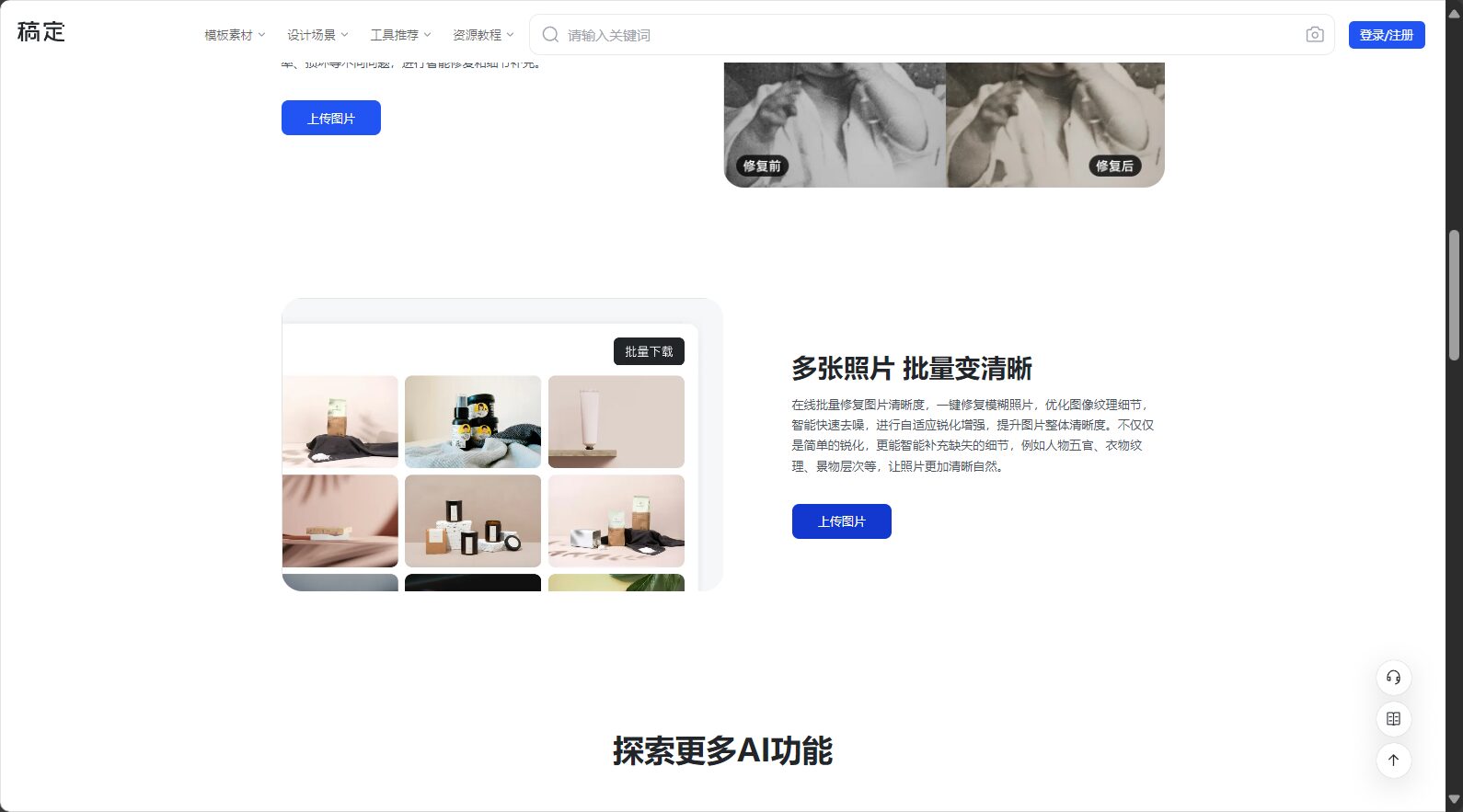

More features and functionalities can be found here:AI-powered drafts become clearer and more detailed.
GaoDing AI Clarification offers flexible billing options to meet the needs of different user groups. Users can choose from various plans such as single-use billing, package top-ups, or subscription memberships based on their usage.
| Scheme type | Features/Included Services | Official link |
|---|---|---|
| Free trial | Some features are available for free trial (with watermark/size limit). | Free trial entry |
| Single payment | Pay-as-you-go, each optimization consumes points or costs a single card. | Pricing Explanation |
| Monthly/Annual Membership | Includes multiple AI tool privileges such as AI-enhanced clarity, unlimited uses, and support for higher resolutions. | Membership purchase |
| Corporate customization | Enterprise bulk demand, dedicated technical support and authorization | Business Consulting |
To learn more about the package details, please visit [website address].Official Price Overview。

AI makes draft clearerIt features instant online use and zero learning curve; the following is the most common user operation process:

See detailsUser Guide Page。
AI makes draft clearerNot only suitable for designers, but also frequently used by actual users including:
| Target audience | Examples of uses |
|---|---|
| e-commerce sellers | Optimize product main images, enlarge white background images without loss of quality, and improve conversion rates on product detail pages. |
| Designer/Photographer | Material organization, old photo restoration, image enhancement, high-definition output printing |
| Individual entrepreneurs/self-media | Optimized cover images for WeChat, Weibo, and Xiaohongshu; improved image and text quality in Moments. |
| educators | Restoration of old courseware images and digitization of teaching materials |
| Traditional printing industry | Scanned documents/old posters digitized and restored to high resolution. |
| Lifestyle users | Digital restoration of family photo albums and clear compensation of group photos with relatives and friends |
| Enterprise clients | Improved image clarity in bulk documents enhances corporate image and document neatness. |
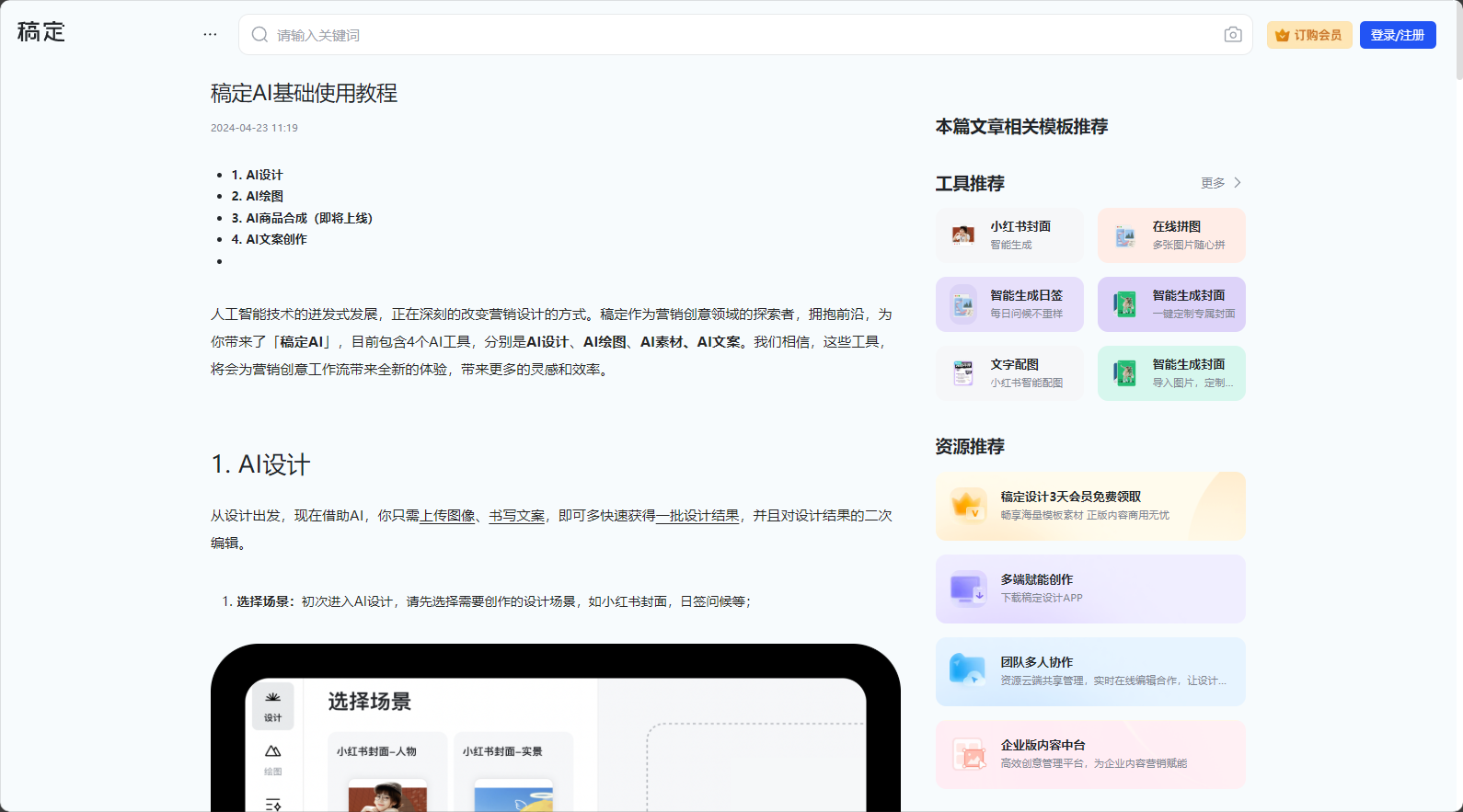
It is particularly effective in the following scenarios:
To better understand the advantages of GaoDing AI's "Clearer" feature, the following comparison is provided with mainstream products on the market:
| Tool Name | One-click to make clearer | Batch processing | Membership benefits | Online editing | Template Material Library | Domestic access speed |
|---|---|---|---|---|---|---|
| AI makes draft clearer | ✔️ | ✔️ | ✔️ | ✔️ | ✔️ | Extremely fast |
| A foreign AI repair tool | ✔️ | ❌ | Paid | generally | ❌ | Slower |
| A professional photo editing software | ❌ | ✔️ | complex | support | generally | 快 |
Note: This is for reference only. Actual functionality is subject to the official announcements of each platform.
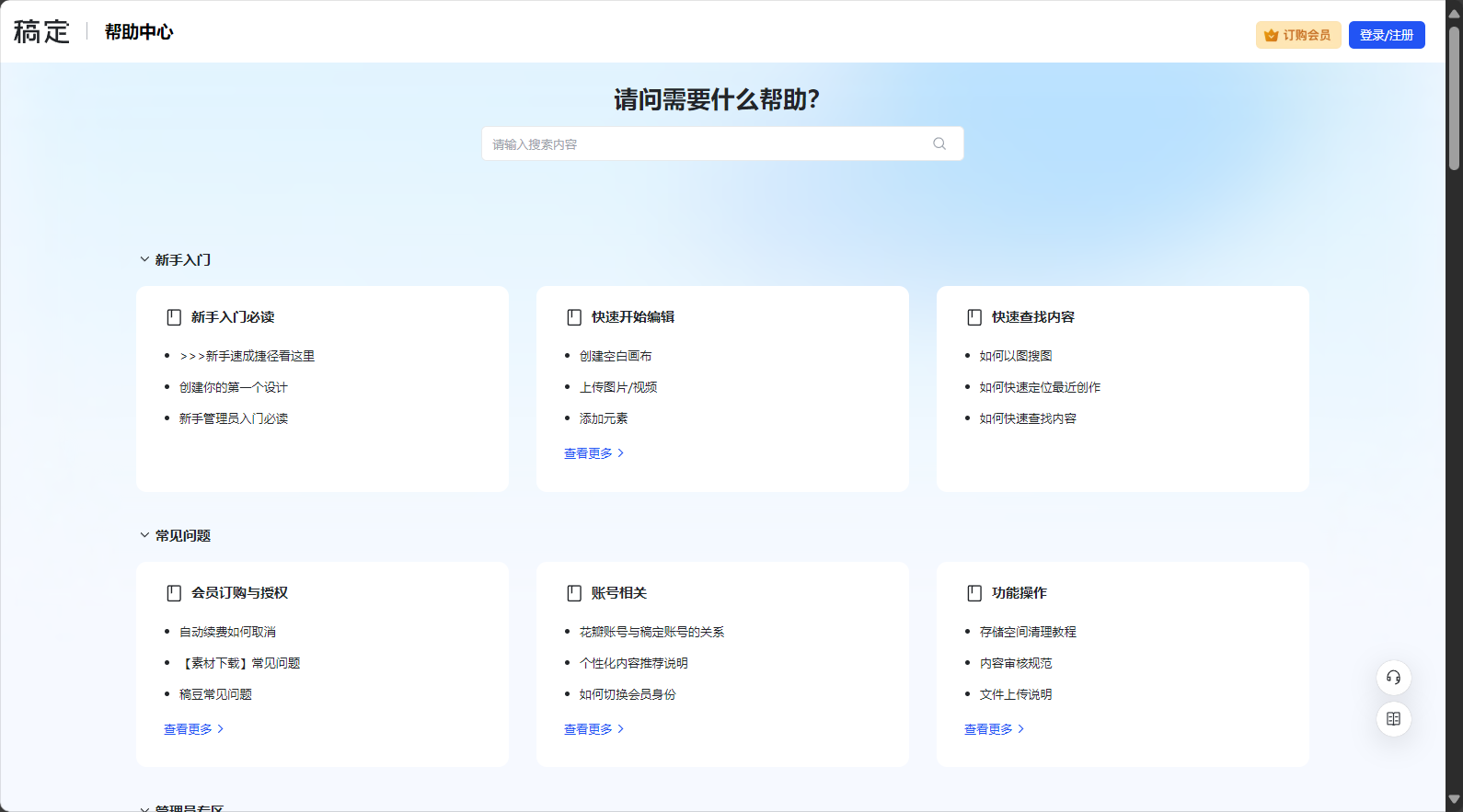
In the era of digital content and visual communicationAI makes draft clearerMore than just a simple blurry image repair tool, GaoDing AI Image Optimizer is now an AI-powered visual optimization and design platform accessible to everyone. With its powerful AI image optimization and repair capabilities, rich design scenarios, and flexible payment system, GaoDing AI Image Optimizer is gradually becoming an important partner for various industries to improve content quality and image professionalism. To experience a technology-driven future of clear images, visit [website address].AI makes draft clearerEmbark on your own intelligent imaging journey.
This site's AI-powered navigation is provided by Miao.AI makes draft clearerAll external links originate from the internet, and their accuracy and completeness are not guaranteed. Furthermore, AI Miao Navigation does not have actual control over the content of these external links. As of 12:31 PM on July 23, 2025, the content on this webpage was compliant and legal. If any content on the webpage becomes illegal in the future, you can directly contact the website administrator for deletion. AI Miao Navigation assumes no responsibility.
