CrawlQ AI
CrawlQ AI是一款集市场研究、内容自动生成与多模型智能分析为一体的先进AI内容与市场洞察平台,助力企业和个人高效获取行业洞见并输出精准内容。
Read AI is an intelligent meeting management platform that automatically transcribes, summarizes, and analyzes meeting content, improving team collaboration and work efficiency.
 Read AI
 is a tool designed for efficient and intelligent meeting management.AI Meeting ToolsIt helps teams improve work efficiency and optimize decision-making processes through powerful features such as automatic meeting notes, real-time summarization, action item extraction, and enterprise-level search. It is compatible with...ZoomIt supports mainstream platforms such as Teams and Google Meet, supports multiple languages, ensures data security and compliance, and has dedicated solutions for various scenarios such as education, enterprise, and healthcare.With its convenient integration and flexible pricing, Read AI has become a core tool for intelligent collaboration among enterprises and teams in the digital age.
Today, with the rise of remote work and digital collaboration sweeping the globe, AI-driven productivity tools have become a focal point for many enterprises. Among the numerous AI tools available,Read AIWith its powerful meeting recording, intelligent analysis, and integration capabilities, Read AI has earned the trust of millions of users worldwide. This article will provide a comprehensive analysis of Read AI's main functions, pricing plans, target audience, and frequently asked questions from a news reporting perspective, helping various users understand and correctly choose the smart meeting assistant that best suits their needs.
Read AI It is an AI-based meeting collaboration platform designed to improve meeting efficiency, knowledge management, and collaboration experience for individuals and teams. It offers comprehensive...Zoom、Microsoft Teams、Google MeetIt features automatic meeting notes, summaries, one-click replay, action item extraction, and enterprise-level search capabilities found on mainstream conferencing platforms. The platform also integrates with Salesforce, HubSpot, and Notion, becoming a model of a “digital work assistant.”
Official website:https://www.read.ai
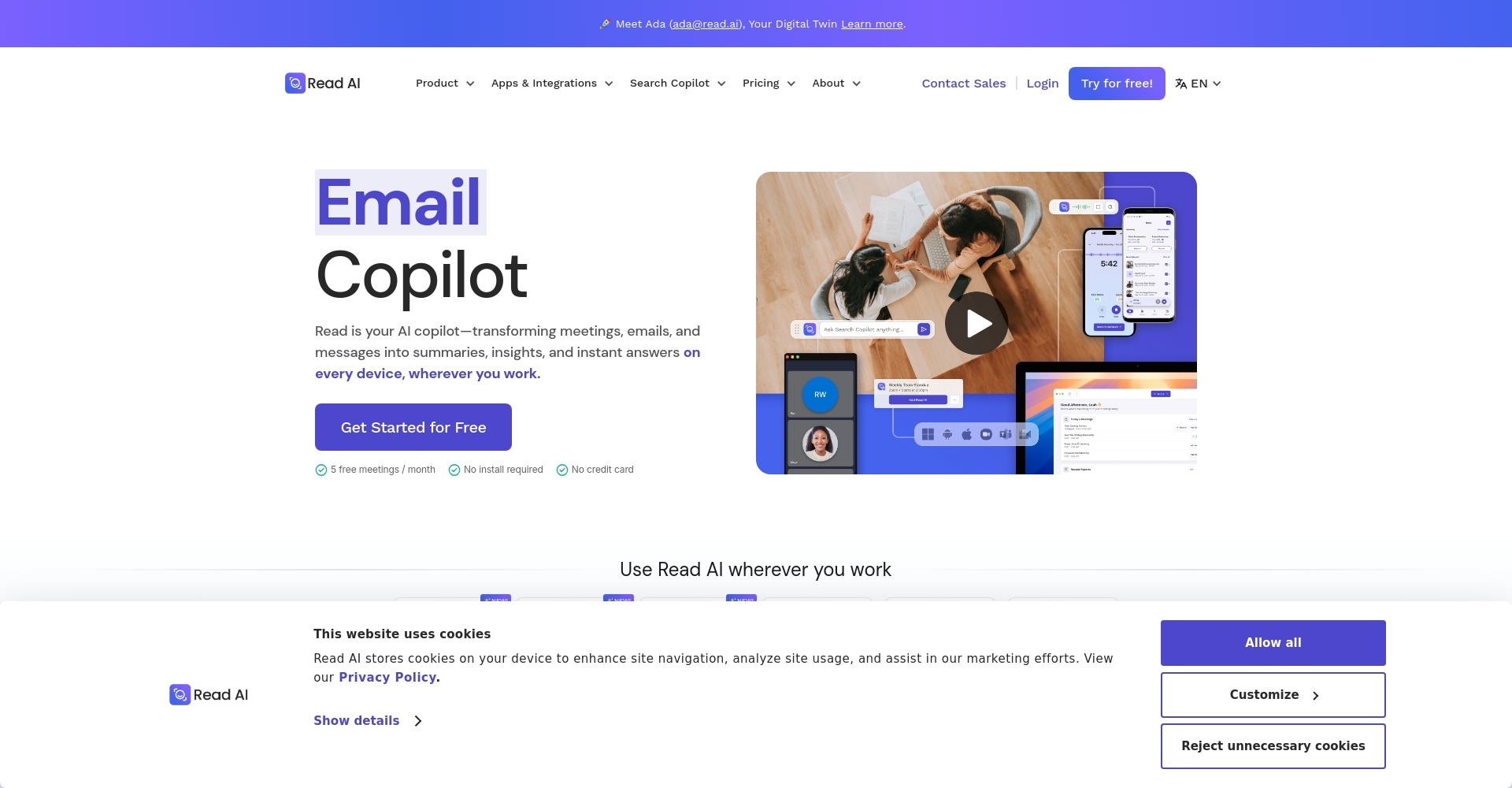
Read AI automates, visualizes, and intelligently manages all aspects of meeting management. Here are its core features:
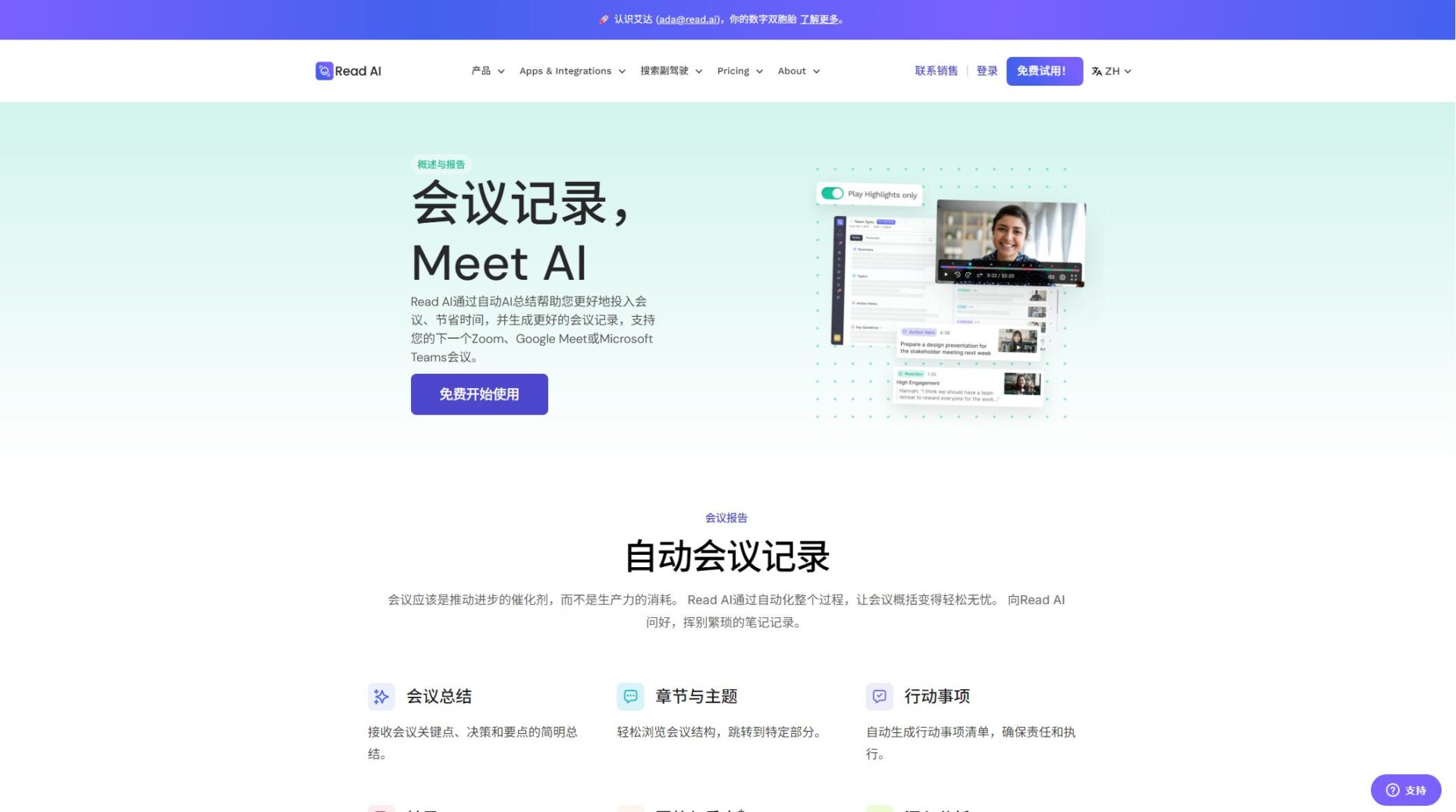
(View the official website for detailed features
| Function | Free version | Professional version | Enterprise Edition | Enterprise+ |
|---|---|---|---|---|
| Monthly meeting transcription count | 5 times | unlimited | unlimited | unlimited |
| Meeting Summary and Action Items | ✔ | ✔ | ✔ | ✔ |
| Number of integrated platforms | Base | advanced | advanced | advanced |
| Meeting replay and highlights | – | – | ✔ | ✔ |
| File upload quota | – | 100 times/month | 200 times/month | 300 times/month |
| Advanced features such as enterprise search | – | ✔ | ✔ | ✔ |
| Corporate privileges (SSO, etc.) | – | – | part | whole |

Detailed differences between the plans
Read AI offers a variety of pricing options to meet the different needs of individuals and businesses.Price page)
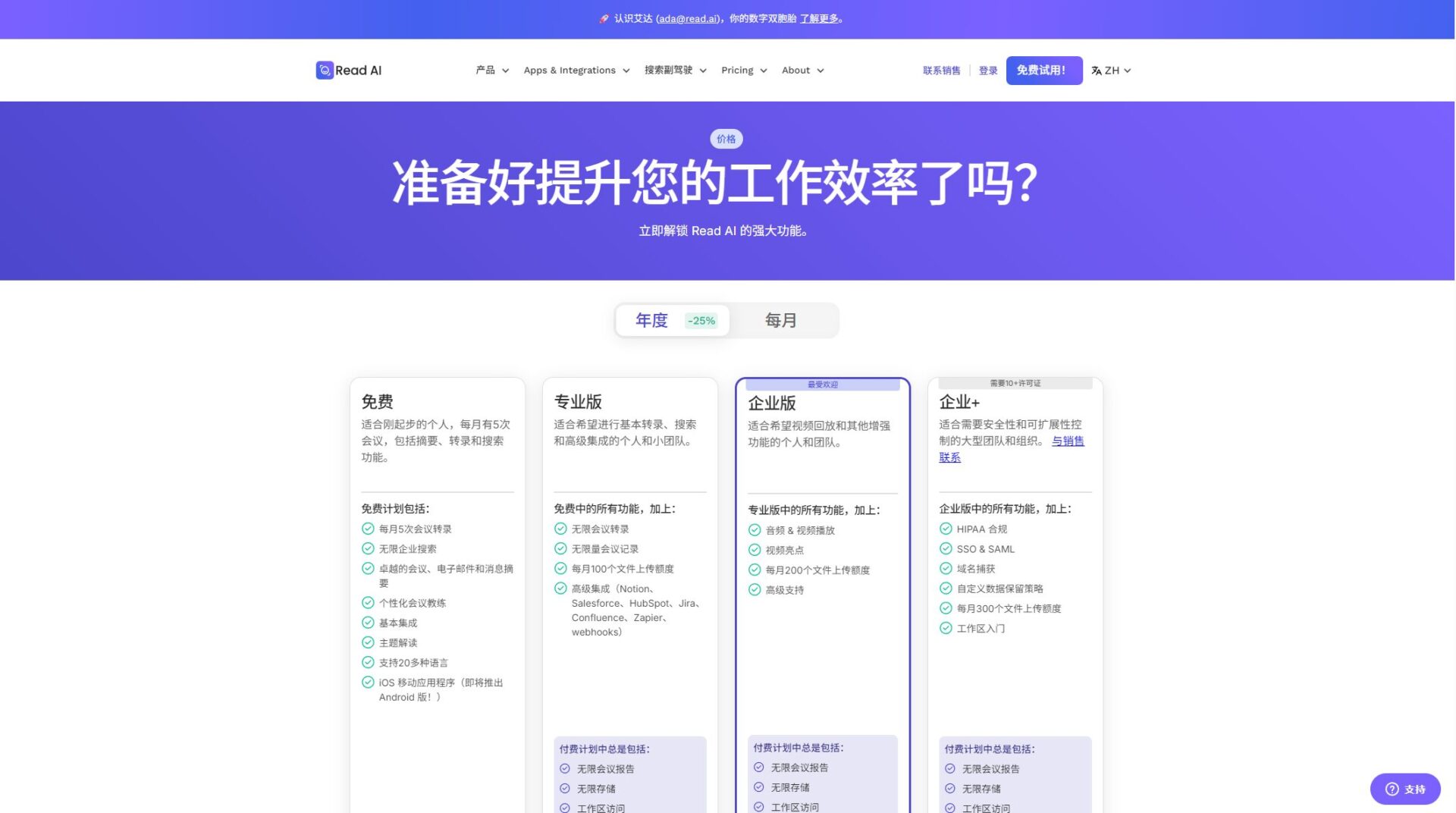
| Package Name | Paid scope | Suitable for users | Monthly payment price (annual payment discount) | Core rights |
|---|---|---|---|---|
| Free Plan | free | Beginner for individuals and small teams | $0 | Five meetings per month, basic functionality |
| Professional version | Billing per user | Individual/Small Team | $19.75 ($15/year payment) | Unlimited meetings, file uploads, and advanced integration. |
| Enterprise Edition | Billing per user | Individual/team | $29.75 ($22.50/year) | All professional features + meeting recording and playback |
| Enterprise+ | Billing per user | large organizations | $39.75 ($29.75/year) | Enterprise-level security, compliance, and customization strategies |
Note:The workspace must consist entirely of paid users; bulk discounts are available for large clients; credit cards are accepted. Special requirements can be addressed later.Contact sales。
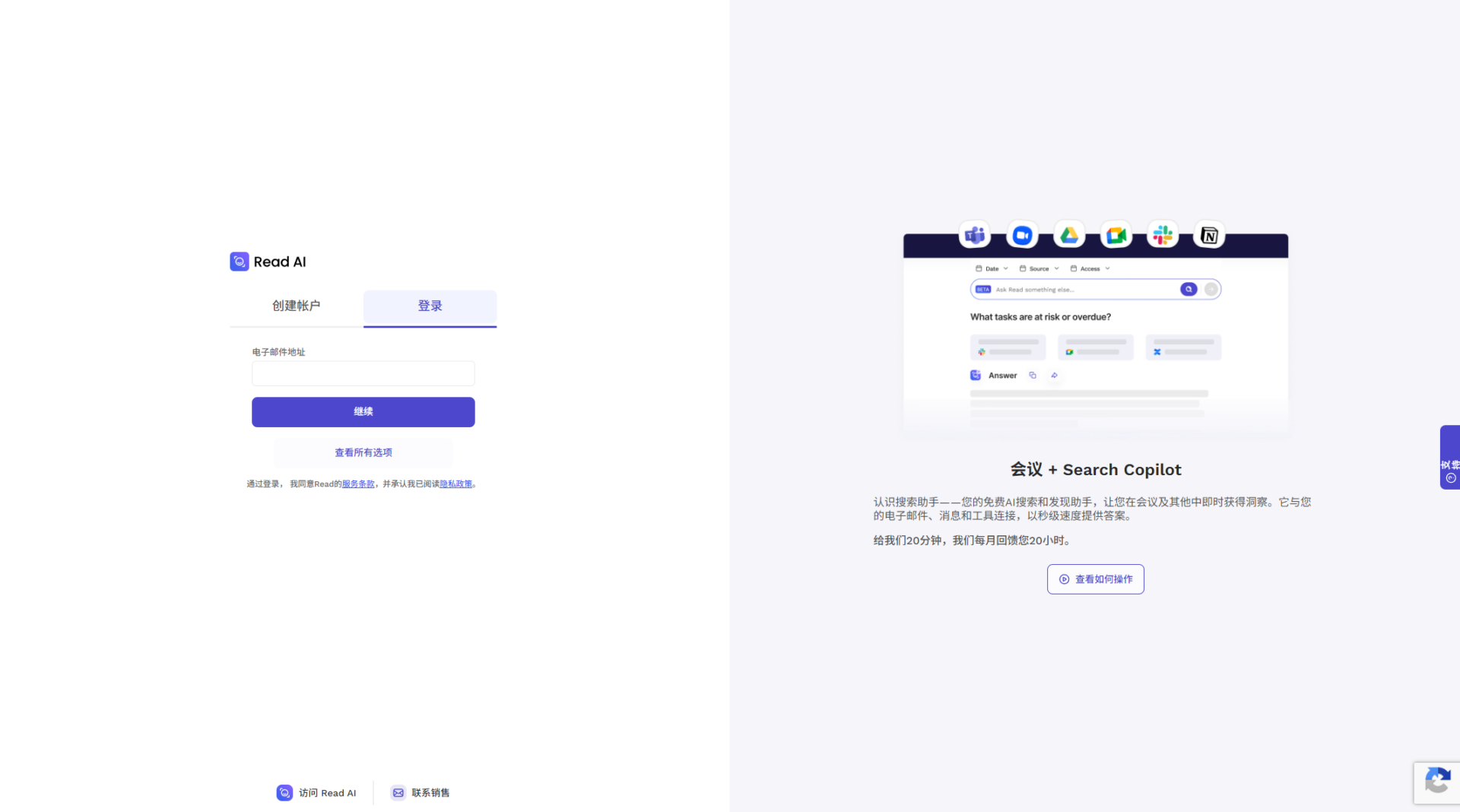
| Process Steps | Main content |
|---|---|
| Account Registration | Email/Third-party one-click login |
| Integrated settings | Various mainstream conferences and calendars |
| Meeting Automation | Real-time addition, notes, AI summaries |
| Data Management | Cloud storage, multi-device synchronization, historical search |
| Advanced Applications | Action item synchronization, task distribution, enterprise-level analytics |
Main pain points:
To avoid omissions in meetings, improve execution, and optimize knowledge flow and retrieval.
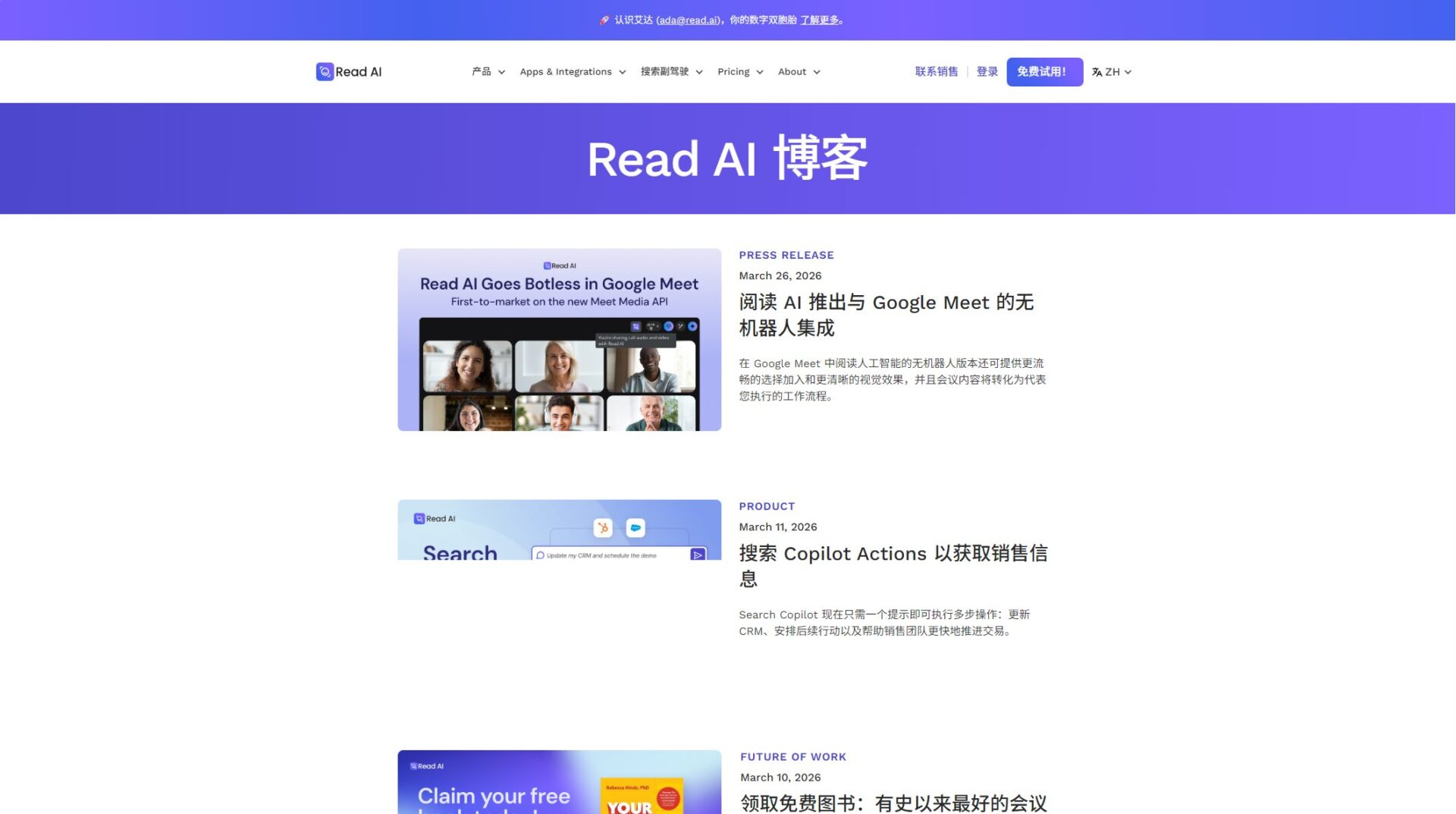
Read AI supports multiple platforms and plugin extensions, enhancing its applicability:
| Integral Objects | Integrated functions | Support solutions |
|---|---|---|
| Zoom | Automatic meeting attendance, note taking, and recording. | All versions |
| Teams | Automatic meeting attendance, note-taking, and presentation | All versions |
| Google Meet | Native Real-Time Summary | All versions |
| Slack | Report push, task distribution | Professional version and above |
| Notion/Jira, etc. | Synchronize data, task flow | Professional version and above |
| Asana | Action item docking | Professional version and above |
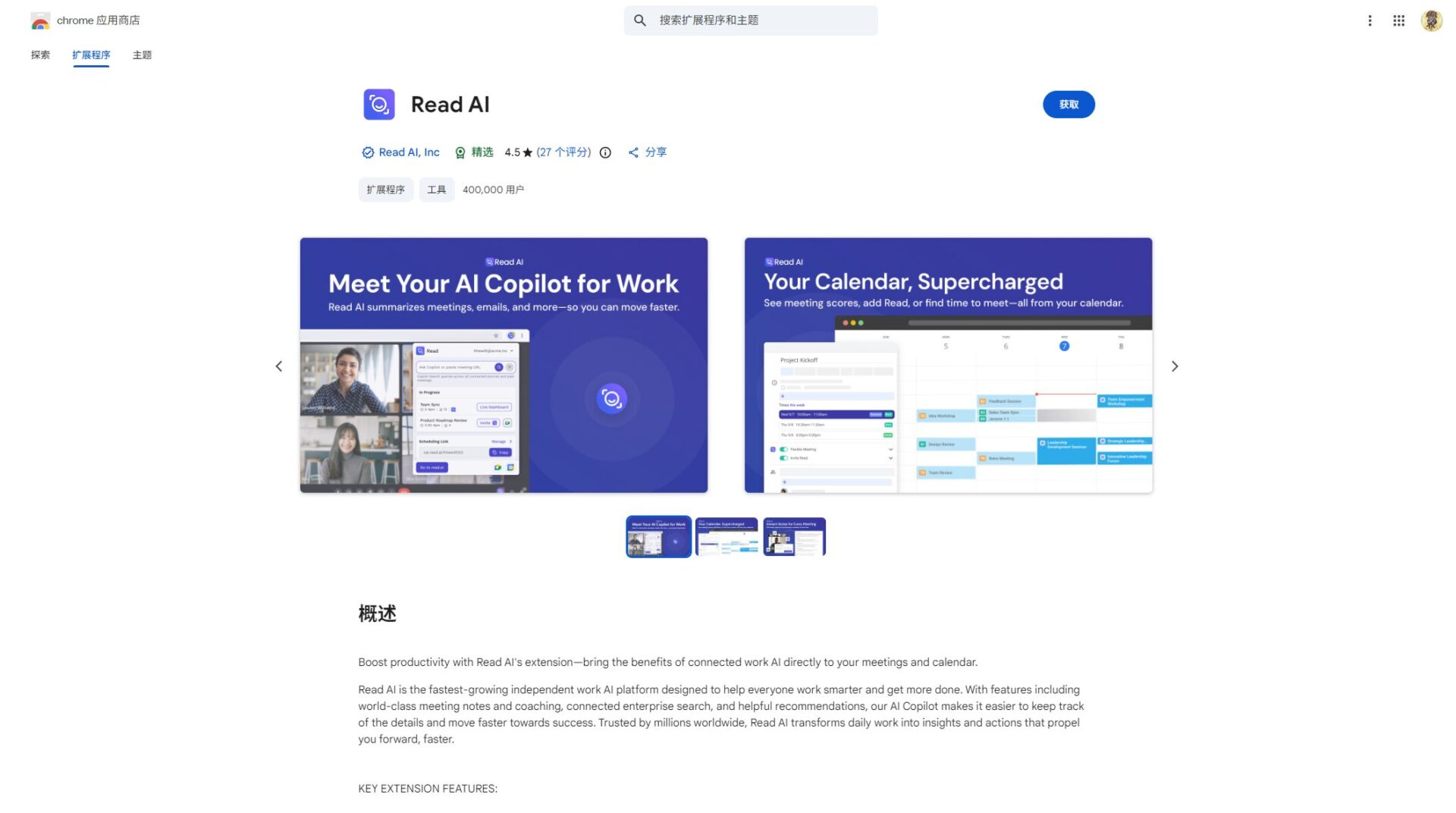
You can also manage meetings and schedules directly using Gmail and Chrome extensions.Chrome Marketplace Plugin Page
Read AI places great importance on data security and privacy.It uses cloud-based encrypted storage and does not sell user data. Enterprise+ supports HIPAA compliance, SSO, and customized data strategies to protect sensitive information.Privacy Policy
It now supports 20+ languages, including Chinese (Mandarin/Cantonese), English, Japanese, French, etc., and supports multicultural collaboration.
Read AI offers dedicated educational and non-profit programs.Students and teachers can enjoy discounted packages; please refer to the education pricing or contact sales for details.
Whether you are a business decision-maker, a team manager, or an educator,With its powerful meeting recording, action management, and enterprise-level search integration capabilities, Read AI is becoming a core foundation for smart office solutions.As various industries continue to pursue efficient communication and knowledge transparency, Read AI has become an important driver of enterprise intelligent transformation.
Visit the Read AI website for a free trial.Let artificial intelligence help make every meeting and collaboration more efficient!
This site's AI-powered navigation is provided by Miao.Read AIAll external links are sourced from the internet, and their accuracy and completeness are not guaranteed. Furthermore, AI Miao Navigation does not have actual control over the content of these external links. As of 4:29 PM on April 15, 2026, the content on this webpage was compliant and legal. If any content on the webpage becomes illegal in the future, please contact the website administrator directly for deletion. AI Miao Navigation assumes no responsibility.