

RunningHub
RunningHub is a leading AI workflow and image generation cloud platform in China, supporting ComfyUI online editing, rich AI models, and one-click application publishing, helping content creation and enterprise intelligent upgrades.
InVideo is an AI-based cloud-based video generation and editing platform that supports automatic script generation, voice-over, and multiple template selections, allowing even beginners to quickly create high-quality short videos.
 InVideo
InVideoIt is a powerfulAI Video Generation and Editing PlatformIt supports automatic script generation, AI voice-over, multiple templates, and a rich resource library, making it suitable for various scenarios such as content creators, enterprises, and education.No download required, just use it in the webpage, greatly improving the efficiency and convenience of video creation.InVideo offers both free and enterprise solutions to flexibly meet the needs of different users. It integrates with AI models such as Google Veo and OpenAI Sora, continuously expanding its innovative application capabilities. Whether you're a beginner or a professional team, you can easily create high-quality short video content with InVideo.
In the wave of AI-enabled content creation, video production tools are experiencing unprecedented innovation.InVideoAs a leading AI video generation and editing cloud platform, it has become a new favorite among many content creators, businesses, and the education sector.AI video toolsThis article will take the form of a news report to provide a detailed analysis of the InVideo platform's features, pricing plans, usage methods, target audience, and other aspects, helping users to fully understand this next-generation AI video creation tool.
InVideo(Official website:https://invideo.io/[Platform Name] is an AI-powered online video production platform. No download or installation is required; users can directly utilize AI to automatically generate scripts, voiceovers, subtitles, images, and video scenes on a web browser, significantly improving the speed and efficiency of video content production. With over 25 million global users in more than 190 countries, the platform has become a preferred tool for content creators in digital marketing, social media, and educational self-media.
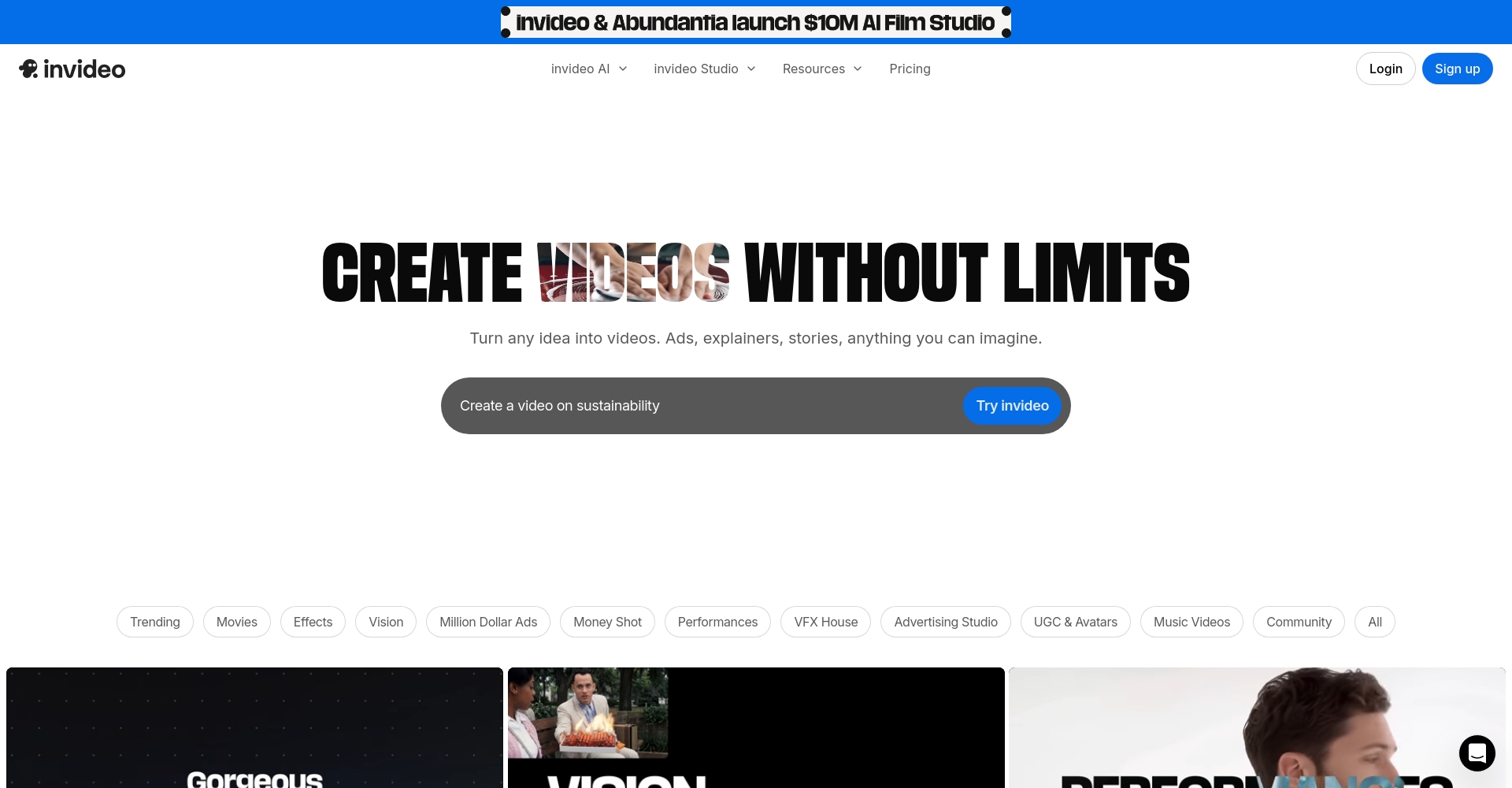
InVideoMore than just a video editor, it's a content creation platform integrating AI script generation, AI voice-over, and multimedia editing. Click here for more features:InVideo Function Page
| Functional categories | Detailed Explanation | Does it support AI? |
|---|---|---|
| Script generation | AI automatically generates scripts based on text. | ✔️ |
| Visuals and soundtrack matching | Automatically match suitable pictures and music | ✔️ |
| Dubbing generation | Choose from 50+ languages, gender-specific, and emotional themes. | ✔️ |
| Real-time multi-device collaboration | Teams can collaborate and edit online. | ✔️ |
| Template Selection | Thousands of theme templates | Partially AI-driven |
| Social Auto-Adaptation | One-click output of different social media ratios | ✔️ |


For more template and plugin information, please visit:InVideo Template Center
InVideo offers flexible pricing for users of different sizes, supporting both free and customized enterprise solutions:
| Scheme type | price | Weekly AI quota | Special restrictions |
|---|---|---|---|
| Free Plan | $0/month | 1 AI generation | 2 minutes per week, 4 exports, includes InVideo watermark, no advanced AI features. |
| Enterprise customization fee | Pricing based on demand | High amount | Personalized customization, secure encryption, watermark-free, API/large team support |
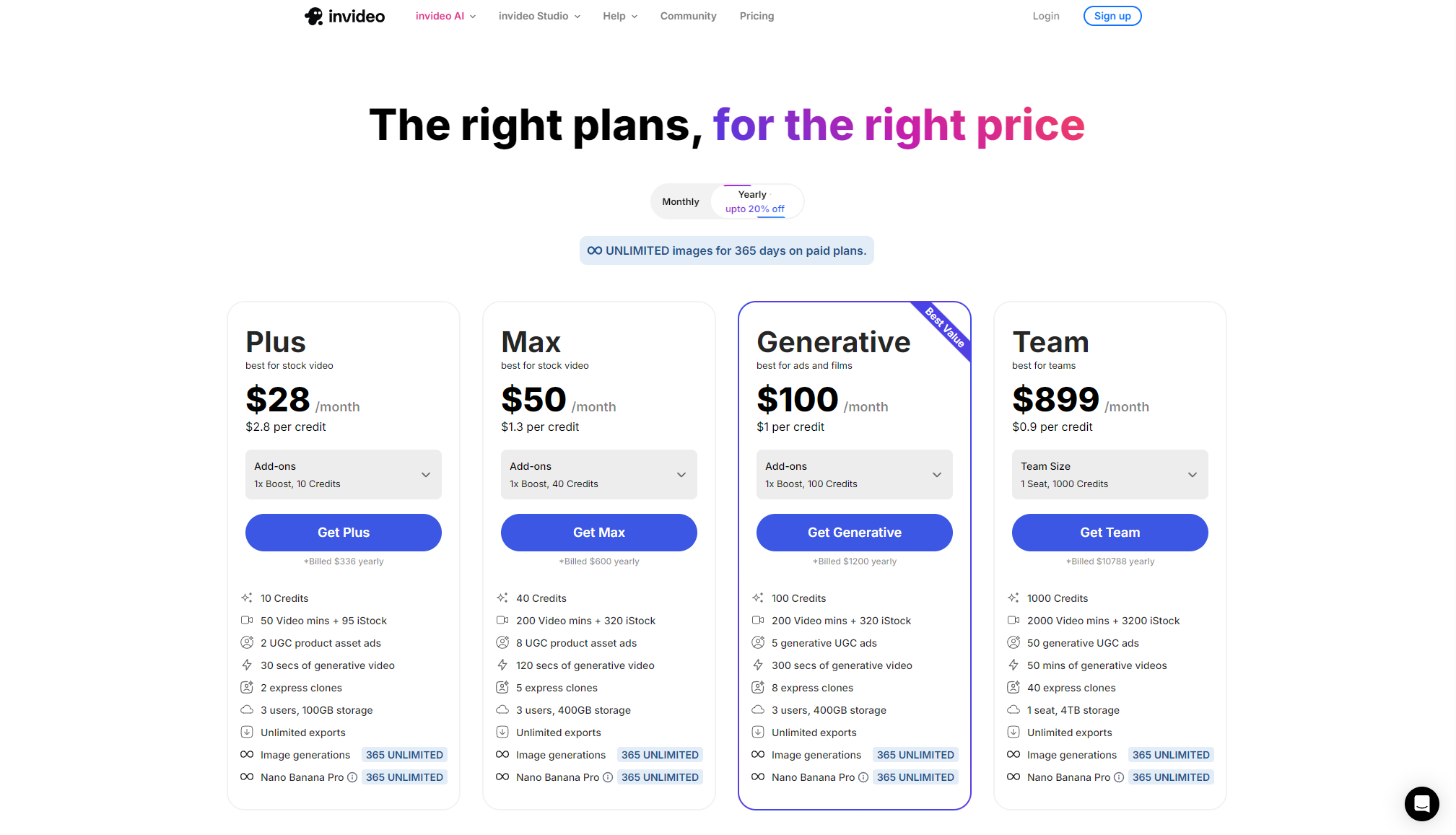
For the latest plan and detailed terms, please see:InVideo pricing page
Getting started with InVideo is extremely simple; no download is required, just click and use. Official beginner's guides and tutorials can be found here:InVideo Help Center

| step | describe |
|---|---|
| 1 | Register/Login |
| 2 | Select AI video generation |
| 3 | Editing/Customization |
| 4 | Export/Share |
The InVideo platform caters to a highly diverse range of users, including:
For different fields, APIs can also be combined with batch collaboration.Enterprise Customization Platform Entry。
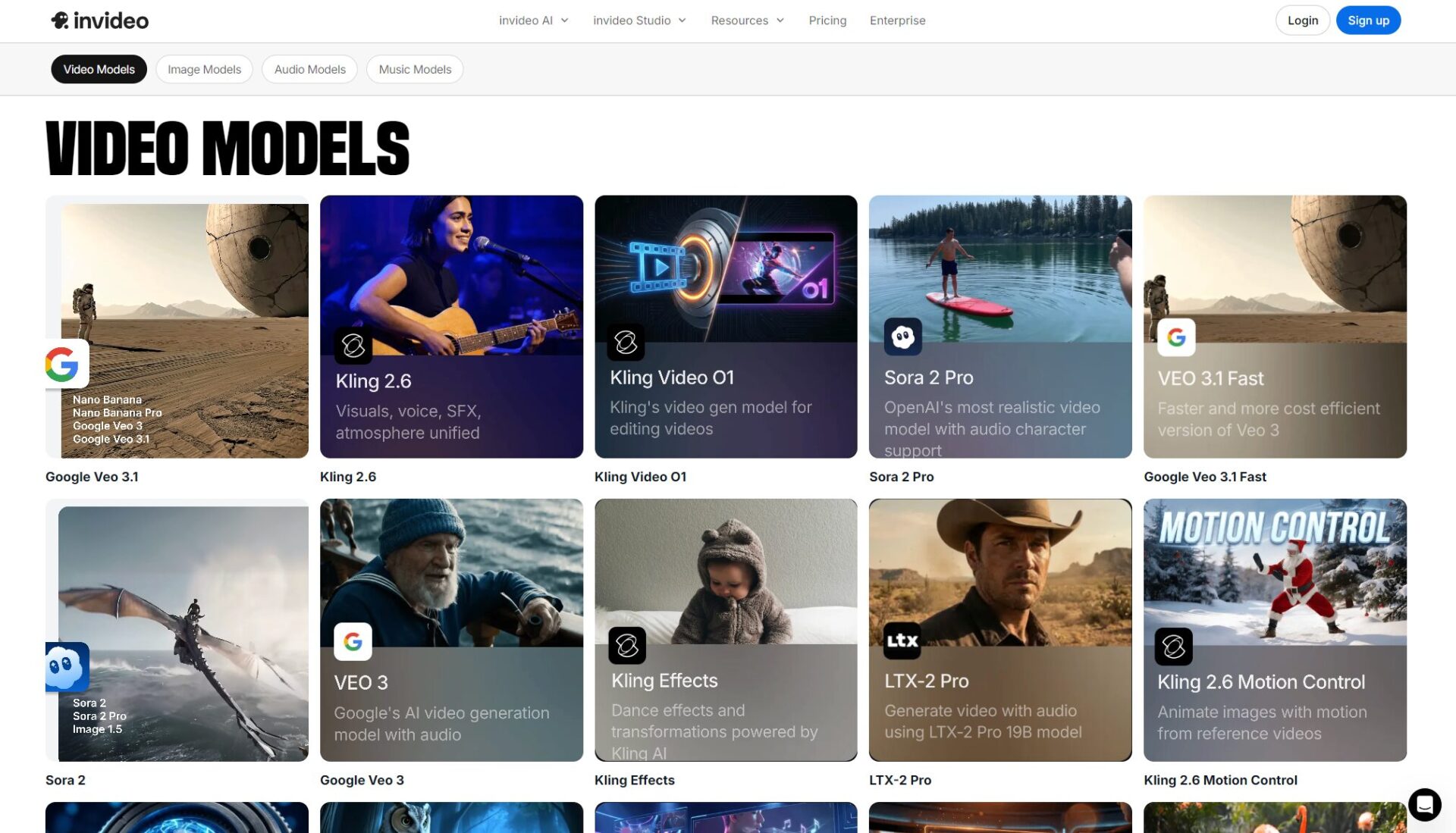
InVideo recently announced a partnership withGoogle Veo 3.1 modelDeeply integrated with mainstream AI image models such as OpenAI and Sora, it supports the "instant generation" of text prompts into short films, advertisements, and animations of various styles, greatly enriching application scenarios. See the latest AI model tools here:AI Model Entry Point
InVideo received a high score of 4.8 from product review websites such as Capterra and G2.User reviews focused on "fast AI generation speed", "rich and easy-to-use templates", "multi-language support" and "low learning cost".
Excerpt from user reviews:
answer:Videos exported by free users come with the official InVideo watermark. Upgrading to an enterprise/custom plan removes the watermark and allows for custom branding.See detailsWatermark Description。
answer:InVideo is a web-based tool for 100%, supporting mainstream browsers such as Chrome, Safari, and Edge, and requires no download or installation.Supports operation on multiple platforms including Windows, Mac, and mobile devices.Official websiteIt's ready to use.
answer:Simply enter the video theme and set the script style on the generation page, and the platform will automatically match the voice-over and multiple languages.Users can also use "Magic Editing" to adjust the speed, emotion, and character portrayal of the voiceover.Details of the voice-over function。
In today's world where video content is fully embracing AI technology,InVideo enables everyone to create stunning videos and bring their inspirations to life, becoming an indispensable productivity tool in the creative economy era.With the continuous improvement of AI video generation capabilities and the integration of new models, InVideo's disruptive innovations for the content industry deserve continued attention from users across all scenarios. [Experience InVideo's innovation now →]https://invideo.io/】
This site's AI-powered navigation is provided by Miao.InVideoAll external links originate from the internet, and their accuracy and completeness are not guaranteed. Furthermore, AI Miao Navigation does not have actual control over the content of these external links. As of 6:07 PM on February 27, 2026, the content on this webpage was compliant and legal. If any content on the webpage becomes illegal in the future, please contact the website administrator directly for deletion. AI Miao Navigation assumes no responsibility.
