Notion Tutorial: 7 Practical Beginner Tips Even Beginners Can Learn (2025 Latest Version)
In 2025,NotionIt has become the world's most popular All-in-OneDigital Notes and Project Management Tools。 This article is written from a professional news reporting perspective.This compilation of the latest Notion tutorials and 7 practical beginner tipsEven if you're a first-time user, you can get started in 30 minutes! It includes core elements of modern knowledge management such as page categorization, template application, block structure, database, and AI.
Notion Introduction and Product Highlights
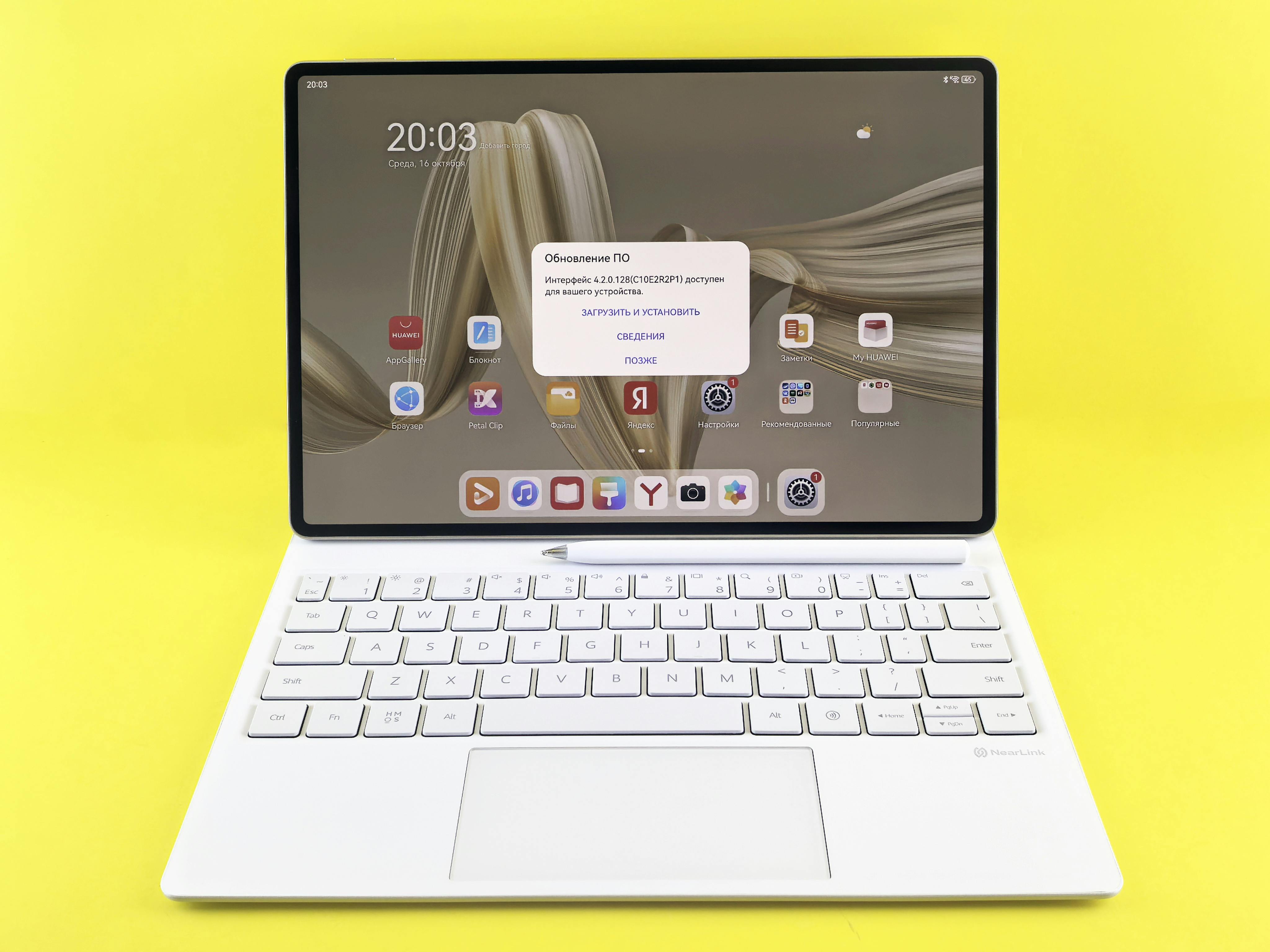
What is Notion? It's more than just a note-taking platform; it's your personal digital work platform.
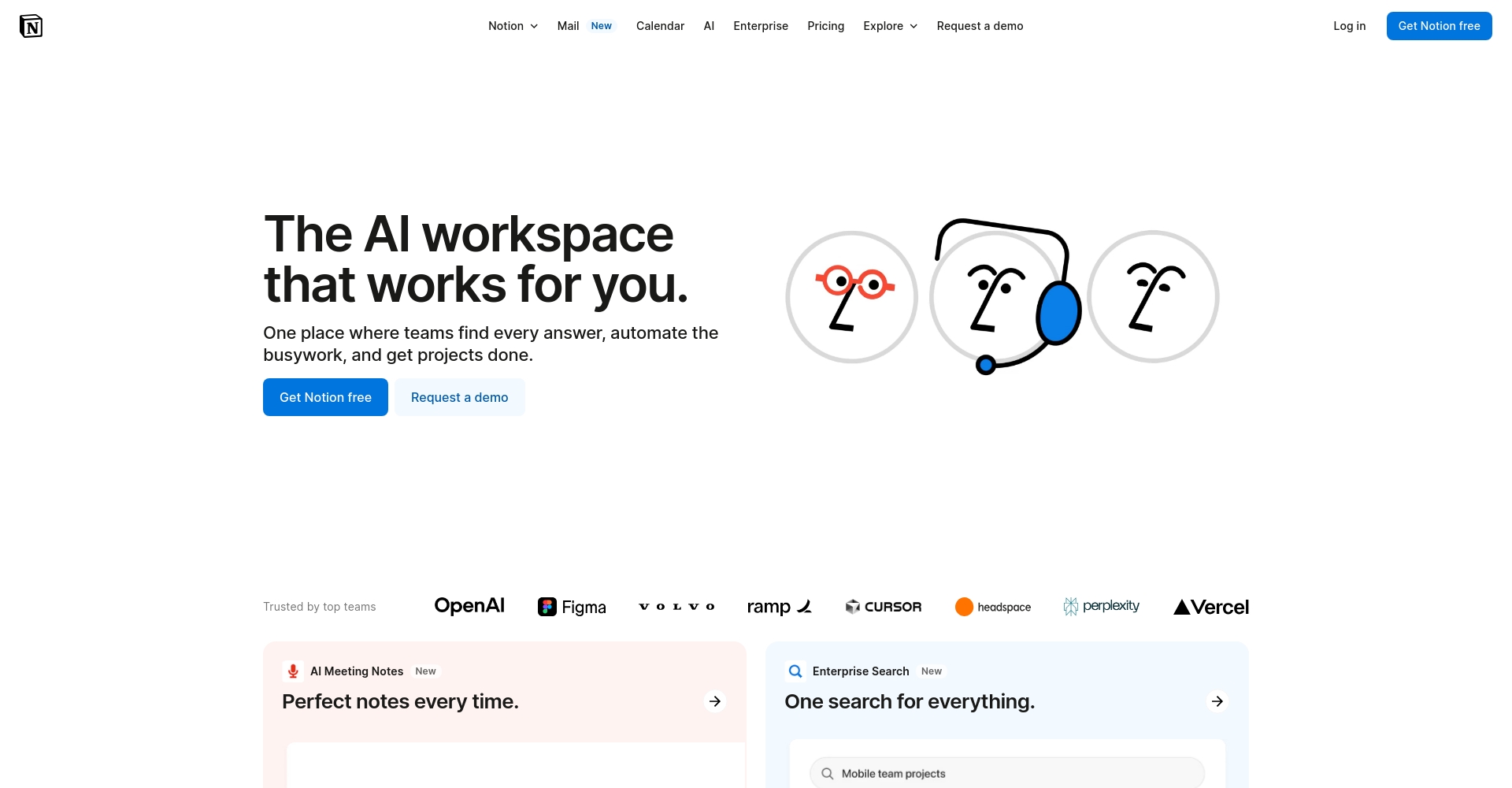
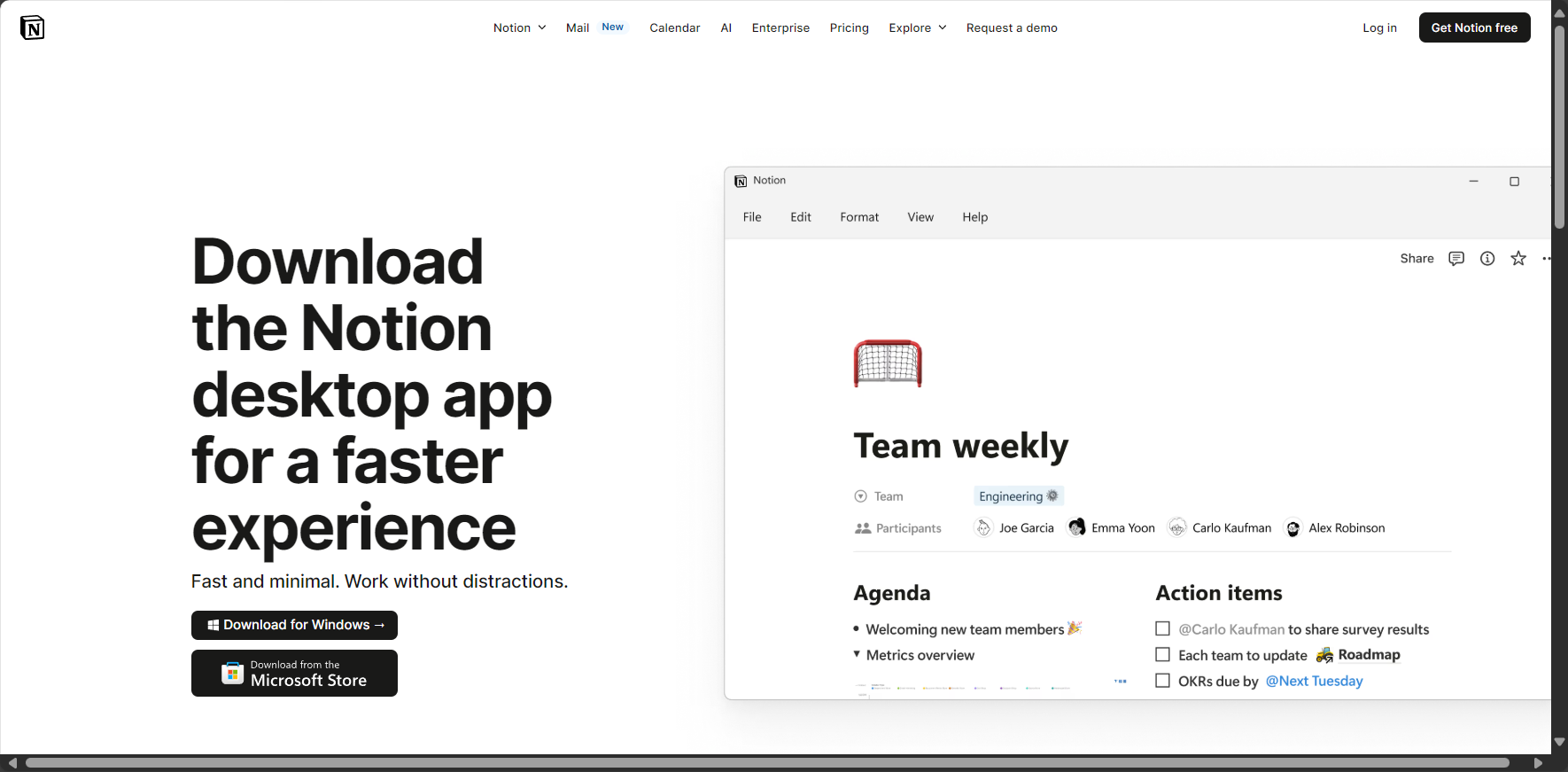
Notion was founded in 2016 and now has over 20 million users worldwide. In addition to multi-platform support (Windows, macOS, iOS, Android, Web), it integrates...Notes, knowledge databases, project management, calendars, personal goal planning, to-do lists, team collaborationFeatures such as...Block-based editing architectureIt allows content to move flexibly like building blocks, and can also insert multimedia, tables, custom databases, and even link with other tools (such as Google Calendar and Slack) via API.
| Notion Features Overview | Does it support? |
|---|---|
| Note-taking and Rich Text Editing | ✔ |
| Multidimensional tables/databases | ✔ |
| Project Kanban | ✔ |
| Long-term and short-term goal tracking | ✔ |
| Calendar/Gantt Chart | ✔ |
| Template Library | ✔ |
| Multi-platform cloud synchronization | ✔ |
| Notion AI | ✔ |
| Free/Paid Plan | ✔ |
| Traditional/Simplified Chinese interface | ✔ |

Notion is suitable for individuals and teams, with a full feature evolution planned for 2025.It has become an indispensable tool for digital work and life.Go to the official Notion website to download.)
Notion Tutorial | 7 Practical Beginner Tips
The following tips, combining official information and the experience of various experts, will help even beginners quickly find their starting point:
| Skill Number | Skills Theme | Key Improvement Items | Difficulty | importance |
|---|---|---|---|---|
| 1 | Create and categorize new pages | Categorize notes/tasks/projects | ★☆☆☆☆ | ★★★★★ |
| 2 | Template application | One-click application of structure doubles efficiency. | ★☆☆☆☆ | ★★★★☆ |
| 3 | Block utilization | Flexible page structure, customizable content | ★★☆☆☆ | ★★★★☆ |
| 4 | Multiple views (table/kanban/calendar) | Advanced summary, projects at a glance | ★★☆☆☆ | ★★★★☆ |
| 5 | Database Linking and Auto-Filtering | Information linking and synchronization tasks | ★★★☆☆ | ★★★★☆ |
| 6 | Flexible drag and drop and keyboard shortcuts | Editing efficiency skyrocketed | ★★☆☆☆ | ★★★★☆ |
| 7 | AI writing and plug-ins | Automatic generation, batch information collection | ★★★☆☆ | ★★★★★ |
1. Create and categorize new pages: Digital notes start with categorization.
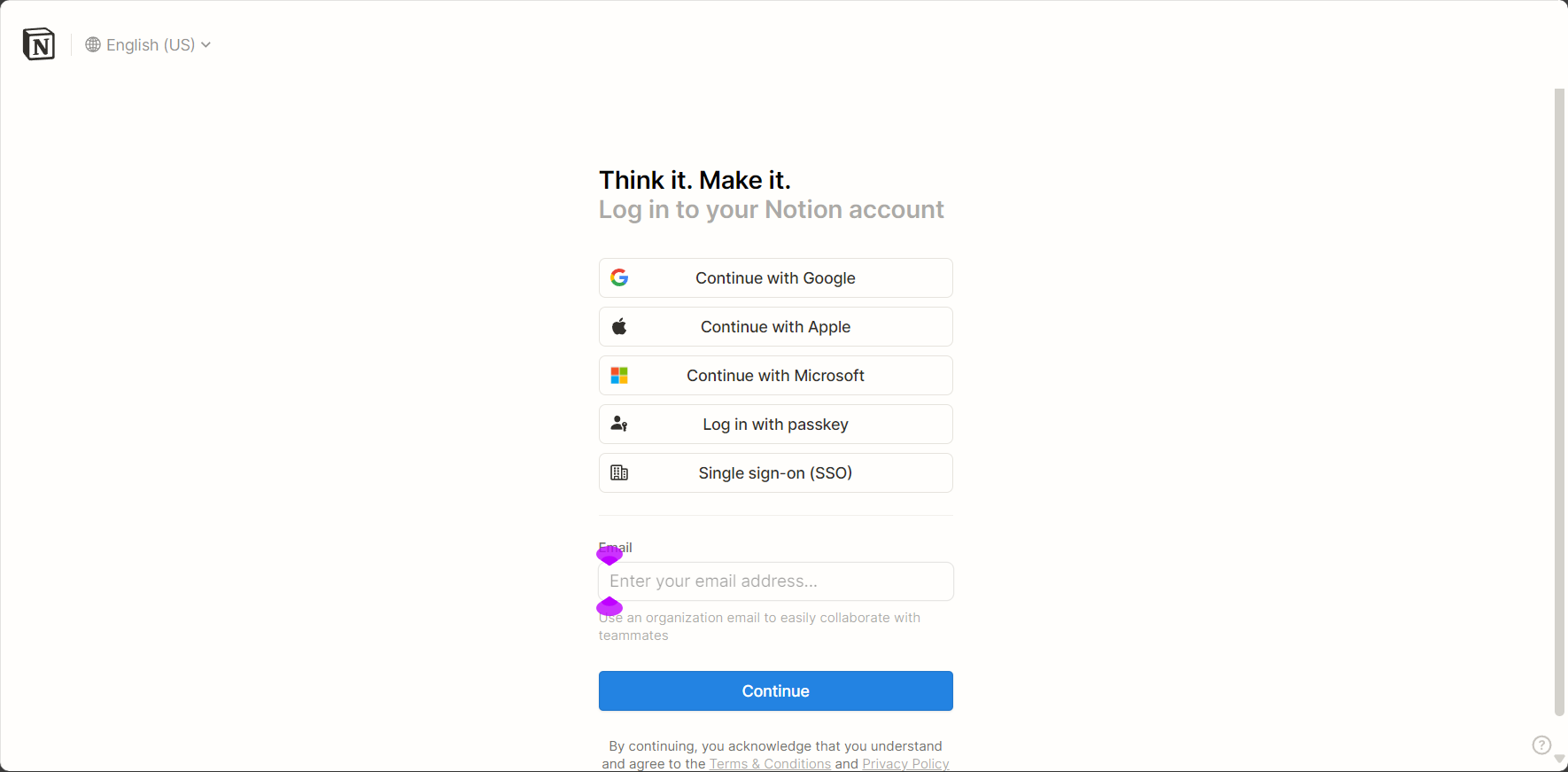
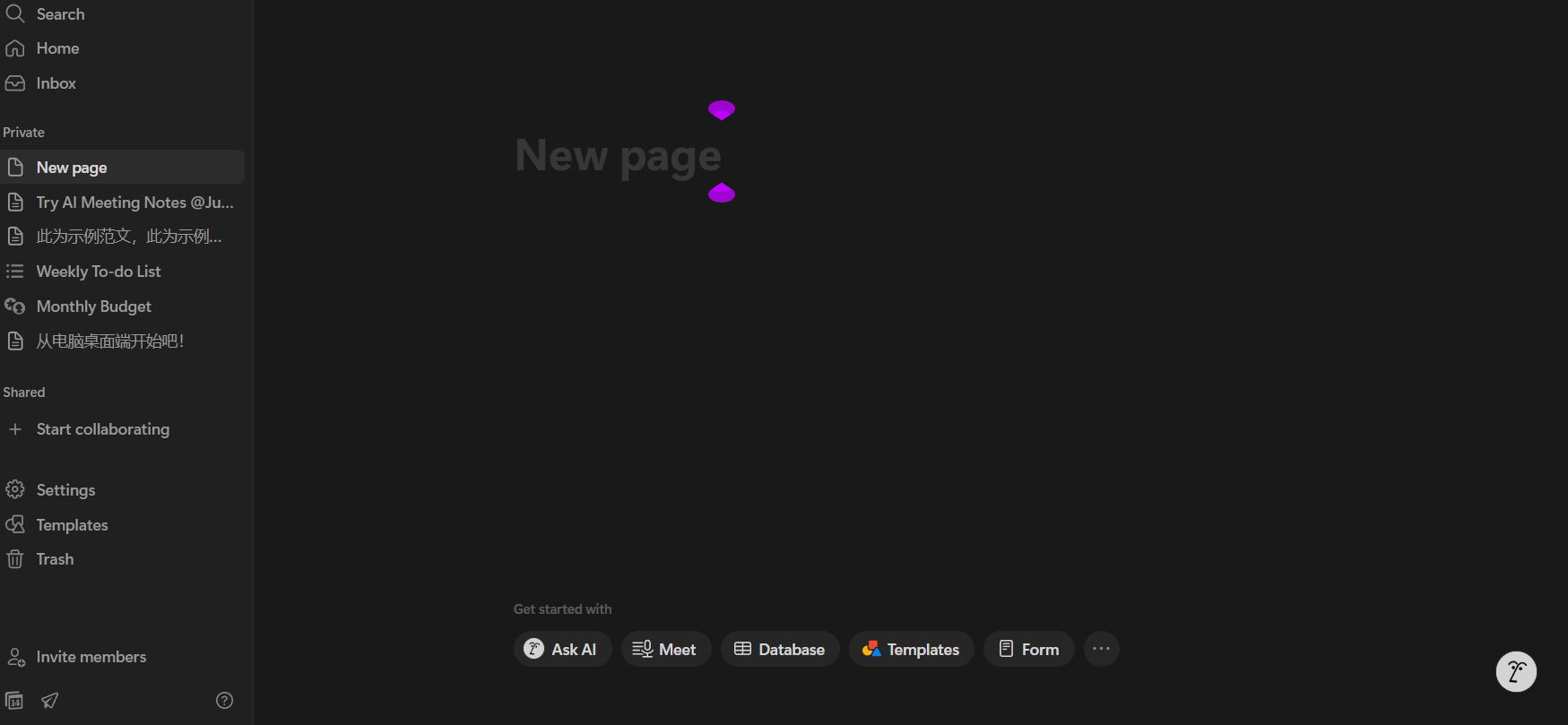
"+ Add a Page" is the starting point for managing everything in Notion.
Simply click the "+" in the sidebar to create an unlimited number of pages, managing everything from work plans and diaries to travel lists and project tasks independently. Drag and drop to adjust the hierarchy (e.g., reading notes > a specific book > chapter highlights).Significantly improves file structure clarity and retrieval efficiency。
| Page Name | Category hierarchy | use |
|---|---|---|
| 2025 Work Plan | Root (top layer) | Annual goals, project classification |
| Weekly task list | sub-layer | Weekly to-do list |
| Tourism Planning / Japan 2025 | root>child | Itinerary Management |
| Reading Notes / Habit Formation | root>child>child | Knowledge Organization |
2. Template Application: Apply official and community templates with one click.
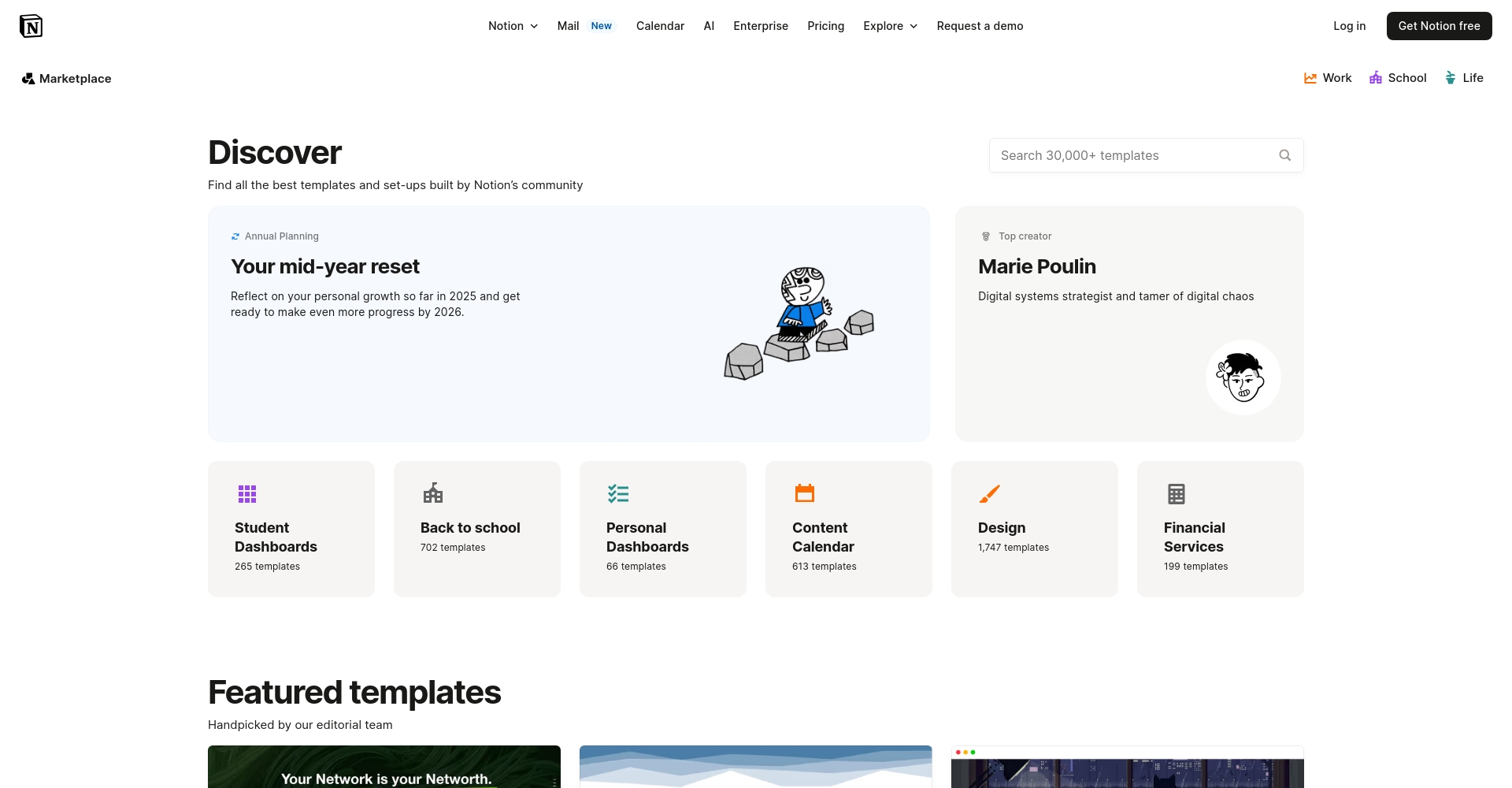
Notion templates are a powerful tool for beginners to build websites efficiently.
Click "Templates" on the left to select from thousands of official/community templates (meetings, briefings, project boards, habit tracking, etc.). All structures and styles can be migrated with one click, or you can customize and save them as your personal template, making repetitive tasks a breeze.
3. Block Utilization: Understanding the Core of Notion's Resilience Logic
Notion's most distinctive feature: everything is a "block".。
Every piece of text, title, image, list, table, and even URL is a block that can be dragged, copied, and dropped.
- / Calls can insert various blocks (such as Todo, Toggle, Quote, Image, Table, Callout, etc.).
- Drag the 6-dot icon to display multiple columns side-by-side and customize the page structure.
- Blocks can be copied independently, highlighted with color, and their contents can be collapsed.
- Beginners can start with the "/text", "/todo", and "/heading" commands.
| Block Name | Shortcut | Application scenarios |
|---|---|---|
| Heading 1-3 | #/##/### | Headings |
| To-do List | /todo | Task tracking and to-do list |
| Table | /table | Details/Database |
| Callout | /callout | Highlights/Reminders |
| Toggle List | /toggle | Foldable Notebook, FAQ |
| Image, Video | /image、/video | Multimedia Insertion |
4. Multiple views (tables/Kanban/calendar): Advanced data processing and project tracking
Notion databases support switching between multiple views.。
It offers five mainstream display formats: tables, dashboards, calendars, image galleries, and progress axes. Switching between "View" options is simple, and card-style dashboards and Gantt charts make projects transparent and intuitive.
| View Type | Applications | Features |
|---|---|---|
| Table | Task list/progress | Customizable fields, supporting filtering and sorting |
| KanbanBoard | Project Management/Process Dashboard | Drag and drop cards to group |
| Calendar | Itinerary, Activities | Reminders and Timeline |
| Gallery | Portfolio/Inspiration Collection | Card with image preview |
| Timeline | Schedule/Gantt Chart | Suitable for complex multi-projects |
For advanced usage, see Notion database usage。

5. Database Linking and Automatic Filtering: Building a Second Brain
One of Notion's strongest features: cross-page linking and automatic information aggregation.If to-do items can be displayed simultaneously on the overview page and the log page, simply create a "clone" using Linked Database and set filter criteria.Information synchronization eliminates the need for repeated data transfer.。
| Application Name | Operating steps |
|---|---|
| Establish a clone database | Inserting into the subpage "/linked database" |
| Automated traffic splitting | Set filtering criteria (e.g., only show projects you are responsible for/a specific project). |
| Progress Overview | Global scheduling in Gantt charts/lists and other views |
| Dashboard | Integrate weather/timer/task list, see Indexify plugin. |

6. Flexible drag-and-drop and keyboard shortcuts: 10 times faster editing efficiency
Notion supports a wide range of keyboard shortcuts and drag-and-drop operations.It is more responsive to editing than Word/Google Docs.
Ctrl+B for bold, Ctrl+I for italics, Ctrl+Shift+M for notes, Ctrl+Shift+L to switch to black and white theme; Esc/Shift+up/down to select multiple paragraphs, Ctrl+N for a new page.
Drag the 6-dot icon to arrange blocks side-by-side or adjust their order; the efficiency improvement is noticeable every second!
| Function | Keyboard shortcuts/commands | Replenish |
|---|---|---|
| New page | Ctrl+N | Desktop |
| Bold | Ctrl+B or ** | |
| italics | Ctrl+I or * | |
| New Block | Enter | |
| Titles 1-3 | #/##/### + space | |
| Search page | Ctrl+P | |
| One-click theme switching | Ctrl+Shift+L |
7. AI Writing and Plugins: Notion AI, Web Clipper, Indexify, etc.
The biggest highlight of 2024-2025: Launch of native Notion AI.。
Simple prompts can generate articles, structure outlines, weekly report summaries, and grammar corrections. A boon for researchers, writers, and content creators.See Notion AI for details)
Commonly used cheats also include:
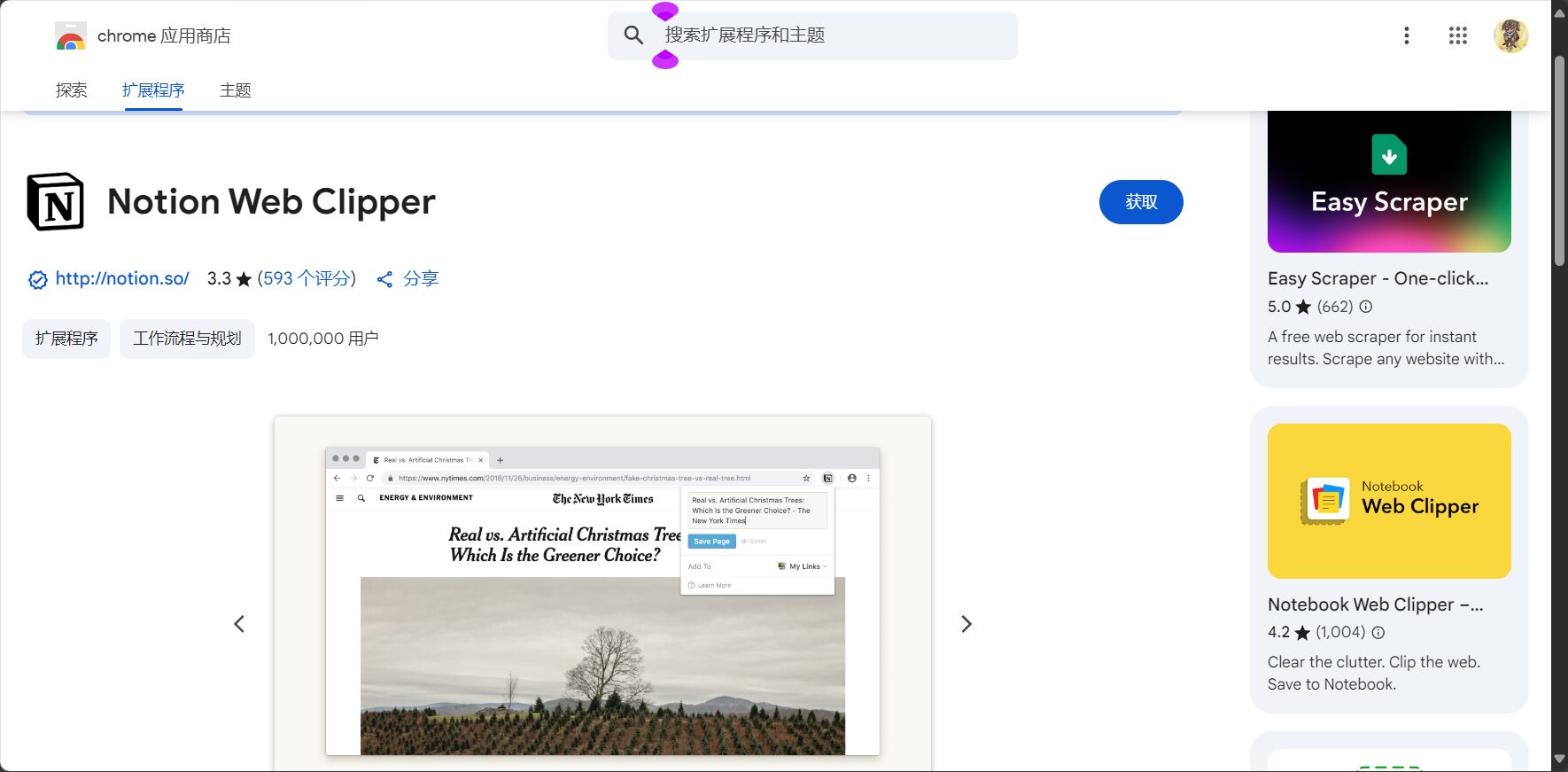
- Notion Web ClipperOne-click bookmarking of web pages (Chrome extension download)
- Save to NotionA collection of web pages with annotation and categorization functions.download)
- Indify widgetClocks, weather, and countdowns enhance the page's aesthetics.indify.co)
- Notion TimelineThe progress view provides a clear and intuitive display.learn more)
- Zapier for NotionAPI automation and AI/calendar integration (Automated entry)
| Plugin Name | Function | Applicable Scenarios/Links |
|---|---|---|
| Notion Web Clipper | Bookmark this page in Notion | Click to download |
| Save to Notion | Tag/Category Webpage Collection | download |
| Indify | Weather, clock, timekeeping charm | indify.co |
| Notion AI | AI writing/summary/translation | learn more |
Common Uses and Learning Resources of Notion
Notion Multi-Purpose Case Study
| Role | Practical Applications |
|---|---|
| student | Class notes, study plan, time management |
| office workers | Schedule, tasks, meeting minutes |
| Content creators | Inspiration gathering, knowledge base, content production |
| Project Manager | Multi-person collaboration, progress dashboard |
| Lifestyle expert | Travel plans, expenses, health/habit tracking |
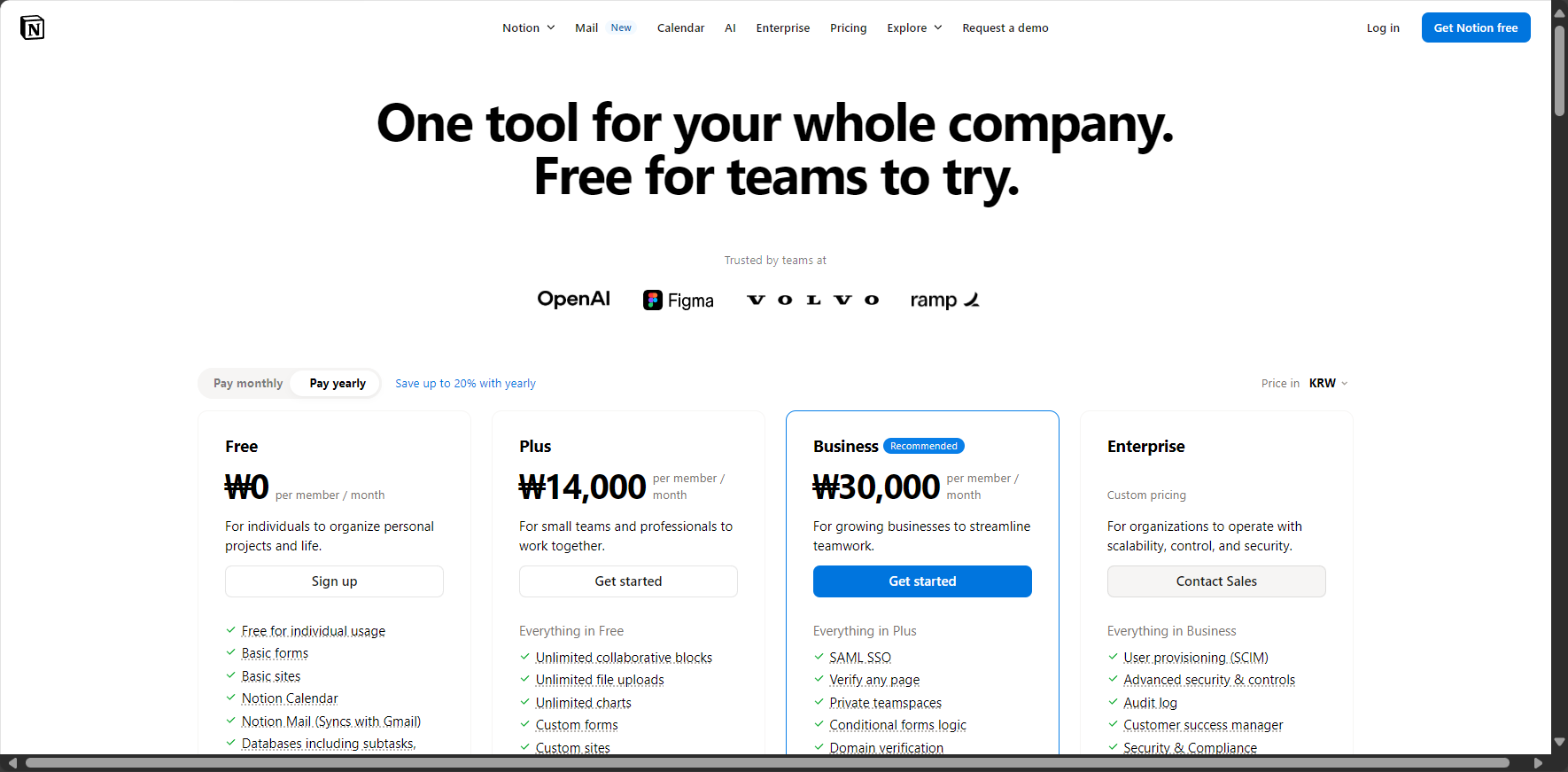
Notion (free + premium paid features)
For regular users and student education accounts, the free version is sufficient for daily use.(Solution ComparisonFor team/large-scale data collaboration, the Professional/Enterprise edition is available.
Advanced Reference/Learning Resources
- Notion Official Guide (Traditional/Simplified Chinese)
- Search on Bilibili/YouTube: Notion tutorials, Notion basics, Notion tips
- 10 Essential Notion Techniques
- Notion's Life Management Techniques
- Notion online course recommendations
By 2025, Notion will be more than just a digital note-taking app; it will be a knowledge management partner that integrates note-taking, tasks, and AI. Just master7 practical beginner tipsBoth individual efficiency and teamwork can be significantly improved.Register for free now and unlock your Notion digital life brain!(One-click registration for NotionFor more Notion tutorials and practical AI tool guides, please continue to follow this site!
© Copyright notes
The copyright of the article belongs to the author, please do not reprint without permission.
Related posts


No comments...
