
A comprehensive review of Pika AI video generation tool: How can beginners quickly create high-quality animations?
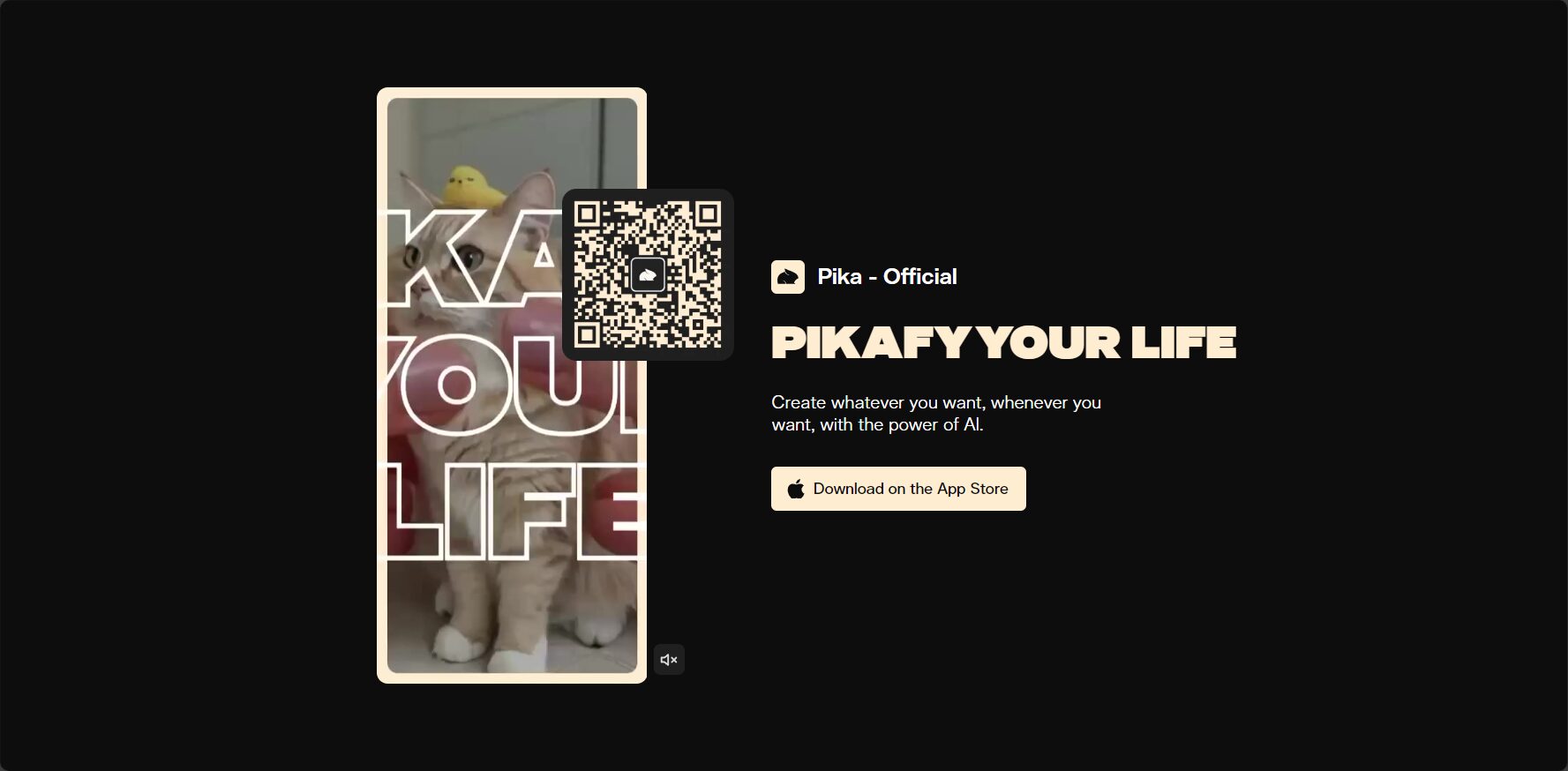
Pika Ai (Pika 1.5) will be released in 2024.AI animation fieldInnovation RepresentativeWith itsOne-click text/image animation generation, Pikaffects intelligent effects engine, and support for photographic-grade lenses.Even beginners can easily create high-quality content. This article systematically outlines the core functions and practical operation process of Pika AI, and provides precise and practical creation techniques and case studies for content creators, educators, and brand marketing scenarios, helping readers efficiently join the new trend of AI animation creation.

Introduction to Pika AI Video Generation Tool
Tools Product Overview
| Functional categories | Highlights | Target audience | Acquisition methods |
|---|---|---|---|
| Video generation efficiency | One-click animation generation from text/image | Beginners, professional editors, and businesses | Pika AI Official Website |
| AI effects | Pikaffects: compression, expansion, melting, etc. | Creators, advertising/education professionals | Official website registration |
| Ease of use | No coding required, complete the process in just a few steps. | All users | Web version and some mobile versions are supported. |
| Diversified output | Multi-format, high-resolution output of video/animation | Media and social content | Supports exporting MP4, GIF, etc. |
| Creative support | Camera lens action switching, rich style templates | Animators, marketers | Continuously update with new features and effects |
Product Positioning and Development Trends
Pika AI (Pika 1.5) is based on deep learning.AI animation and video generation cloud tools。
Regardless of whether users have basic drawing or design skills, they only need to...Enter a text description (Prompt) or upload an image.This allows for the rapid generation of dynamic video content. In 2024, Pika 1.5 achieved this.One-click generation, intelligent special effects PikaffectsWith breakthroughs such as photographic-grade lens effects, it has become an innovative benchmark for AI animation in multiple scenarios, including short videos, advertising, and education.
In-depth analysis of Pika AI's unique features
Pikaffects Smart Effects Engine
Innovative Pikaffects Special Effects System,


Making animation expressiveness and interactivity surpass traditional software:
- supportCompression, expansion, melting, explosionVisual effects expand the boundaries of animation expression
- Detailed scene interactions, such as "objects expanding or melting," require only a single command.
- Achieve previously difficult-to-implement special effects and creative ideas with simple text prompts, lowering the barrier to entry.
| Special effects category | Applicable Scenarios | Effect description |
|---|---|---|
| expansion | Cartoon and funny short videos | Enlarging objects makes them more eye-catching and interesting. |
| melt | Educational experiments, art | Gradual shape, suitable for science popularization and creative display |
| compression | Advertising and brand display | Compact and dynamic, highlighting the product/logo |
| explode | Plot climax, popular science | Impactful scene transitions, high-energy scenes |
Improved smoothness of character and animal movements
- More realistic postures and movementsUsing a large amount of real data, the natural running of animals and jumping of people are reproduced.
- Supports skateboarding, parkour, and flight actions, allowing AI-generated animations to break away from rigid, outdated impressions.

Photographic camera lens support
- AI-generated storytelling techniques, such as bullet time and rapid camera movements, enhance the tension of short films.
- Various movement techniques, such as freeze-frame and tracking, enhance the visual presentation.
Detailed Introductory Steps
Step 1: Quick Registration and Basic Settings
- EnterPika AI Official WebsiteRegister and log in to the generation center
- The "Generate Animation", "Edit Project", and "Template Management" modules can be switched for convenient creation.
Step 2: Material Input and Initial Generation
- Image uploadApplicable to existing roles and brand projects
- Text descriptionFor example, "Blue owl flying in the night sky" can be generated in one step.
Step 3: Intelligent Special Effects and Lens Polishing
- Click on the screen element to assign it a [feature/class].Pikaffects effects
- Choose a camera movement style, such as "bullet time" or "push-pull zoom".
- Real-time preview, adjust the intensity, duration, and order of special effects.
| Step number | Action content | Detailed settings |
|---|---|---|
| 1 | Select generation method | Image upload/text input |
| 2 | Set scene background | AI recognition/manual selection |
| 3 | Add special effects | Type, Time Point |
| 4 | Exercise adjustment | Fixed/Push-Pull/Surround |
| 5 | Preview Export | High-definition MP4 and GIF formats |

Step 4: Export and Social Distribution
- Custom resolution/frame rate export
- Share to Douyin, Kuaishou, Instagram, etc. with one click
- Open APIs facilitate business collaboration and automated distribution
Tips and practical techniques for beginners to create content efficiently
Text Prompt Writing Techniques
Clear and precise prompts = high-quality AI animation!
- Subject + Scene + Action + Style, such as "A little girl riding a bike in a futuristic city".“
- Add color and emotion: "A sunny, smiling boy"“
- Adding adverbs can make the visuals more dynamic.
Special effects mixed application method
- Layered stackingThe main character swells, the background melts, making the scene more interesting.
- Progressive special effectsUsing multiple special effects in a single event to create a climax.
- Scene InteractionThe camera zooms in while special effects transition, enhancing the smoothness of the transition.
Animation smoothness optimization
- Reasonably control the duration of special effectsTo avoid a cluttered screen
- Content is the primary focus, with special effects as a secondary element. Instructional videos should be concise, while entertainment short films can be exaggerated.
Typical application scenarios
Social content creation
Short video creators can easily create fun animations with Pika AI, such as "food transforming and expanding," in under 10 minutes.
Facilitate the viral spread of content.
Educational and popular science exhibition
The teacher used special effects such as "balloon explosion" and "liquid melting" to vividly recreate scientific topics, enhancing students' interest and experience.
Advertising creativity and brand marketing
A well-known beverage brand used a "compression-bounce" animation to highlight the chewy texture, gaining 100,000 likes at low cost and greatly enhancing its reach.
| Industry type | Application scenarios | Special effects and camera highlights | Results |
|---|---|---|---|
| Beverage advertisement | Product selling points storyline | Compression/elasticity + push-pull lens | Star product in the center position |
| New mobile phone products | Functional breakdown animation | Layered demonstration of explosive special effects | Enhance memory points |
| Educational institutions | Science Animation Teaching | Water droplet explosion, gas expansion, etc. | 知识点易懂 |
pika ai的未来及行业影响力
pika ai以创新算法、易用流程与高扩展性,已成短视频、教育、营销等领域AI动画生产力标杆。新手无需软件基础,仅凭灵感与简易描述,就能快速产出高质量动画内容。想体验下一代AIGC视频创作,立即访问pika ai官网,解锁AI赋能的无限可能。
在智能创作新浪潮下,掌握AI工具即掌握内容话语权,此刻正是加入pika ai创作革命的最佳时机!
© Copyright notes
The copyright of the article belongs to the author, please do not reprint without permission.
Related posts

No comments...
