What is TensorArt? A Complete Beginner's Guide to AI Image Generation
AI image generation toolChanging the art and design industry,andTensorArt, as an emerging AI drawing platform, stands out for its simple operation and rich templates.This article systematically introduces TensorArt's features, registration and usage, operation tips, and mainstream application scenarios, enabling even beginners to easily create beautiful images. It helps you quickly get started and begin your AI art creation journey.
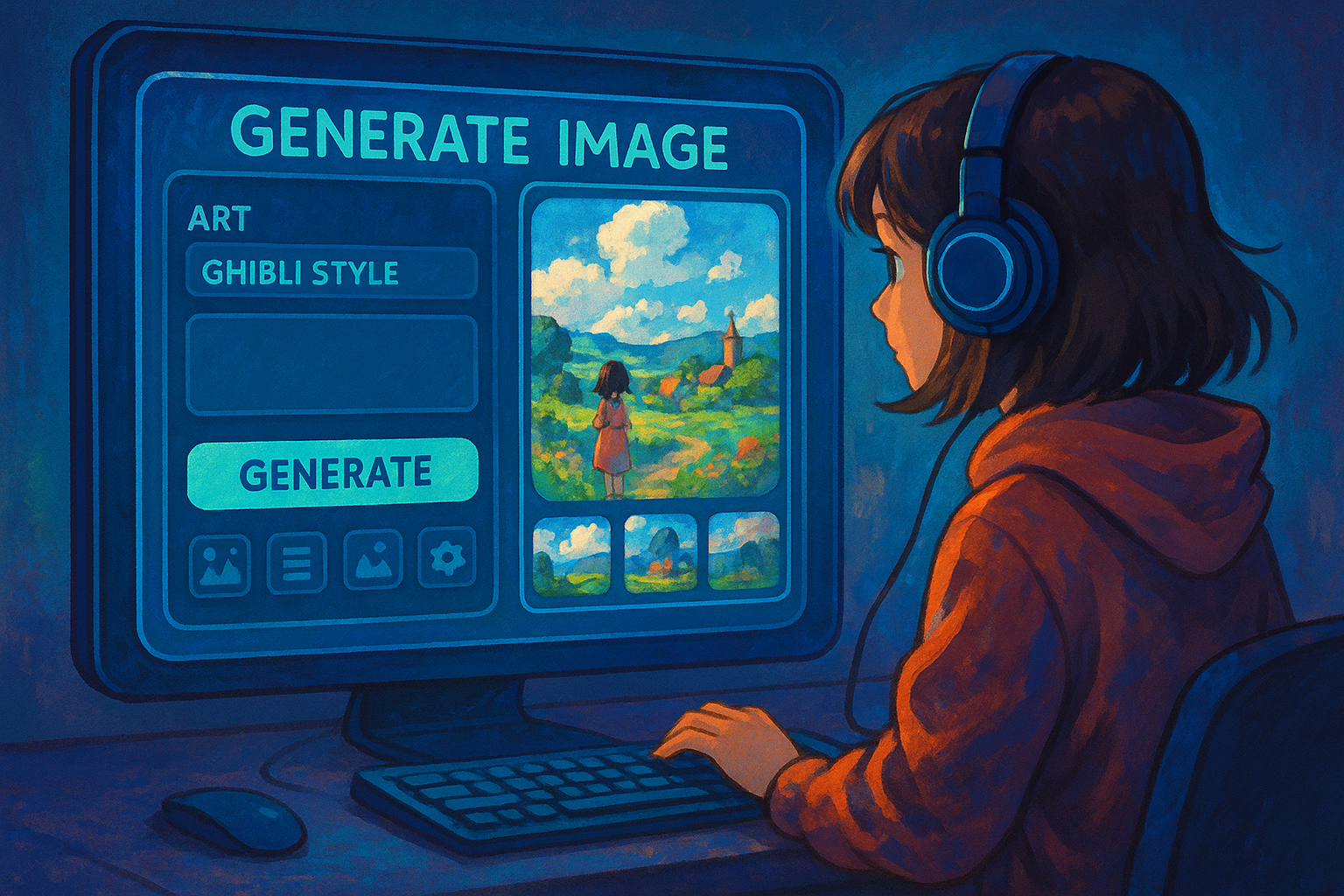
What is TensorArt? A New Trend in AI Image Generation
Introduction to the TensorArt Platform
tensorart(Full name: tensor.art, official website:https://tensor.art/(This is a deep learning-based artificial intelligence)Online image generation platformIt integrates mainstream AI art models such as Stable Diffusion and boasts a vast library of stylized models (including anime, realism, watercolor, illustration, etc.). Users only need to input a simple text prompt, and the platform will automatically generate high-definition, innovative images in the cloud.
Development Background and Positioning
TensorArt positions itself as offering "extremely simple operation and professional-grade graph output".“— Even beginners can generate high-quality images in minutes using the intuitive interface and community templates, without any technical background; experienced users can use custom parameters and advanced settings to meet more complex needs.
Key Features Overview
| feature | illustrate |
|---|---|
| Intuitive user interface | User-friendly, suitable for beginners. |
| Multi-model support | Supports Stable Diffusion, DreamBooth, etc. |
| Rich in style | Anime, realistic, watercolor, HDR and other diverse styles |
| Community resource sharing | Model parameters can be shared, and styles can be converted with one click. |
| Cloud computing power | No high-spec computer required, generate images remotely |
| Free trial | Register to receive trial points; pay to unlock more. |
| Cross-platform access | Use directly from the webpage; supports multiple devices. |

TensorArt Registration and Operation Introduction
Quick account registration
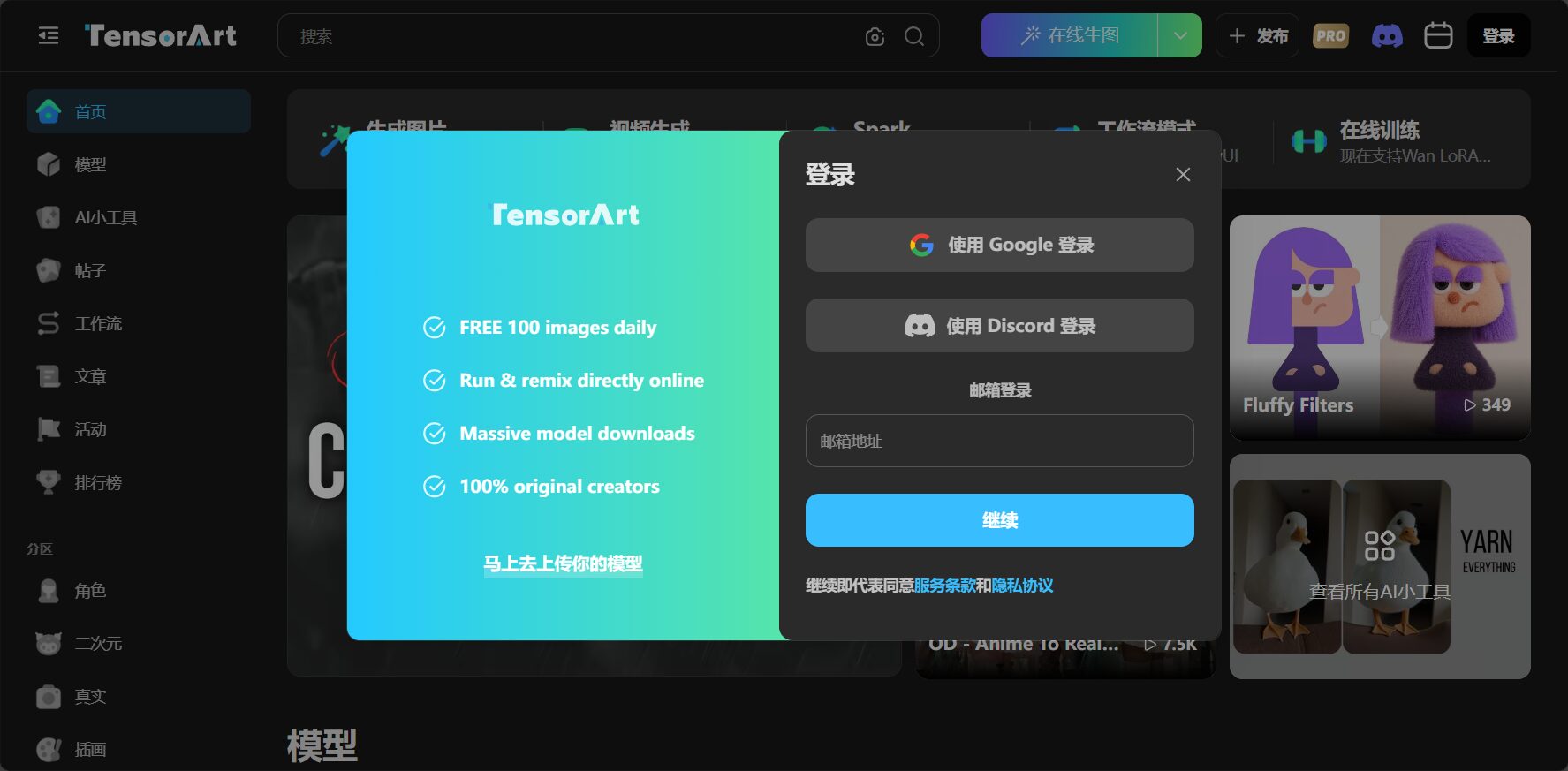
EnterOfficial websiteClick "Sign Up" in the upper right corner, and you can choose to register with your email, Google, or a third-party login. The operation is extremely convenient.
Kind tips:Newly registered users often receive free points, which allow them to directly experience the image generation function.
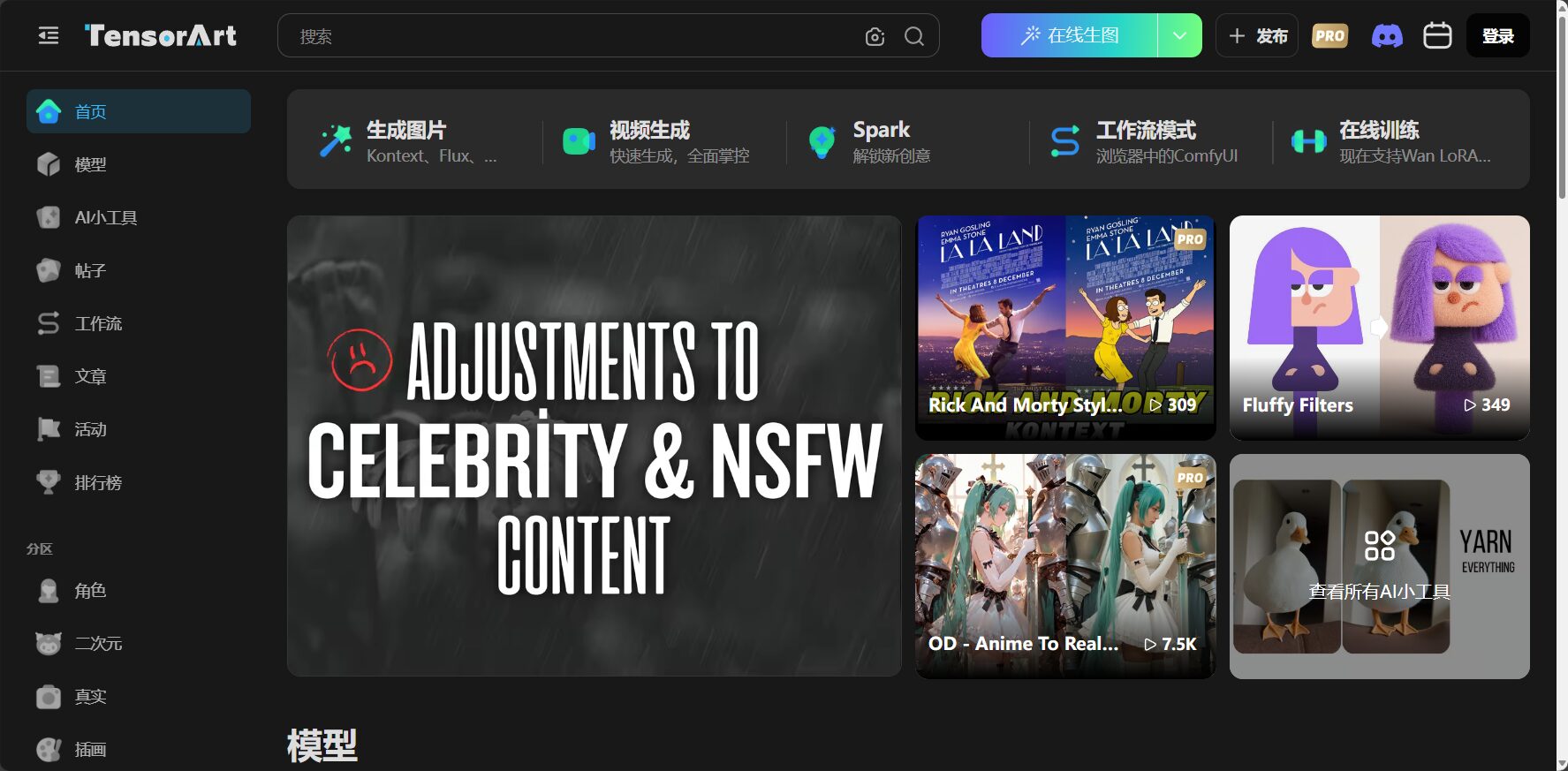
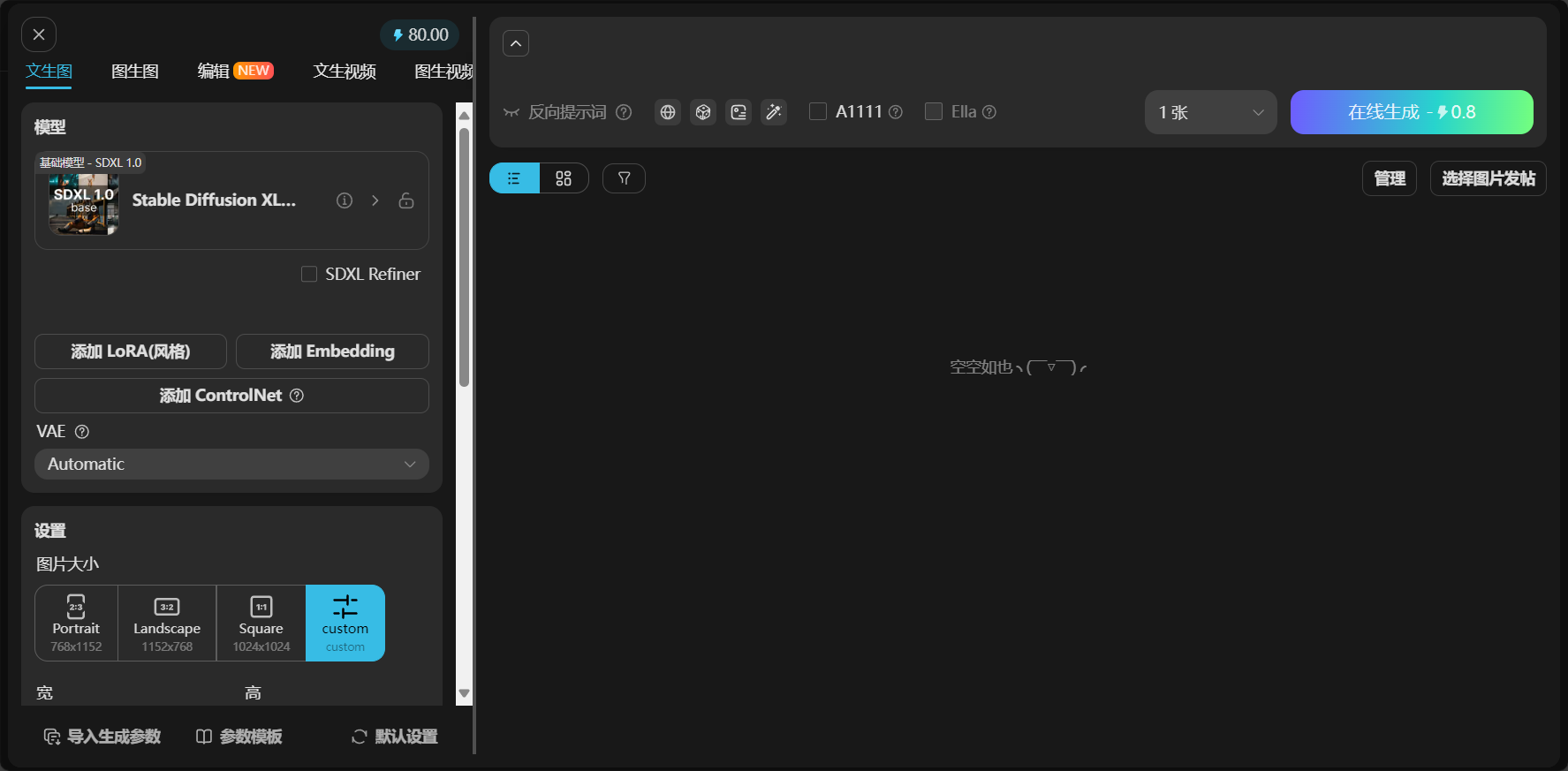
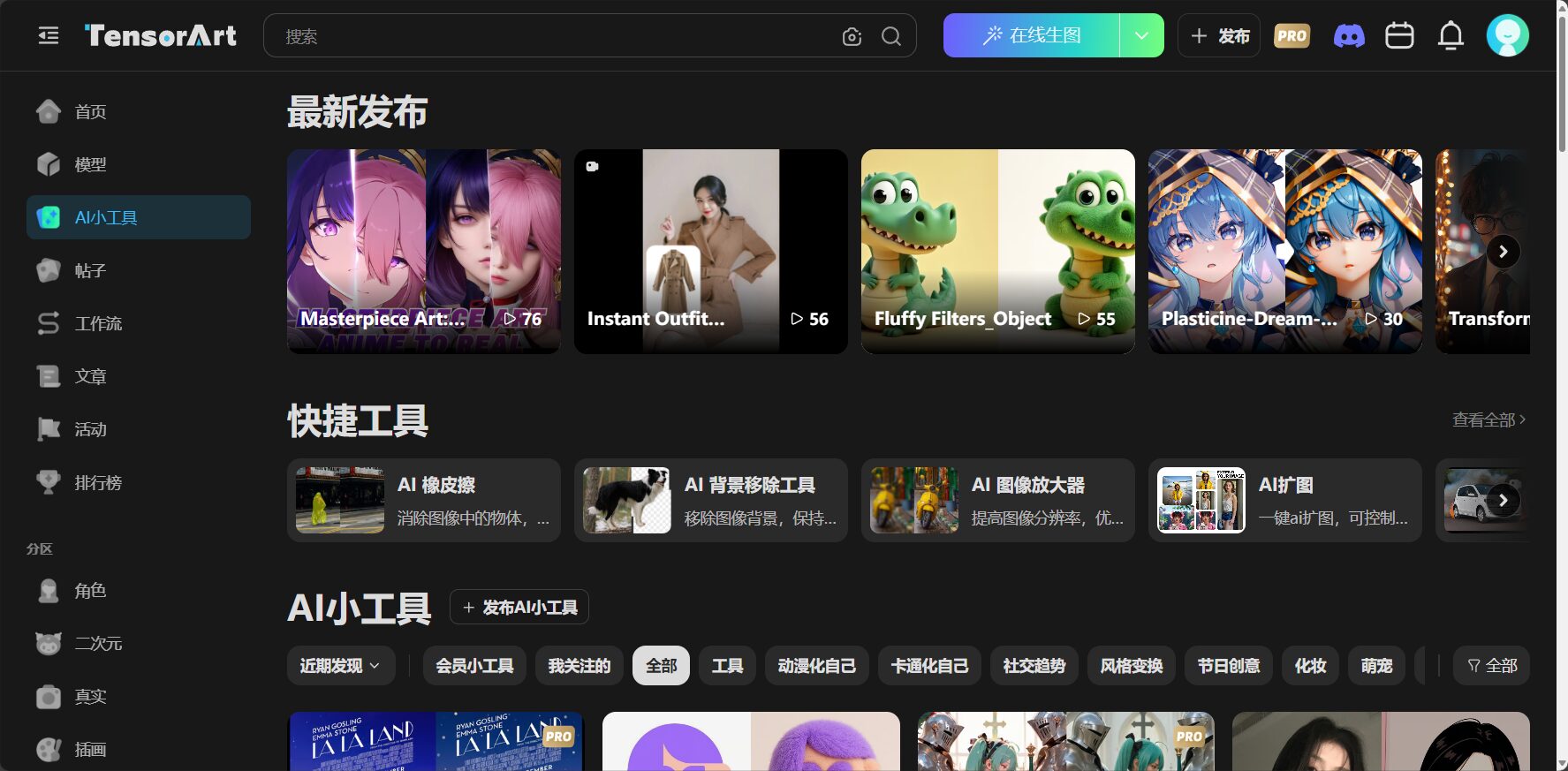
Platform homepage and main function areas
- Model selectionBrowse multiple generative models (SD, SDXL, etc.)
- Prompt input box: Enter the text description of the image to be generated
- Size/Detail SettingsFlexibly adjust resolution and image quality
- Lora/Style ModuleOne-click style mounting
- Generate buttonClick to start automatically generating images.
- Artwork display areaPreview personal works and community gallery
Steps to generate an AI image
- Select/download the model you want to use (such as realistic, 2D, etc.).
- Write a description of the image in the Prompt field (using adjectives and stylistic terms).
- Adjust image size, number of steps, and other detailed options.
- Add as neededLora-style modules
- After confirming the parameters, click "Generate" and wait for the finished product.
- Download or share if you are satisfied.
Advanced functions and operating techniques
Lora/Style Pack Application Tips
The platform has a large number of built-in functions.Style ModuleYou can quickly access the model by searching for keywords such as "cyberpunk" or "oil painting" in the model section.
| Style Name | feature | Usage examples |
|---|---|---|
| Anime Girl | Japanese anime girl style | Illustration/Virtual Avatar |
| Oil Paint | Oil painting texture | Art Postcards |
| 3D Model | 3D modeling feel | Game character design |
hint:Lora weights can be adjusted automatically; the higher the value, the greater the impact.
Prompt Design Core Recommendations
- Detailed descriptions should be specific.Such as skin color, movements, background, etc.
- Positive/negative Prompt pairingNegative Prompt can remove noise (blur, distortion, etc.).
- Make good use of community templatesSimply copy excellent prompts for efficient learning.
Community interaction and parameter sharing
Community Artwork WallYou can copy other people's parameters with one click to generate the same image, making it convenient for learning and communication.
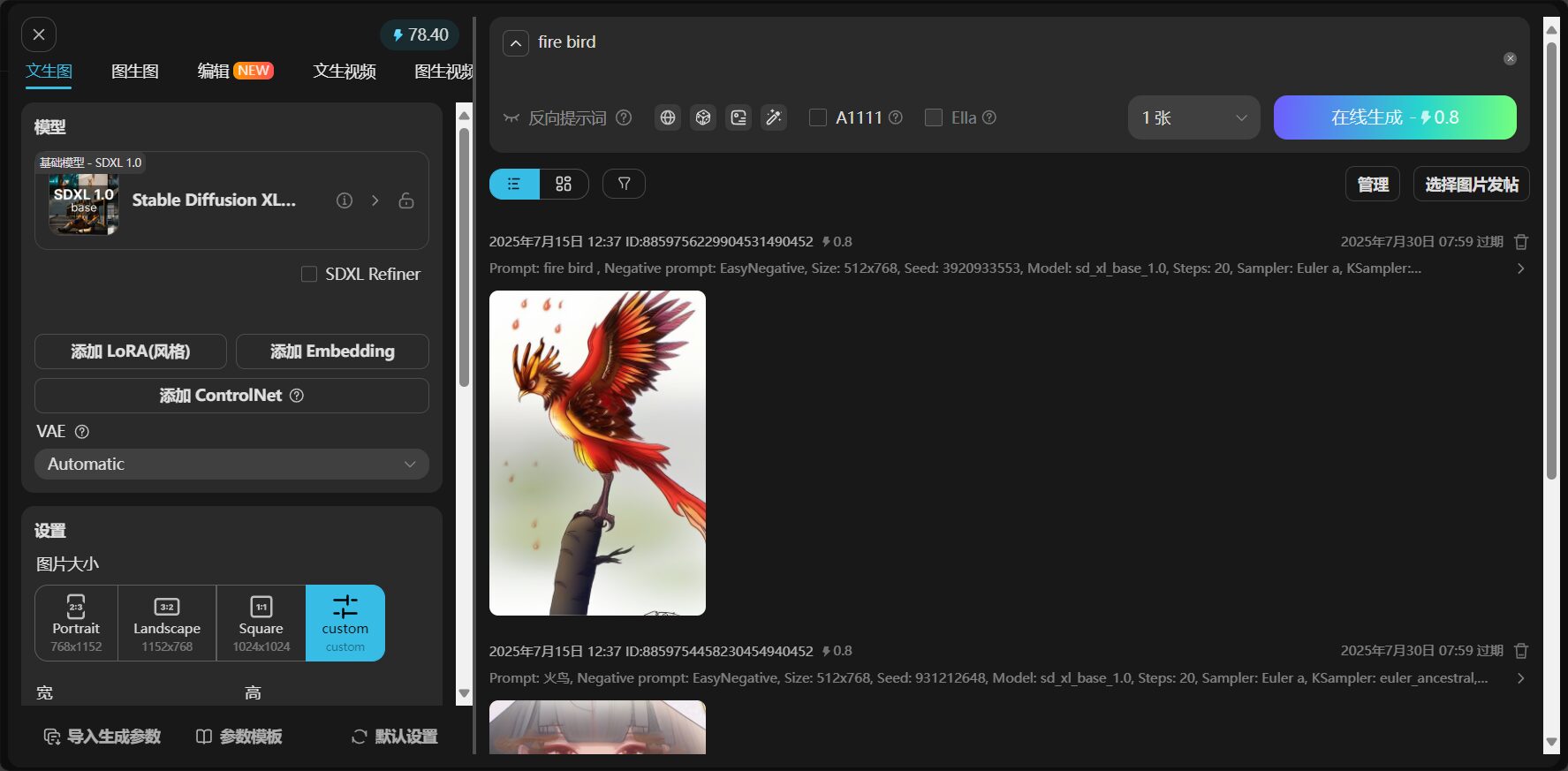
Image Enlargement/Editing and Download
Platform IntegrationSuper-resolution upscaling, localized image retouching (inpainting/outpainting)Features such as these meet the needs of high-precision image retouching and commercial applications.
TensorArt Frequently Asked Questions Section
| question | answer |
|---|---|
| Are there any copyright/license issues related to image generation? | Use in accordance with the platform agreement. For commercial use, please refer to the official authorization instructions. |
| What if the generated results are not satisfactory? | Optimize the prompt, adjust LoRa weights, or enrich the detailed description. |
| Do I need to pay? | Basic features are free; advanced features require points or a Pro subscription. |
| Does it support Chinese prompts? | Supported, but a mix of Chinese and English works best. |
| Export format? | PNG, JPG and other mainstream formats |
| Do I need to download an app? | Pure web-based interface, no local application installation required. |
TensorArt Application Scenarios and Creative Examples
Recommended creative themes for beginners
- Virtual Avatar: Vtuber, social media profile picture (anime/realistic/fantasy style)
- Background SceneAnime world, sci-fi city, watercolor city, etc.
- Product illustrationE-commerce main image, logo, key visuals
- Game prototype imagesCharacter equipment, UI/monster design
Real experience sharing
| user | Creative content | User experience |
|---|---|---|
| Allen (Designer) | Commercial advertising illustrations | “"Easily find the right prompt and significantly shorten the design cycle."” |
| Zoe (Beginner) | Vtuber profile picture | “"Copy community templates to generate over 10 styles per day"” |
| Xiao Li (student) | Retro cyberpunk style scene | “"Lora offers a rich set of modules, allowing for one-click generation of cinematic-style content."” |
TensorArt pricing plans and feature limitations
Free Account Function List
| Function | Free users | Paid users |
|---|---|---|
| Daily generation count | 10-20 photos | Unrestricted/Significantly Increased |
| Optional model quantity | part | Unlock all |
| Download high-resolution original image | Limited/Watermarked | No watermark, all original images |
| Image enlargement | limited | Unlimited/Higher Specifications |
| Lora-style bag usage | part | Fully open |
| Community Interaction | support | support |
For the latest details, please seeOfficial pricing information
TensorArt Beginner's Guide Summary
TensorArt is known for its ease of use, rich templates, and high efficiency, making it one of the preferred platforms for AI image creation.With its model library, style loading, and community interaction, both beginners and professionals can discover the fun and value of AI art.
Starting today, visitshttps://tensor.art/Register for free to experience it and join the new era of AI art!
© Copyright notes
The copyright of the article belongs to the author, please do not reprint without permission.
Related posts



No comments...
