Recommended free audio-to-text tools: 6 easy-to-use transcription tools (latest 2025 version)
Free audio-to-text conversionDemand continues to grow, especially in applications such as meeting minutes, academic interviews, and memos. This article features selected...Six new free audio-to-text tools for 2025This app covers popular and useful platforms such as Google Voice Input, Whisper Web, and oTranscribe, helping you easily handle various recording and transcription tasks. The article provides a detailed comparison of each tool's features, advantages, disadvantages, and target audience to help you choose the most suitable digital assistant!
A list of 6 latest free audio-to-text tools for 2025
| Tool Name | Supported languages | Supported formats | Registration required? | Free restrictions | Features & Links |
|---|---|---|---|---|---|
| Google Voice Input | Multilingual | Web/Mobile Microphone | 否 | 無 | No installation required, extremely high accuracy.link |
| Whisper Web | Multilingual | mp3/wav etc. | 否 | 無 | Open source AI, privacy and securitylink |
| oTranscribe | Multilingual | mp3/wav | 否 | 無 | Supports manual assistance and one-click export.link |
| Bear File Converter | English/partially multilingual | mp3/wav etc. | 否 | Single file within 3MB | Completely online, free and watermark-free.link |
| Speechnotes | Multilingual | Webpages and recordings | 否 | 無 | Direct recording and instant conversionlink |
| Microsoft Word Online Voice Conversion | Multilingual | microphone | 是 | Some features are free. | Built-in cloud office integration,link |
Why are more and more people needing free audio-to-text tools?
In the digital age, information is exploding, and users generate a large amount of voice and recording content in their lives and work.Whether it's meeting minutes, online courses, interviews, memos, or press releases, voice-to-text tools bring revolutionary convenience to life and work.Automated AI & Cloud Service TranscriptionIt can significantly improve efficiency, facilitate searching and editing, and save a huge amount of manpower from manual input.
In-depth analysis of 6 free audio-to-text tools
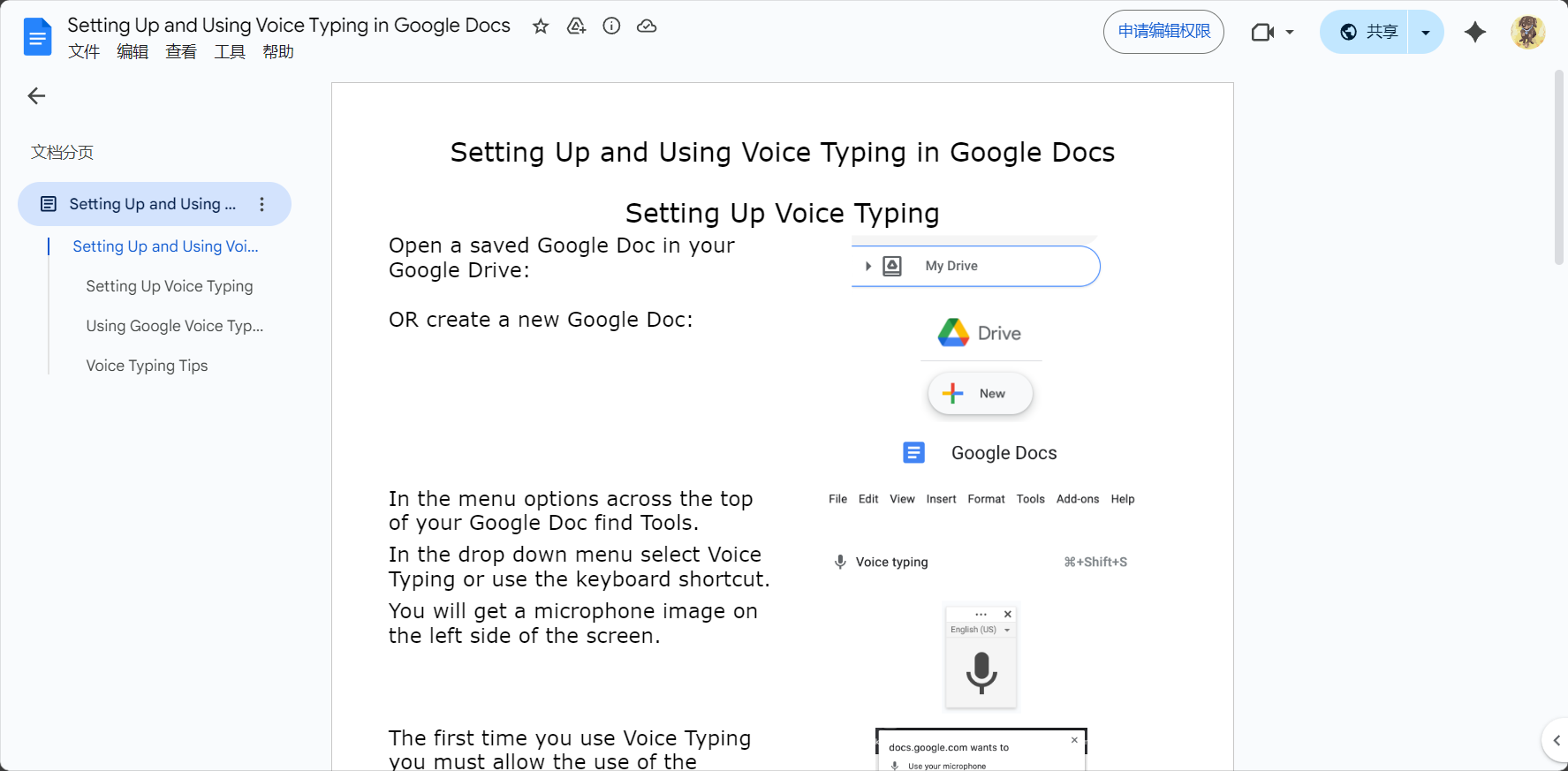

Google Voice Typing
Google Voice InputIt is the preferred choice for many users. Simply open Google Docs in the Chrome browser and go to Tools > Voice Input to easily convert speech to text in real time.
- No installation or account required, all free.
- Supports multiple languages, including Chinese, English, and Japanese.
- Automatically recognizes punctuation marks
- It's especially convenient for real-time captioning and online office work.
Suggested scenariosMeetings, study notes, project discussions.
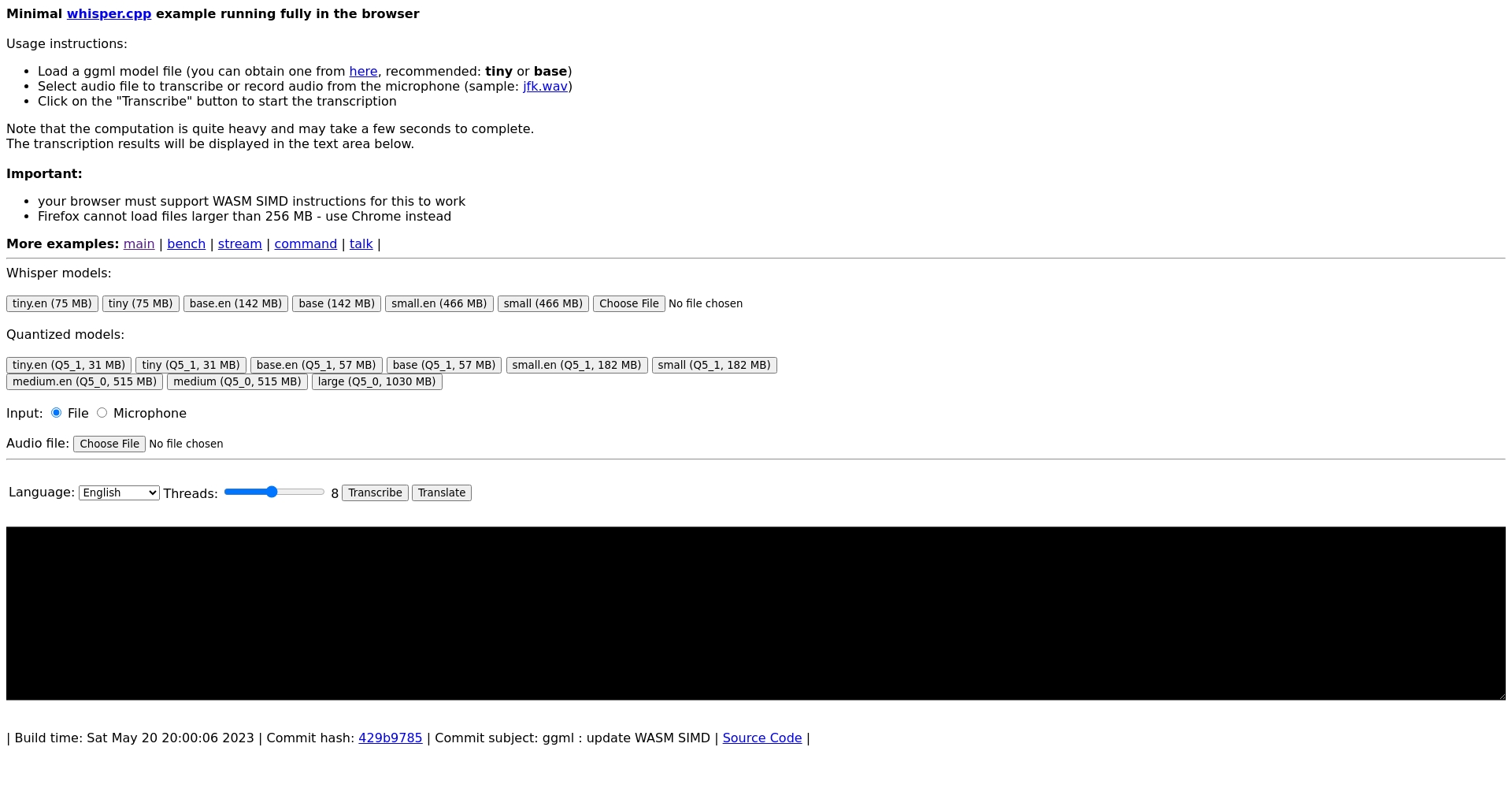
Whisper Web (OpenAI Whisper Open Source Online Version)
Whisper WebBased on the Whisper AI speech model, [ready to use immediately]https://whisper.ggerganov.com/)。
- Supports multiple audio formats; upload recordings or microphones for direct text conversion.
- AI automatically performs long-term batch transcription.
- Local computing protects privacy; content is not processed through the cloud.
SuitPersonnel who value privacy, conduct long-term recordings, or are researchers.
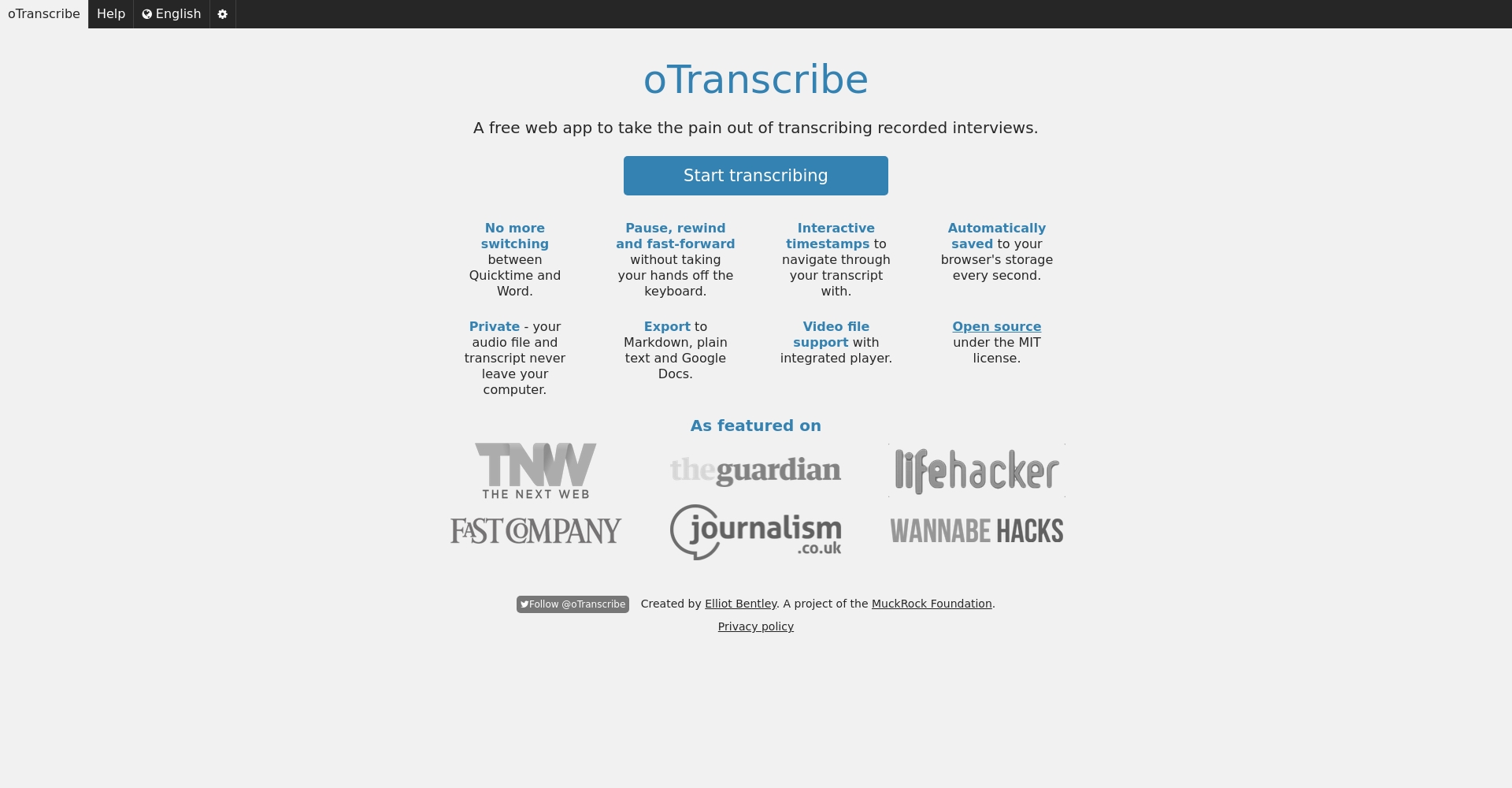
oTranscribe
oTranscribeSuitable for advanced users to perform manual proofreading and dictation simultaneously.
- Simultaneously play audio and edit text
- Supports automatic saving and one-click export of txt/Markdown.
- Fully online, no registration required, intuitive interface
Recommended occasionsNews interviews and professional interviews require manual proofreading.
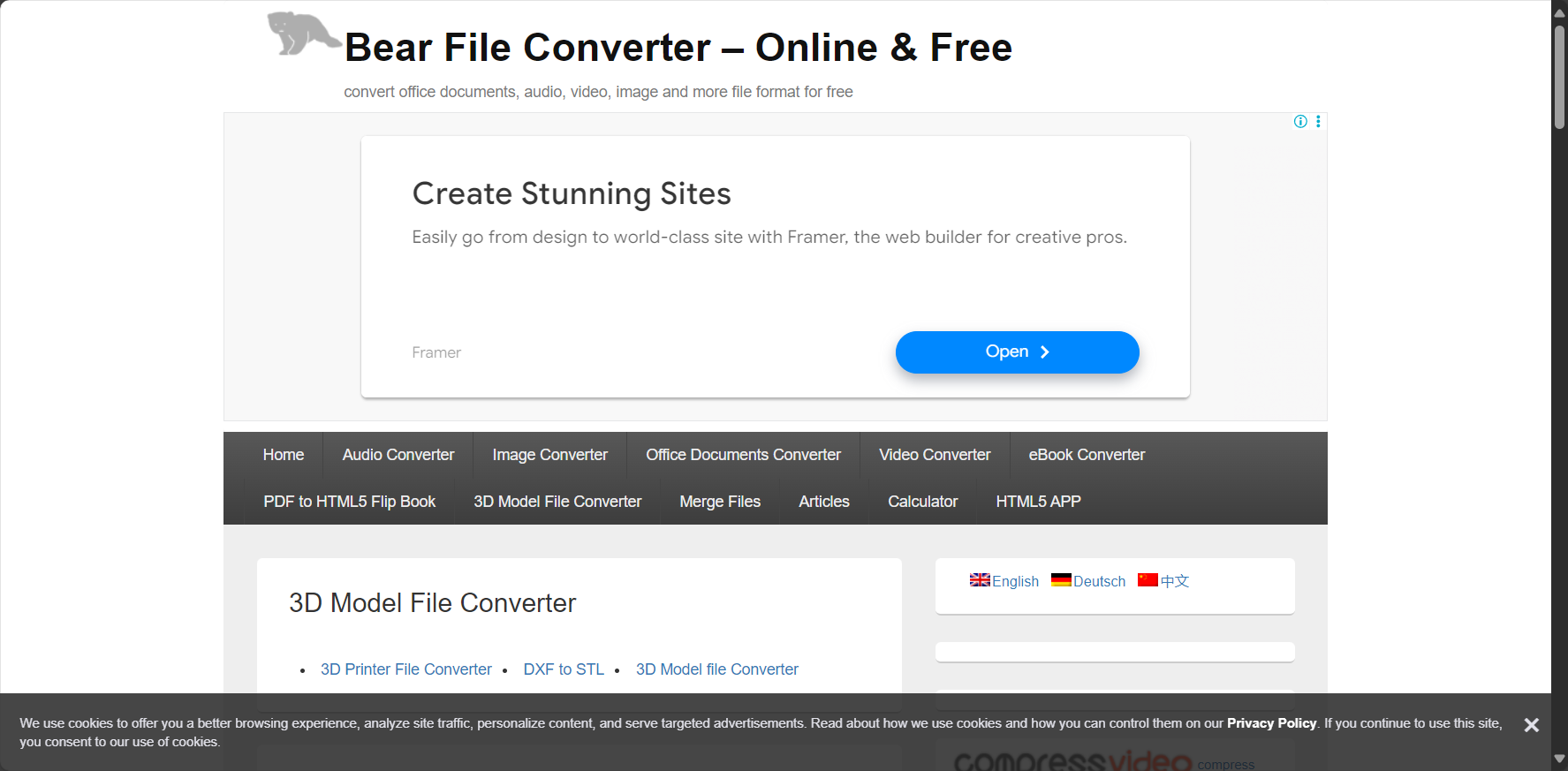
Bear File Converter
Bear File ConverterIt is extremely easy to use and supports multiple formats and online watermark-free conversion.
- Upload a 3MB internal audio file to convert it to text.
- Automatic download can download TXT/Word files.
- No installation required, practical and portable
SuitVoice memos and short recording conversion.
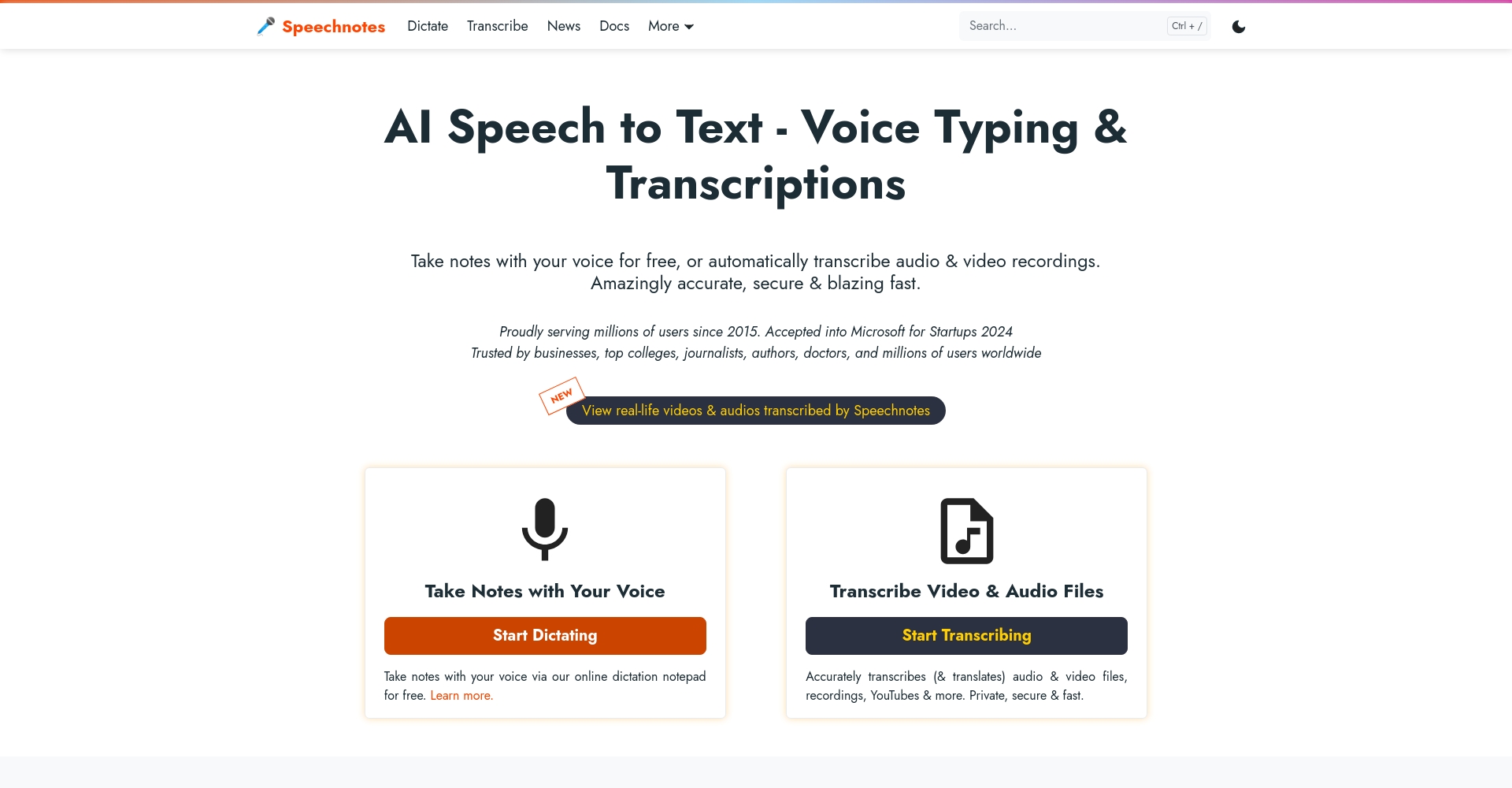
Speechnotes
SpeechnotesIts main feature is real-time voice-to-text conversion, which supports viewing and use on multiple platforms.
- Google Speech Engine, precise recognition
- Supports automatic punctuation and label shortcuts.
- Files are automatically saved to the cloud daily.
- Supports mobile phones and tablets, convenient for travel and meetings.
SuitDigital nomads, SMEs, and community activities.
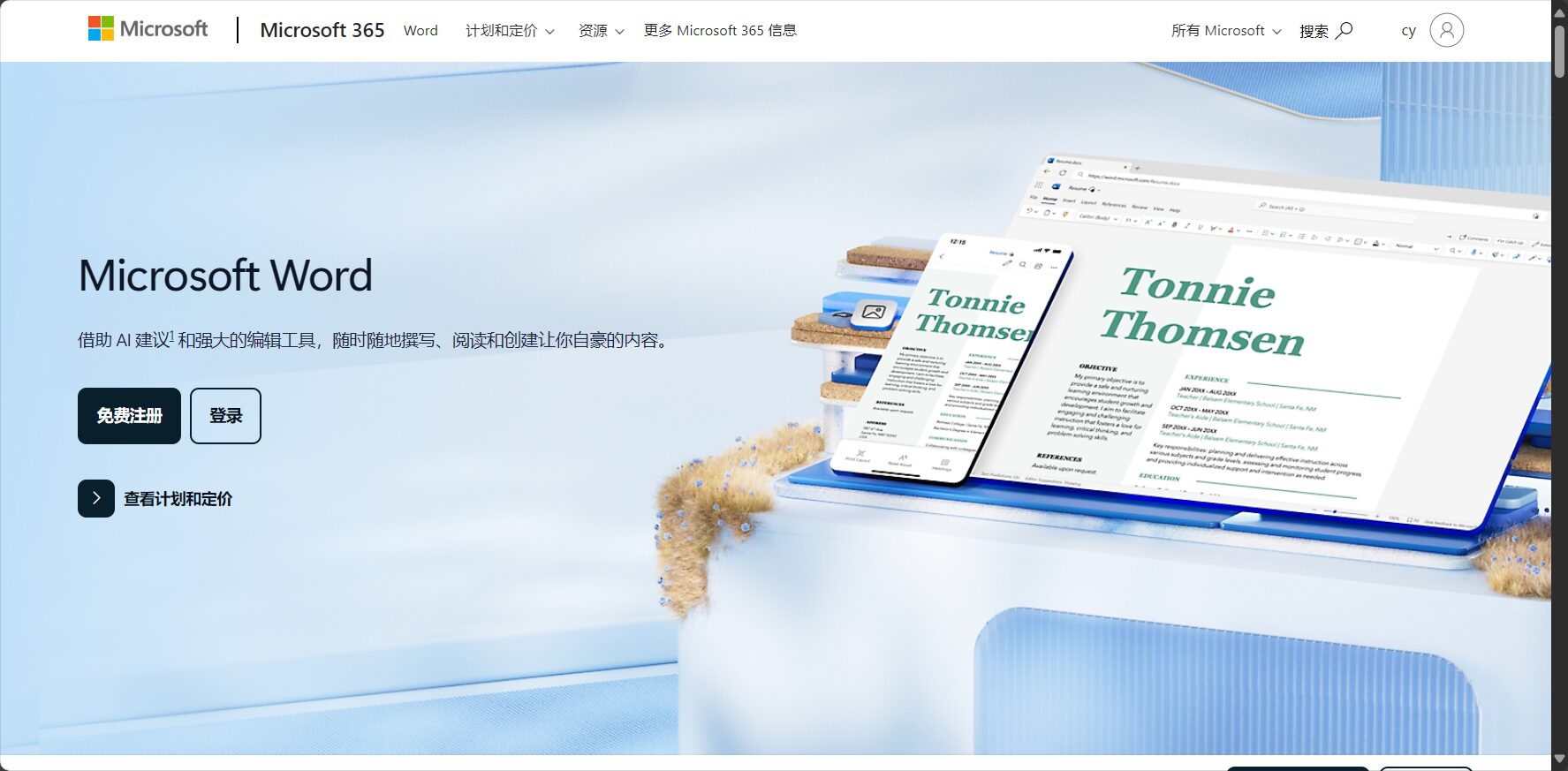
Microsoft Word Online Voice Conversion
Word Cloud Speech-to-Text ConversionFeatures that integrate perfectly with Office accounts.
- Cloud sync, direct voice or audio recording to text conversion.
- Multilingual support, familiar interface
- Voice input is free; some transcription functions are chargeable.
Recommended groupsHeavy Office users and office workers with high document requirements.
Free tools for converting audio recordings to text: tips and frequently asked questions

How to choose the most suitable audio-to-text tool for yourself?
Adjust the selection based on recording length, language, speed, privacy, and manual operation requirements.As shown in the figure,For those who want an easy start, Google Docs or Speechnotes are options.For privacy and cross-platform compatibility, Whisper Web is the best choice; for human proofreading, oTranscribe is the most suitable.
How much does the quality of an audio recording affect identification?
Speech clarity directly affects the accuracy of AI transcription. It is recommended to use a high-quality microphone environment, apply appropriate noise reduction, and test the effect before recording.
What to do if the audio file is too large?
Most free tools have limits on the number of files or their length.Long audio files can be segmented or selected to support long recording (such as Whisper Web).。
How accurate is AI speech-to-text conversion?
Mainstream AI models (such as Google and Whisper) achieve an accuracy of over 951 TP3T.However, manual adjustments are recommended when there are special terms or multiple accents.
AI voice technology is now ubiquitous, and free tools for converting audio recordings to text are making things much easier for all industries!Whether you prefer automated speed or meticulous manual proofreading, the above six solutions help you choose easily and enjoy the convenience of data transfer in the data age.Try out the different solutions immediatelyFind the most efficient voice-to-text experience that suits you best!
© Copyright notes
The copyright of the article belongs to the author, please do not reprint without permission.
Related posts


No comments...
