

GPT for Sheets™ and Docs™
GPT for Sheets™ and Docs™是一款将多种AI(如GPT-4o、Claude、Gemini等)无缝集成进Google Sheets与Docs,实现批量文档生成、翻译、数据处理等自动化办公的AI工具。
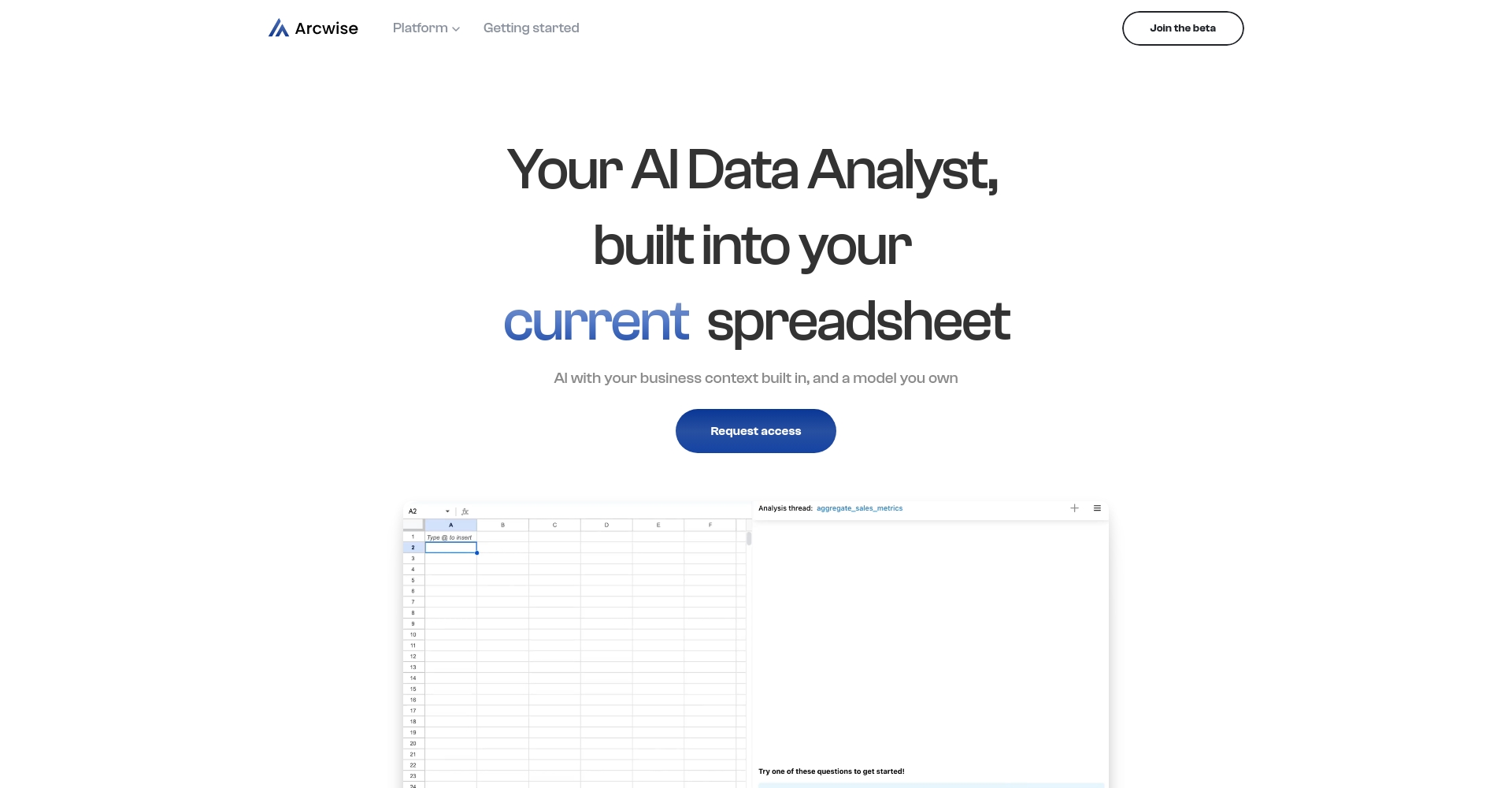
Arcwise AI is an AI-powered smart spreadsheet assistant designed specifically for Google Sheets. It supports data analysis, automatic report generation, and spreadsheet automation, improving users' efficiency in processing spreadsheets.
 Arcwise AI
Arcwise AI It's a tool focused on improving spreadsheet productivity.AI toolsIt brings AI-driven data analytics and automation to Google Sheets, including natural language question answering, automatic report generation, data cleaning, and visualization.Suitable for teams and individuals in data analysis, finance, operations, product, and other fields who need to process data efficiently.It's easy to use, requires no coding, is highly efficient and secure, and supports team collaboration for data insights. The tool offers flexible pricing, including free and premium versions, and has received widespread praise from both enterprise and individual users.
In today's data-driven world, making data analysis more efficient and reports more intelligent has become a key focus for all industries.Arcwise AI As a product that combines innovation and practicalityAI Spreadsheet AssistantWith its intelligent experience in spreadsheet applications like Google Sheets, Arcwise AI is rapidly becoming an indispensable efficiency engine for data analysis, daily operations, and enterprise management. This article will provide a comprehensive analysis of Arcwise AI's product highlights, pricing plans, usage methods, target users, and frequently asked questions from a news reporting perspective, giving you a glimpse into how this tool is revolutionizing your data workflow.
Arcwise AI withAI-driven data analysis and spreadsheet automationWith this core, it brings unprecedented convenience to data processing, business analysis, and team collaboration.AI table data processingThe following are its core functional highlights:
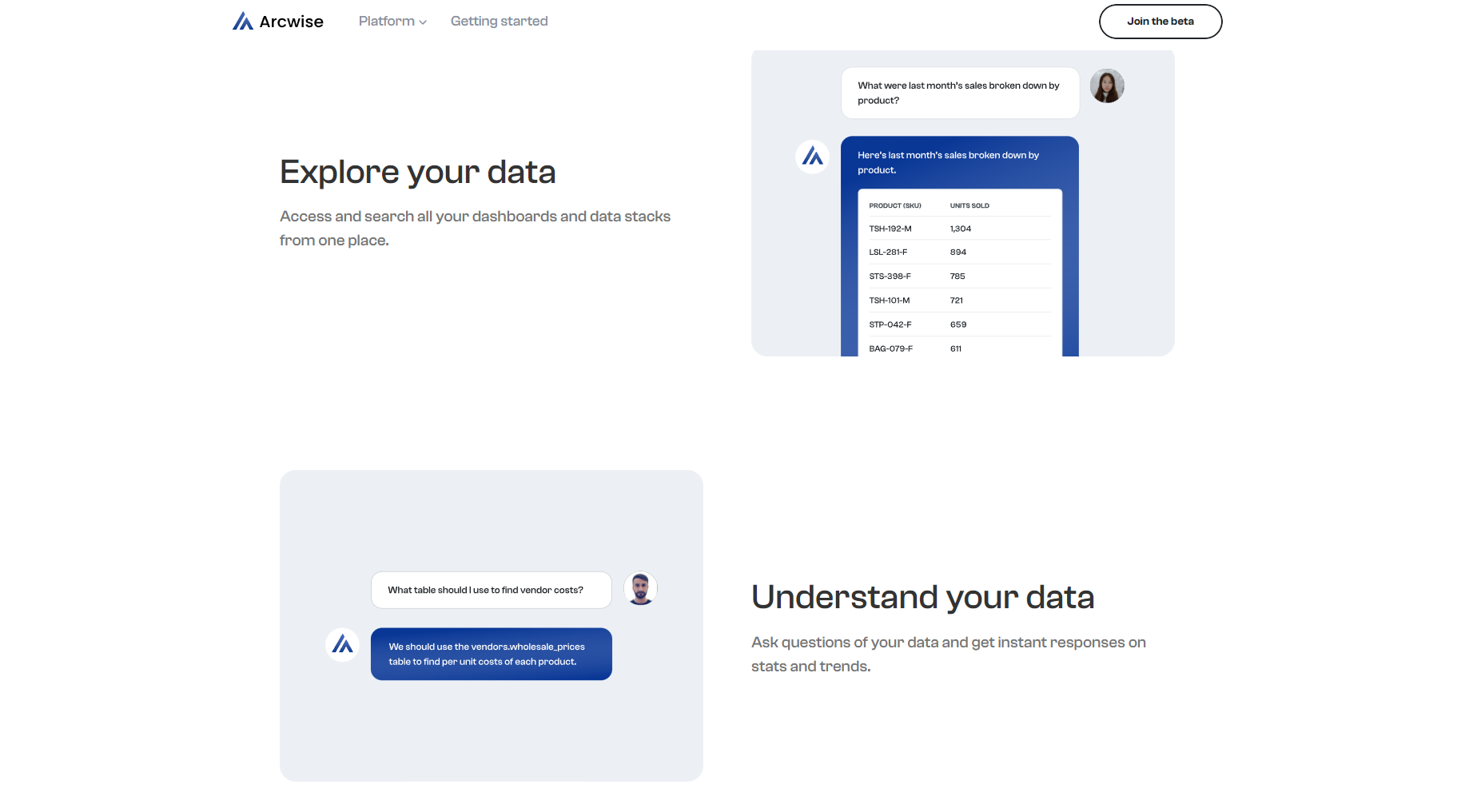
| Scene categories | Detailed application instructions |
|---|---|
| Sales Management | Build one-click sales reports and visualize performance trends |
| Financial Analysis | Automatically generate financial models, categorize bills, and identify anomalies. |
| Data Cleaning | Batch standardization, completion, and cleaning of messy or inconsistent data in tables. |
| Business Weekly Report | Intelligent summarization and visualization of key indicators simplify the reporting process. |
| Data import | Extract tables directly from PDFs, web pages, etc. to Google Sheets |
| Market Analysis | Automatic grouping, tagging, and statistical analysis of customer or product-related data. |

Arcwise AI adoptsFlexible and transparent pricing modelIt offers both a free trial and a premium version for advanced users. Details are as follows:
| Pricing Plan | Main functions/benefits | price | Target audience |
|---|---|---|---|
| Free version | Core AI-powered intelligent question answering and some data processing functions | free | New users, early adopters |
| Pro version | Unlock all AI functions, automation tools, advanced data import and document parsing, and prioritize support. | $ 29.99/month | Enterprises/In-depth Analytics |
Kind tipsArcwise AI is constantly optimizing its features, and its pricing strategy is also adjusted periodically. We recommend keeping an eye on it.Official websiteGet the latest solution.
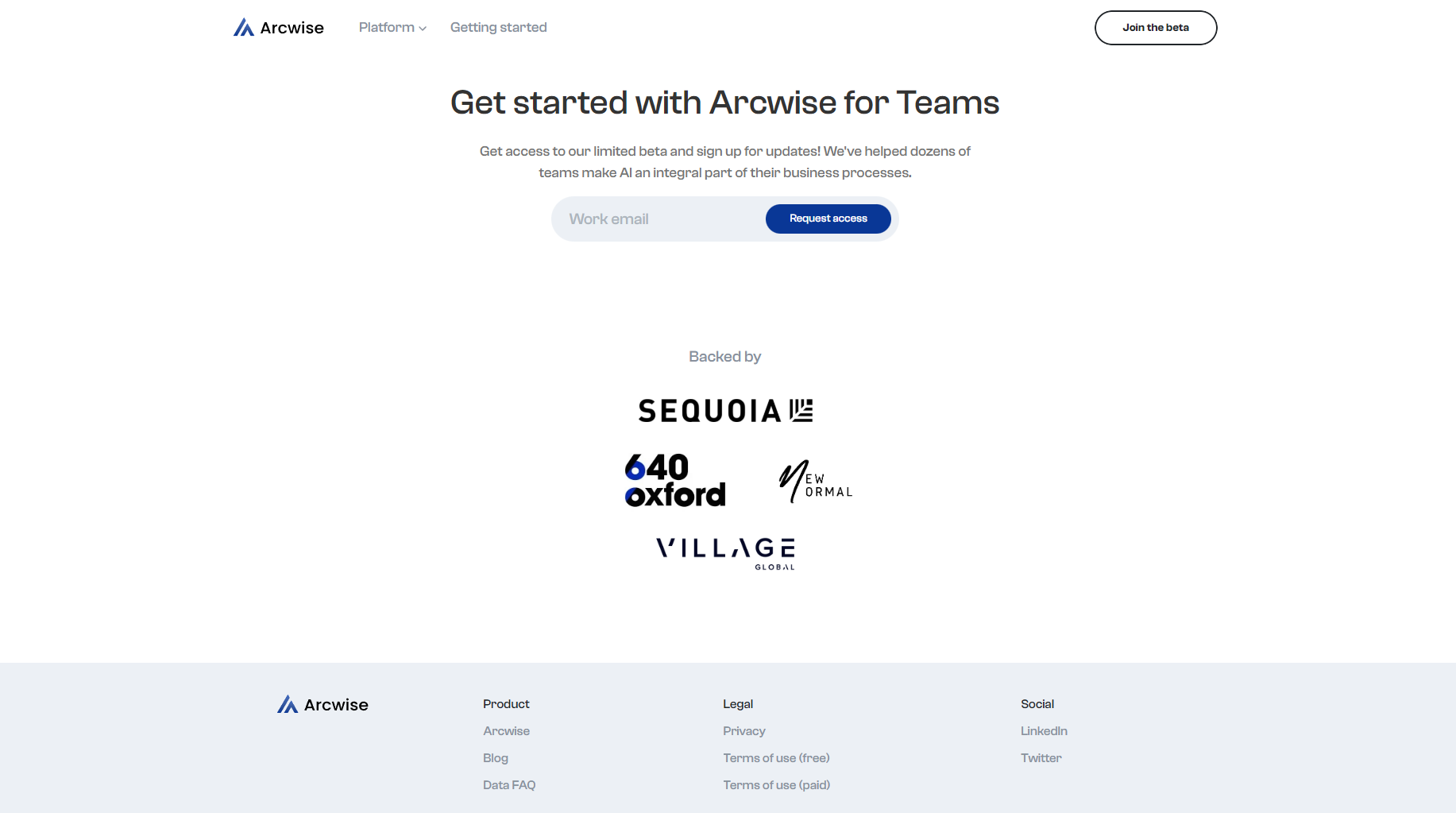
Arcwise AI is incredibly easy to use. All you need is a Google account and the plugin to quickly unlock its intelligent features:
Arcwise AI, with its professional yet user-friendly features, is suitable for various user groups who need to process and analyze data, such as:
| User Categories | Typical application scenarios |
|---|---|
| Financial Analyst | Automatic generation of financial models, prediction and anomaly detection |
| Enterprise Operations Team | Sales and promotion statistics, workflow optimization |
| Educational and research personnel | Questionnaire data cleaning and analysis, results summary |
| Traditional industry managers | Automating manual reports improves information technology capabilities. |

In an era where data applications are increasingly prioritizing privacy,Arcwise AI places great importance on user data security.Compliance:
Arcwise AI has received high praise from data-driven enterprises and Google users worldwide.Case studies from multiple technology companies demonstrate that Arcwise can significantly reduce the time required to generate 80% data reports.It boasts a 4.5-star rating on the Chrome Web Store and is highly praised by both businesses and individual users.
| User Group | Typical positive review keywords |
|---|---|
| Business Manager | Saves time, is efficient, and is intelligent. |
| Data Analyst | Simple to operate and highly accurate |
| cross-departmental collaboration | Excellent teamwork and data consistency |
Arcwise AI currently focuses on the Google Sheets platform, with plans to expand to Excel and other data platforms in the future.Some advanced solutions support seamless integration with data warehouses such as Snowflake and Looker, enabling real-time analysis of massive data tables without the need for manual import and export.
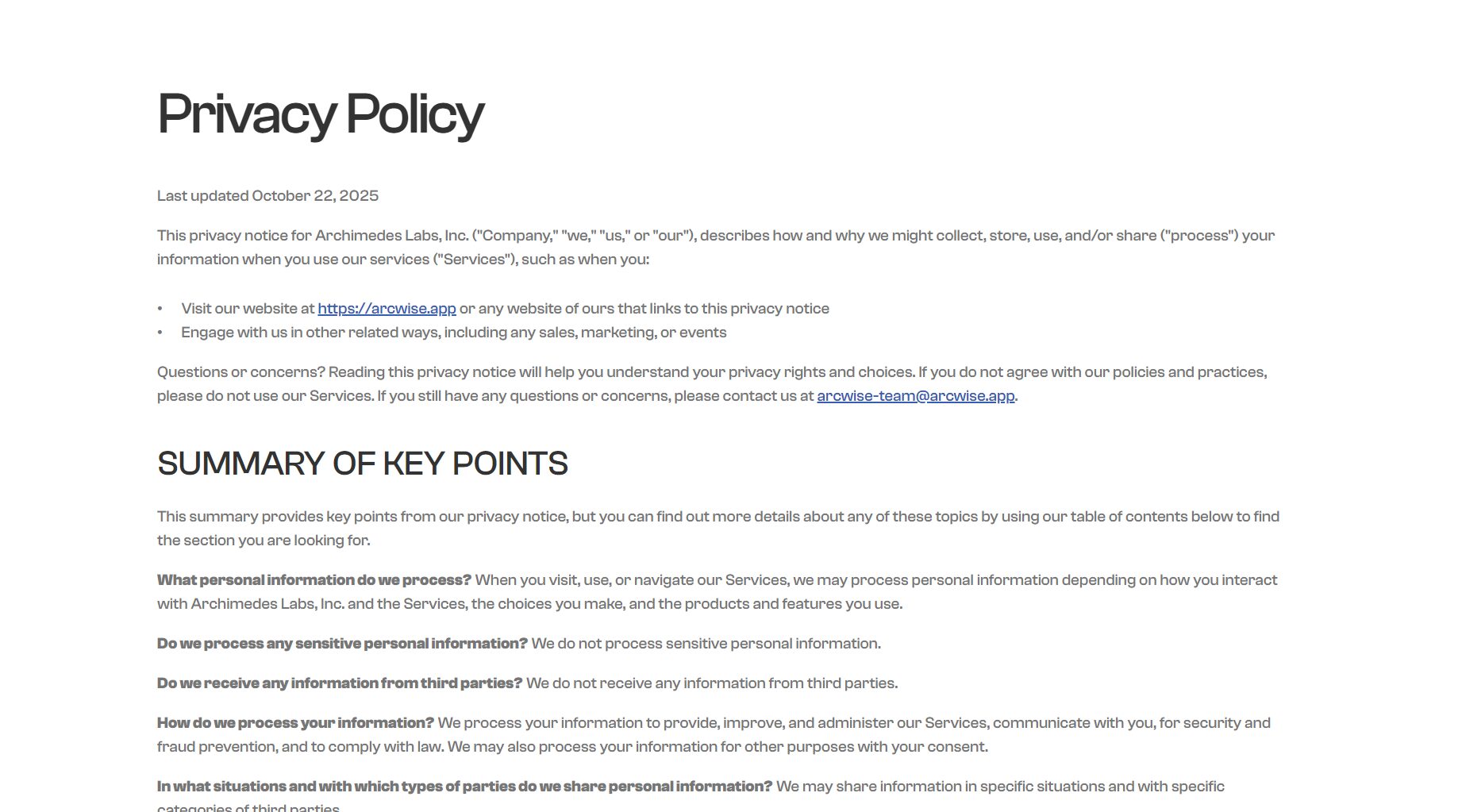
According to the official statement, Arcwise AI does not sell user data, but only uses it for automated analysis, and supports users' self-management of data.For details, please see [link/reference].Privacy Policy。
completelyNo coding experience requiredYou can operate directly through Chinese or English Q&A, custom functions, or drag-and-drop. The official website also provides a wealth of tutorials and examples, allowing even users with no data analysis background to quickly get started.
Arcwise AI Arcwise AI's continuous innovation and relentless pursuit of user experience make it the most powerful assistant for spreadsheet tasks in the era of big data. Whether you're a startup or a Fortune 500 company, Arcwise AI makes efficient, intelligent, and automated data analysis possible. Visit us now! Arcwise AI Official WebsiteEmbark on your own journey of "data superpowers".
This site's AI-powered navigation is provided by Miao.Arcwise AIAll external links originate from the internet, and their accuracy and completeness are not guaranteed. Furthermore, AI Miao Navigation does not have actual control over the content of these external links. As of 10:14 PM on November 15, 2025, the content on this webpage was compliant and legal. If any content on the webpage becomes illegal in the future, you can directly contact the website administrator for deletion. AI Miao Navigation assumes no responsibility.
