
What is Decktopus? Learn in 5 minutes how Decktopus helps you easily create efficient presentations.
decktopusThis is an AI-powered intelligent presentation generation tool that can create well-structured and professionally designed PPTs in just 5 minutes. Even those without design skills can quickly generate presentations, facilitating efficient work in various scenarios such as businesses, education, and startups. AI content recommendations, automatic image matching, multi-collaboration, and instant sharing make PPT creation easy and efficient.No need for complicated layout; AI handles all the content expression and visual effects for you!

decktopus basic introduction
What is decktopus?
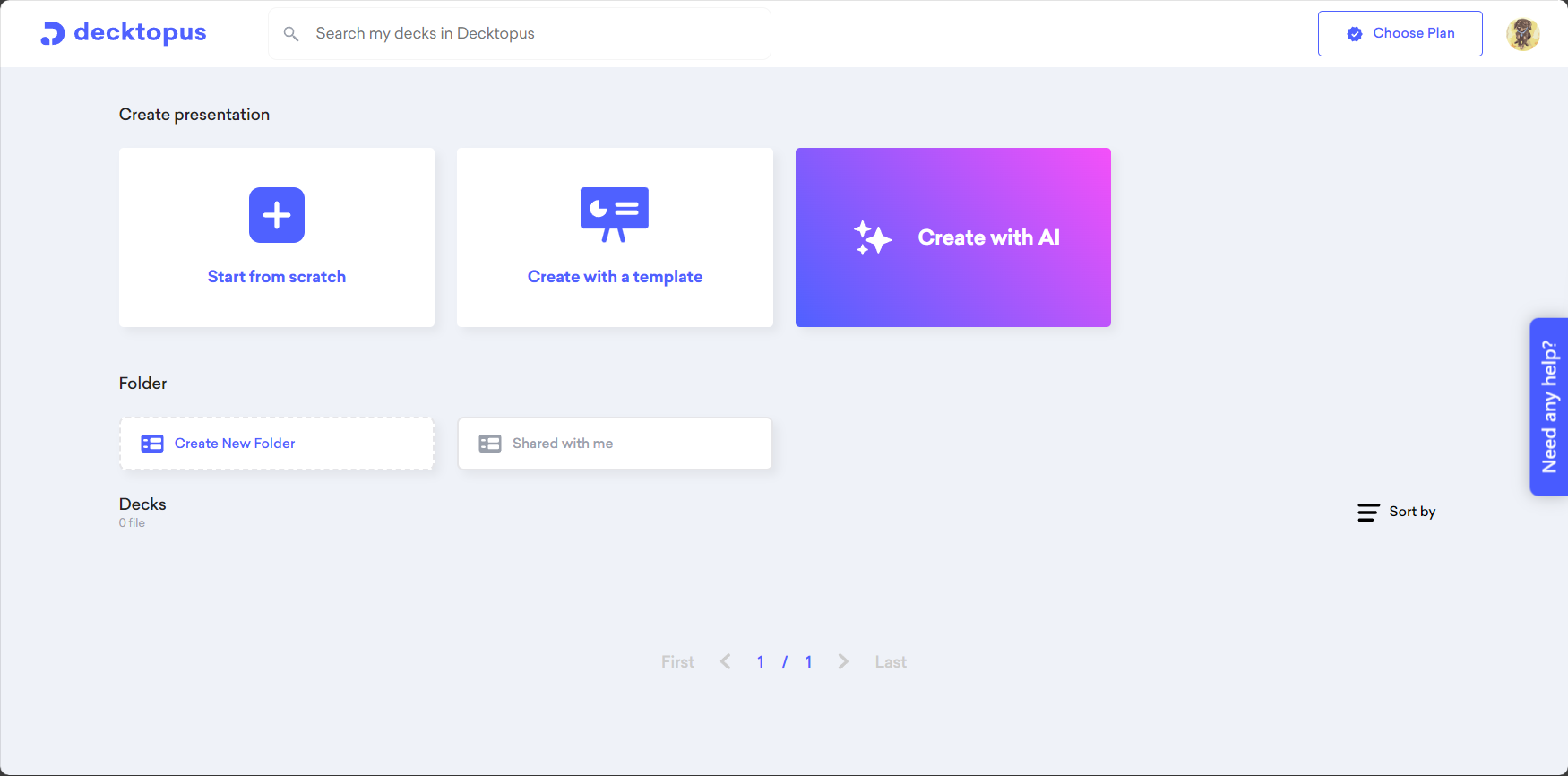
decktopusThis is an AI-powered online presentation generator. Simply input your topic/key points, and AI will generate the content structure, layout, images, and templates with a single click. No design experience is required, allowing you to easily create high-quality slides.

Target audience and scenarios
| Target audience | Typical scenarios | Main requirements |
|---|---|---|
| internal employees of the enterprise | Internal reports, annual summaries, and monthly plans | Quick drafting and design |
| Education industry practitioners | Courseware creation, classroom presentation, and courseware sharing | Rich presentation and ease of use |
| student groups | Academic presentations, project defenses, group collaborations | Simple, efficient, and rich in templates |
| Entrepreneurs | Roadshow PPT, project presentation, investment report | Clear structure and beautiful appearance |
| Marketing personnel | Product launch, event planning, and solution presentation | Interactive elements, easy to share |

Detailed Explanation of Decktopus' Core Functions
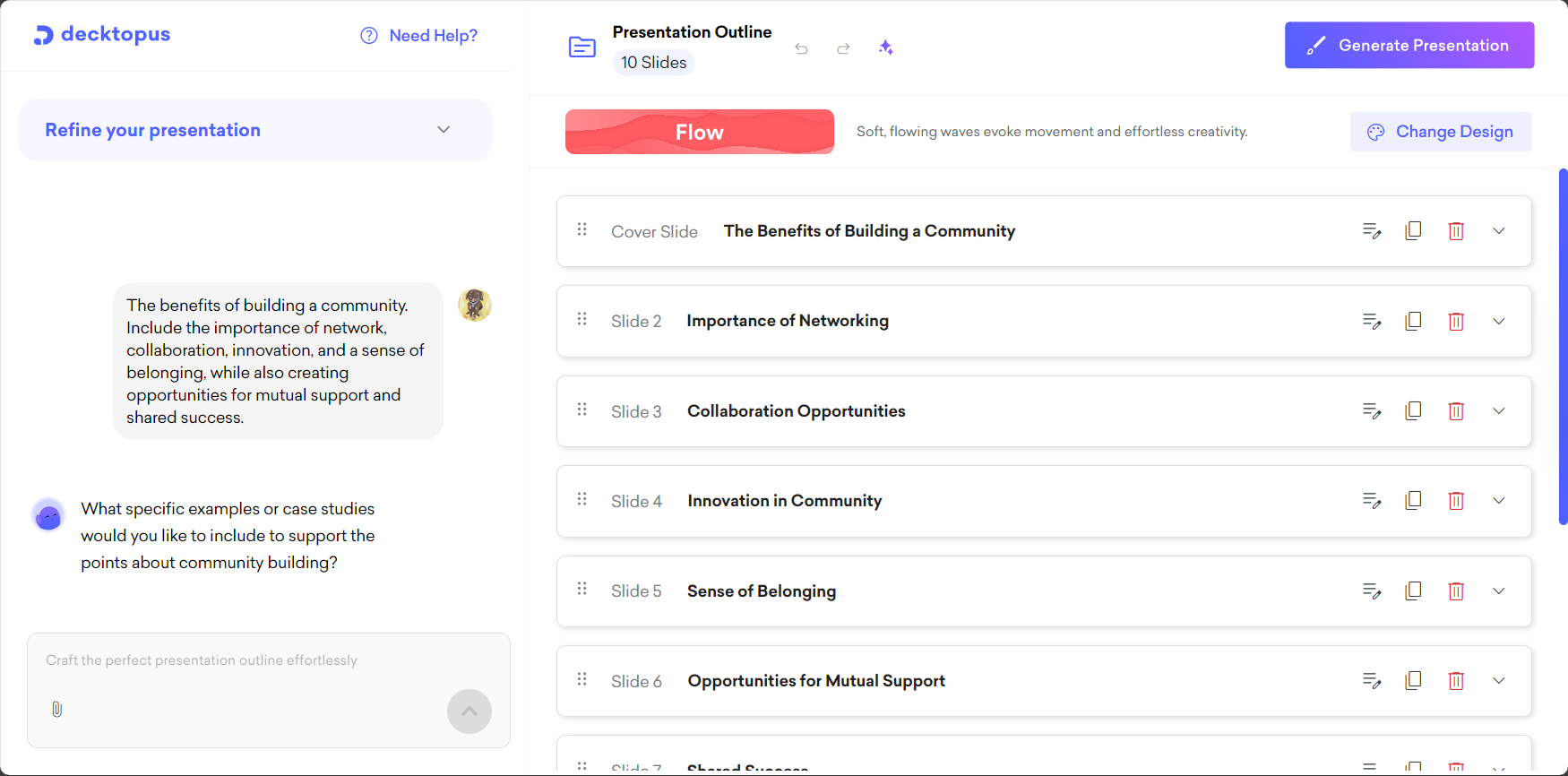
- Intelligent content generationAI input of key points automatically generates outlines, structures, and text, along with color scheme and image suggestions.
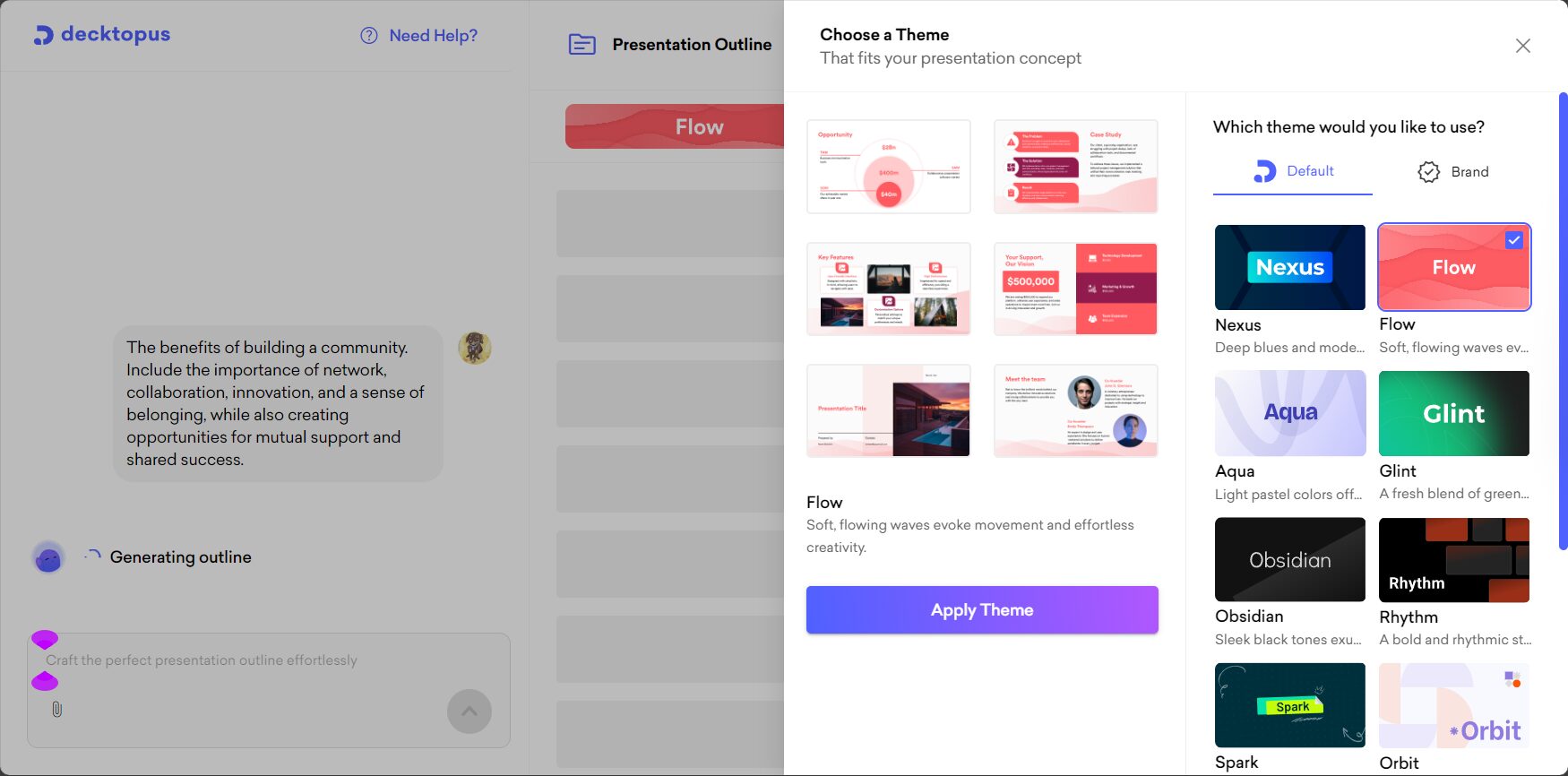
- Abundant templates and layoutsProfessional templates covering business, education, technology and other fields, requiring no manual formatting.
- Automatic addition of charts and multimediaAutomatically inserts relevant charts and high-resolution images based on the content to enhance visual appeal.
- Visual editingWhat you see is what you get, with real-time preview, drag-and-drop editing, and layout adjustments.
- Multi-person collaboration and sharingReal-time multi-member collaboration, online annotation, export to PPTX/PDF or web page sharing, seamless office work.
| Functional categories | describe |
|---|---|
| Intelligent outline generation | AI identifies user needs and automatically generates content outlines. |
| Template Center | Hundreds of templates available for real-time preview and selection |
| Chart/Image Recommendations | Intelligent matching, on-demand recommendations |
| Multi-person collaboration | Cloud-based interaction, team editing permission allocation |
| External export/sharing | PPTX, PDF, one-click web demo |
| Online demo | Speech perspective, accompanying audio recording |
| AI assistant suggestions | Copywriting optimization, summary prompts |
Decktopus Hands-on Experience: Efficiently Create a Presentation in 5 Minutes
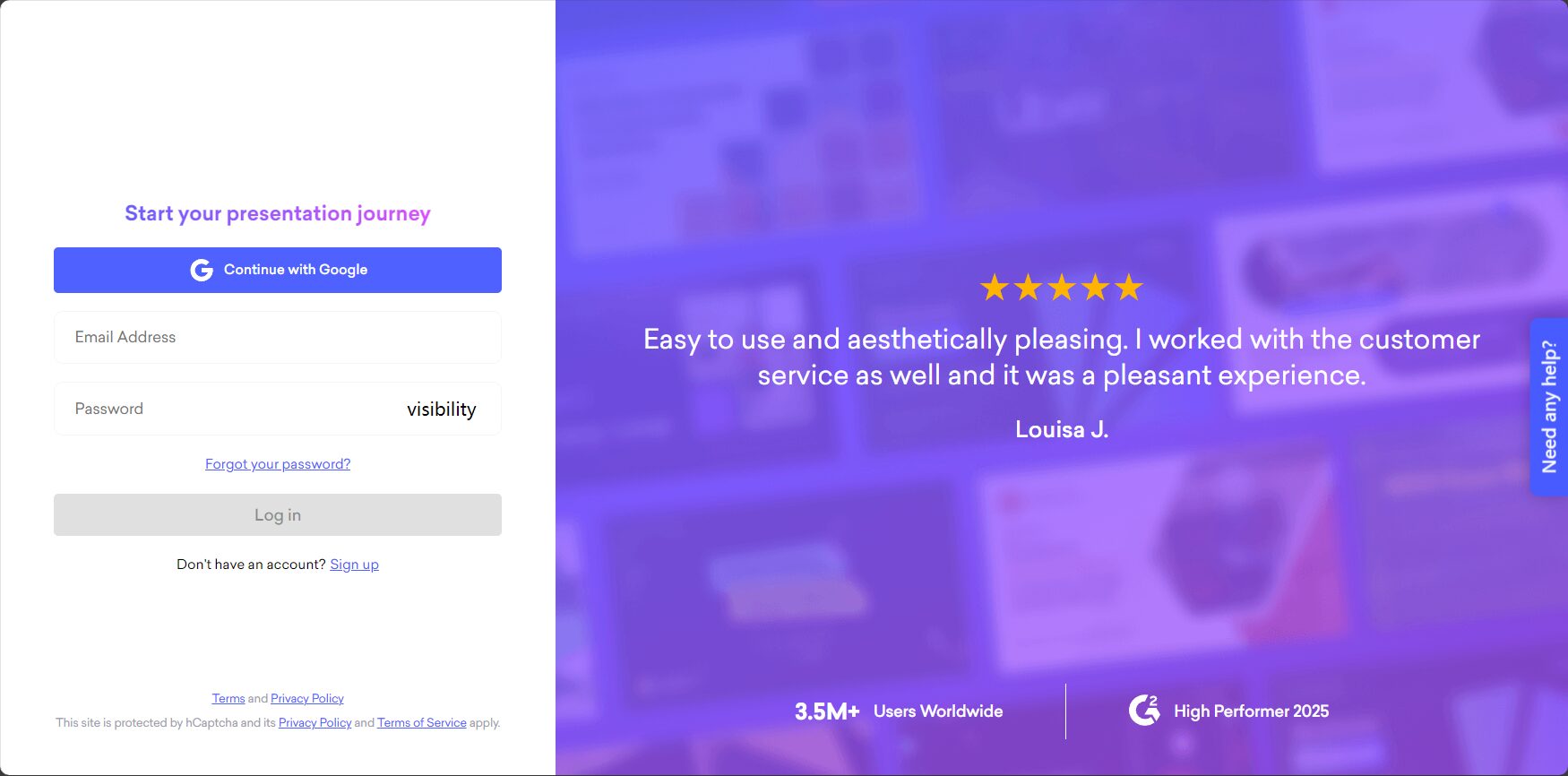
- Visit the official website and register:decktopus.comGet started quickly.
- Enter topic/key pointsNo need to edit page by page; AI automatically generates outlines and text.
- Choose template and color scheme: Real-time preview of styles, apply designs.
- Add charts and multimediaAutomatically matches illustrations; easily drag and drop to replace them.
- Start collaboration and commentsMulti-member simultaneous editing and efficient communication.
- Export or shareOne-click export of PPTX/PDF files, or generation of web links.
Real User Cases
Educational Instructor A: The time to create a course PPT has been reduced from 3 hours to 1 hour, making it easy to complete a high-quality interactive presentation.
Entrepreneur B: By leveraging AI-powered outlines and data visualization capabilities, roadshows can be completed quickly, attracting investors' attention.
decktopus vs. traditional PowerPoint tools
| Comparison Projects | decktopus | PowerPoint/Keynote |
|---|---|---|
| Intelligent writing content | support | 无 |
| Automatic structural drawing | support | Manual |
| Template count | Continuously updated and enriched | limited |
| AI suggestions | support | 无 |
| Multi-person collaboration | Cloud synchronization, instant evaluation | Local or third-party cloud storage |
| Export/Share | PPTX/PDF/Webpage | PPTX/PDF |
| Usage threshold | AI-guided, no experience required | Manual formatting required |
| price | Free trial/Paid | Purchase required |
decktopus' AI capabilities and future prospects
decktopus is driving the iteration of AI content generation. In the future, it will support the automatic extraction and layout of key points based on descriptions, making PPT creation more "foolproof" and "conversational".Meanwhile, the application is seamlessly compatible with platforms such as Google Slides and PowerPoint, enhancing the flexibility of team collaboration.
decktopus: advantages, disadvantages, and frequently asked questions
| Advantages | insufficient |
|---|---|
| AI-powered intelligent generation saves time and effort. | Advanced features require payment. |
| A wide variety of templates/charts are available. | Currently, it does not have a native Chinese interface. |
| More collaboration + sharing for high efficiency | A good network environment is required. |
| Synchronous Export/Mobile Office | Slightly higher price |
Frequently Asked Questions
- Is decktopus free? There is a free version; premium features are available for a fee.
- Can you export the original PPT file? Supports PPTX and PDF export.
- Is it suitable for Chinese users? The interface is in English, but Chinese input is supported.
- How about privacy and security? Industry-standard encryption with access control.
- How to conduct multi-person online collaboration? Log in to invite members to collaborate on editing and commenting.
Conclusion
decktopus, powered by AI and with an extremely user-friendly experience, is reshaping the PowerPoint creation process.Decktopus allows professionals, teachers, and students to create professional presentations in just 5 minutes. If you're struggling with formatting difficulties and low efficiency, try Decktopus—your efficient office assistant!Visit the official website to experience。
© Copyright notes
The copyright of the article belongs to the author, please do not reprint without permission.
Related posts



No comments...
