
2025 Presentation Design Tool Recommendations: A List of 9 AI Tools That Significantly Improve Work Efficiency
In 2025,AI briefing design toolIt completely revolutionized the content creation and visual presentation process. This article selects nine highly efficient AI presentation tools that have been tested and proven effective. These tools comprehensively improve the ease of use and efficiency for teaching, businesses, marketing, and individuals, covering aspects such as automatic content generation, image data integration, cross-platform collaboration, interactive quizzes, and enterprise-level collaboration.We provide a comprehensive analysis of each tool's features, applicable scenarios, and expert recommendations to help you find your perfect tool in the new era of knowledge dissemination.

News Report | Special Report Reporter: Digital Technology Department Editorial Team
In today's era of AI,Presentation DesignNo longer the sole domain of professional designers. AI-powered presentation tools significantly lower the barrier to entry, and these innovative tools of 2025 rapidly improve content structure, layout, and data visual quality. This newspaper has selected nine of the best AI presentation tools, recommended below based on professional testing:
A list of recommended AI tools for presentations
| Tool Name | Highlights and Features | Suitable for | price | Official link |
|---|---|---|---|---|
| Gamma | Fully automated AI presentation design and interactive elements | Business, Education | Free/Paid | Gamma |
| Tome | Generate a beautiful briefing in one sentence | Businesses, Marketing, Students | Free/Paid | Tome |
| Canva Briefing AI | One-click design, abundant image resources | Marketing design, education | Free/Paid | Canva |
| Slidesgo + Wepik AI | Theme matching and AI typesetting | Students, teachers | free | Slidesgo |
| Decktopus AI | Structure guidance, interactive tools | Beginner, Tutorial | Free/Paid | Decktopus |
| MagicSlides for Google | Easily add Google Briefing plugin | Education, Business | There are free options. | MagicSlides |
| ClassPoint AI | Interactive quiz questions, for educational purposes | teacher | There are free options. | ClassPoint |
| Presentations.AI | Team collaboration enterprise-level design | enterprise | Paid | Presentations.AI |
| ChatGPT+Google Slides | Custom content + automatic design | Advanced users | Basically free | ChatGPT |
AI Presentation Design Tool Application Trends and 2025 Market Observation
- Content automatically generated by AI: Themes and drafts can be generated with one click, enabling efficient typesetting.
- Image and data integration: Add high-quality backgrounds, illustrations, and data charts in seconds.
- Enhanced interactivity and collaboration: It features a wealth of functions including multi-user collaboration, online quizzes, and real-time Q&A.
- Openness and cross-platform integration: Supports mainstream platforms such as Google Presentations and PowerPoint.
Data source:Sohu Technology、Computer toysAI-powered news briefing tool.
9 AI Presentation Design Tools Tested and Recommended
Gamma: A Pioneer in Fully Automated AI Briefings and Interactive Content
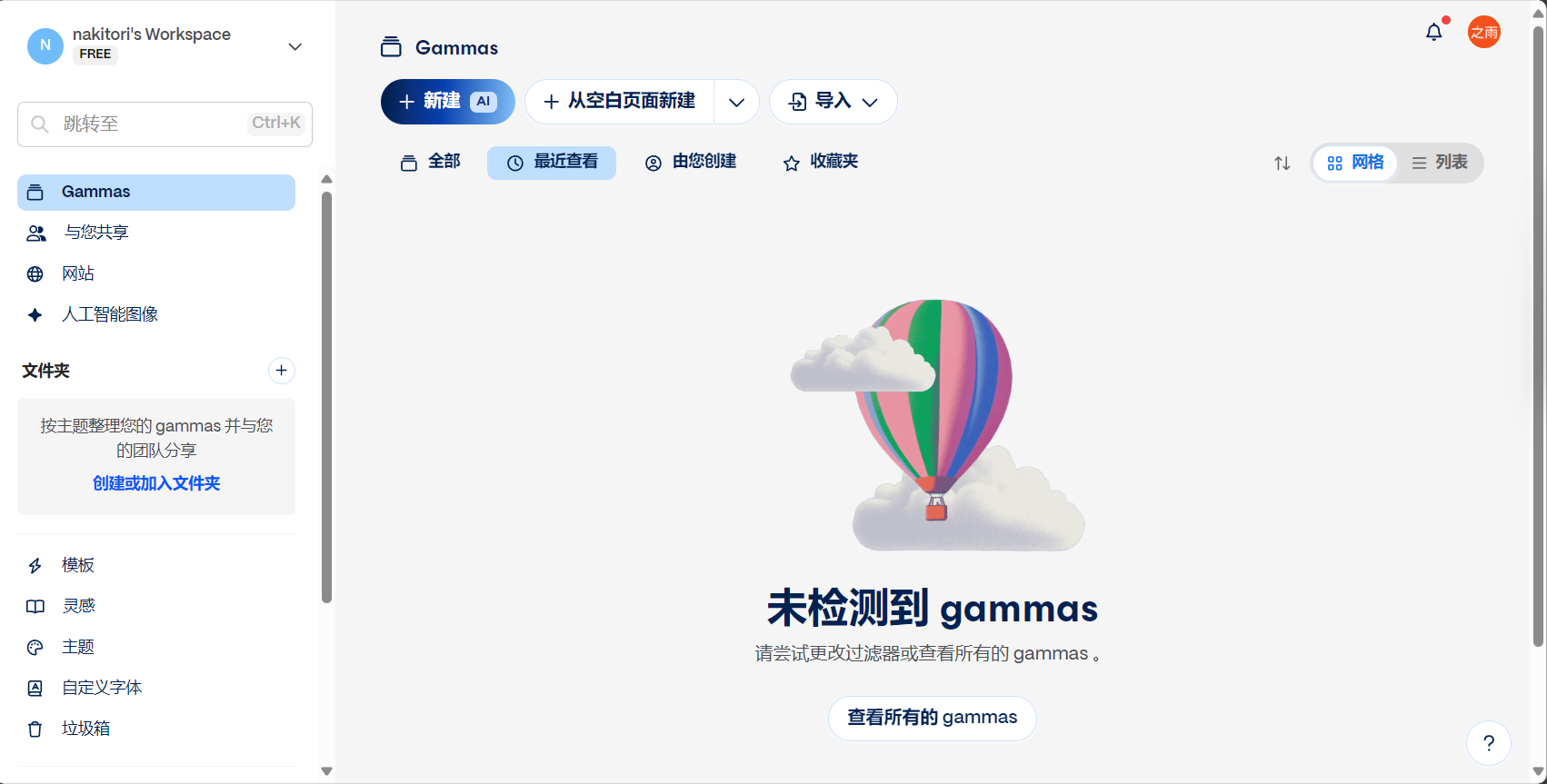

GammaGenerate interactive presentations with one click, automatic layout, and complete data insertion, suitable for enterprises or classrooms that require efficient collaboration.
- Target audience:Corporate, Education, and Marketing Teams
- Supports real-time collaboration, content customization, and embedded interactive Q&A.
- Free/Paid Plan
Tome: Generate beautiful presentations in one sentence
- Suitable for marketers, students, and content creators
- Initially free, with a premium subscription model.
Just one sentence,TomeIt can automatically structure themes, add pictures and charts, and balance aesthetic layout with professional information.
Canva: A One-Stop AI Presentation Design Solution

Canva Briefing AISupports one-click conversion of documents to presentations; includes6000+ templatesFeatures include automatic text enhancement, summarization, and intelligent speech-to-text conversion. It also boasts the most comprehensive multi-user collaboration and image library resources.
| Highlights | illustrate |
|---|---|
| AI-powered intelligent beautification | Intelligent recommendation of the best fit |
| Image/Data Integration | AI-generated graphics and materials, charts added in seconds |
- Supports browser editing and downloading
Slidesgo + Wepik AI: Fast Theme Matching and Template Generation

SlidesgoBy combining AI, it automatically matches the best template for teaching or business presentations, which can be exported to Google Presentations or PowerPoint.
- Free generation, unlimited times.
- Suitable for sharing by students, teachers, and workshops
Decktopus AI: High Satisfaction Rate in Structure-Guided and Interactive Scenarios
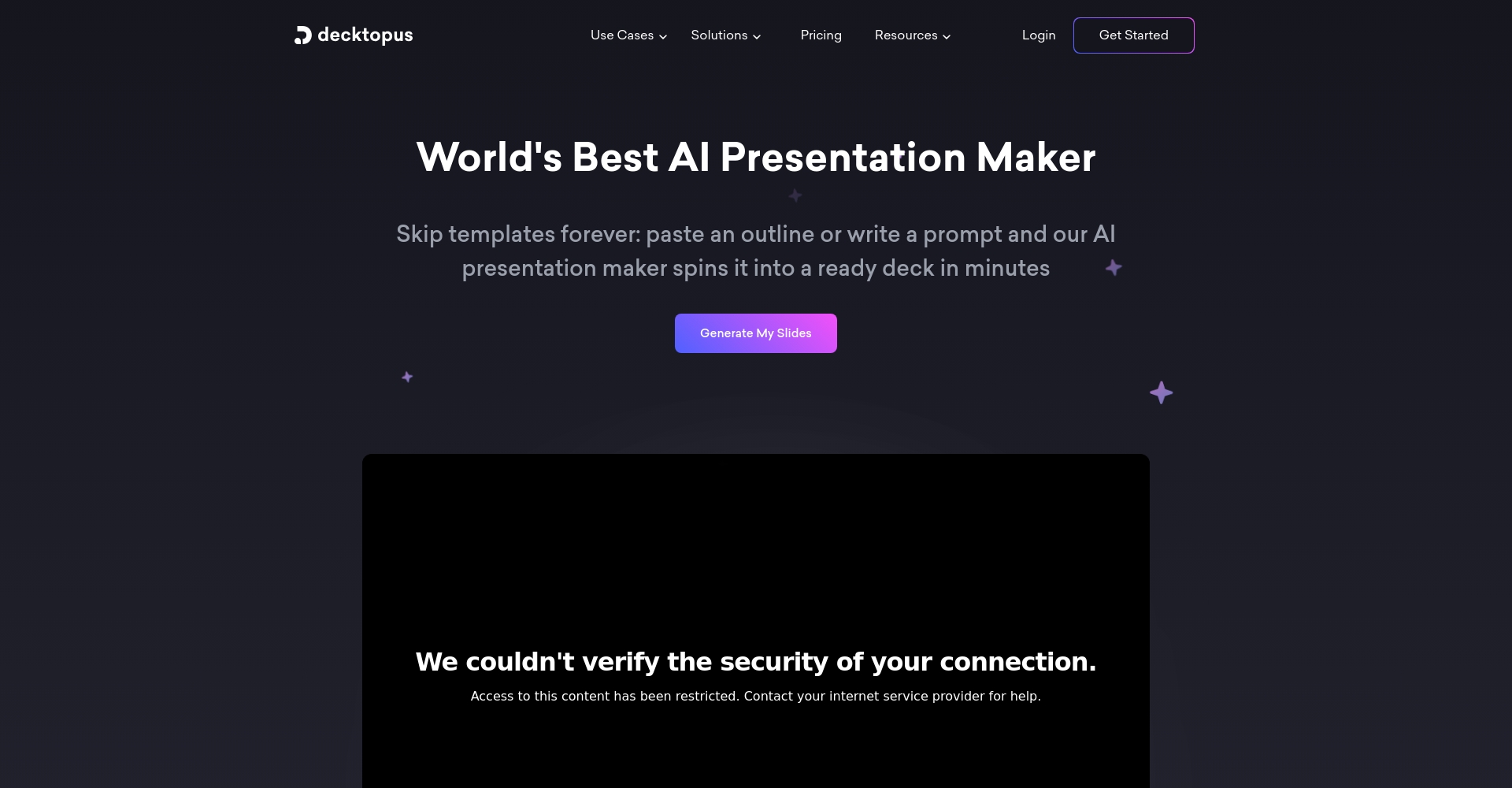
从Objectives → Outline → Content → Interaction → BeautificationOne-stop management, adaptable to various interactive screens and quiz designs, suitable for beginners and classroom teaching.
- Free + paid features, quick start
MagicSlides for Google Briefing: A Minimalist and Fast AI Plugin
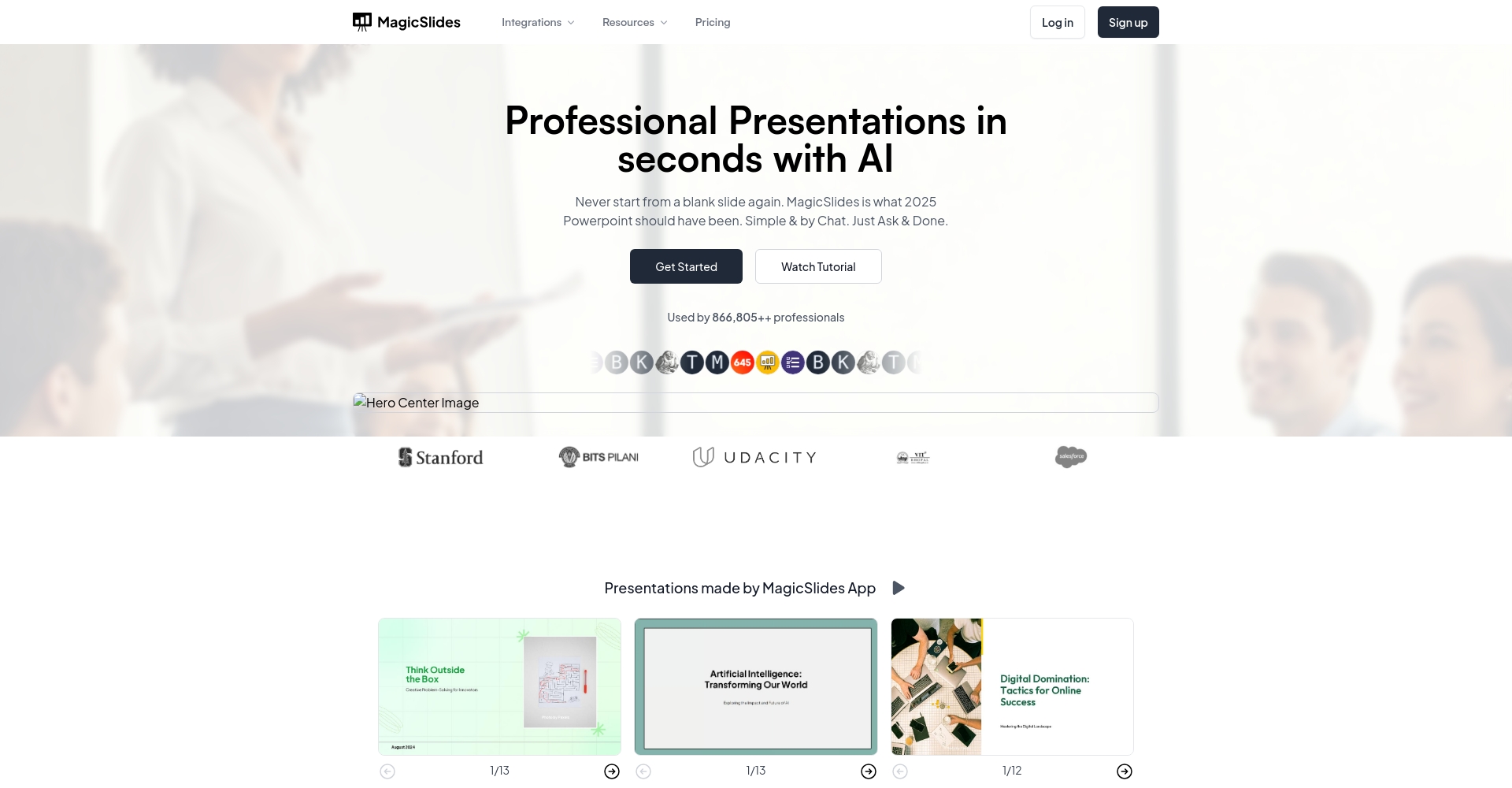
Generate multi-page content directly using MagicSlides within Google Slides.No-cut platform, improved efficiencyIt is suitable for educational institutions and enterprises to work simultaneously.
- Support free plan
ClassPoint AI: The New Generation of Interactive Learning
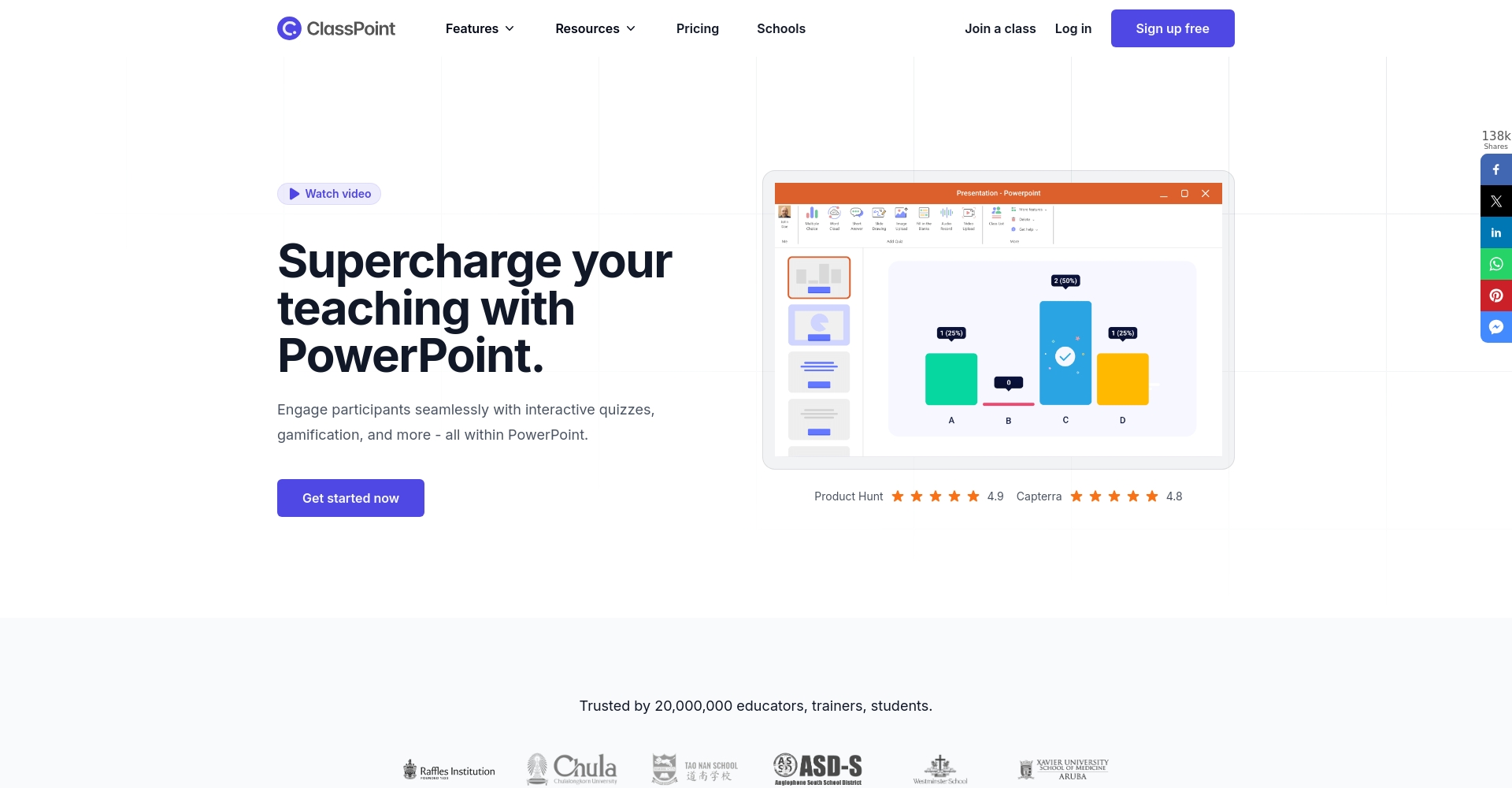
Automatically generate interactive questions and multiple-choice/quiz questionsEmbedded in PowerPointReal-time download statisticsData analysis is convenient.
- Suitable for Windows PCs/Online Courseware Teachers
Presentations.AI: A Powerful Tool for Integrating Enterprise and Team Collaboration
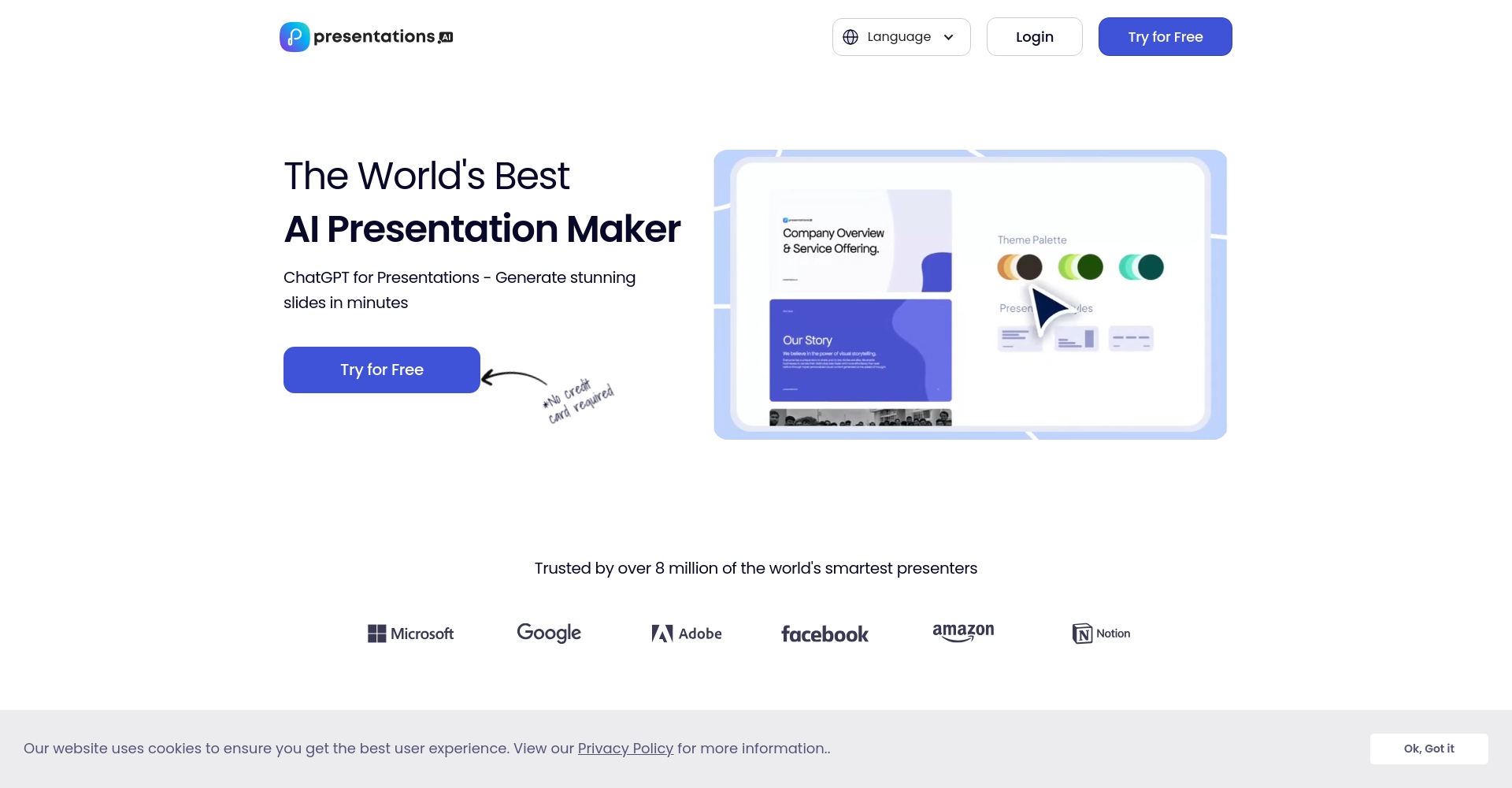
Strongly supports team collaboration, batch data processing, and brand color alignment.Suitable for large enterprises/consulting teamsIt efficiently integrates multiple data sources and multi-member editing.
- Paid subscription model, full functionality
ChatGPT + Google Slides: Fully automated content and layout
With the help of ChatGPT and automation scripts,Generate multi-page intelligent text, images, and outlines100% Automation is achieved, with AI handling everything from content planning to output.
- This is available for the free version; a Plus subscription is required for the premium version.
AI-powered presentation design tool: expert testing and recommendations.
| Use Cases | Recommended AI tools | Precautions |
|---|---|---|
| Interactive teaching classroom | ClassPointAI, Decktopus | Enhance interactivity and provide test feedback |
| Enterprise Project/Business Report | Gamma, PresentationsAI | Emphasis on collaboration and brand consistency |
| Personal Growth/Knowledge Briefing | Tome, Canva | Emphasis on both content and visual appeal |
| Student briefings/topic sharing | Slidesgo+Wepik | Many templates, easy to use |
| Data-driven crash course briefing | MagicSlides, ChatGPT | Having ready-made content makes it more efficient |
Conclusion: Ushering in the Era of AI Briefings for All
AI-powered presentation design tools not only improve efficiency, but alsoLowering the learning curve helps all users quickly achieve high-quality visual output and knowledge dissemination.In the future, whether you are a business, a teacher, a student, or a data analyst, you will be able to find your AI tools on this list and seize new heights in communication.Let's join hands to witness a new revolution in presentation innovation driven by AI!
© Copyright notes
The copyright of the article belongs to the author, please do not reprint without permission.
Related posts




No comments...
