

Rezi
Rezi是一款AI驱动的简历写作与优化工具,智能生成职业简历,完美兼容ATS筛选,提升求职通过率。
IOPaint is an open-source AI image object removal and repair platform based on multiple models. It supports various intelligent editing functions such as removing debris, watermarks, area repair, and image expansion, and is completely free and can be deployed locally.
 IOPaint
IOPaintIt is a completely open-source, easy-to-use, and powerful tool.AI Image Editing Platform,supportImage object removal, region repair, image expansion, and smart replacement.It possesses numerous cutting-edge capabilities. Based on a variety of the latest state-of-the-art AI models, it is comprehensively applicable to scenarios such as photography, design, e-commerce, and scientific research.All core features are free and can be deployed locally with no privacy concerns.A wide range of plugins and models cover diverse image processing needs, supporting batch processing and advanced customization, enabling both ordinary and professional users to efficiently obtain a high-quality AI image editing experience.
In recent years, with the rapid development of artificial intelligence (AI) technology, the field of image editing has ushered in an unprecedented wave of innovation.IOPaint(Official Website) As an open-source platform based on the latest SOTA (State of the Art) AI image restoration and extended model, IOPaint has driven a significant revolution in the global field of AI image object erasure. This article will provide a comprehensive introduction to IOPaint from multiple perspectives, delving into its features, pricing, target audience, frequently asked questions, and more, and will include checklists and tables to help readers fully understand this popular AI editing tool.
IOPaintThis is an AI image editing platform designed for both ordinary users and professionals, emphasizing "simple operation, powerful functions, and complete open source." Users can remove objects, blemishes, and watermarks from images without leaving a trace, or perform local repairs and replacements, and expand the image canvas, among other advanced operations. No profound professional skills are required; simple operation is all it takes to experience the magic of image editing in the AI era.
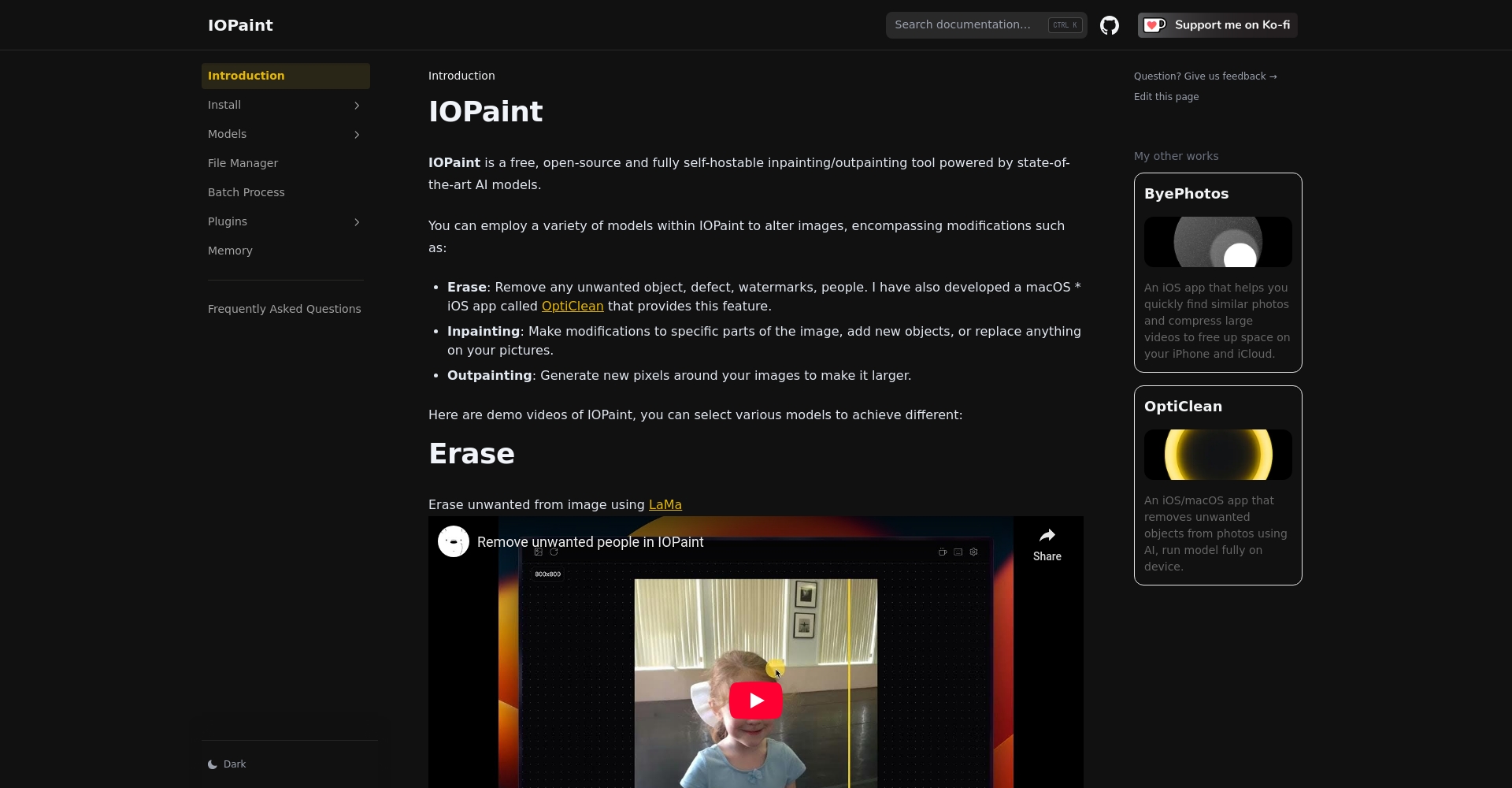
IOPaint official website:https://www.iopaint.com/
Based on powerful AI models, IOPaint currently covers multiple core scenarios in image processing, includingAI Image Object RemovalFeatures include intelligent repair, seamless image expansion, object replacement, and text generation. The core functionalities are as follows:
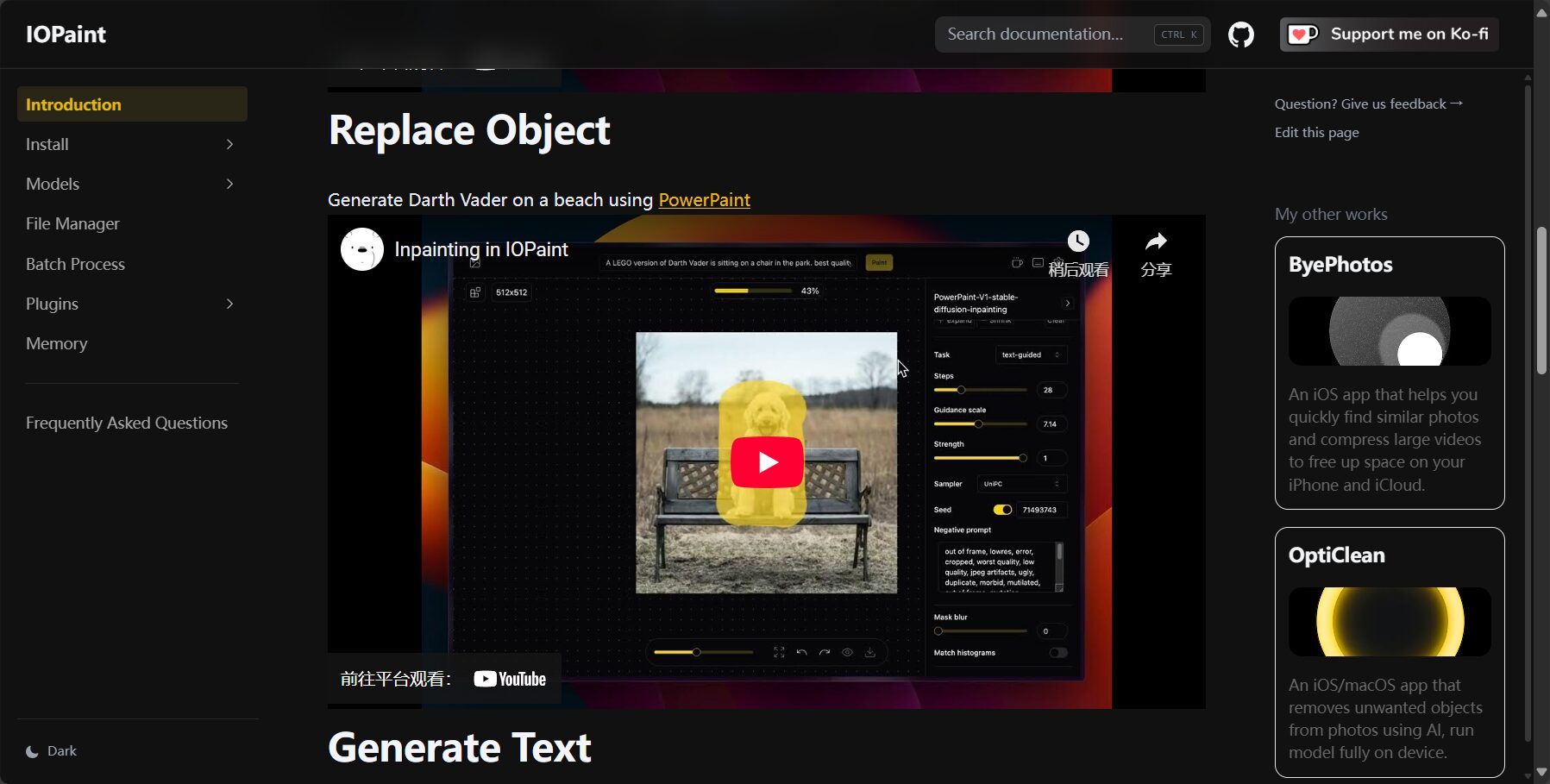
The platform officially supports a variety of high-quality AI models and a wealth of plugins, such as LaMa, MIGAN, PowerPaint, GFPGAN, RealESRGAN, and RemoveBG, each with its own unique performance characteristics. Users can switch between them with a single click to meet their specific needs.
For a detailed list of features and model selection, please see:IOPaint Models
| Function | describe | Representative model |
|---|---|---|
| Image object erasure | Remove unwanted elements from images | LaMa, MIGAN, MAT |
| Block patching | Intelligent Redrawing of Regions | Diffusion PowerPaint |
| Image out-of-frame expansion | Intelligent extended screen | Stable Diffusion Series |
| Text/Object Generation | Natural language-generated image content | AnyText, PaintByExample |
| Portrait Restoration and Enhancement | AI-powered facial restoration and image quality enhancement | GFPGAN, RealESRGAN |
| Background removal/segmentation | Intelligent separation of foreground and background | RemoveBG, AnimeSeg |

As aOpen source and freeThe IOPaint project enjoys an extremely high reputation among community users.The core functions are completely free.Furthermore, all code and models can be deployed locally with no hidden costs. For users with development or customization needs, IOPaint also provides rich command-line support, APIs, and various environment support such as Docker and one-click Windows installation packages.
| Scheme type | price | Features | Suitable for |
|---|---|---|---|
| Online trial | free | Experience mainstream model features online [Click here to try it] | Quick testers |
| Open source self-deployment | free | Fully functional, supports official/custom models | Developers/Advanced Users |
| Windows One-Click Installation | free | No environment setup required, user-friendly experience | Regular users |
| OptiClean, a dedicated app for macOS/iOS | Sold on the App Store | AI-powered local object erasure, native-like experience. | Apple device users |
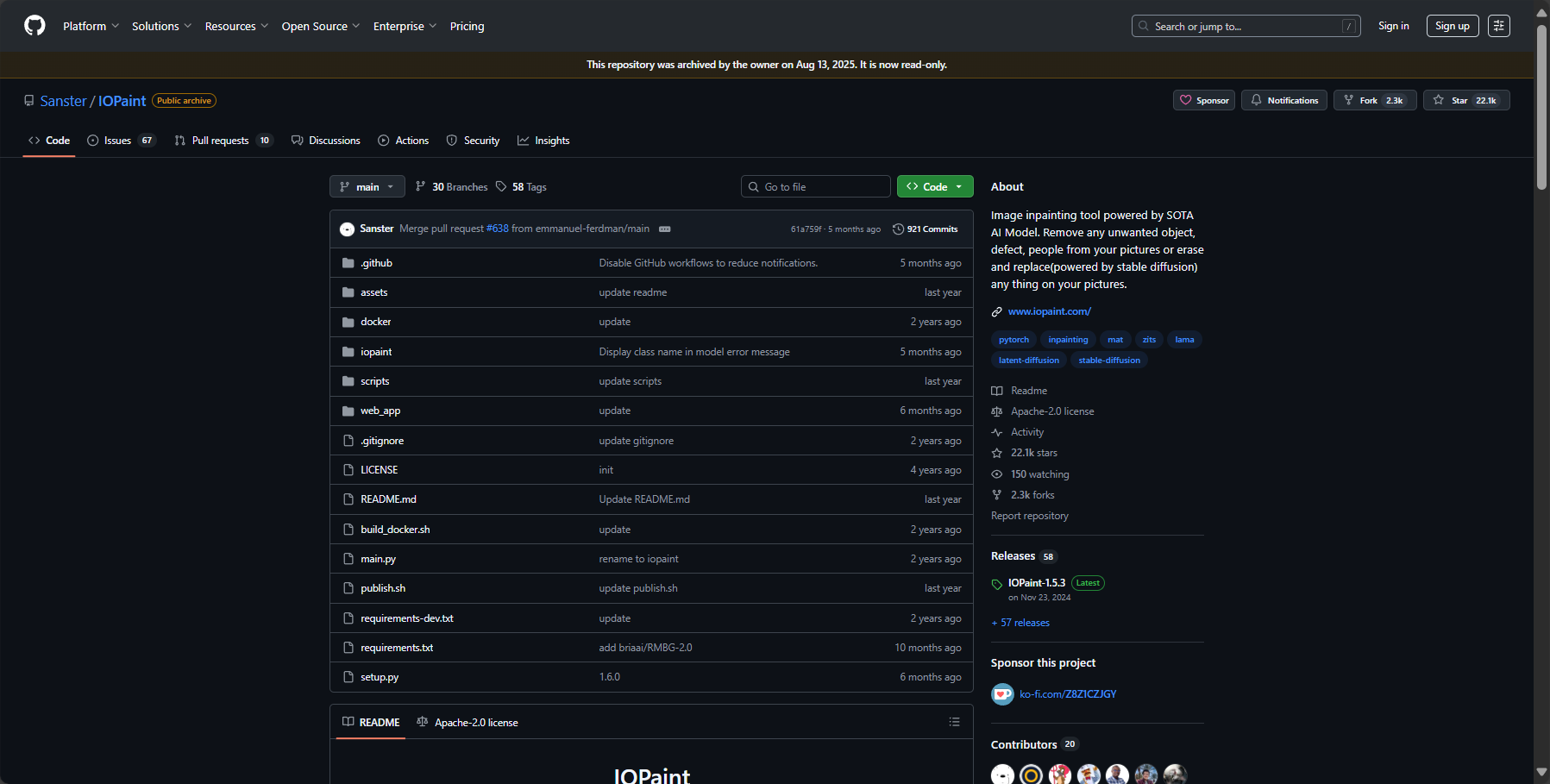
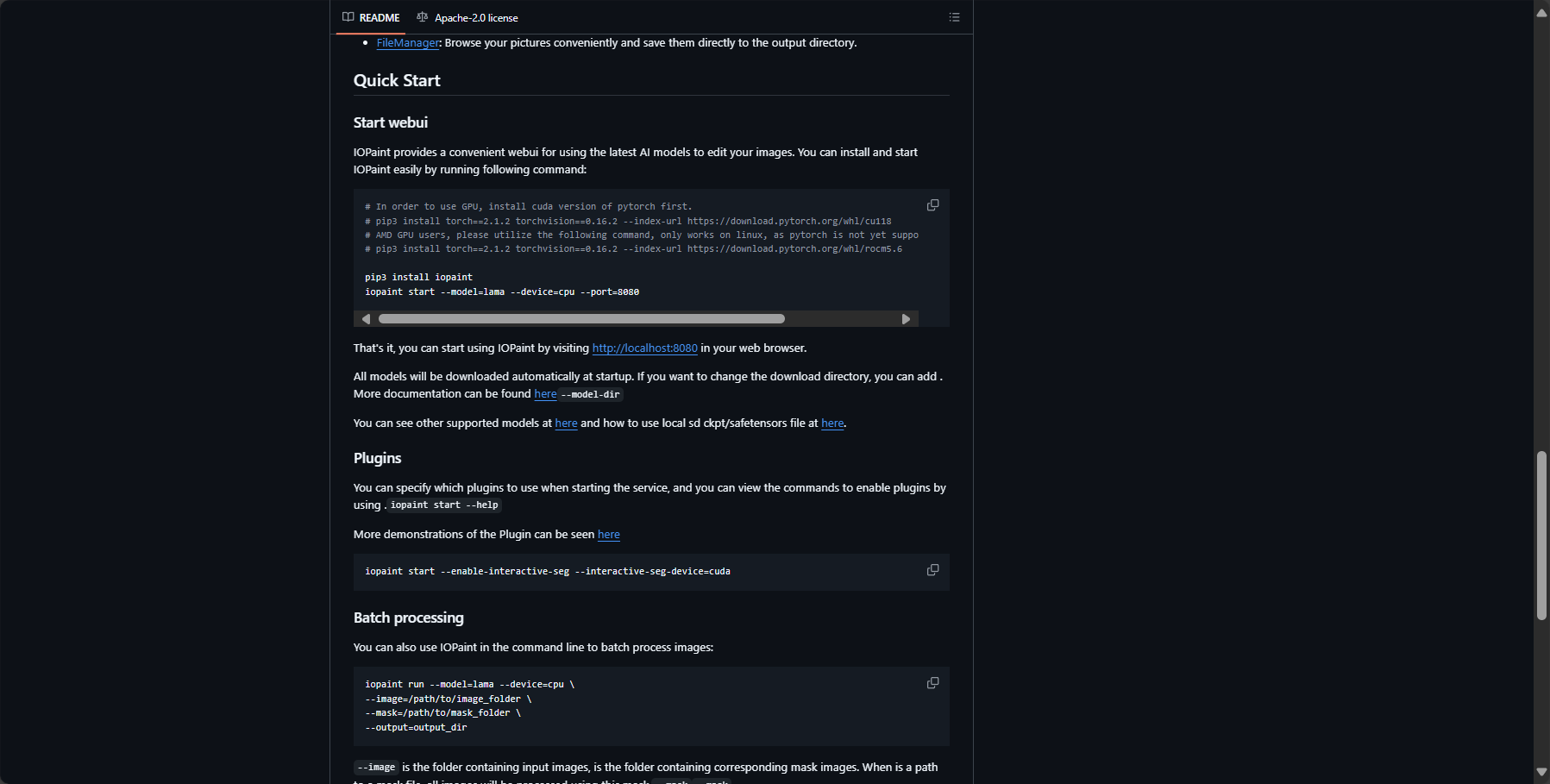
IOPaint offers highly flexible usage, catering to the different needs of both novice and advanced users. Below are examples of three main methods:
Upload images directly to the webpage and explore features like AI erasure and area repair. Quick and easy, no local configuration required.
Download the official Windows version installation package directly and double-click to use.
For detailed installation and release documentation, please see:IOPaint Installation Guide
IOPaintWith its low barrier to entry and powerful AI-powered image object removal capabilities, it has gained popularity among a wide range of users, including but not limited to:
| User type | Use cases | Required functions |
|---|---|---|
| Photography enthusiasts | Eliminate tourists/background distractions | AI Object Erasure |
| e-commerce graphic designer | Product image enhancement | Background removal/Character repair |
| Self-media content creators | Puzzle assembly/plot completion | Block patching/image expansion |
| Illustration/ACG Circle | Illustration fan art/anime restoration | Anime Segmentation Model |
| Education/Research | Image removal/cleanup | Intelligent application of specific areas |
| Senior Developer | Batch customization processing | Command line/bulk API |
One of the highlights of IOPaint is its richnessModel switching和Plugin extensionSupported. Whether you're aiming for ultimate fidelity, prioritizing speed, or dealing with specific application scenarios, the official solution is available.
| Plugins/Modules | Function Description | Typical application scenarios |
|---|---|---|
| LaMa | Classic high-fidelity repair model | Object erasure, area repair |
| MIGAN | Miniature, high-efficiency model, fast speed | Fast batch processing |
| PowerPaint | Text/Object/Modal Guided Generation | Object Replacement Extension |
| RemoveBG | Background splitting with one click | Portrait cutout, e-commerce main image |
| AnimeSeg | Segmentation specifically trained for anime style | Remove comics and anime scenes |
| RealESRGAN, GFPGAN | Super-resolution facial resurfacing | One-stop processing from low definition to high definition |
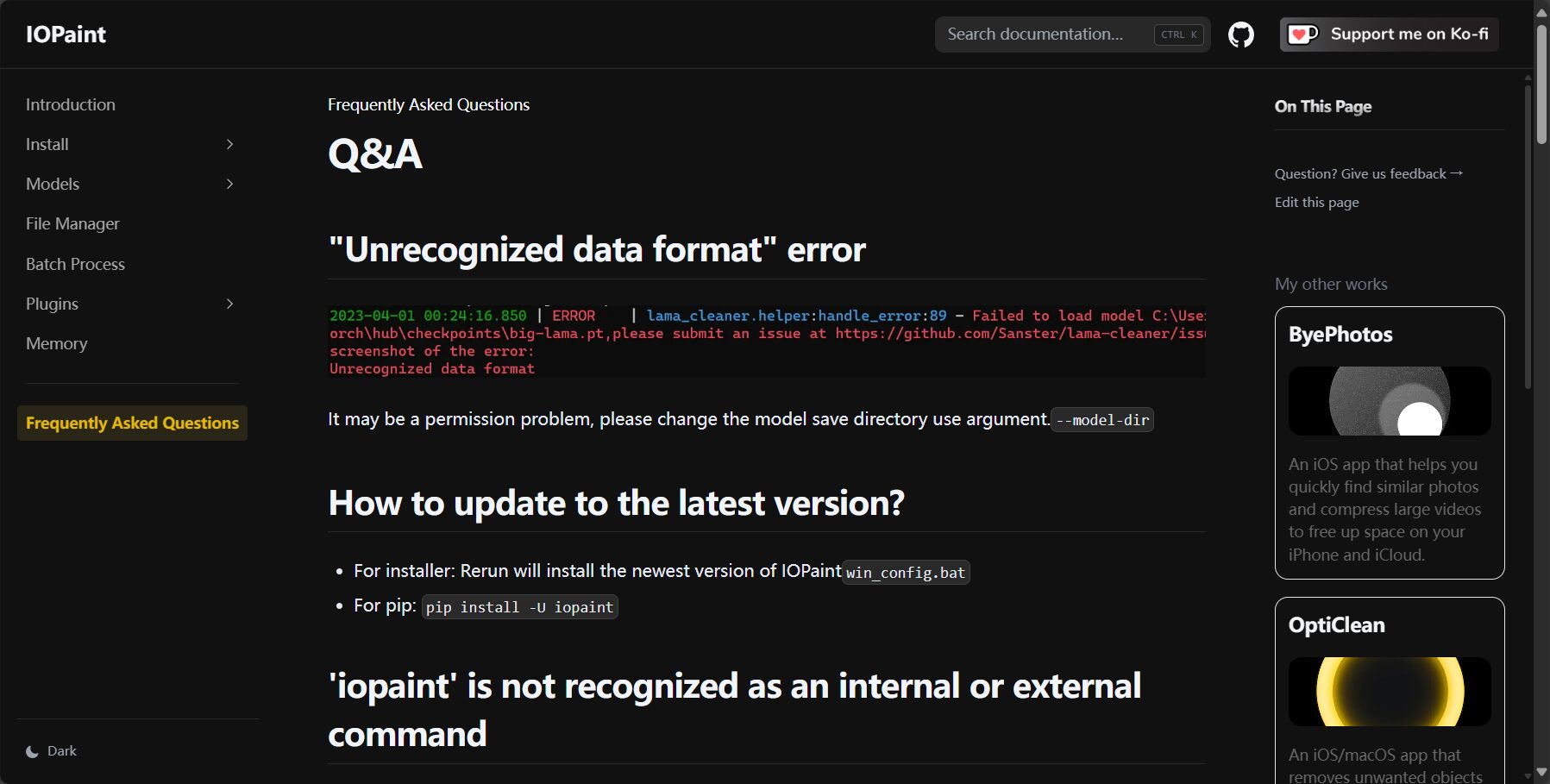
answer:Yes. Thanks to powerful models such as LaMa and PowerPaint, IOPaint can remove objects from AI images in complex environments with a high degree of naturalness and without leaving any traces, achieving one-click fine retouching, making it especially suitable for travel photos, street scenes, and other occasions.
answer:The official documentation provides a command-line batch processing tool. (Using this tool...) iopaint run With the right parameters, it can perform batch image repair at the folder level, making it ideal for e-commerce graphic design, scientific research data, and developer customization.
answer:IOPaint isOpen source self-deployment toolsUsers can choose to run the application entirely locally, ensuring that images and data remain on their personal devices without privacy concerns. For enterprise/institutional needs, users can also build their own private servers.
As a completely open-source project, IOPaint is available on GitHub (Project PageIt boasts a highly active community with tens of thousands of stars. Users can participate in model development and feature iteration, and obtain the latest plugins and experience sharing. Meanwhile, developers can also find and integrate high-quality models on platforms such as Huggingface.
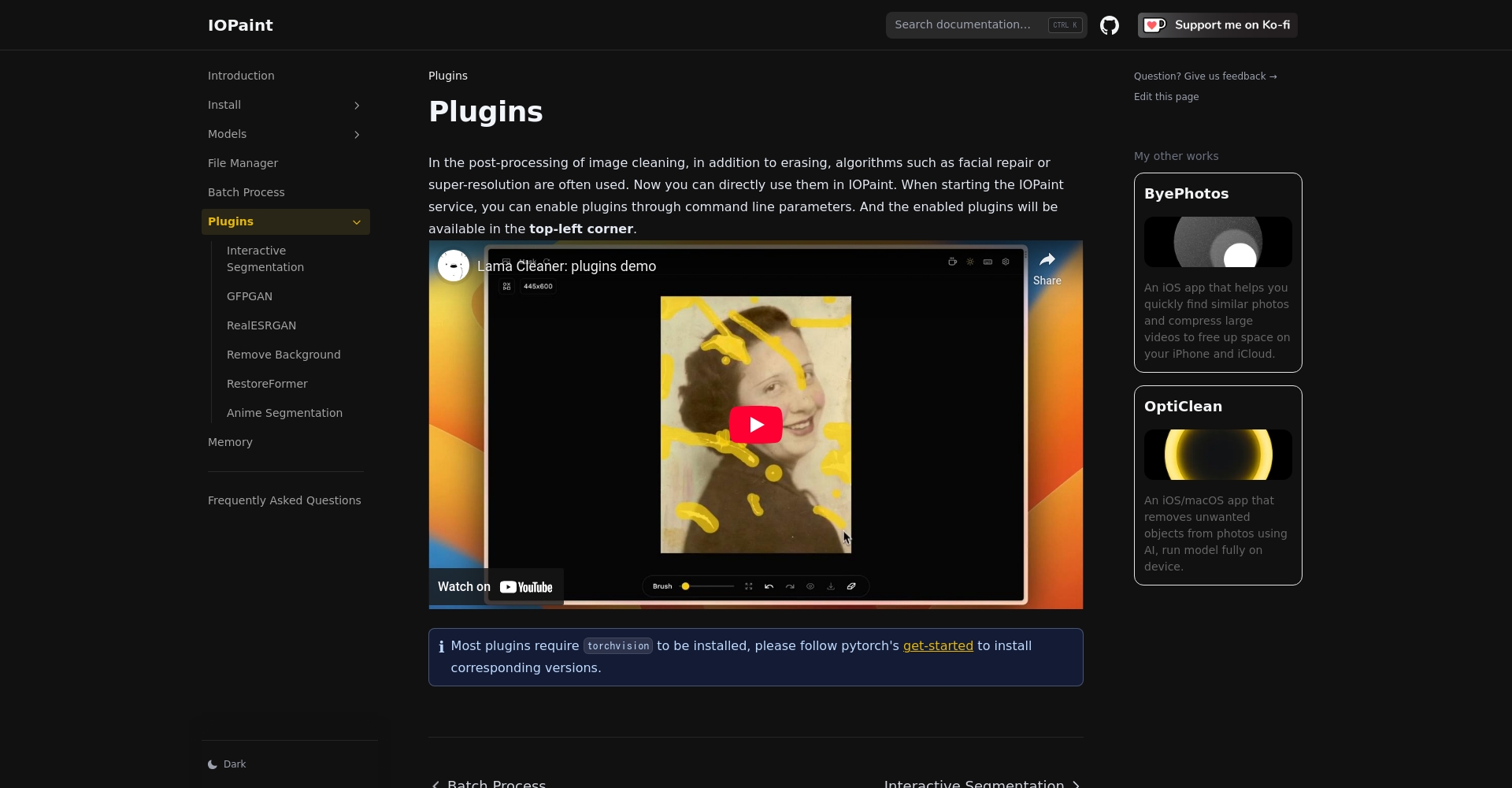
The wave of AI-powered image editing has quietly arrived.IOPaintWith its one-stop AI-powered image editing capabilities, including object removal, intelligent repair, and free expansion, IOPaint makes "efficient, natural, and seamless" image editing a reality. Whether you're a casual user or a professional creator, you can enjoy an incredibly smooth AI image experience on the IOPaint platform. In the future, with continuous community and technological advancements, IOPaint is poised to become the true standard tool in the field of AI image editing. Experience it now:
IOPaint official website:https://www.iopaint.com/
This site's AI-powered navigation is provided by Miao.IOPaintAll external links originate from the internet, and their accuracy and completeness are not guaranteed. Furthermore, AI Miao Navigation does not have actual control over the content of these external links. As of 4:39 PM on September 9, 2025, the content on this webpage was compliant and legal. If any content on the webpage becomes illegal in the future, you can directly contact the website administrator for deletion. AI Miao Navigation assumes no responsibility.
