

Argil
Argil 是一款支持AI数字人快速生成高质量视频的创新平台,让用户仅凭上传短视频或输入文本/音频即可自动生成虚拟分身和多场景视频。
Hama is a free online AI image object removal tool. No login or registration is required. It supports one-click removal of unwanted objects from images, automatic and intelligent background repair, and is safe, privacy-friendly, and suitable for both beginners and professionals.
 Hama
HamaHama is a focusedFree online AI tool for removing objects from imagesIt supports one-click removal of unwanted people, objects, watermarks, etc. from images, and is simple, efficient, and privacy-friendly.Users do not need to register or install software; they can simply upload images and select the objects to be removed via a webpage, and AI will automatically perform seamless repairs.Unlimited editing and image downloads, no forced watermarks, and all features are completely free.Hama is particularly suitable for e-commerce, new media, photography, and education scenarios, and its applicability is significantly superior compared to similar tools. Official commitment.We do not save user image files, thus protecting user privacy to the greatest extent possible.For more detailed information on features, pricing, and hands-on experience, we recommend visiting the Hama platform's official website.
In the field of artificial intelligence image processing,“"Remove unwanted objects from images with one click"”This has long been a common need for designers, photography enthusiasts, and ordinary users. However, AI image object removal platforms specifically designed for this purpose are rare, and truly effective ones are few and far between.“"Simple, natural, efficient, and free"”Those who are even rarer are extremely rare. Hama (www.hama.appHama is a prime example. This article will take the form of a news report to comprehensively analyze the Hama platform's product strength, features, pricing, applicable scenarios, and frequently asked questions, and will reveal its practicality through tables and lists, allowing readers to gain a deeper understanding.
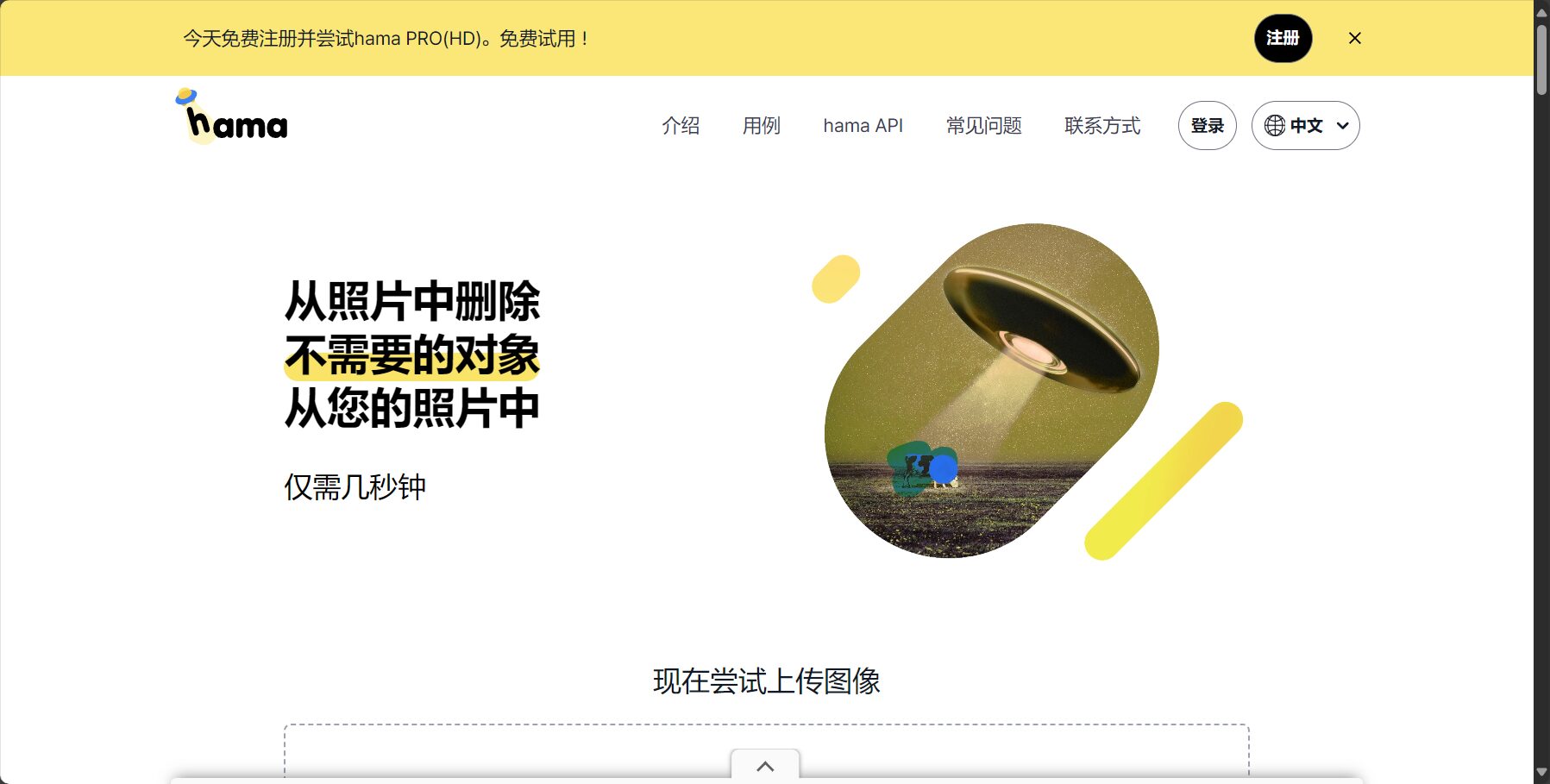
Hama is an online tool platform focused on AI-powered object removal from images.No client download is required; simply open a webpage to upload photos, select unwanted objects, and automatically remove them with a single click, giving your images a fresh new look. Its core advantage lies in its AI algorithm, which automatically analyzes the marked areas and image background to achieve intelligent filling and seamless repair.The results are comparable to hand-finished retouching, but the operation threshold is greatly reduced.。
Suitable forThis is suitable for ordinary users who don't know how to use Photoshop, new media professionals, photographers, designers, and content creators who need fast and efficient image editing.
According to Hama's official website (Function page entryThe platform currently focuses on the following core functions:
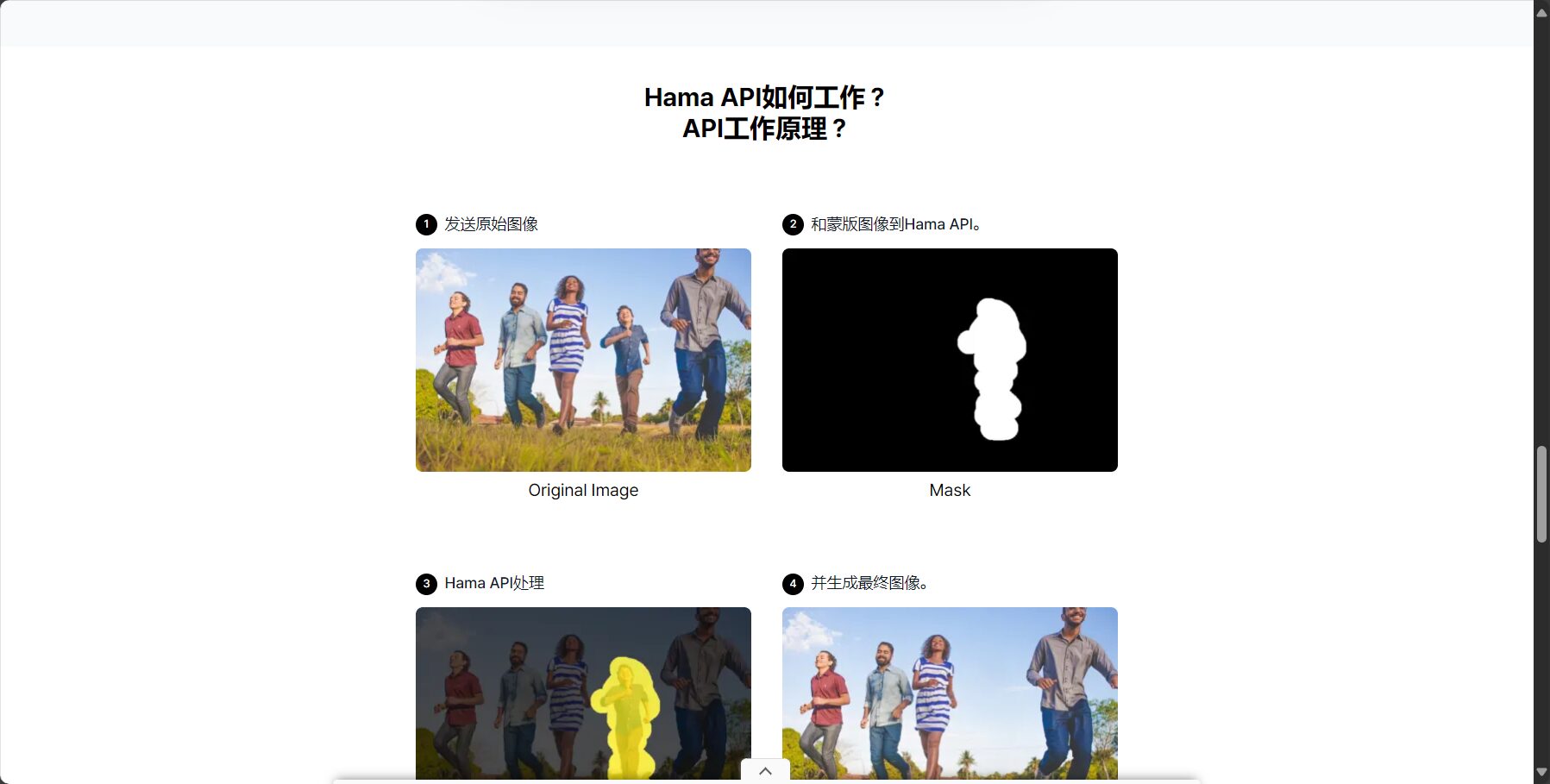
Function List(See the official website's function section for details):
| Function Name | Featured details | User Entry |
|---|---|---|
| AI-powered object erasure with one click | Automatic recognition and intelligent background filling after marking. | Click here to experience |
| Multiple applications/repeated editing | Unlimited replays, supports multiple selections and multi-object elimination. | Same as above |
| Brush Adjustment & Preview | Adjust brush size in real time and switch between before and after effects with one click. | Same as above |
| Download high-resolution, watermark-free photos | Processed images can be downloaded for free without watermark. | Same as above |
| No registration required & completely free | No login or registration required, just open and use. | Same as above |

For most users, Hama's most commendable feature is...Free modeAccording to the official website:
Table: Price Comparison of Hama with Similar Products

| product | Is it free? | Watermark/Resolution Limitation | Registration and login required | Supported formats | Remark |
|---|---|---|---|---|---|
| Hama | free | No obvious restrictions | 无 | jpg/png/jpeg etc. | Privacy friendly |
| Cleanup.pictures | Partially free | The free version has resolution limitations. | Optional | jpg/png | Registration is required to access all features. |
| SnapEdit | Partially free | The free version has limitations. | Optional | jpg/png | |
| Magic Eraser | free | Registration required to download HD version | Registration required | jpg/png |
Hama's free strategy is highly attractive to both casual and heavy users.Whether for basic photo editing or frequent use, users don't need to worry about additional costs. For specific pricing and updates, please visit [website address].Hama pricing policy page。
Hama emphasizes a "minimalist user experience," meaning it's ready to use right out of the box. The operation process is as follows (see detailed tutorial).How to use):
Operation Procedure List

Any user who needs to erase objects or remove imperfections from images can benefit from Hama.Applicable scenarios include:
| Target audience/industry | Typical uses |
|---|---|
| E-commerce operations/New media | Remove unnecessary elements such as model outfits, background clutter, and advertising materials. |
| Photographer/Retoucher | Remove passersby/objects/watermarks to salvage flawed photos. |
| Designer/Graphic Editor | Clean up unnecessary parts of print ads/posters |
| Regular personal/friends sharing | Remove unwanted tourists or passersby from travel photos and group photos with one click. |
| Education/Work Documents | Remove handwriting errors and unwanted objects from presentation slides and PowerPoint images. |
Hama promises not to store user-uploaded image files.All processed content is for immediate operation only and cannot be restored after deletion. This provides important protection for users concerned about the leakage of personal photos and the theft of company trade secrets (see details).Official Website Policy)。
| Tool Name | Supports Chinese | AI autofill | Is it permanently free? | One-click download | Registration required | Privacy protection | Editing limit |
|---|---|---|---|---|---|---|---|
| Hama | 是 | 是 | 是 | 是 | 否 | 是 | 无 |
| SnapEdit | 是 | 是 | 否 | 是 | part | part | 有 |
| Cleanup.pictures | 是 | 是 | Free/Paid | 有 | 否 | part | 无 |
| Magic Eraser | 否 | 是 | Free/Paid | 有 | 否 | part | 有 |
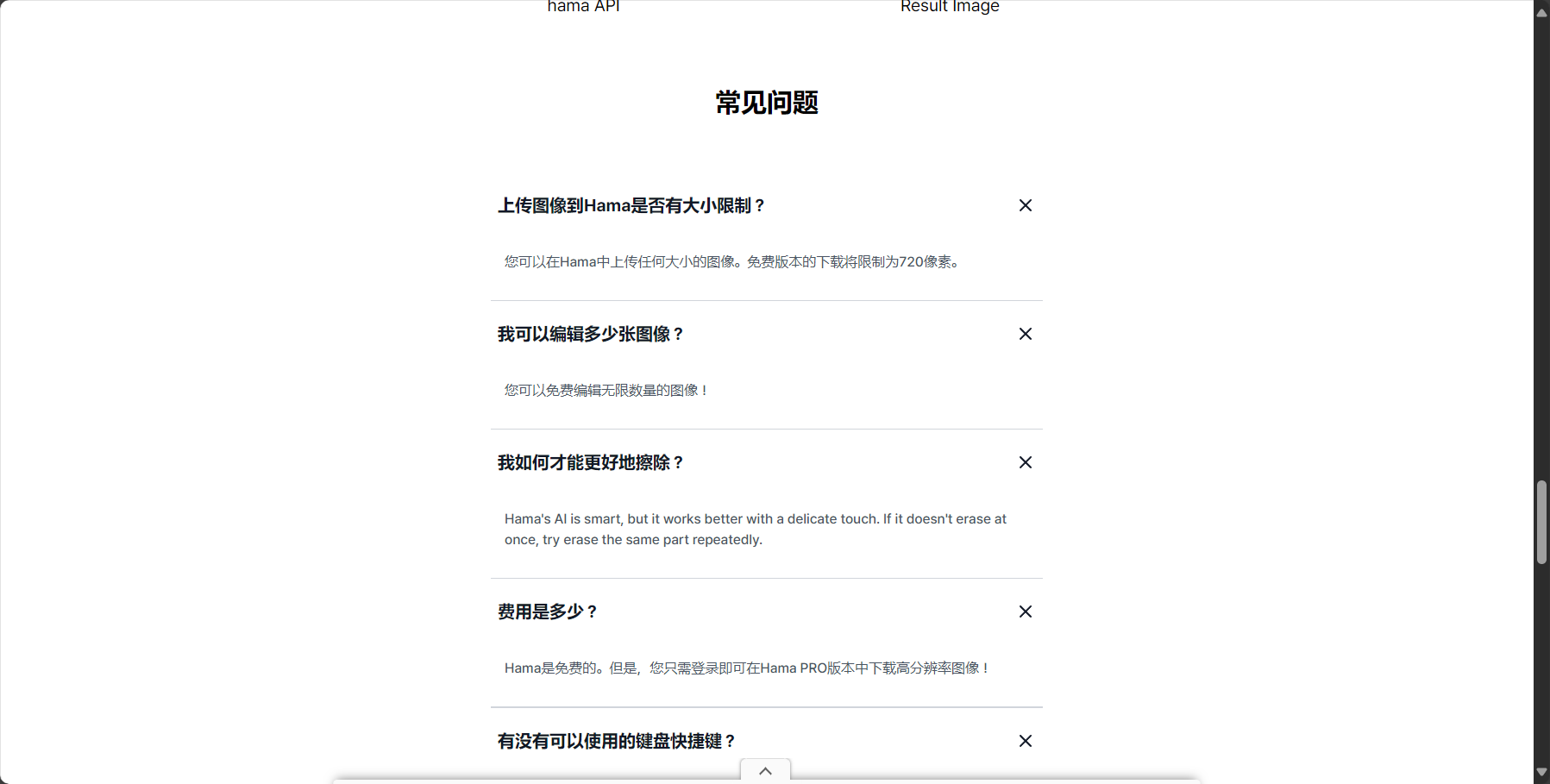
In recent years, AI-powered image object removal tools have emerged one after another, but Hama stands out with its superior performance.Permanently free, easy to use, natural and seamless results, and strong privacy protection.These highlights give Hama a clear advantage in both user reviews and actual experience. With the rapid development of AI technology, Hama provides a low-barrier, high-quality image editing method for ordinary users and even professionals.Making "photo editing without asking for help" possibleIf you're looking to easily remove unwanted elements from your photos and optimize your image content, why not give it a try online?Hama platformIts intelligence and efficiency.
This site's AI-powered navigation is provided by Miao.HamaAll external links originate from the internet, and their accuracy and completeness are not guaranteed. Furthermore, AI Miao Navigation does not have actual control over the content of these external links. As of 4:39 PM on September 9, 2025, the content on this webpage was compliant and legal. If any content on the webpage becomes illegal in the future, you can directly contact the website administrator for deletion. AI Miao Navigation assumes no responsibility.
