
What is Notion? A complete guide to Notion for beginners: Function analysis and efficient usage explained.
What is Notion?It's not just a note-taking app, but a one-stop efficiency tool that integrates...Multi-level notes, databases, task management, team collaboration andAI AssistantIt boasts powerful features. This article provides a detailed explanation for beginners regarding Notion's cross-platform support, core modules, mainstream application scenarios, and practical AI usage, helping you quickly get started from scratch and build your own efficient workspace.Whether you are a student, a personal growth enthusiast, or a corporate team, Notion can meet your digital collaboration and knowledge management needs.

What is Notion? A redefined all-in-one productivity tool.
Notion was launched in 2016.All-in-one workspaceThe platform integrates notes, databases, tasks, schedules, and project collaboration, supports multi-platform synchronization and AI assistance, and is a comprehensive digital tool for individuals and teams to improve efficiency.
Key features at a glance:
| Functional categories | Introduction | Applicable to | Typical applications |
|---|---|---|---|
| Multi-level notes | Supports unlimited nested pages and clear document organization. | Individuals and teams | Daily notes, meeting minutes |
| database | Switching between multiple views: tables, dashboards, calendars, and libraries. | Product managers, students, programmers | Project management, learning progress |
| Tasks & Schedule | To-do list, calendar timeline | Everyone | GTD Management and Work Plan |
| Teamwork | Hierarchical access control, real-time collaboration, annotations and comments | Enterprises, teams | Shared knowledge base, collaborative editing |
| AI Assistant | Automatic summarization, content generation, and intelligent completion | Content creation and management | Quick document drafting |
In short:Notion is more than just a "note-taking tool"; it empowers teams and individuals to achieve…Knowledge accumulation + task-driven + AI intelligenceA new collaboration engine.
Full platform support and Chinese localization experience
- Supports login on all platforms including Web, Windows, Mac, iOS, and Android, with data synchronization to the cloud.
- 2024 officialChinese version launchedSwitching is simple (Settings → Language → Simplified/Traditional Chinese).
- High security, supports offline editing and cloud synchronization.
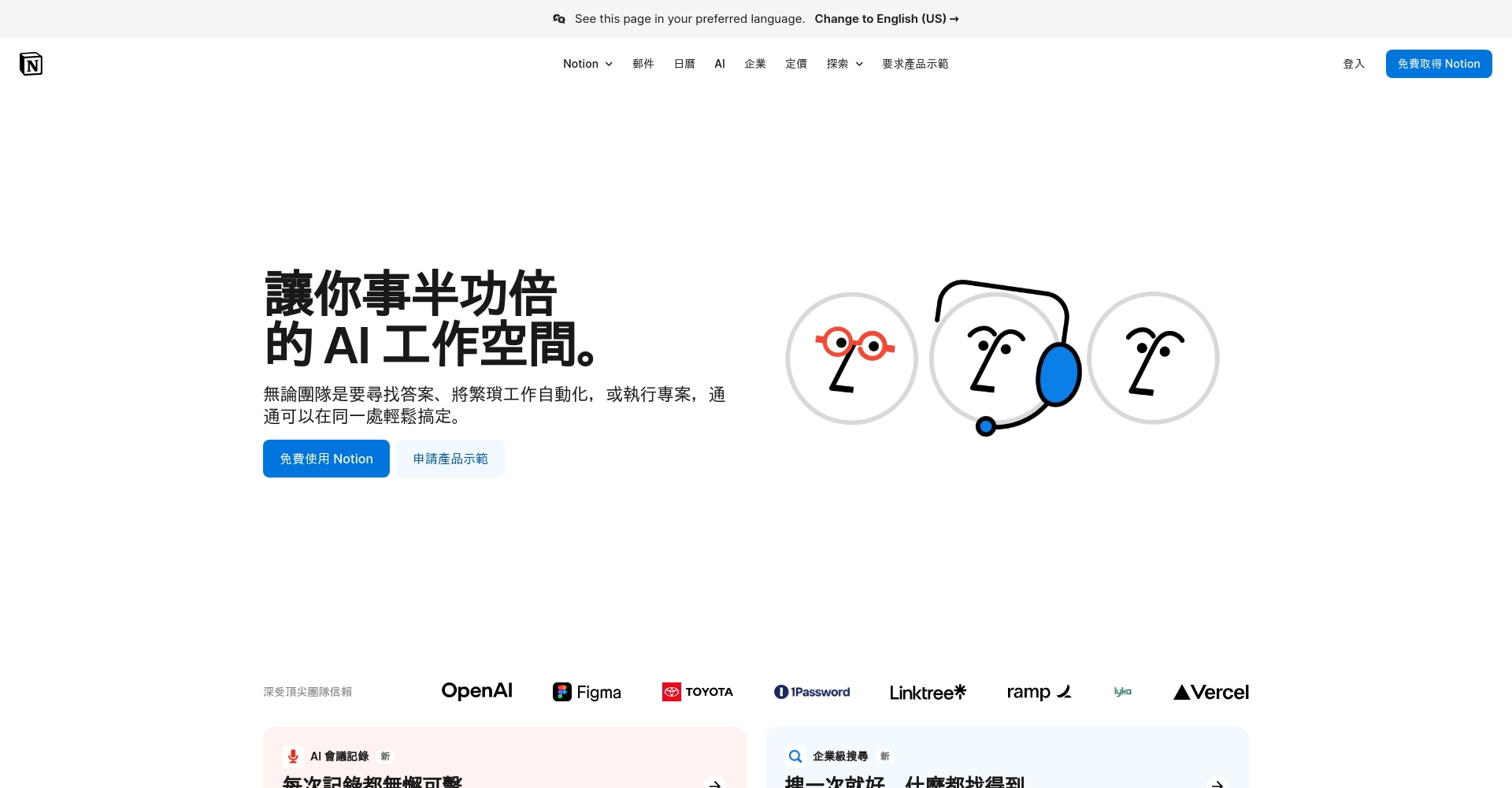

| Steps to switch to Chinese version | illustrate |
|---|---|
| Settings & Members | Enter the "Settings" menu in the lower left corner |
| Language®ion | Choose "Simplified Chinese" or "Traditional Chinese"“ |
| Automatic updates | Instant switching, interface changes take effect immediately. |
A comprehensive analysis of Notion's features and a comparison with mainstream tools.
| tool | Notes Classification | Task Management | database | Kanban | Template Market | AI Assistant |
|---|---|---|---|---|---|---|
| Notion | 强 | 强 | 强 | 强 | Rich | Super strong |
| Evernote | 中 | 弱 | 弱 | 无 | generally | 无 |
| OneNote | 强 | 弱 | 弱 | 弱 | 少 | 无 |
| Trello | 弱 | 强 | 无 | Super strong | less | 无 |
| Google Docs/Keep | 弱 | 弱 | 无 | 无 | less | 无 |
Highlights:Unlimited layered pages, multiple database views, powerful collaboration, rich templates, and native AI.
Notion's Main Functional Modules Explained
- All-in-one note-taking and content management:Supports text, lists, code, images, audio, video, and files, and is compatible with Markdown syntax.
- Database and Project Management:Customizable attributes; easy switching between tables, dashboards, and calendars; can be linked to other pages and databases.
- Multi-user collaboration and access control:Publicly shareable links with detailed permission settings, supporting comments, @mentions, and history tracking.
- Enrich the template market:The official website updates weekly, and templates for different scenarios can be reused with one click.
- Notion AI:A smart assistant that integrates summarizing, writing, translating, and to-do list retrieval, boosting efficiency with a single click.
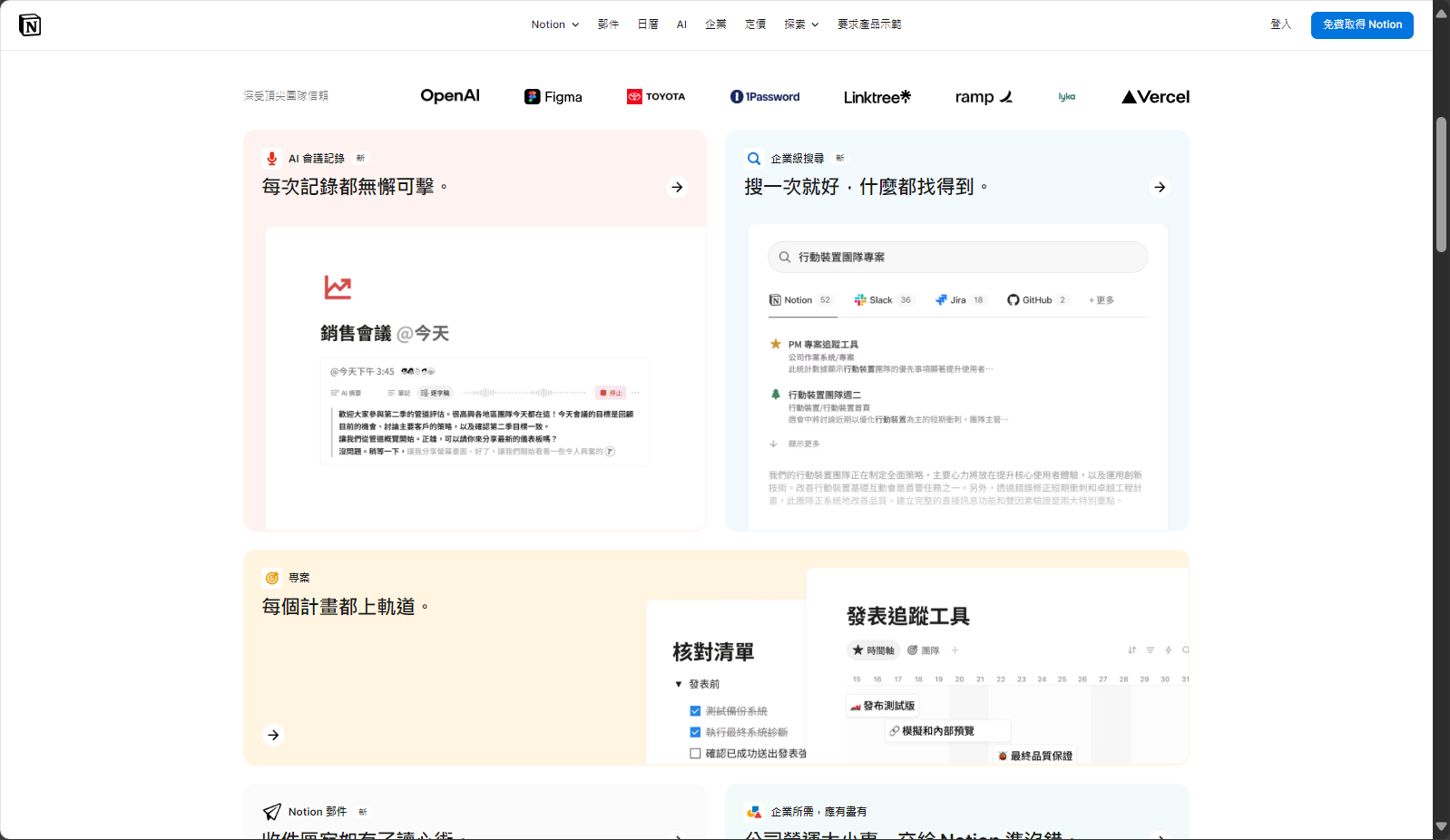
Notion template type
| Template type | Application breadth | Applicable industries |
|---|---|---|
| Work & Projects | 广 | IT, Operations |
| Personal growth | 中 | Students, freelancers |
| Human Resources/CRM | 中 | enterprise |
| Time plan | 广 | Everyone |
Notion AI Example
- Generate article outlines and meeting minutes with one click
- Automatically retrieve to-do tasks
- Quickly rewrite/summarize notes
- Batch content translation and polishing
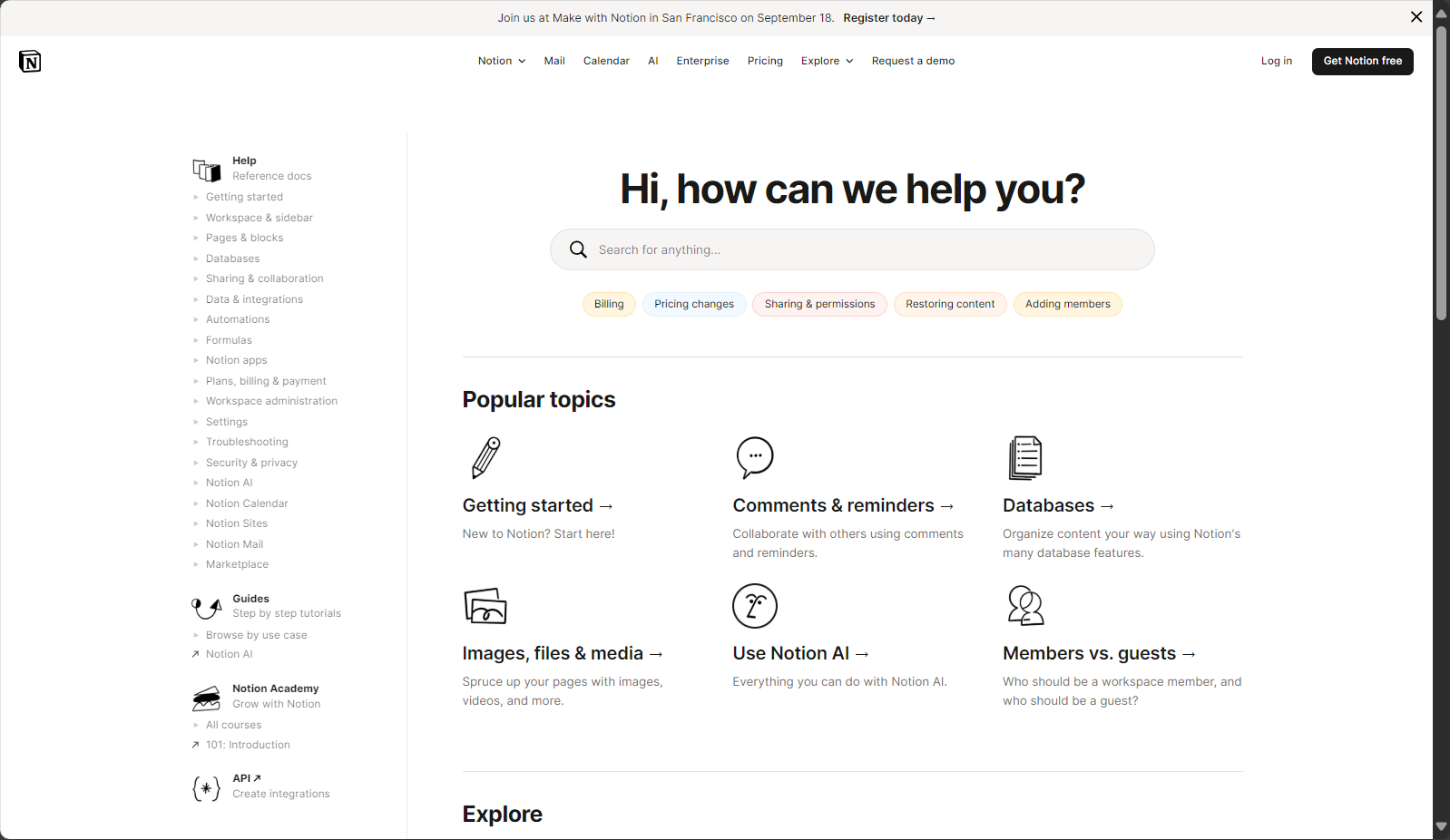
- Further information:Notion AI Official Page
Notion for Beginners: Account Registration & Installation Process
- Visit the official websiteregister(Supports email, Google, and Apple ID; college and university email accounts can be upgraded to the paid version for free)
- Switch between Simplified and Traditional Chinese versions (Settings → Language & Region)
- Download and install the official client; mobile versions support iOS and Android.
| platform | Download method |
|---|---|
| Windows | Official website/Microsoft App Store |
| MacOS | Official website/Apple App Store |
| iOS | App Store |
| Android | Google Play |
Notion Interface and Basic Operations
- Left sidebar:Homepage and Navigation
- Top bar:New, Synchronization, AI Entry Point
- Top right corner:Share, export, collaborate
Page operations:Create/nest pages, supporting selection of blank/template, and customization of cover and icons.
Keyboard shortcuts/commands:“Use "/" to quickly insert a block, and "Ctrl/Cmd+P" to search the page.
| Block type | illustrate | use |
|---|---|---|
| Text | Standard content layout | Diary, Records |
| Heading | Supports three-level headings | Document Structure |
| To-do List | You can check the boxes for to-do items. | Task Management |
| Database | Multi-view switching | Projects, Lists |
| Toggle List | Foldable panels | FAQ, Table of Contents |
| Media Block | Insert images/audio/video/files | Multimedia knowledge |
| Callout/Quote | Highlight/Quote Section | Key Notes |
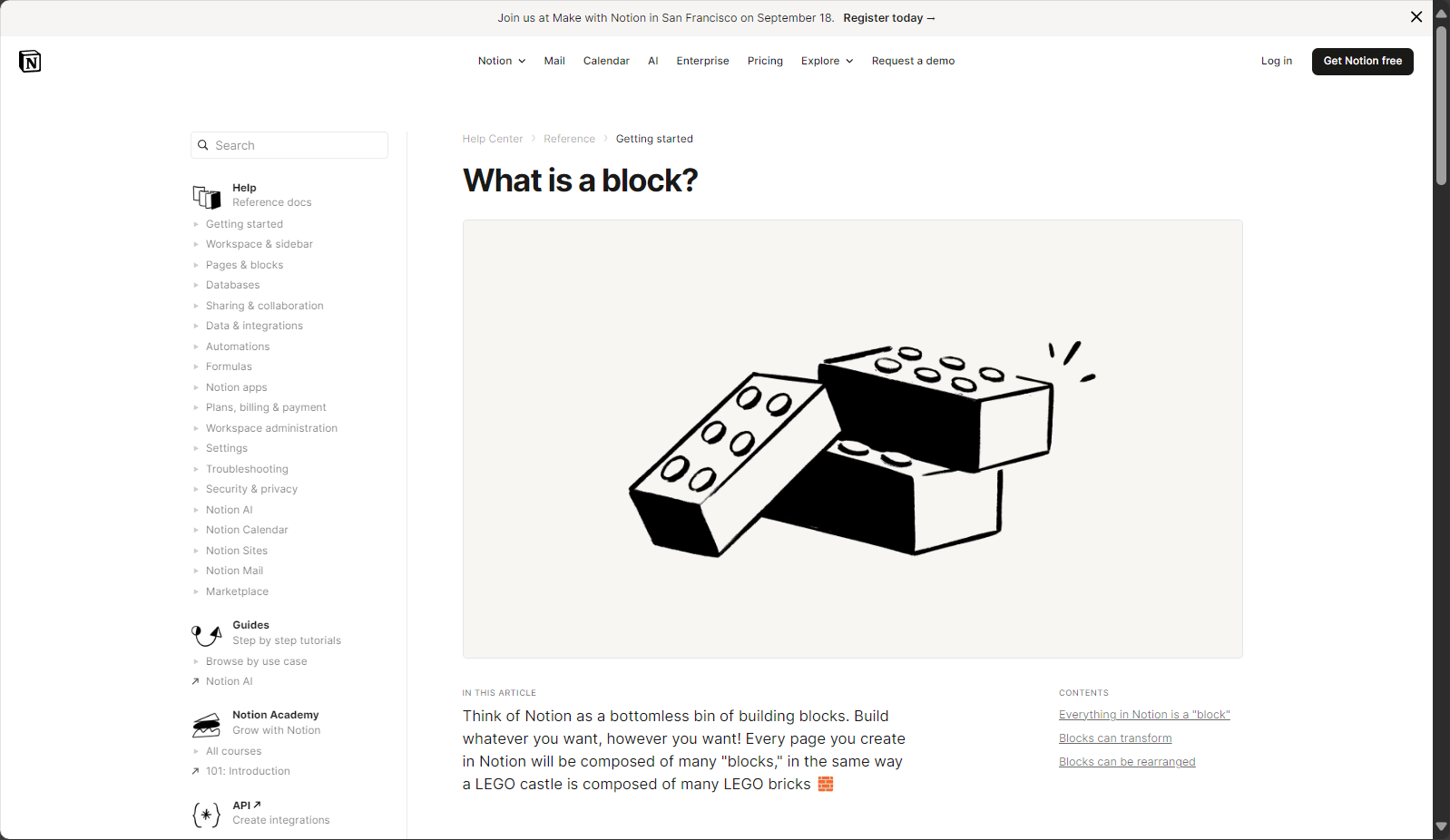
See detailsNotion Block Official Help
Typical scenario practical applications
1. Learning and Personal Growth
- Establish a "Course Knowledge Base" database, and archive courses by course/chapter/key points.
- Template generates "Review/Learning Plan"“
- One-stop management of inserted images, audio recordings, PPT files, etc.
2. Project Management and Team Collaboration
- Drive projects using the Kanban database.
- Task assignment, real-time progress synchronization, and collaborative discussion forums
3. Content creation & writing
- AI-powered one-click outline/polishing/translation
- Version tracking prevents the loss of important content.
4. Life Planning & Time Management
- Use a calendar database to integrate your schedule and develop good habits of checking in/tracking your routines.
Notion Advanced Techniques and Practical AI Methods
Relation/Lookup enables database interconnection
- Use Relation to connect "project-task-document" for automatic information flow.
- Lookup supports automatically linking/aggregating content from other databases.
API and Automation
- Integrating with Zapier/Make to achieve automatic data flow
- Developers can integrate more external functions through the API.
Notion AI Common Command List
| AI Functions | Operation method | Applicable Scenarios | Example |
|---|---|---|---|
| Summary Page | “/summarize” | Meeting minutes and document organization | Automatically extract key points |
| Generate outline | “"/outline” | Writing/PPT Structure | Quickly generate blog/report outlines |
| translate | “"/translate to x"” | Cross-border collaboration | Chinese-English translation |
| Find to-do items | “"/find action items"” | Notes Task List | Batch extract all pending tasks |
| Brainstorming | “"/brainstorm"” | Creative inspiration | Advertising copy examples |
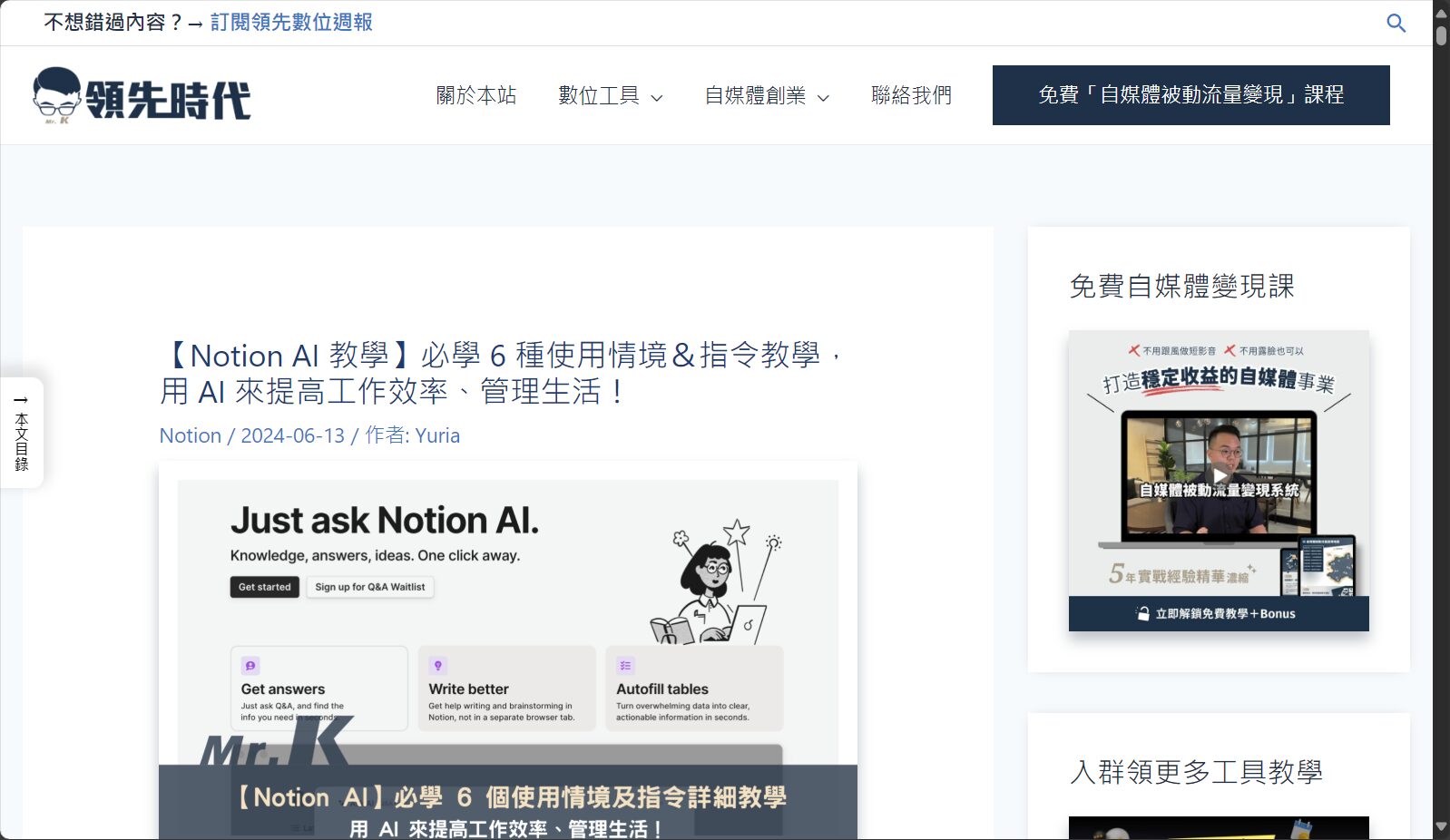
For more information, please see [link/reference]. Notion AI Hands-on Tutorial
Pricing and Fee System – Free is Enough
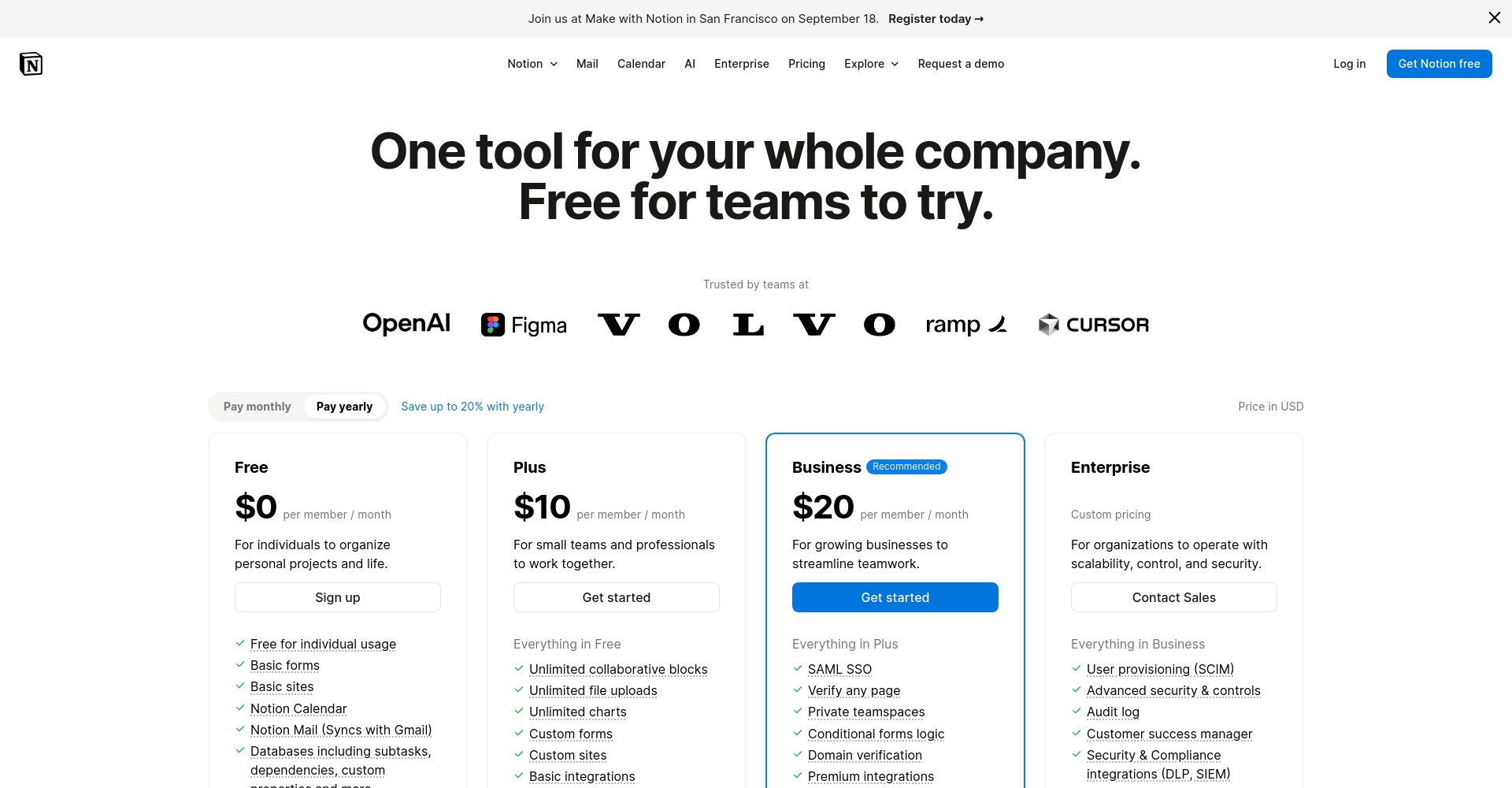
| Scheme type | Monthly fee | Main functions | File upload | Database/Collaboration | AI Functions |
|---|---|---|---|---|---|
| Free version | 0 yuan | Support individuals/small teams | 5MB/file | √ | AI-limited trial; try all features. |
| Plus | $8 | Collaboration/History/No Upload Restrictions | 无 | √ | AI on-demand subscriptions for more |
| AI module | $8-10 | All AI-enhanced assistants can be added to your cart. | — | √ | All of these are AI-generated, including summarizing, writing, and translating. |
Educational email accounts can enjoy Plus for free, and AI can be flexibly purchased as needed.
Frequently Asked Questions and FAQs for Beginners
| problem | answer |
|---|---|
| Does it support offline? | The desktop app supports basic offline functionality, but requires an internet connection to sync. |
| Can Evernote/OneNote data be migrated? | Built-in import tool, complete in two steps. |
| How secure is the data? | AES-256 encryption, enterprise-grade protection, AWS cloud storage. |
| Can database fields be customized? | Supports free customization of multiple field types. |
See moreNotion Official Help
In conclusion
What is Notion?It has become a revolutionary digital tool for learning, working, and personal growth. “More than just notes, it's your personal digital workspace.”Whether you're a student, freelancer, or business owner, Notion enables efficient recording, planning, collaboration, and management.
Join now Notion official websiteStart your efficient life.
Stay tuned for future articles to get advanced usage tips and high-quality templates!

© Copyright notes
The copyright of the article belongs to the author, please do not reprint without permission.
Related posts



No comments...
