
Diffusion Tutorial (Chinese): How to Generate High-Quality Chinese Images Using AI Diffusion Models? Detailed Steps + Practical Tips
随着AIGC和扩散模型的发展,基于扩散模型(Diffusion Models)的AI绘画已能支持中文提示词直接生成高质量、多风格图片。本文将详细梳理“diffusion 中文”的实用流程,包括模型原理、环境搭建、操作细节、进阶技巧与优秀平台推荐,助你一站式掌握中文图片生成的关键步骤与提升窍门。
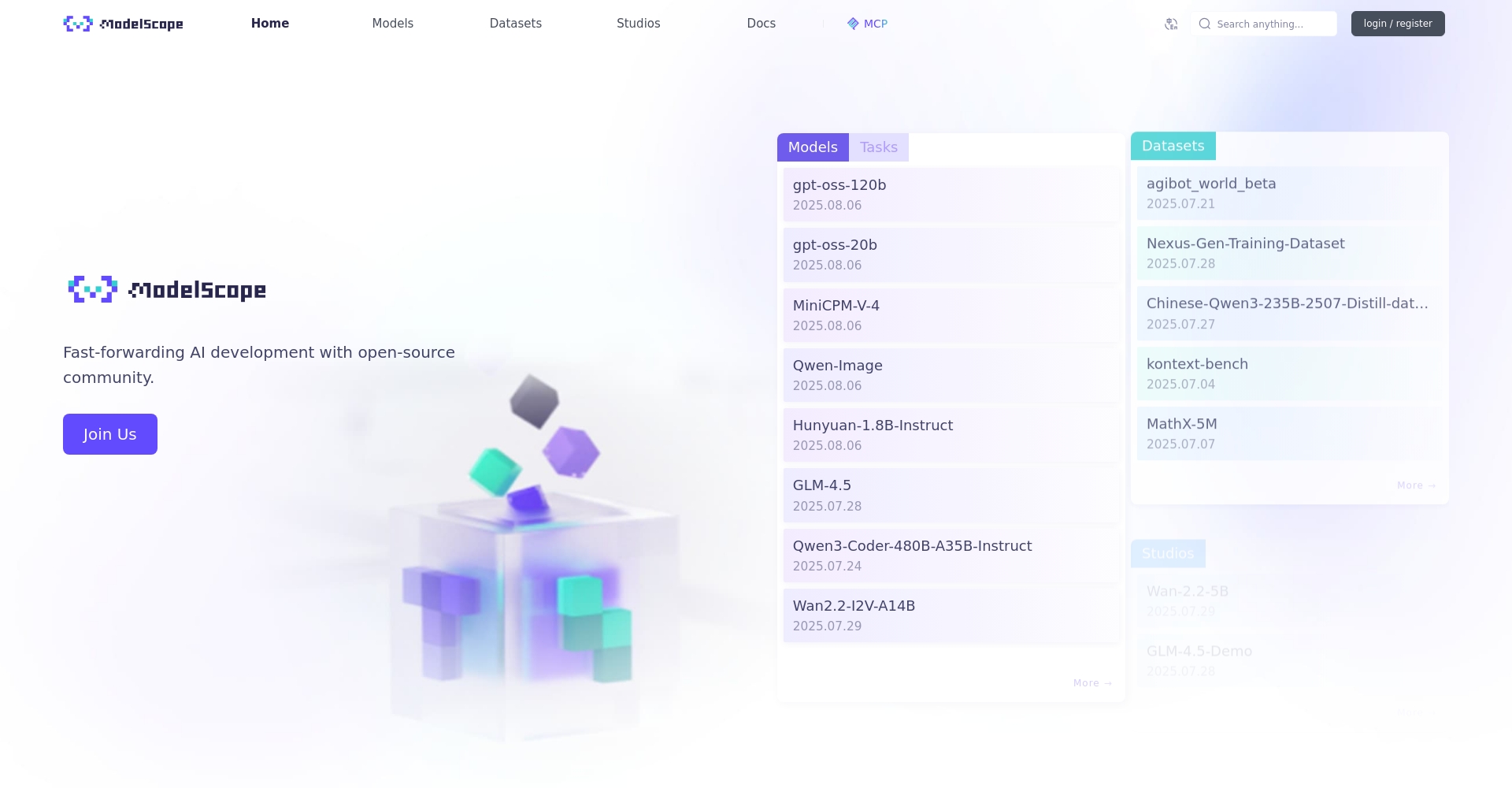
什么是Diffusion扩散模型?
扩散模型基础原理
diffusion model是一类先进的生成式AI模型,通过不断给图片“加噪声”和“去噪声”,让网络学会还原清晰图像。原理如下:
- 训练阶段:逐步添加噪声,模型学习去噪,掌握还原能力;
- 生成阶段:从随机噪声出发,利用反向过程生成图片。
与GAN等传统技术相比,扩散模型更易训练,图片细节更丰富,广泛应用于AI绘画、修图、合成。例如Stable Diffusion、DALL-E系列等均为扩散模型产品。
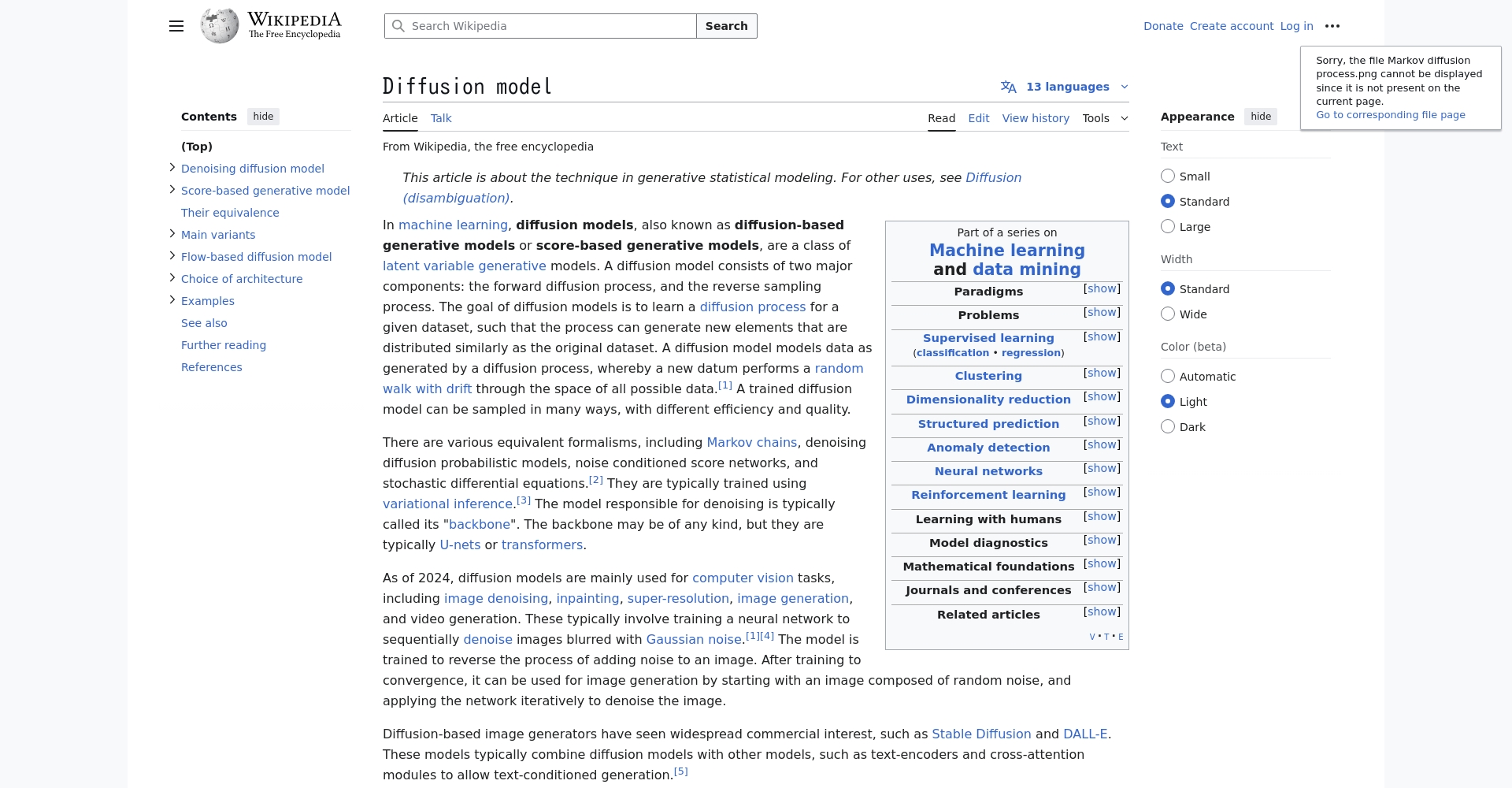
为什么“diffusion 中文”格外重要?
全球主流扩散模型多基于英文语料,中文场景常遇到理解偏差与风格脱节。为此,国产团队与社群持续提升模型:让AI更好地理解中文元素、词汇和文化,显著提升了“中文文生图”的自然度与实用性。
如何搭建中文扩散模型环境(diffusion 中文基础部署)
选择主流中文Diffusion模型平台
常用中文扩散模型平台/框架一览:
| 工具/模型 | Online/Local | Unique advantages | Official website/entry point |
|---|---|---|---|
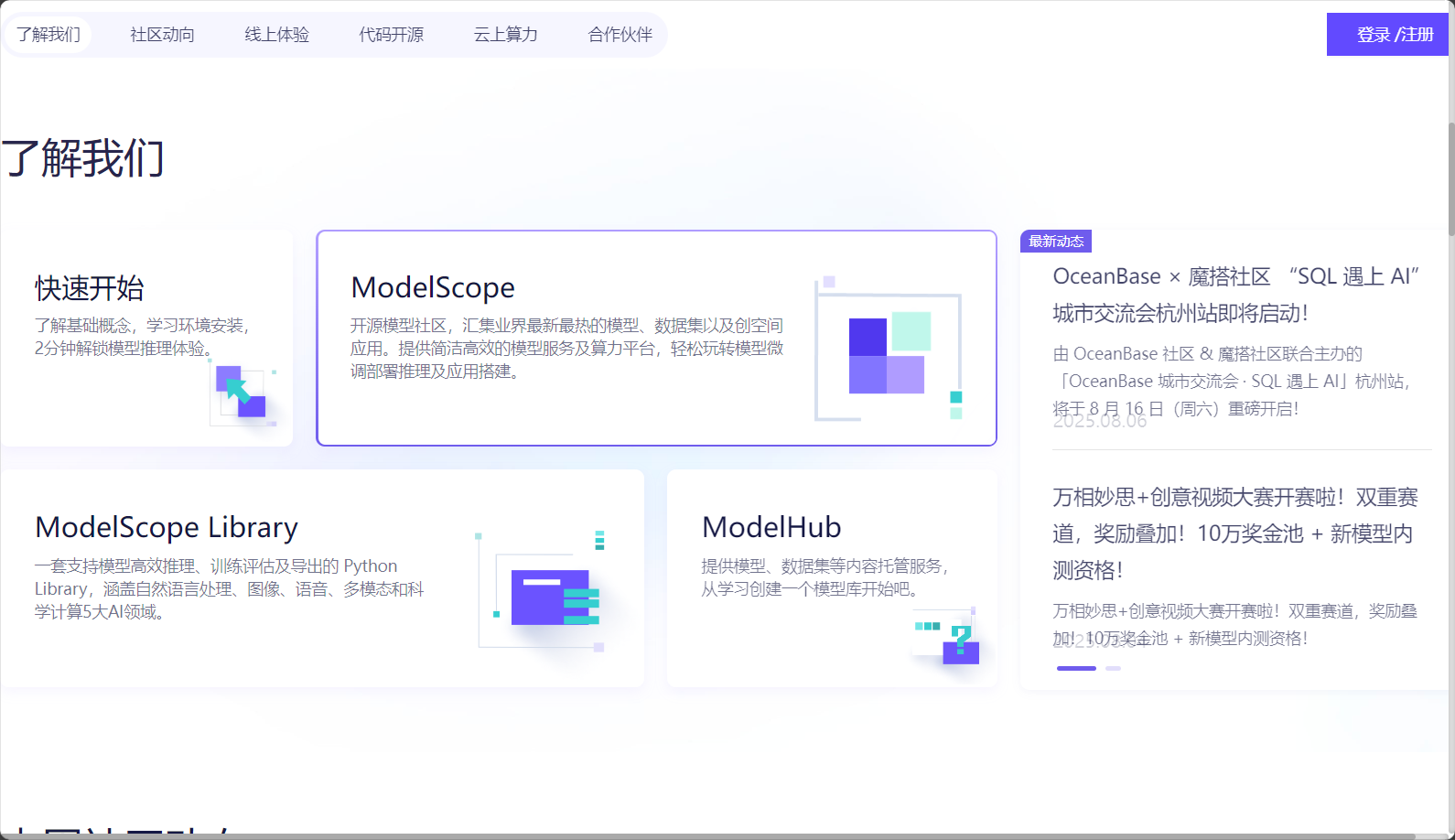
| ModelScope(魔搭社区) | Online | 多款中文Stable Diffusion模型 | https://modelscope.cn/ |
| Hugging Face Diffusers | Local/Cloud | 自定义权重,兼容多类中文模型 | https://github.com/huggingface/diffusers |
| SkyPaint | local | 中英文prompt兼容 | https://github.com/SkyWorkAIGC/SkyPaint-AI-Diffusion |
| WuKong-HuaHua(悟空画画) | Online/Local | 原生中文语义理解 | https://github.com/JeffDing/WuKong-HuaHua |
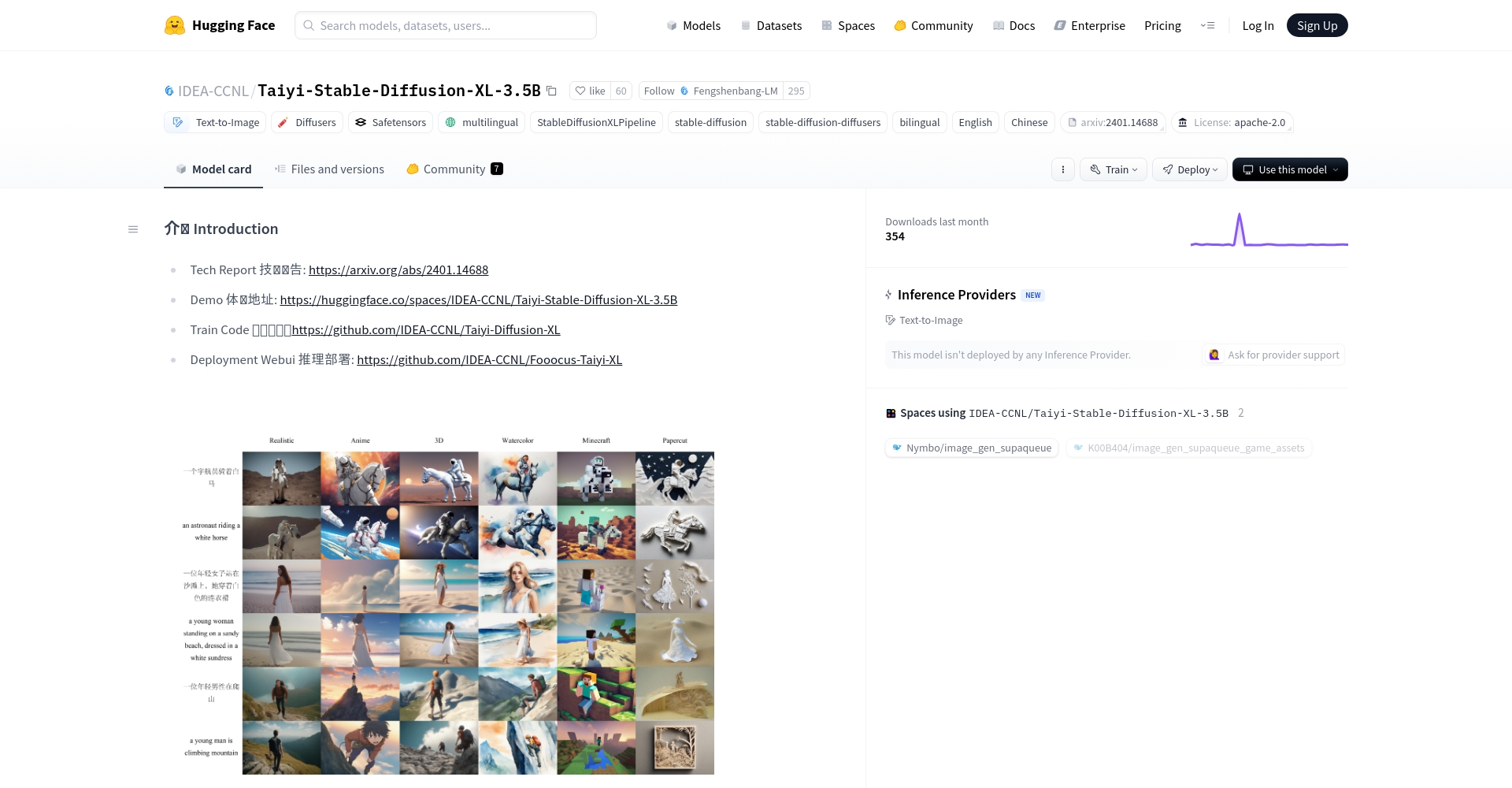
| Taiyi Diffusion | local | 中文传统文化理解能力突出 | https://github.com/IDEA-CCNL/Fengshenbang-LM |

hint:纯零基础首选魔搭社区网页版;有本地化或定制训练需求,建议使用 Hugging Face Diffusers+中文权重。
环境搭建简明步骤(以 Hugging Face Diffusers+中文权重为例)
- 准备Python 3.8+环境,建议用Anaconda虚拟环境隔离依赖。
- 安装必需库:
pip install torch torchvision
default
pip install diffusers==0.25.0 transformers accelerate - 下载中文扩散模型权重:
如 Taiyi-XL:
from diffusers import DiffusionPipeline
pipe = DiffusionPipeline.from_pretrained("IDEA-CCNL/Taiyi-Stable-Diffusion-XL-3.5B", torch_dtype=torch.float16).to("cuda") - 中文prompt图片生成:
prompt = "中国水墨风格的秋天村庄,远山如黛,稻田金黄"
image = pipe(prompt).images[0]
image.save("output.png")
diffusion 中文实操教程——详细步骤
1. 选择或加载合适的Diffusion中文模型
- 云端用户:直接登录ModelScope等网站选择中文扩散模型。
- 本地用户:按上述方式部署、下载权重(推荐SD1.5结构的模型)。
| Model Name | 优势关键词 | How to obtain | 插件兼容 |
|---|---|---|---|
| Taiyi-XL | 双语、中西合璧 | Hugging Face/本地 | support |
| Wukong-HuaHua | 原生中文大数据 | Github/ModelScope | support |
| SkyPaint | 艺术风格/中英 | Github | support |
| MiaoBi | 动漫风/SD1.5兼容 | Github | support |
2. 输入高效中文Prompt(提示词)
- recommend直接用中文详细描述风格内容。如:“宋代仕女图,唯美画风,红色背景”。
- 遇识别不佳可中英混输:“中国古风仙侠少女, digital painting, ultra detailed”。
- 分条罗列内容、环境、细节、风格…多角度补充,提升生成效果。
| Target | 提示词结构建议 | Example |
|---|---|---|
| 水墨国画 | 中国水墨画+场景+风格 | “中国水墨画风格的松林,山水背景” |
| 动漫头像 | 主体+风格+表情+细节 | “可爱少女动漫头像,大眼睛,俏皮表情” |
| 科幻城市夜景 | 场景+科技感+光影 | “未来主义科幻城市,夜景霓虹灯反光” |
3. 调节生成参数
- 步数(inference steps):25-50,数值大更精致,但耗时增加。
- CFG引导:5-10区间,太高可能失真,太低风格弱。
- resolution:常用512×512,高级支持768×768+。
- 随机种子(seed):设置后生成结果可复现。
result = pipe(
    prompt,
    num_inference_steps=30,
    guidance_scale=7.0,
    width=512,
    height=512
).images[0]
4. 生成与增强图片
- 首轮不满意可调整prompt或参数,或换其他模型横向对比。
- 进阶用户可加载LoRA、ControlNet等AI插件实现多模态、风格迁移等自定义。
- CooperateReal-ESRGAN等AI超分工具,增强细节与分辨率。
实用diffusion中文AI工具与平台推荐
| Platform/Tools | feature | 适合群体 | Entry URL |
|---|---|---|---|
| ModelScope魔搭社区 | 无需编码,网页交互,模型丰富 | 新手/进阶 | https://modelscope.cn/ |
| Stable Diffusion WebUI | 插件生态强,中文兼容好 | 进阶/开发者 | https://github.com/AUTOMATIC1111/stable-diffusion-webui |
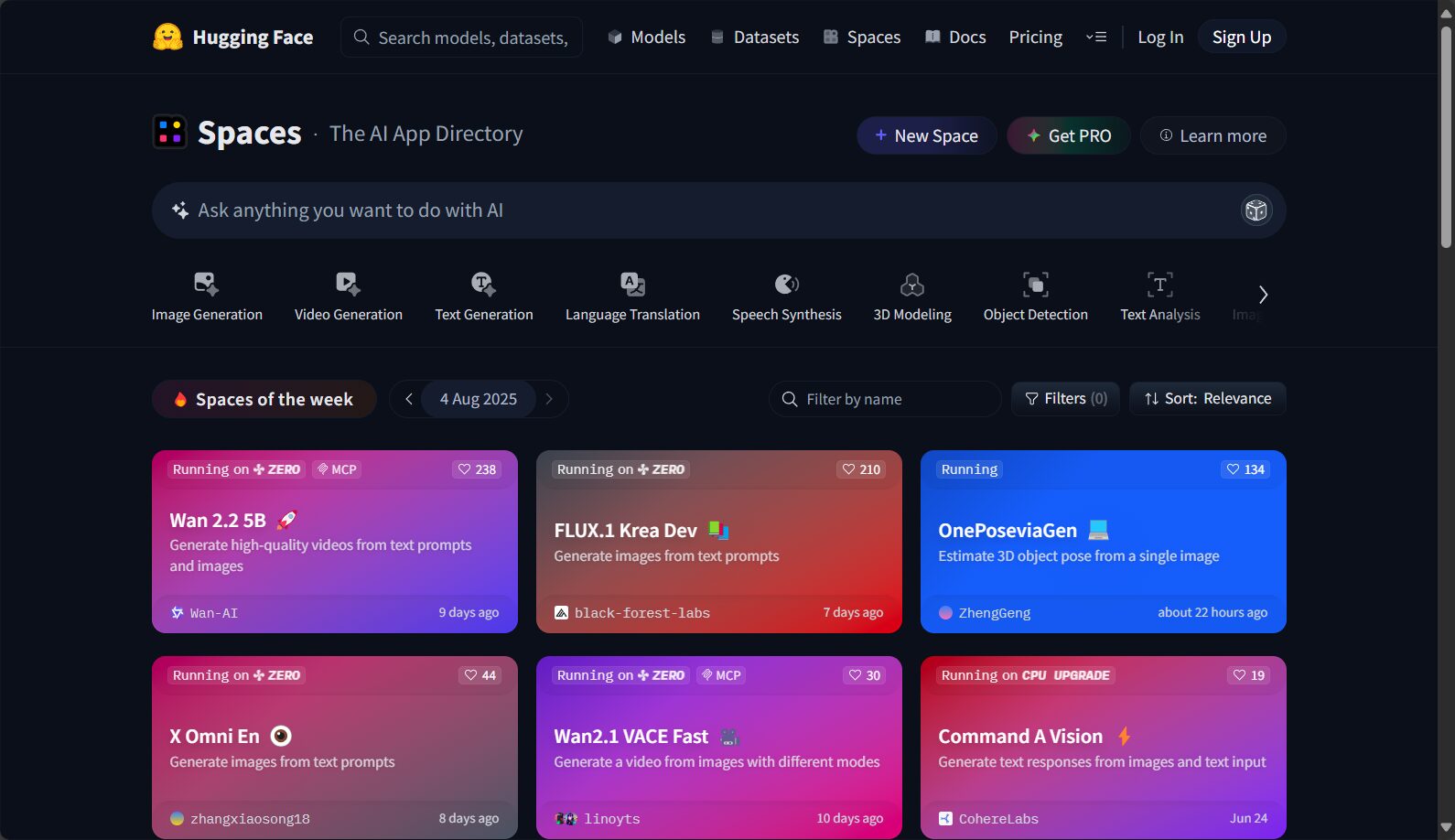
| HuggingFace Spaces | 免安装,社区共享权重体验 | 体验/入门 | https://huggingface.co/spaces |
| 悟空画画网页版 | 纯中文菜单,原生中文模型 | 中文新手 | 搜索“悟空画画HuggingFace” |
特别推荐:零基础建议从ModelScope或WuKong-HuaHua网页版体验中文文生图。
diffusion 中文高质量图片生成进阶技巧
1. 多尝试不同模型
不同模型对中文元素、词汇覆盖各异,建议多对比如Taiyi-XL、Wukong、MiaoBi等效果。
2. 中文prompt分层拆解
描述复杂场景时,拆成子元素逐条补充(如“古宫+夜色+烛火+美学”)。
3. 中英混输适配
主干中文+核心风格词用英文,如“明亮街头夜景, cyberpunk, highly detailed”。
4. 参考社区prompt
各平台AI社区有海量提示词范例可供学习。
5. 创意发挥
结合诗词、古文等独特中文表达,能带来别致AI图像。
6. 自动批量生成与工作流
- Python循环prompt批量调用。
- 用ChatGPT辅助生成prompt,提升效率。
- Use AI tools such as datasets to automatically filter for satisfactory results.
7. Local fine-tuning issues
- Has a foundation in deep learningIt can use its own Chinese graphics and text, plus DreamBooth and LoRA to fine-tune the model.
- Recommended referenceOfficial DreamBooth Chinese Practice Tutorial。
Frequently Asked Questions and AI Community Navigation
1. diffusion Chinese community resources
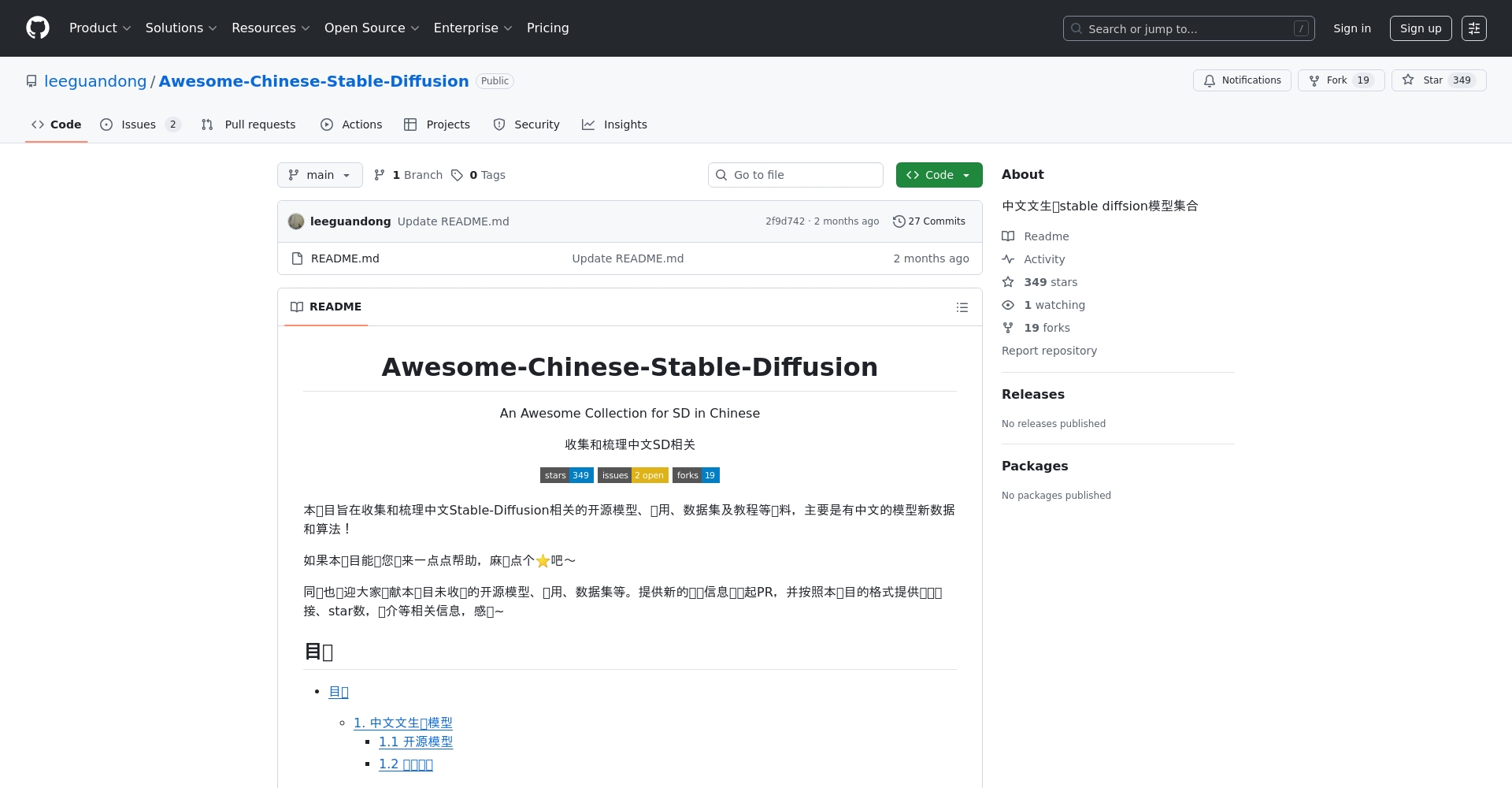
- Github:Awesome-Chinese-Stable-Diffusion
- QQ/WeChat Groups: Search "AI Painting Chinese Exchange Group"“
- Hugging Face: Model Hub "Chinese Diffusion"“
- Zhihu/Xiaohongshu/Bilibili: Abundant sharing and practical cases
2. Latest Chinese diffusion model
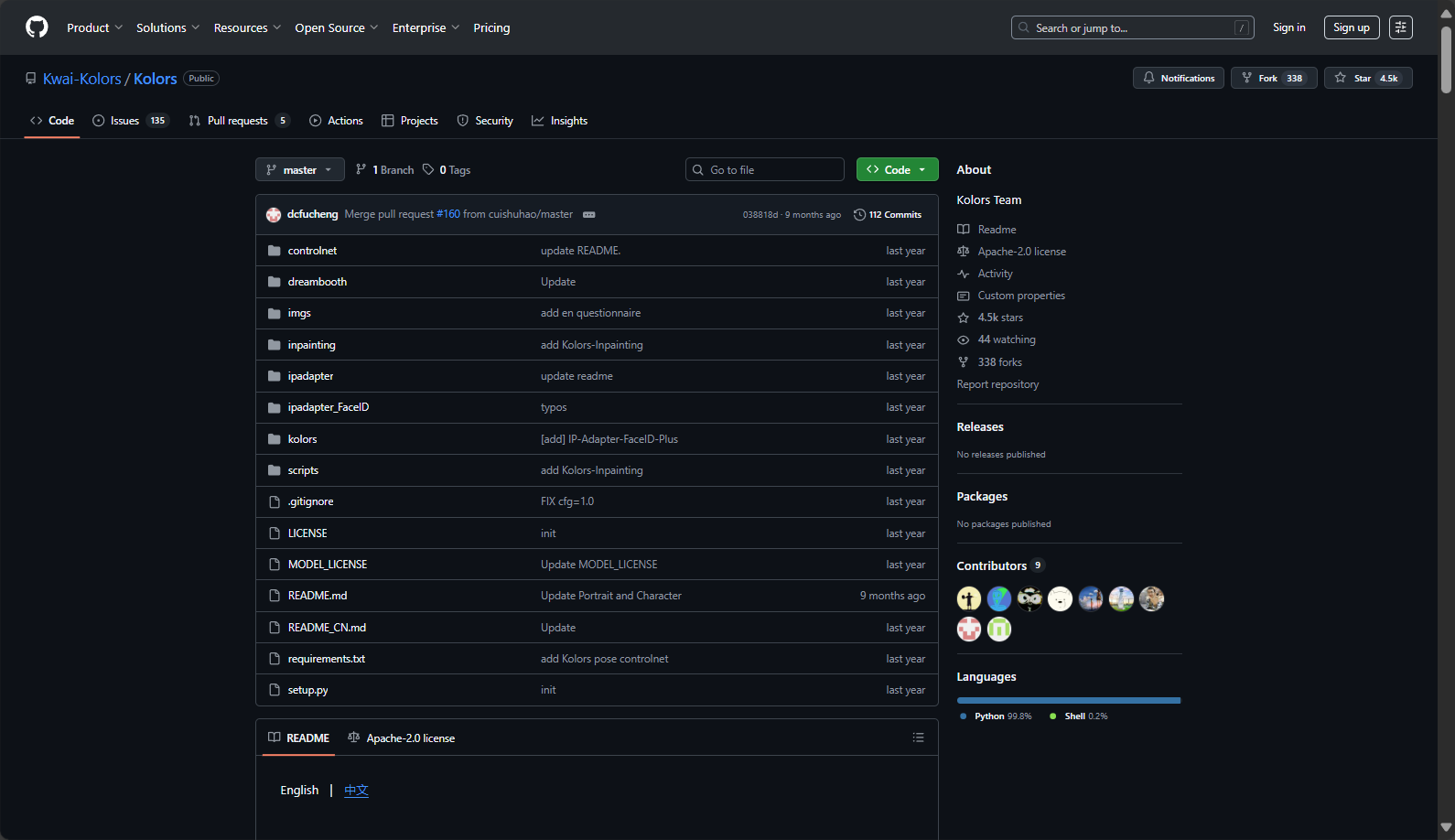
- Kolors by KwaiLong text, ChatGLM3, CogVLM multimodal
- UniT2IXL Unicom YuanjingFocusing on ultra-long texts in native Chinese.
- CogView4Supports Chinese character text images
- HiDream-I1Multiple encoder styles
3. Application Scenarios
Chinese diffusion models are widely usedPosters, wallpapers, e-commerce advertisements, animation, poetry illustrations, cultural and tourism exhibitions, and festive greetings.In the field of original visual creativity in China.
The widespread adoption of AI painting diffusion models has enabled“"Diffusion Chinese" has become an important technological driver for promoting visual localization and the revitalization of Chinese culture.Whether you're a designer, programmer, or a regular creator, feel free to experiment with the latest AI drawing models using Chinese prompts, helping Chinese-style visual content to flourish in the intelligent era!
For in-depth technical analysis or diffusion model fine-tuning, and Chinese prompt examples, please visit [website address].Hugging Face Community与Magic Dash CommunitySearch "diffusion Chinese" for more resources.
© Copyright notes
The copyright of the article belongs to the author, please do not reprint without permission.
Related posts


No comments...
