PaddleOCR Tutorial: How to Quickly Achieve High-Precision Image Text Recognition (Including Practical Examples)
PaddleOCRAs an open-source, high-precision, multilingual OCR engine from Baidu's PaddlePaddle team, PaddleOCR is widely used in document archiving, invoice processing, mobile translation, and other fields due to its ease of use, flexible deployment, and industry-leading recognition capabilities. This article provides a detailed explanation of PaddleOCR's core advantages and operational processes, combining command-line interfaces, APIs, and real-world industry application examples to help developers and enterprises quickly and efficiently achieve accurate text reading within images.
High precision, multifunctional, customizable and free to useThis makes PaddleOCR the preferred solution for AI image and text recognition scenarios both domestically and internationally.

Introduction and Core Advantages of PaddleOCR
What is PaddleOCR?
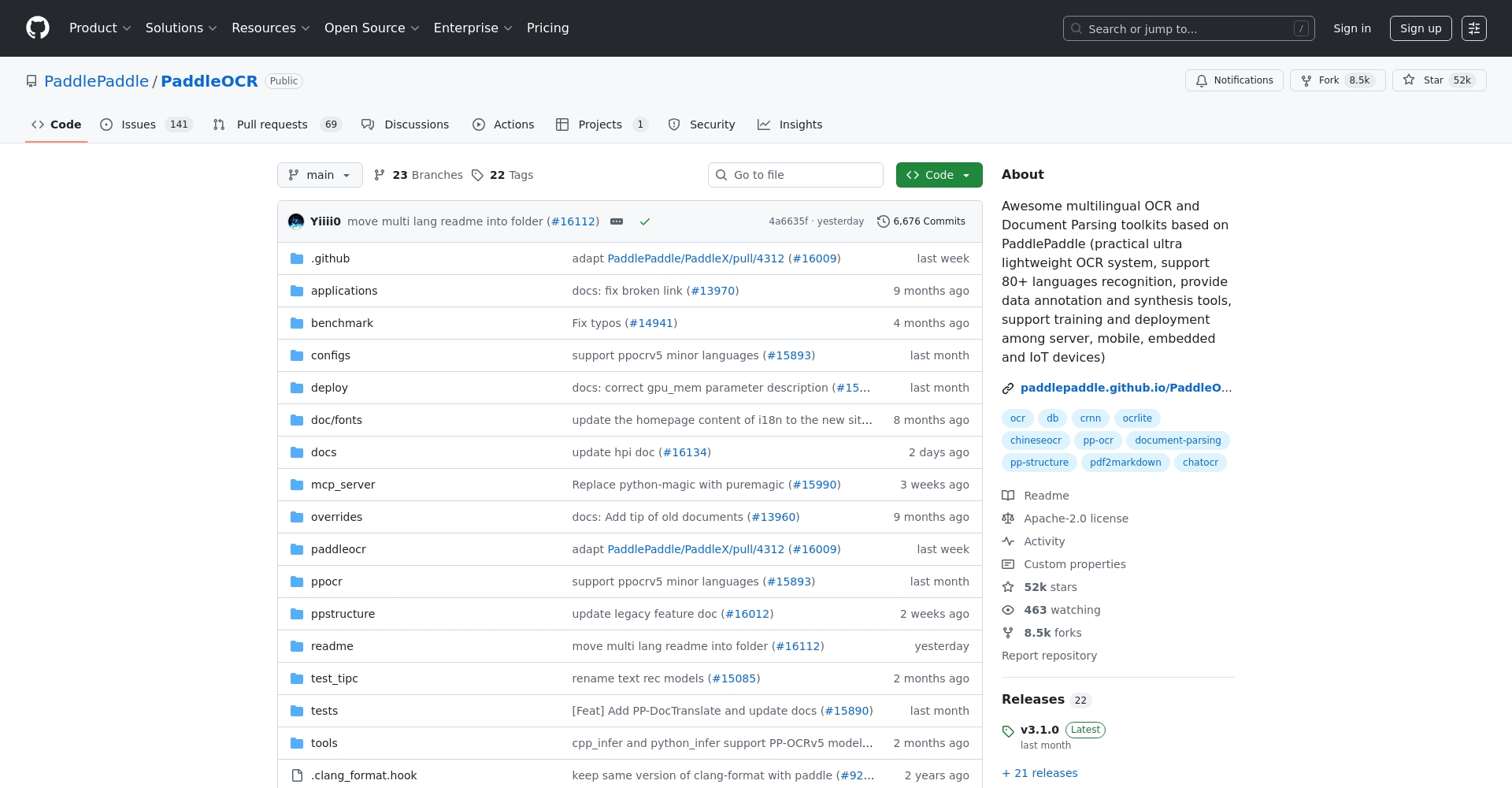
PaddleOCRIt is an open-source OCR toolkit based on the Baidu PaddlePaddle platform, covering many functions such as multilingual support, tables, handwriting, and layout analysis, and has a wide range of applications in the global AI vision field.
Main features:
- Supports 80+ languagesCoverage in Chinese, English, Japanese, and Korean
- Flexible deployment on mobile devices/serversCompatible with multiple platforms including x86/ARM/embedded systems
- Numerous pre-trained modelsOne-stop solution for scenarios such as subtitles, document scanning, ID cards, and license plates.
- Rich command-line and API interfacesMinimalist and easy to customize
- The official documentation is continuously maintained and improved.
| Key features | Details |
|---|---|
| Multilingual support | Covering 80+ languages, serving users worldwide |
| Deployment flexibility | Supports Linux/Windows/macOS/Android/iOS |
| pre-trained model | Subtitles, scene text, handwritten text, documents, cards, etc. |
| Ease of use | The API is user-friendly and can be used immediately via command line. |
| Performance and accuracy | Industry-leading, highly accurate document recognition |
| Scalability | It can be further developed and the parameter model can be customized. |

Product Homepage and Resource Downloads
How to quickly deploy and use PaddleOCR
Environment and Dependency Installation
With just Python and PaddlePaddle, you can install it with a single click!
python -m pip install paddlepaddle -i https://mirror.baidu.com/pypi/simple python -m pip install "paddleocr>=2.6.1" -i https://mirror.baidu.com/pypi/simple
Detailed dependencies:Python 3.6 and above,PaddlePaddle(Supports CPU/GPU)
Command-line one-click OCR
No programming required, just one command line!
paddleocr --image_dir ./imgs/test.jpg --use_angle_cls=True --lang=ch
- –image_dirEnter the image path
- -langSelect language packs such as ch/en/ru/ja/ko, etc.
- –use_angle_clsAutomatically correct text slant
| Scene | Command Examples |
|---|---|
| Local Images | paddleocr –image_dir img1.jpg –lang=ch |
| Batch images | paddleocr –image_dir imgs/ –rec –det |
| Output visualization results | paddleocr –image_dir test.jpg –visualize=True |
| GPU Inference | paddleocr –image_dir test.jpg –use_gpu=True |
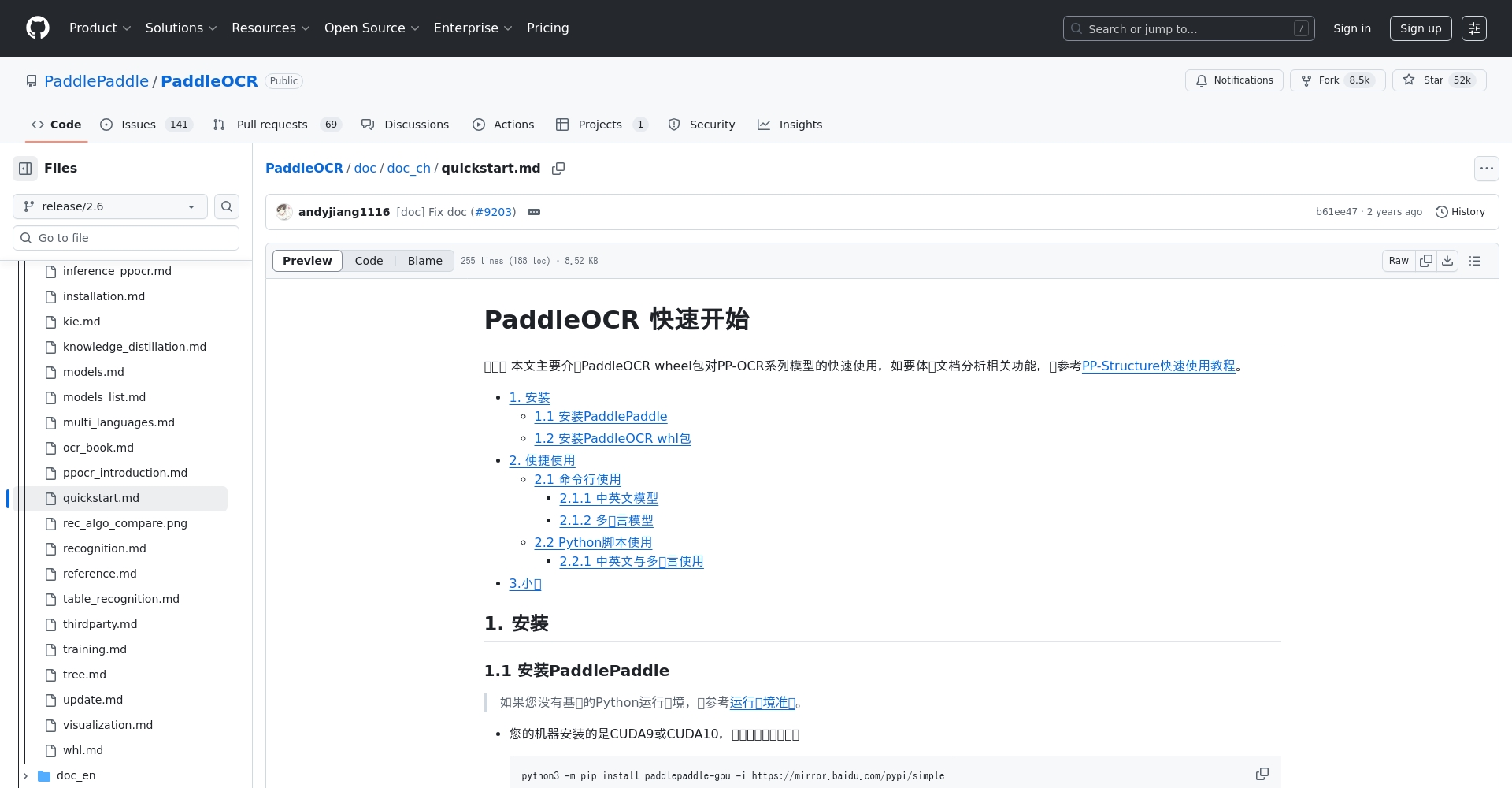
For more parameters and practical tutorials, please seeOfficial documentation
Python API integration
Suitable for developers to use flexibly and perform secondary development.
from paddleocr import PaddleOCR ocr = PaddleOCR(use_angle_cls=True, lang="ch") results = ocr.ocr('test.jpg', cls=True) for line in results[0]: print('Content:', line[1][0], 'Confidence:', line[1][1])
- Supports multi-threading and batch recognition, suitable for enterprise automation processes.
- Python API documentation
Sharing common high-precision application cases
High-quality input leads to high recognition rate
- The image needs to be clear and have strong background contrast.
- Avoid watermark obscuring or distortion
- The model can be customized for specific domains and adapted to professional scenarios.
Typical Scenario 1: Digitization of Corporate Invoices and Documents
The large volume of paper documents, contracts, and invoices archived by financial institutions and government/enterprise units can be batch scanned and quickly converted into text, greatly improving efficiency.Improve efficiency and reduce human error。
paddleocr --image_dir ./bills/ --output ./output/ --lang=ch --det --rec
Typical Scenario 2: Mobile Photo Translation
Combining PaddleOCR and online translation APIs can easily achieve...Photo translationThis feature is suitable for low-server-cost applications such as mini-programs and cross-border mobile applications.
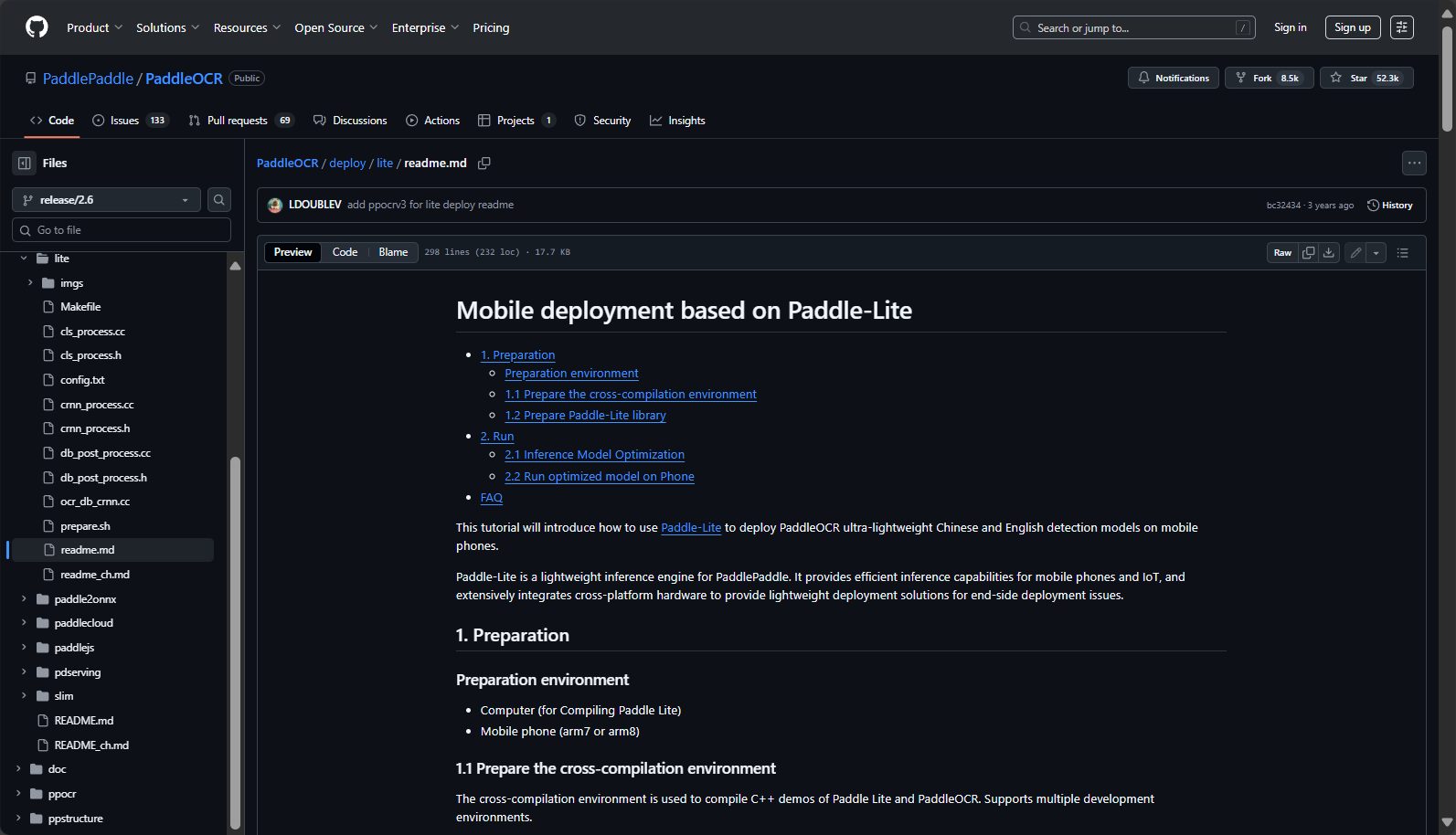
- Camera captures image → OCR recognition → Translation interface → Display translated text
- Detailed Explanation of Mobile Deployment
Typical Scenario 3: Intelligent Manufacturing and License Plate Recognition
| Application scenarios | describe |
|---|---|
| Production line label collection | One-click reading of conveyor belt batch number and identification |
| Smart Transportation | CCTV automatically captures and recognizes vehicle license plate numbers. |
| Security access control | Automatic entry of ID cards/digital cards and other documents |
Typical Scenario 4: Complex Tables and Page Layout Reconstruction
One-click reconstruction of tables/structured documents into Excel/JSONIt is suitable for automated office scenarios such as bank statements and news columns.
Table recognition experience entry

Precautions and Frequently Asked Questions
- Blurry or low-resolution images can affect recognition rates.
- Angle classification should be enabled for text that is tilted or overlapping.
- Choosing the right language pack and model is crucial; industry trends require fine-tuning.
- Supports batch processing with Shell scripts/Python, and offers convenient enterprise-level integration.
PaddleOCR code and models are licensed under the Apache-2.0 license, and are open source, commercially usable, and customizable.
In the wave of digital transformation and AI industry upgradingWith its simple deployment, unparalleled recognition accuracy, and broad industry adaptability, PaddleOCR has become the preferred choice for many enterprises and developers to efficiently process image text.Applications such as invoice archiving, mobile AI recognition, smart factories, and international multilingual scenarios have all achieved excellent results in practice.Welcome to download and experience it for free, and embrace the new era of efficient intelligent image text recognition!
© Copyright notes
The copyright of the article belongs to the author, please do not reprint without permission.
Related posts


No comments...
