What is Chatbox? How beginners can quickly get started with this intelligent conversational tool (2025 latest guide)
With the rapid development of artificial intelligence,ChatboxWith itsFree and open source, locally secure, with powerful multimodal capabilities.,成为办公与学习领域的AI热点工具。本文以新闻视角详细剖析了Chatbox的产品定位、安装配置、核心功能及新手快速上手方法,并用表格和清单形式整理易操作的步骤,帮助读者Efficiently and securely usher in a new era of intelligent dialogue in 2025。
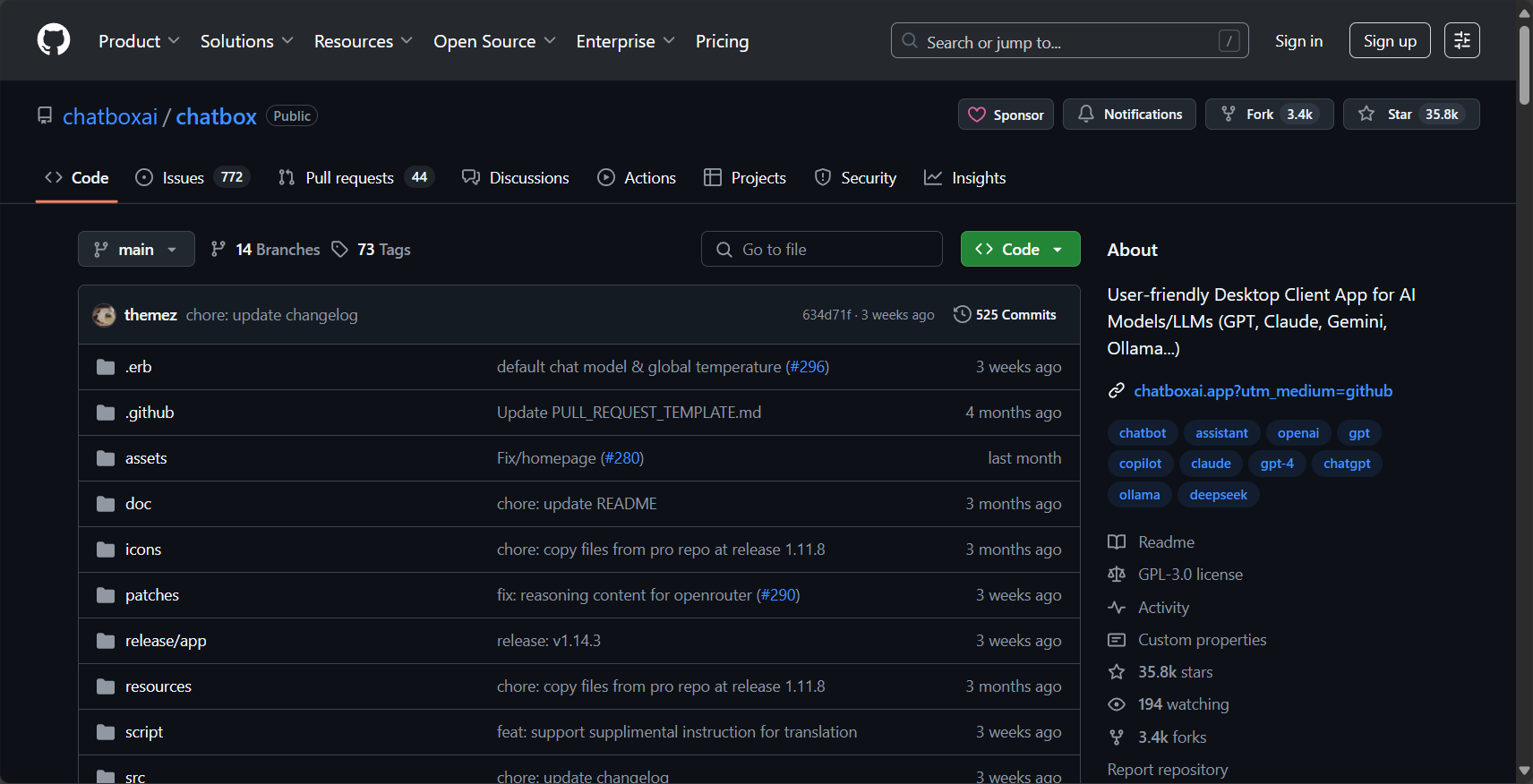
What is Chatbox? —Product Overview
Chatbox Basic Definition
ChatboxIt is aFree and open-source local AI chat clientIt supports three major platforms: Windows, Mac, and Linux. It allows users to seamlessly access various popular AI language models locally, with particularly professional support for the OpenAI GPT series. It also supports API extensions, plugins, and diverse interactive experiences.
A list of core advantages
| Main attributes | Chatbox | Similar alternatives | Login/Payment Required? |
|---|---|---|---|
| Support Model | GPT-3.5/4/4o, Claude, Gemini, etc. | Poe, Notion, etc. | Not mandatory |
| Installation method | Desktop/local installation, open source | SaaS cloud, webpage | Some features require an account. |
| Multimodal capabilities | Text/image upload/image generation functions | Partial support | Some items require payment. |
| Privacy protection and local caching | Local caching ensures data security. | Dependent on cloud | Security varies (high/low) |
| Typical application scenarios | Assisting with writing, data summarization, image analysis, etc. | Casual conversation, content generation | 无 |
| Official website and resources | GitHub repository | OpenAI official website | — |
How to install and quickly configure Chatbox
Download, Installation and Initial Configuration
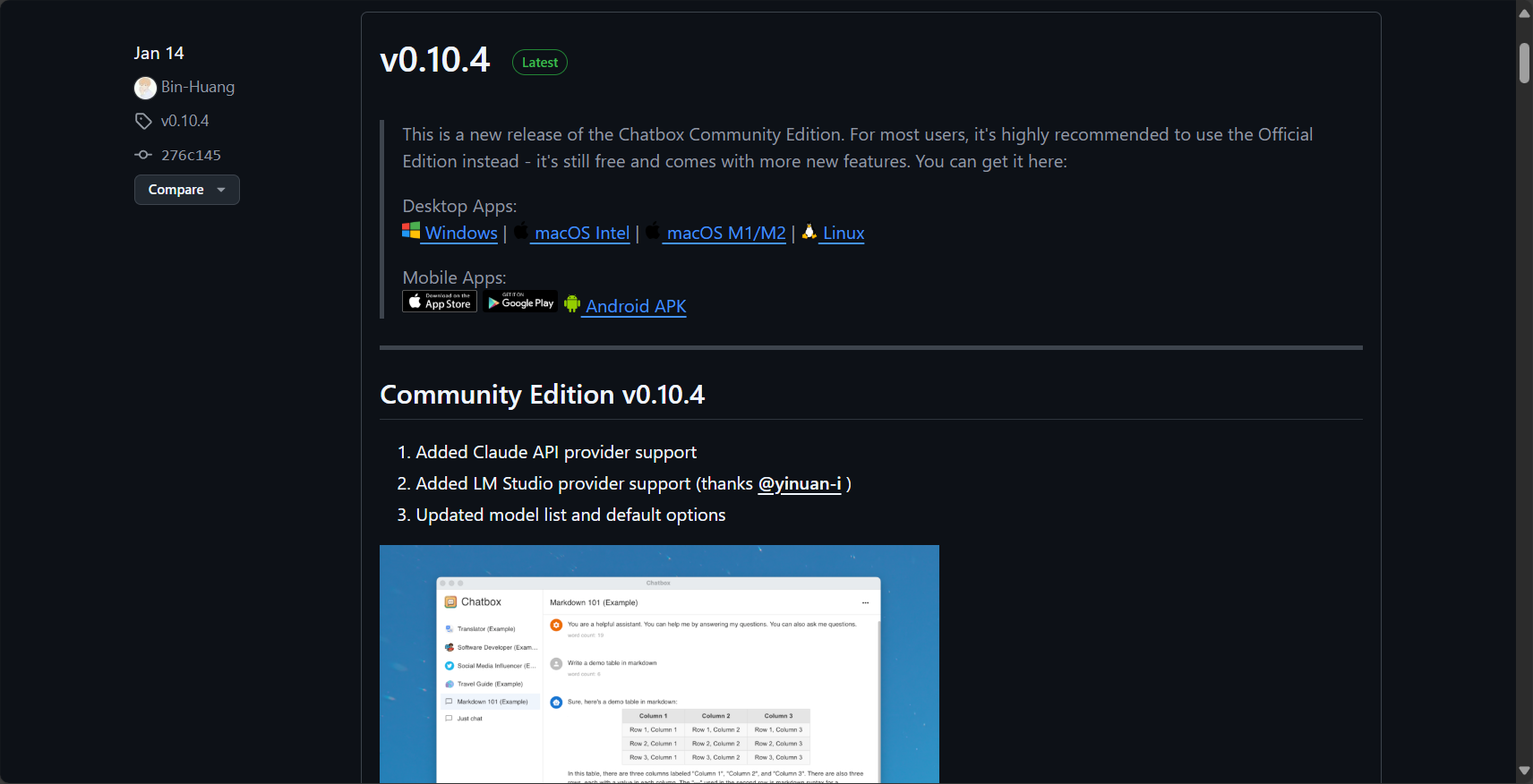
- Access Chatbox GitHub Releases pageChoose your operating system installation package.
- Once installed, it can be launched directly without registration, and has a built-in Chinese and English interface.
- No cloud account registration required for first-time experienceHowever, it is recommended to prepare API keys for each model to unlock all features.
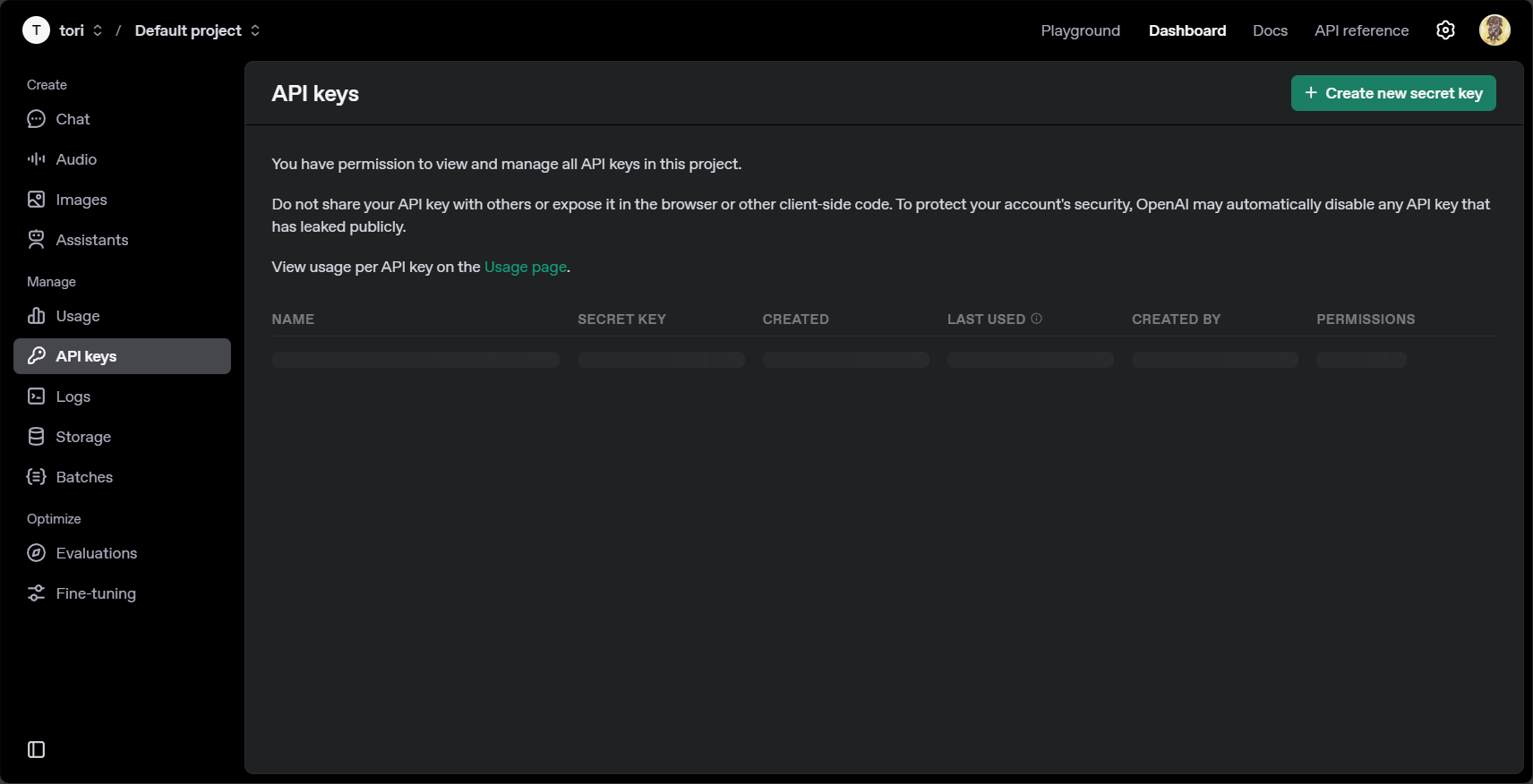
Configure API Key Management
New users are advised to prepare the following API keys:
- OpenAI API key(See details)OpenAI platform)
- Claude, Anthropic, Gemini, and other third-party API keys
Enter the API Key in the Chatbox settings menu to enable multimodal, cross-platform AI capabilities.

Localization and privacy advantages
| Data flow | illustrate |
|---|---|
| Chat content caching | By default, it is stored locally and not uploaded to the cloud. |
| Plug-ins and external models | Manual API authorization is required; there is no passive upload functionality. |
| Session export | Supports local export of Markdown, JSON and other formats. |
| Upgrades and expansions | Open source architecture facilitates local secondary development. |
In-depth analysis of Chatbox's core practical functions
Multi-model dialogue and switching
- One-click switching between mainstream AI models such as GPT-4o, Claude 3, and Gemini.
- Multi-threaded parallelism eliminates the need for re-login or client restart.
- Automatically detects API quotas and supports automatic downgrade standby models.
Multimodal (text, image, code) local intelligent dialogue
Chatboxsupport
Upload images to ask questions (such as OCR/knowledge Q&A), and upload code snippets to enable AI analysis, repair, and optimization, greatly improving flexibility.
Plugins and template extensions
- Plugin MarketplaceConveniently integrates official/third-party plugins such as web scraping and knowledge base Q&A.
- Prompt Template ManagementCustomizable multi-turn dialogues and complex workflows
Historical conversations and content management
- Sessions can be grouped, making them suitable for learning or project follow-up.
- Full-text search makes it easy to find historical content.
- Supports batch export of Markdown/JSON for easy knowledge archiving.
Key Steps for Beginners to Get Started with Chatbox
| Step number | Getting started | Key points |
|---|---|---|
| 1 | Download and install Chatbox locally | Select the corresponding operating system version |
| 2 | Understand and prepare API Key | Please register first to get it for free. |
| 3 | Enter the API Key in Settings | Ensure normal access permissions |
| 4 | Create a new session and select an AI model. | It is recommended to use GPT-3.5/4 first, and then try GPT-4o. |
| 5 | Experience text, image/code upload functionality | Try different scenarios repeatedly to improve proficiency |
| 6 | Explore plugins and templates | Enable on demand, expand capabilities |
| 7 | Export/Categorization Management Sessions | Develop good habits of information archiving |
Chatbox FAQs for Beginners
API quota/fee issues
- Not registered for an API Key? You can apply for one for free on the OpenAI platform; for large-scale usage, you can pay on the recharge page.
- If quota is limited, availablelaozhang.ai APIIt supports RMB payments.
Errors and compatibility
- Startup errors are often caused by file permissions or unofficial installation packages. Always install from the correct source.Official channelsDownload and install.
- API errors are mostly due to insufficient key authorization or credit limit. It is recommended to check your account and network proxy.
Performance optimization and multi-instance techniques
- For general hardware performance, it is recommended not to run more than 3 models in parallel at a time.
- Be mindful of memory usage when handling a large number of sessions or exporting large attachments, and back up session data regularly.
Chatbox from a News Perspective: Industry Dynamics and Future Outlook
By 2025, with the development of multimodal AI tools such as GPT-4o,Chatbox has become an ideal connection hub for the AI ecosystem.Customized applications based on Chatbox are being embraced across various sectors, including education and business.Open source local AI toolsThe importance of AI will increase as data privacy regulations tighten, and low-threshold APIs and user-friendly payment models will help more new users experience the benefits of AI.

Whether you are a student, an office worker, or an AI developer, now is the best time to embrace a new era of efficient and intelligent office work through Chatbox!
© Copyright notes
The copyright of the article belongs to the author, please do not reprint without permission.
Related posts

No comments...
