Best Subtitle Generation Tools of 2025: A Comprehensive Comparison and Beginner's Guide to 8 AI Automatic Subtitle Platforms
2025AI-powered automatic subtitle platformSignificantly improves speech recognition accuracy and multilingual capabilities, enabling content creators and brand marketers to generate high-quality subtitles in a short time, improving accessibility, SEO, and internationalization efficiency. This article is in-depthComparison of the features, prices, and application scenarios of 8 mainstream subtitle toolsWe combine real user experience to give you the best choices and operating tips. Whether you are an amateur or a professional, you can get your content directly to a global audience in just a few steps.
Overview of the features and functionalities of 8 major AI Subtitle tools
| platform | Supported languages | Free plan | accuracy | Ease of editing | Advanced features | Suitable for | link |
|---|---|---|---|---|---|---|---|
| Filmora | 70+ | 有 | 高 | Simple and powerful | AI speech-to-text/style templates | Beginner/Professional Editing | Official website |
| Media.io | 20+ | 有 | Medium and high | Intuitive | Cloud processing/Multiple formats | General users/marketing | Official website |
| YouTube automatic captions | 12 | 有 | Medium and high | Web page operation | Release directly online | Content publishing/teaching | Official teaching |
| Facebook automatic subtitles | English | 有 | medium | One-click generation | Audio filtering / Advertisers only | Facebook Advertisers | Official website |
| Veed.io | 100+ | 有 | 高 | Web page | SRT export/template multiple | Individuals/Enterprises | Official website |
| Kapwing | 70+ | 有 | 高 | Drag and drop editing | AI automatic matching/cloud storage | Beginner/Content Editing | Official website |
| Otter.ai | 20+ | 有 | Extremely high | Sentence-by-sentence revision | Recording, cross-platform synchronization | Business/Meeting/Teaching | Official website |
| Amara | 30+ | 有 | – | Manual operation required | Community Collaborative Translation | Volunteers/Multilingual Global Marketplace | Official website |
Automatic Subtitle Generation Trends, Key Point Selection, and Practical Applications
Subtitle Tool Core Application Scenarios and Selection Indicators
Pain Points and Solutions for Subtitles for Enterprise Brands and Content Creators
With the rise of short videos, subtitles are no longer just an aid, but a key to optimizing the user experience.Whether it's YouTube, TikTok/Instagram Reels operators, paid knowledge course creators, or B2B brands, Subtitle generation...Accuracy, language coverage, and ease of editingIt directly affects the effectiveness and professionalism of the content.
Key considerations when choosing an AI subtitle platform
- Automatic language recognition and accuracyThe preferred choice is one that supports multiple languages and has a high AI recognition accuracy rate (such as Filmora and Otter.ai).
- Editing flexibilityIdeally, the timeline and font styles should be editable directly within the browser or app window to save proofreading time (e.g., Veed.io, Kapwing).
- Batch processing and multi-format SRT outputConvenient one-stop post-production and multi-platform release.
- Pricing PlanThe free version has limitations; mass production allows for paid upgrades.
In-depth comparison of 8 major AI-powered subtitle generation platforms
Filmora – A professional and easy-to-use AI subtitle tool
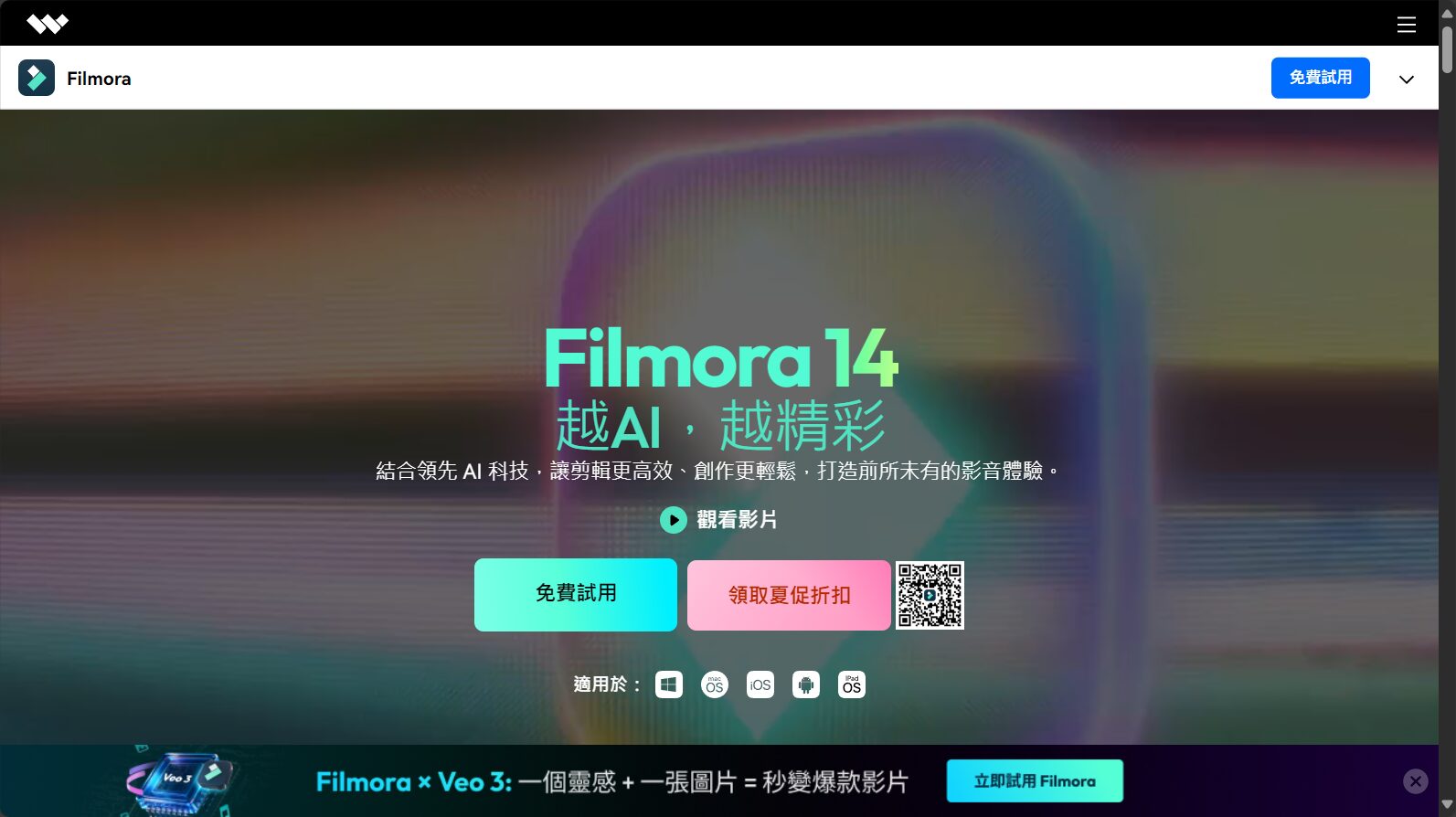

FilmoraAs a seasoned video editing platform, its AI speech-to-text capabilities have been further enhanced in 2025, supporting automatic subtitles and translation for over 70 languages. No scripting background is required, and manual adjustment of subtitle speed, font, and color is also easy. It has hundreds of built-in style templates and can process in batches, making it suitable for feature films and series editing.
Supports importing custom animations from SRT files and offers free, watermark-free output for beginners.
Media.io – A convenient cloud-based subtitle platform
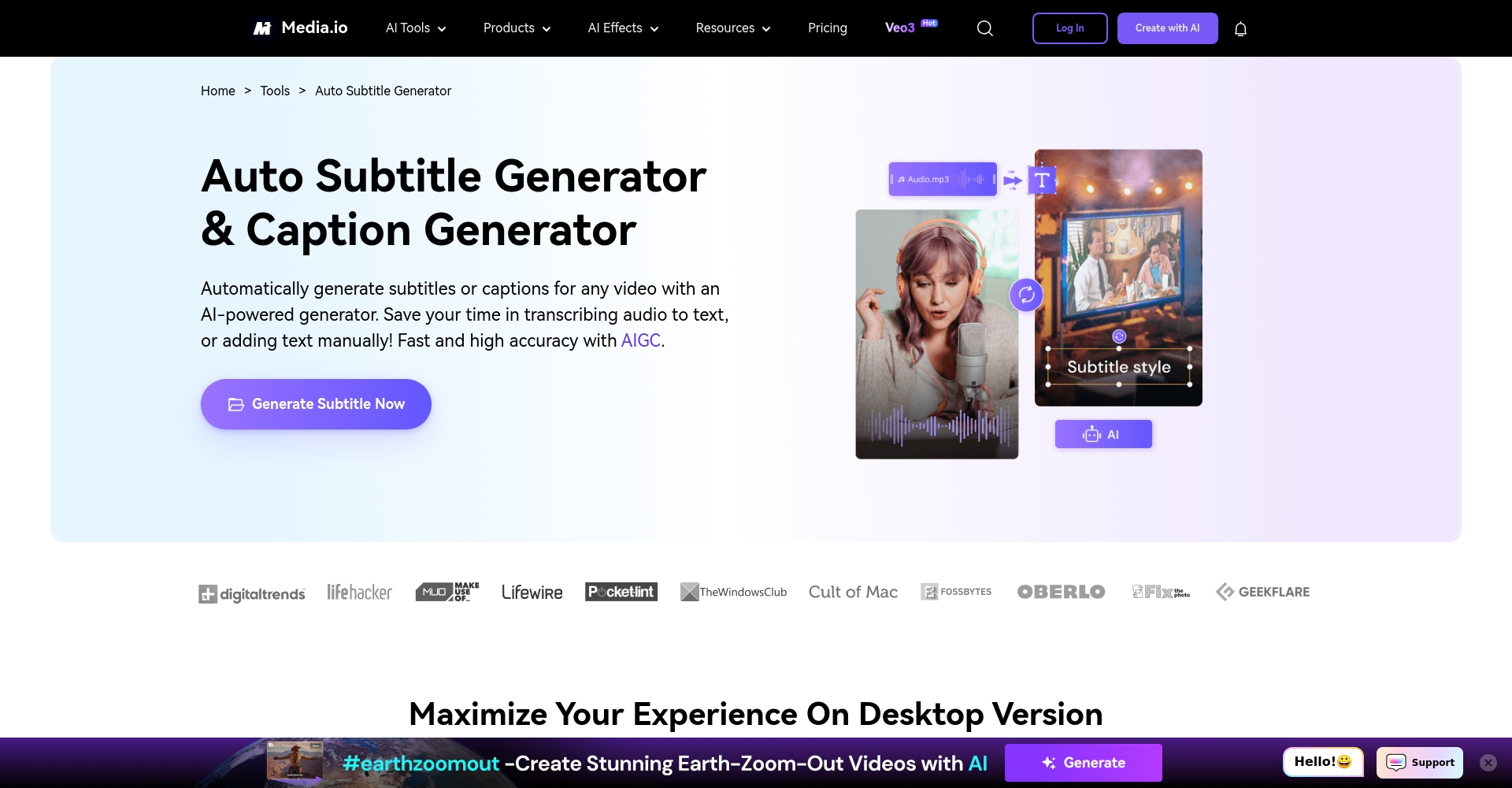
Media.ioIt features online processing without downloading, supports 20+ languages, and is suitable for short videos, interviews, and other similar scenarios. Easily export to MP4/WEBM/SRT formats. The free plan has a limit on the length of a single file.
YouTube automatic captions - the content publisher's first choice
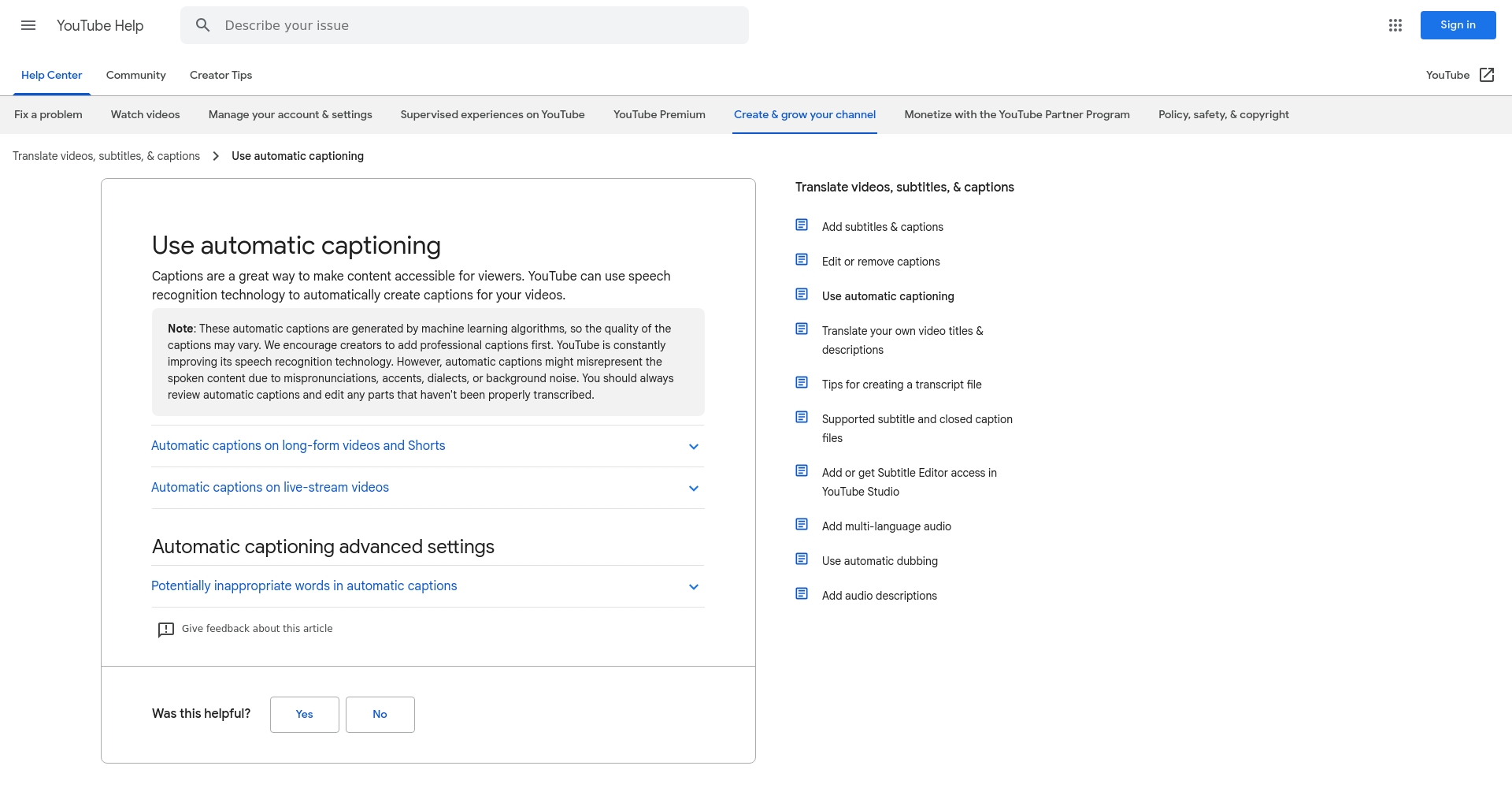
YouTube has built-in automatic subtitles.Supports 12 languages, with optimizations specifically for major language families such as Chinese, English, and Japanese. Manual proofreading is available, and the quick process makes it suitable for self-media, corporate training, and educational purposes. Local videos are not supported, and manual correction is required for accent noise.
Facebook Auto Captions – A Powerful Tool for Social Media Videos
Facebook automatic subtitlesPrimarily targeting American and English languages, this ad is limited to advertising/public content, noise-resistant, and improves ad viewership. Suitable for brand marketing campaigns.
Veed.io – High-precision, diverse editing
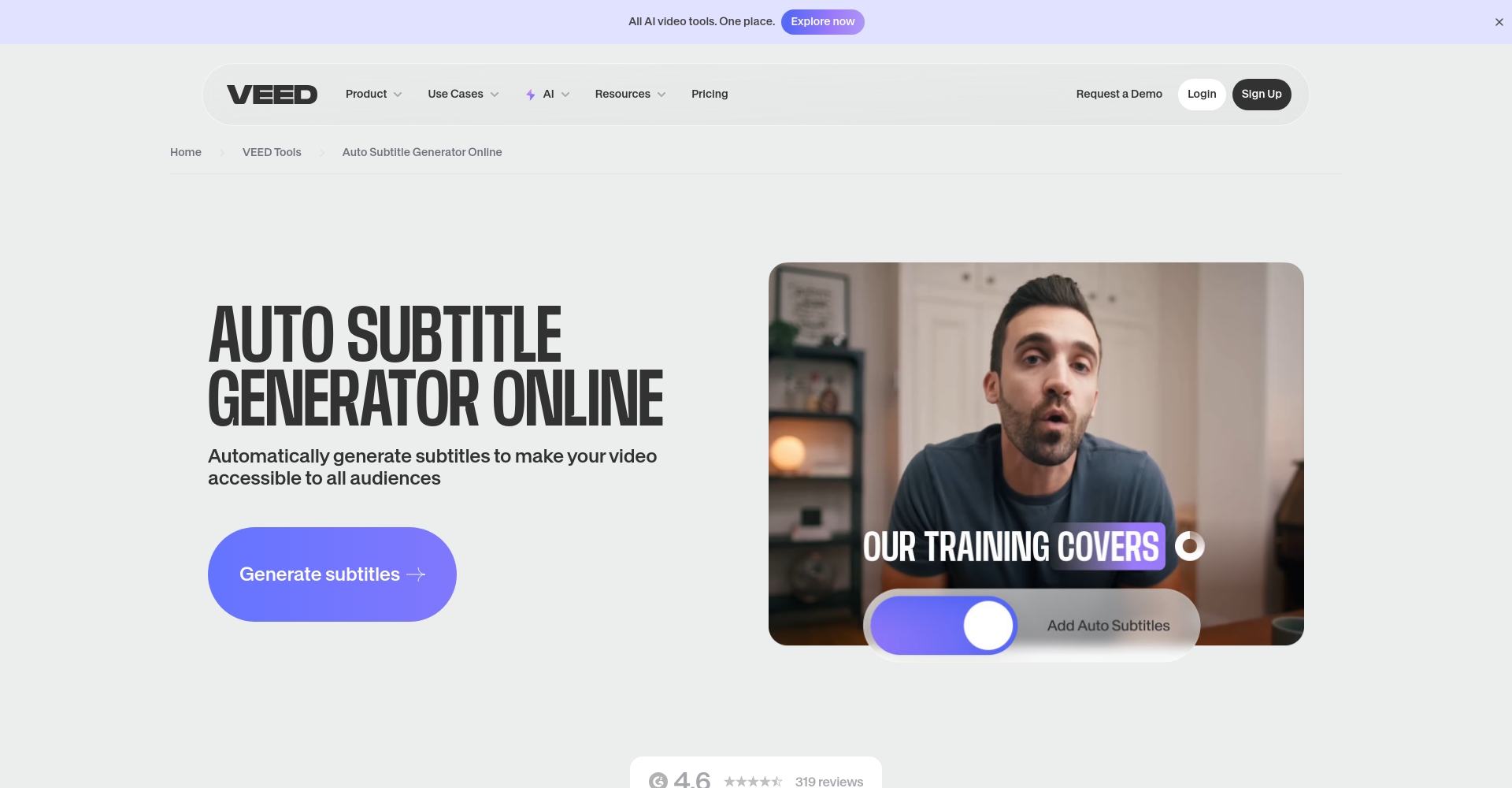
Veed.ioSupports 100+ languages, boasts high AI accuracy, and offers over 20 subtitle styles. Timeline dragging adjustment and convenient export of SRT/VTT formats are included. The free version has a watermark and length limit; paid access unlocks batch processing and high-definition capabilities.
Kapwing – All-in-One Cloud Collaboration Tool
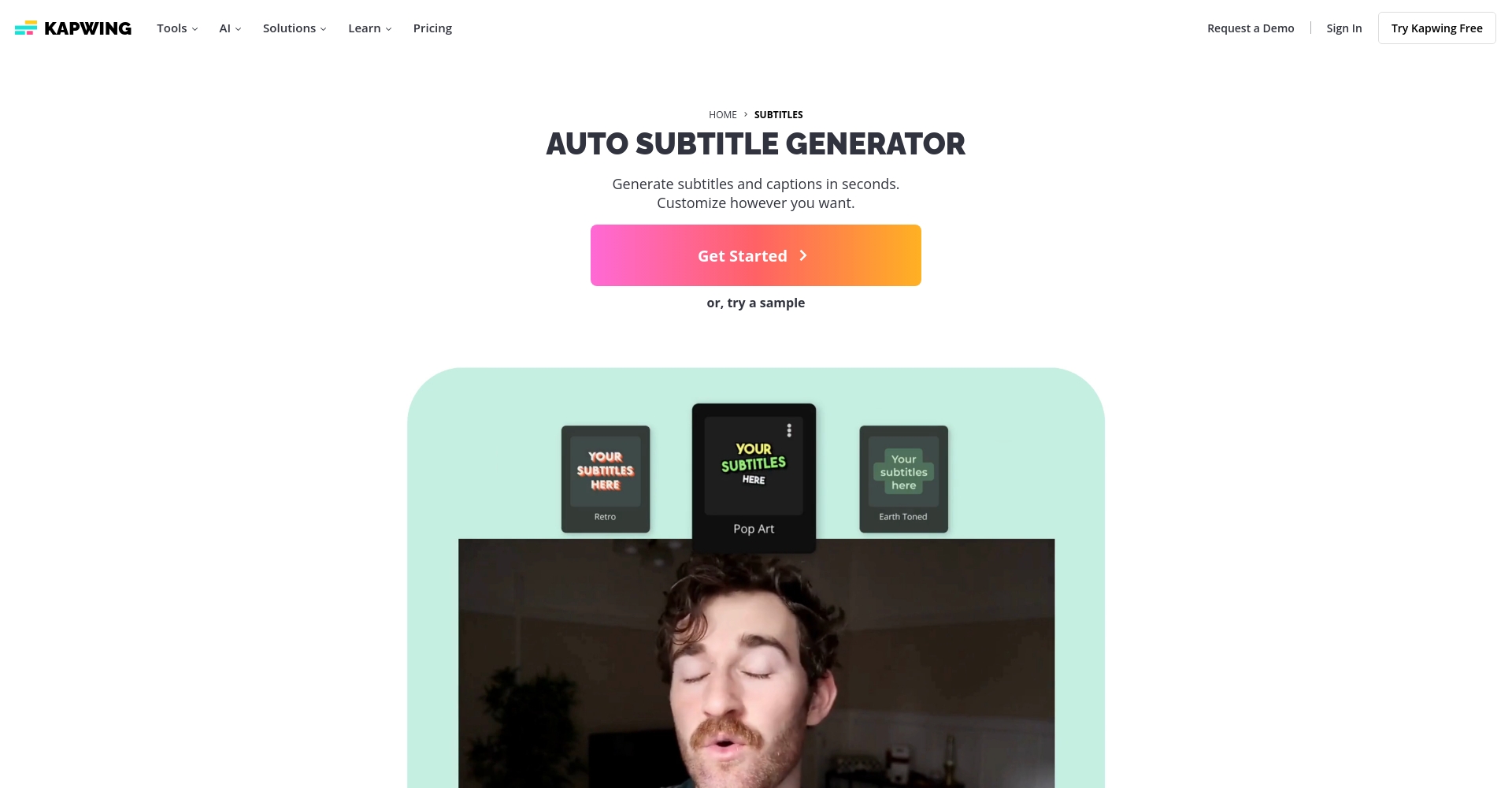
KapwingHighly rated in the self-media industry, it supports AI-synchronized beat matching in 70+ languages, automatic subtitles for long videos, cloud storage, and multi-user collaboration. The free version has a monthly limit, while the paid version is watermark-free and supports high-definition.
Otter.ai – High-precision speech-to-text expert
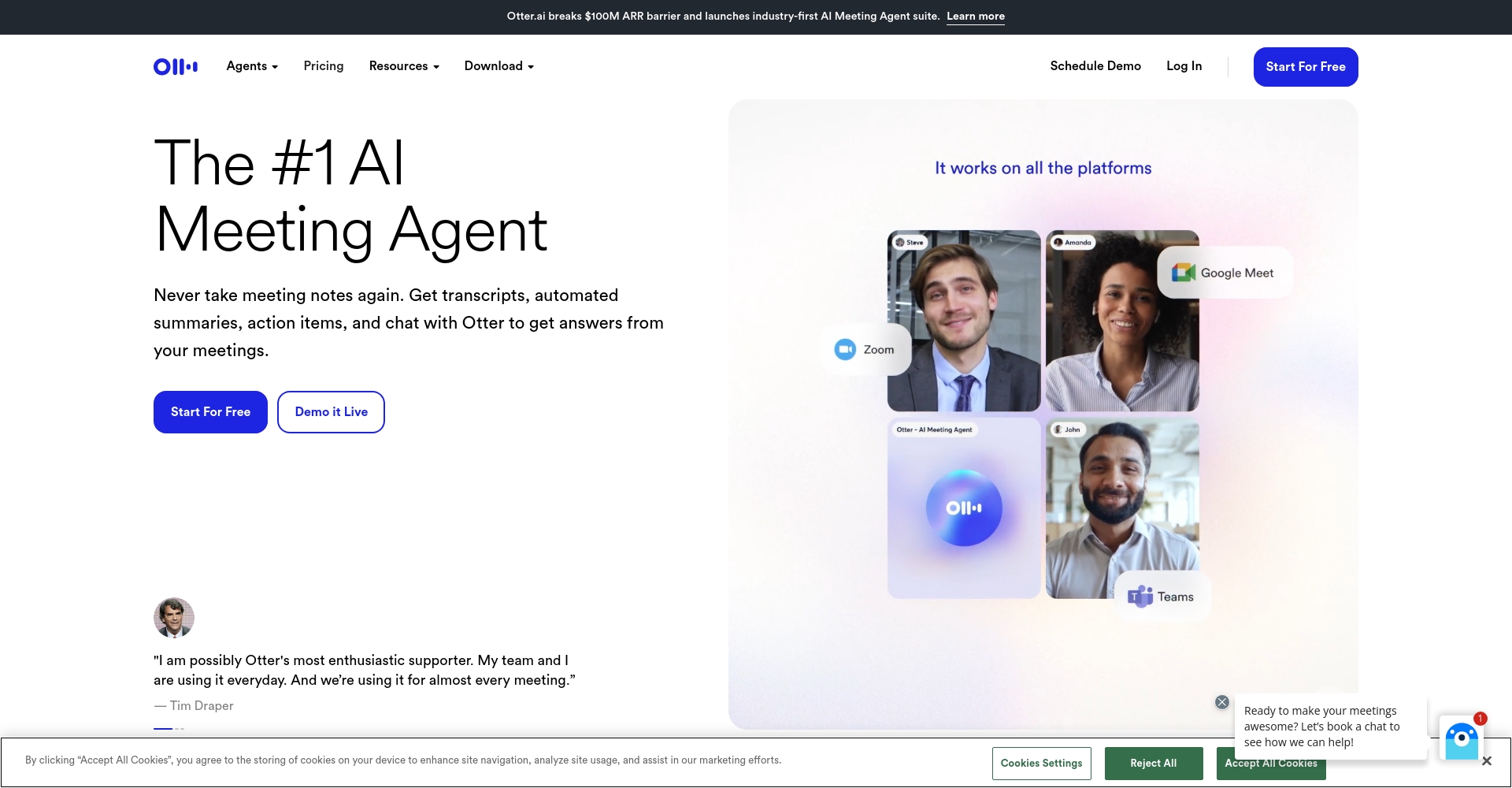
Otter.aiDesigned specifically for meetings and conferences, it boasts a speech recognition accuracy of up to 97%. AI automatically identifies speakers and generates time-coded subtitles. It supports sentence-by-sentence manual proofreading, features a robust API, and is user-friendly for enterprise and multi-user collaboration.
Amara – Multilingual Community Collaboration Subtitle
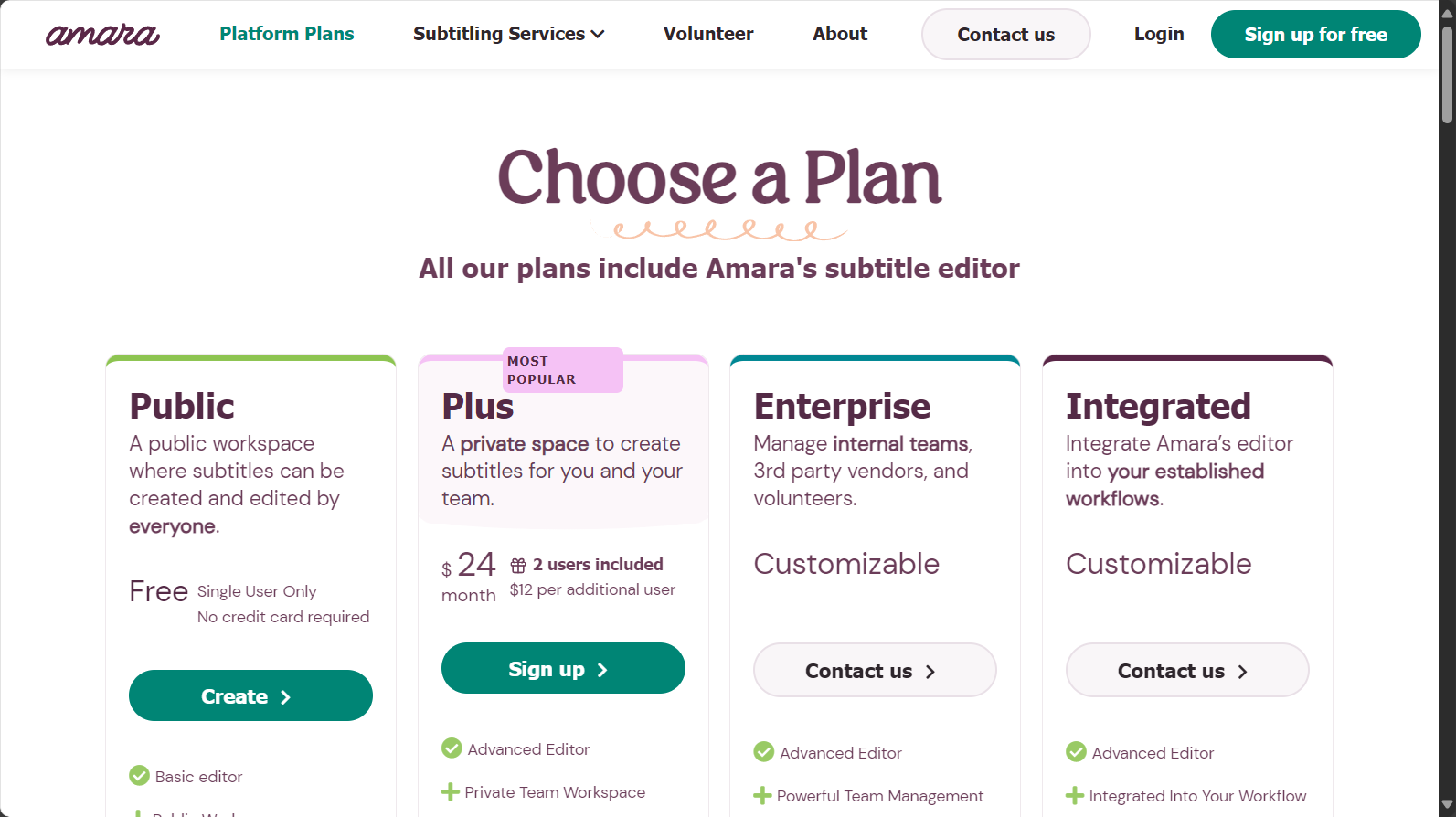
AmaraSuitable for subtitle volunteers and international multilingual teams, featuring community-based manual synchronization, massive language translation, and high integration with mainstream platforms.
Frequently Asked Questions and Technological Advances Regarding Subtitle Auto-Generation Tools
How to judge the accuracy of automatically generated subtitles?
Platforms such as Filmora, Otter.ai, Veed.io, and Kapwing have an average accuracy rate of 90-97%.It is recommended when there is an accent or background noise.After automatic generation, allow 20% time for rapid manual verification.。
How much difference is there in language support?

Mainstream platforms such as Filmora and Veed.io support 70-100+ languages, with East Asian languages seeing significant improvement in recent years. Facebook and YouTube are primarily English-speaking, so accent issues should be considered.
Differences between free and paid users
- The free version has limitations: video length/quality/format/watermarking upon export.
- The paid version supports 4K, batch processing, custom animation, and API, making it suitable for businesses and KOLs.
Subtitle automatically generates the best application scenarios.
- Short video platforms: Douyin, Kuaishou, Bilibili, etc.
- Automatic subtitles for long videos: YouTube, Vimeo
- Multilingual online courses for international conferences and lectures
- Improving Brand Marketing and Community Operation Efficiency
How to efficiently get started with an AI-powered automatic subtitle generation tool?
- Choose products that suit the language/use case.(such as Filmora, Veed.io, Kapwing).
- Upload a test video to the official website and set the source language.
- Generate subtitles with one click, export SRT files for import into editing software, or overlay them directly for output.
- We use manual review to quickly proofread proper nouns and apply font templates to optimize the brand's visual appeal.
- Quickly download and publish content, with one-click coverage across multiple platforms.
The New Era of AI Subtitles in 2025Content creators and brand owners can leverage automated subtitle tools to promote high-quality content across languages, enhancing interactivity and international competitiveness in minutes. Choosing the right tools, efficient application, and simple proofreading are key.Let your content get heard by the world quickly!
© Copyright notes
The copyright of the article belongs to the author, please do not reprint without permission.
Related posts

No comments...
