Stable Diffusion 1.5 Complete Analysis: A Must-Know Guide to Model Advantages and Applications for AI Drawing Enthusiasts
Stable Diffusion Version 1.5 (SD1.5), with its open-source nature, flexibility, and strong community, has become...AIThe primary tool for graphic creators. This article systematically reviews the latest developments and advanced practical strategies of SD1.5 from multiple dimensions, including model technology principles, hardware deployment, parameter settings, ecosystem support, and application scenarios, to help both novice and experienced users quickly get started and advance their creative work.It includes hardware configuration recommendations, mainstream WebUI plugin tools, model management standards, advanced practical processes, and core community resource navigation.

Stable Diffusion 1.5 Model Overview and Technological Advancements
What is Stable Diffusion 1.5?
Stable Diffusion 1.5 is an open-source diffusion-based generative model developed by organizations such as Stability AI and LAION.Adopting the LDM architecture, it enables AI drawing with high efficiency and low barriers to entry.
| Version | Key features | Recommended video memory | Output size | Commercial Licensing |
|---|---|---|---|---|
| 1.4 | Open source, community ecosystem | 4GB | 512×512 | Commercial |
| 1.5 | Diverse styles, optimized synthesis quality | 4GB/6GB | 512×512 is better | Commercial |
| 2.1 | Enhanced text understanding | 6GB+ | 512×512 and above | Commercial |
| SDXL series | high resolution | 8-12GB | 1024×1024 | Commercial |
SD1.5 has become the mainstream for a long time due to its diverse styles and highly fine-tuned compatibility.
SD1.5 compared with similar AI models
Open source, self-deployment, unlimited customization, and rich community extensions.This makes SD1.5 superior to closed-source tools such as Midjourney and DALL·E 3.
| Model | price | Is it open source? | Can be deployed locally | Customization capabilities | Community Resources |
|---|---|---|---|---|---|
| Midjourney | subscription | 否 | 否 | 低 | Official/Limited |
| DALL·E 3 | Paid | 否 | 否 | Extremely low | official |
| SD1.5 | Free/Donation | 是 | 是 | Extremely high | Abundant (Civitai et al.) |
| SDXL | free | 是 | 是 | 高 | rapid growth |

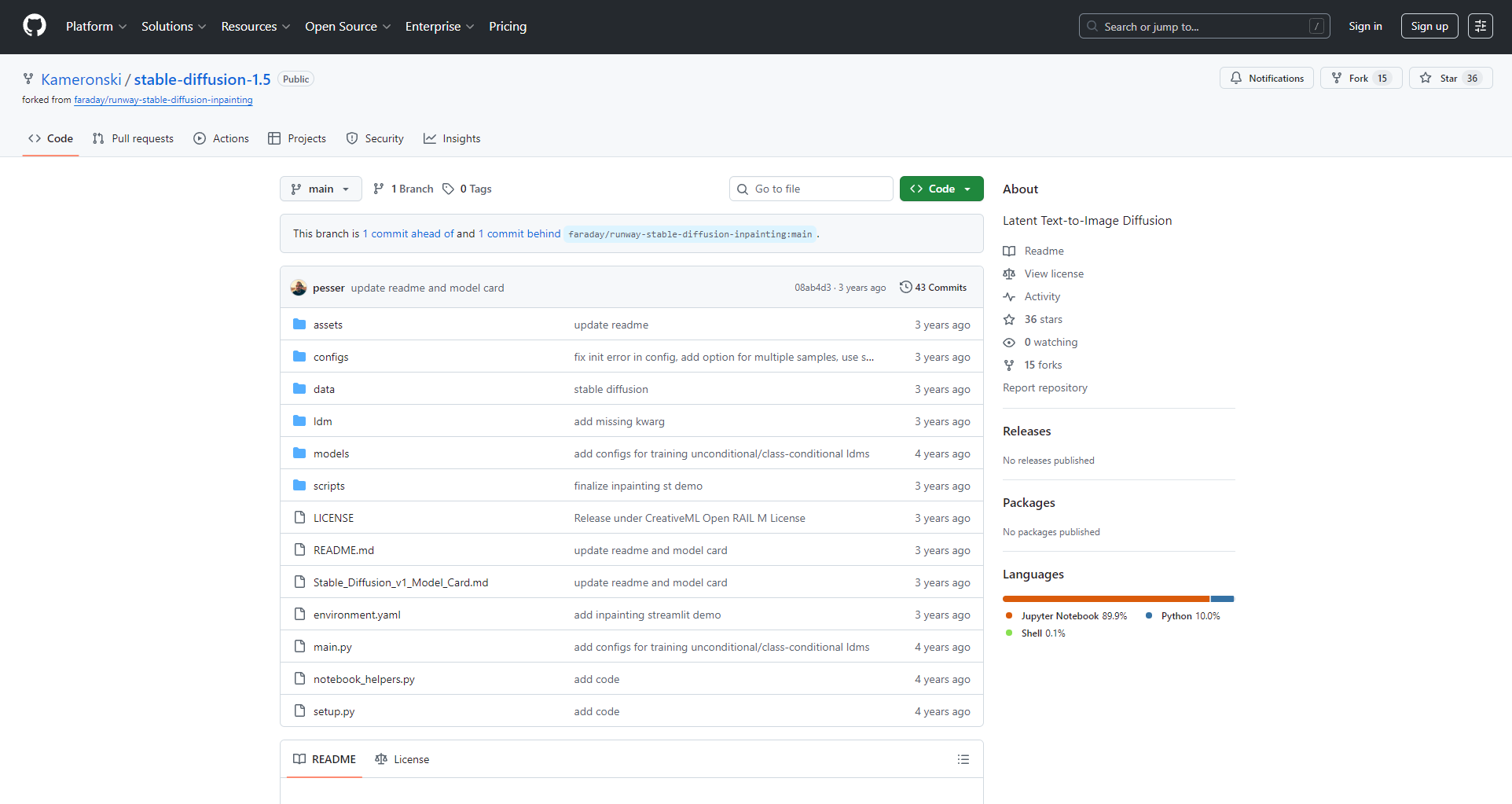
SD1.5 is the core of the AI drawing ecosystem for secondary development and the LoRA and ControlNet standards.
Stable Diffusion 1.5 Hardware and Software Requirements
Recommended hardware configuration
| need | lowest | recommend |
|---|---|---|
| system | Win10/11/Linux | Windows 11 |
| graphics card | NVIDIA 4GB | NVIDIA 8GB+ |
| processor | Quad-core Intel/AMD | Six/Eight Cores |
| Memory | 8GB | 16GB+ |
| storage | 10GB | SSD 20GB+ |
A dedicated graphics card is highly recommended, with NVIDIA (supporting CUDA) being the best choice.
Software deployment recommendations
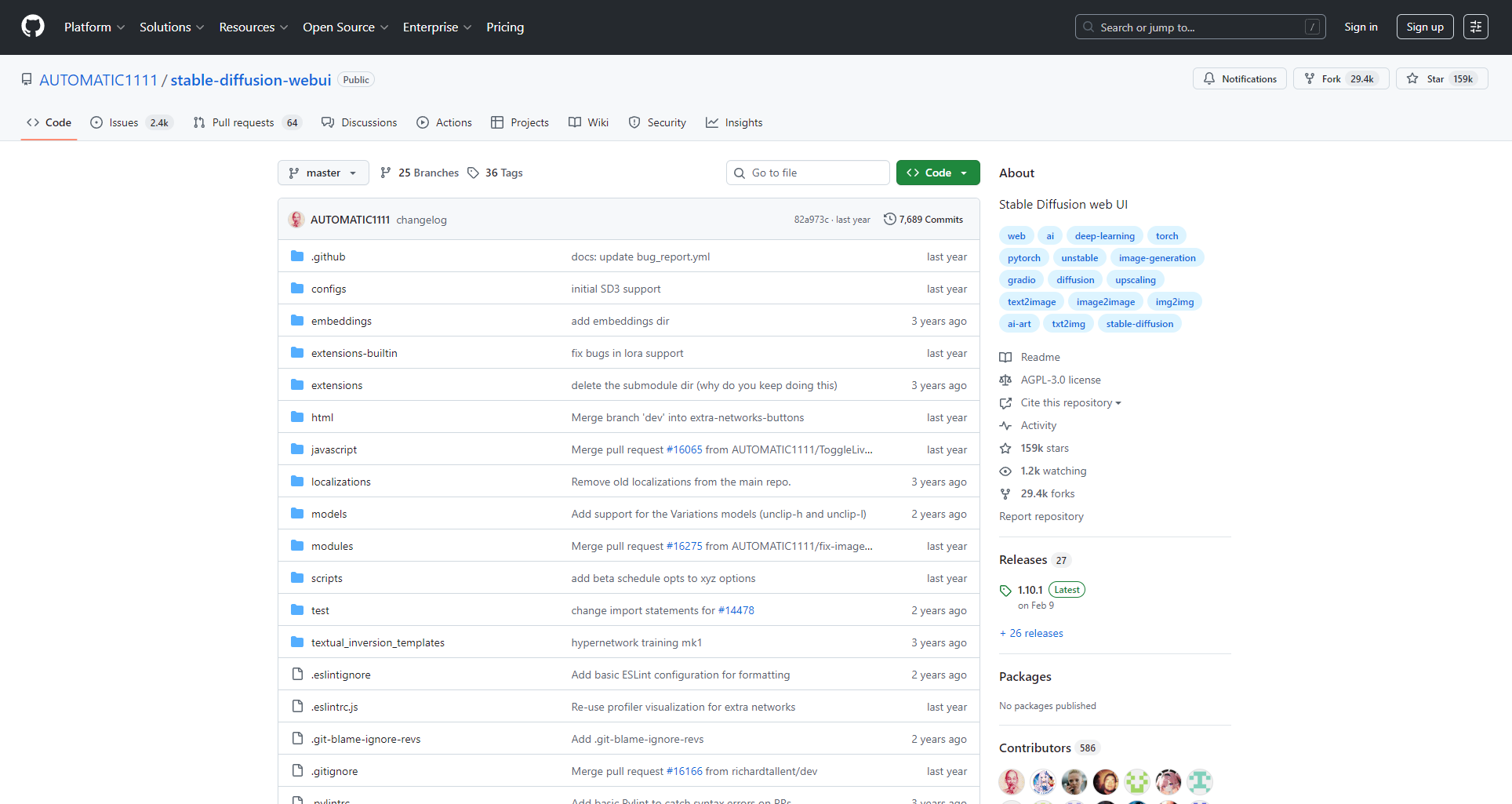
For beginners, it is recommended to use the "Akiba aaaki Integration Pack" orAUTOMATIC1111 WebUIOne-click package:
- Extract the files to your hard drive, double-click the main program, and access http://127.0.0.1:7860/ in your browser for web operation.
- If you don't have local hardware, you can easily deploy a large graphics card experience using mainstream cloud GPUs such as RainCloud.
Stable Diffusion 1.5 Core Functions and Parameter Details
Main interface and parameter logic
- Prompt/Negative Prompt: Describe the elements of expectation and avoidance.
- Sampling methods: Affects different styles and levels of detail (Euler, DPM++, etc.).
- StepsGenerally, 20-40 steps are recommended; more than that yields less benefit.
- resolution512x512 is the mainstream size; the larger the size, the more demanding it is on the graphics card.
- High-resolution repair (Hires. Fix)It helps to amplify and enhance details.
| parameter | Example | illustrate |
|---|---|---|
| Prompt | best quality, 8k, masterpiece, … | Key descriptions appear first and have high weight. |
| NegativePrompt | bad-hands-5, watermark, blurry | Filtering bad details |
| Steps | 20-30 | Balanced output quality |
| Sampler | Euler/DPM++ | Different styles require different choices |
| CFG Scale | 7 | Adjusting the influence of Prompt |
Model Ecosystem and Advanced Application Guide
Model types and functions
| type | effect | Folder | use |
|---|---|---|---|
| Checkpoint (CKPT) | Main Model | models/Stable-diffusion/ | Determine the basic style |
| LoRA | Small size style fine-tuning | models/lora/ | Characters and styles overlap |
| VAE | Color enhancement | models/VAE/ | Improved sharpness and clarity |
- LoRA modelQuickly switch between different styles/characters
- VAE moduleOptimize color and clarity
- Plugins such as ControlNetLine art/pose/composition control
Download mainstream resources:CivitaiHuggingFace, OpenArt, etc.

WebUI Tools and Plugin Ecosystem
| tool | Main functions | Features | Target audience |
|---|---|---|---|
| AUTOMATIC1111 | One-stop management and generation | Many plugins, constantly updated | All levels |
| sd-webui-aki-v4 | Multilingual | Minimalist and worry-free | Newbie |
| ComfyUI | Node Workflow | Freedom of customization | Advanced |
- Recommended Plugins: ControlNet, Lora Block Weight, Tiled Diffusion/VAE, etc.
Practical Tips for LoRA and Model Management
- Categorize and name items, and record source parameters for easy reproduction.
- Multiple models can be mixed with weights, making invocation more flexible.
- Make full use of tags and weight combinations
Standard Application Process Step-by-Step
- Master election model
- Overlay LoRA style
- Prompt designAppropriate sampling and number of steps
- Enable ControlNet when there are reference images
- High-resolution restoration is possible.
- Generate, adjust, and batch export
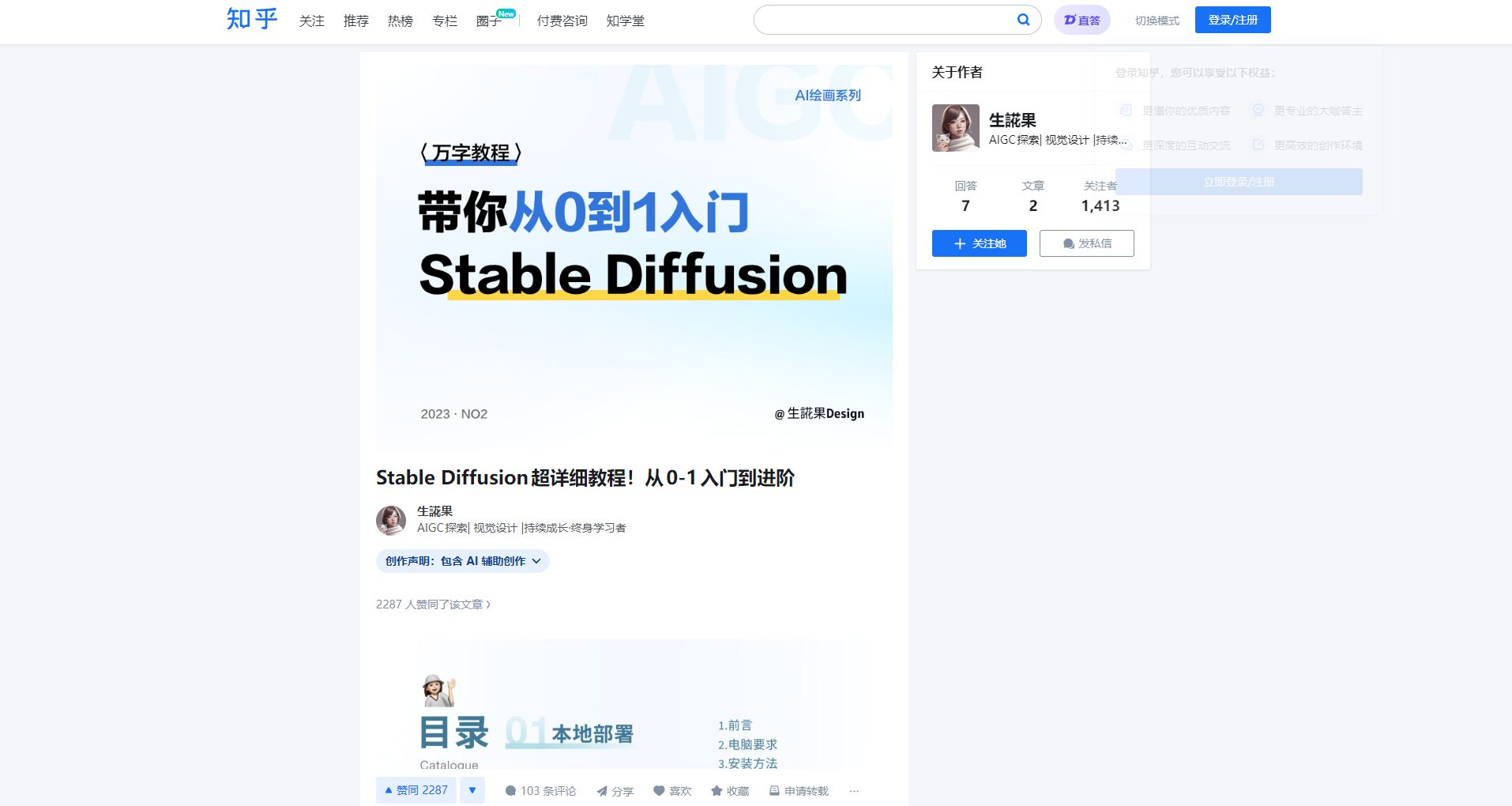
Details are available.
Zhihu Advanced Tutorial
Stable Diffusion 1.5 Usage Effects and Application Scenarios
Comparison of actual combat effects
| Prompt word scenarios | SD1.5 | FLUX/majicMIX |
|---|---|---|
| Anime | Clear details, easy to customize | Fuller and more realistic |
| photography | Realism is lower than that of higher-order new models | FLUX wins over realism |
| Style transfer | The community has a very rich LoRA. | Compatibility needs to be tested |
SD1.5 is suitable for custom creative designs, such as anime, illustrations, wallpapers, NSFW, etc.
List of typical application scenarios
| Scene | user | use | Recommended tools |
|---|---|---|---|
| Illustration Creation | Illustrator | Characters, Posters | SD1.5 + LoRA + ControlNet |
| Product Design | E-commerce/New Media | T-shirts, merchandise | SD1.5 + VAE + Magnification Plugin |
| Architectural concept | Architecture/3D Design | Sketches and concept art | ControlNet+ComfyUI |
| Self-media | self-media owner | WeChat official account cover and short video images | Batch Plugins + Tag Reference |
| NSFW | Adult Creation | Multiple styles, personalized customization | LoRA-specific + advanced prompts |
Continuous optimization and learning community resources
- CivitaiLargest LoRA/Model Site
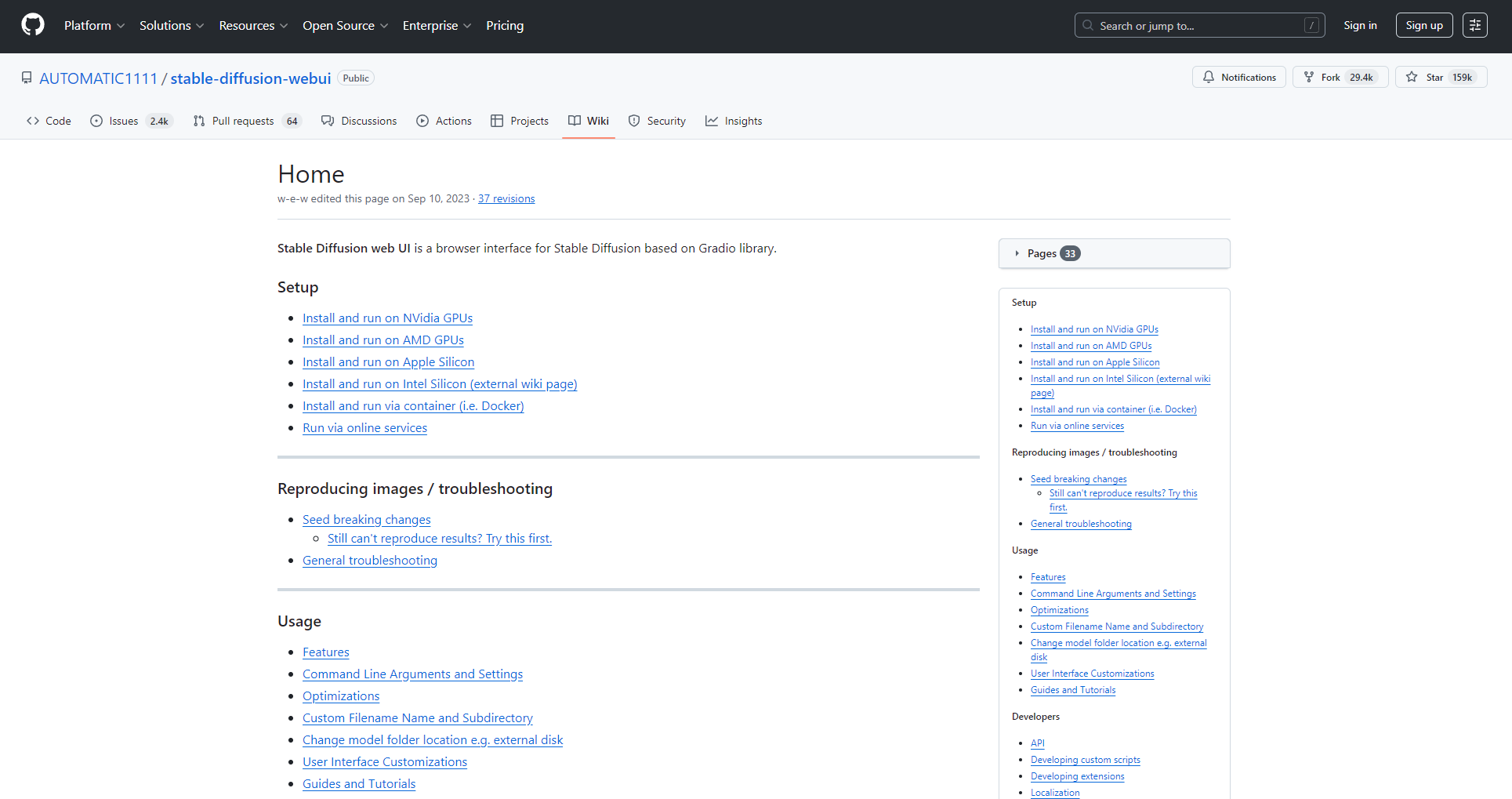
- A1111 WikiDeployment and Plugins: The Definitive Guide
- Detailed experience on Zhihu
- Bilibili UP's practical demonstration
Each generation of SD1.5 advancements has spurred new styles and LoRA innovations, driving the infinite possibilities of AI drawing.
Embrace open-source AI and make good use of plugins and massive model libraries.Let your inspiration soar with AI!
© Copyright notes
The copyright of the article belongs to the author, please do not reprint without permission.
Related posts



No comments...
