
EasyExcel Practical Guide: How can developers efficiently process large volumes of Excel data?
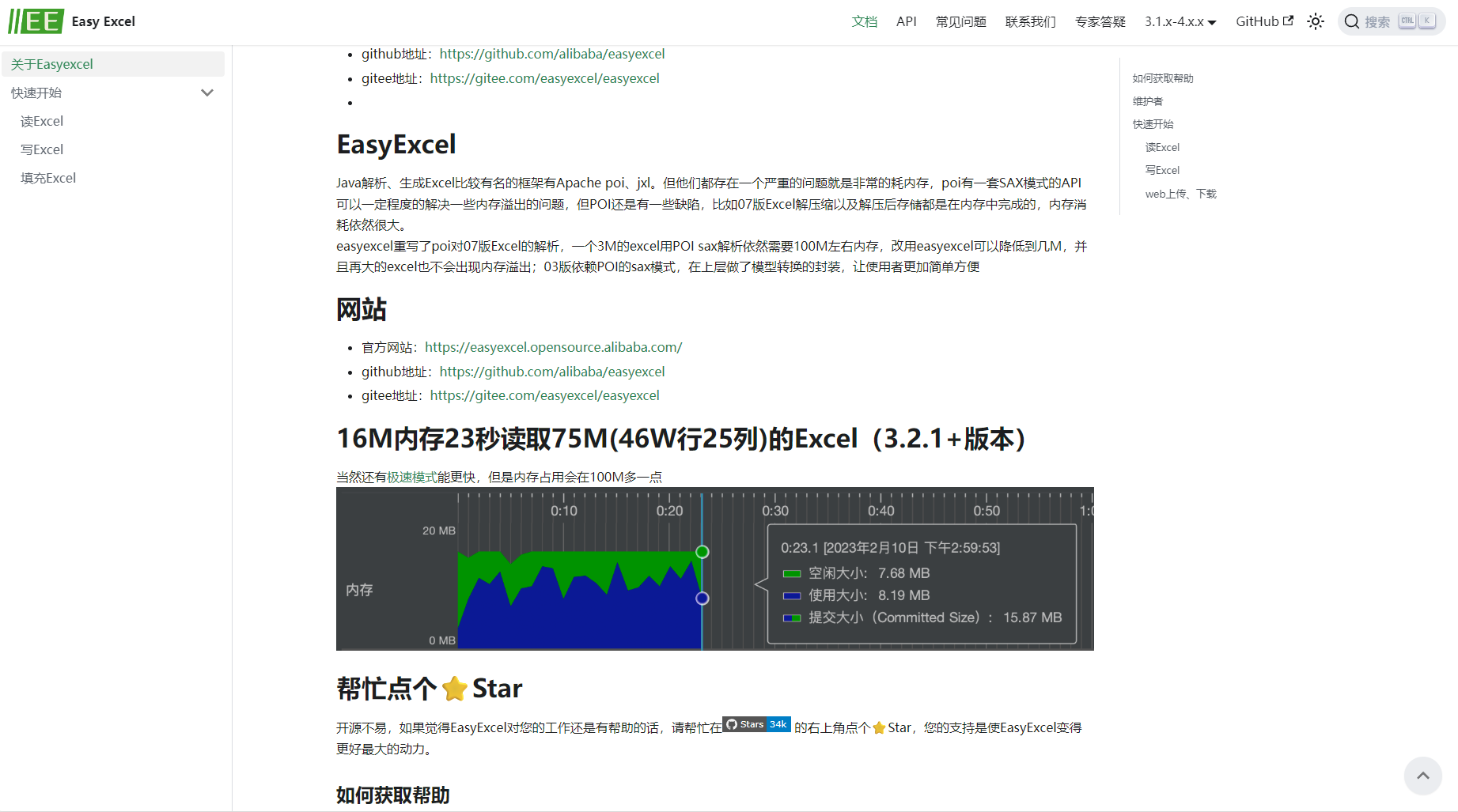
EasyExcel is an open-source, high-efficiency Excel read/write tool from Alibaba.Specially designed for Java developersSolve the problem of importing and exporting large amounts of data.Its streaming processing, low memory consumption, and flexible scalabilityThis makes it the preferred choice for scenarios involving millions of Excel data points. This article provides a detailed analysis of EasyExcel's working principles, typical applications, and best engineering practices, and covers... High performance, low OOM risk The core skills.

EasyExcel: What makes processing large amounts of data easy?
EasyExcel Basic Introduction
easyexcel This is an open-source, Java-based Excel read/write solution from Alibaba, supporting XLS and XLSX formats. It boasts advantages such as high efficiency, low memory usage, and flexible scalability, making it particularly suitable for large data volume scenarios. Compared to traditional libraries like POI and JXL,EasyExcel ensures smooth, uninterrupted reading and writing of millions of data streams without OutOfMemoryError (OOM).。
Key technological advantages
| Advantages | illustrate |
|---|---|
| Memory optimization | Streaming parsing and batch writing result in low memory pressure. |
| Simple and easy to use | Annotation-driven, intuitive API, and quick to learn |
| Supports custom conversion and formatting | Flexible configuration of annotations and custom converters |
| Responding to high-concurrency scenarios | No need to fully load Excel into memory |
| Rich listening and event mechanisms | Easy to integrate database operations and data validation logic |
EasyExcel's core practical strategies for handling millions of data points
Efficient parsing and batch import of fixed templates
for Fixed header and field structure EasyExcel utilizes annotations to drive model parsing, supporting efficient batch data import.


@Data public class RuleExcel implements Serializable { @ExcelProperty(value = "Rule Name") private String name; @ExcelIgnore private boolean isSuccess; }
Customization AnalysisEventListener The listener can parse and persist data in batches simultaneously, avoiding OutOfMemoryError (OOM).
| step | illustrate | Key code/methods |
|---|---|---|
| Data caching | Batch import of 500 data entries into the database. | batchCount=500 |
| Verify header | Verify Excel template security | invokeHeadMap() |
| row-level parsing | Parse a line of data and write it to the buffer/database. | invoke() |
| End of article | After completion, the remaining data will be stored in the database. | doAfterAllAnalysed() |
public class RuleExcelImportListener extends AnalysisEventListener { private static final int batchCount = 500; private List cacheList = new ArrayList<>(batchCount); private final IRuleExcelService ruleExcelService; @Override public void invoke(RuleExcel data, AnalysisContext context) { cacheList.add(data); if (cacheList.size() >= batchCount) { ruleExcelService.importRuleExcel(cacheList); cacheList.clear(); } } @Override public void doAfterAllAnalysed(AnalysisContext context) { ruleExcelService.importRuleExcel(cacheList); } }
Analysis of Non-Fixed Templates and Dynamic Data Structures
For Excel files with variable structures, a Map format can be used for custom processing:
List <Map > resultList = EasyExcel.read(file.getInputStream()) .headRowNumber(0).doReadAllSync();
Each row of data is...Column Index -> Cell Content MapReturning allows for flexible business validation processing.
Practical Development Guide: Typical Usage and Performance Optimization of EasyExcel
Typical import process and example code
| step | Specific practices | Key points |
|---|---|---|
| 1. Document validity check | Validate Excel file extensions and file size. | Preventing incorrectly formatted or malicious files |
| 2. Analytical Entity Modeling | Using the @ExcelProperty annotation to annotate Java models | Consistent field mapping facilitates validation. |
| 3. Monitoring and Data Processing | Implement AnalysisEventListener and cache in batches. | OOM protection, status recording |
| 4. Batch Inbound | Batch insert logic | Even pressure, fast insertion |
| 5. Status Feedback | Each row of data is inserted as a record. | Business closed loop |
public void importExcel(MultipartFile file) { InputStream in = new BufferedInputStream(file.getInputStream()); ExcelReaderBuilder builder = EasyExcel.read(in, RuleBean.class, new RuleExcelImportListener(ruleService)); List beans = builder.doReadAllSync(); // Filtered List of successfully imported data successList = beans.stream().filter(RuleBean::isSuccess).collect(Collectors.toList()); }
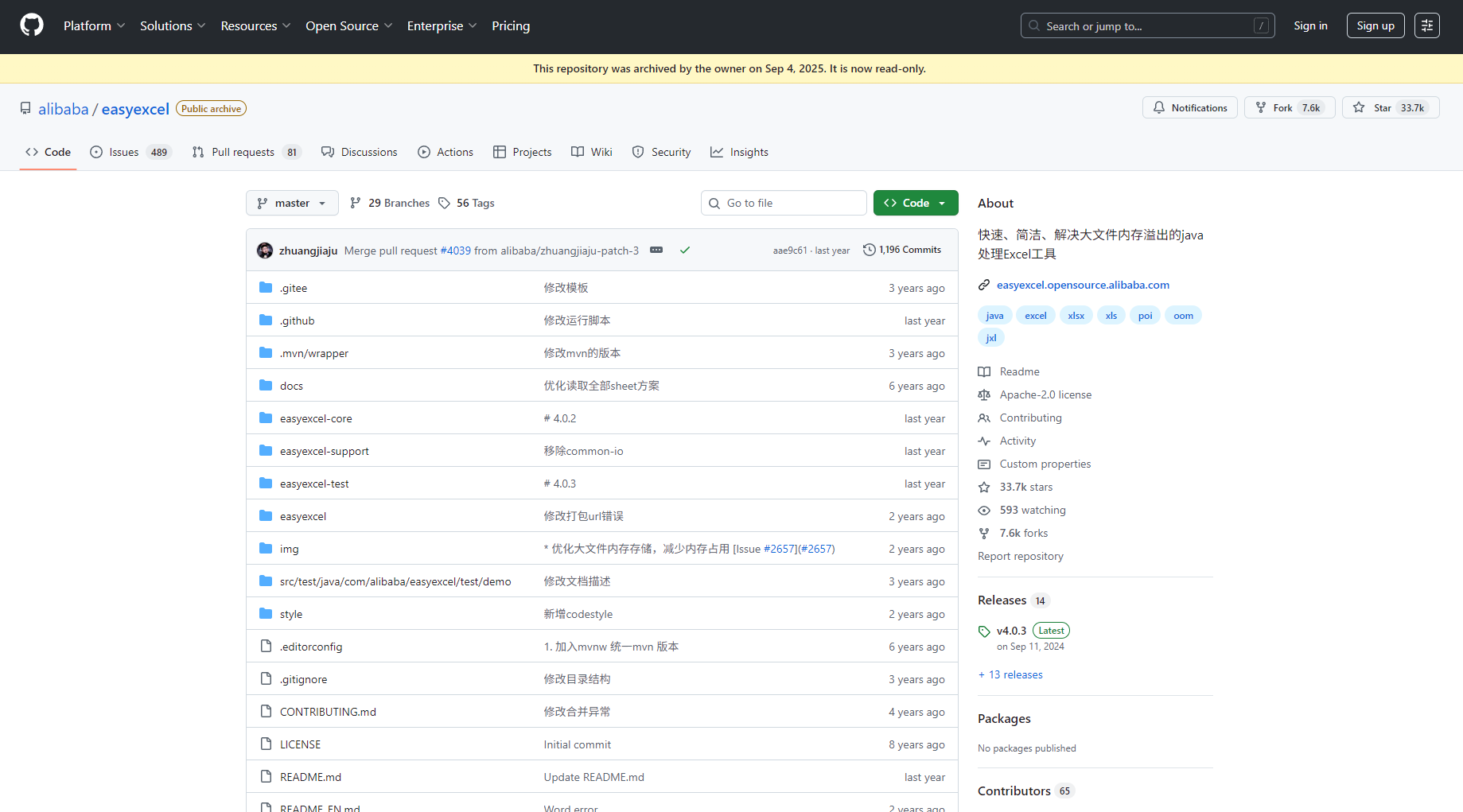
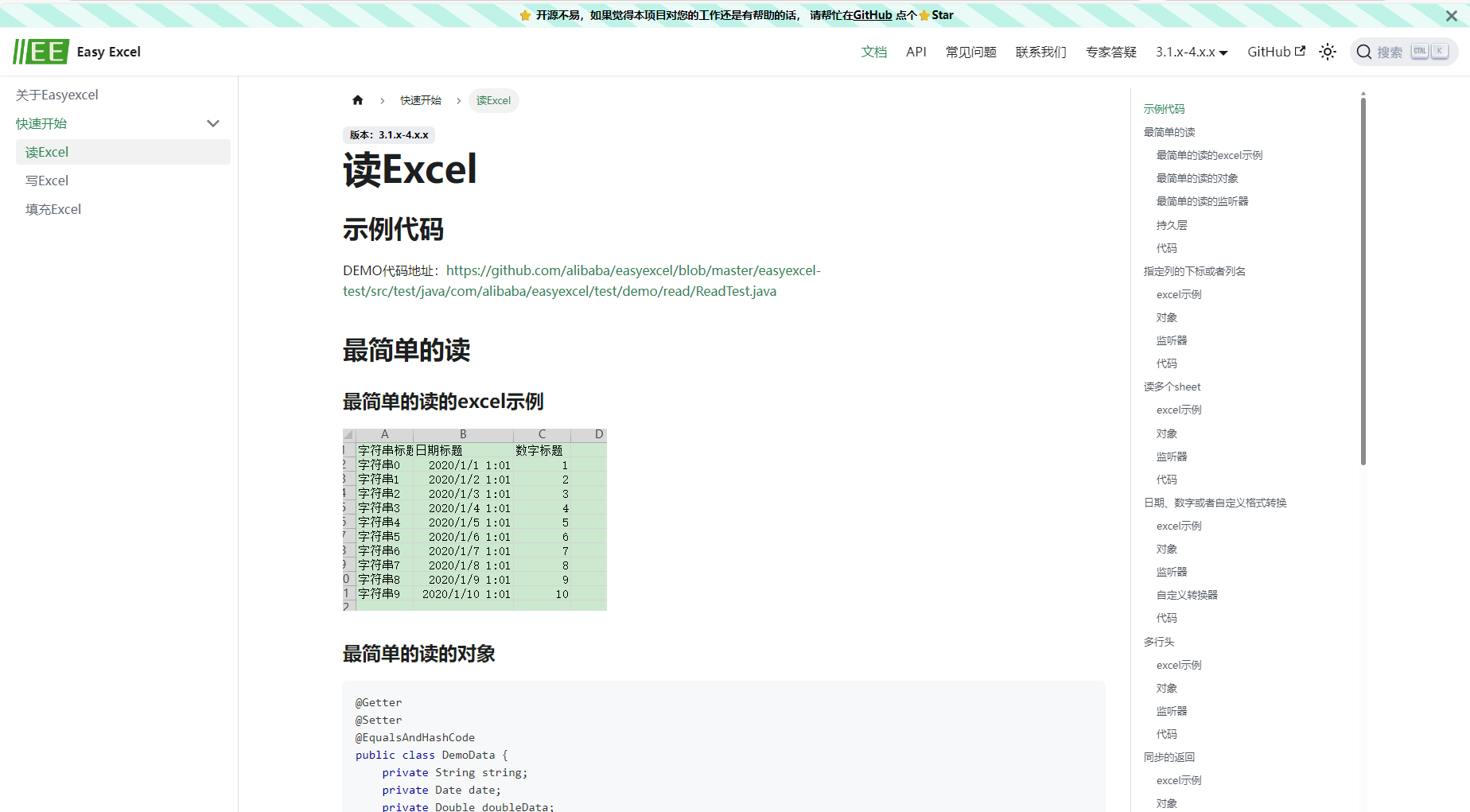
More case studies are available for reference. EasyExcel official documentation。
Performance tuning recommendations (memory and concurrency in practice)
- Increase the batch processing threshold batchCountImprove write efficiency
- Reject full loading at onceWe strongly recommend using the streaming method.
- Database batch operation optimizationCombined with batch ORM interfaces
- Listeners handle business asynchronouslyImprove throughput
- Multithreaded processingMulti-sheet parallel processing requires resource constraints.
- Custom JVM configurationTo ensure no OOM risk
AI 工具助力与场景拓展
Integration with AI and automation tools
By integrating with Alibaba Cloud's batch processing platform and low-code platform, EasyExcel serves as a data access bridge, enabling... AI data analysis, BI reporting Prepare raw data for machine learning.Combine AI code assistant to automatically generate templates and improve development efficiency.
Frequently Asked Questions and Community Resources
| Frequently Asked Questions | Solution |
|---|---|
| Excel file OOM (Out of Memory) error? | No, streaming processing can easily handle 5 million lines. |
| Excel version compatibility | Supports xls/xlsx, self-adaptive |
| Multiple headers/complex format | Supports multiple header annotations and custom headers. |
| Data validation & error feedback | The listener can be customized with checksums and exceptions. |
| Efficient data export | Write a single line of flush, and you can handle a million data entries without any problems. |
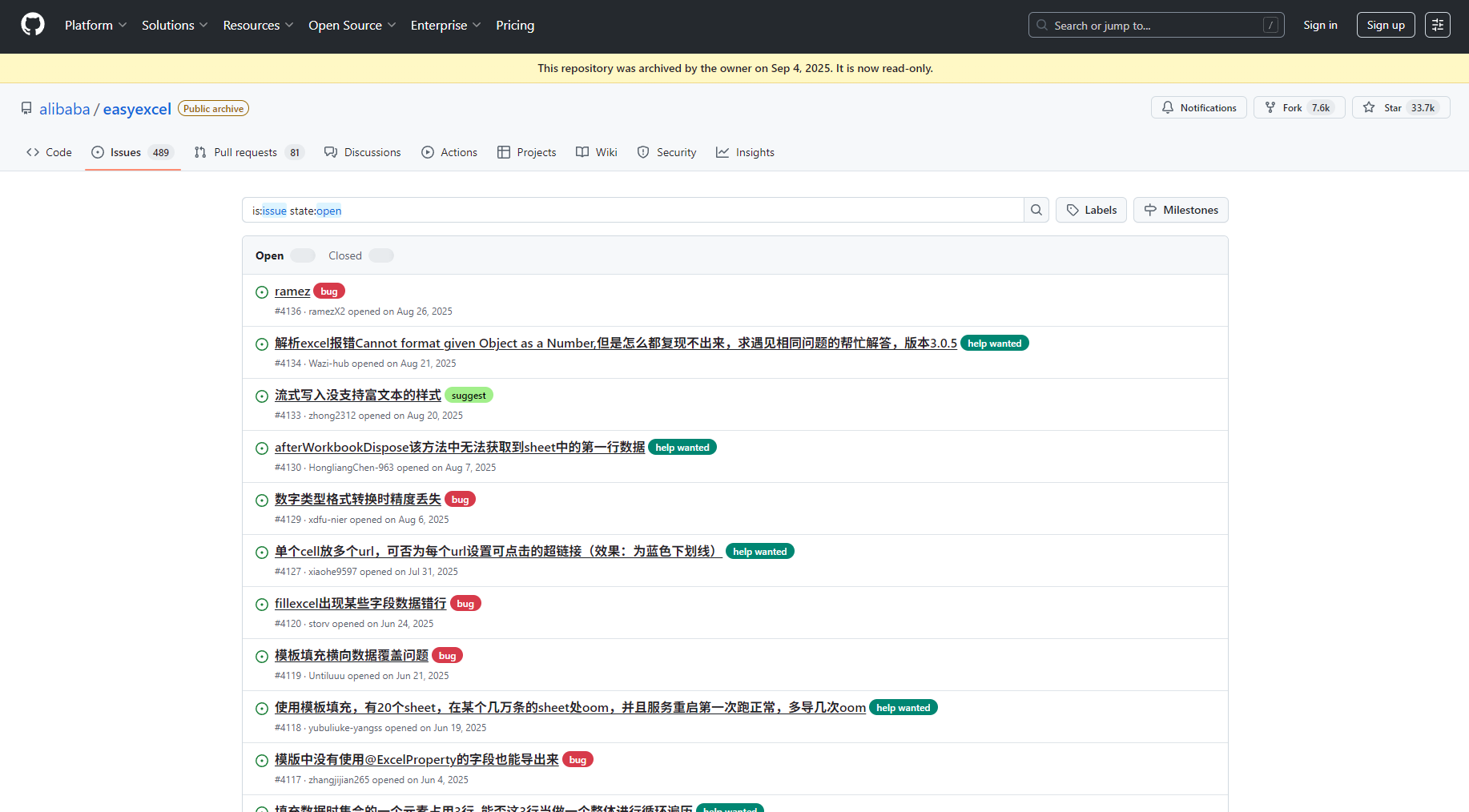
For more answers, please see EasyExcel official issue。
In an era of exponential data growtheasyexcel provides Java developers with a cost-effective solution for efficiently processing large-scale Excel files.Using EasyExcel effectively can improve data flow efficiency and facilitate digital and intelligent management. Go check it out! Official GitHub Explore and practice, leveraging AI tools and automation platforms.Expand the boundaries of your data engineering!
© Copyright notes
The copyright of the article belongs to the author, please do not reprint without permission.
Related posts




No comments...
