Planner5d: A Comprehensive Guide to the Essential 3D Design Tool for Interior Design Beginners (2025 Edition)
planner5dAs an internationally renownedFree 3D Interior Design Tools,New upgrade in 2025Whether you're a beginner or a professional designer, Planner 5D makes planning your home and commercial spaces a breeze. From 2D drawing to 3D rendering, AI and AR assistance, it fully covers web, desktop, and mobile apps. This article provides a detailed analysis of Planner 5D's features, pricing, applicable scenarios, and learning curve.Helping you create your ideal home in just one hour, making your dream life within reach!
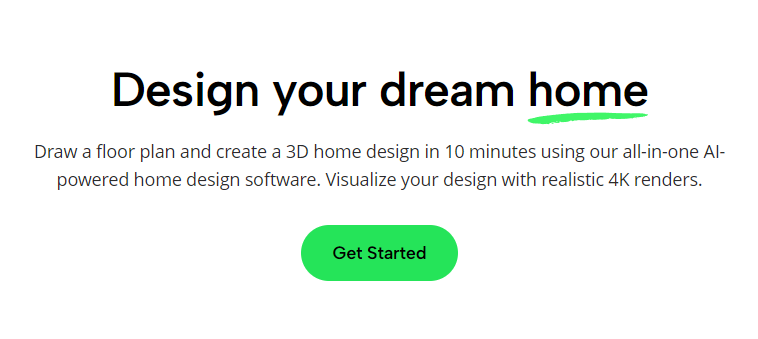
Planner5d Product Overview: Platform, Pricing, and Key Features
| Project | Free version | Premium (Paid Version) | Pro |
|---|---|---|---|
| 2D/3D Design | 有 | 有 | 有 |
| Furniture material library | part | More than 8000 | Fully open |
| High-quality rendering | Limited times | 5 times per month / 60 times per year | Unlimited 4K |
| AR/AI tools | 無 | 有 | 有 |
| Multi-platform synchronization | 有 | 有 | 有 |
| Annual plan price | Free | Approximately US$59.99 per 1 TP 4T | $ $399.99 |
| Supported languages | Chinese, English, etc. | Chinese, English, etc. | Chinese, English, etc. |
| Functional positioning | Beginners and enthusiasts | Advanced and professional users | Business professionals |
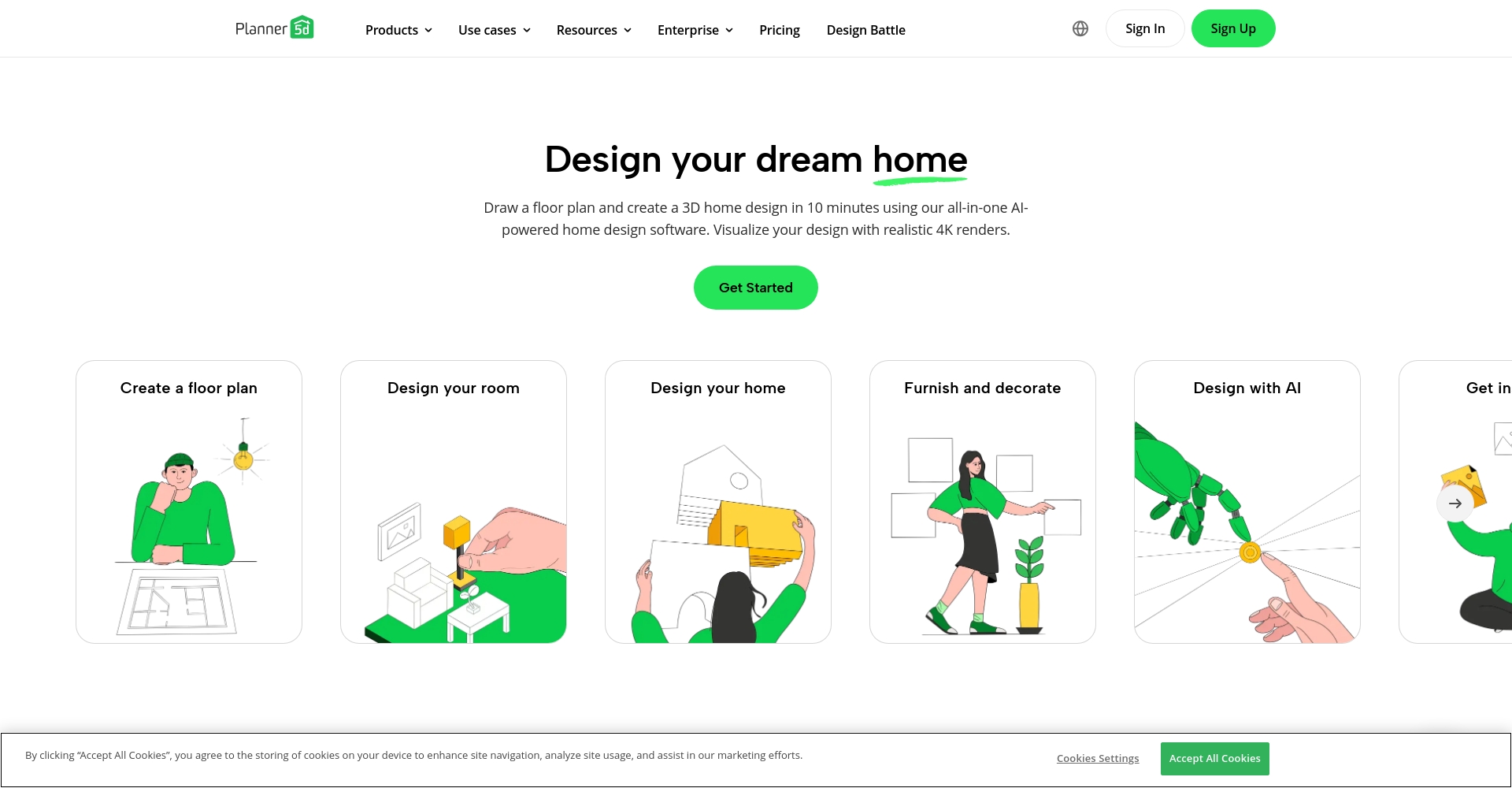

planner5d: A 3D design platform that everyone can use.
Features and Highlights
- Extremely quick learning curve: Quickly draw 2D/3D floor plans even with zero design experience
- Rich resource libraryMore than 8,000 furniture items and materials to choose from.
- High-definition 3D rendering and AR previewRealistic renderings can be generated with a single click, and AR interaction is supported.
- AI spatial planningAI automatically generates room layouts and design suggestions, so you'll never lack inspiration.
Product Versions and Applicable Scenarios
| Platform/Application Scenarios | Features | Suitable for |
|---|---|---|
| Web version | No installation required, usable anywhere. | Students/Light Users |
| Desktop application | High efficiency and professional | Designers who need to output large images |
| iOS/Android "Palm-Sized Design"“ | Intuitive operation, AR display | Owner/Agent/On-site Measurement |
Planner5d Beginner's Guide: Function Details and Getting Started
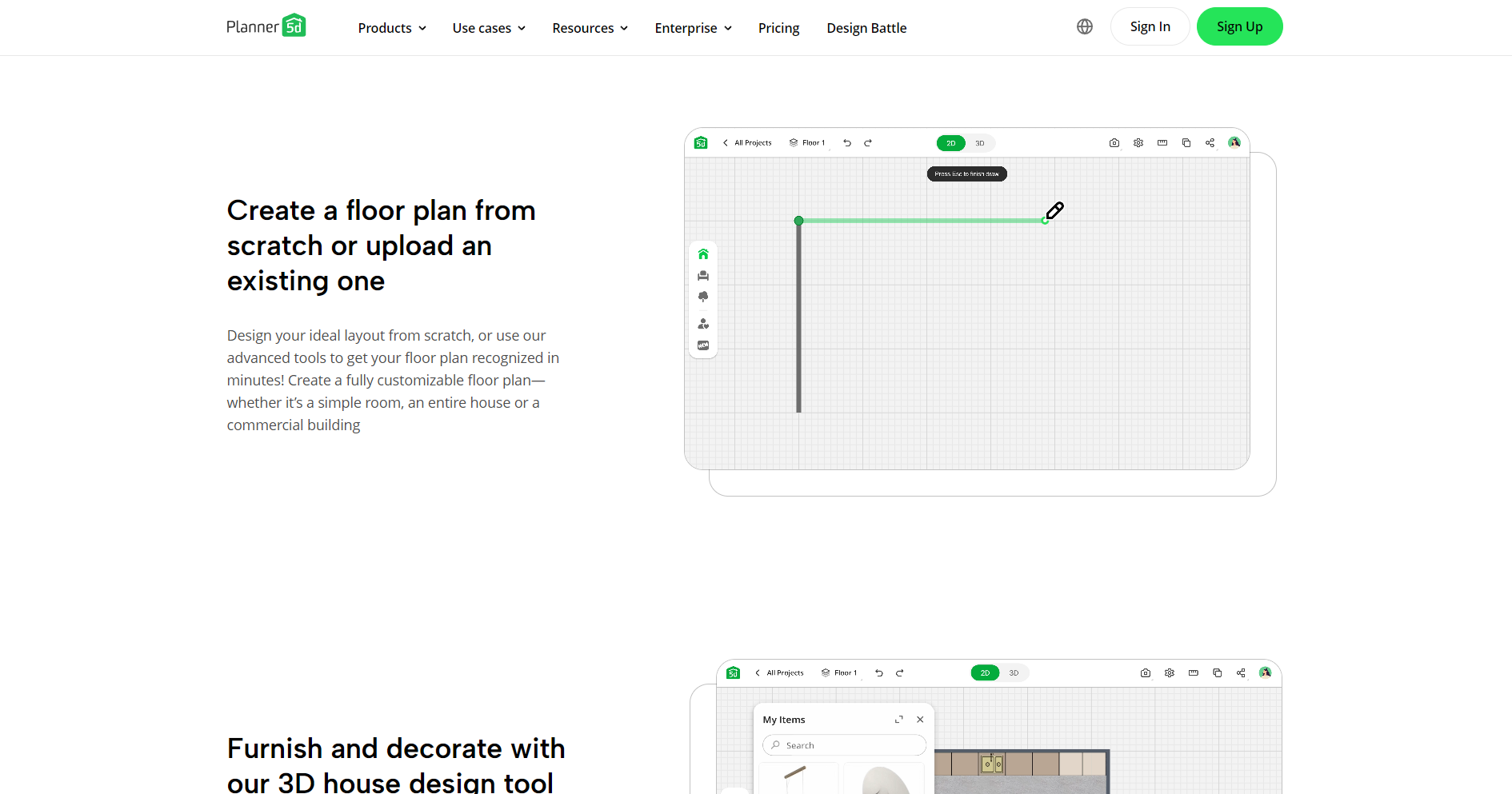
- Start a new project: Log in to the official website or app, click "Create New Project", and you can either draw your own or use the official template.
- Quickly draw the house layout and add doors and windows: Drag the wall, specify its length and direction, and drag the right side directly into the door and window area.
- A wealth of materials can be placed with a single click: Furniture, flooring, wallpaper, and decorations are all available, and stretching, color changing, and material changing are supported.
- Real-time 2D/3D view switching: The plan allows for seamless switching between 2D maps and 3D tours.
- AI Design Assistant: The paid account experience AI planning can be completed with a single click, even without inspiration.
- High-resolution rendering/AR preview: Supports advanced rendering and mobile AR visual previews, turning your "future home" into reality in a second.
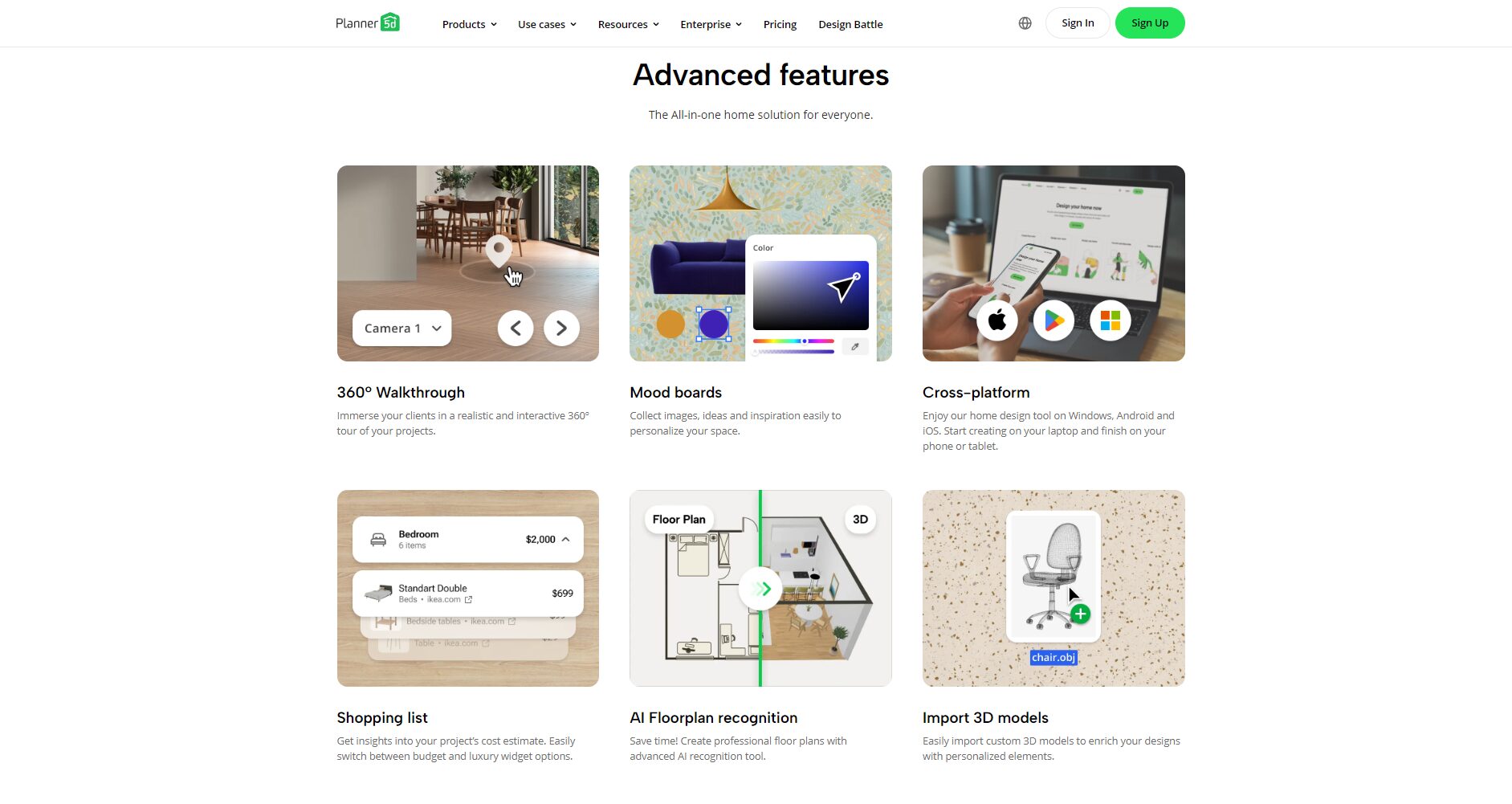
| Function | Free users | Paid unlock | Design purpose |
|---|---|---|---|
| 2D/3D drawing | ✓ | ✓ | Constructing spatial structure |
| Furniture/Decoration Material Library | Limited portion | ✓(8000+) | Furniture and interior decoration |
| AI Space Assistant | – | ✓ | Intelligent color matching and layout |
| High-definition rendering/export | Limited quality | ✓ | Real estate sales and design reports |
| AR Reality Display | 有 | More advanced features | Customer on-site demonstration |
| Traditional Chinese/Simplified Chinese/Multilingual Support | ✓ | ✓ | Internationalized multi-user |
| Multi-terminal synchronization | ✓ | ✓ | Team/Offline Business |
Planner5d Practical Application Recommendations
Self-planning for renovating new/old houses
crowd: Home DIY enthusiasts / New home decorators / Tenants
Advantages: Precise size drawing, a wide selection of materials, easy budgeting, what you see is what you get.
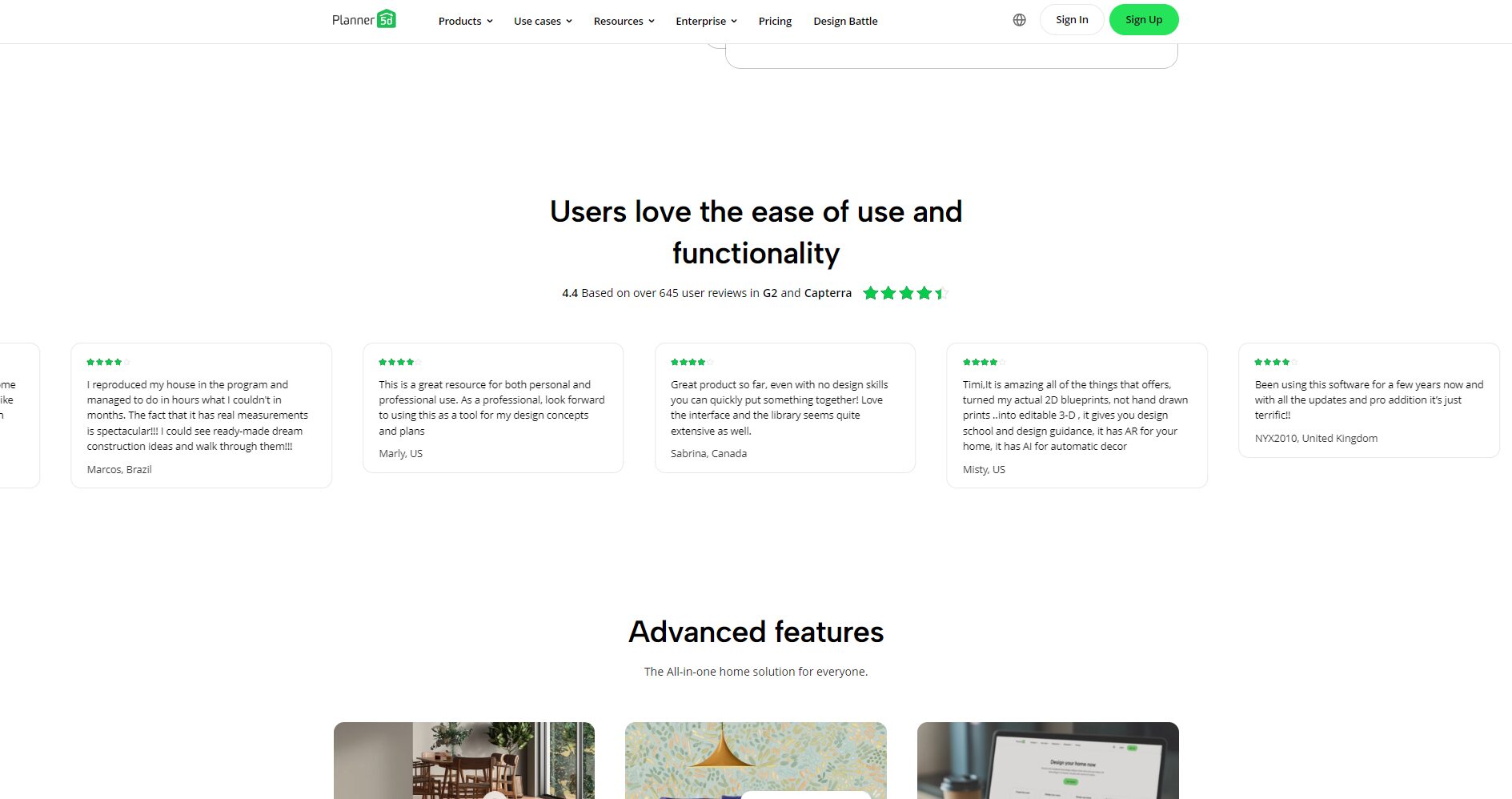
Teaching simulation for students/design beginners
crowd: Faculty and students of architecture/design schools
Advantages: Low learning threshold, easy teamwork, classroom assignments, and graduation project drawing.
Real estate agent/showroom planning
crowd: Real estate agent/owner/renovation company
Advantages: Quickly generate proposals, facilitate transactions, and improve presentation efficiency.
Rapid planning of office/commercial spaces
crowd: Small and medium-sized business owners or office tenants
Advantages: Quickly plan workstations/traffic flow to improve decision-making efficiency.
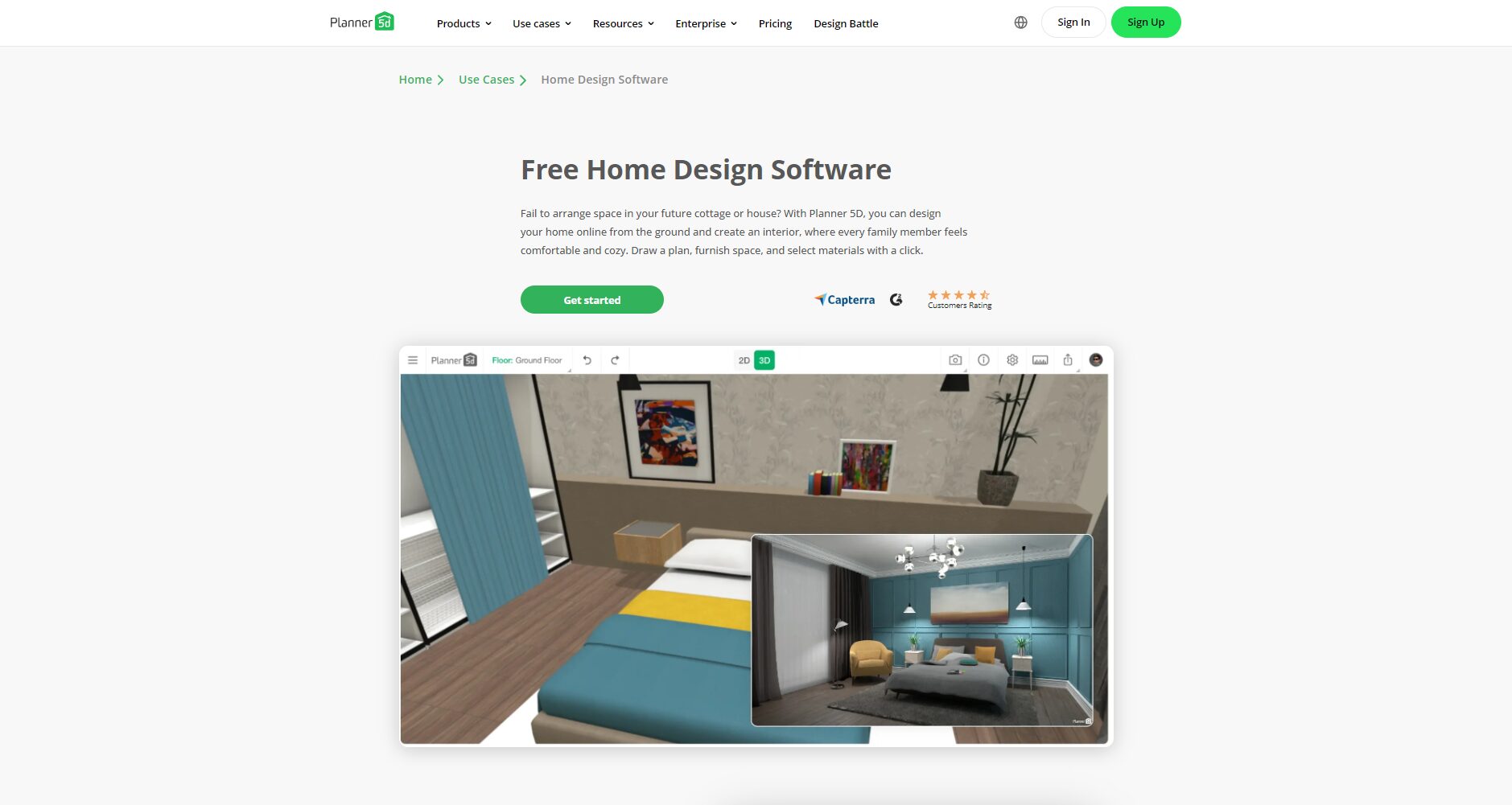
Planner5D Pricing Plans Explained (Latest 2025)
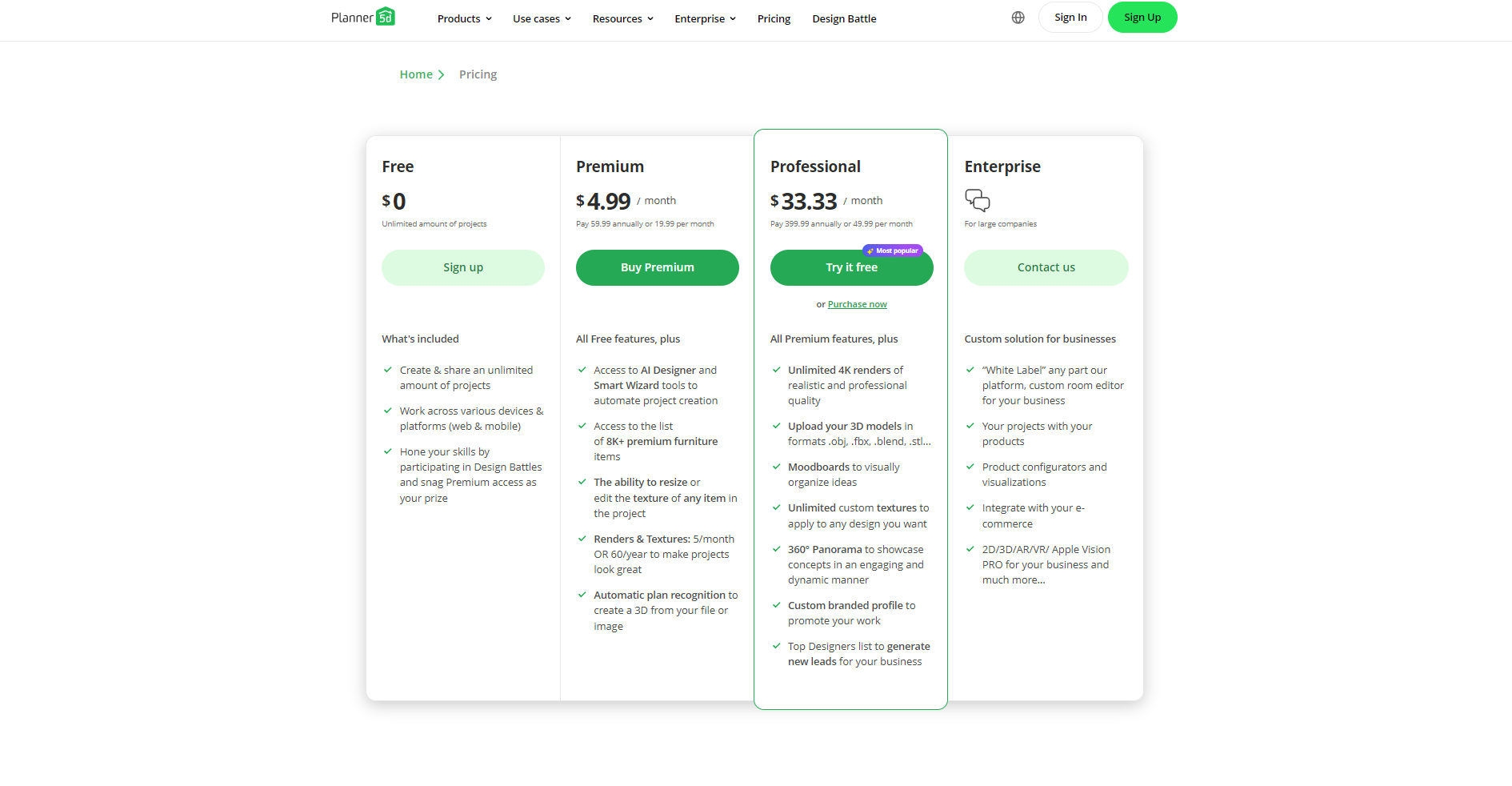
- Free users: Permanent access to 2D/3D graphics and some assets, limited rendering.
- Premium: The annual fee is approximately $59.99 USD for $, which unlocks all materials, AI/AR tools, high-definition rendering, etc.
- Pro version: Annual fee of $399.99 per TP4T includes 4K rendering, unlimited functionality, and exclusive commercial rights.
| Solution type | Annual payment price | Furniture material quantity | High-definition rendering times | AI Design | Commercial functions | Applicable users |
|---|---|---|---|---|---|---|
| Free version | 0 yuan | part | limited | – | – | Newbie/Student |
| Premium | $59.99 | 8000+ | 60 times/year | all | part | Owner-occupied and advanced users |
| Pro | $399.99 | Fully open | Unlimited times 4K | all | Fully open | Business, Team |
See details Official purchase page
Planner5D Frequently Asked Questions & Answers
- Is there a Chinese version of Planner5D?
Absolutely! Simplified/Traditional Chinese and multilingual support. - Can Planner5D be used for free indefinitely?
The basic features are permanently free, while some advanced features are available for a fee. - Are there any requirements for the equipment?
It can run on low-end devices, but for complex rendering, a computer or new mobile phone is recommended. - Do you support teamwork?
Pro accounts support team collaboration and cloud synchronization. - Can I import floor plans or photos?
Supports importing floor plans and exporting in multiple formats.
Planning process simulation on-site: A complete record of a novice's first design
- Start the project – Draw the floor plan (enter dimensions, draw the exterior wall sections)
- Drag in furniture – place sofas, beds, and dining tables as needed.
- Adjusting Materials – Choosing Floor and Wall Colors
- Switch to 3D – Check spatial flow and visual effects
- AI/AR Functionality – Generate Design Suggestions and Previews with One Click
- High-definition rendering - Save/share design
It's very easy for beginners to get started; even those with zero experience can build a 3D home model in just one hour!
Planner5d vs. Competitors (Popular Design Tools of 2025)
| Software Name | platform | Operational difficulty | Free and feature-rich | 3D quality | AI-assisted | Chinese support |
|---|---|---|---|---|---|---|
| planner5d | Win/Mac/Web/iOS/Android | ★★★☆☆ | ★★★☆☆ | ★★★★☆ | ★★★★☆ | completely |
| SketchUp | Win/Mac | ★★★★☆ | ★★★☆☆ | ★★★☆☆ | ★★☆☆☆ | part |
| Roomstyler | webpage | ★★☆☆☆ | ★★☆☆☆ | ★★☆☆☆ | 無 | 無 |
| Homestyler | Website/App | ★★★☆☆ | ★★★☆☆ | ★★★★☆ | ★★★☆☆ | completely |
| Sweet Home 3D | Desktop/Web | ★★☆☆☆ | ★★★★☆ | ★★☆☆☆ | 無 | completely |
Planner5d leads the way in terms of beginner-friendly interface, comprehensive platform support, and the sheer volume of AR/AI and assets.。
Conclusion
As one of the most popular free 3D interior design tools in 2025,planner5dLeading a new wave of digital home design. Whether you're a design novice or a professional, you can enjoy...Simple operation, efficient cloud synchronization, rich renderingWith precise layout. If you want to design your own new home or start your design career in 2025, Planner5d is definitely worth a try!
© Copyright notes
The copyright of the article belongs to the author, please do not reprint without permission.
Related posts

No comments...
