A detailed introduction to Direct3D: Essential rendering engine fundamentals and practical techniques for game developers.
Direct3DAs an important component of Microsoft DirectX, it is the underlying rendering core of AAA games and mainstream engines.This article provides an in-depth analysis of the Direct3D architecture, development environment configuration, resource management, and efficient development techniques.It includes key tables, code examples, and AI-assisted tool recommendations to help you.Game developersMaster the core of 3D rendering.Combining the latest AI trends and future prospectsThis provides a systematic and practical reference guide for advanced developers.
Direct3D rendering engine basics
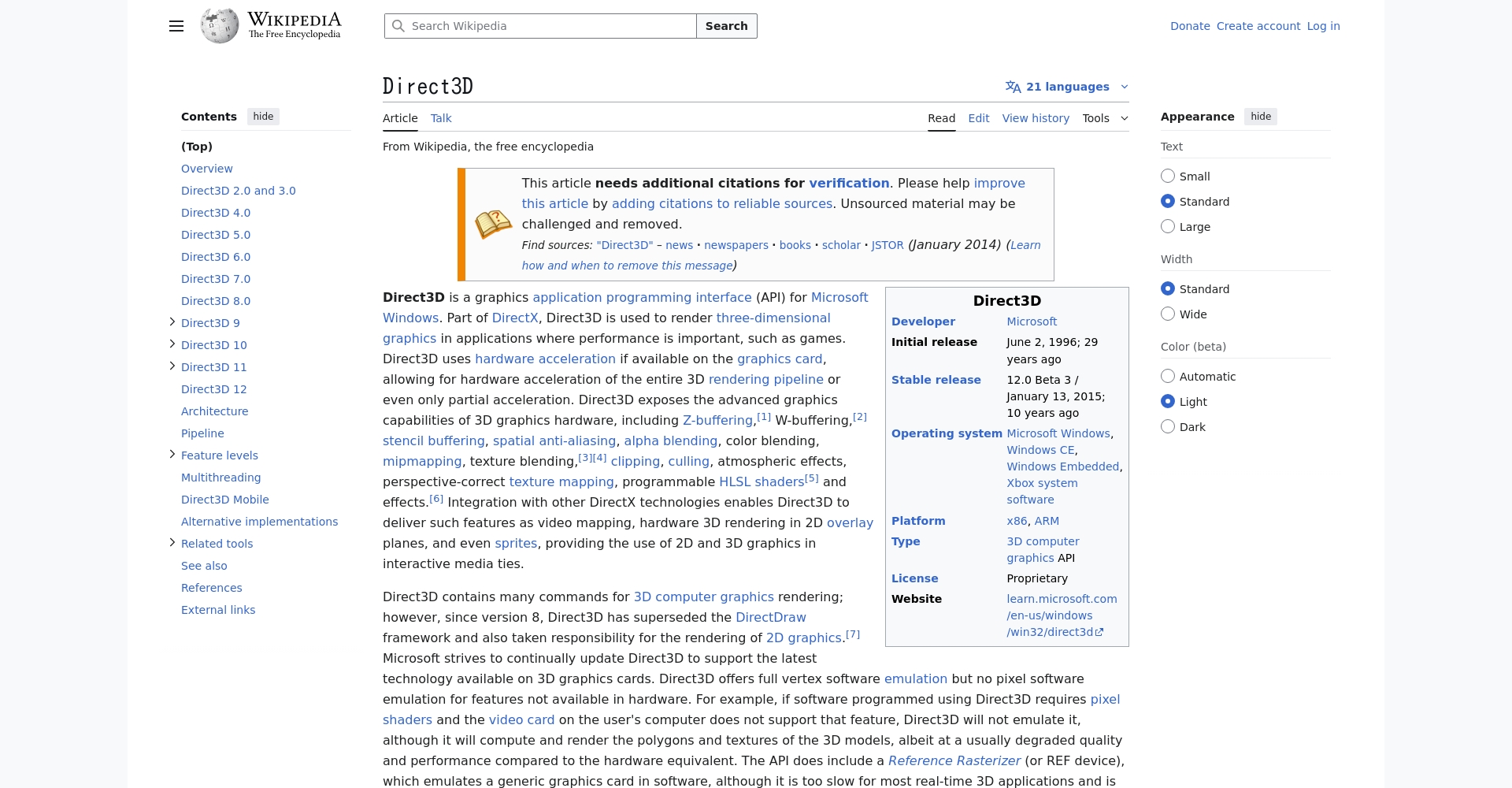
Direct3DDirect3D is a hardware-accelerated 3D graphics API based on the Windows platform, supporting efficient real-time rendering, deep hardware compatibility, and rich special effects. As the core of DirectX, Direct3D is widely used in PCs and Xboxes and is the first choice for high-quality game development. Its underlying GPU resource access capabilities give developers extremely high flexibility and customization, maximizing graphics card performance.
| project | Direct3D | OpenGL | Vulkan | Metal (Apple) |
|---|---|---|---|---|
| Operating system support | Windows/Xbox | cross-platform | cross-platform | iOS/macOS |
| Manufacturers and maintenance | Microsoft | Khronos Group | Khronos Group | Apple |
| Programming complexity | 中 | Low-medium | 高 | 中 |
| Performance tuning | excellent | good | excellent | excellent |
| Mainstream engine support | Extremely high | 高 | 中 | 中 |
in conclusion:For projects requiring high-performance Windows or Xbox platforms, or those with extreme hardware optimization needs, Direct3D is almost always the only option.
The Development and Ecosystem of Direct3D
- Version evolution:From fixed pipelines to modern programmable rendering, Direct3D 12 pursues ultimate underlying performance.
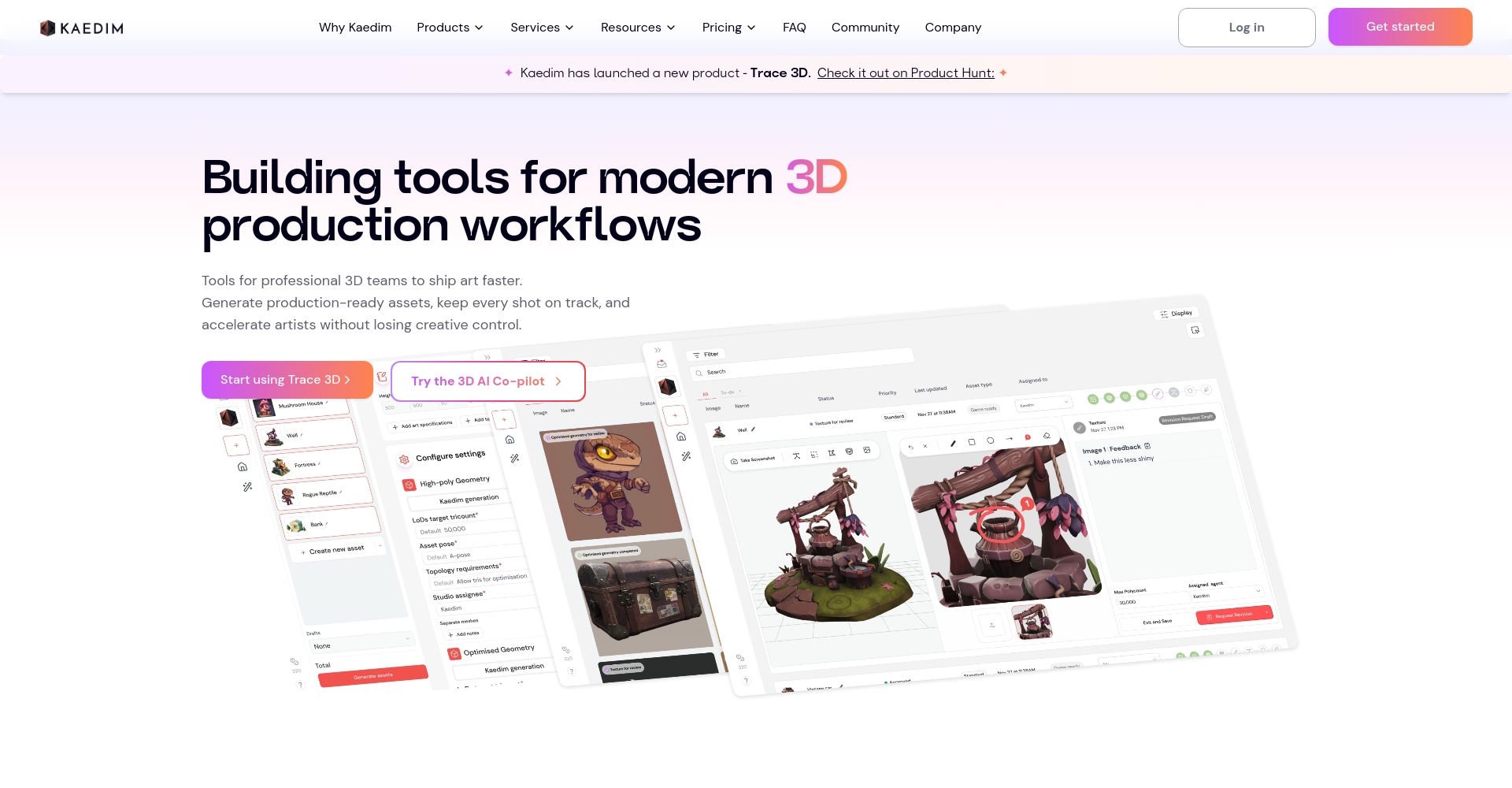
- Engine and tool collaboration:Deeply integrated with Unity and Unreal Engine, and used in conjunction with AI tools such as Runway and Kaedim3D.
- Platform compatibility:It is most efficient under Windows/Xbox, and is fully supported by major graphics card manufacturers.

A Complete Guide to Direct3D Development Practices
Environment setup and project initialization
- operating system:Windows 10/11
- Development tools:Visual Studio 2019/2022 and above
- SDK:Windows SDK, DirectX End-User Runtimes (partial functionality)
| step | Key points | Tool Description |
|---|---|---|
| Install Visual Studio | Install C++ development components | Visual Studio Installer |
| Configure SDK | Confirm that the dxgi and d3d11 header files are included. | Windows SDK |
| New project | C++ empty project, precompiled headers removed | Ensure that d3d11.lib is linked. |
| Verification Environment | Run D3DCreateDevice test | D3D11CreateDevice |
For more details, please refer to the official Microsoft website.document。

Direct3D Core Architecture
- Device:It corresponds to the graphics card resources and allocates/manages GPU resources.
- Swap Chain:Foreground and background buffer swapping, screen output.
- Context (DeviceContext):Issue the drawing command.
- Geometric data:Vertex buffer, index buffer, constant buffer; flowing to shader-rendering pipeline.
| stage | illustrate | API/Object |
|---|---|---|
| initialization | Devices, switch chain, rendering target, depth template creation | D3D11CreateDevice/CreateSwapChain |
| Resource Upload | Load textures, vertices, and indexes | CreateBuffer/CreateTexture2D |
| Shader binding | Upload VS/PS/GS/CS | CreateVertexShader, etc. |
| Rendering loop | Resource binding, Draw, Present | OMSetRenderTargets/Draw/Present |

Typical Direct3D rendering loop code
// Pseudocode void RenderFrame() { // Clear the screen g_deviceContext->ClearRenderTargetView(g_renderTargetView, DirectX::Colors::Black); g_deviceContext->ClearDepthStencilView(g_depthStencilView, D3D11_CLEAR_DEPTH, 1.0f, 0); // Data binding g_deviceContext->IASetVertexBuffers(...); g_deviceContext->IASetIndexBuffer(...); g_deviceContext->VSSetShader(g_vertexShader, nullptr, 0); g_deviceContext->PSSetShader(g_pixelShader, nullptr, 0); // Draw g_deviceContext->DrawIndexed(indexCount, 0, 0); // Display g_swapChain->Present(1, 0); }
Key Resource Type Interpretation
- Vertex Buffer:Store vertex data (position, normals, etc.) to reduce CPU/GPU interaction.
- Index Buffer:Specify the vertex connection method to efficiently reuse vertices.
- Render Target:Output color buffer.
- Depth Stencil:Handle occlusion and hierarchical sorting.

| Buffer type | effect | Typical format | API binding |
|---|---|---|---|
| Vertex buffer | Store vertex data | DXGI_FORMAT_R32G32B32_FLOAT | IASetVertexBuffers |
| Index Buffer | Vertex Connectivity Index | DXGI_FORMAT_R16_UINT or R32_UINT | IASetIndexBuffer |
| Render target | Output pixel color | DXGI_FORMAT_R8G8B8A8_UNORM | OMSetRenderTargets |
| Depth Template Buffer | Depth/Template Testing | DXGI_FORMAT_D24_UNORM_S8_UINT | OMSetRenderTargets |
Practical Tips and Development Essentials
Shader Development and Efficient Rendering
- Shader type:Vertex (VS), Pixel (PS), Geometry/Computation Shader.
- Compilation and debugging:The HLSL toolchain supports rapid debugging and works in conjunction with AI shader editing platforms such as ShaderToy.
Texture mapping and multi-texturing
- Commonly usedDXGI_FORMAT_R8G8B8A8_UNORMBalance video memory and image quality
- Enabling Mipmap improves flickering at long distances
- Multi-texture binding enables complex surfaces
| Skill | Improvement effect |
|---|---|
| Index Buffer | Reduce vertices to improve the efficiency of large meshes |
| Explicit state management | Reduce DrawCall overhead and improve batch rendering |
| Dynamic buffer update | Supports real-time animation/particle/terrain deformation |
| Batch/Instantiation Rendering | Reduce the number of API calls and optimize scenes with a large number of objects. |
Transparent rendering and post-processing techniques
- To achieve semi-transparency and font effects, use blending modes such as D3D11_BLEND_SRC_ALPHA.
- Post-processing (HDR, volumetric lighting) was achieved using a full-screen quadrilateral and a dedicated Photoshop tool.
- It is recommended to use Pix for Windows and RenderDoc tools together.

Common Issues and Considerations in Direct3D Development
| Problem Type | Performance | Solutions/Tips |
|---|---|---|
| Device compatibility | Black screen, crash | Confirm FeatureLevel and adapt the function's return value. |
| Resource Management | Leakage, slow loading | Use ComPtr to load asynchronously. |
| Thread safe | Multi-threaded crash | Render using Deferred Context or the main thread |
| performance bottleneck | Low frame rate, stuttering | Batch DrawCalls, Bandwidth Analysis, Asynchronous Upload |
| Shader compilation | Compilation failed | HLSL diagnostic tools |
| High DPI/Multi-window | Stretching, misalignment | Swapchain reset, viewport, and resize responses |
Advanced Applications and Future Trends
Combining Direct3D with AI rendering
New-generation AI tools such as Kaedim3D and Runway can automatically model, generate textures, and perform LOD lighting. When combined with Direct3D, they greatly improve content production efficiency, and we recommend paying close attention to them.
Cross-platform and rendering protocol innovation
DirectX 12 Ultimate unifies PC and Xbox, enhances innovations such as ray tracing, VRS, and mesh shaders, and recommends that developers use DXC to build more compatible HLSL cross-platform shaders.
Project and resource recommendations
- DirectX 11/12 Official Sample Download
- AI modeling and texturing tools: Kaedim3D, Luma AI
- Graphics debugging and performance analysis: Pix for Windows, RenderDoc
- Technical Community:CSDN Special Topic
Conclusion:
From PC games and console games to new VR/AI content,Direct3D remains the core of high-performance 3D rendering.。Only by deeply understanding architecture and development techniques, and making good use of tools and new trends, can one stand out in a fiercely competitive market.For the latest information on Direct3D and AI integration, please follow this newspaper and...Microsoft Official Developer Documentation。
© Copyright notes
The copyright of the article belongs to the author, please do not reprint without permission.
Related posts


No comments...
